
Hasselblad X2DII 100C First Impressions
In this blog I will share my first impressions of the Hasselblad X2Dii 100C. Before going into specifics, we need some context. I’ve been using Hasselblad since the X2D in 2024, and in that time, I used it for all types of photography including street, travel, and landscape. While I’ve used various lenses from Hasselblad, the two lenses that I currently use are the 38mm and the 90mm f/2.5. I have published a separate blog about them here.
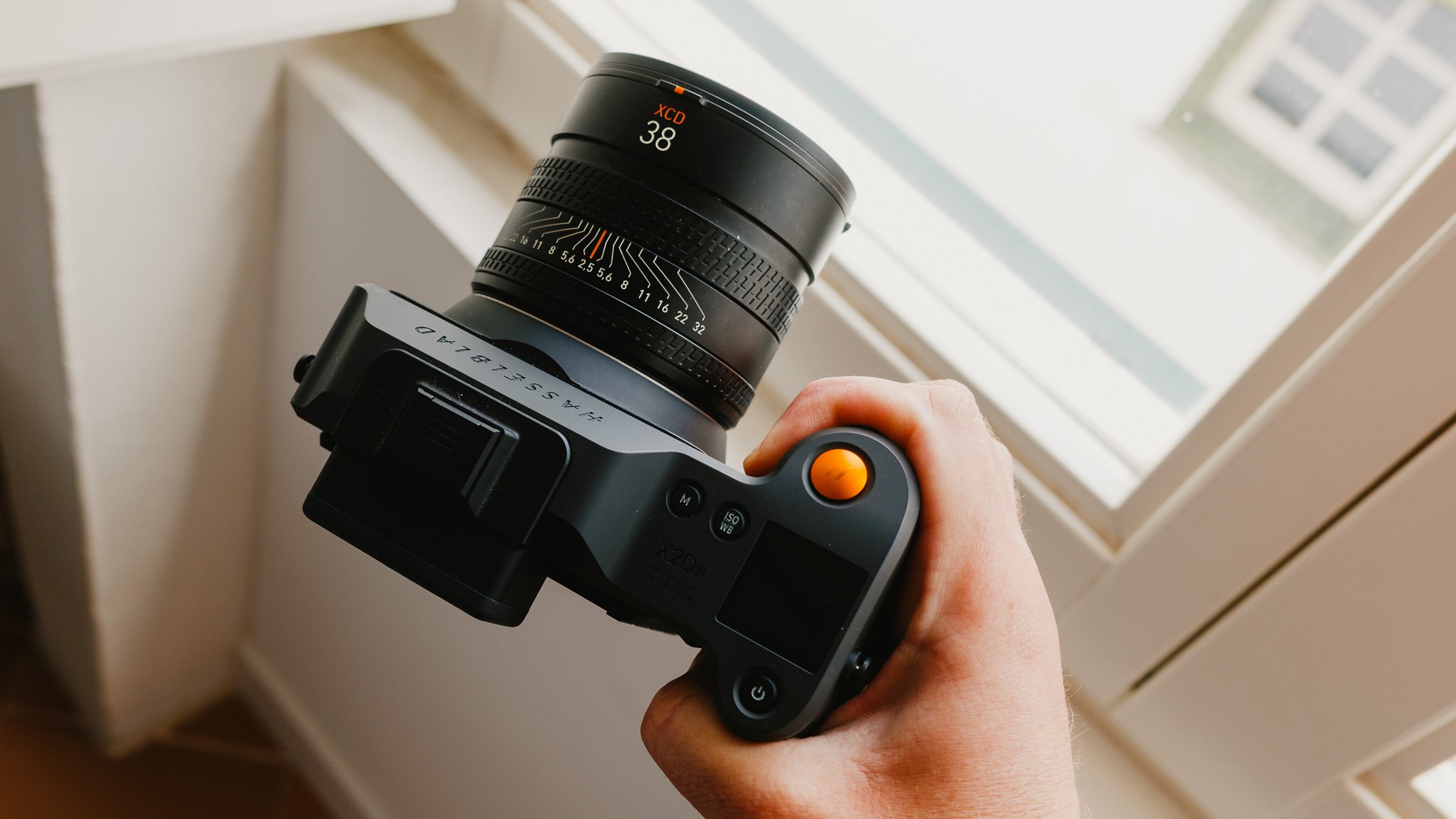
I’ve been using the X2Dii for around a month, and have taken over 1000 photos in that time. This isn’t a detailed review because I have not had the camera for long enough. Finally, I need to state that I have an ongoing relationship with Hasselblad, and for that reason, this can’t be labelled as an impartial article. With that said, I am being as honest as I can.

Purpose
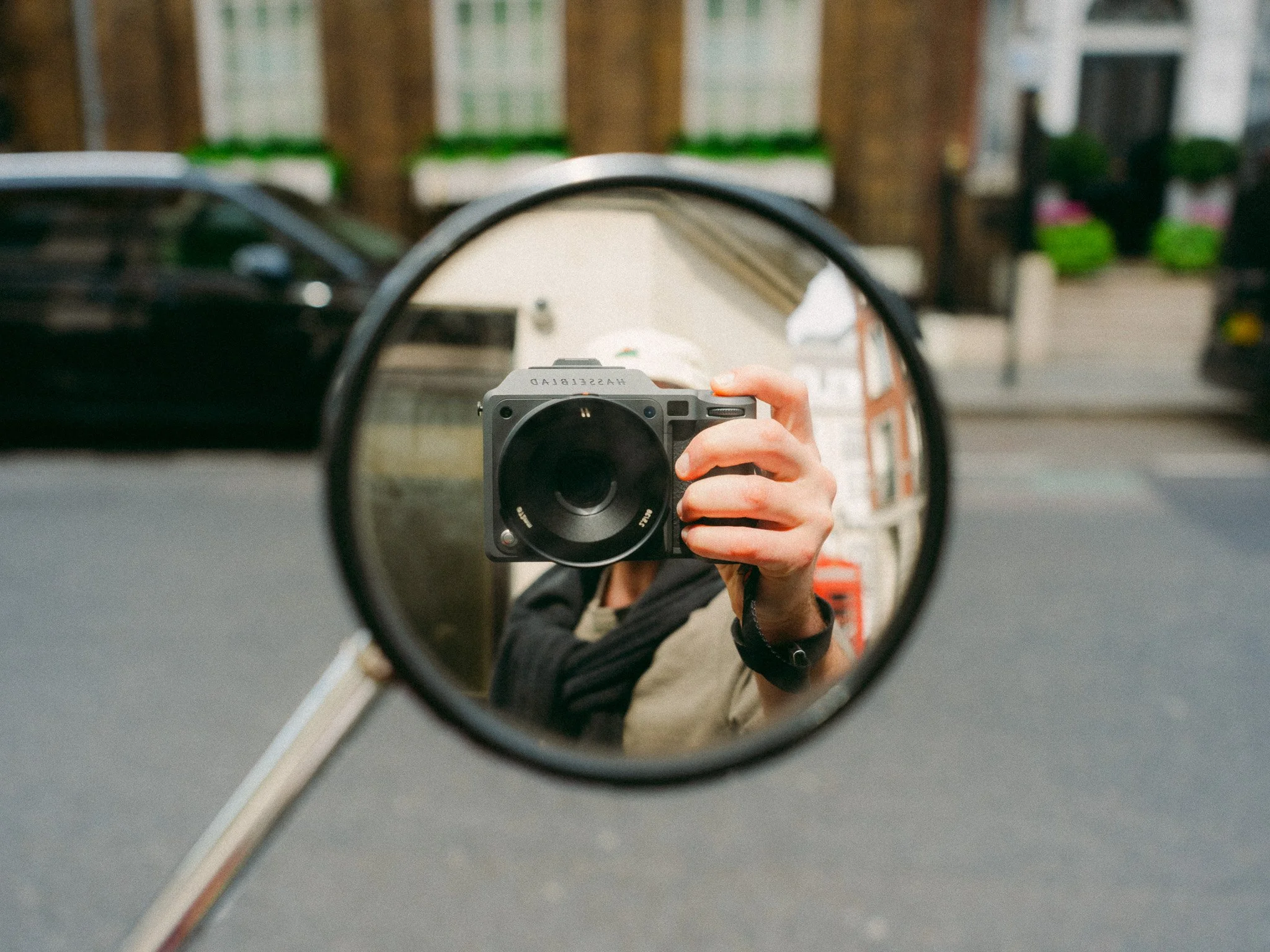
Medium format cameras have always been reserved for slow and intentional photography. Due to the size, many of them are usually reserved for studio work. Due to the price, many of them are reserved for commercial applications. However, the X2Dii seems to go against the grain here. The camera is actually very fast and can keep up in demanding street photography scenarios. The overall package is small, with some full frame cameras not being too different. While the cost is high, it’s still £1400 cheaper than the equivalent Leica M11 with a 35mm Summicron lens. The purpose of this camera is clear, to provide the best possible image quality in a package that’s fast and portable. The X2Dii still doesn’t do video, and I think it’s a good thing.
Key Improvements
This isn’t a detailed comparison between the X2Dii and the original, for that read this blog here. The three key improvement areas include the addition of a joystick, a vastly improved autofocus system, and overall faster performance. There are also many smaller changes that I will discuss in the detailed blog.
Key Weaknesses
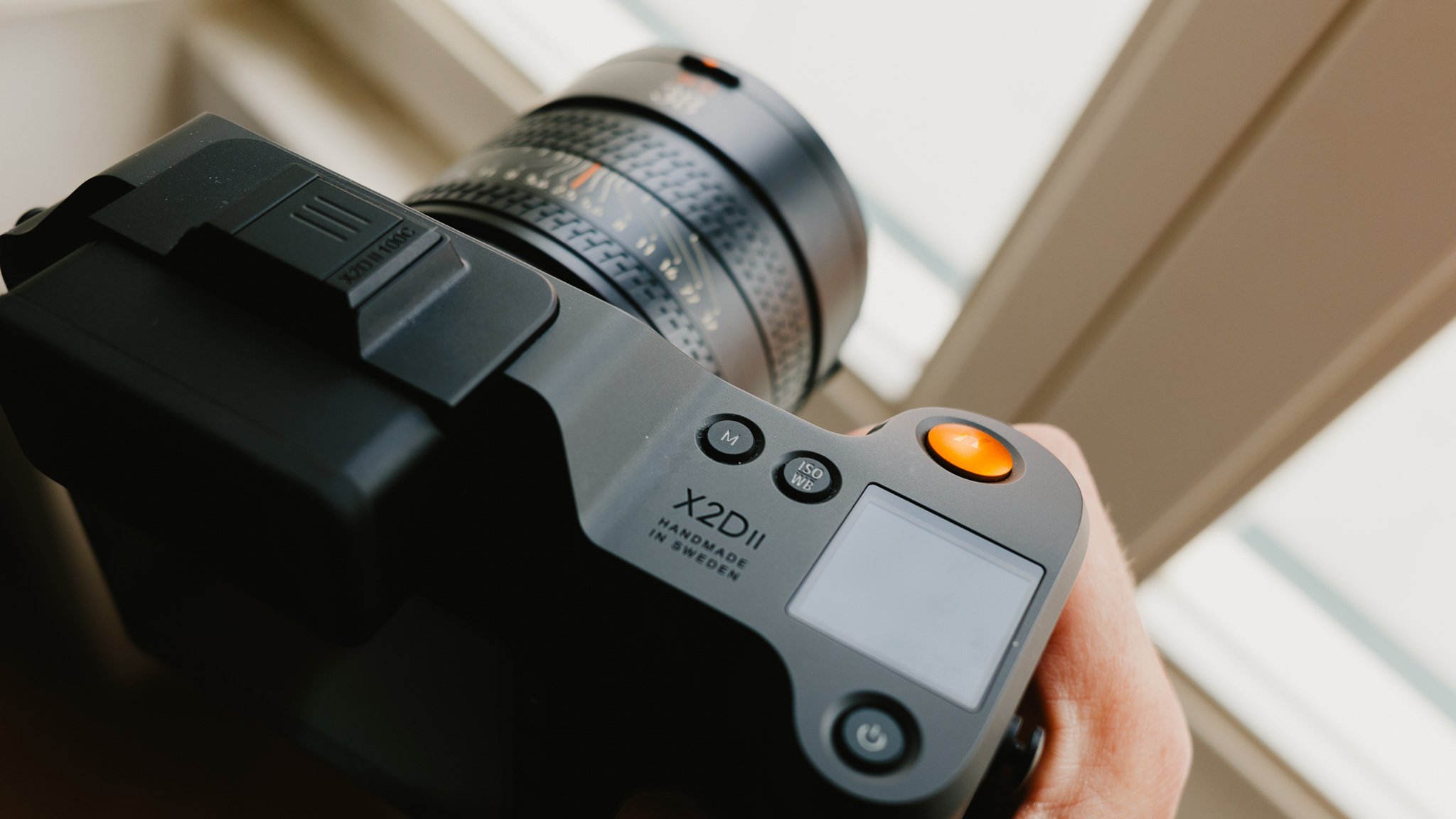
Despite the presence of some gaskets on the lenses, the X2Dii isn’t fully weather sealed. The X2Dii still uses the same type of lugs for the strap attachment which is unique to this system. As it stands, the RAW files out of the X2Dii still don’t work with Capture One. Customisation is still a weak point. I expand on these topics later in the blog.
Body & Handling
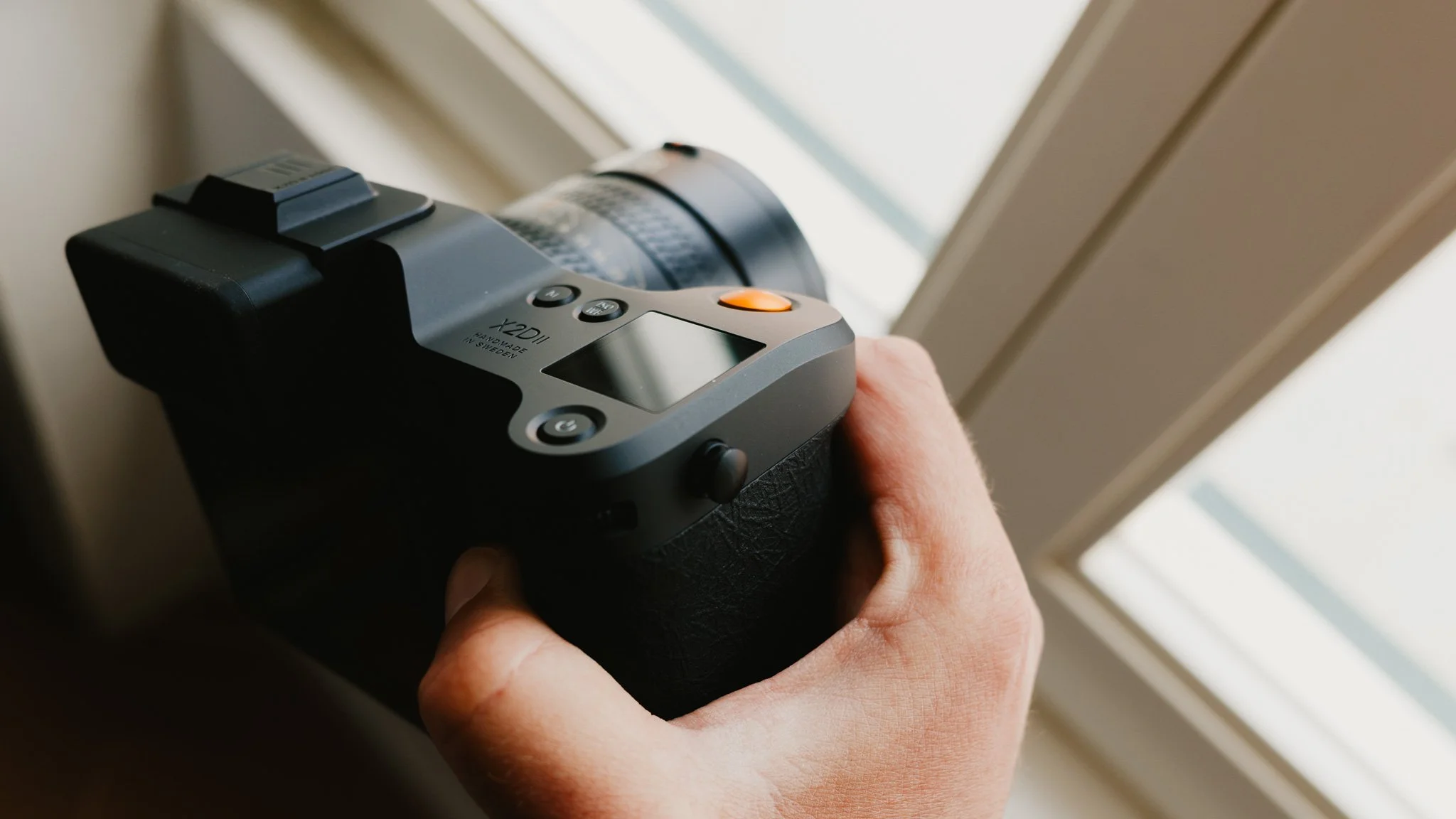
This is hands down one of the most comfortable cameras to hold in your hand. Of course, this level of comfort is essential given the size and weight of the camera. I’ve hiked for 12 hours with the X2Dii around my shoulder, and I’ve covered 15 miles walking around London with the Hasselblad in my hands. I would say that for most scenarios, this camera isn’t too big or heavy if fitted with one of the smaller lenses such as the 38mm f/2.5. However, after three consecutive days of 30k steps with the X2Dii, my wrist was starting to ache a little.
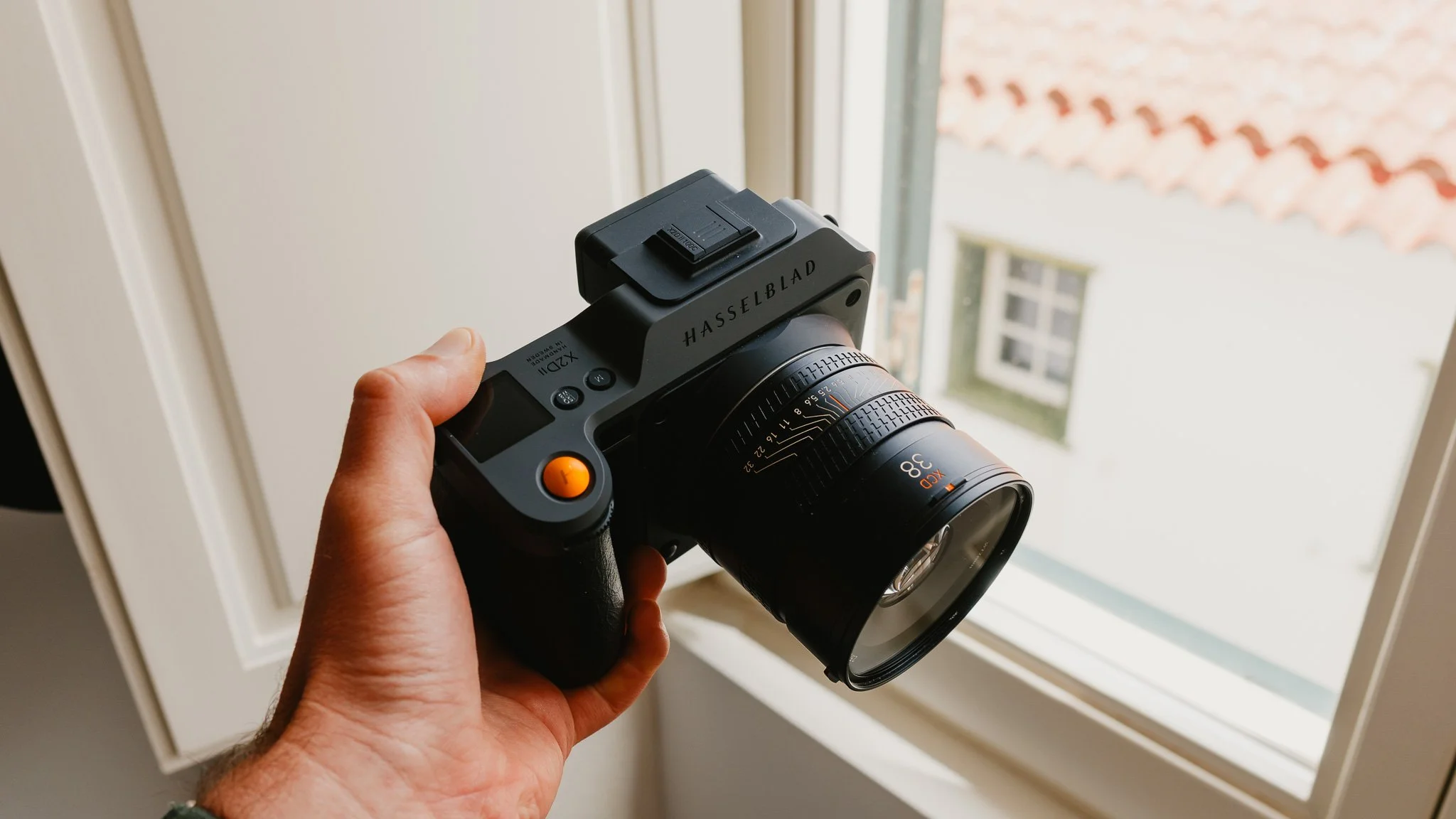
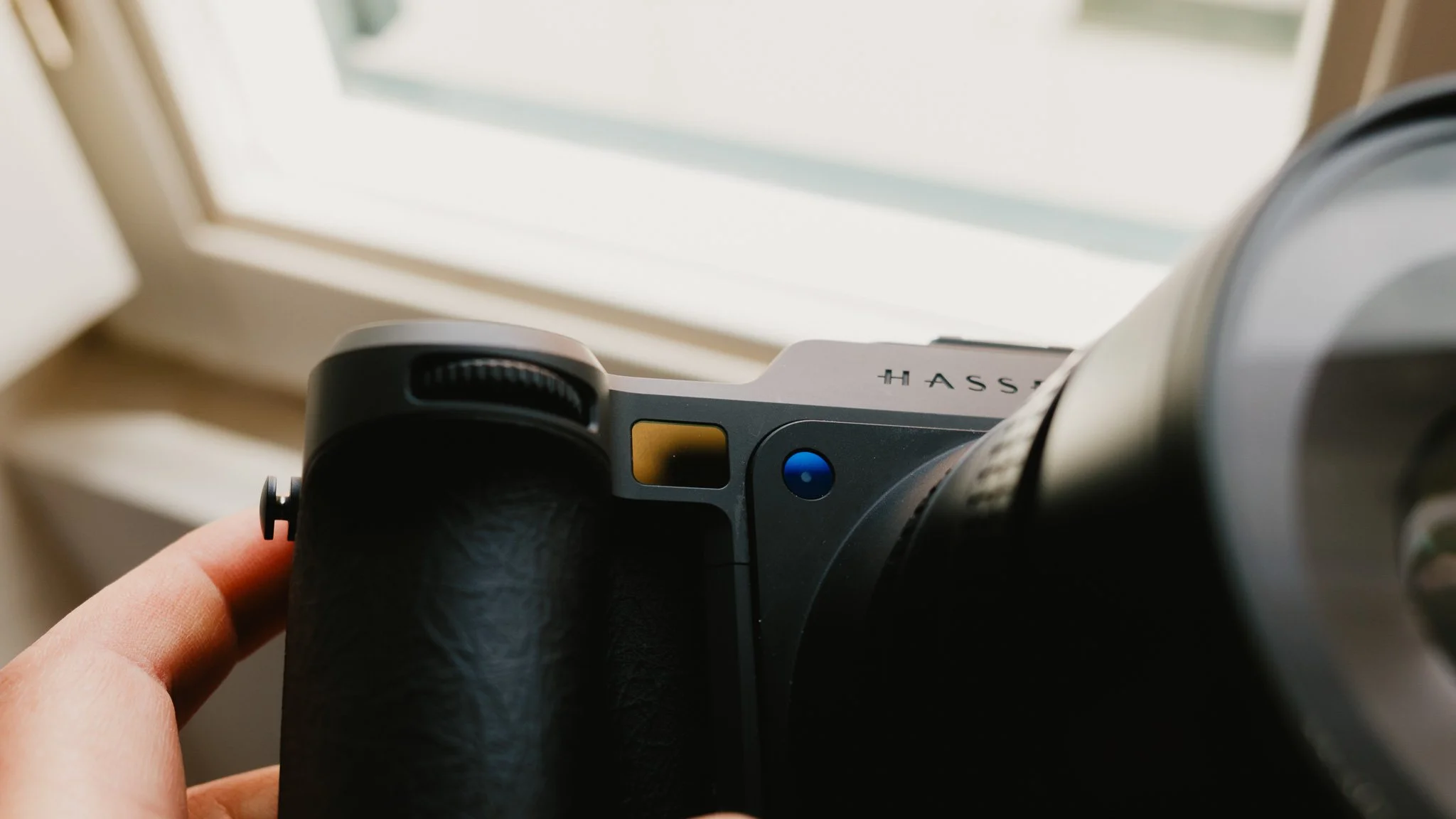
The addition of the joystick is extremely welcome and improves the usability tenfold. Now you can quickly change the focus point without wrestling with focus and recompose. There’s a new custom button just under the joystick which is a nice touch and I use it to change AF modes. I published a separate blog covering my X2Dii settings here.
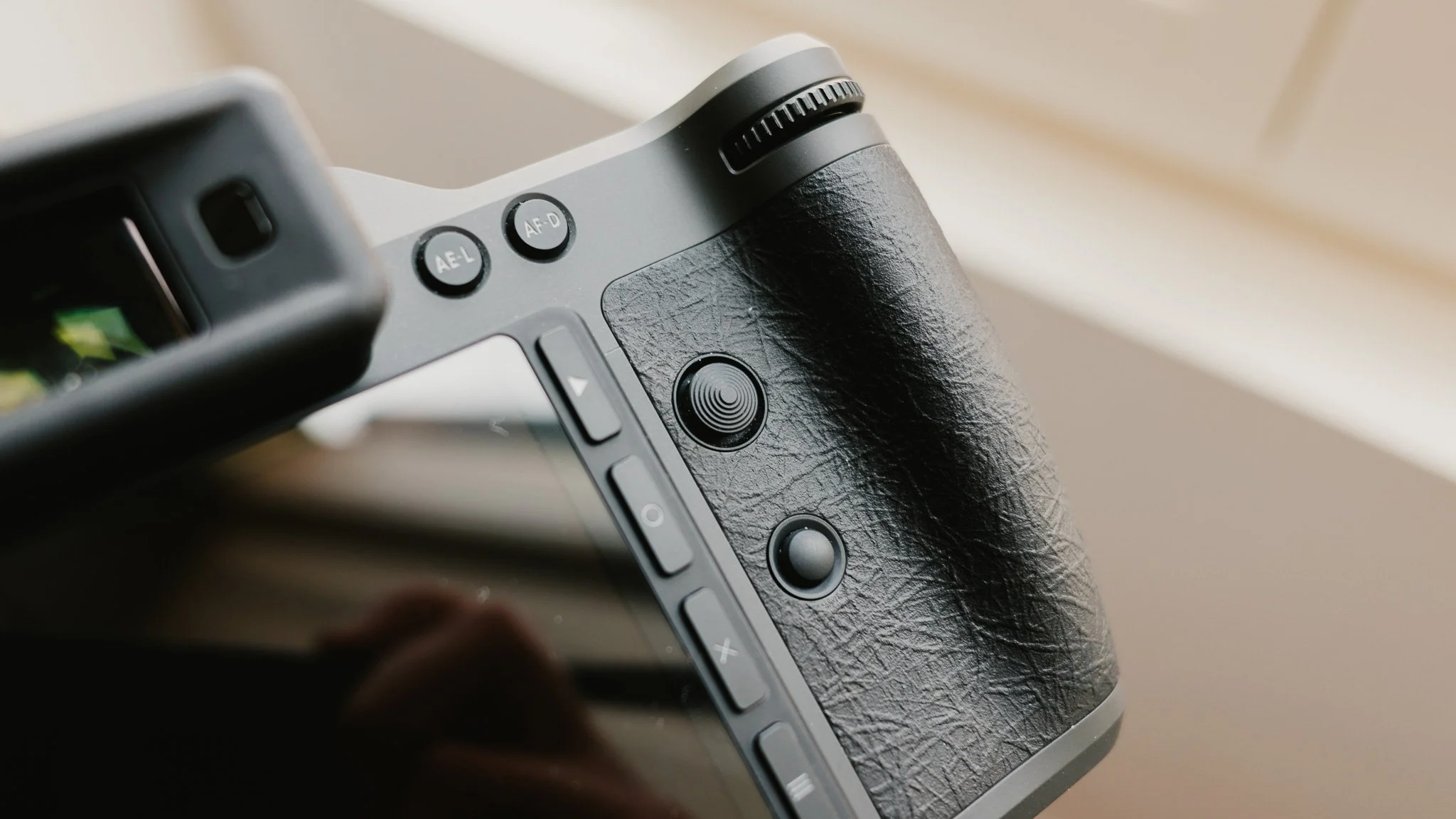
The grip is improved with a new rubberised texture that’s soft and grippy. The rest of the camera remains mostly untouched, which isn’t a bad thing.
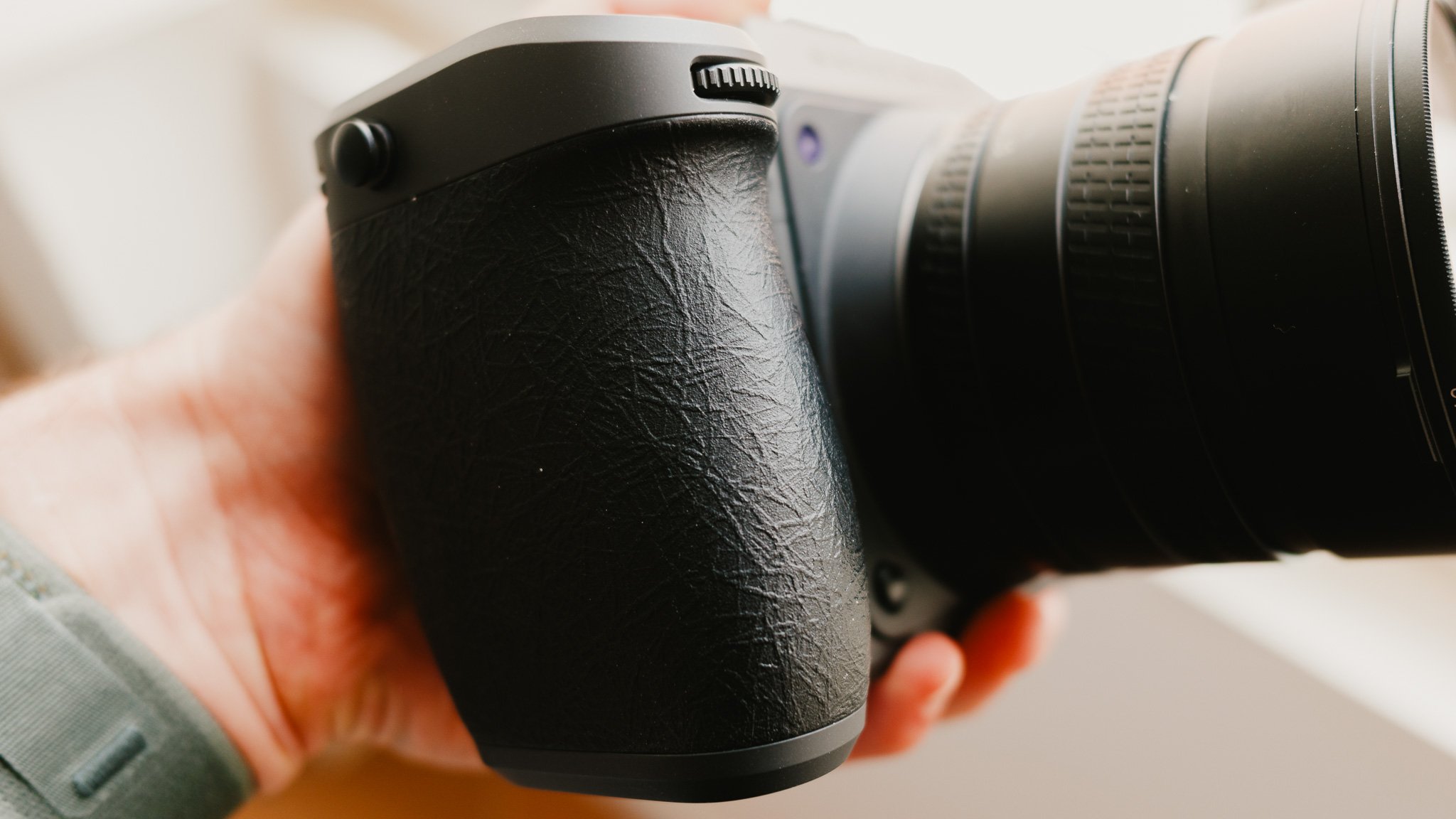
The camera has a dark matte finish which looks amazing, but I feel it might be easy to scratch, however only time will tell.
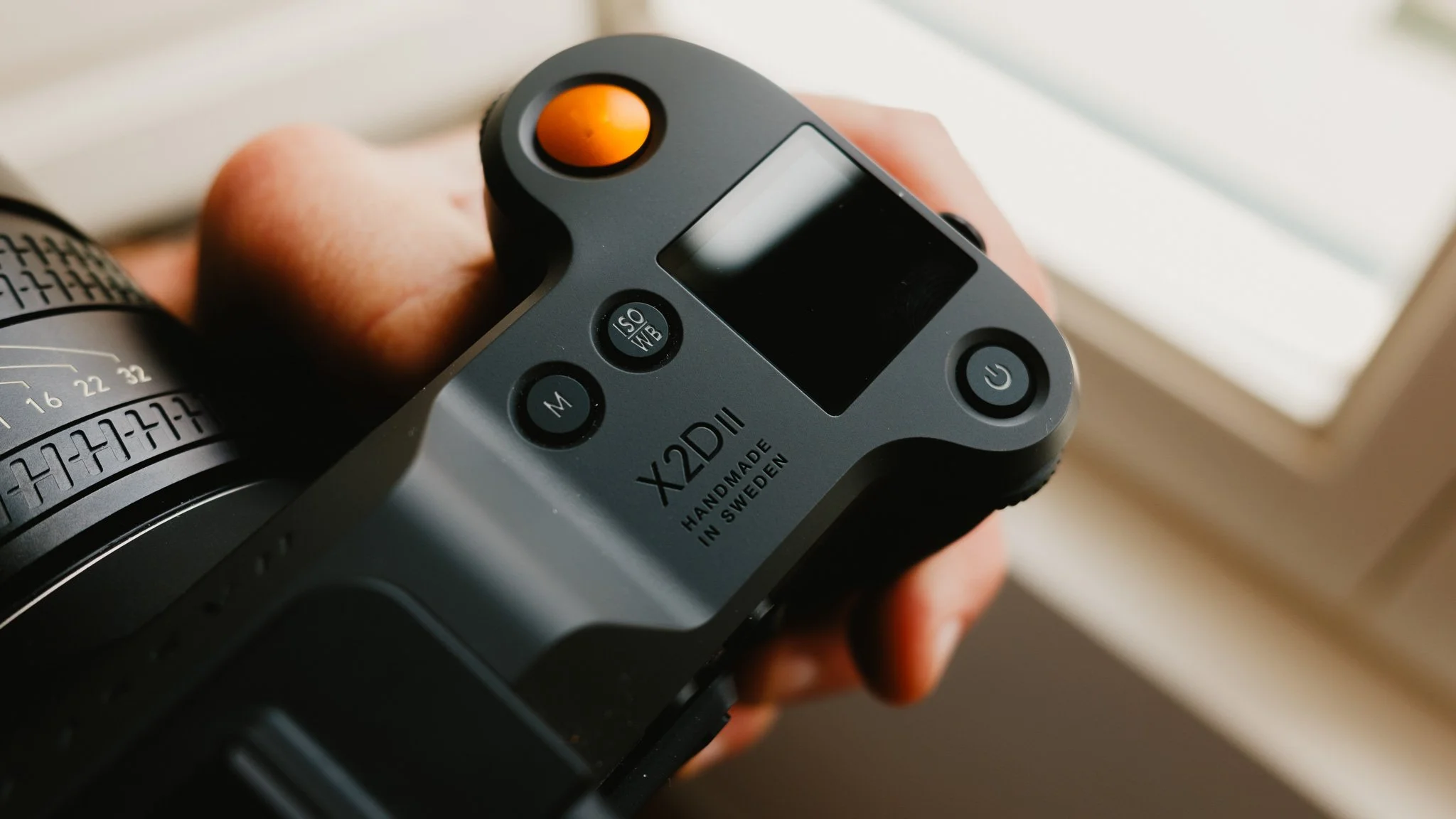
I still dislike the solution for attaching straps to the camera. It’s a proprietary lug system which requires specific anchors. This means that should you lose one, or leave it behind, you can’t simply walk into a store and buy a new strap.
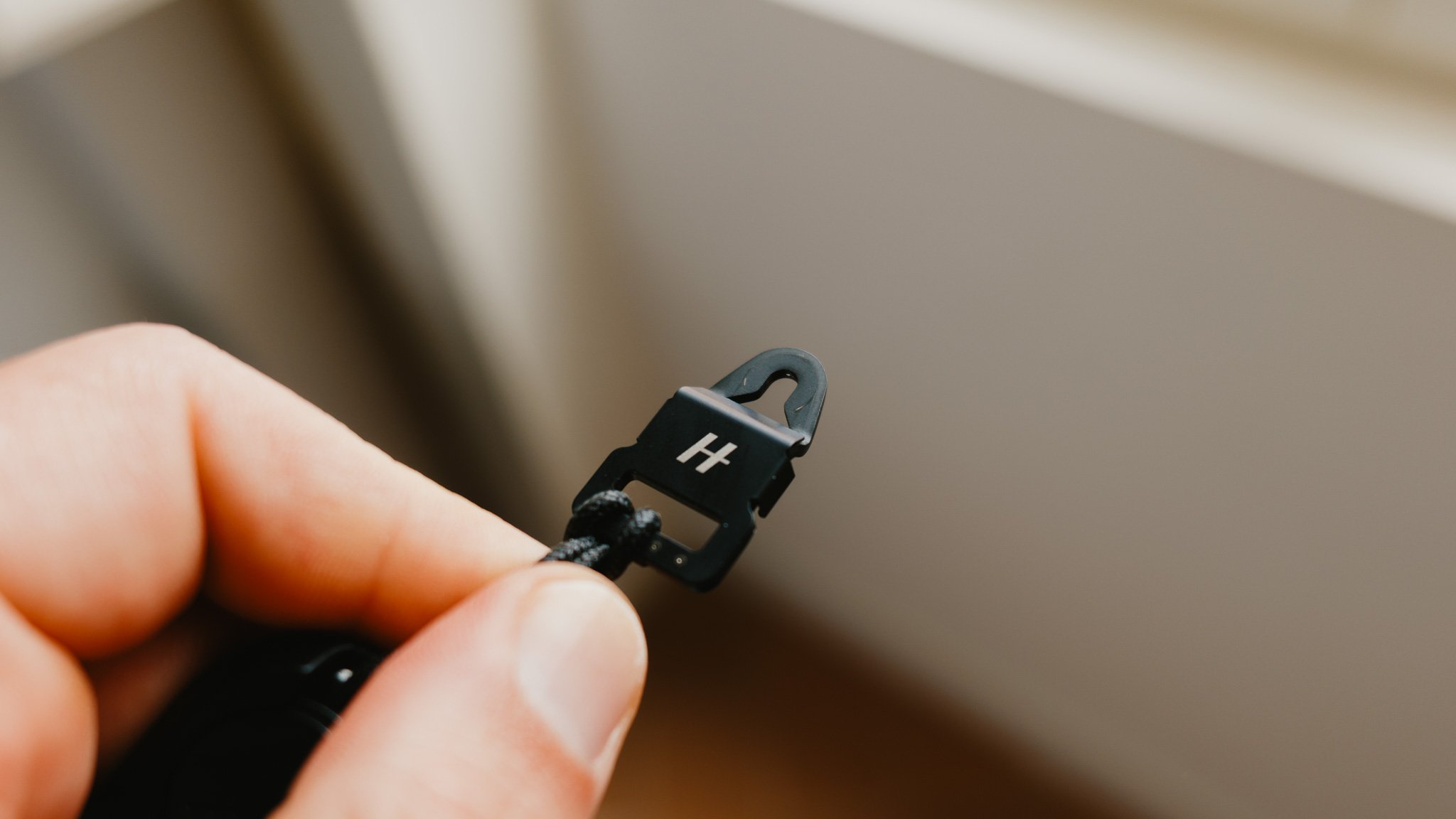
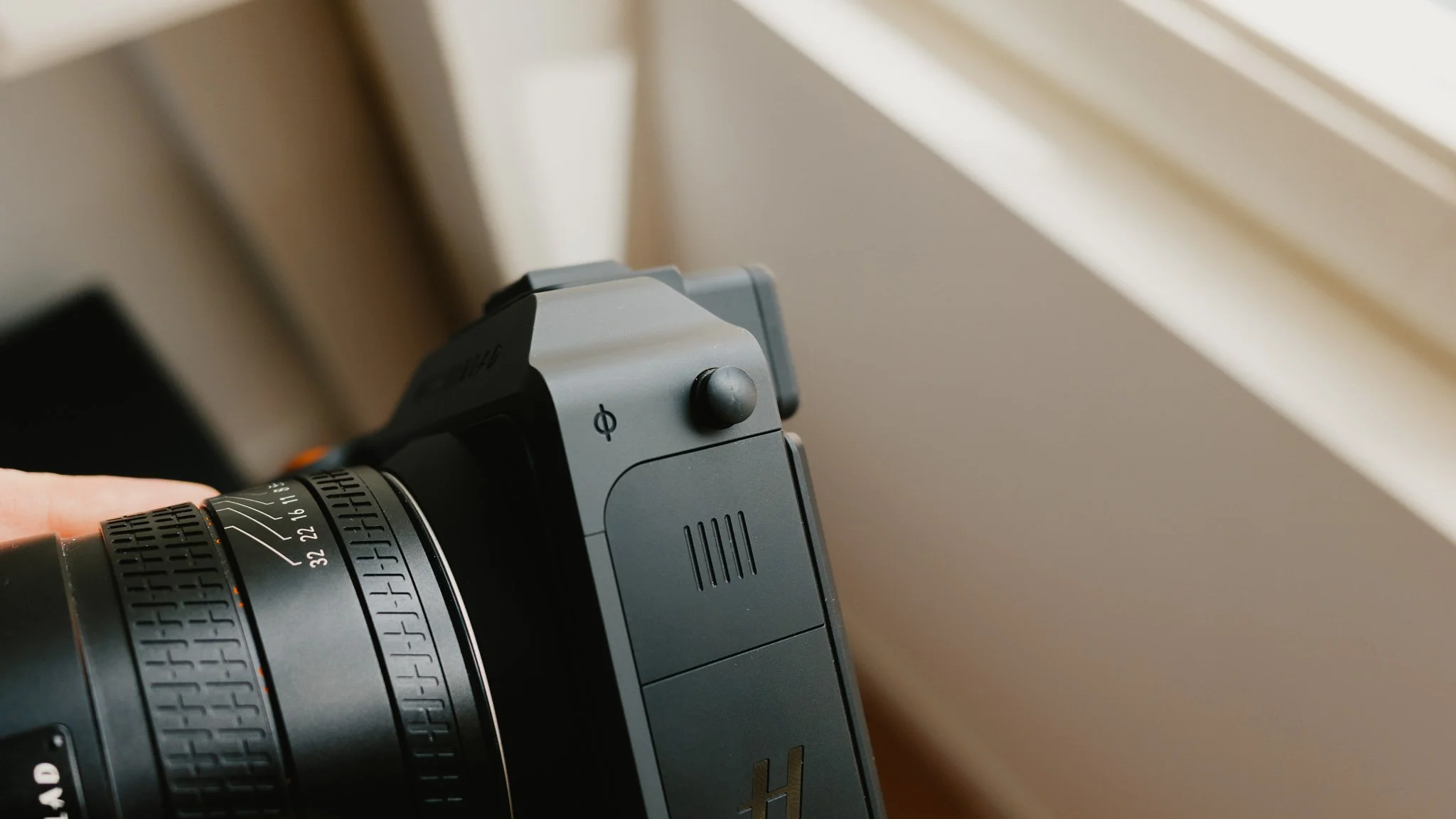
The X2Dii isn’t fully weather sealed. While the lenses do have rubber gaskets, there is no official mention of further weather sealing. For me this isn’t an issue because this isn’t the type of camera I will take into tough conditions, however for a system aimed at outdoor use, it would have been a welcome addition.
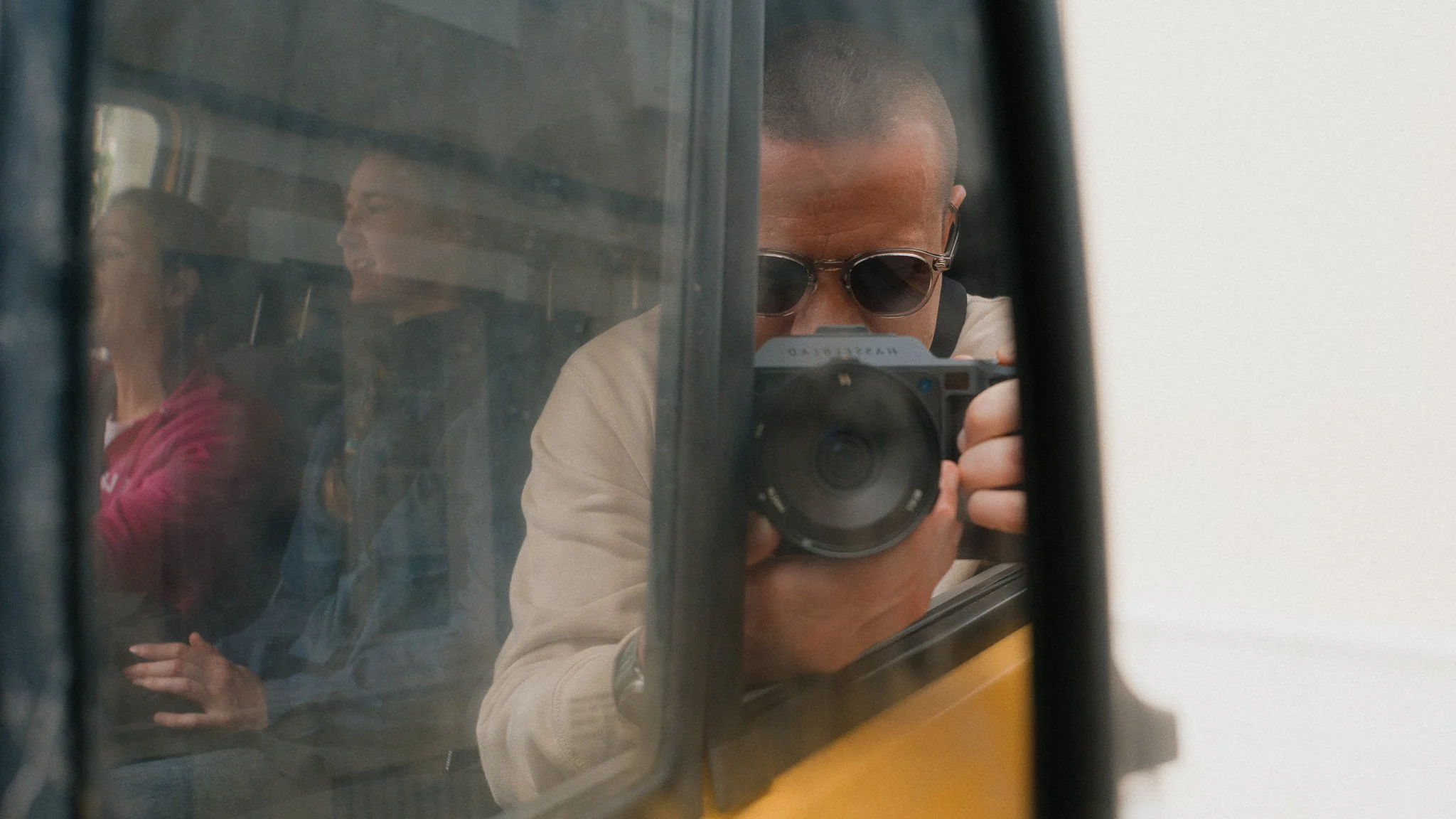
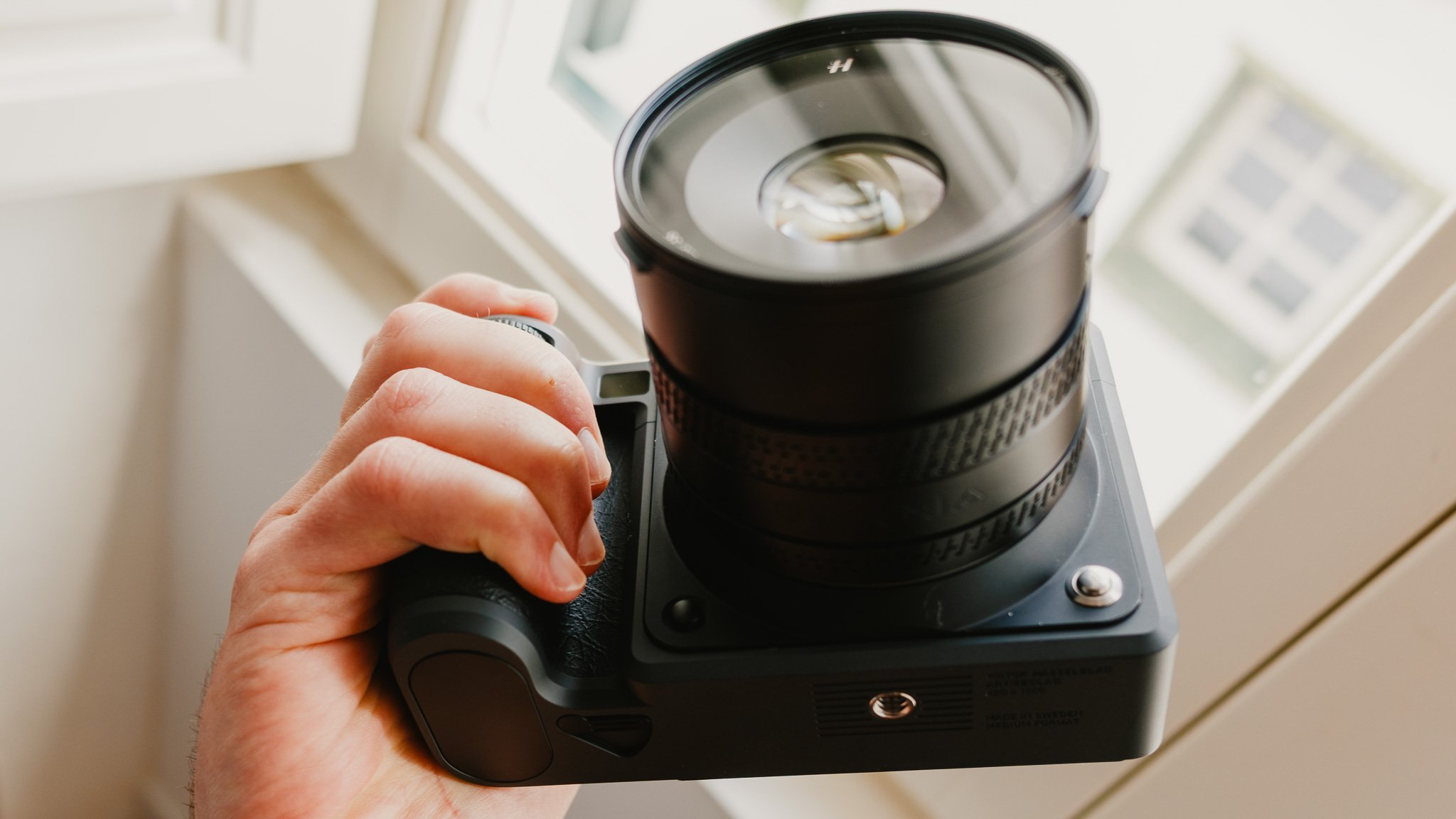
The general ergonomics are very nice, however if you have small hands, then it might be a stretch reaching some of the custom buttons one handed. The grip is deep and allows for a very sturdy hold on the camera, with that said if you plan on using the bigger lenses such as the zooms, you might need to use both hands.
User Experience
The general user experience is positive. You feel straight away that you’re using a premium product, and if you’re coming from the X2D, the difference in performance is immediate. Booting up still takes a few seconds, but you can always just put the camera to sleep instead of shutting it down between shoots. Waking up from sleep is instant, and is how I shoot all the time. The rest of the user experience is much the same as before, which isn’t a bad thing. You still get an amazing screen, a decent viewfinder, and a very minimal UI. One nice change is that the screen is now brighter and has more movement, allowing it to be tilted down.
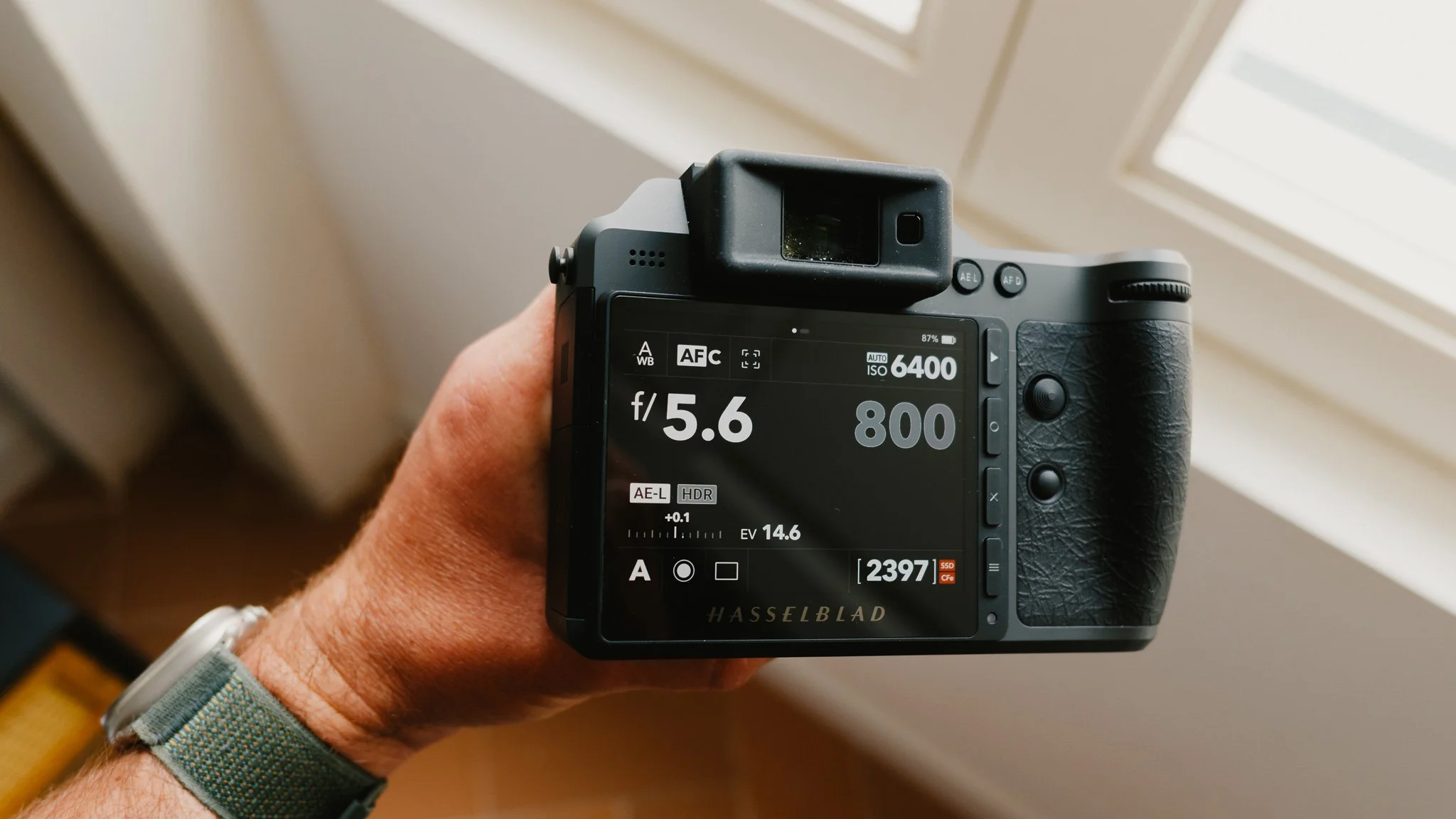
The one gripe I have is with the lack of customisation. While you can change the function of a few of the buttons, those changes are limited, and half of the buttons can’t be changed at all. If you’re coming from a system like Sony, or even Leica, this would feel frustrating and limiting. With time, you will find workarounds, but it would be so much better if you had more freedom to customise the camera.
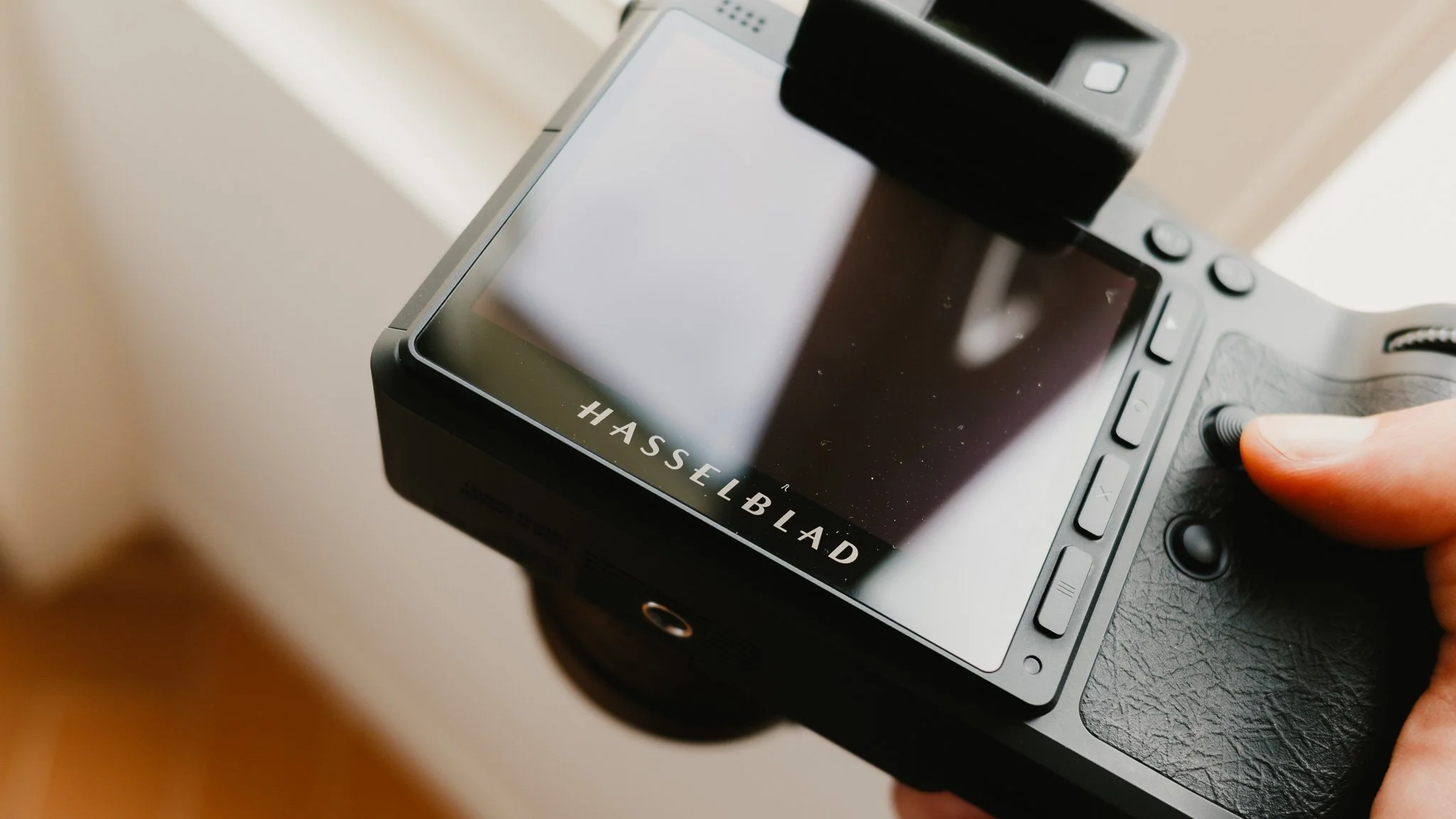
Image Quality
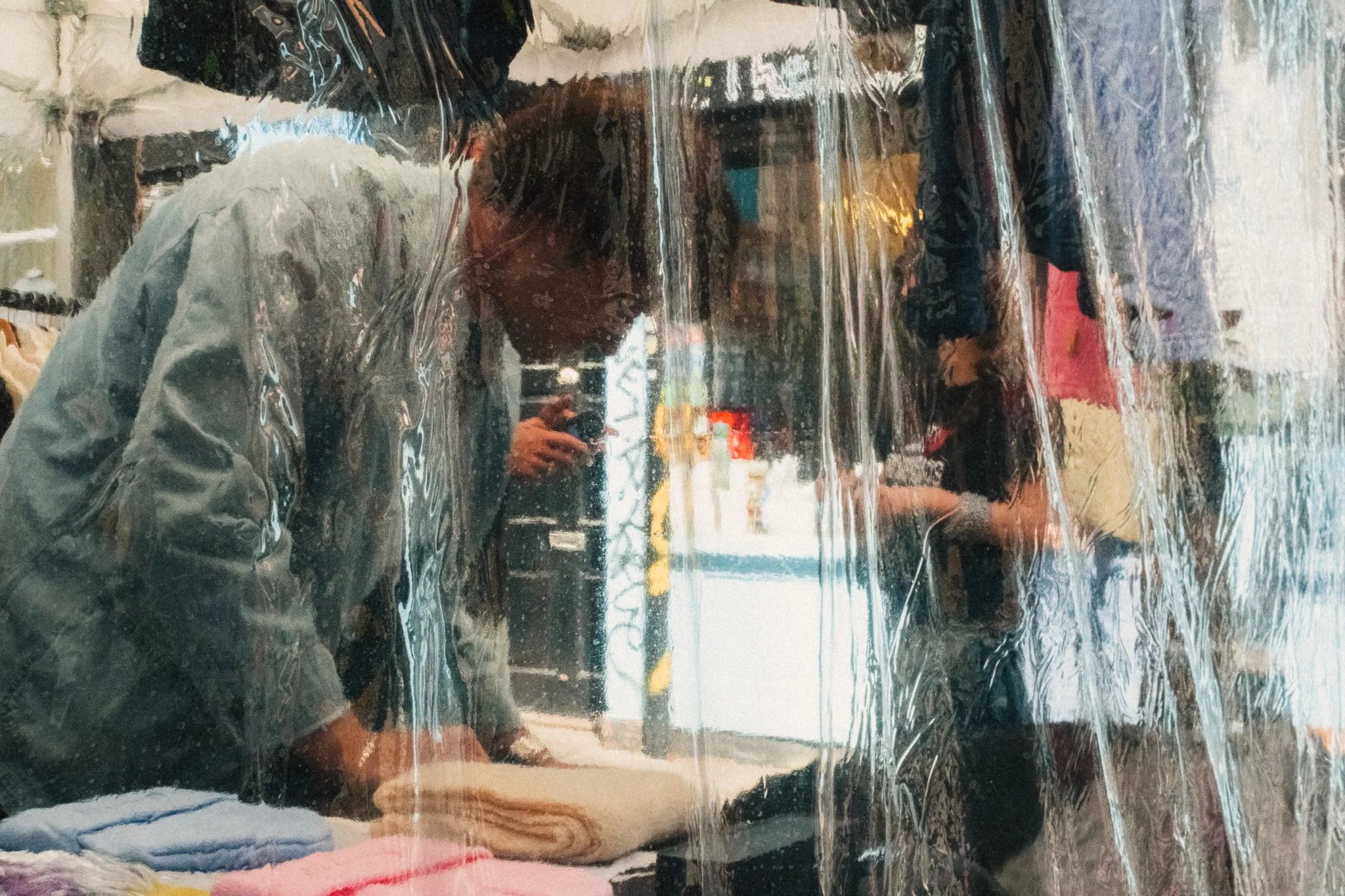
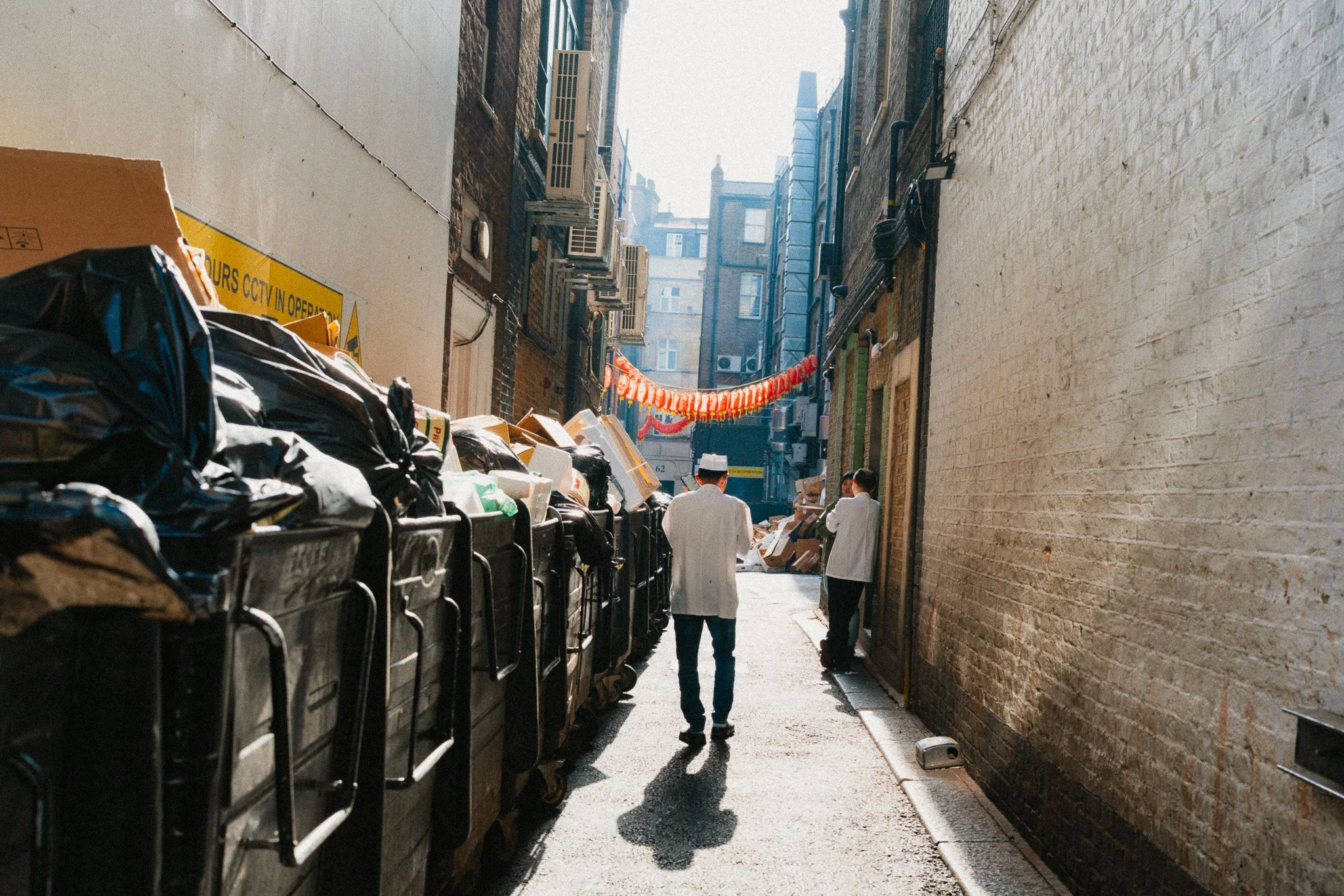
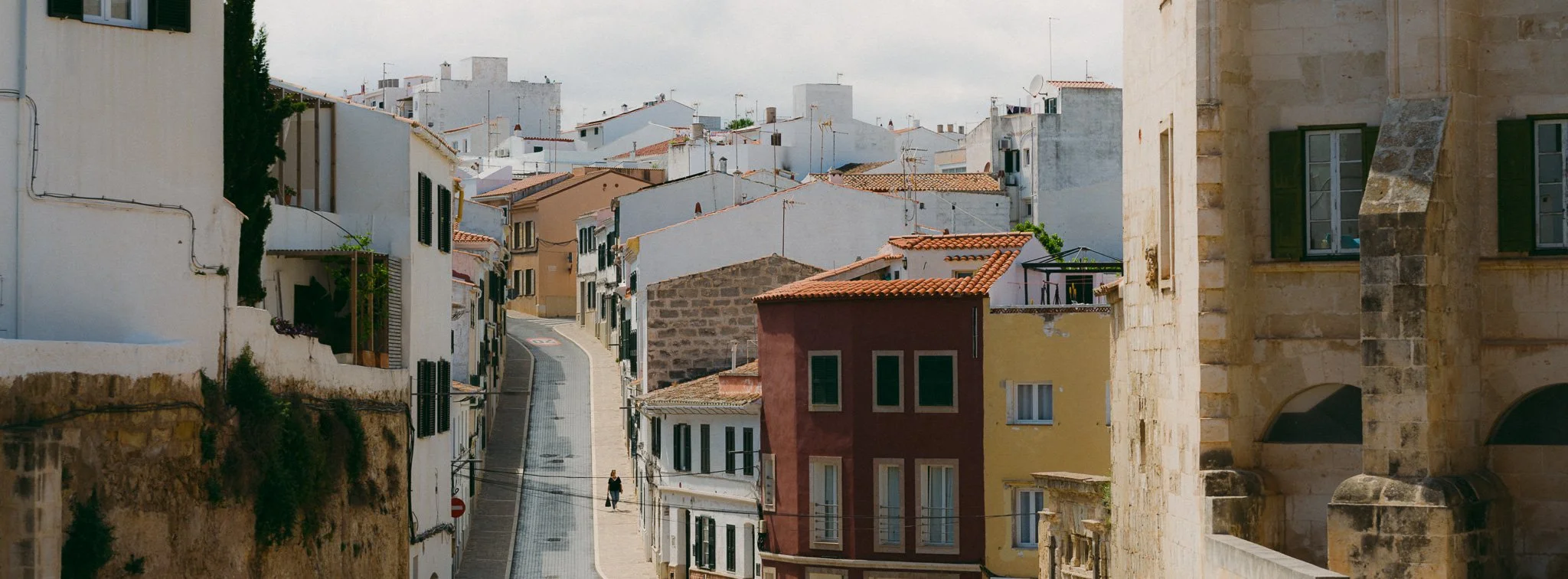
By far the best image quality out of any camera I have ever used, and it’s not even close. The image out of the X2Dii will genuinely blow you away, and it would take a while for you to truly appreciate the extra freedom these files give you. Not much has changed from the original apart from a new HDR workflow, which is something I don’t use. Rather than use fancy descriptive words to talk about image quality, below are some sample photos. The first few are RAW out of camera, and the latter are edited in my style.







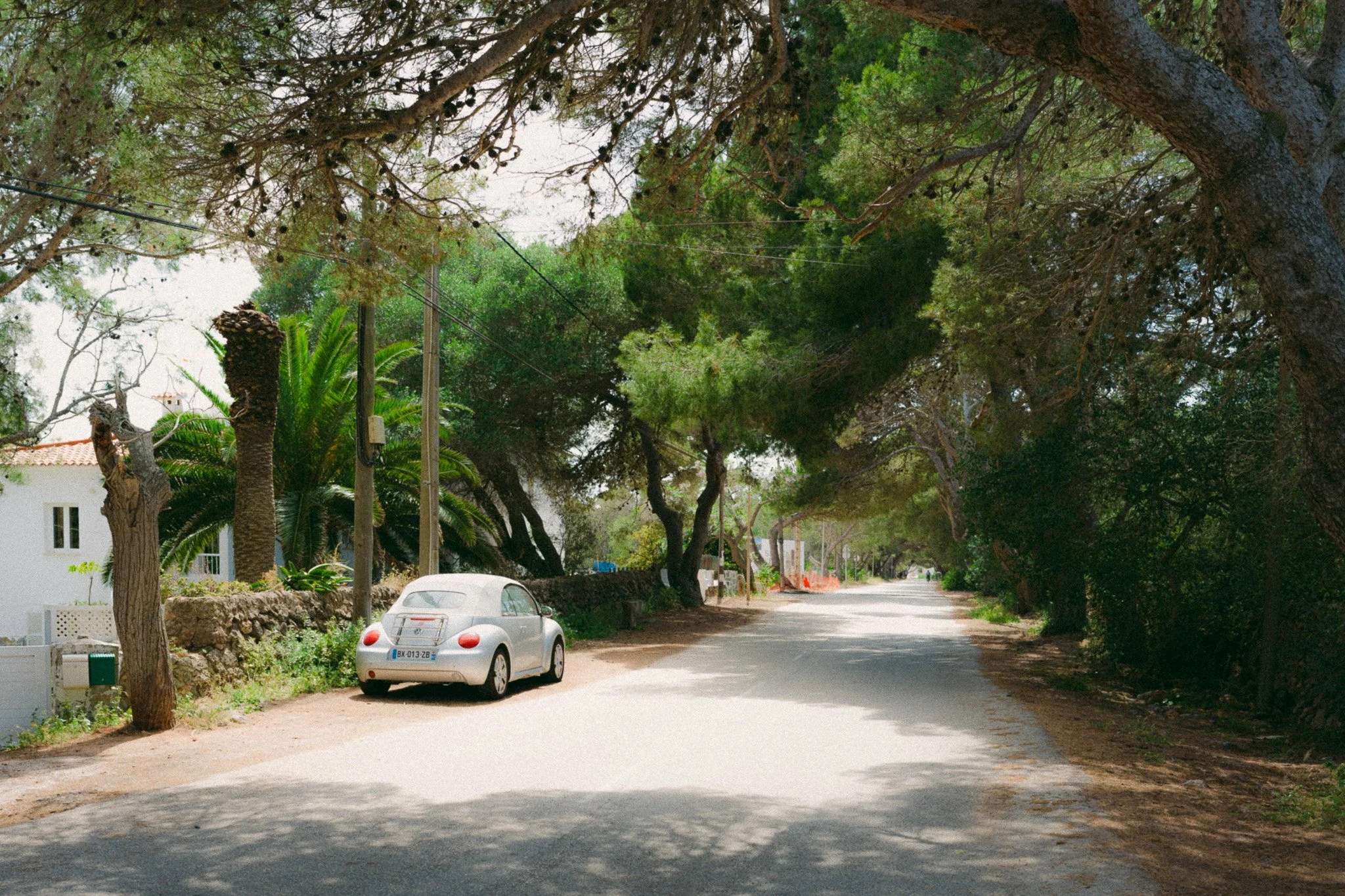
100 megapixels is an insane amount of resolution, and for most people, including me, it’s totally overkill. The reason I really appreciate these file sizes is the ability to pull different images from the same file. I often find myself taking one landscape shot, and then pulling vertical frames from it while still retaining more resolution than most full frame cameras. Below are two photos from the same shot to give you an idea.

Autofocus
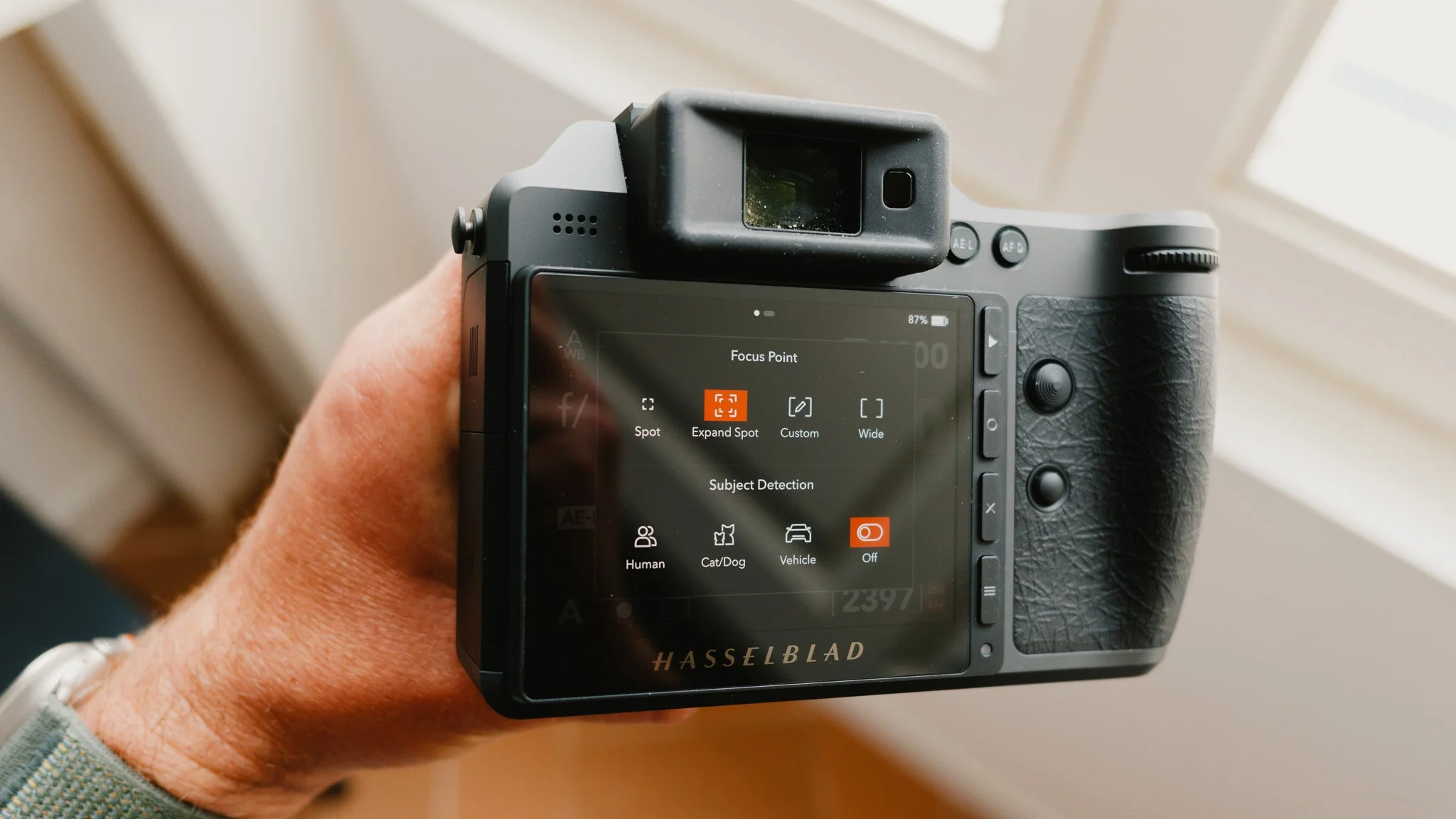
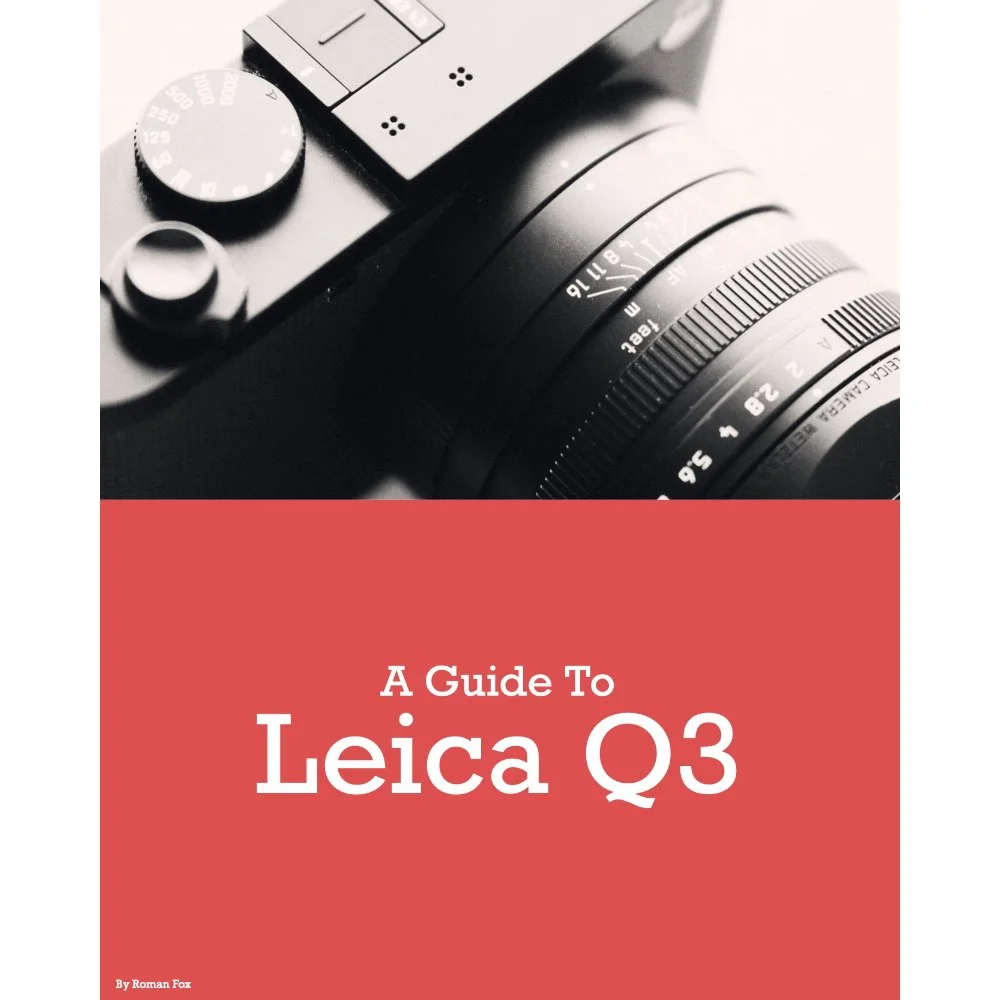
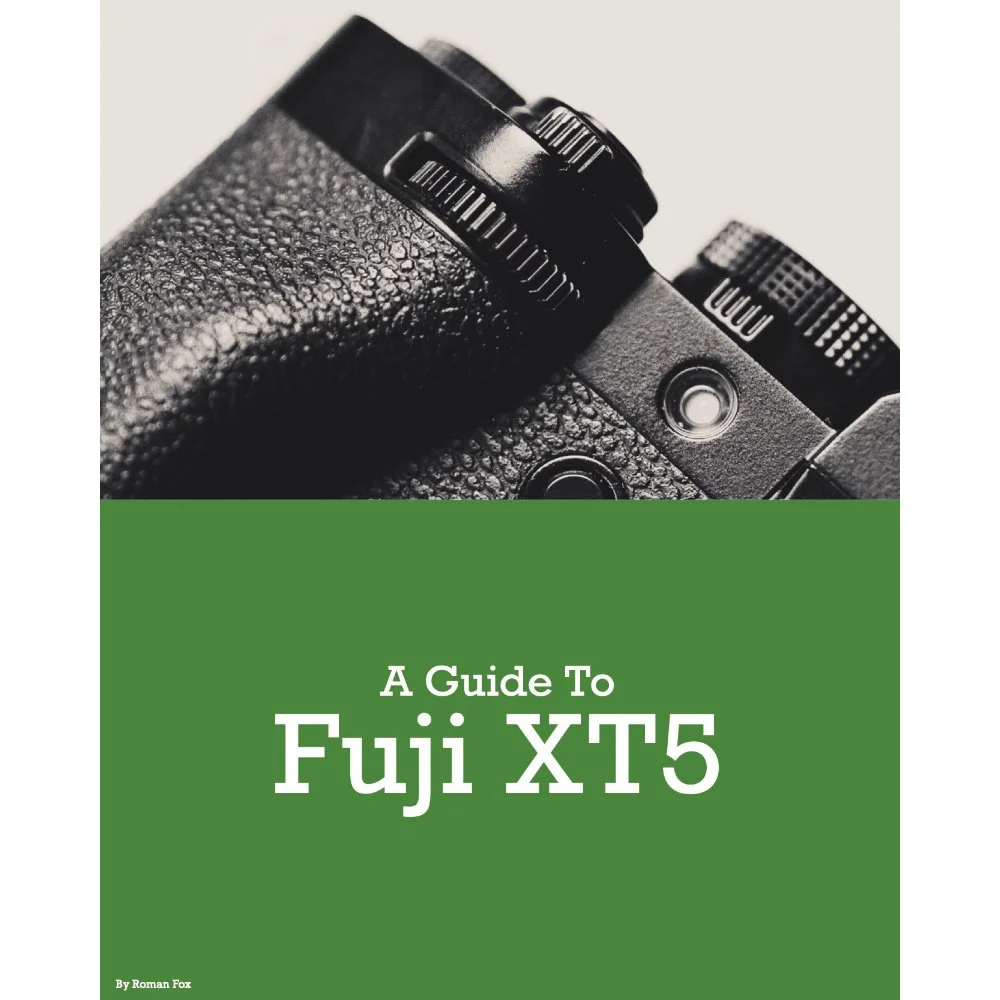
This has been the single most impactful change to this camera. It’s also the very thing that transformed the camera from something slow, to a system that you can legitimately use for many photography applications. When shooting in continuous autofocus, the X2Dii uses a LiDAR module for a focusing system that rivals that of many full frame and APS-C cameras. I can confidently say that the X2Dii noticeably outperforms the Q3 and X100VI. While it’s no match for a Sony, it feels similar to the Fuji XT5 that I used to use. Other new features include face and object detection, tracking, and of course fully continuous autofocus. All of these work exceptionally well. There will be further detailed blogs covering the AF system on the X2Dii, so stay tuned.
Summary
It would be easy to describe the X2Dii as an evolution of the X2D, and on paper, this seems like the right thing to do given the cameras are so identical. However, the more I use it, the more I feel that evolution isn’t a strong enough word to describe the difference in user experience. This is by no means a totally new product, but it’s also not a facelift of the original. While the new features don’t sound that impressive on a spec sheet, in reality, they breathe a whole new use case into this camera. The X2D has gone from a slow and steady studio rig, to a versatile travel camera, and if only they addressed the weather sealing and allowed for more customisation, this camera would be perfect.








Instead of telling you how these will change your life, I would rather be practical and answer the most common questions that people tend to have when buying presets.
What are presets?
They are editing settings that are saved in a file and can be applied to any image.
Why do people buy presets?
Sometimes because they like the work of the photographer and want that style for their own photos. Mostly because they would like to see how other people edit and learn by reverse engineering the presets. Other times it’s just to support their favourite photographers, thank you!
What’s the overall style of these presets?
- Filmic
- Warm
- Soft
- Bright
What are these presets suitable for?
Street & Travel Photography
Some Nature (with further editing)
Some Portraits (with extensive editing)
Do I actually use these?
Yes. This is the same pack I use right now for all my editing. This isn’t a pack made just to sell.
Do these presets get updated?
Yes, as my style changes, these presets will also be updated. Any time a new update is available, you will get a free update via email. Of course you also keep all the old presets in case you prefer the older looks. Only presets purchased from 2025 onwards will receive the updates.
What file types are these presets for?
- All RAW files
- JPEGs & TIFFs (not recommended)
What camera brands are these presets for?
These were designed around Fujifilm, Sony, and Leica sensors. With that said, they will work with all camera brands. While there might be differences due to individual camera colour science, the overall feel of the preset will carry over.
Will these work with JPEG files?
Yes, but you will need to reduce the intensity and make further edits. I strongly recommend editing RAW files.
Are these one click edits?
95% No. You would need to do some basic adjustments as each image is different. These adjustments can include exposure, colour balance etc. In 5% of cases you can just apply and leave it alone.
Do I need to know how to edit?
You need to have a basic understanding of adjusting exposure, highlights, shadows, etc. A more comprehensive editing skillset will let you get the most out of them.
How many presets are included?
10 in the main pack and 24 in the extras pack
Why two packs?
The main pack is what I use for 99% of my edits and is kept small to reduce wasted time scrolling through presets. The extras pack is everything I don’t use often.
What software do I need?
These presets will work with any of the following:
- Photoshop (adobe camera raw)
- Lightroom Classic
- Lightroom Desktop
- Lightroom Mobile
Will these presets work with free versions of the above software?
You need to research and double check before buying. These presets were designed for the full paid versions.
Will these presets work with very old versions of the above software?
You need to research and double check before buying. These presets were designed on and for the latest software.
What file type do I get?
XMP
What else do I get?
- Comprehensive PDF guide
Can I modify these and turn them into my own?
Yes! In fact I encourage you to modify them and play around. Use these to help you get your own style.
I have more questions…. What do I do?
Make a cup of tea and drop me an email on hello@snapsbyfox.com
Please note that due to the nature of digital products, refunds are generally not accepted. However, if you experience any issues, feel free to contact me and I’ll review your situation individually. You are welcome to use this product for personal or commercial projects, but you may not copy, distribute, or resell the files in their original or modified form.
Finally I want to say a massive thank you for supporting me. Buying these presets is the most direct way you can support my work.
Thank you!