
My Hasselblad X2Dii Photography Setup
In this blog I will share with you my Hasselblad X2Dii photography setup, and cover accessories, lenses, and anything else I use. For context, most of my photography revolves around street and travel, therefore the gear choices I made are tailored specifically to that use case.
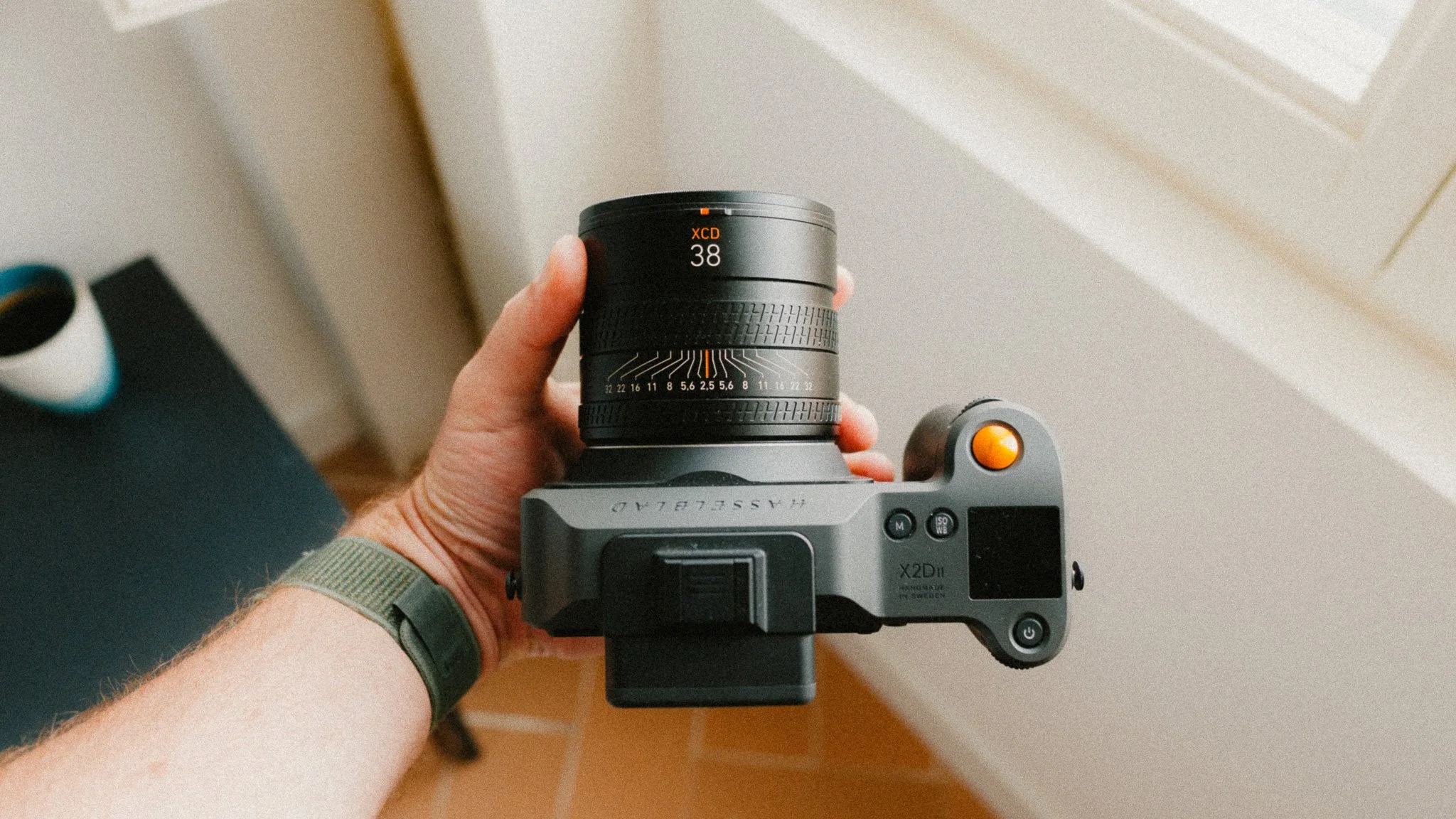
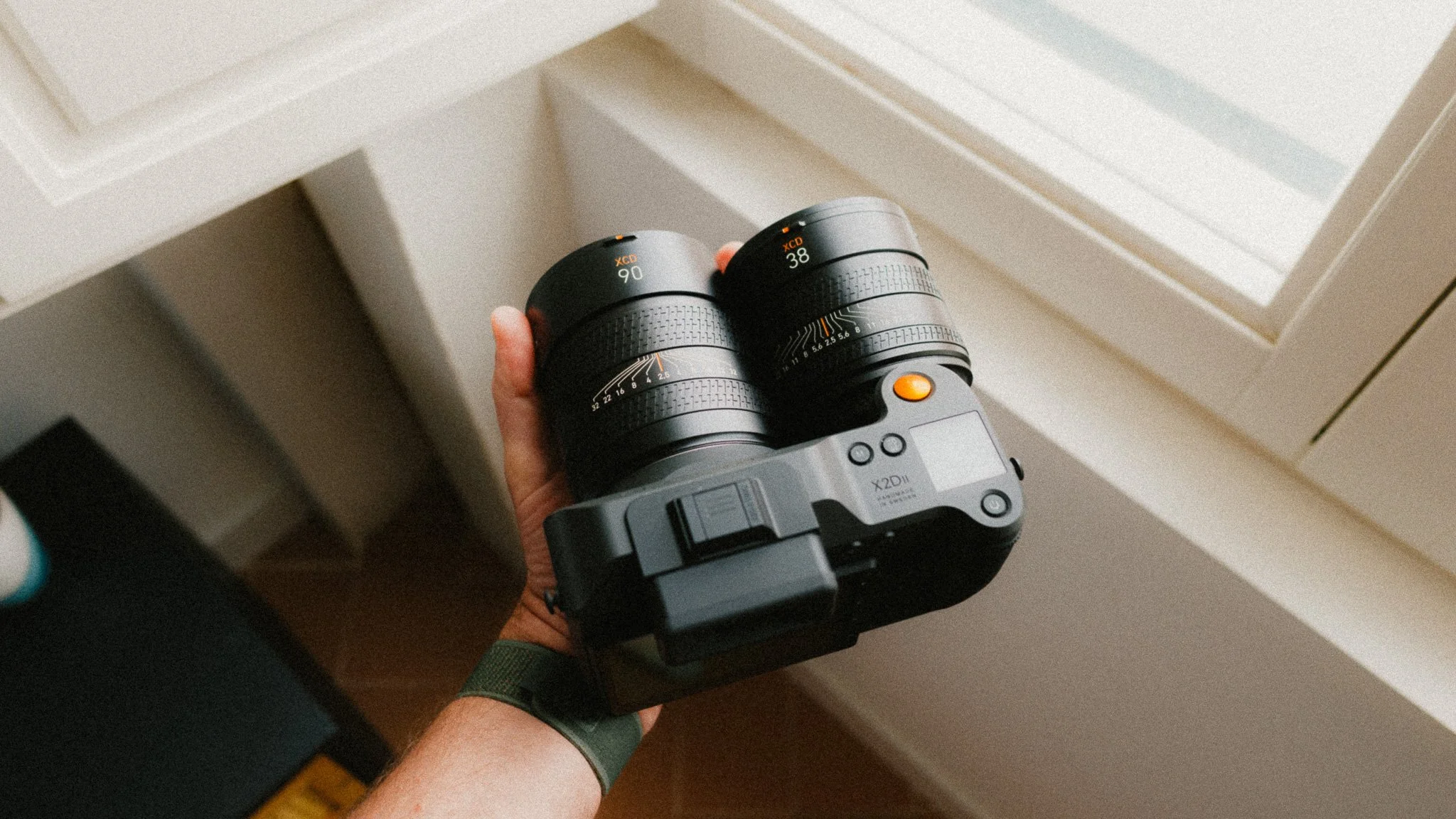
Hasselblad XCD 38mm f/2.5
This is my go to lens and the one that spends the most time on the camera. In full frame terms you get a 30mm focal length when using the entire sensor. I never use it like this though, instead I utilise the 3:2 crop mode that gives me an effective 35mm field of view while retaining the cropped areas in the RAW file in case I need to recompose later.
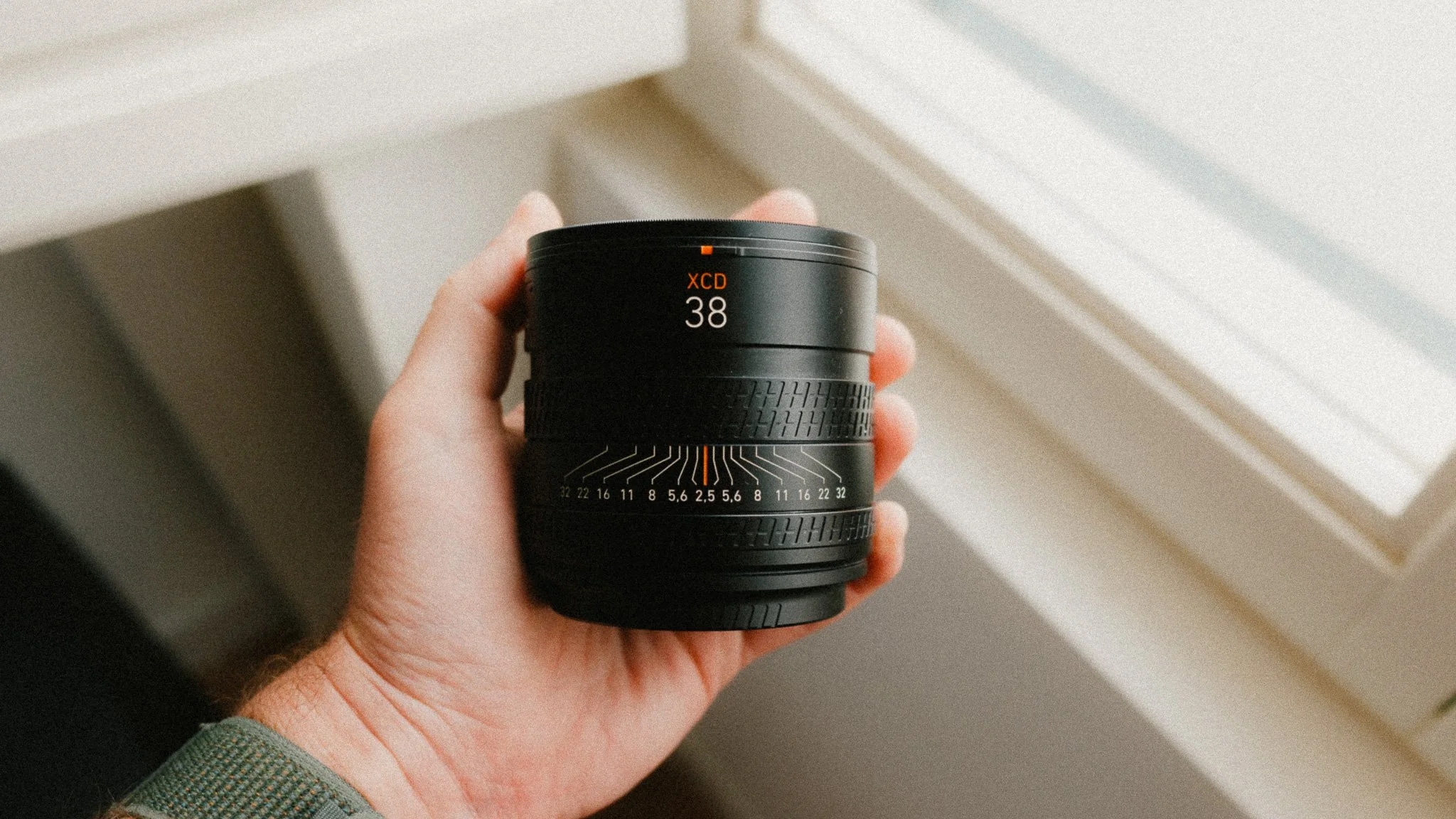
This is my everyday lens that I use for street, travel, portraits, and documenting my life. It’s incredibly versatile and with the resolution of the X2D, I can comfortably crop to a 50mm equivalent focal length yet still retain more resolution than many full frame or APS-C cameras. If I only had to pick one lens for the X2D, it would be this one.
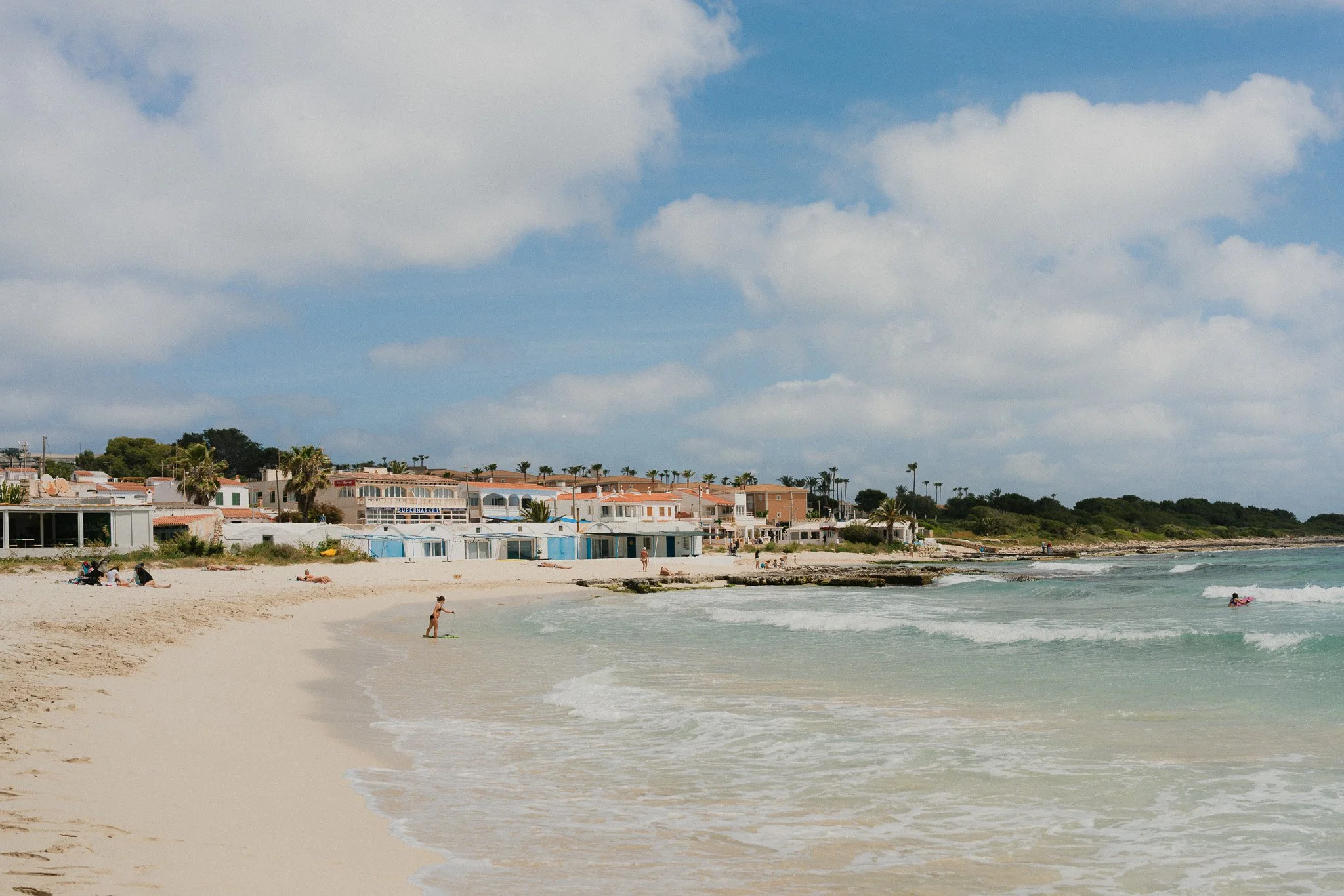
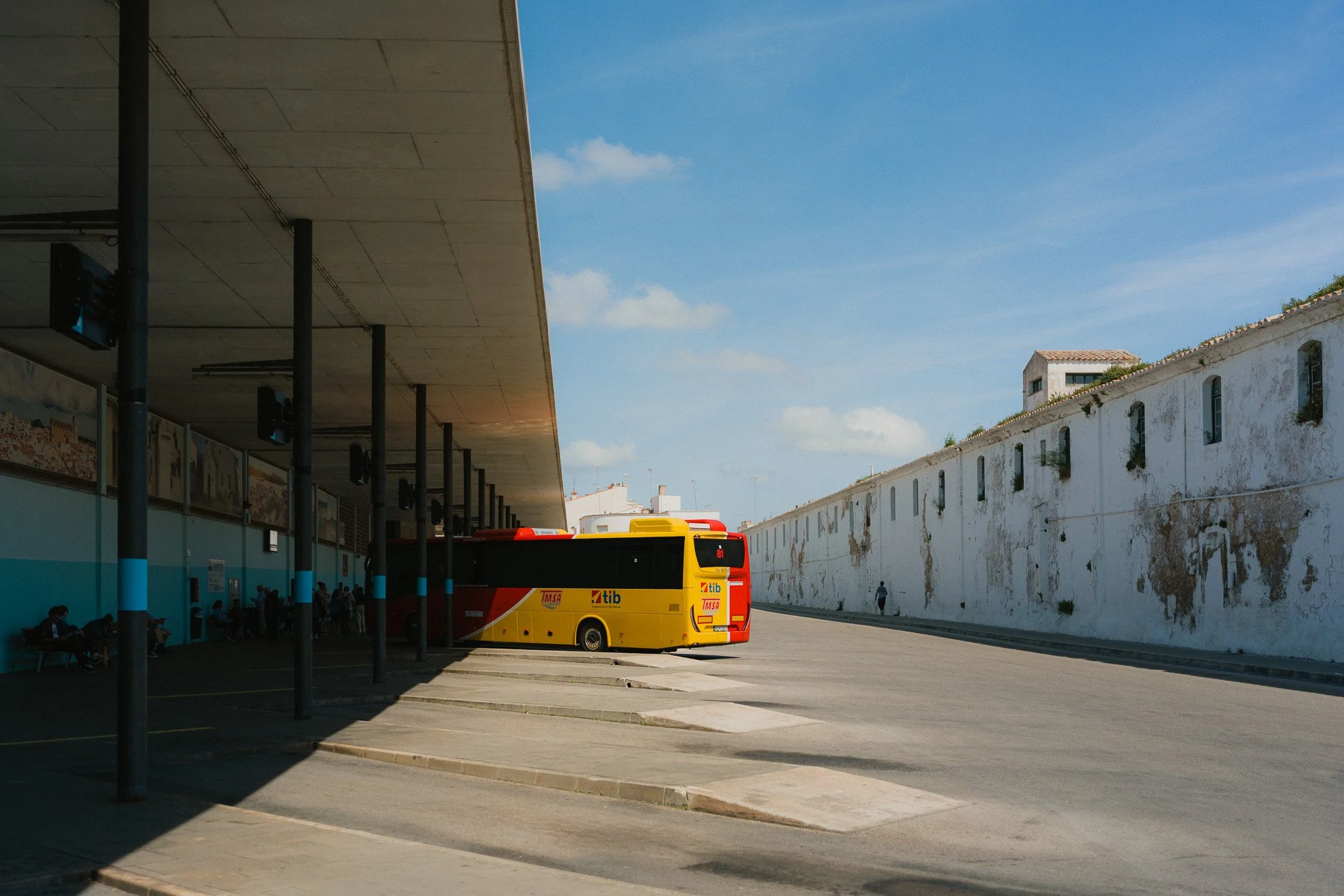
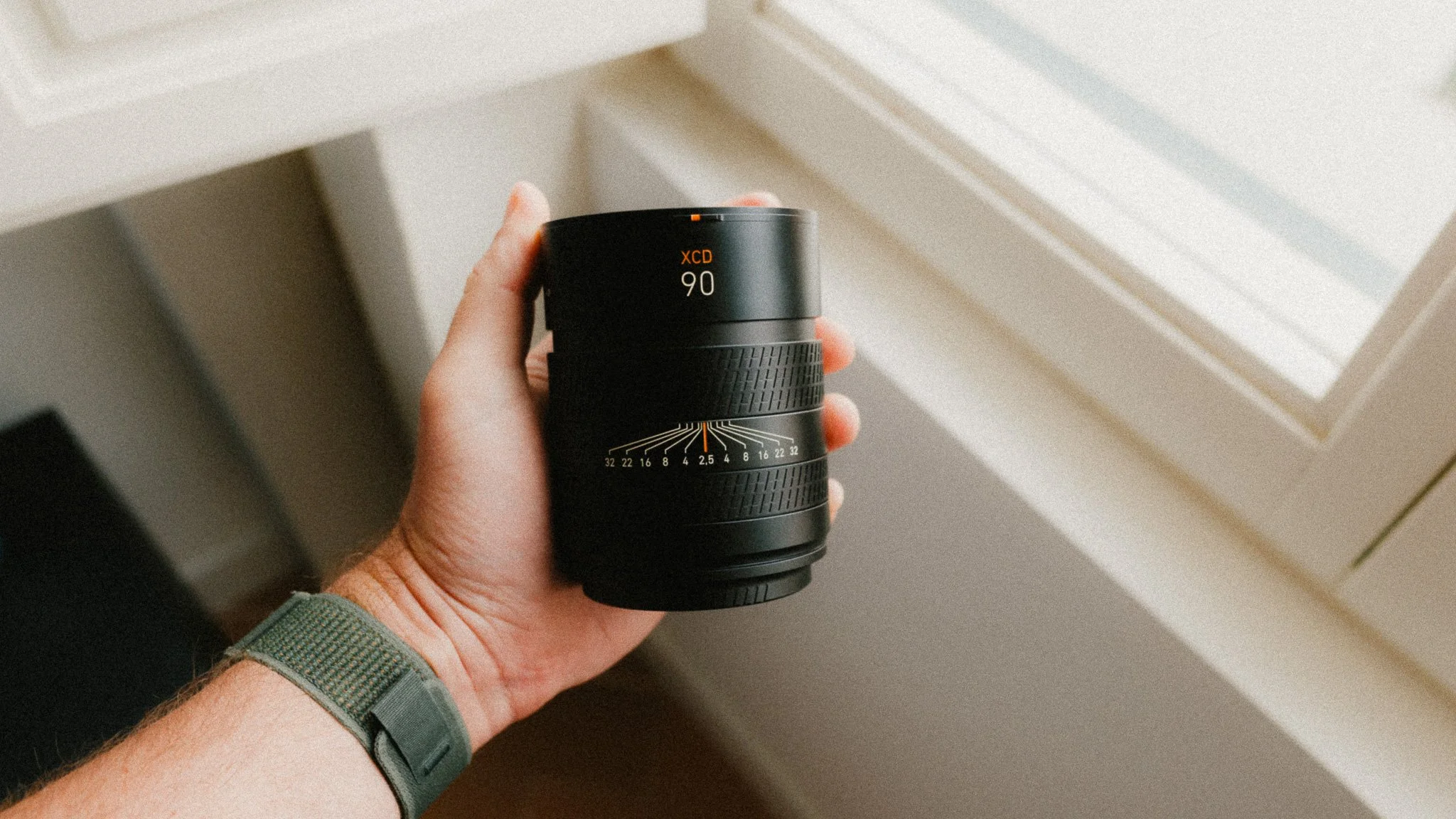
Hasselblad XCD 90mm f/2.5
This is my telephoto lens that comes with me on trips or when I want an abstract street photography focus instead of travel or documentary work. In full frame terms it’s around 70mm, and with cropping you can easily pull 135mm equivalent frames without losing detail.
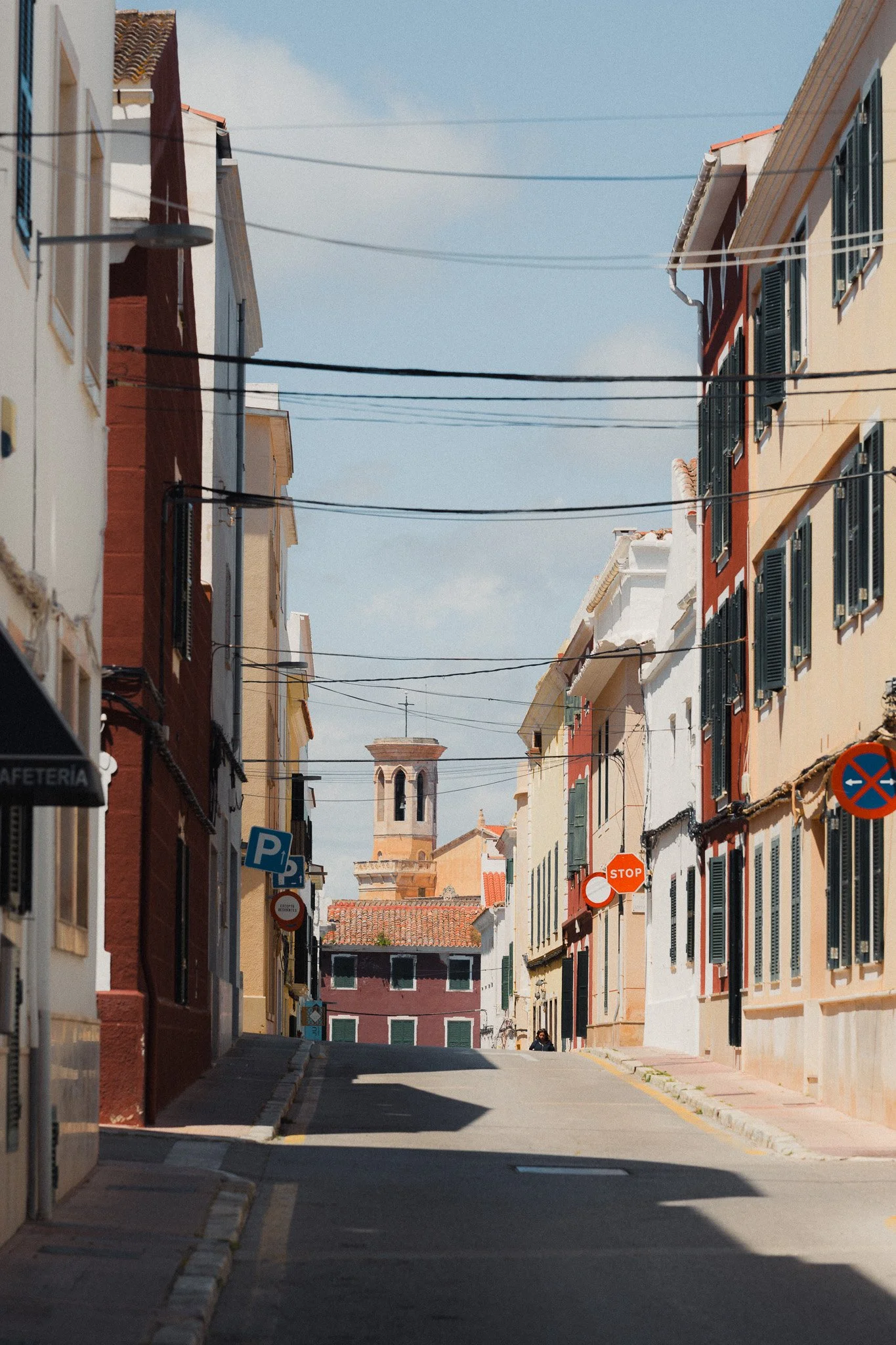
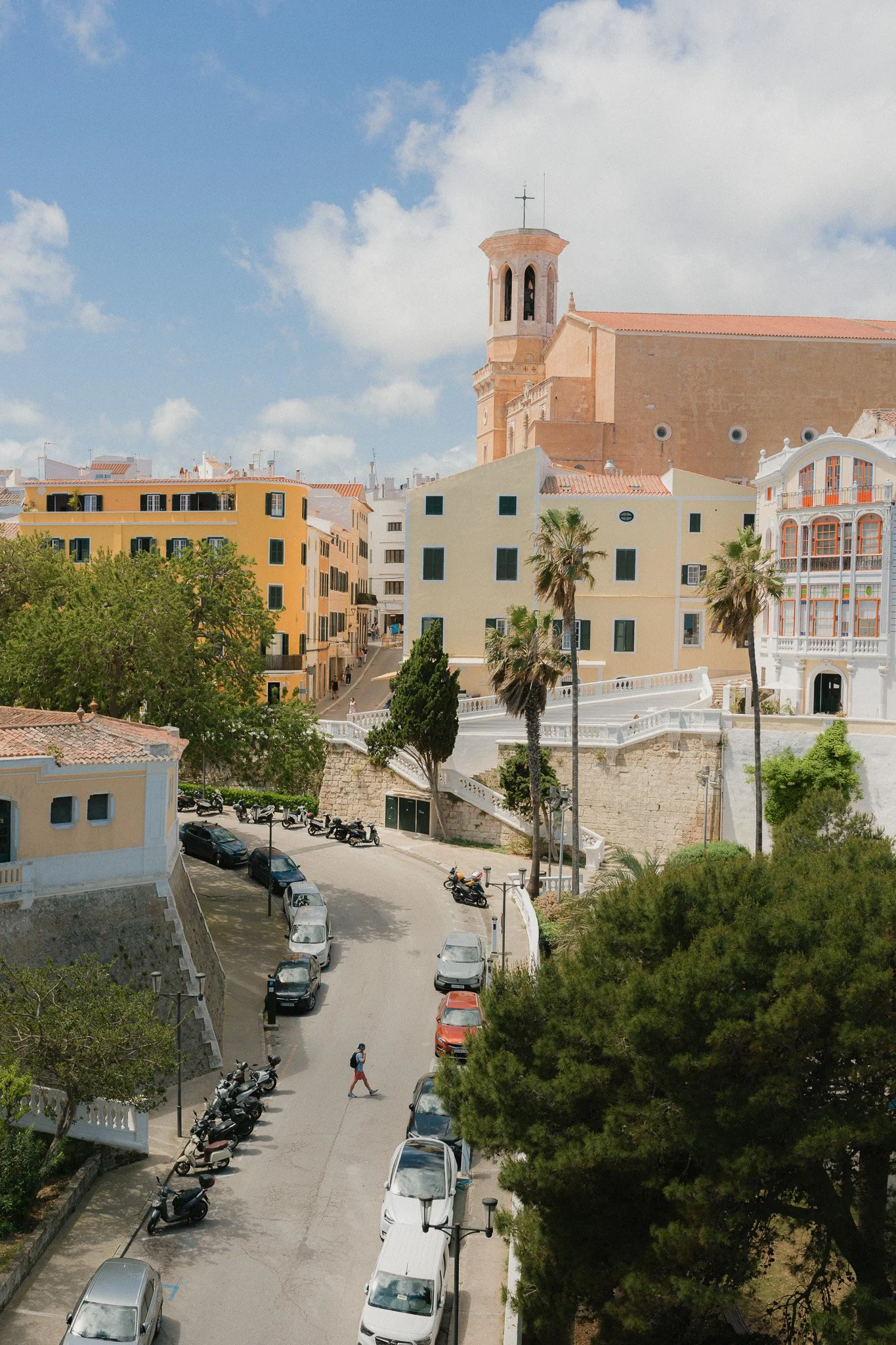
This is perfect for nature, travel, details, or abstract street photography. It’s a wonderful lens for capturing all the details in the scene.
Why this lens combo?
Between these two lenses and the resolution of the X2D, I am covered for almost any focal length I might encounter in my typical shooting scenarios. Both lenses use the same 72mm filter, and both have a wide f/2.5 aperture, making them great for low light photography and creating beautiful out of focus elements. Lastly, both are very compact, thus suitable for my type of work.
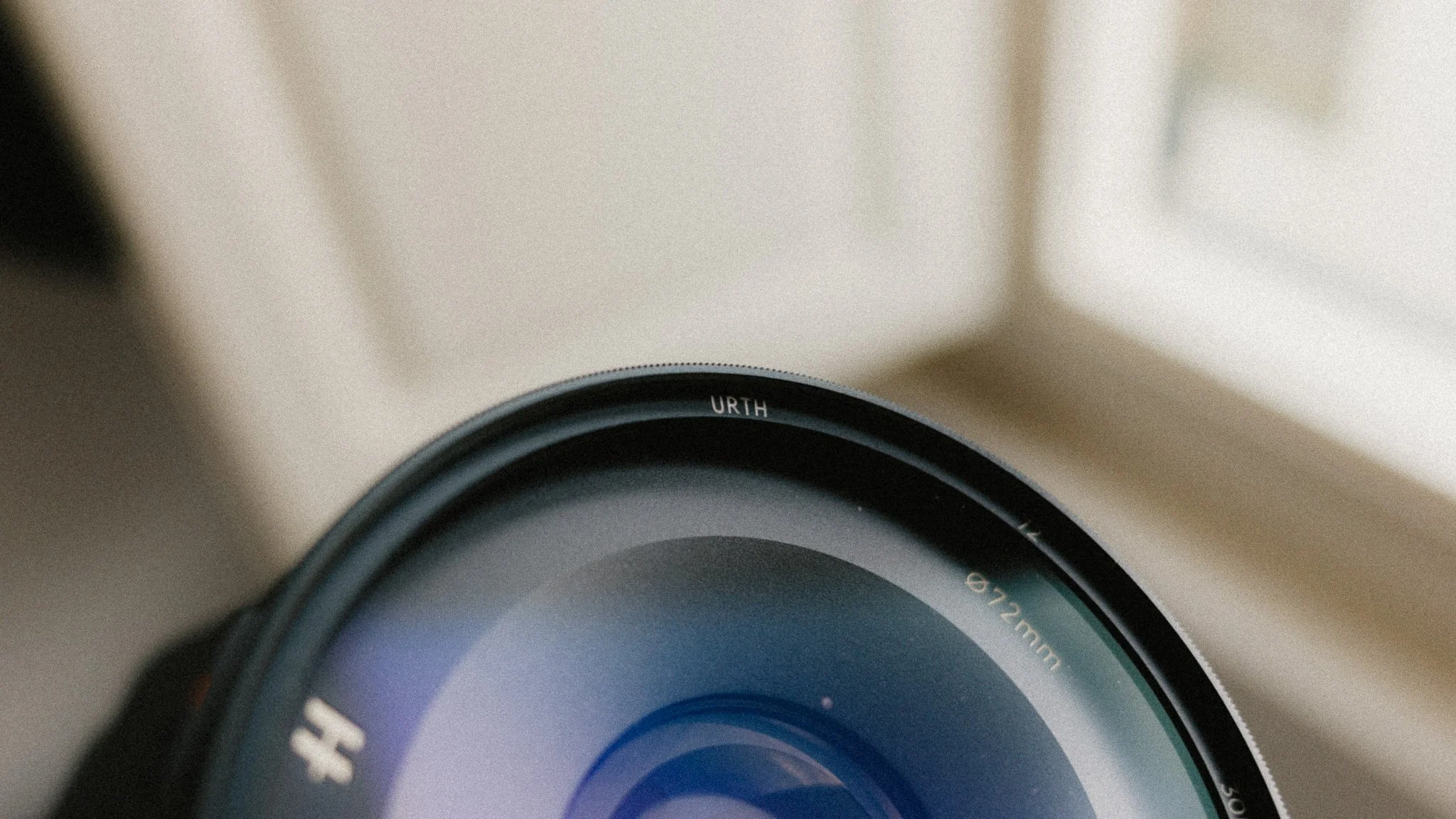
Urth 72mm UV Filter
I’ve never been big into UV filters, however given how expensive these lenses are, and that they have no official weather sealing rating, I’d rather be safe than sorry. I also tend to put my camera in harm’s way to get the shot, and I’d rather crack a UV filter than face an expensive repair bill. I’ve always used Urth filters, so I can’t recommend anything else.
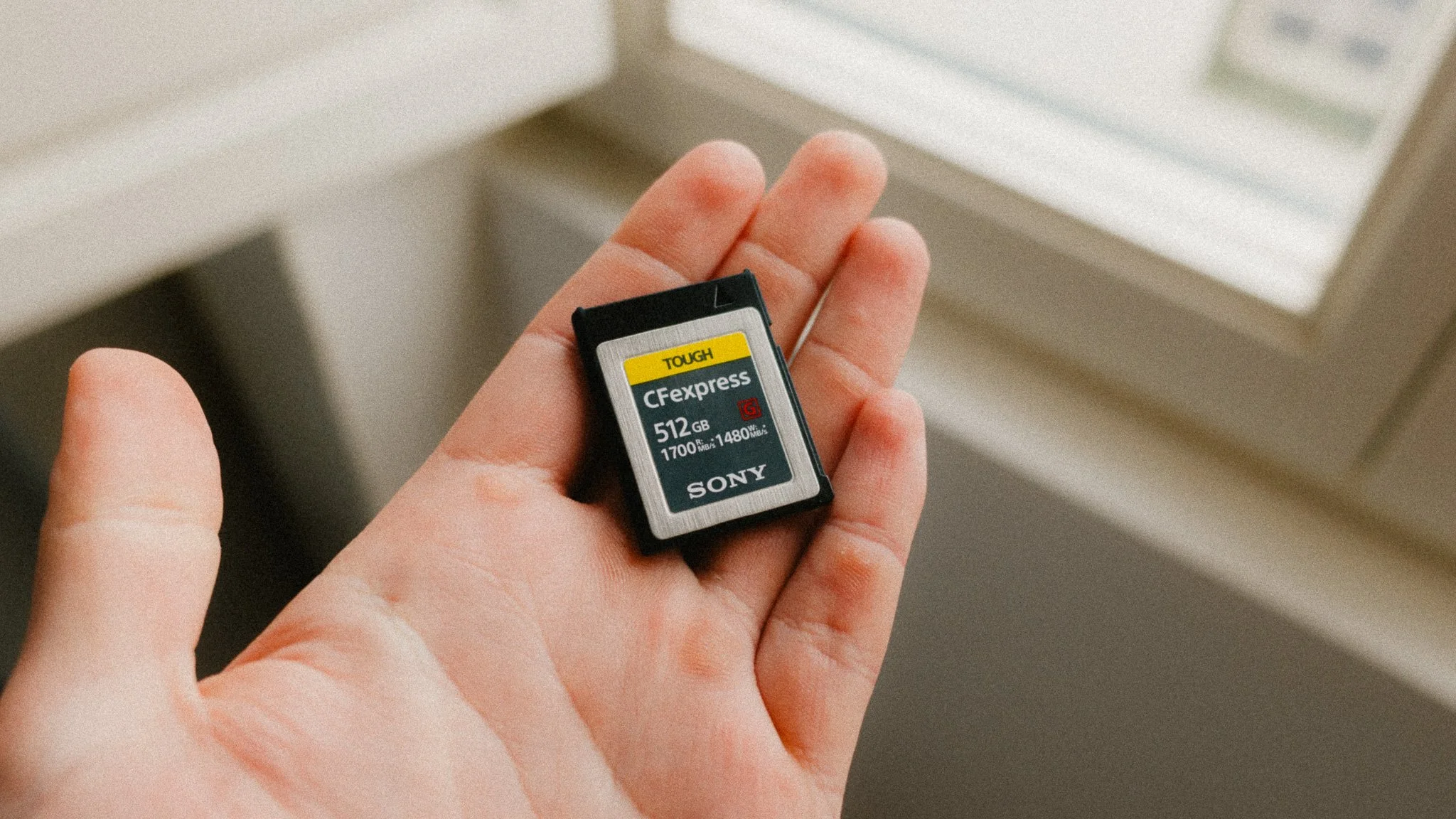
Sony CFexpress card
Even though the X2Dii has a spacious 1TB SSD, I actually shoot to a 512GB CFexpress card, and create a backup to the SSD. At the end of each day, I format the CFexpress card after transferring the files, but leave the SSD untouched. The SSD acts as my running backup in case I accidentally delete something. It usually fills up within a couple of months, and by that point I know I don’t need anything from it, so I format it and start again.
Peak Design straps
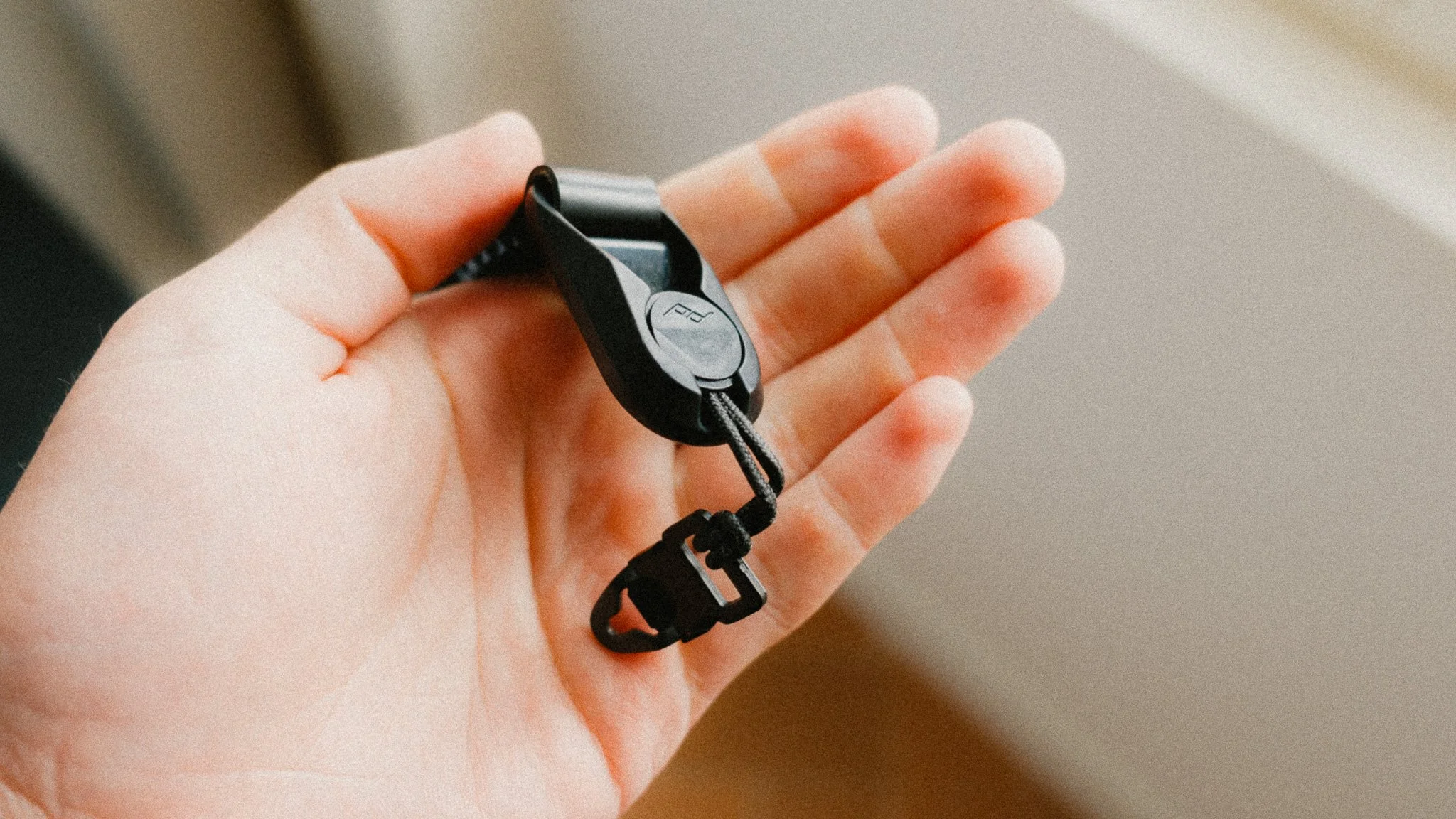
I use Peak Design anchors instead of the default strap that was provided. This is personal preference and I like the versatility of swapping out straps. I also purchased a few extra Hasselblad lugs in case I happen to lose one.
Anker Thunderbolt 4 cable
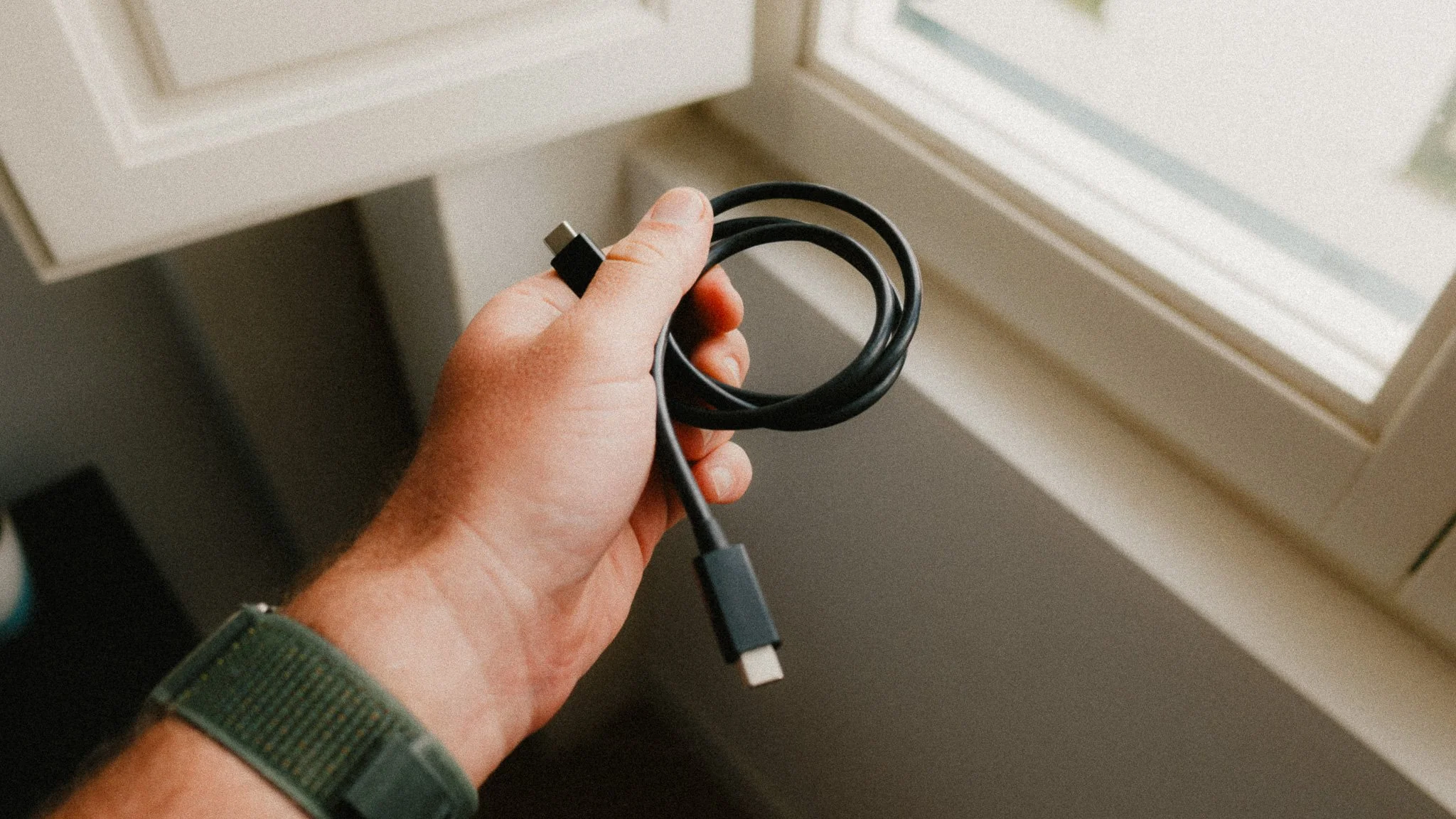
These are big files, and you need a solid data cable to avoid wasting hours on transfers. I would also avoid external card readers for that matter. A good Thunderbolt 4 cable can offload the files from the camera via USB-C in no time without the need to constantly antagonise the card by removing it.
Hasselblad USB-C charger + spare battery
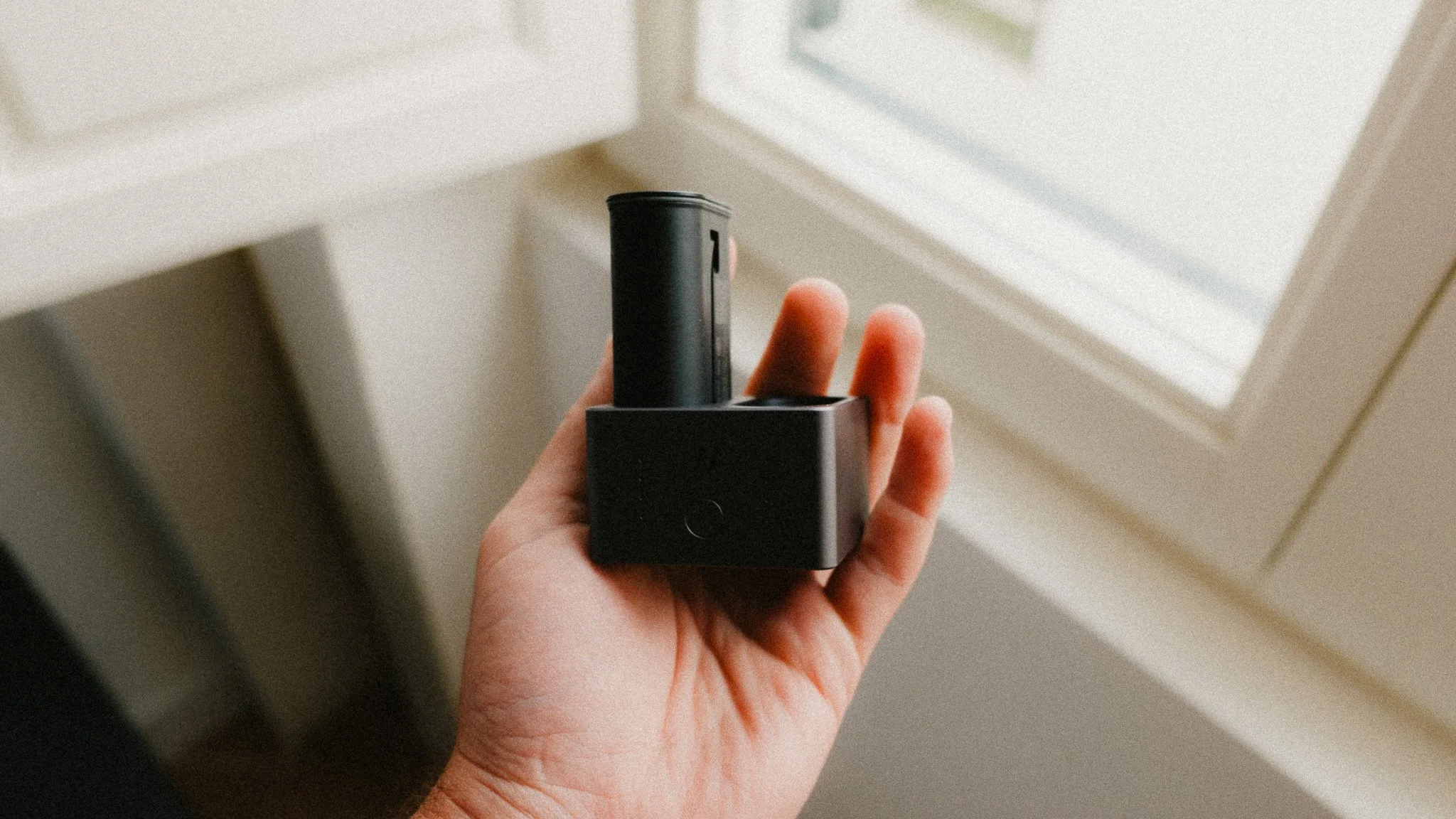
This is a no brainer as you need a charger and spare battery. I love that the charger is so small and light, which makes it great for travel.


















Instead of telling you how these will change your life, I would rather be practical and answer the most common questions that people tend to have when buying presets.
What are presets?
They are editing settings that are saved in a file and can be applied to any image.
Why do people buy presets?
Sometimes because they like the work of the photographer and want that style for their own photos. Mostly because they would like to see how other people edit and learn by reverse engineering the presets. Other times it’s just to support their favourite photographers, thank you!
What’s the overall style of these presets?
- Filmic
- Warm
- Soft
- Bright
What are these presets suitable for?
Street & Travel Photography
Some Nature (with further editing)
Some Portraits (with extensive editing)
Do I actually use these?
Yes. This is the same pack I use right now for all my editing. This isn’t a pack made just to sell.
Do these presets get updated?
Yes, as my style changes, these presets will also be updated. Any time a new update is available, you will get a free update via email. Of course you also keep all the old presets in case you prefer the older looks. Only presets purchased from 2025 onwards will receive the updates.
What file types are these presets for?
- All RAW files
- JPEGs & TIFFs (not recommended)
What camera brands are these presets for?
These were designed around Fujifilm, Sony, and Leica sensors. With that said, they will work with all camera brands. While there might be differences due to individual camera colour science, the overall feel of the preset will carry over.
Will these work with JPEG files?
Yes, but you will need to reduce the intensity and make further edits. I strongly recommend editing RAW files.
Are these one click edits?
95% No. You would need to do some basic adjustments as each image is different. These adjustments can include exposure, colour balance etc. In 5% of cases you can just apply and leave it alone.
Do I need to know how to edit?
You need to have a basic understanding of adjusting exposure, highlights, shadows, etc. A more comprehensive editing skillset will let you get the most out of them.
How many presets are included?
10 in the main pack and 24 in the extras pack
Why two packs?
The main pack is what I use for 99% of my edits and is kept small to reduce wasted time scrolling through presets. The extras pack is everything I don’t use often.
What software do I need?
These presets will work with any of the following:
- Photoshop (adobe camera raw)
- Lightroom Classic
- Lightroom Desktop
- Lightroom Mobile
Will these presets work with free versions of the above software?
You need to research and double check before buying. These presets were designed for the full paid versions.
Will these presets work with very old versions of the above software?
You need to research and double check before buying. These presets were designed on and for the latest software.
What file type do I get?
XMP
What else do I get?
- Comprehensive PDF guide
Can I modify these and turn them into my own?
Yes! In fact I encourage you to modify them and play around. Use these to help you get your own style.
I have more questions…. What do I do?
Make a cup of tea and drop me an email on hello@snapsbyfox.com
Please note that due to the nature of digital products, refunds are generally not accepted. However, if you experience any issues, feel free to contact me and I’ll review your situation individually. You are welcome to use this product for personal or commercial projects, but you may not copy, distribute, or resell the files in their original or modified form.
Finally I want to say a massive thank you for supporting me. Buying these presets is the most direct way you can support my work.
Thank you!