
Fujifilm XH2 vs XH2s… Which Should You Get?
If you’re in the market for a flagship Fujifilm APSC body, you might be wondering whether you should get the XH2 or the XH2s. The two cameras seem almost identical however there are some key details you need to take into account. This blog will help you make that decision. For the record, I own both cameras and use them almost daily. The camera I chose for a given day will depend on the goal. I also have no affiliation with Fujifilm. I buy cameras with my own money just like everyone else with no special perks.
Key similarities
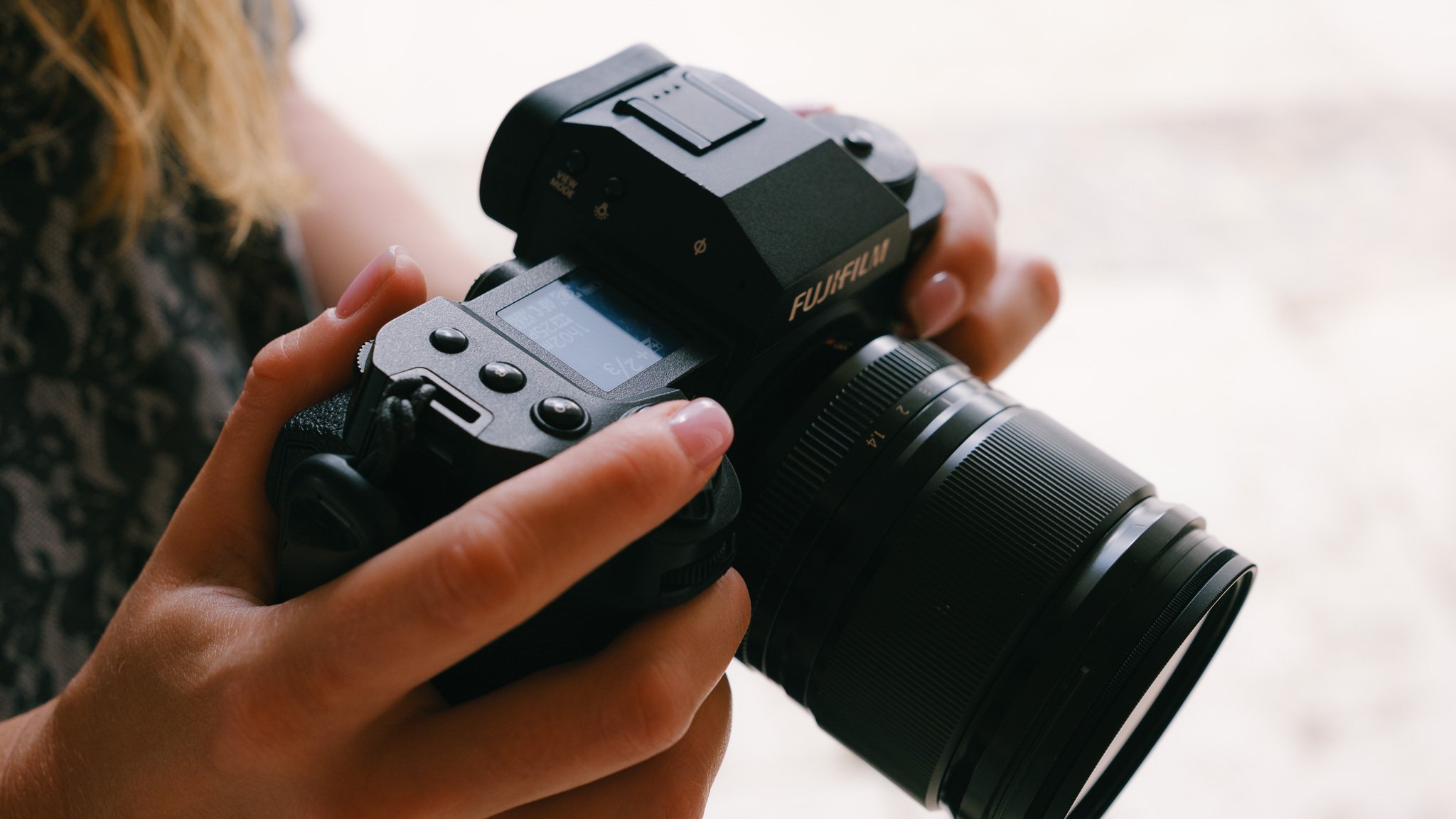
The first and main similarity is the body. The two cameras are completely identical. From the button layout, to the card slots to the grip. The only way you can tell them apart is the XH2s has the letter S on the upper right hand of the body.

The menu systems are almost identical, how the dials work and can be programmed is the same, the top display reads the same and both will take the same accessories. In short these cameras are 100% identical if you exclude the sensor.

Personally I think this is a good thing from a professional stand point. It means you don’t need to memorise two bodies or systems. It means both cameras can be set up the same and all accessories and lenses can be shared. One key negative similarity is that both need a CF Express card to access all the features.

Key differences
There is only 1 major difference and that is the sensor. The XH2 has a higher resolution 40mp sensor where’s the XH2s has a lower resolution 26mp sensor. The XH2s sensor is stacked and has a much faster readout speed and better low light performance. The XH2 can produce higher resolution photos and videos up to 8K. The XH2s has a superior autofocus system and better overall video performance.

XH2 Strengths
The XH2 exceeds in resolution performance. The 40mp photos are full of detail and can easily be cropped allowing for more creative control. From a video standpoint the XH2 can shoot in 8K which can be ideal for those wishing to reframe in post or punch into two separate camera angled from one take. Due to the high resolution you can digitally zoom in camera both for photo and video. Finally the XH2 is considerably cheaper than the XH2s.

XH2 Weaknesses
The first obvious difference is the autofocus system is not as refined as the one on the XH2s. It’s not as sticky and can hesitate more often. Secondly due to the higher resolution sensor, you get increased rolling shutter even if movement is slow. In video this can look pretty jarring with not many ways to fix it. You have less dynamic range compared to the XH2s but it’s marginal. Some video options are missing such as 4k120 and generally the camera feels a little slower to use.

XH2s Strengths
The XH2s has an insanely quick sensor and readout speed. Meaning it is super fast with almost no rolling shutter. It is designed for action and movement both for photo / video. The autofocus is sticky and reliable and there is more than enough dynamic range for most scenarios. The camera feels quick and responsive to use. Although the sensor has less resolution, it performs better in low light and gathers plenty of detail. Finally it has the strongest video options going up to 6k.

XH2s Weaknesses
The only weakness is the price. At £2500 it is competing with very powerful full frame alternatives. Other than that, there are none in my opinion.

XH2 > XH2s
If you’re mostly a photographer, then I would go for the XH2. The higher resolution sensor will give you cropping room with plenty of detail. If you shoot mostly still video such as interviews, this camera will be great. Also with 8k you can shoot one scene with a wide lens and then punch in to two different angles. For example a podcast. Although the XH2s autofocus is better, it is not a night and day difference and any gains are marginal. So If you want to save over £700 and don’t plan to shoot sports, wildlife or 120fps then this is an amazing option.

XH2s > XH2
If you plan to shoot both photo and video, this is the camera. If you plan to do sports and wildlife photography, this is the camera. If you plan to do run and gun style video with a lot of movement, this is the camera. If you want the best performance out of an APSC Fuji and not too fussed on 40mp and 8k, this is the camera.



















Instead of telling you how these will change your life, I would rather be practical and answer the most common questions that people tend to have when buying presets.
What are presets?
They are editing settings that are saved in a file and can be applied to any image.
Why do people buy presets?
Sometimes because they like the work of the photographer and want that style for their own photos. Mostly because they would like to see how other people edit and learn by reverse engineering the presets. Other times it’s just to support their favourite photographers, thank you!
What’s the overall style of these presets?
- Filmic
- Warm
- Soft
- Bright
What are these presets suitable for?
Street & Travel Photography
Some Nature (with further editing)
Some Portraits (with extensive editing)
Do I actually use these?
Yes. This is the same pack I use right now for all my editing. This isn’t a pack made just to sell.
Do these presets get updated?
Yes, as my style changes, these presets will also be updated. Any time a new update is available, you will get a free update via email. Of course you also keep all the old presets in case you prefer the older looks. Only presets purchased from 2025 onwards will receive the updates.
What file types are these presets for?
- All RAW files
- JPEGs & TIFFs (not recommended)
What camera brands are these presets for?
These were designed around Fujifilm, Sony, and Leica sensors. With that said, they will work with all camera brands. While there might be differences due to individual camera colour science, the overall feel of the preset will carry over.
Will these work with JPEG files?
Yes, but you will need to reduce the intensity and make further edits. I strongly recommend editing RAW files.
Are these one click edits?
95% No. You would need to do some basic adjustments as each image is different. These adjustments can include exposure, colour balance etc. In 5% of cases you can just apply and leave it alone.
Do I need to know how to edit?
You need to have a basic understanding of adjusting exposure, highlights, shadows, etc. A more comprehensive editing skillset will let you get the most out of them.
How many presets are included?
10 in the main pack and 24 in the extras pack
Why two packs?
The main pack is what I use for 99% of my edits and is kept small to reduce wasted time scrolling through presets. The extras pack is everything I don’t use often.
What software do I need?
These presets will work with any of the following:
- Photoshop (adobe camera raw)
- Lightroom Classic
- Lightroom Desktop
- Lightroom Mobile
Will these presets work with free versions of the above software?
You need to research and double check before buying. These presets were designed for the full paid versions.
Will these presets work with very old versions of the above software?
You need to research and double check before buying. These presets were designed on and for the latest software.
What file type do I get?
XMP
What else do I get?
- Comprehensive PDF guide
Can I modify these and turn them into my own?
Yes! In fact I encourage you to modify them and play around. Use these to help you get your own style.
I have more questions…. What do I do?
Make a cup of tea and drop me an email on hello@snapsbyfox.com
Please note that due to the nature of digital products, refunds are generally not accepted. However, if you experience any issues, feel free to contact me and I’ll review your situation individually. You are welcome to use this product for personal or commercial projects, but you may not copy, distribute, or resell the files in their original or modified form.
Finally I want to say a massive thank you for supporting me. Buying these presets is the most direct way you can support my work.
Thank you!