
DJI Pocket 4 vs DJI Action 6
To some people, this comparison might seem daft. However, as someone who has owned and used both cameras since launch, as well as their predecessors, I can safely say that it’s a valid one.
Scope
I’m looking at these two devices from the perspective of someone who uses them to document travels and create vlogs. I’m not skydiving, deep-sea diving, or racing across dunes. I use these cameras as straightforward camcorders to document my life, a use case that I believe is shared by the majority of their owners. Finally, I’m not affiliated with DJI, and I paid for both cameras myself.
Camera Concepts
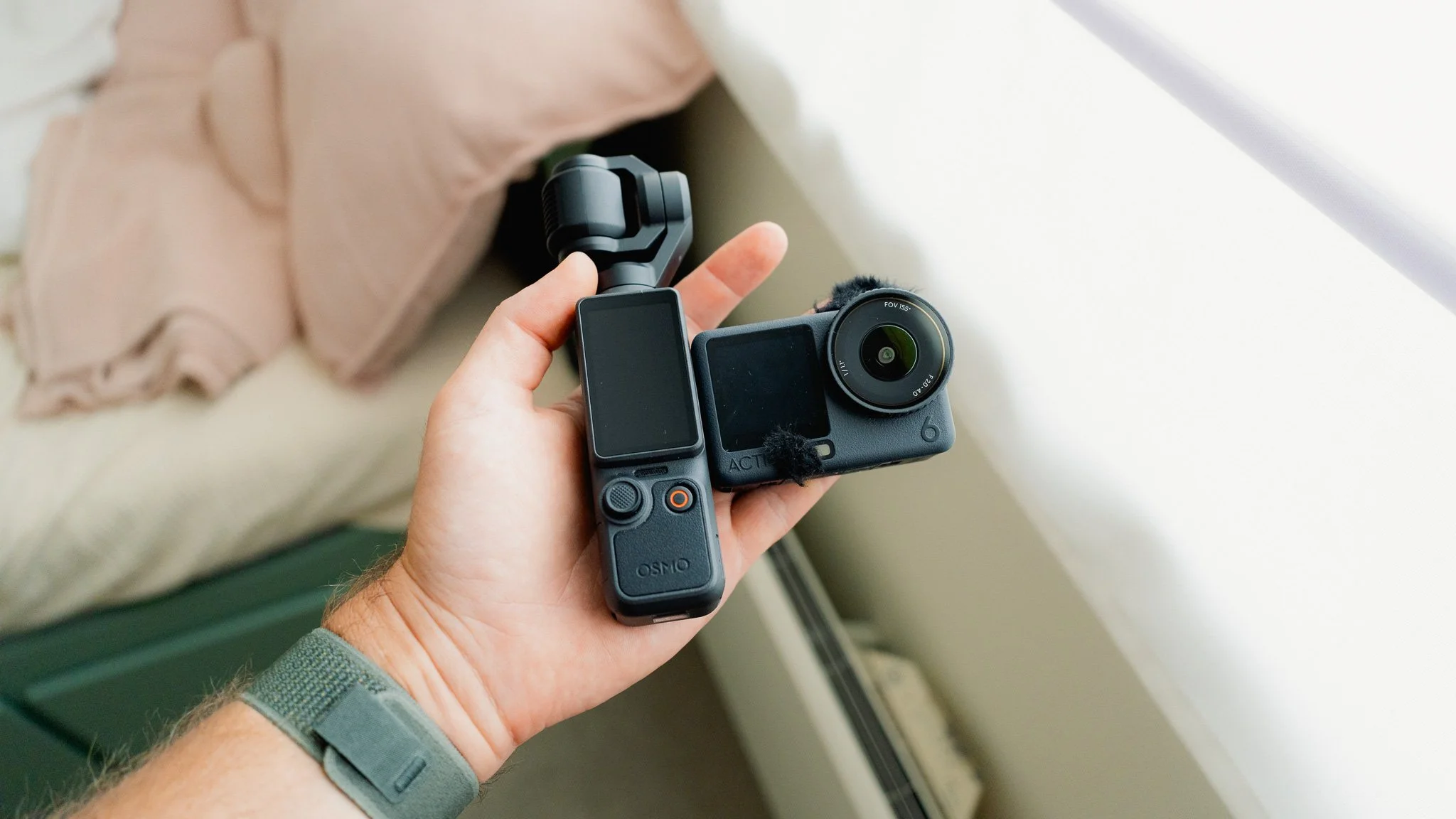
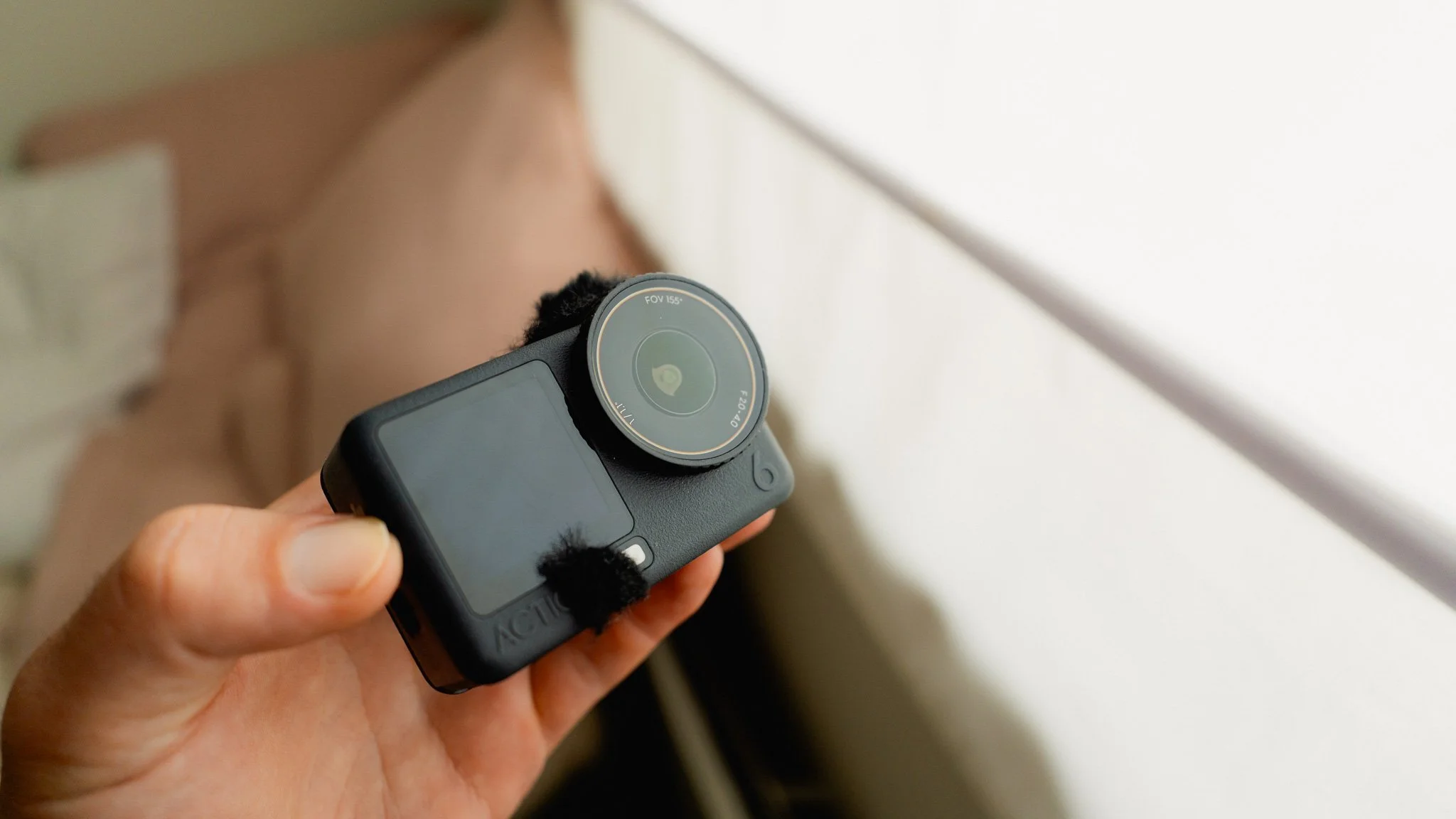
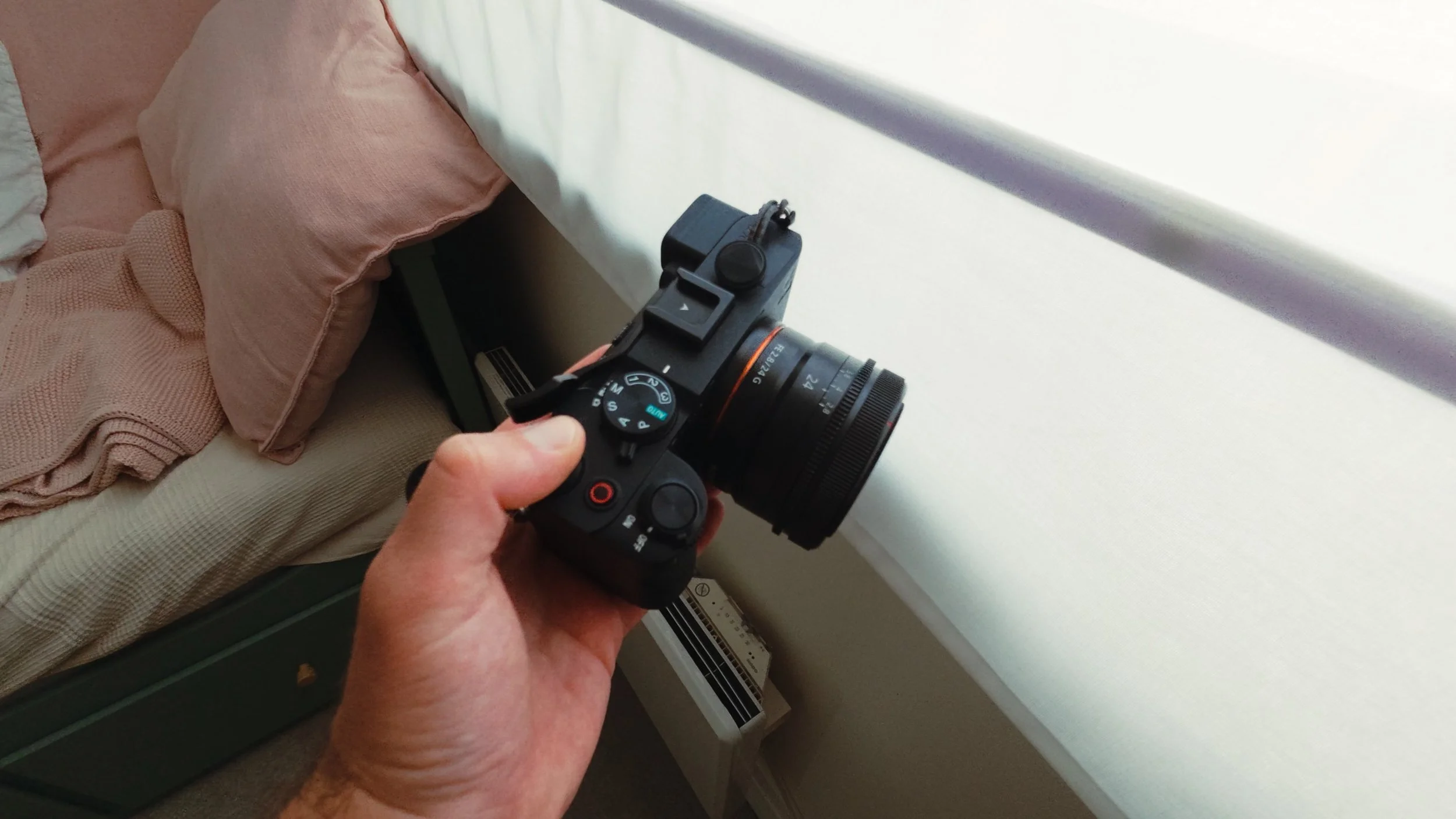
While both devices might appear to be small, pocketable cameras, they are fundamentally different. The Action 6 is a solid brick with no moving parts and a robust, fully waterproof body. The Pocket 4 uses a gimbal-mounted camera that offers superior image quality and stabilisation, but it’s also very delicate. One camera can be used without much thought, while the other requires constant care to avoid an expensive repair bill.
Use Cases
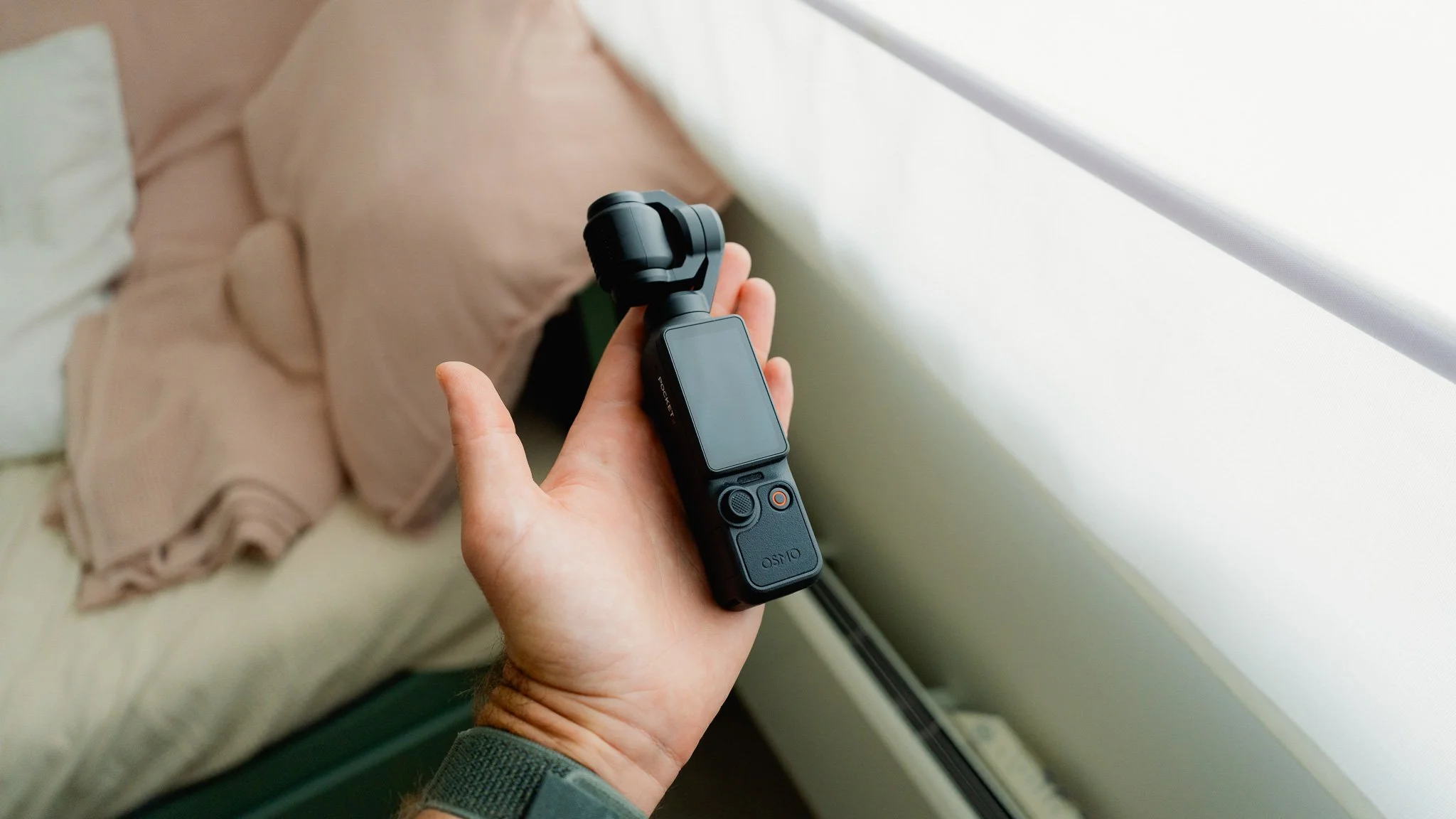
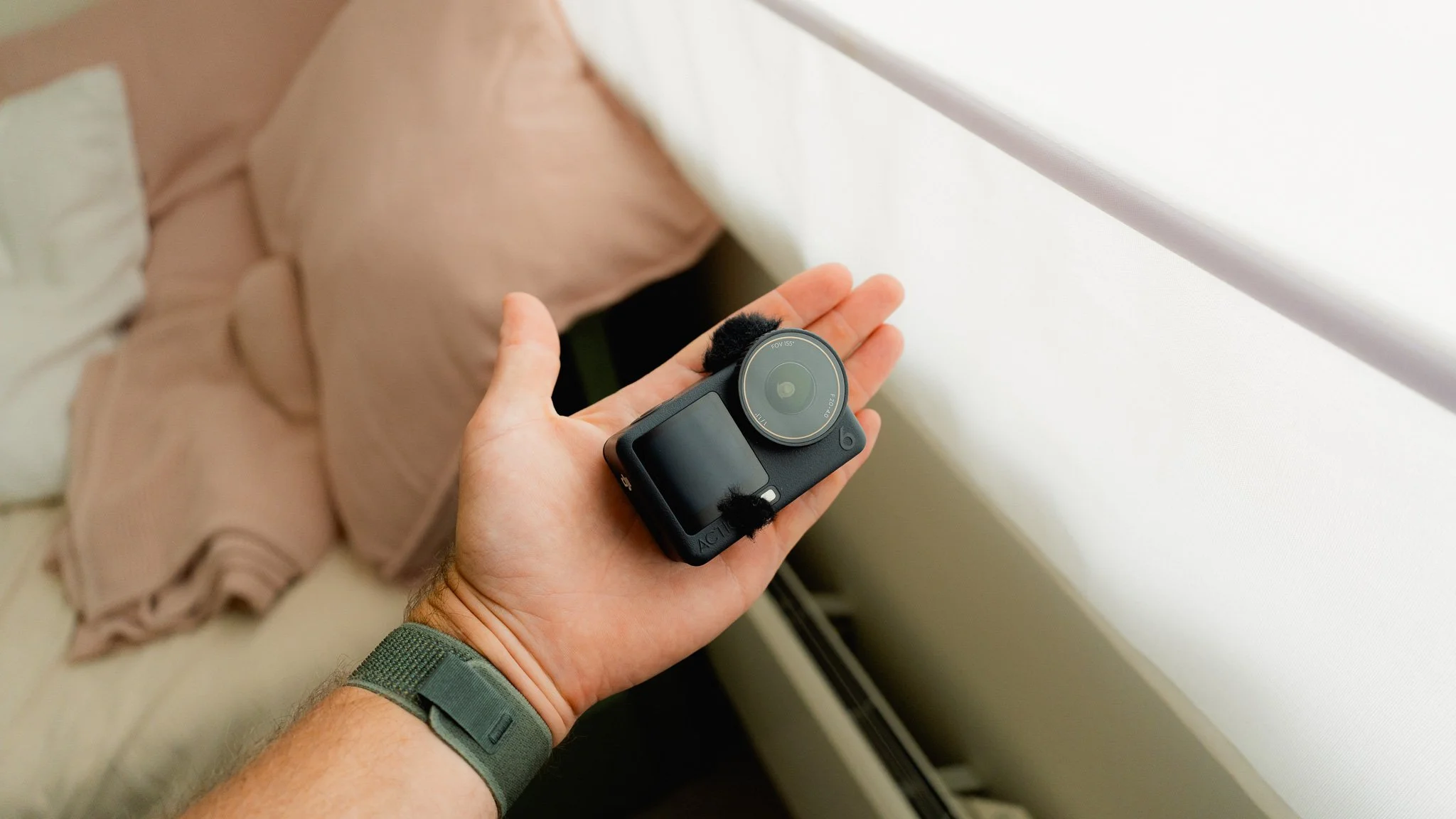
I’ve used both cameras extensively, and my use case for each is slightly different. For travel and everyday use, I feel the Action 6 is superior because it doesn’t add any mental clutter. You don’t need to worry about it breaking; you can throw it into your bag, put it in your pocket, or carry it almost anywhere.
When I’m travelling, I always have my main photography camera with me, which already requires some of my attention. If I also use the Pocket 4, I need to think about where to store it without damaging the gimbal. I need to consider whether there is any water or dirt nearby because the camera has no weather sealing. I also need to check which way the gimbal is pointing because it has a tendency to drift. Eventually, my attention begins to shift away from photography and being present, towards operating the Pocket 4.
The Action 6, on the other hand, requires almost no attention. The conditions don’t matter, and because there is no gimbal, I know exactly what the camera is recording: whatever it’s pointing at.
Features
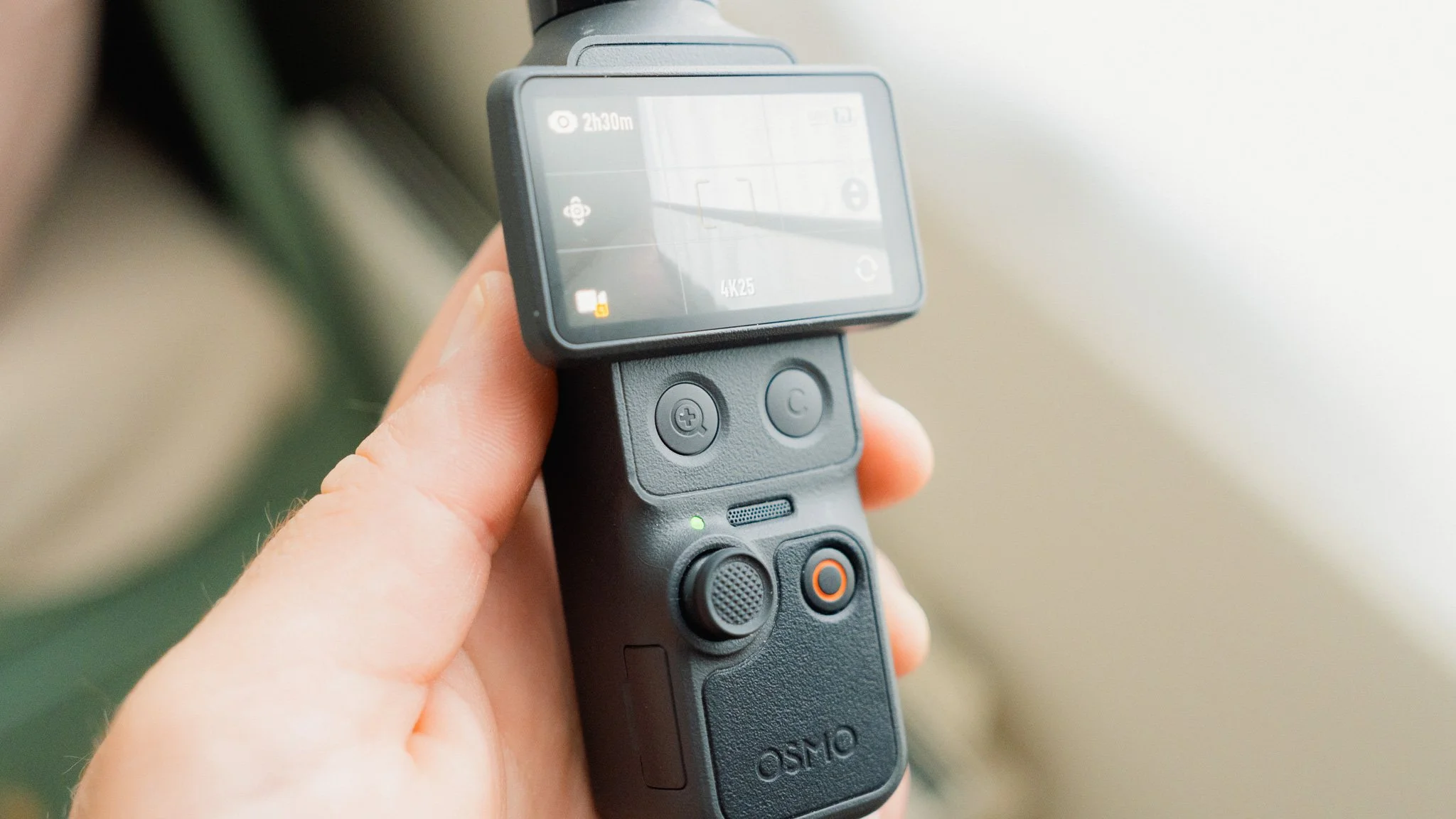
These two cameras share many features, but depending on your needs, one might be more suitable than the other. If you want to place the camera on a stable surface and have it track you as you move around the scene, the Pocket 4 is the only option. If you want to mount your camera in tight or awkward places, the Action 6 is superior.
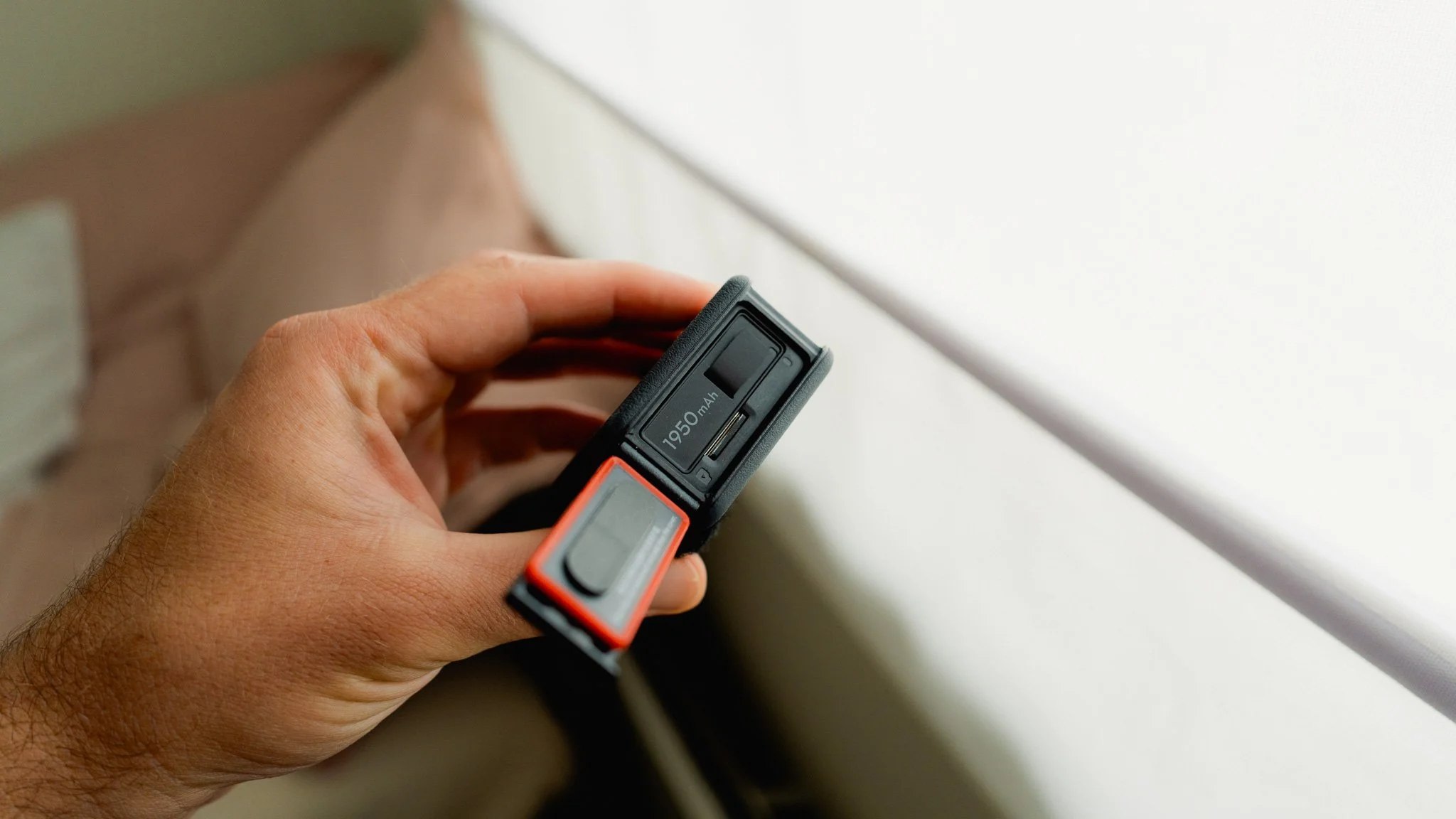
If you want to take your camera swimming, the Action 6 is the only option. If you’re happy to charge your camera throughout the day, the Pocket 4 is fine. If you don’t have time for that and need to swap batteries quickly, you’ll need the Action 6. As you can see, there are plenty of trade-offs. You just need to decide which ones matter most to you.
Gimbal vs Digital Stabilisation
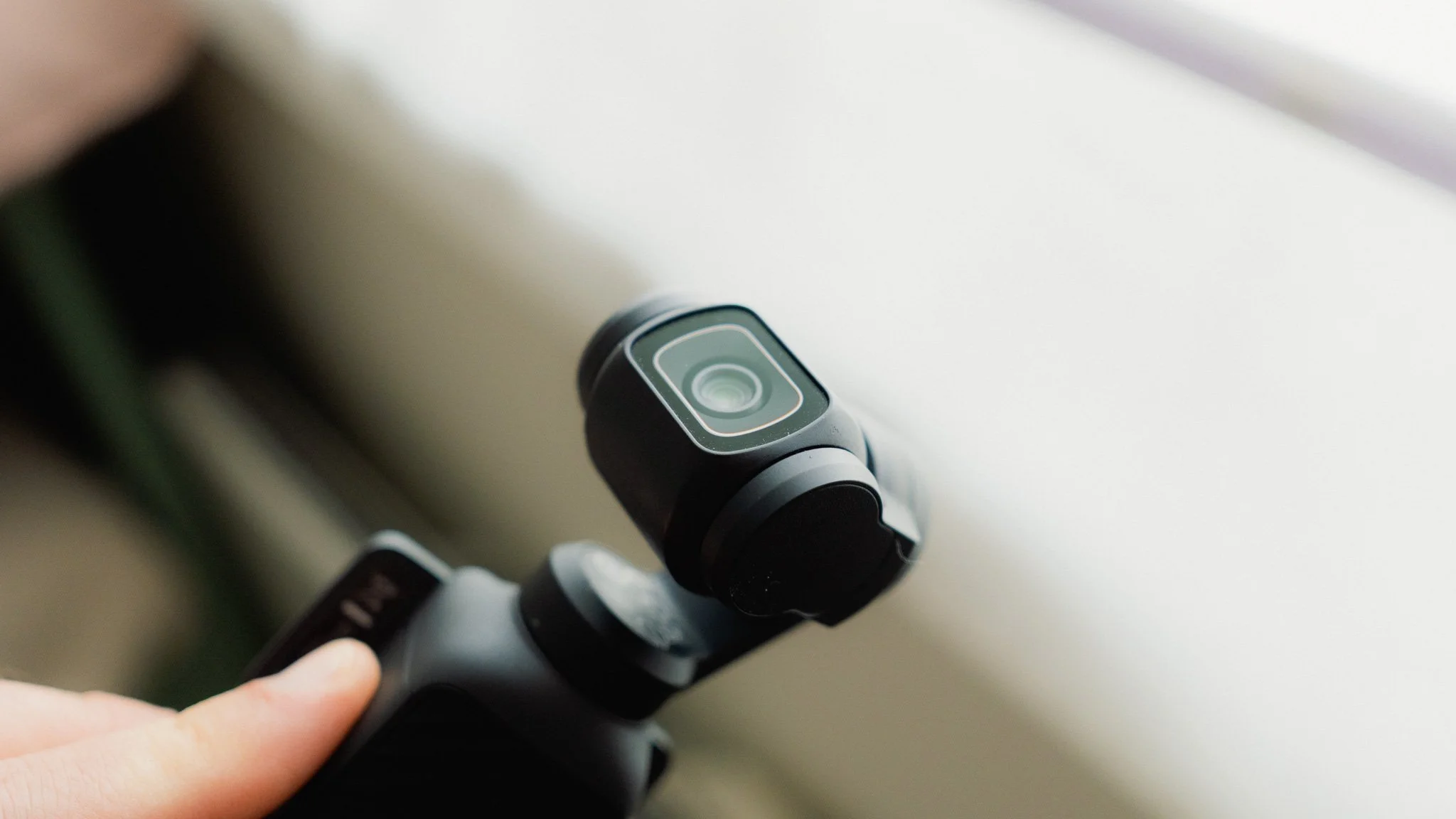
The biggest difference is how the two cameras stabilise their footage. The Pocket 4 uses a physical gimbal, while the Action 6 uses a fixed sensor with excellent digital stabilisation. Both produce very smooth footage, but that’s where the similarities end. If you’re on a boat, in a car, on a plane or train, or in any other moving environment, the Pocket 4’s gimbal can drift. This makes maintaining a locked-off composition very difficult. If you’re walking around and want to whip the camera in another direction, the gimbal can’t react instantly. Equally, if you want to point it quickly towards the ground or sky, it takes a moment to catch up.
You don’t have any of these issues with the Action 6. You can mount it to a moving object knowing that the composition won’t change unexpectedly. Where the Action 6 falls short is that its digital stabilisation needs ample light to work at its best. Naturally, this means its stabilisation quality can deteriorate at night or in other low-light conditions. The Pocket 4 doesn’t suffer from this problem because its stabilisation is mechanical.
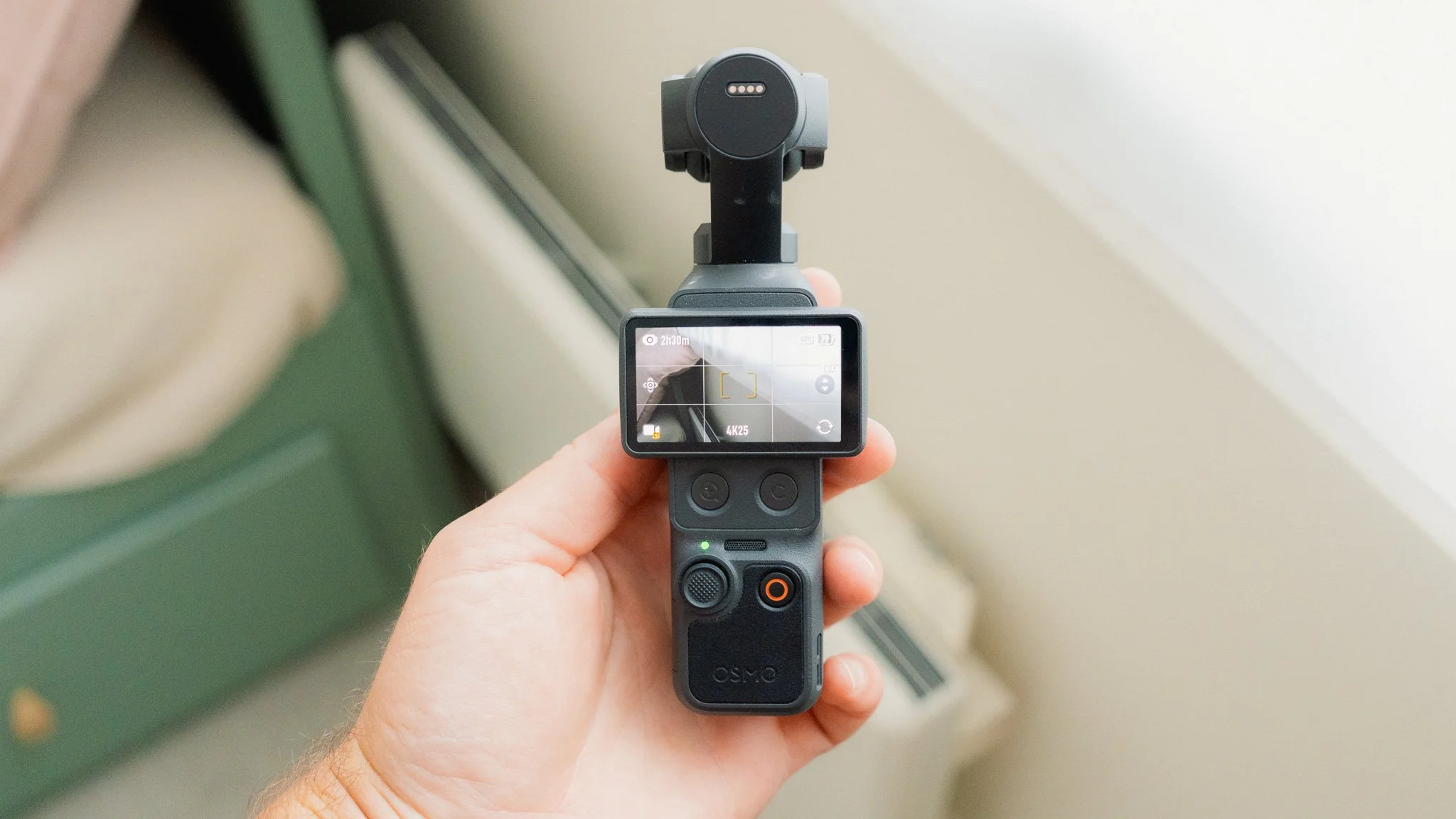
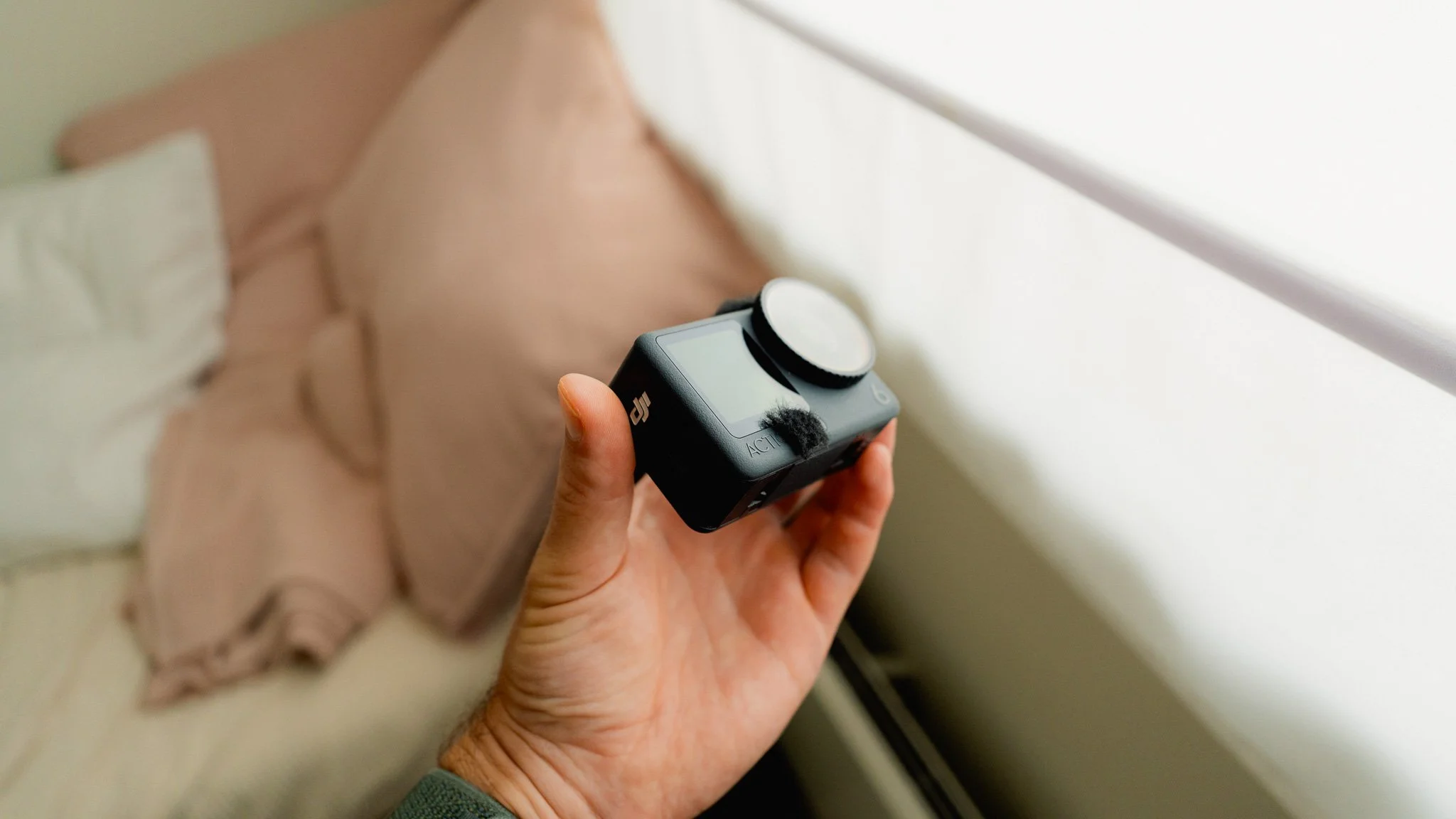
Image Quality
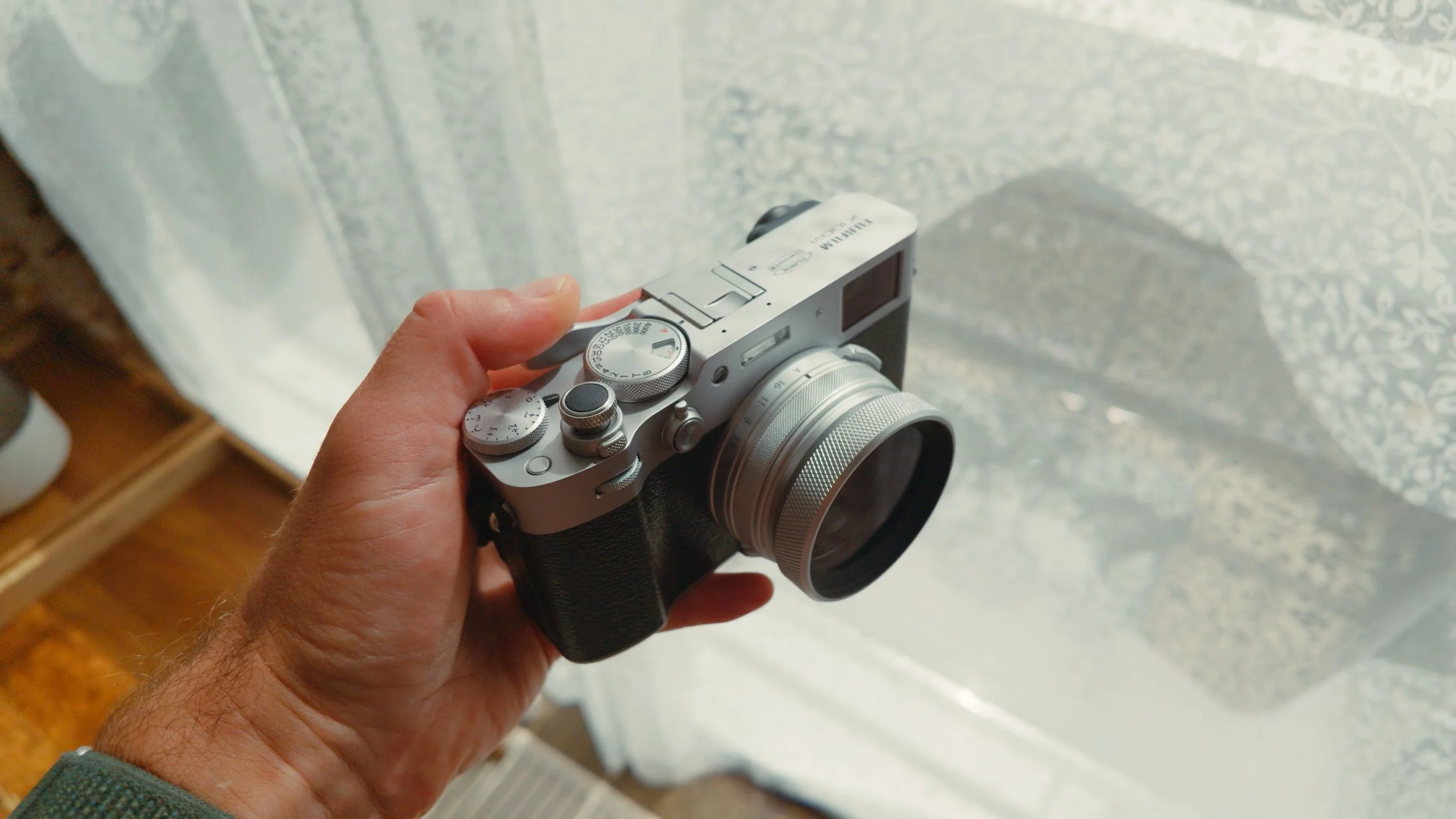
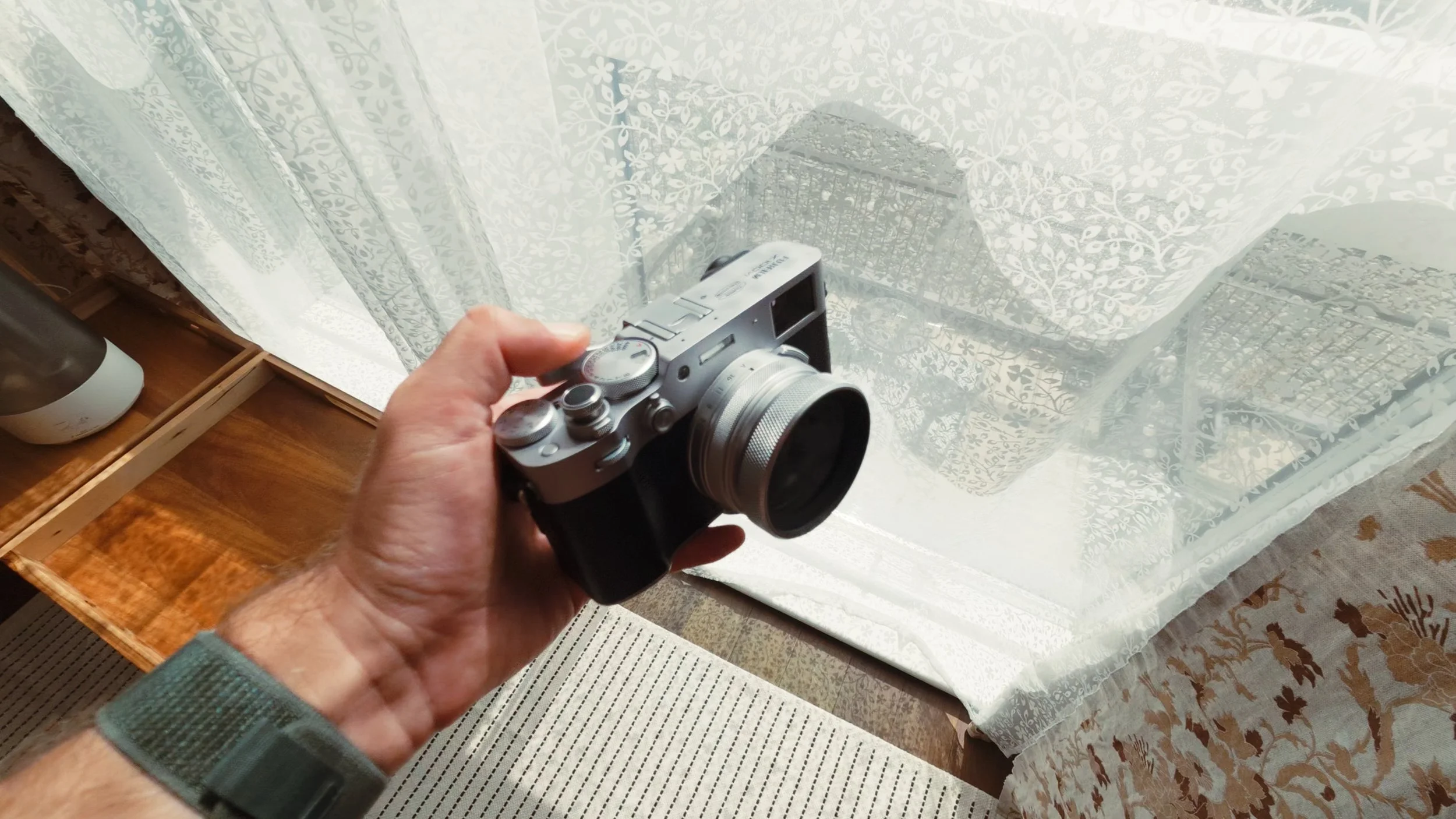
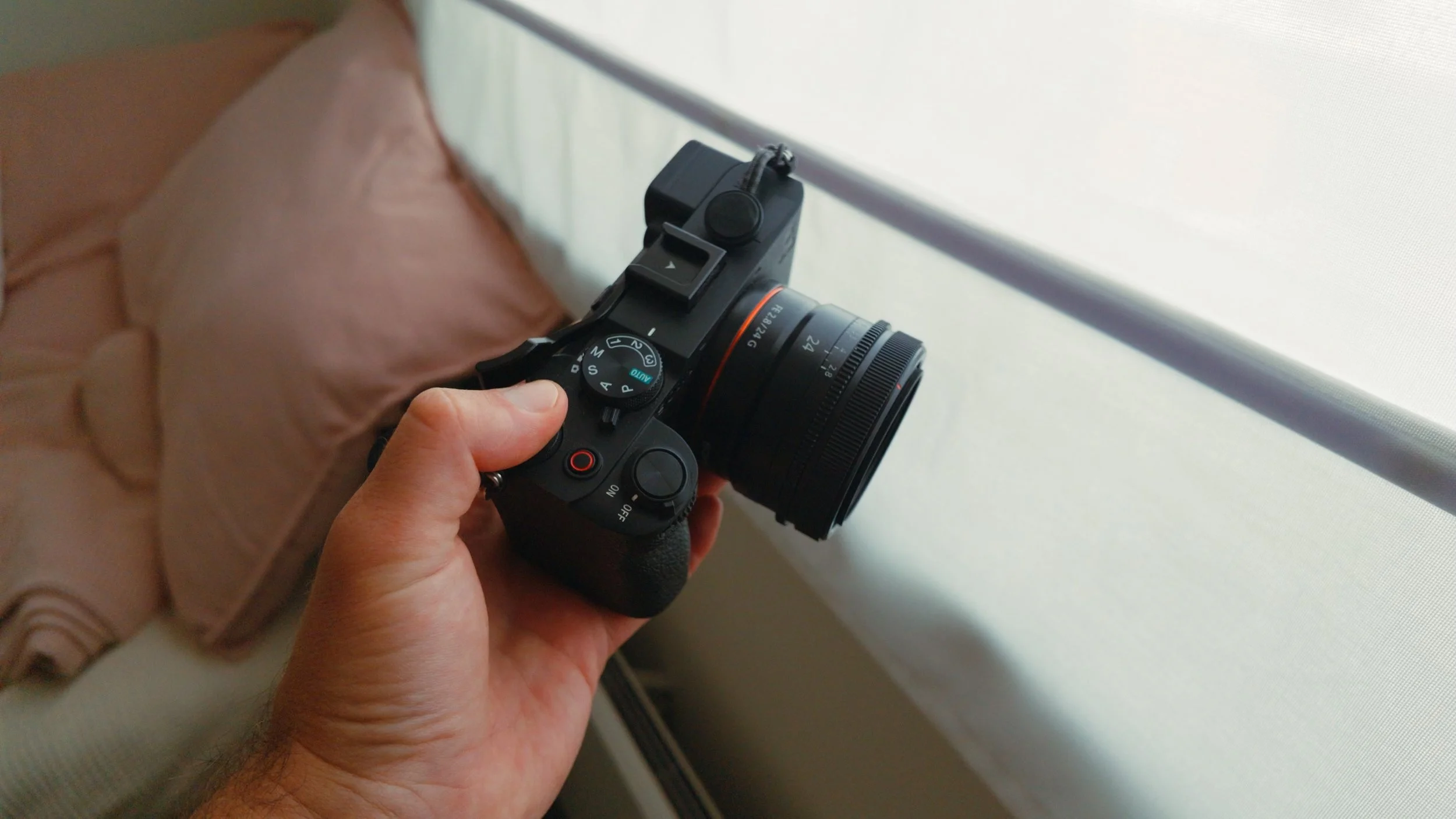
This is an easy win for the Pocket 4. It has a much larger sensor, and its footage doesn’t need to be digitally stabilised. You also get the full D-Log picture profile rather than the more limited D-Log M profile. The Pocket 4 produces a cleaner, more detailed image across a wider range of lighting conditions. Its combination of a larger sensor and faster lens also creates pleasing natural bokeh. Last but not least, the Pocket 4 has continuous autofocus, while the Action 6 uses fixed focus optimised for subjects farther from the camera. This means that close-up shots taken with the Action 6 may not be in focus.
Pocket 4
Action 6
Pocket 4
Action 6
Summary
These are two very different cameras designed for different use cases and audiences. The Action 6 is for almost everyone. You can use it to document your travels, film your family, hand it to your children, ski down a mountain, go snorkelling, or mount it to your motorbike. It’s hassle-free and requires virtually no attention after you press record.
The Pocket 4 is for people who want to take their filming skills to the next level and create more professional-looking footage. Its image quality is outstanding and, when graded well, can rival footage from much larger cameras. The downside is that you get a camera that demands more attention and is relatively fragile. I would only recommend the Pocket 4 to people who want to take video seriously.


















Instead of telling you how these will change your life, I would rather be practical and answer the most common questions that people tend to have when buying presets.
What are presets?
They are editing settings that are saved in a file and can be applied to any image.
Why do people buy presets?
Sometimes because they like the work of the photographer and want that style for their own photos. Mostly because they would like to see how other people edit and learn by reverse engineering the presets. Other times it’s just to support their favourite photographers, thank you!
What’s the overall style of these presets?
- Filmic
- Warm
- Soft
- Bright
What are these presets suitable for?
Street & Travel Photography
Some Nature (with further editing)
Some Portraits (with extensive editing)
Do I actually use these?
Yes. This is the same pack I use right now for all my editing. This isn’t a pack made just to sell.
Do these presets get updated?
Yes, as my style changes, these presets will also be updated. Any time a new update is available, you will get a free update via email. Of course you also keep all the old presets in case you prefer the older looks. Only presets purchased from 2025 onwards will receive the updates.
What file types are these presets for?
- All RAW files
- JPEGs & TIFFs (not recommended)
What camera brands are these presets for?
These were designed around Fujifilm, Sony, and Leica sensors. With that said, they will work with all camera brands. While there might be differences due to individual camera colour science, the overall feel of the preset will carry over.
Will these work with JPEG files?
Yes, but you will need to reduce the intensity and make further edits. I strongly recommend editing RAW files.
Are these one click edits?
95% No. You would need to do some basic adjustments as each image is different. These adjustments can include exposure, colour balance etc. In 5% of cases you can just apply and leave it alone.
Do I need to know how to edit?
You need to have a basic understanding of adjusting exposure, highlights, shadows, etc. A more comprehensive editing skillset will let you get the most out of them.
How many presets are included?
10 in the main pack and 24 in the extras pack
Why two packs?
The main pack is what I use for 99% of my edits and is kept small to reduce wasted time scrolling through presets. The extras pack is everything I don’t use often.
What software do I need?
These presets will work with any of the following:
- Photoshop (adobe camera raw)
- Lightroom Classic
- Lightroom Desktop
- Lightroom Mobile
Will these presets work with free versions of the above software?
You need to research and double check before buying. These presets were designed for the full paid versions.
Will these presets work with very old versions of the above software?
You need to research and double check before buying. These presets were designed on and for the latest software.
What file type do I get?
XMP
What else do I get?
- Comprehensive PDF guide
Can I modify these and turn them into my own?
Yes! In fact I encourage you to modify them and play around. Use these to help you get your own style.
I have more questions…. What do I do?
Make a cup of tea and drop me an email on hello@snapsbyfox.com
Please note that due to the nature of digital products, refunds are generally not accepted. However, if you experience any issues, feel free to contact me and I’ll review your situation individually. You are welcome to use this product for personal or commercial projects, but you may not copy, distribute, or resell the files in their original or modified form.
Finally I want to say a massive thank you for supporting me. Buying these presets is the most direct way you can support my work.
Thank you!