
DJI Pocket 4 Long Term Review
I’ve been using the DJI Pocket 4 since launch. I’ve travelled extensively with it, filmed numerous YouTube episodes, and am now in a position to share my thoughts on this increasingly popular camera.
Scope
I purchased this camera myself and have no relationship with DJI, so this review is 100% unbiased. I use the camera to document my travels and make YouTube vlogs, with standard video recording being the feature I use most. This review won’t cover every feature the camera offers; I’ll only discuss the ones I’ve used as part of my workflow.
Pocket 4 vs Pocket 3
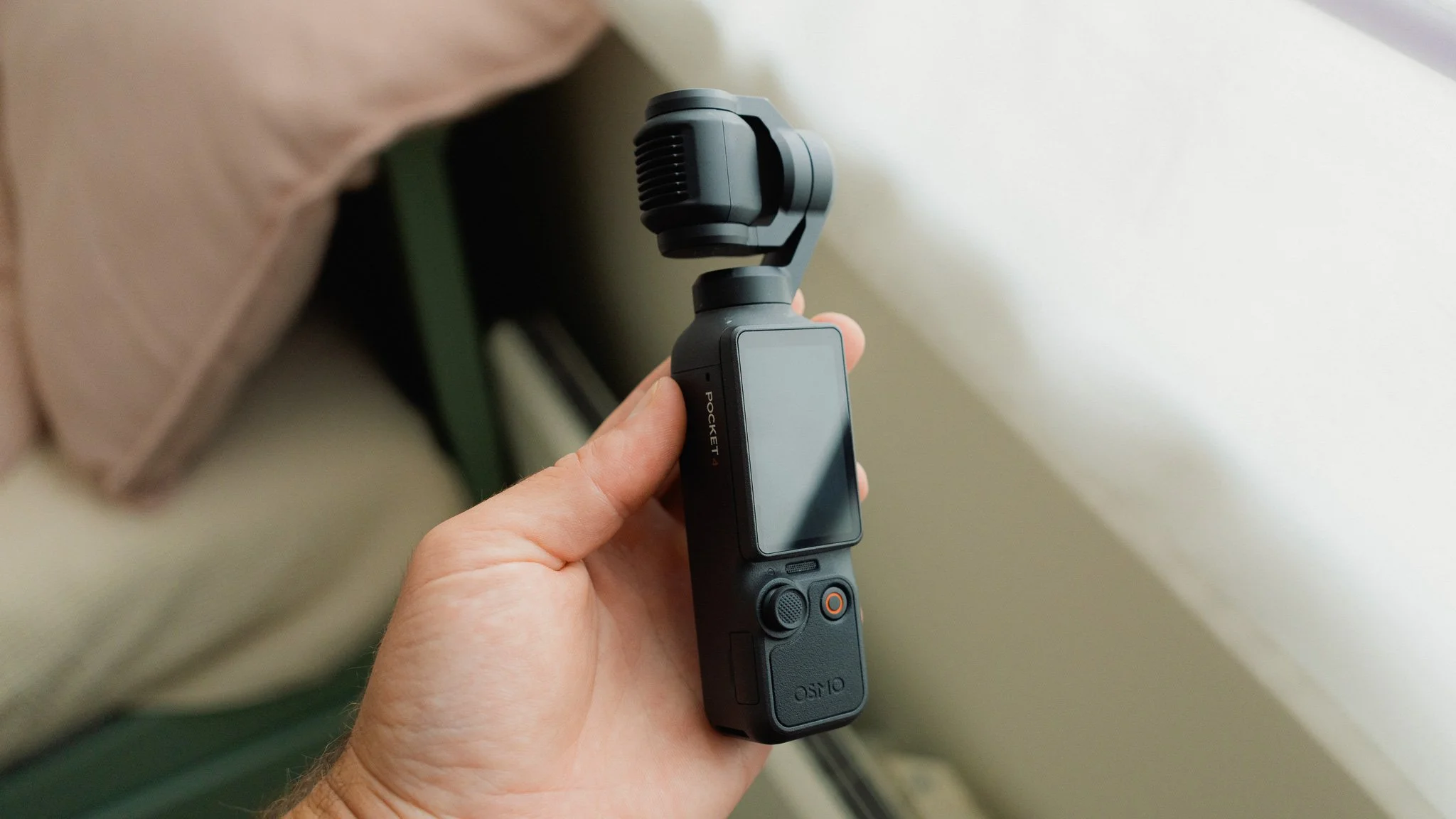
Let’s address the most obvious question first: if you already have the Pocket 3, do you need to upgrade to the Pocket 4? The short answer is no. Unless you specifically want D-Log instead of D-Log M for slightly more dynamic range, there isn’t much reason to upgrade. Equally, if you want the latest tracking algorithms, the Pocket 4 can offer that. Unless you do extensive colour grading or rely on tracking features for the bulk of your work, the upgrade isn’t worth it. The rest of the camera is largely identical to the Pocket 3.
Build and Handling
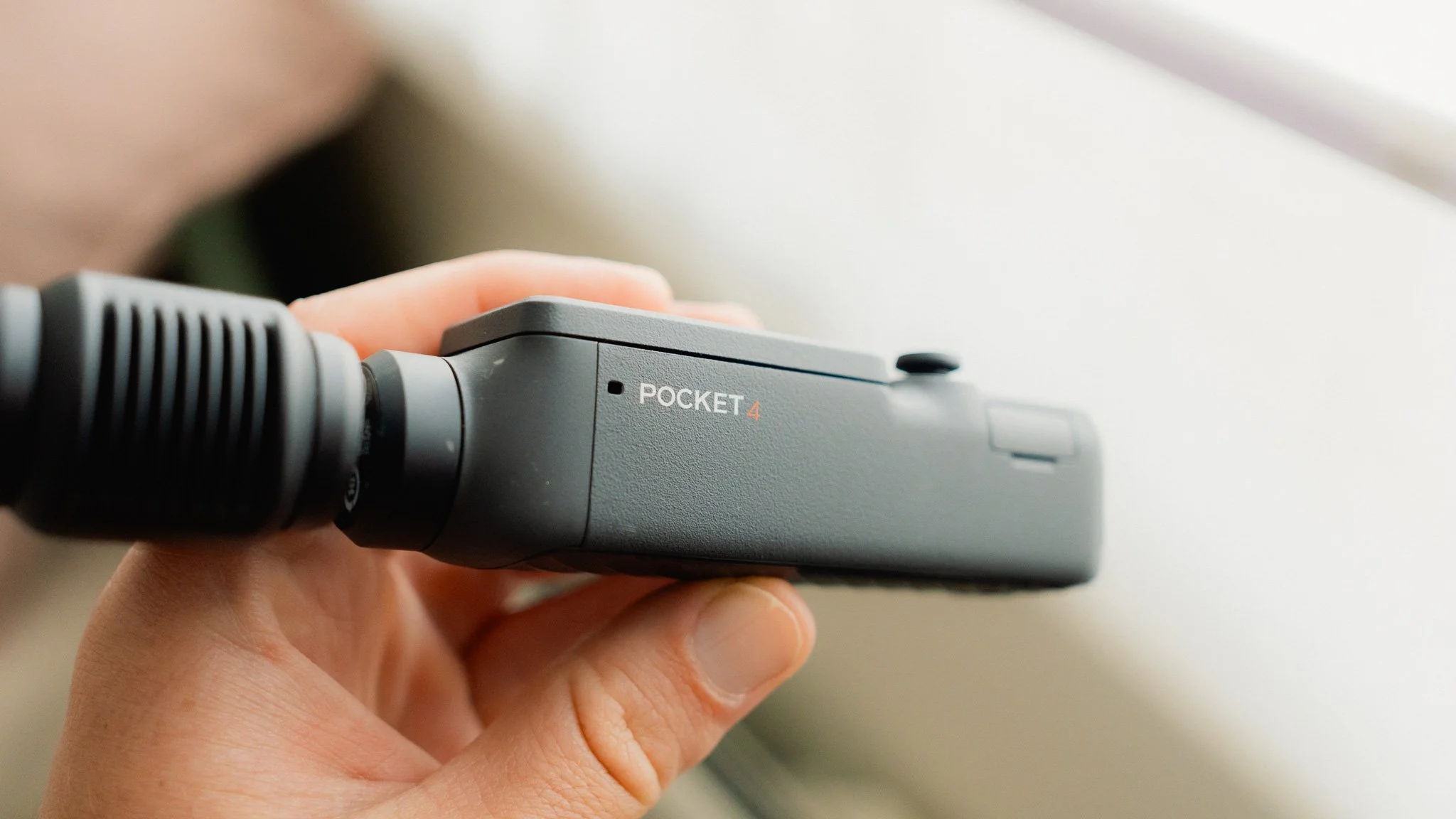
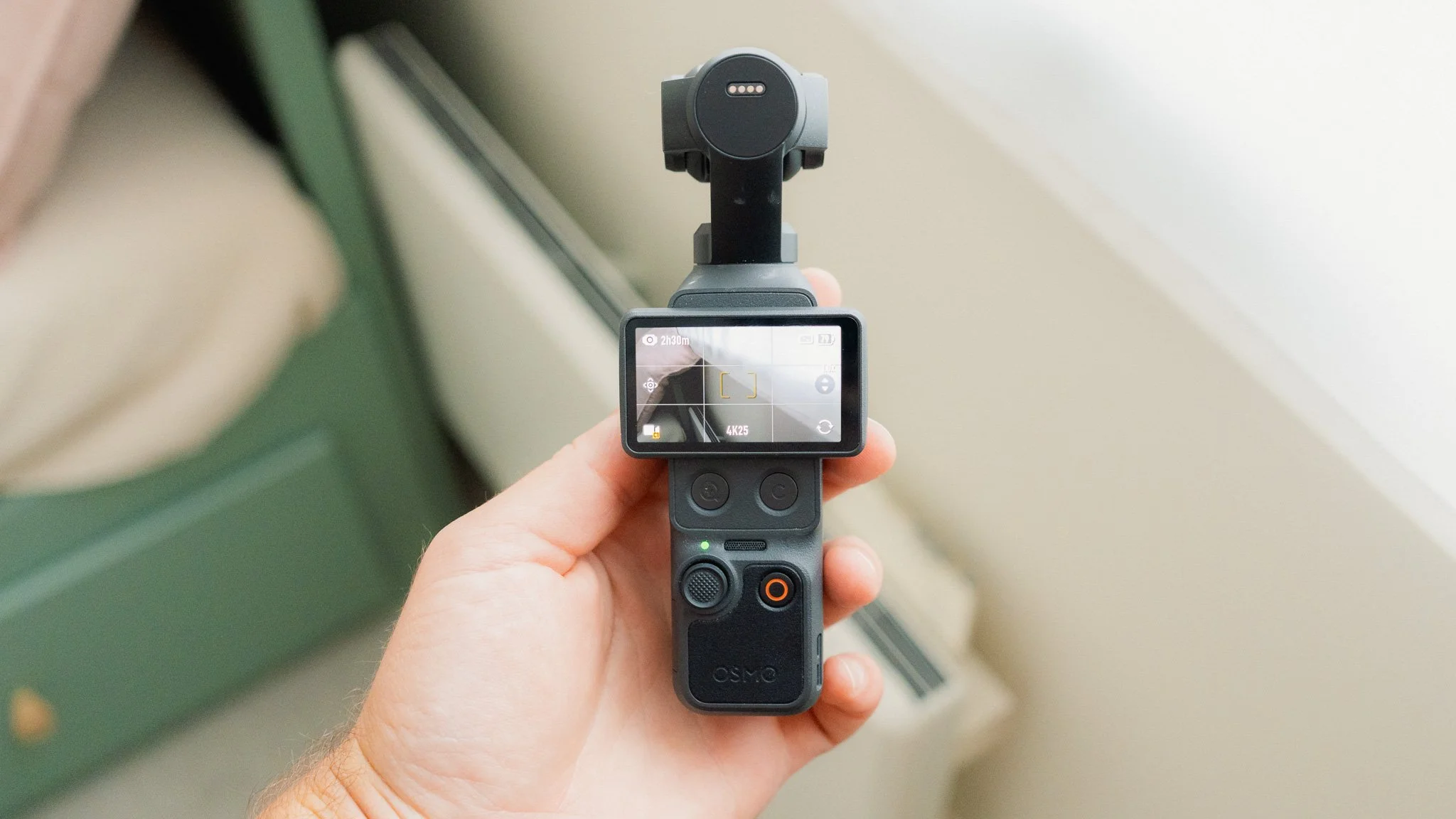
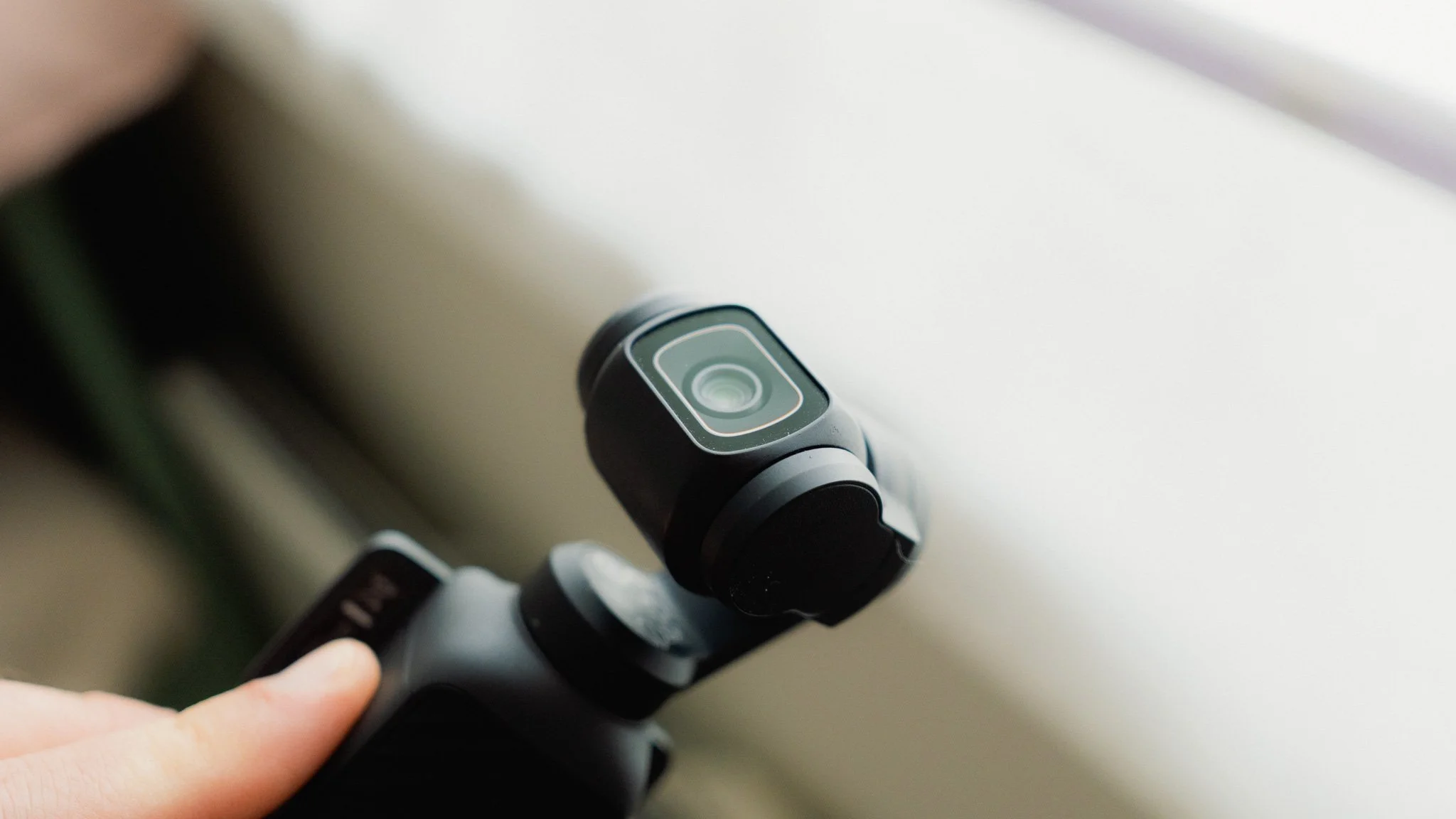
Externally, the Pocket 4 is almost identical to the older model. It’s still made from the same hard-wearing plastic, and while it can pick up surface scratches, it feels very solid in the hand. The most noticeable change is the addition of two new buttons. One controls the zoom, which we’ll cover later, while the other is a custom button. The custom button can be programmed to perform several different tasks, from activating specific recording modes to locking the gimbal. Initially, I didn’t think much of these buttons, but as time went on, I found myself using them more and more.
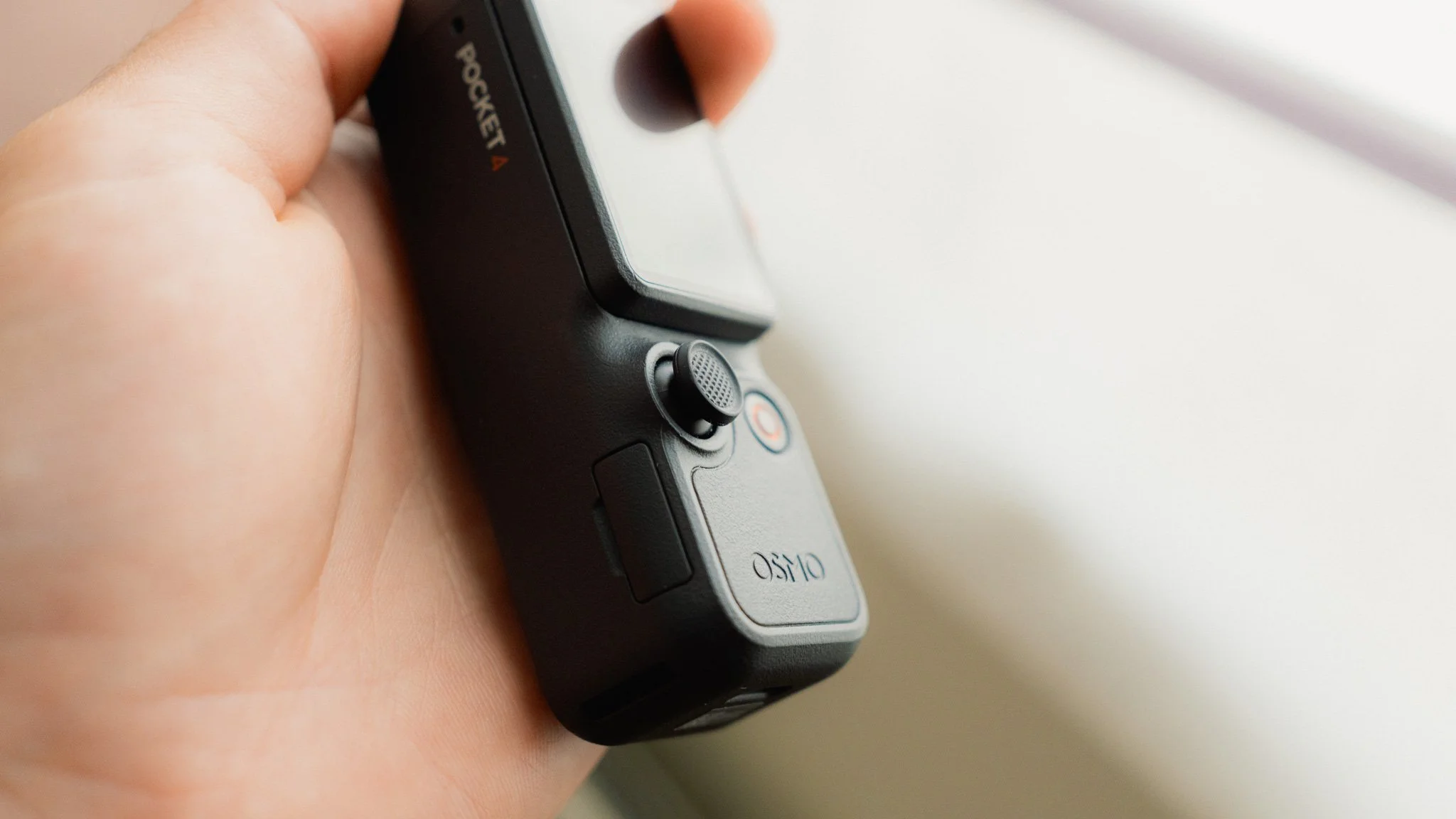
Another change is the joystick. The new version is physically larger and offers more precise control. I’m neutral on this change. While it allows for finer control over the gimbal, it’s also very sensitive, meaning you need to pay close attention when using it. In most situations, when I need to move the gimbal, I need to move it quickly, so I haven’t taken much advantage of that extra precision.
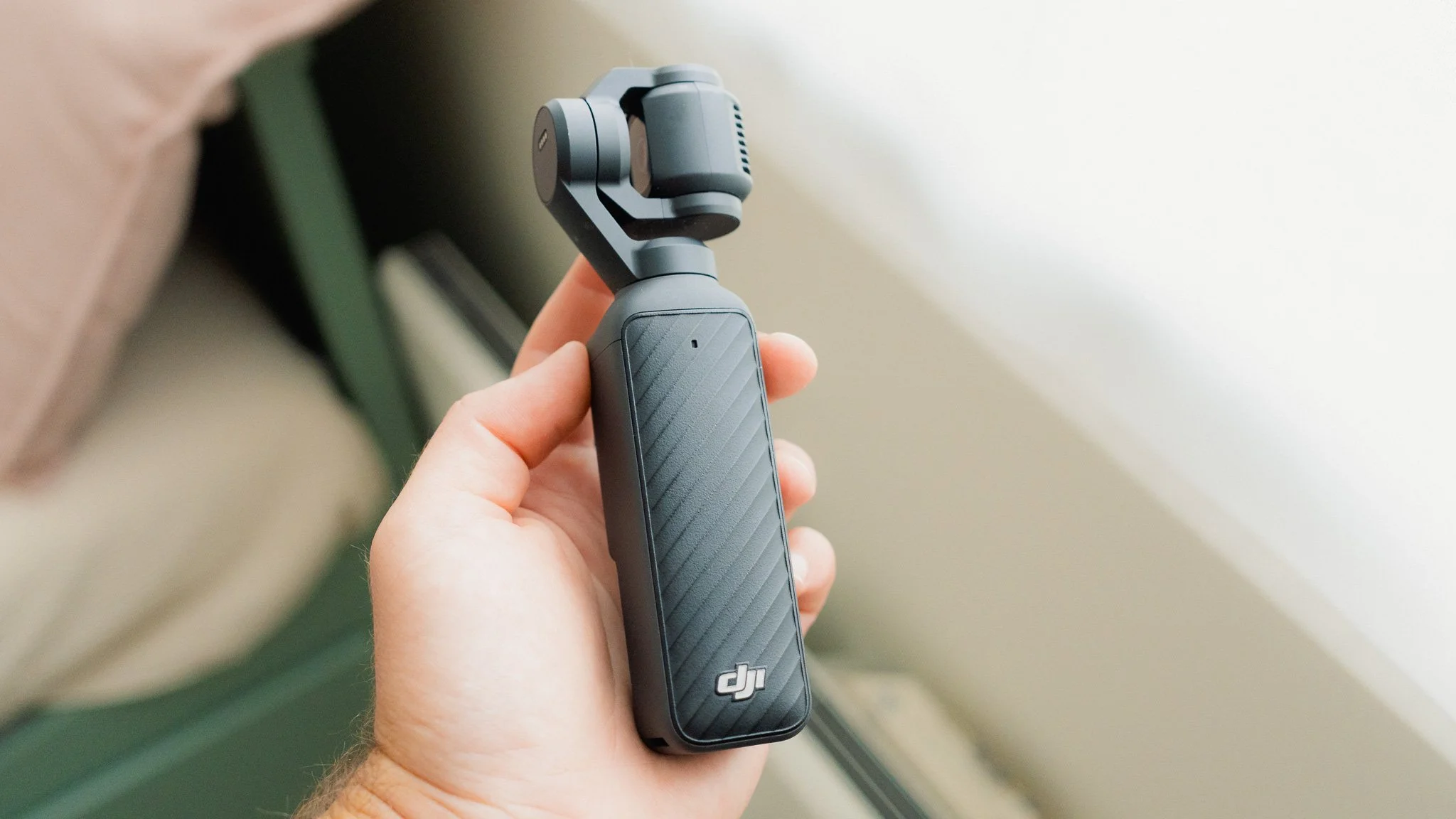
My biggest criticism of this camera still stands: it’s fragile. Drop it once and it’s toast. This isn’t a camera for people who want to throw it into a bag without worrying about it or hand it to their children to run around with. As with the previous model, there is no weather sealing whatsoever, although at least the SD card slot now has a cover.
Performance
The Pocket 4 feels much the same as the older model. It’s responsive most of the time, offers great battery life, and has been reliable so far. One area where I noticed a significant improvement is data transfer speed when using a Thunderbolt cable. Thanks to the addition of internal storage, files transfer at lightning speed, and the difference is very noticeable. The tracking modes also seem a little stickier, but the Pocket 3 was already excellent in this regard. It’s more of a refinement than a major leap, but that’s still a good thing.
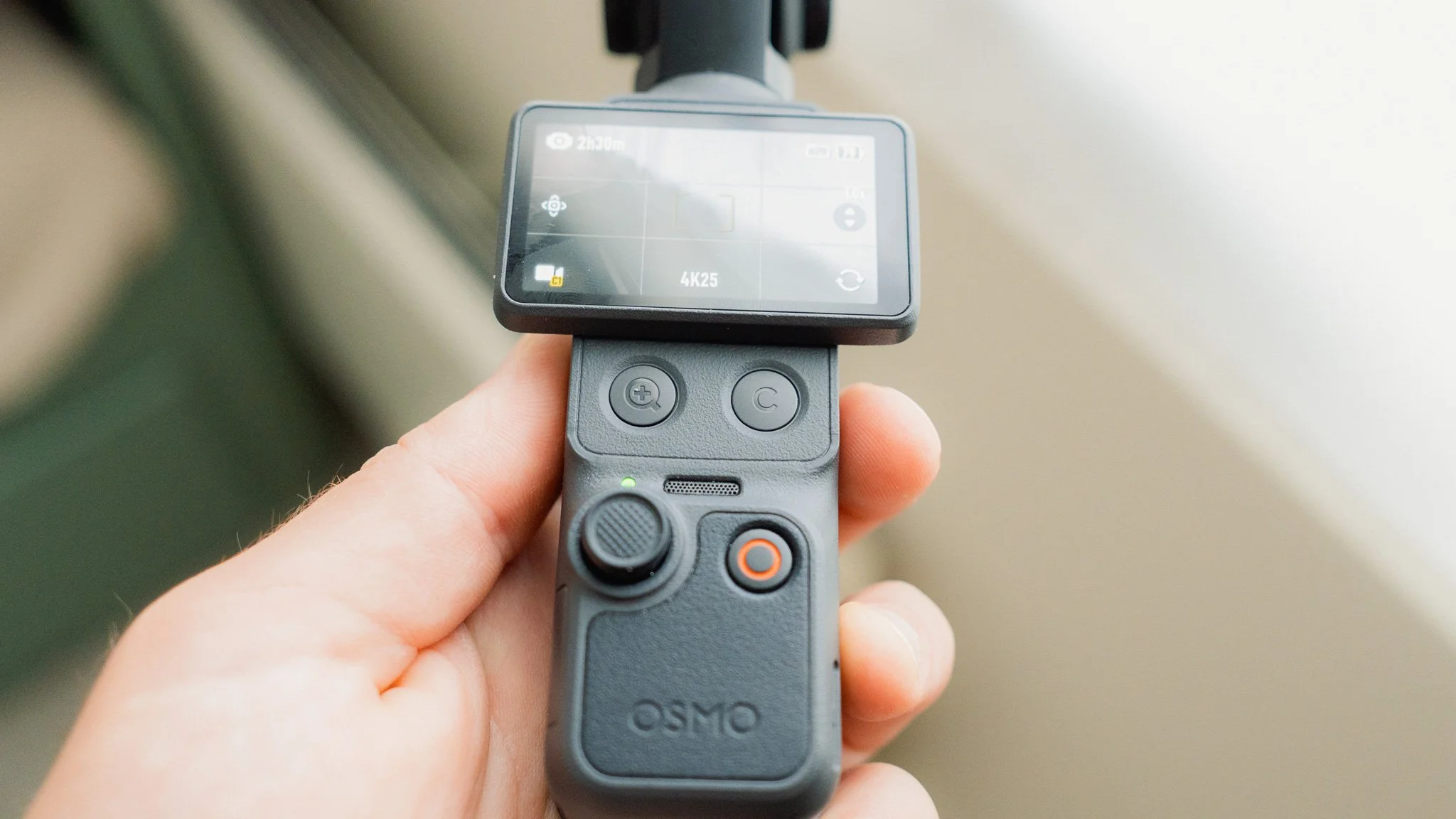
The microphones are still just as great as before, and while strong wind can still ruin the audio, in most cases the built in mic does an amazing job.
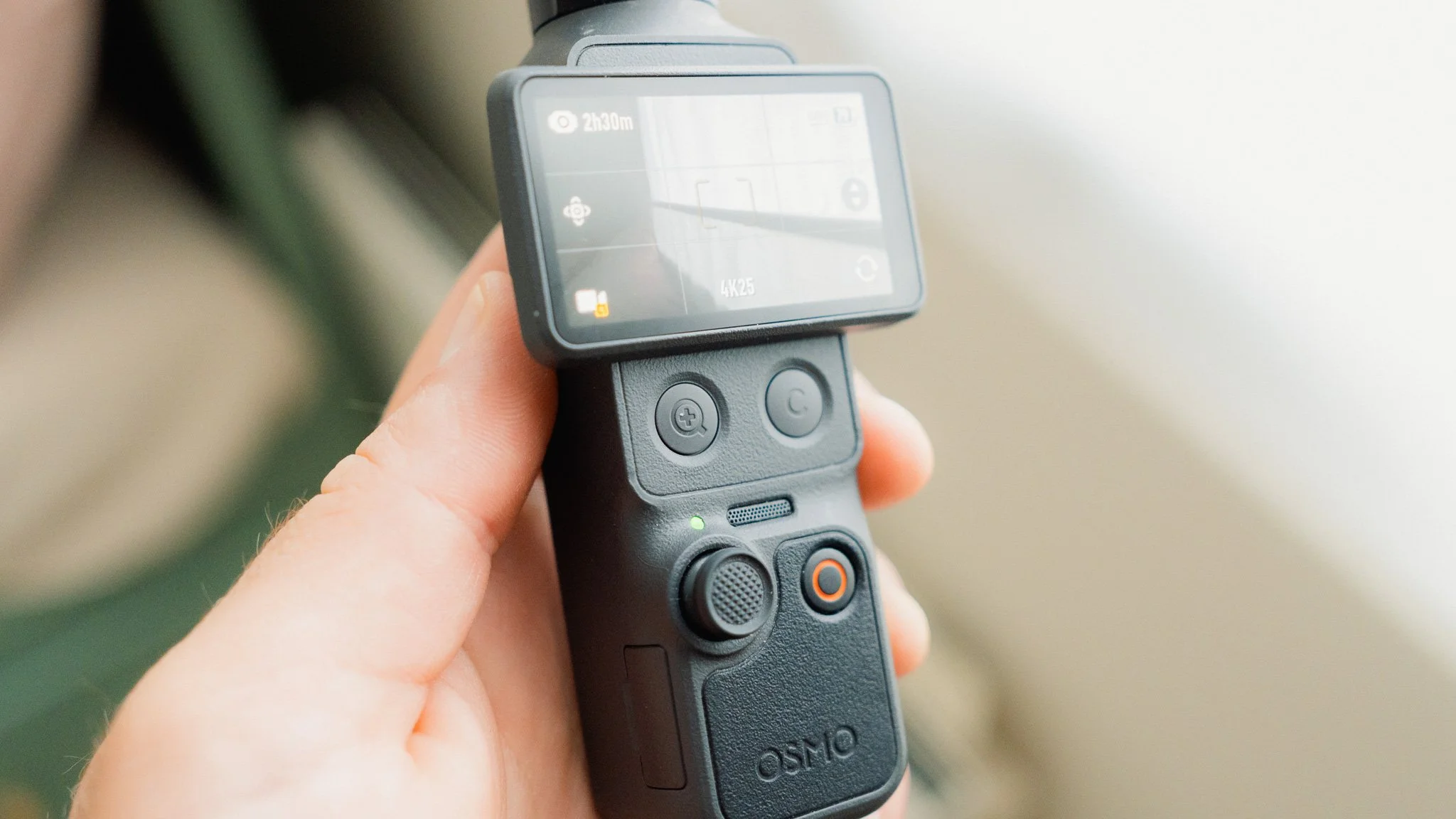
Image Quality
This is what most people will be upgrading for. You now have access to the full D-Log profile instead of the more basic D-Log M profile used by the Pocket 3 and the Action line of cameras. The full D-Log profile offers greater dynamic range and much more flexibility when colour grading. You also get a new and improved 1-inch sensor, which enables what DJI describes as “lossless” digital zoom. This is what the new zoom button is for. In theory, you should now have a completely lossless 2x zoom. While the quality is excellent and perfectly usable, I can’t agree that it’s entirely lossless. There is a definite reduction in quality, however small. That said, it still looks amazing, and I use the feature all the time.
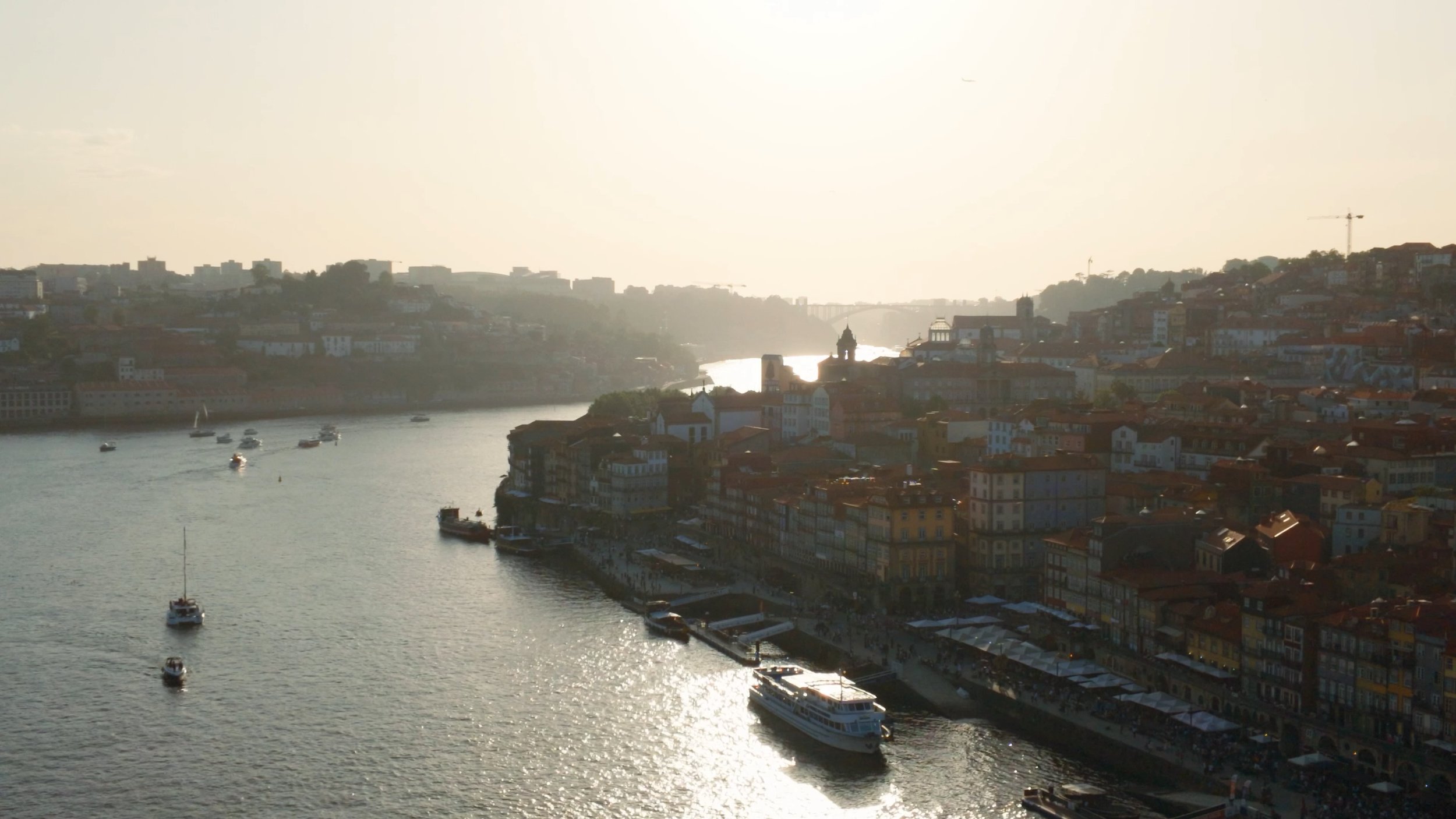
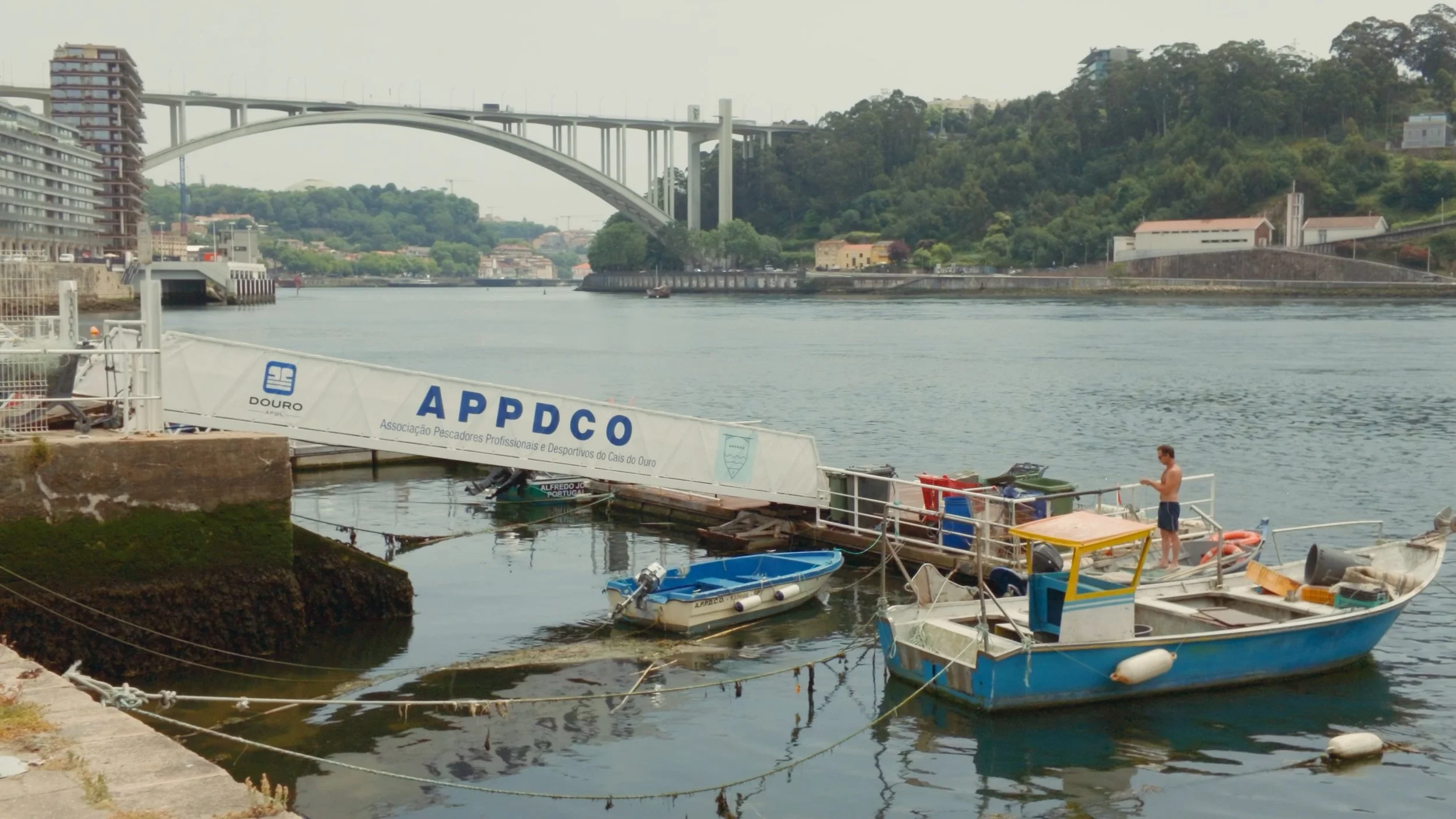
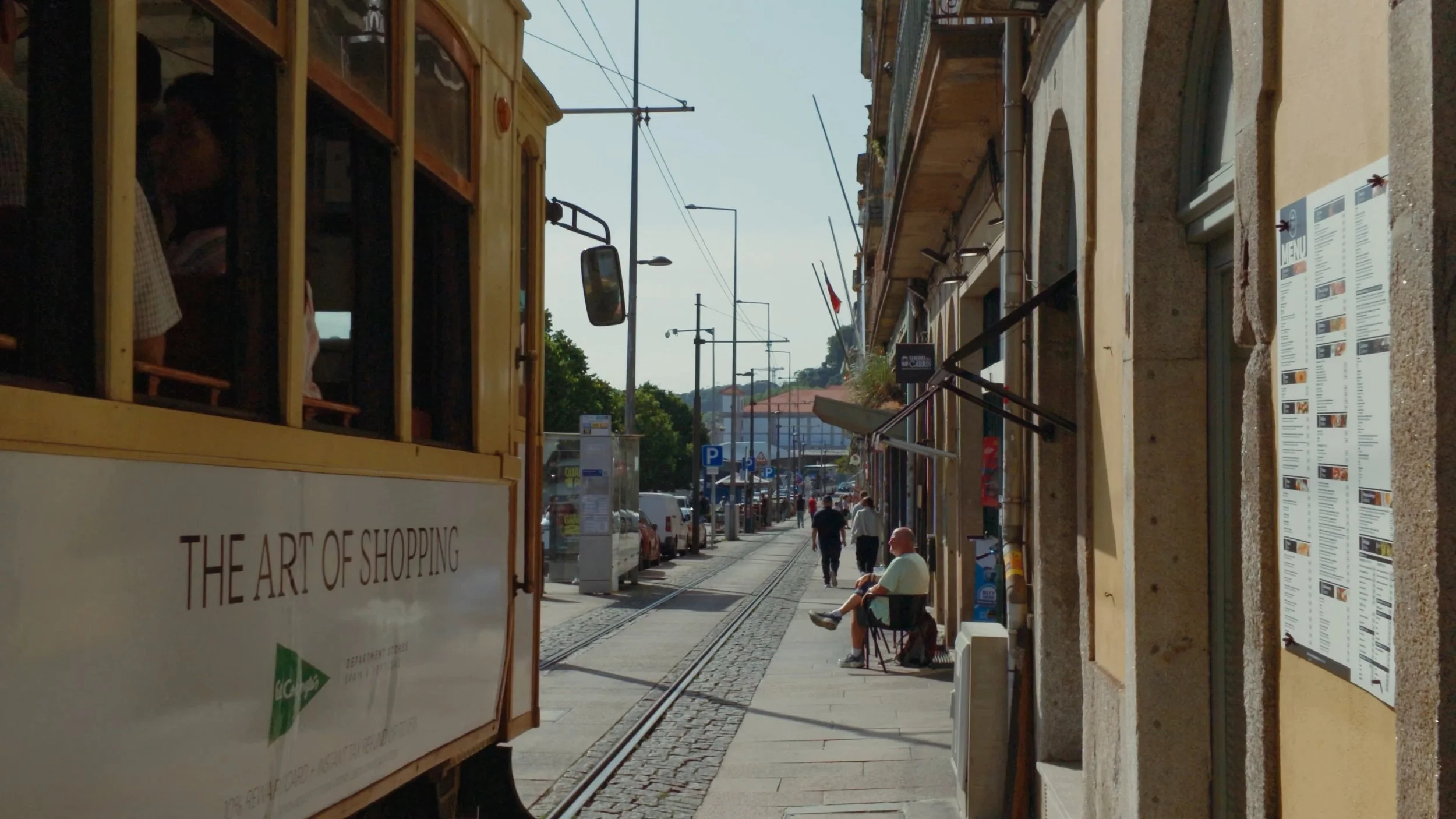
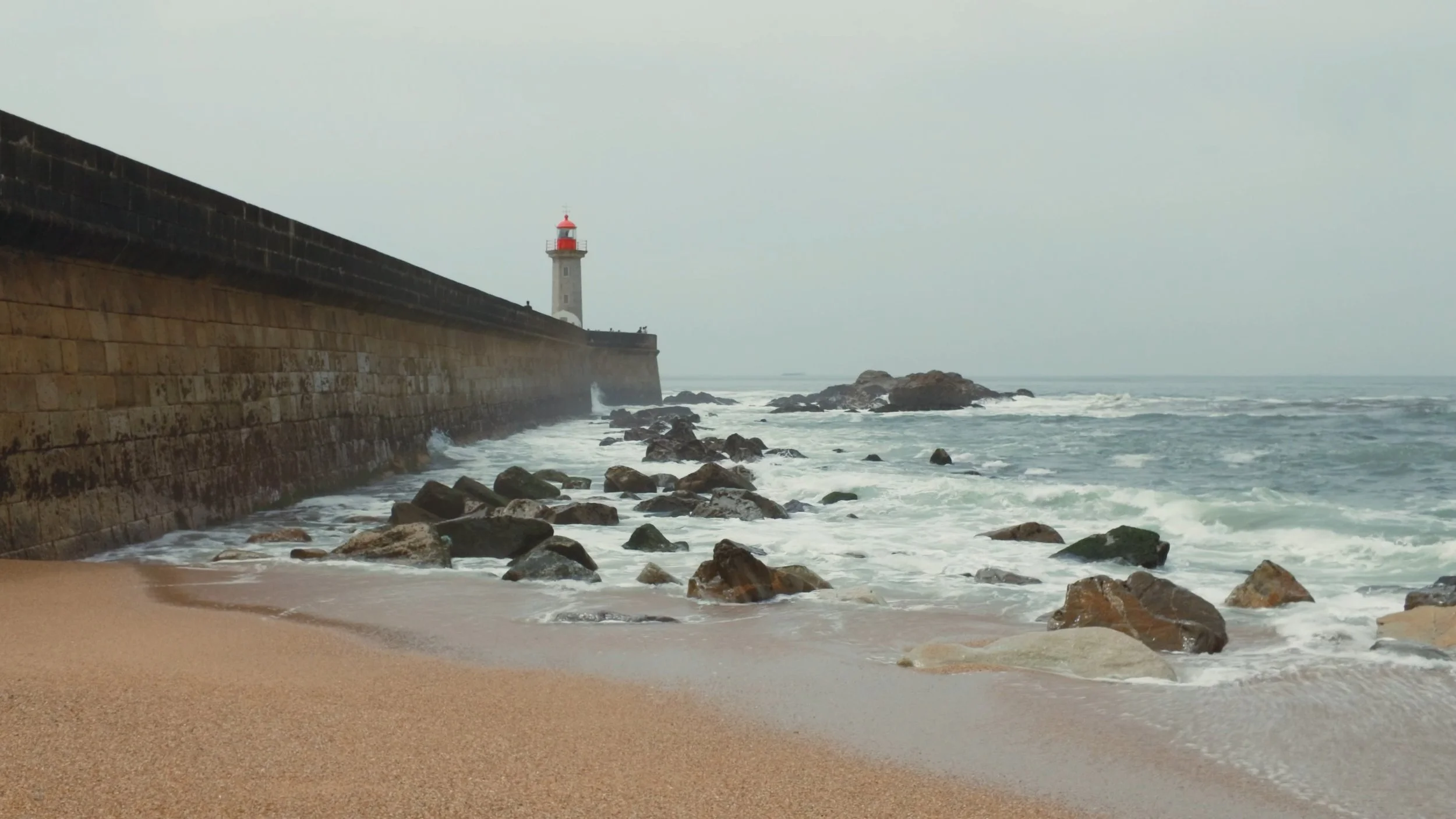
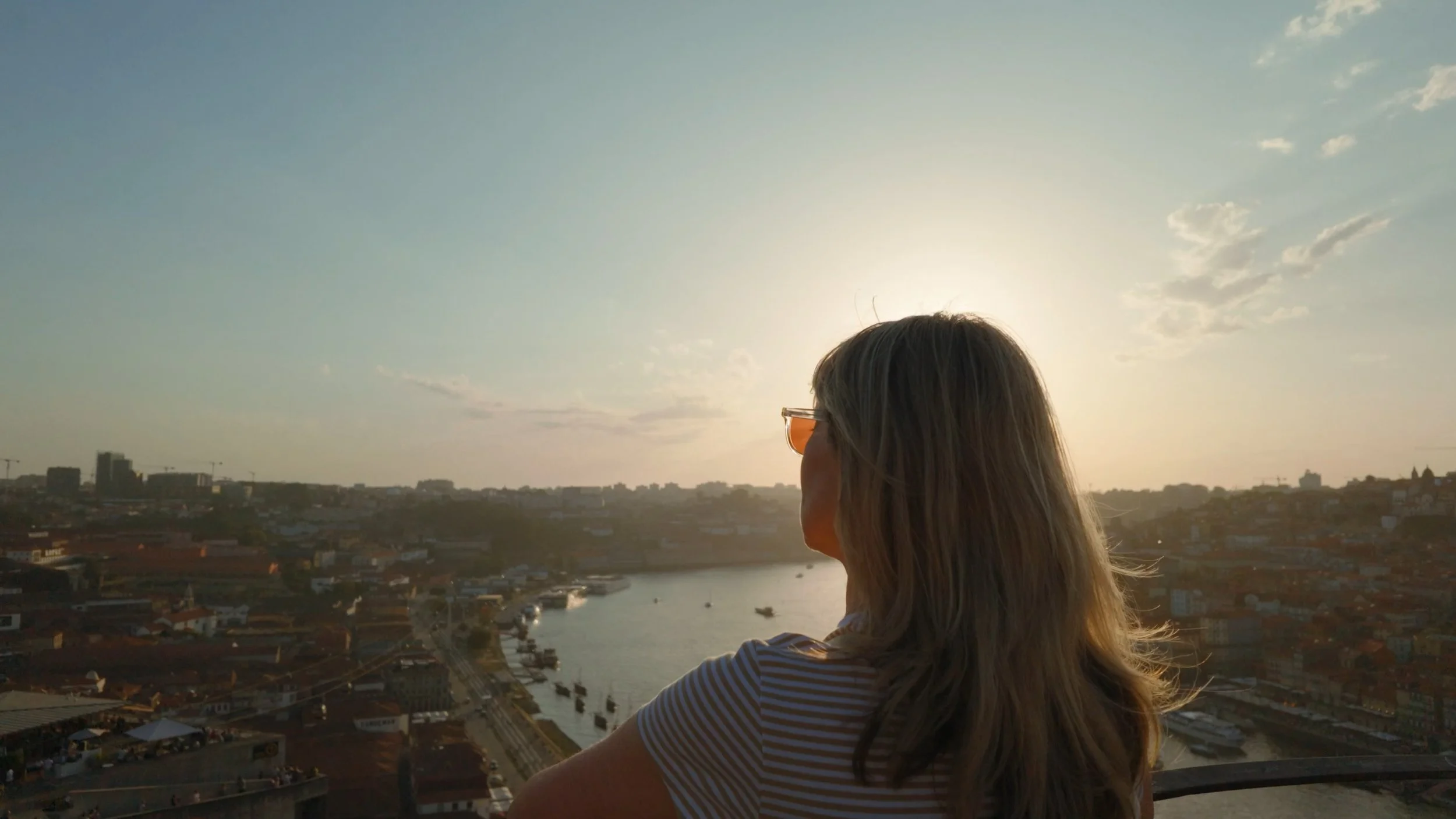
Once colour-graded, the footage looks outstanding. While it isn’t on the same level as footage from a traditional mirrorless camera, it has certainly closed the gap a little. You can’t compare it with a smartphone either, as the Pocket 4 is way ahead.
Annoyances
The same minor annoyances I had with the Pocket 3 also apply here. The gimbal can drift from time to time, and there can sometimes be a delay between flipping the screen and the camera turning on. You also still get annoying notifications that take up half of the display. If you’re in a car, plane, or train, the gimbal can occasionally have a mind of its own. Some of the older camera’s annoyances have been addressed, however, including less reliable face tracking and limited exposure control.
Summary
Overall, this is a great camera for a niche audience. It’s very much aimed at people who take video seriously and create online content, whether for fun or for work.
The Pocket 4 has all the features a content creator might need and, in the right hands, can produce outstanding videos. However, as impressive as it is, the camera remains very fragile. That rules it out for many scenarios in my case, including certain types of travel and handing it to children.
I like this camera, and I’ll continue using it for my specific purpose of making YouTube videos. However, for most people, I would recommend the Action 6 instead.


















Instead of telling you how these will change your life, I would rather be practical and answer the most common questions that people tend to have when buying presets.
What are presets?
They are editing settings that are saved in a file and can be applied to any image.
Why do people buy presets?
Sometimes because they like the work of the photographer and want that style for their own photos. Mostly because they would like to see how other people edit and learn by reverse engineering the presets. Other times it’s just to support their favourite photographers, thank you!
What’s the overall style of these presets?
- Filmic
- Warm
- Soft
- Bright
What are these presets suitable for?
Street & Travel Photography
Some Nature (with further editing)
Some Portraits (with extensive editing)
Do I actually use these?
Yes. This is the same pack I use right now for all my editing. This isn’t a pack made just to sell.
Do these presets get updated?
Yes, as my style changes, these presets will also be updated. Any time a new update is available, you will get a free update via email. Of course you also keep all the old presets in case you prefer the older looks. Only presets purchased from 2025 onwards will receive the updates.
What file types are these presets for?
- All RAW files
- JPEGs & TIFFs (not recommended)
What camera brands are these presets for?
These were designed around Fujifilm, Sony, and Leica sensors. With that said, they will work with all camera brands. While there might be differences due to individual camera colour science, the overall feel of the preset will carry over.
Will these work with JPEG files?
Yes, but you will need to reduce the intensity and make further edits. I strongly recommend editing RAW files.
Are these one click edits?
95% No. You would need to do some basic adjustments as each image is different. These adjustments can include exposure, colour balance etc. In 5% of cases you can just apply and leave it alone.
Do I need to know how to edit?
You need to have a basic understanding of adjusting exposure, highlights, shadows, etc. A more comprehensive editing skillset will let you get the most out of them.
How many presets are included?
10 in the main pack and 24 in the extras pack
Why two packs?
The main pack is what I use for 99% of my edits and is kept small to reduce wasted time scrolling through presets. The extras pack is everything I don’t use often.
What software do I need?
These presets will work with any of the following:
- Photoshop (adobe camera raw)
- Lightroom Classic
- Lightroom Desktop
- Lightroom Mobile
Will these presets work with free versions of the above software?
You need to research and double check before buying. These presets were designed for the full paid versions.
Will these presets work with very old versions of the above software?
You need to research and double check before buying. These presets were designed on and for the latest software.
What file type do I get?
XMP
What else do I get?
- Comprehensive PDF guide
Can I modify these and turn them into my own?
Yes! In fact I encourage you to modify them and play around. Use these to help you get your own style.
I have more questions…. What do I do?
Make a cup of tea and drop me an email on hello@snapsbyfox.com
Please note that due to the nature of digital products, refunds are generally not accepted. However, if you experience any issues, feel free to contact me and I’ll review your situation individually. You are welcome to use this product for personal or commercial projects, but you may not copy, distribute, or resell the files in their original or modified form.
Finally I want to say a massive thank you for supporting me. Buying these presets is the most direct way you can support my work.
Thank you!