
DJI Action 6 Long Term Review
In this blog I will review the DJI Action 6 camera. I’ve owned it since release and have used it extensively for filming my travels and making YouTube videos. In this blog I will share my thoughts after putting it through its paces. For the record, I have no relationship with DJI, and this camera was purchased with my own money.
Context
This review is coming from someone who uses this camera for documenting travels, life, and making YouTube videos. I don’t jump out of planes, I don’t scuba dive to 10,000 meters, and I don’t push this camera to extreme physical limits. With that in mind, this review will only be relevant to people with a similar use case.
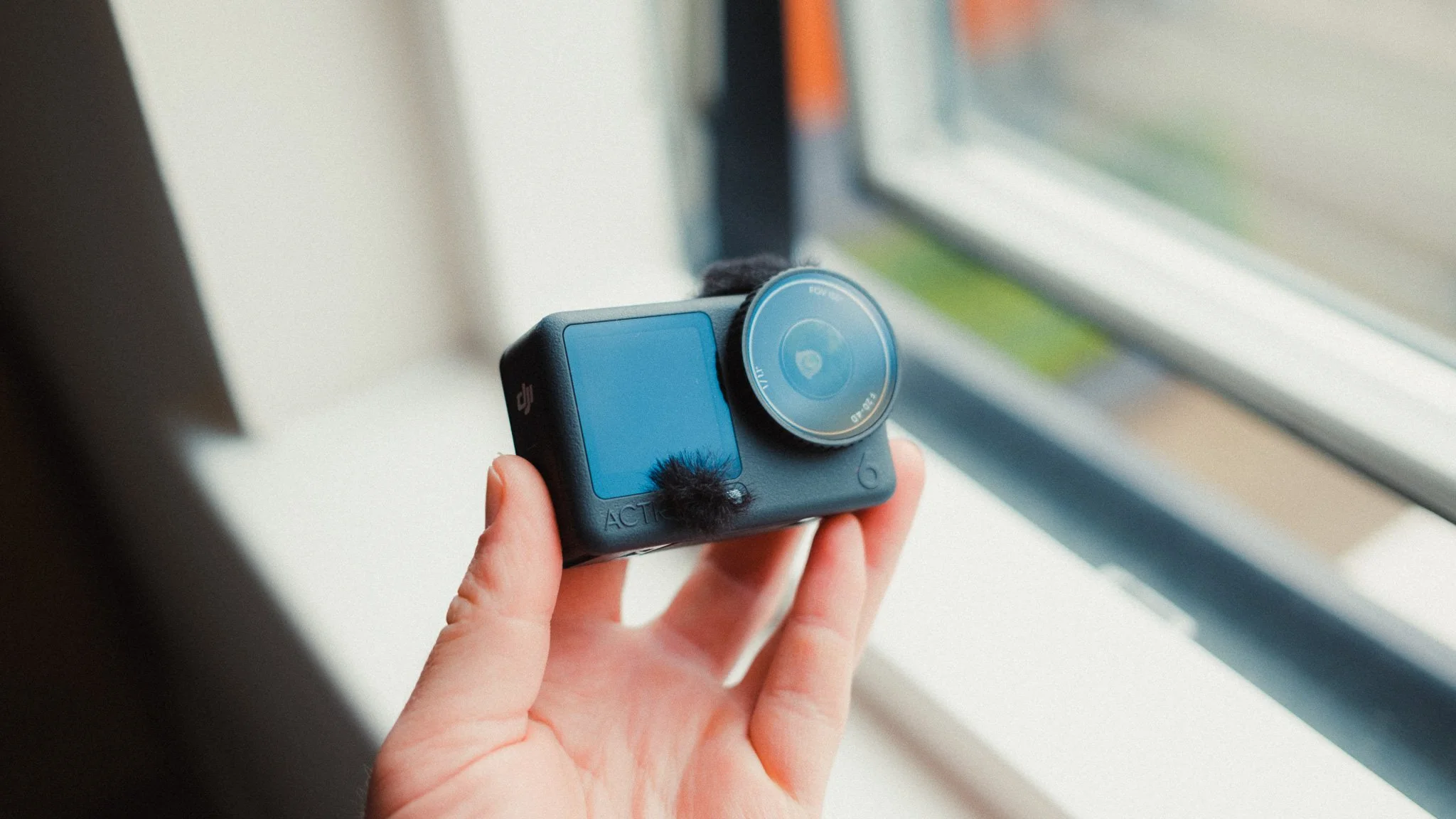
Noteworthy Features
There are a few noteworthy features worth mentioning. The first one is the 1:1 square sensor, which on paper sounds like a bit of a gimmick, but in practice it’s extremely valuable to a specific group of people while being utterly useless to another.
If you’re a content creator, or you make things in both vertical and horizontal formats, then this feature is a godsend. Recording in the 1:1 ratio means that you capture both horizontal and vertical footage at the same time. You then have the freedom to crop and adjust as you see fit in editing. Another great use case is being able to shoot horizontally while the camera is mounted vertically, or vice versa. This is useful for those who have specific mounting requirements.
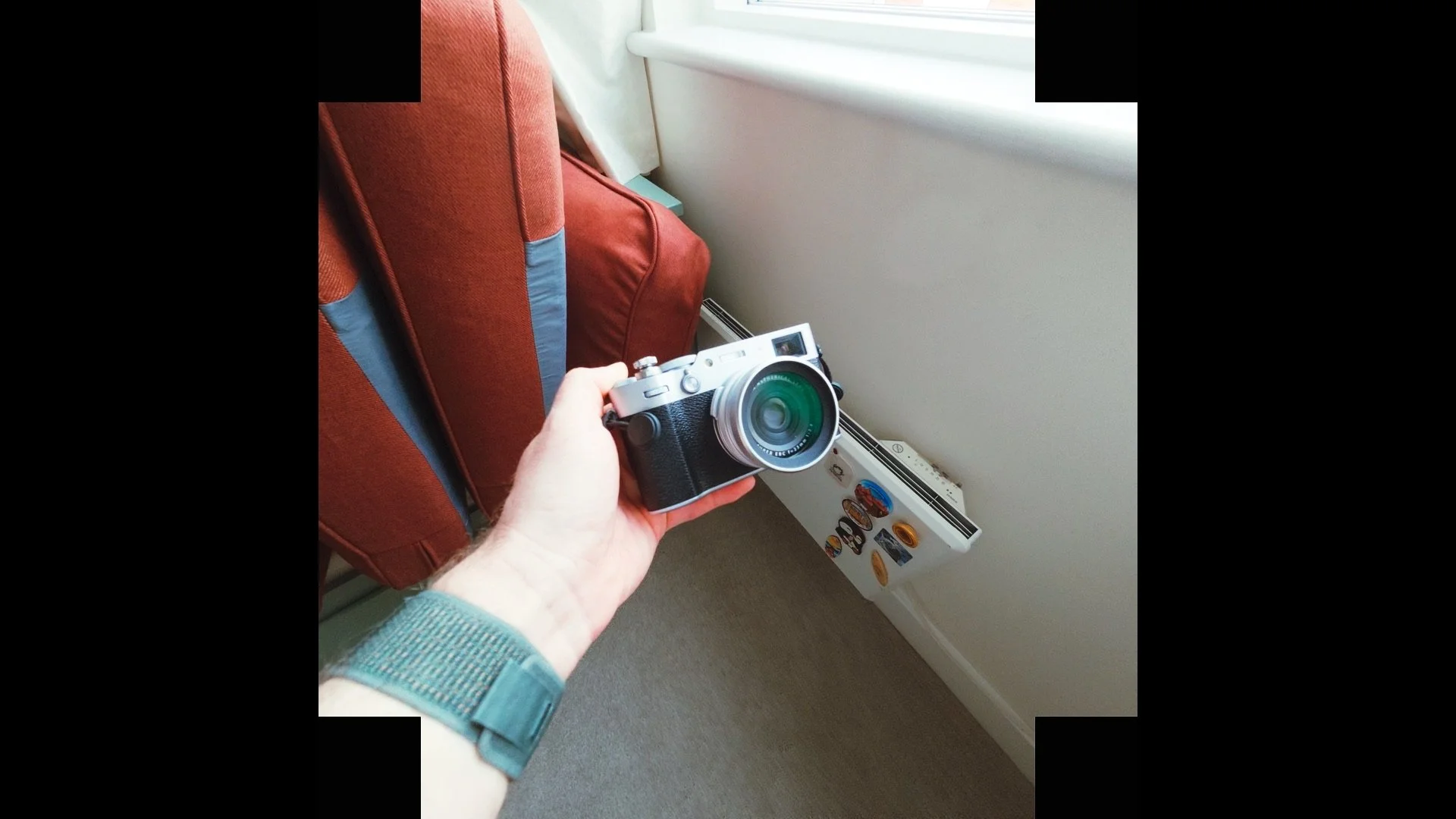
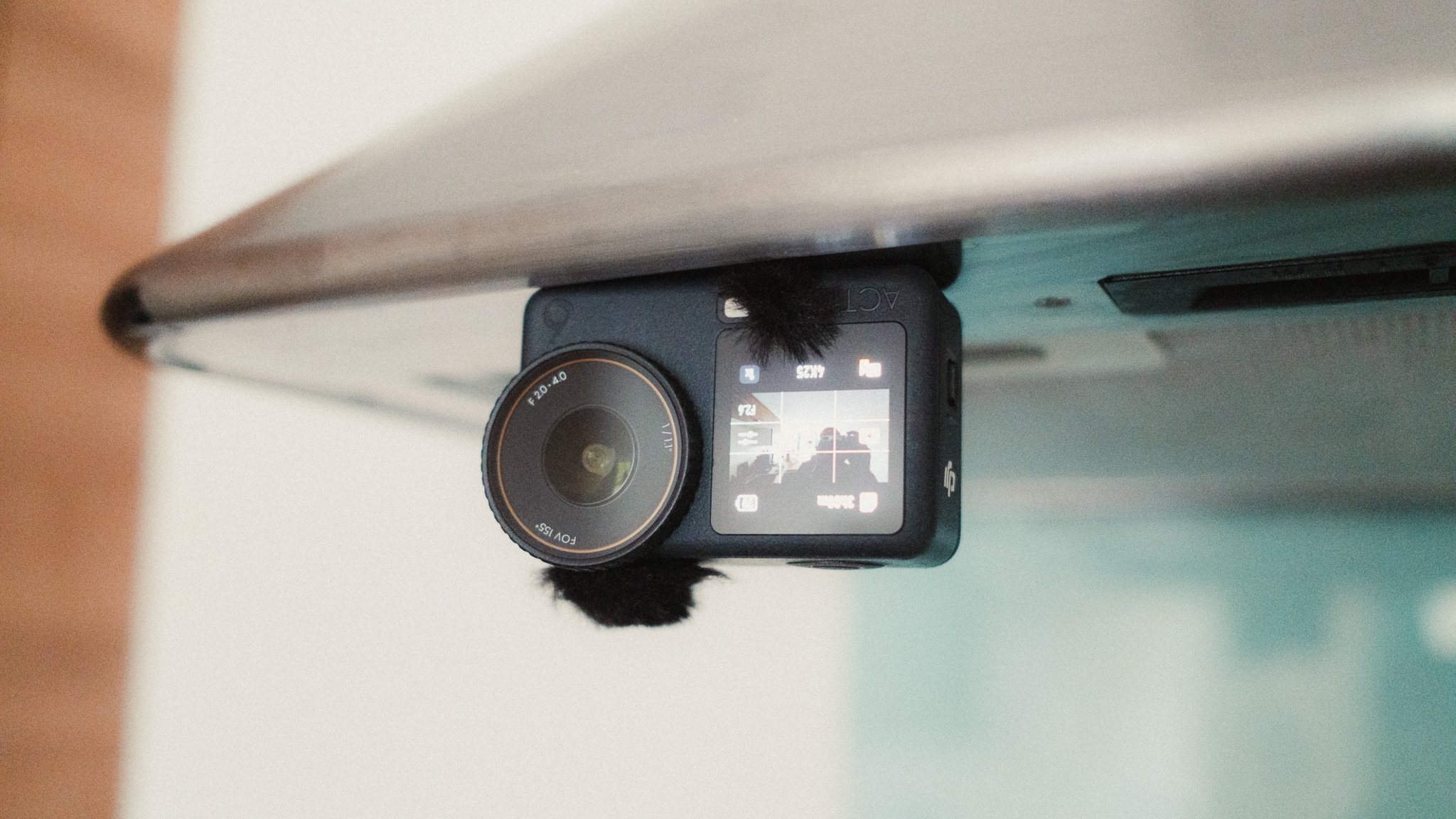
With that said, if you don’t care about making Instagram reels or mounting the camera at awkward angles, then this feature isn’t all that important.
The second interesting feature in the DJI Action 6 is the variable aperture lens, which can go from f2 to f4. While it sounds great on paper, in reality the only useful purpose for this is controlling how much light is entering the camera. It allows you to limit the light when shooting on bright sunny days and let more light in when shooting in low light. I wouldn’t say it’s a gimmick, as it does what it says on the tin. I would just say the use case is more about light control than depth of field.
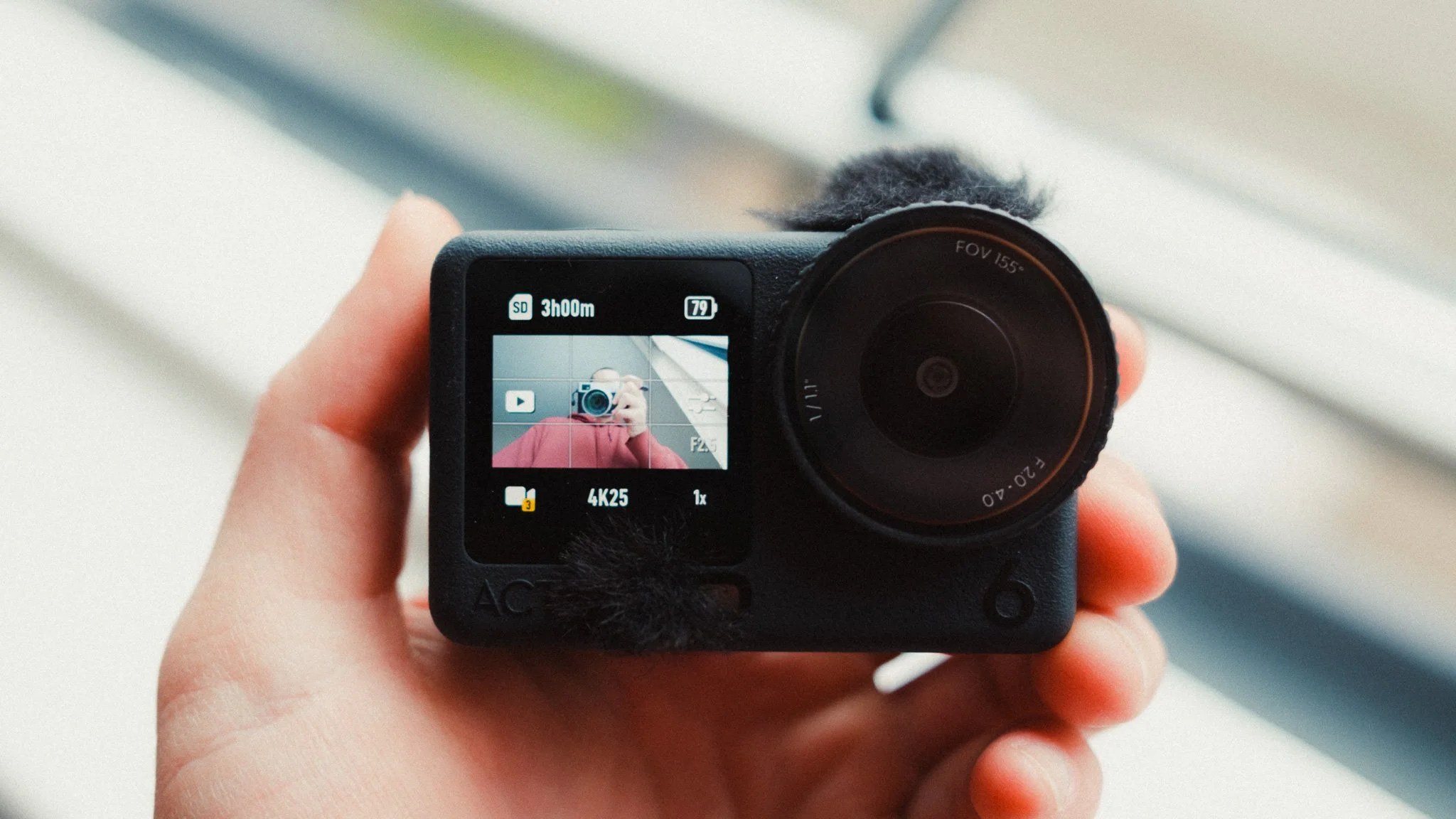
While both of these features are great, and I have personally used them often, I don’t think they are the sole reasons someone should choose this camera over the Action 5 for example.
Reliability & Quality
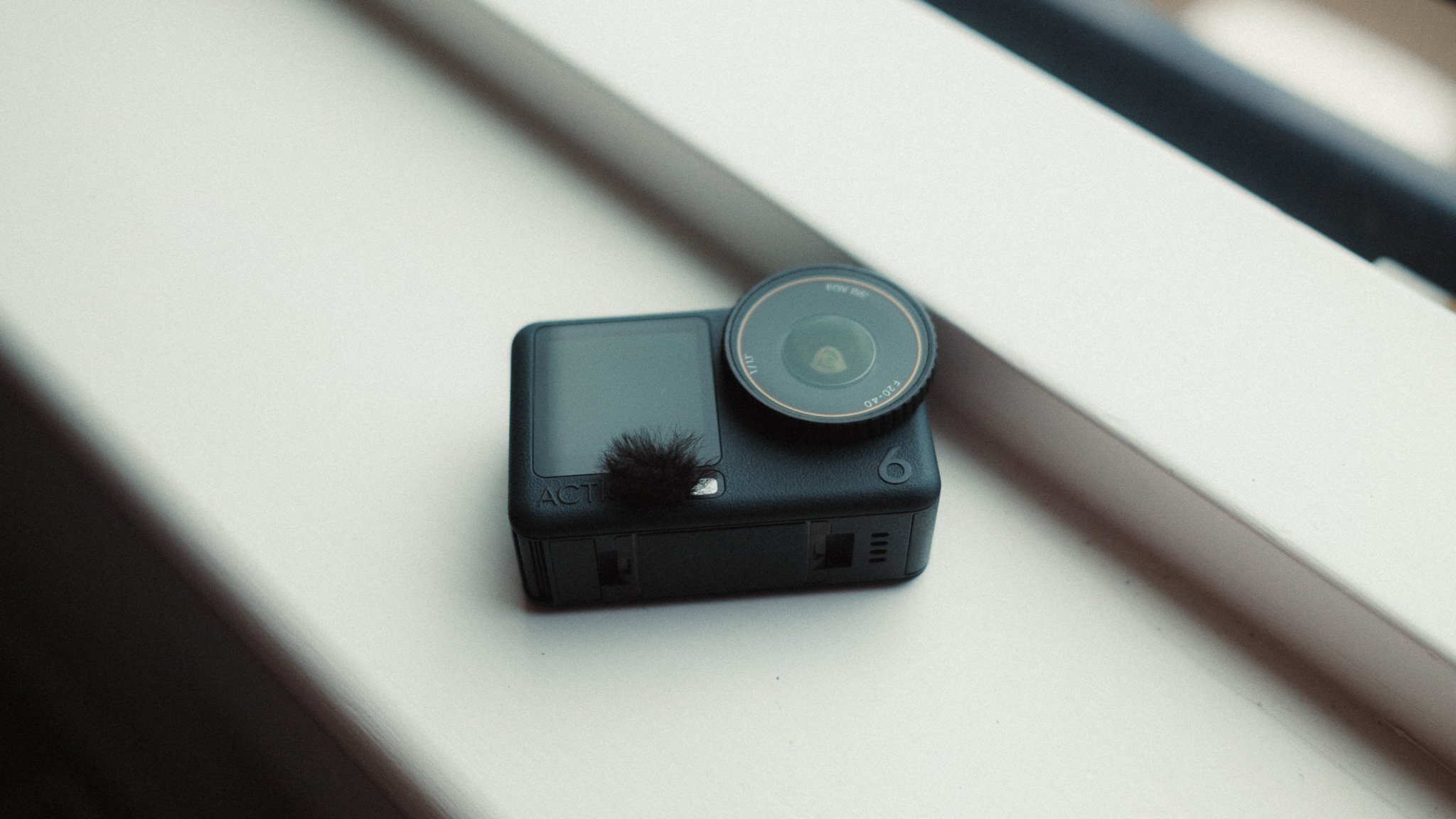
My Action 6 has had a very luxurious life, and aside from a brief snorkelling attempt it has never been exposed to anything that would remotely push it to its limits. With that said, in my time using it I’ve not experienced any freezes, bugs, corrupted files, or strange behaviour.
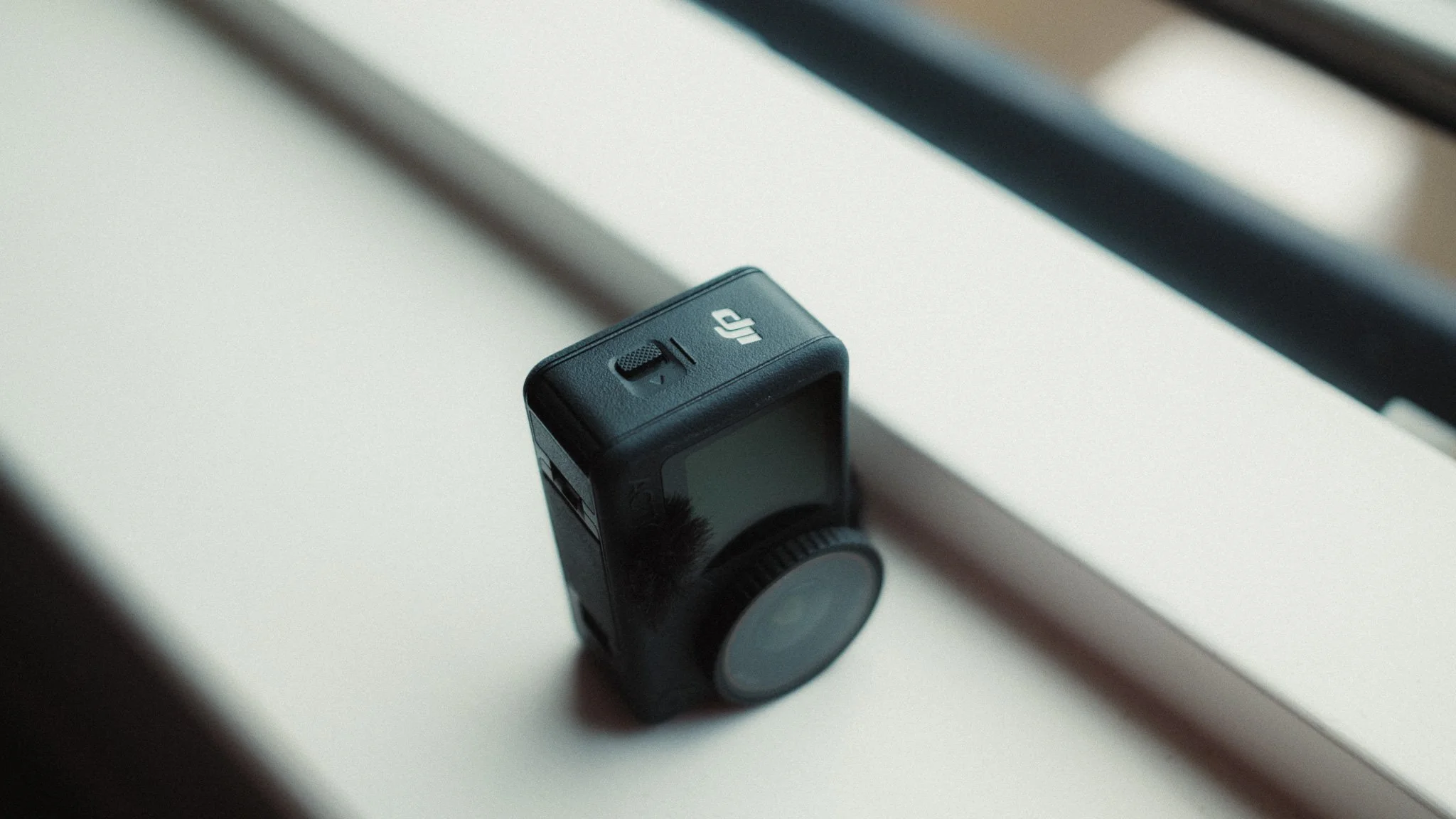
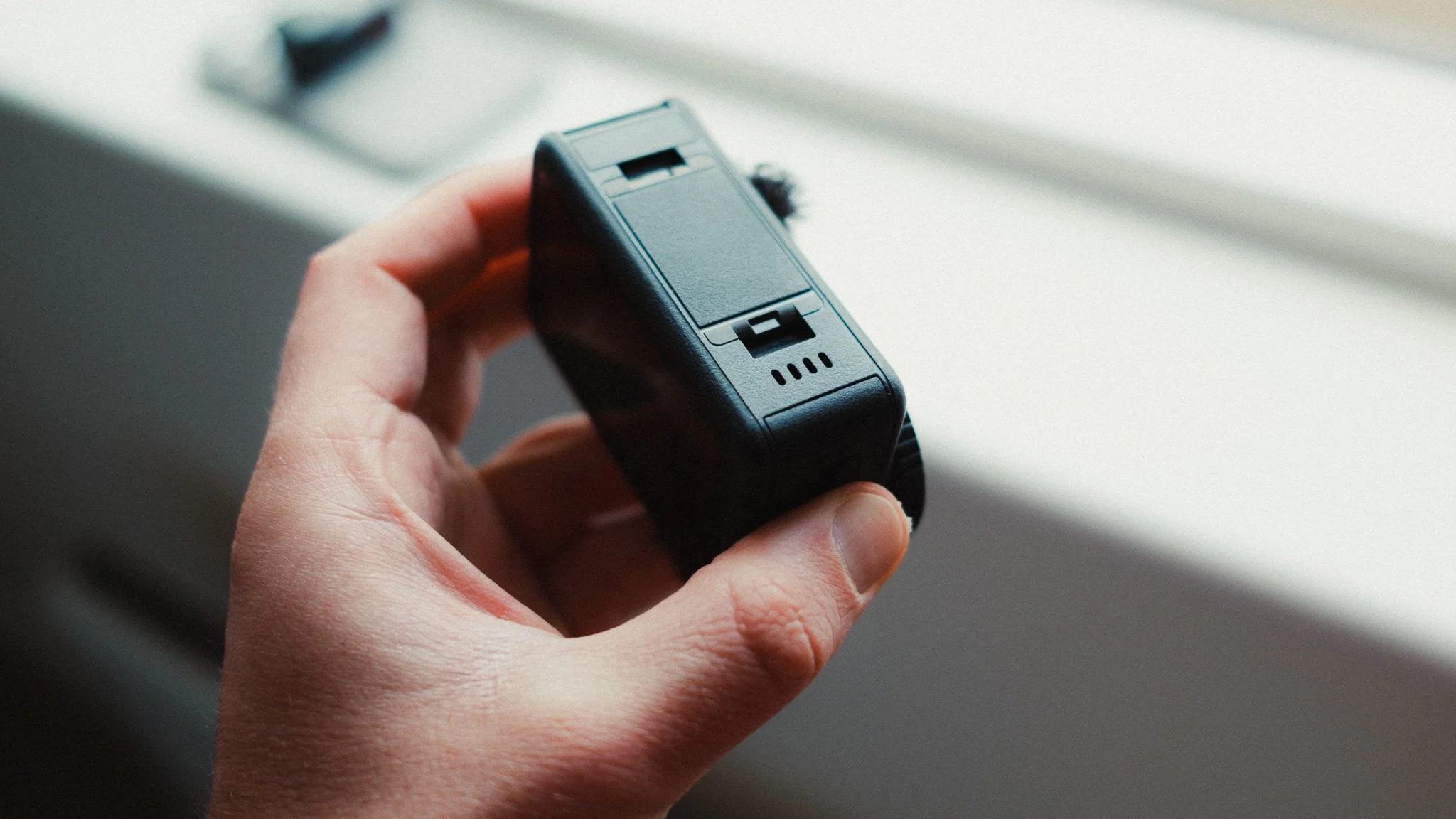
As for the build quality, I would definitely say that the Action 6 feels very premium and in my opinion a step above the previous cameras. It has a solid rubberised body that feels high quality and capable of withstanding most situations.
Usability & Ergonomics
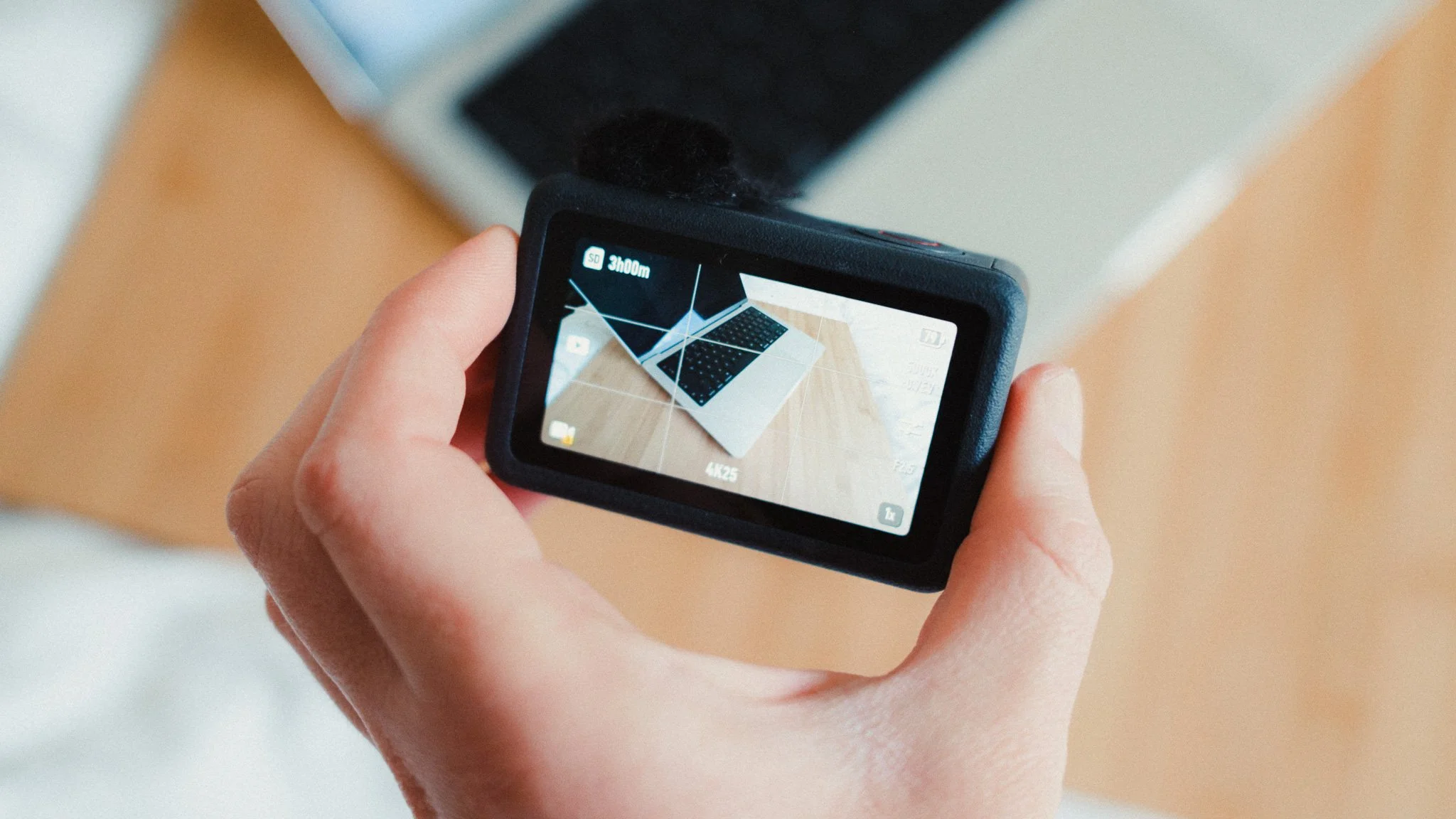
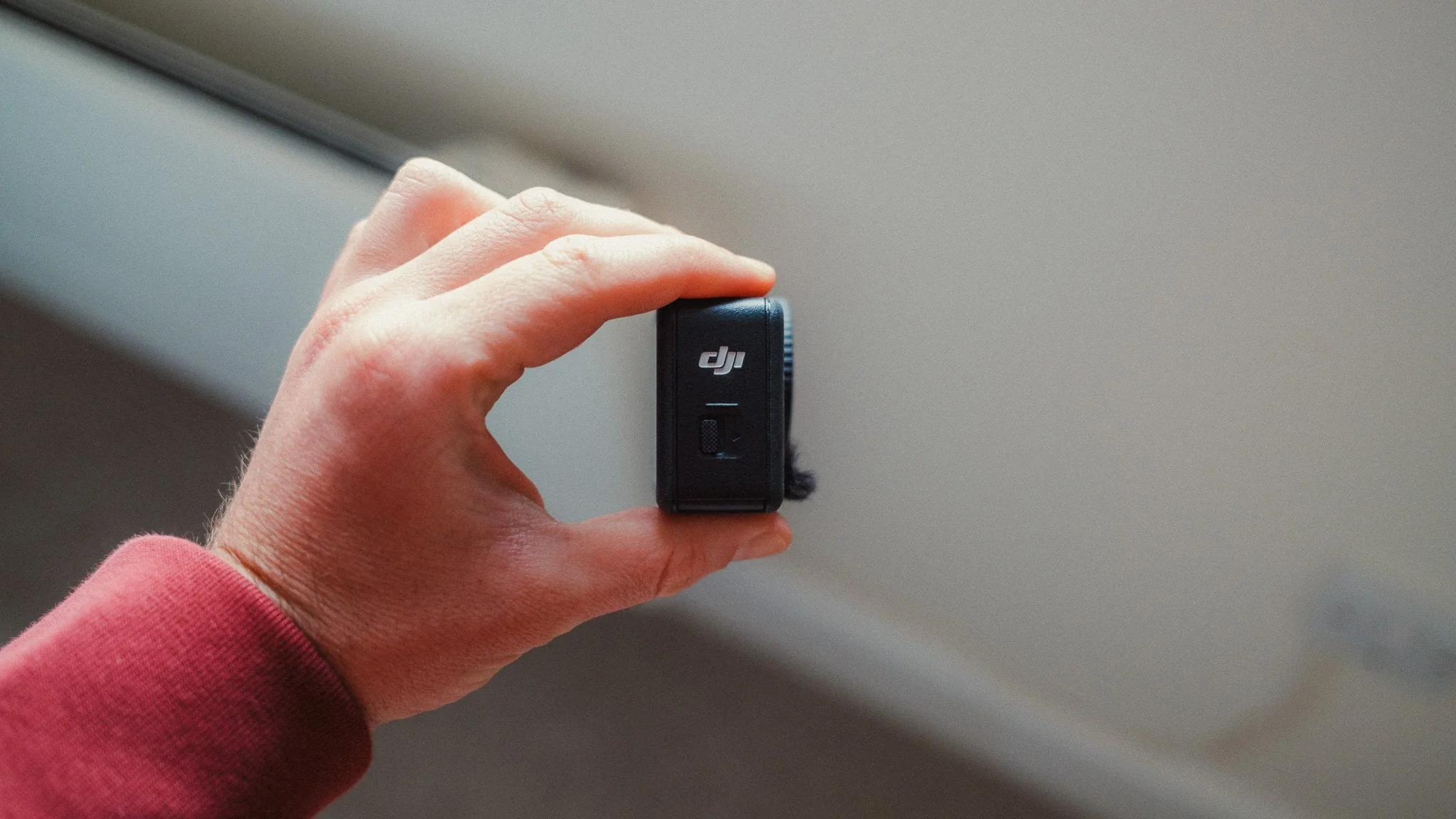
The Action 6 has gained some weight and size compared to the Action 5, which for some people is a downgrade while for others it isn’t an issue. If you’re used to body mounting the camera, then the 6 will feel ever so slightly bigger. Is this a push to get people to buy the new Osmo Nano? I don’t know, but one would not be crazy for thinking that.
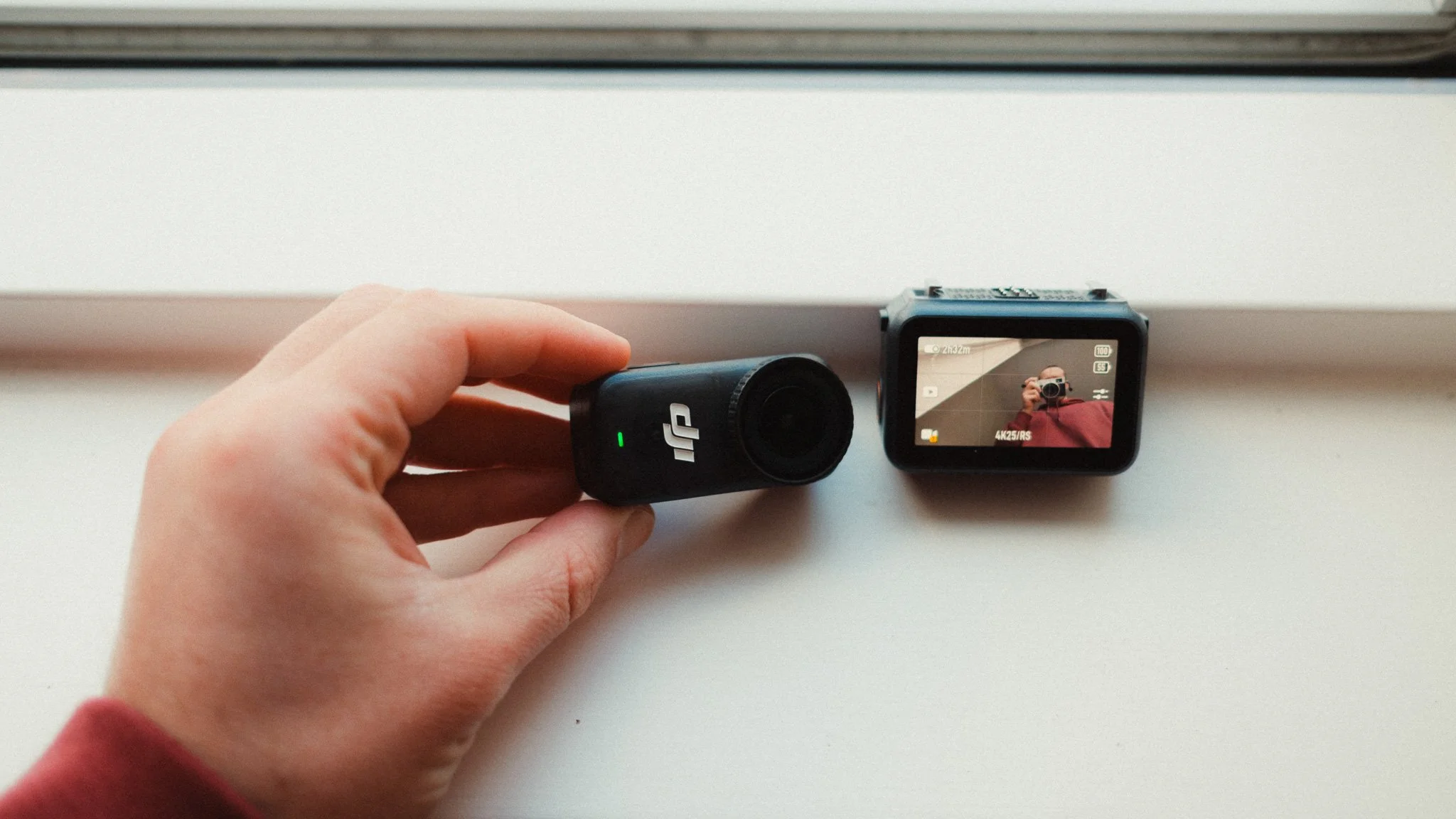
Outside of the size, the camera is still as usable as ever with great tactile buttons and a beautifully responsive touch screen. When it comes to powering on, the first time you do it after an extended shutdown period the camera can take a few seconds to be ready. If you power it on again afterwards, or use the quick capture function, the startup time drops to around a second.
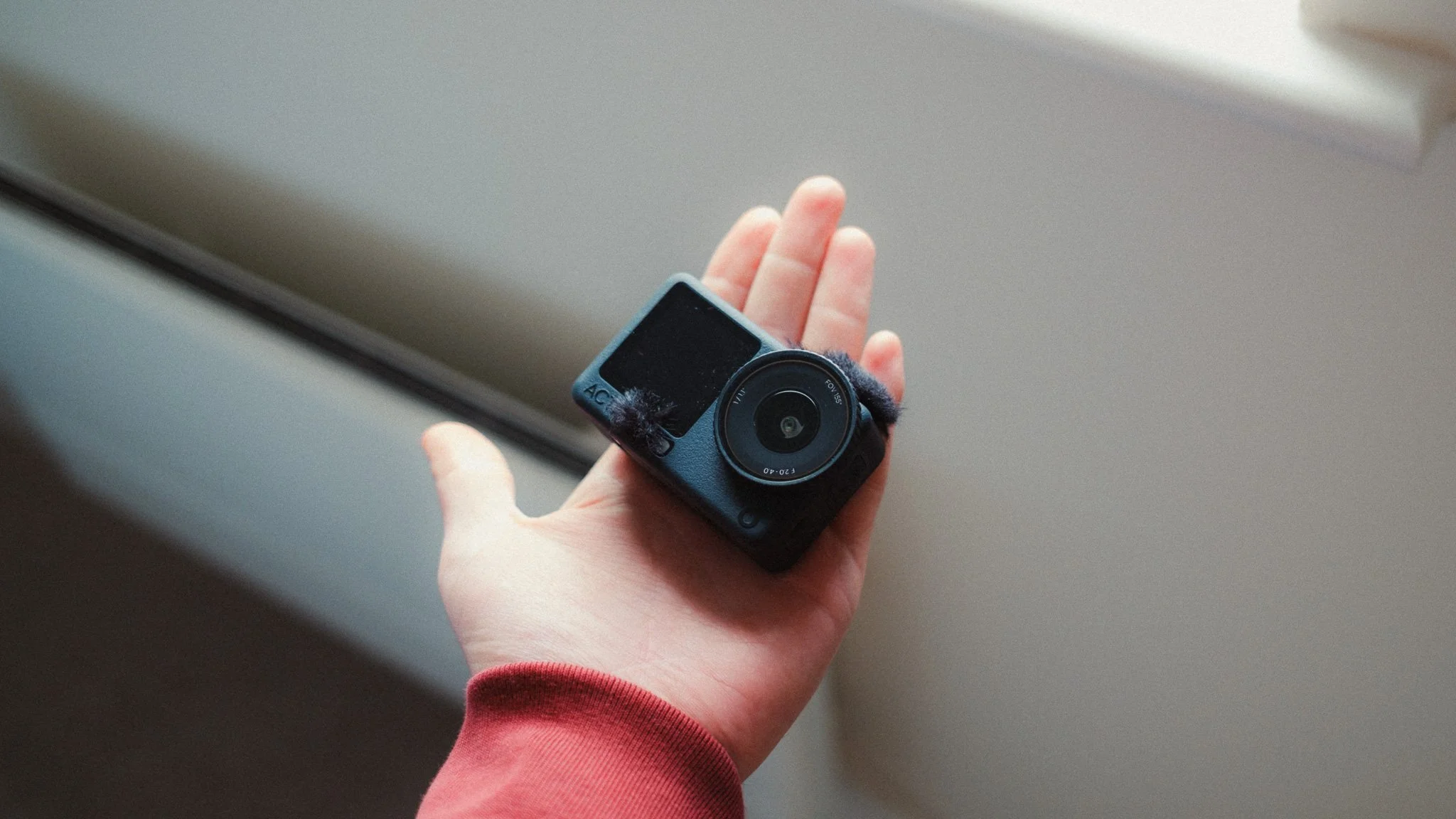
Image Quality
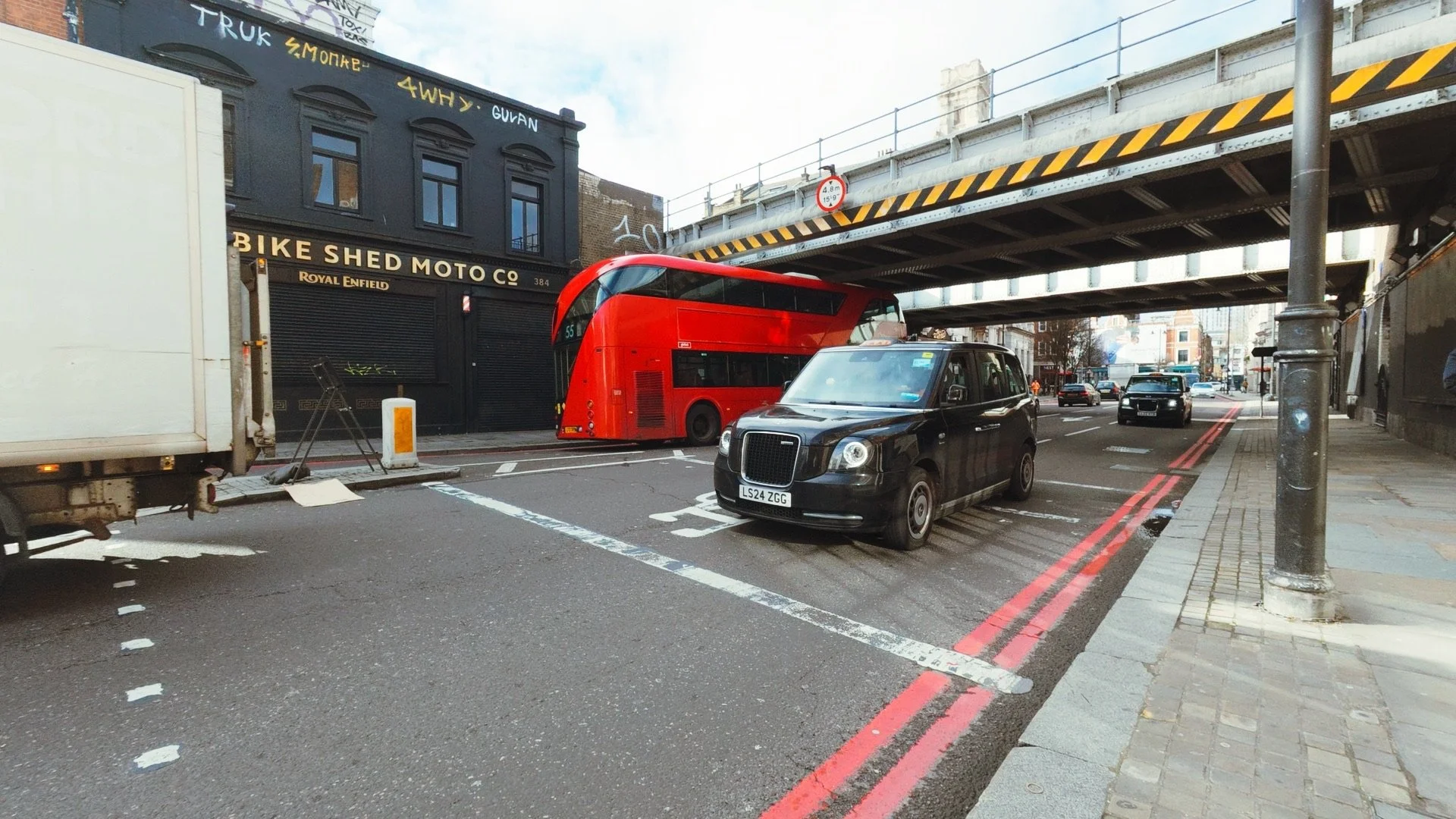
I’ll be honest and say that the image quality doesn’t feel like a massive upgrade from the Action 5. That’s not a bad thing, as the Action 5 was already great. I only mention this because the marketing might lead you to believe that the larger sensor and variable aperture will produce dramatically better results.
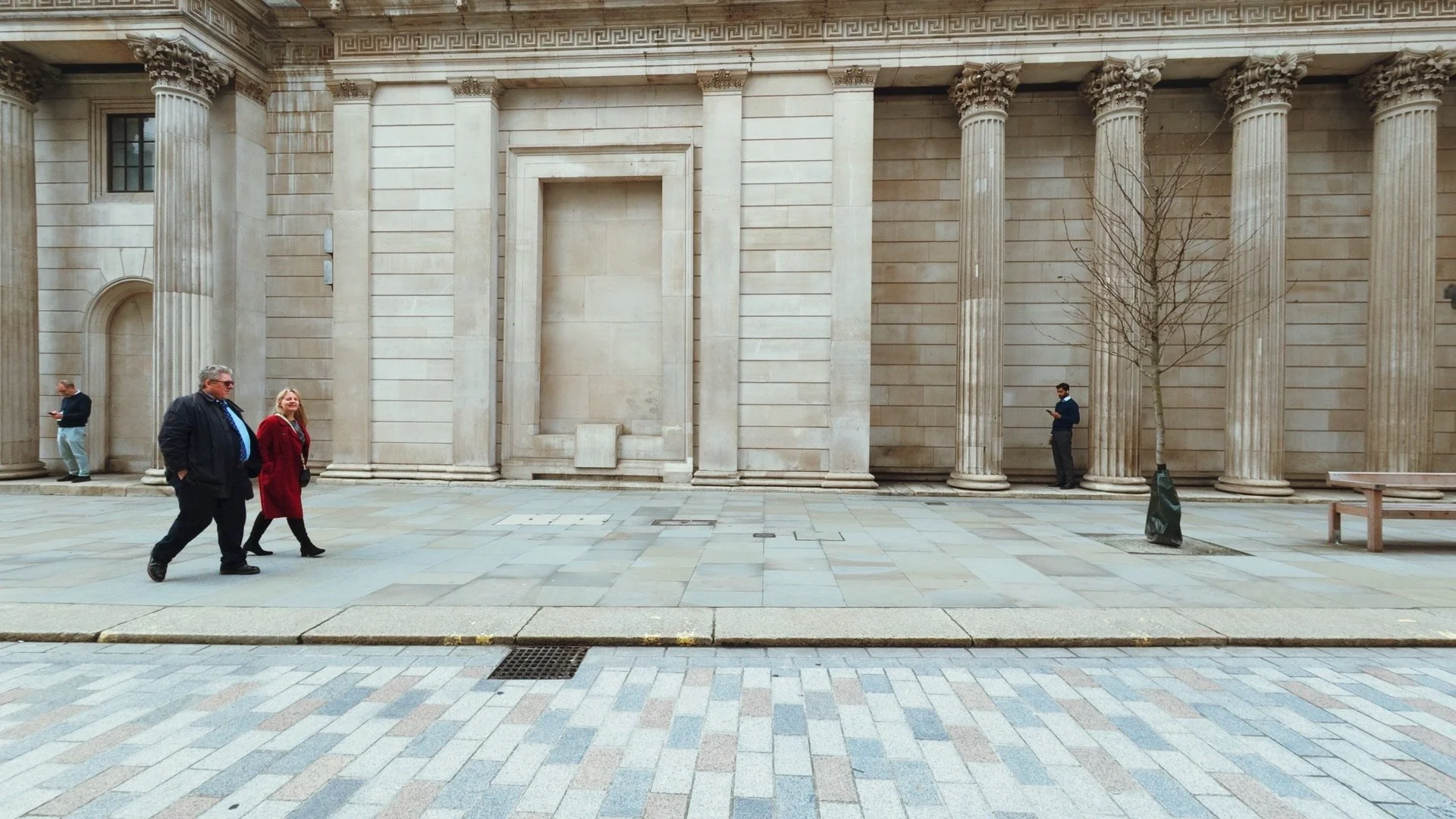
The image quality is excellent, especially when shooting in D-Log 10-bit and colour grading the footage. With a bit of work in editing you can get some really wonderful results from this camera. Of course in low light the image quality and stabilisation drop off quite a bit. It’s still usable, but noticeably worse.

Microphones
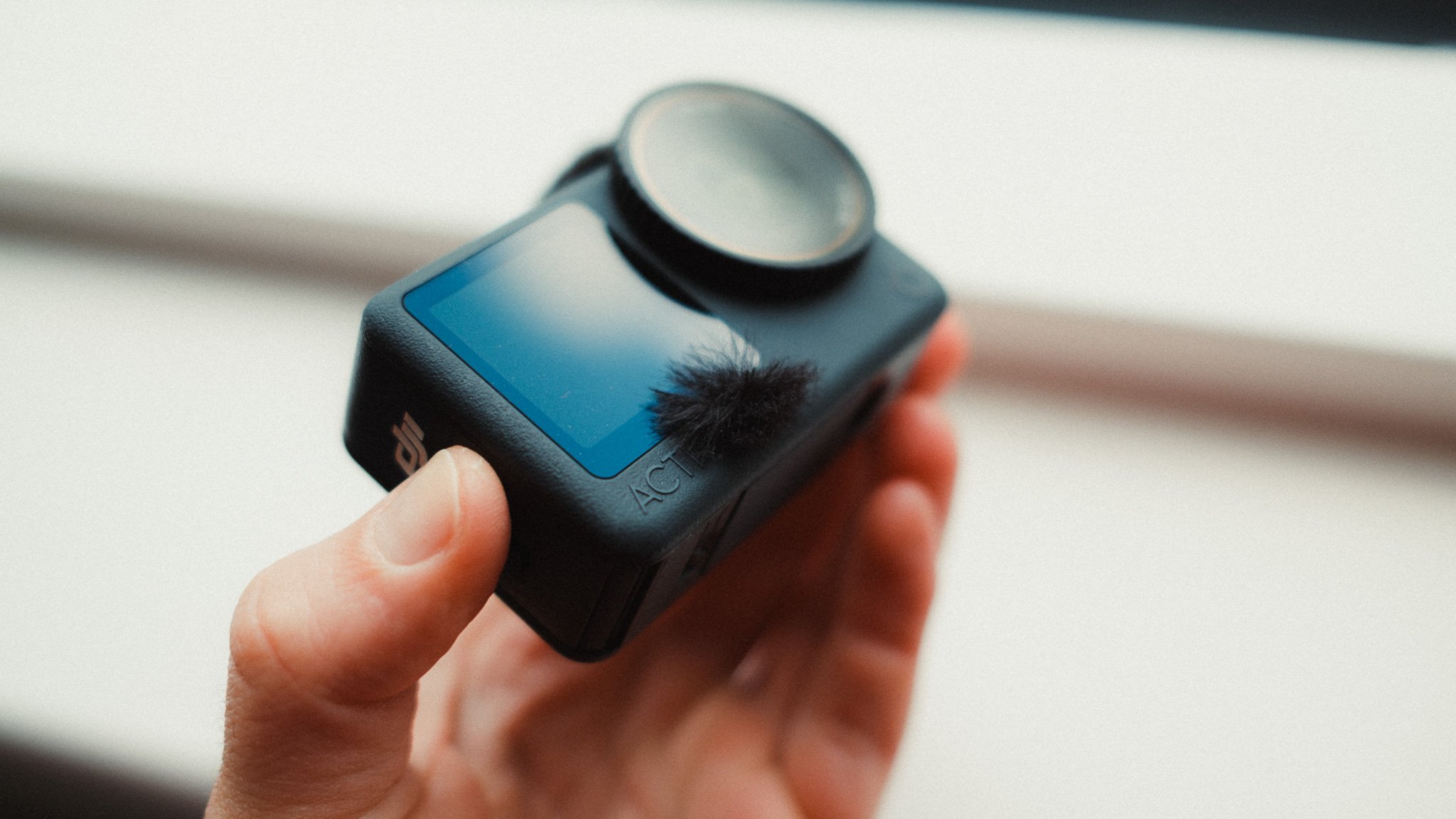
The built in microphones are great but very prone to wind noise. I suggest picking up some stick on wind socks to cover the microphones if you don’t plan on using external mics.
Assuming there is no wind, or you’re using wind protection, the microphones are very good for the size. Easily good enough to be used without anything external.
What I Don’t Like / Wish It Had
I would love to see a 1 inch sensor fitted into this camera. The body has grown in size, so surely it could accommodate one. I would happily swap the 1:1 aspect ratio for a 1 inch sensor.
My biggest gripe with the system is that there is no ability to control focus. The focus is effectively fixed to infinity and that’s it. For most scenarios this isn’t an issue, however if you want to film something up close, be prepared for a noticeable drop in sharpness and detail.
Other than that, I honestly can’t think of anything major to complain about. It does what it’s supposed to do, it’s reliable, it gets the job done, and it looks good in the process.
Who Is It For
Traditionally action cameras were built for action sports, however these days I feel this category is far more versatile.
Of course if you’re about to ride your motorbike across the world, this is a great camera to have. If you want to film yourself scuba diving, it’s also a fantastic tool. However even if you’re simply documenting a trip to Disneyland, this camera makes a lot of sense.
I can also see many people using it to document their kids, as it’s easy to use, produces a great image, and can withstand almost anything a child might throw at it.
Do I Recommend It?
If you already have an Action 5, and you don’t specifically need the 1:1 ratio, I would probably wait for the next version. If you are just getting into the DJI ecosystem, or you’re upgrading from something like the Action 3 or 4, then the Action 6 is definitely a worthwhile upgrade.


















Instead of telling you how these will change your life, I would rather be practical and answer the most common questions that people tend to have when buying presets.
What are presets?
They are editing settings that are saved in a file and can be applied to any image.
Why do people buy presets?
Sometimes because they like the work of the photographer and want that style for their own photos. Mostly because they would like to see how other people edit and learn by reverse engineering the presets. Other times it’s just to support their favourite photographers, thank you!
What’s the overall style of these presets?
- Filmic
- Warm
- Soft
- Bright
What are these presets suitable for?
Street & Travel Photography
Some Nature (with further editing)
Some Portraits (with extensive editing)
Do I actually use these?
Yes. This is the same pack I use right now for all my editing. This isn’t a pack made just to sell.
Do these presets get updated?
Yes, as my style changes, these presets will also be updated. Any time a new update is available, you will get a free update via email. Of course you also keep all the old presets in case you prefer the older looks. Only presets purchased from 2025 onwards will receive the updates.
What file types are these presets for?
- All RAW files
- JPEGs & TIFFs (not recommended)
What camera brands are these presets for?
These were designed around Fujifilm, Sony, and Leica sensors. With that said, they will work with all camera brands. While there might be differences due to individual camera colour science, the overall feel of the preset will carry over.
Will these work with JPEG files?
Yes, but you will need to reduce the intensity and make further edits. I strongly recommend editing RAW files.
Are these one click edits?
95% No. You would need to do some basic adjustments as each image is different. These adjustments can include exposure, colour balance etc. In 5% of cases you can just apply and leave it alone.
Do I need to know how to edit?
You need to have a basic understanding of adjusting exposure, highlights, shadows, etc. A more comprehensive editing skillset will let you get the most out of them.
How many presets are included?
10 in the main pack and 24 in the extras pack
Why two packs?
The main pack is what I use for 99% of my edits and is kept small to reduce wasted time scrolling through presets. The extras pack is everything I don’t use often.
What software do I need?
These presets will work with any of the following:
- Photoshop (adobe camera raw)
- Lightroom Classic
- Lightroom Desktop
- Lightroom Mobile
Will these presets work with free versions of the above software?
You need to research and double check before buying. These presets were designed for the full paid versions.
Will these presets work with very old versions of the above software?
You need to research and double check before buying. These presets were designed on and for the latest software.
What file type do I get?
XMP
What else do I get?
- Comprehensive PDF guide
Can I modify these and turn them into my own?
Yes! In fact I encourage you to modify them and play around. Use these to help you get your own style.
I have more questions…. What do I do?
Make a cup of tea and drop me an email on hello@snapsbyfox.com
Please note that due to the nature of digital products, refunds are generally not accepted. However, if you experience any issues, feel free to contact me and I’ll review your situation individually. You are welcome to use this product for personal or commercial projects, but you may not copy, distribute, or resell the files in their original or modified form.
Finally I want to say a massive thank you for supporting me. Buying these presets is the most direct way you can support my work.
Thank you!