
Software for photo / video editing, business & travel
A common question I always get is regarding what gear I use to do what I do. In terms of physical gear, I’ve made a whole section just for that. You can see it here. However a big part of my work is the software and apps I use. Below I have listed them out and also discuss pros, con and how they fit into my work.
Website, blog, portfolio, newsletter, store
Let’s start with where you are right now. I use Squarespace as my main online hub. This blog and website is on Squarespace, my newsletter and store is also hosted and managed on Squarespace. This is my one stop shop for my entire online business. I use either the online portal or the app to manage everything under one roof.
The domain is from Godaddy and my email is from Google. Online payments are managed by Stripe and Paypal. Between these 5 services, I am covered for everything website and online business related.
Photo Editing
There are 3 main apps that I use for photo editing. Lightroom is the default go to for a few reasons. Firstly is the cloud backup and sync. This is especially great when travelling and having the ability to have everything accessible on any device. There have been many times where I needed a photo, opened up Lightroom on my phone and got what I wanted. Secondly I find Lightroom to be the easiest and quickest editor.
Next we have Capture One. This is a more advanced editor with sophisticated tools for colour and tone manipulation. Also I find Capture One to render Fujifilm files a little cleaner and shaper than Lightroom. I use Capture One as my second editor especially when dealing with client and commercial photography. I keep both libraries in sync.
Finally we have Affinity Photo. This is like Photoshop, only better. There is no subscription, a better layout and all the tools one would need for image manipulation, compositing and editing. I usually use Affinity Photo to create my YouTube Thumbnails, clone out crap in my images and apply the Orton Effect.
Video Editing
This is a simple one. All my video editing is done in Final Cut Pro. It’s easy to use, has everything I need for basic video editing and works flawlessly within the Apple ecosystem. The new iPad app is not too bad too. I don’t do any special effects in my videos so I don’t use Motion, although I have it installed just in case. Compressor is great for batch processing video clips. Finally I use Epidemic Sound for all my music and sound effects.
Social Media
There is only one app I would suggest here outside of the obvious. This app is called Unfold and it’s what I use to create my photo collages.
Design
For creating all my online products, books and any design work I use Affinity Designer and Affinity Publisher.
Travel
There are a few apps that I always gravitate to.
- Citymapper is the best for any type of public transport in most major cities.
- Tide Pro can literally save your life and help you plan a seaside or riverside walk. It shows you tide times and heights.
- GPX Tracker is a quick GPS recorder. I use this if I am not sure where I am or want to record a route quickly.
- Footpath is a more advanced GPS recorder and one I use to import GPX files and navigate around cities.
- OSMaps is great for hiking around the UK.
- AllTrails is another amazing worldwide hiking app.
- Trainline is good for trains in the UK and EU.
- Maps.me is the best offline map.
- Sky Scanner, Booking.com & Airbnb are invaluable.
Productivity
You’d be surprised to know I don’t use any fancy app for managing my time, schedule notes and tasks. This could be a whole separate blog where I go into more detail, however here I will keep it high level. I use all the default Apple apps for mail, notes, tasks, brainstorming and calendar.
Entertainment
Reading is done in form of Apple Books and News where I also pay for magazines. Apple Podcasts and Music for listening and YouTube / Netflix for watching. Although I don’t really use Netflix that much so should just delete my account.
I hope this has answered some of your questions regarding software that I use. If you have more specific questions, please just send me a DM on Instagram.
Thanks for reading!
Help support this blog by checking out my products below
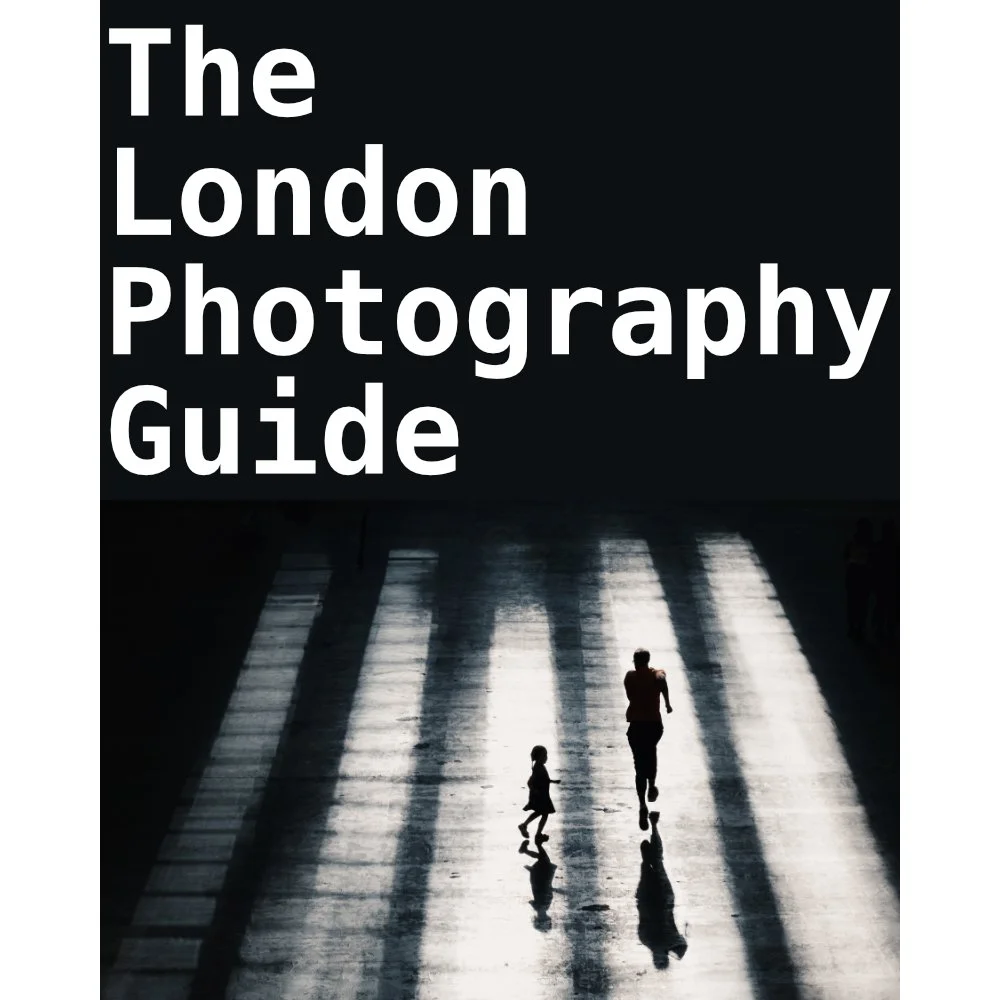
If you're planning to visit London or you’re a local and want to know some of the best locations for photography, this guide is for you.
What you need to know:
- 170 Page PDF document (94mb)
- 50+ Locations
- 100+ Photo spots
- Only covers locations that consistently deliver good photo opportunities
- Clickable maps
- GPS Coordinates
- What 3 Words Coordinates
- Addresses
How will this guide help you:
- Save you time and give you a clear checklist of where to go
- Show you real world photos I took from the suggested locations
- Show you coordinates for those photos if you want to take the same
- Give you feedback on any pitfalls with specific places and attitudes to photographers
- Food / Drink / Restroom suggestions
- Lens choice suggestions
- General visiting advice
- Inspire you to head out and shoot by removing the “where shall I go” barrier
This guide is a result of years spent living and photographing London in all conditions and seasons. I have only recommended locations that have consistently delivered good photos that I have been happy with. This guide does not cover every spot, that would be impossible and a lifetimes work. This guide is there to put luck in your favour when visiting the capital.
Please note that due to the nature of digital products, refunds are generally not accepted. However, if you experience any issues, feel free to contact me and I’ll review your situation individually. You are welcome to use this product for personal or commercial projects, but you may not copy, distribute, or resell the files in their original or modified form.
Finally I want to say a massive thank you for supporting me. Buying this guide is the most direct way you can support my work thus allowing me to make more videos / photos / tutorials for you.
Thank you for your support!
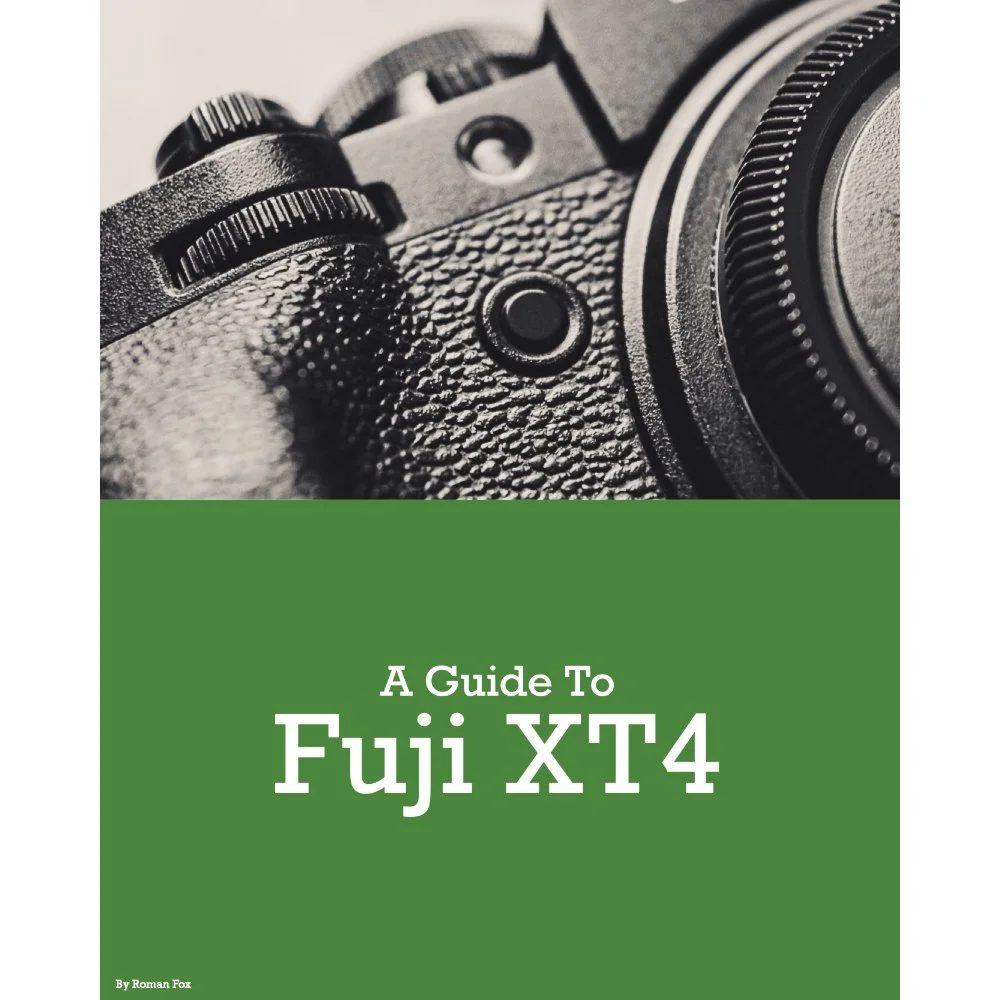
This Fujifilm XT4 set-up guide is designed to save you time and get your camera set up and working just like I do. You will learn what the major features do and why I chose to set them in a certain way. I will show you how to assign the buttons and custom menus in order to have the most important features at your fingertips. Finally, I will walk you through how I expose and focus.
This guide is not a replacement for your user manual and does not cover 100% of the features. It covers the features that, in my experience, 90% of the people use 90% of the time. This is based on years of personal experience.
This guide is best suited for those who want to be up and running quickly with a tried-and-tested set-up.
This is a digital download and not a physical product. The download is around 21mb.
Please note that due to the nature of digital products, refunds are generally not accepted. However, if you experience any issues, feel free to contact me and I’ll review your situation individually. You are welcome to use this product for personal or commercial projects, but you may not copy, distribute, or resell the files in their original or modified form.
Finally, I want to say a massive thank you for supporting me. Buying this guide is the most direct way you can support my work, thus allowing me to make more videos, photos, and tutorials for you.
Thank you for your support!
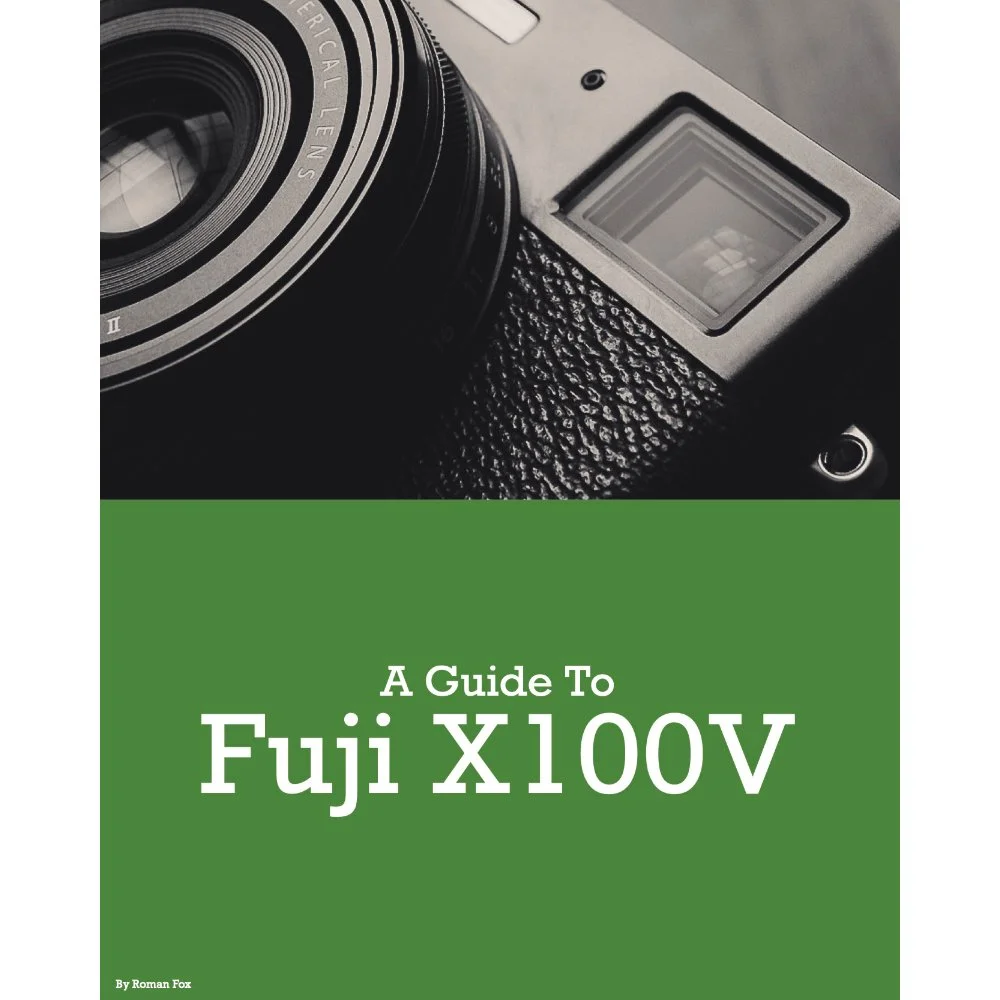
This Fujifilm X100V set-up guide is designed to save you time and get your camera set up and working just like I do. You will learn what the major features do and why I chose to set them in a certain way. I will show you how to assign the buttons and custom menus in order to have the most important features at your fingertips. Finally, I will walk you through how I expose and focus.
This guide is not a replacement for your user manual and does not cover 100% of the features. It covers the features that, in my experience, 90% of the people use 90% of the time. This is based on years of personal experience.
This guide is best suited for those who want to be up and running quickly with a tried-and-tested set-up.
This is a digital download and not a physical product. The download is around 16mb.
Please note that due to the nature of digital products, refunds are generally not accepted. However, if you experience any issues, feel free to contact me and I’ll review your situation individually. You are welcome to use this product for personal or commercial projects, but you may not copy, distribute, or resell the files in their original or modified form.
Finally, I want to say a massive thank you for supporting me. Buying this guide is the most direct way you can support my work, thus allowing me to make more videos, photos, and tutorials for you.
Thank you for your support!