
Ricoh GRIII VS GRIIIX - Which One To Get?
In this blog, I will try to answer a common question from potential Ricoh GRIII buyers. Do I get the GRIII, or the slightly tighter GRIIIx? Having owned both, and used them in conjunction, I feel I am in a good place to answer this question and help you.
What’s The Difference?
This is very straightforward. The GRIII has a wider focal length equating to around 28mm in full-frame terms. The GRIIIx has a tighter focal length equating to around 40mm in full-frame terms. While the difference might not seem big, when it comes to real-world use, it can be pretty significant. Other than the focal length, the cameras are identical.
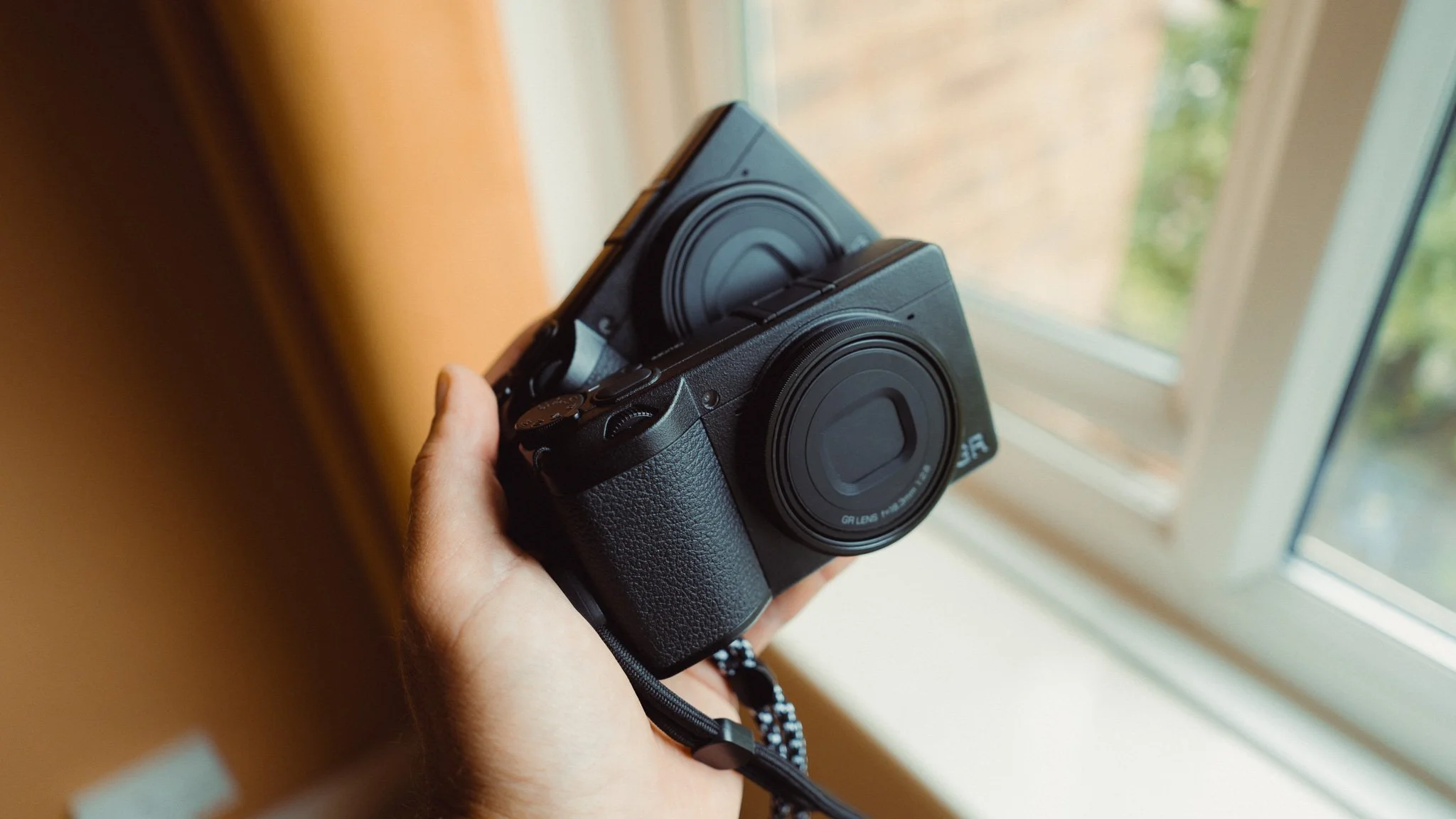
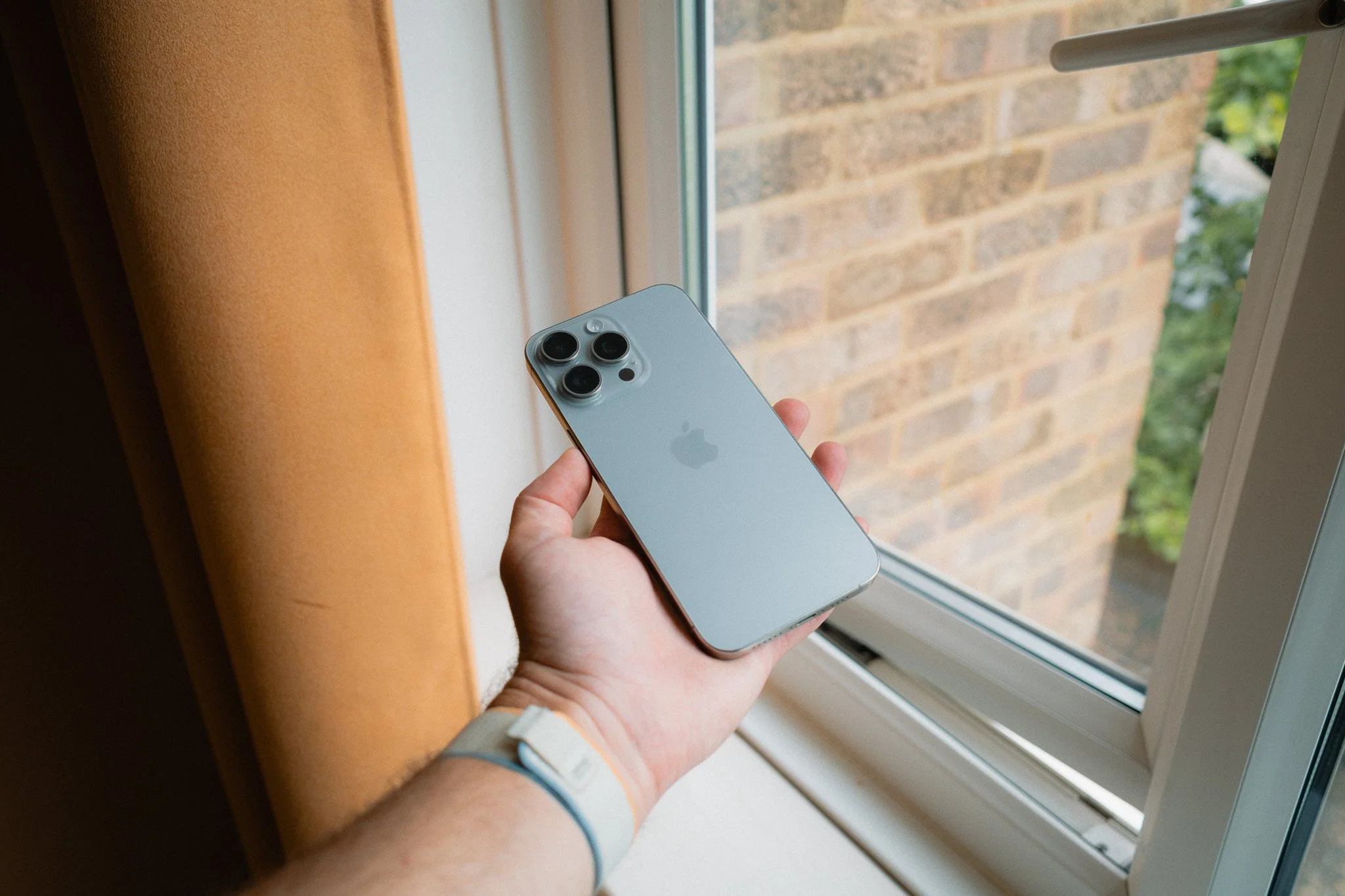
GRIII - 28mm
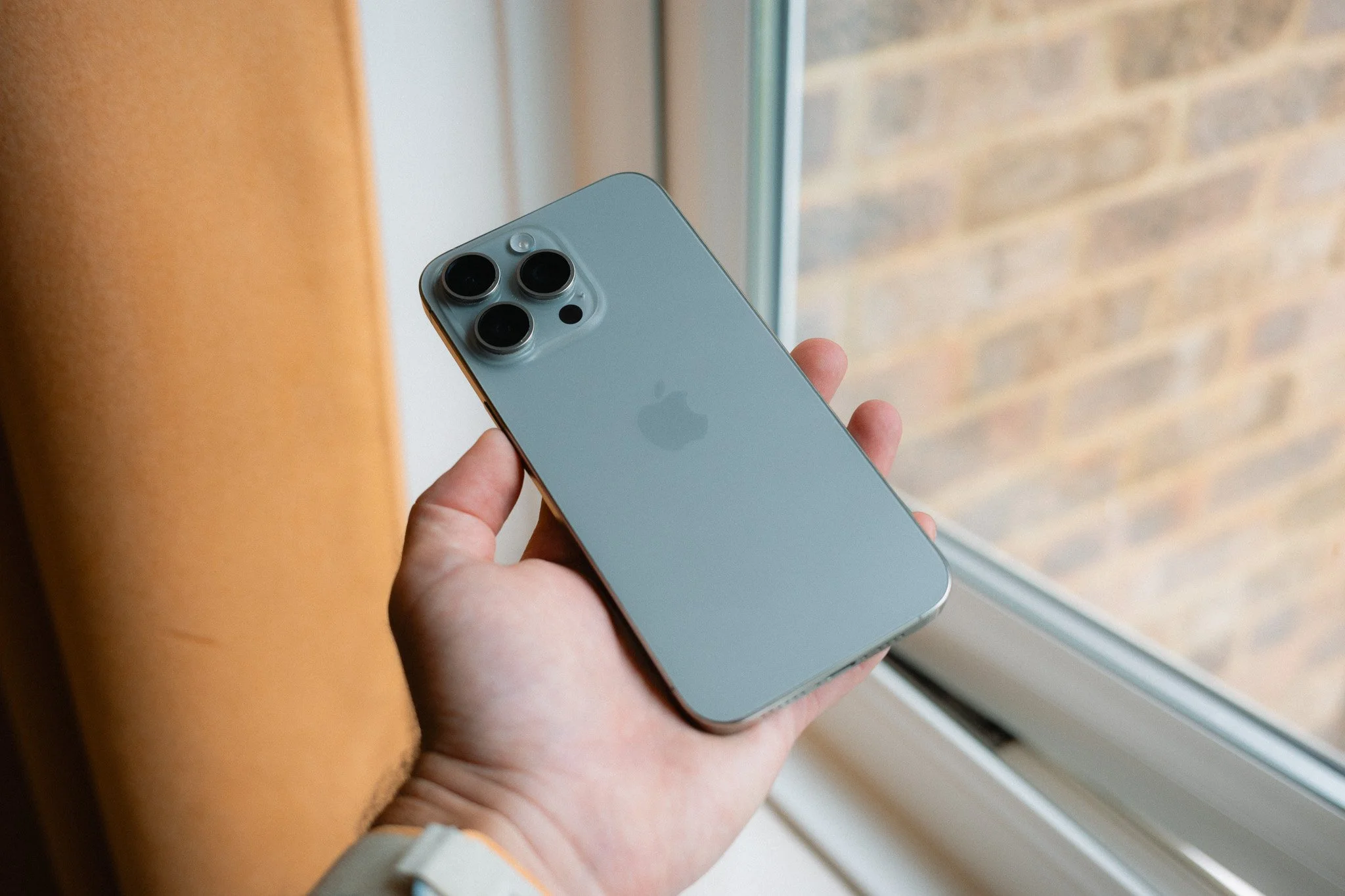
GRIIIx - 40mm
Why People Buy Ricoh?
Before getting into specifics, let’s first understand who buys the Ricoh. Knowing where you sit personally will help guide you to the right model. Having met plenty of Ricoh owners, it’s safe to say there are three key customers. The first person is someone who wants a compact daily carry to document what they are doing. For most people, their phones fill this role; however, many people don’t enjoy using their phone and want better quality. They will use the Ricoh to take photos of their lunch, friends, family events, days out, and anything they come across in their daily life. The second person is someone who’s a serious photographer and owns a selection of larger camera gear. They want a small and capable camera that they can take with them on days when they don’t want their bigger set-up. They might also want to take the Ricoh on bigger trips as a backup. The last user is a street photographer who wants a simple, compact, and inconspicuous system.
When To Get GRIII?
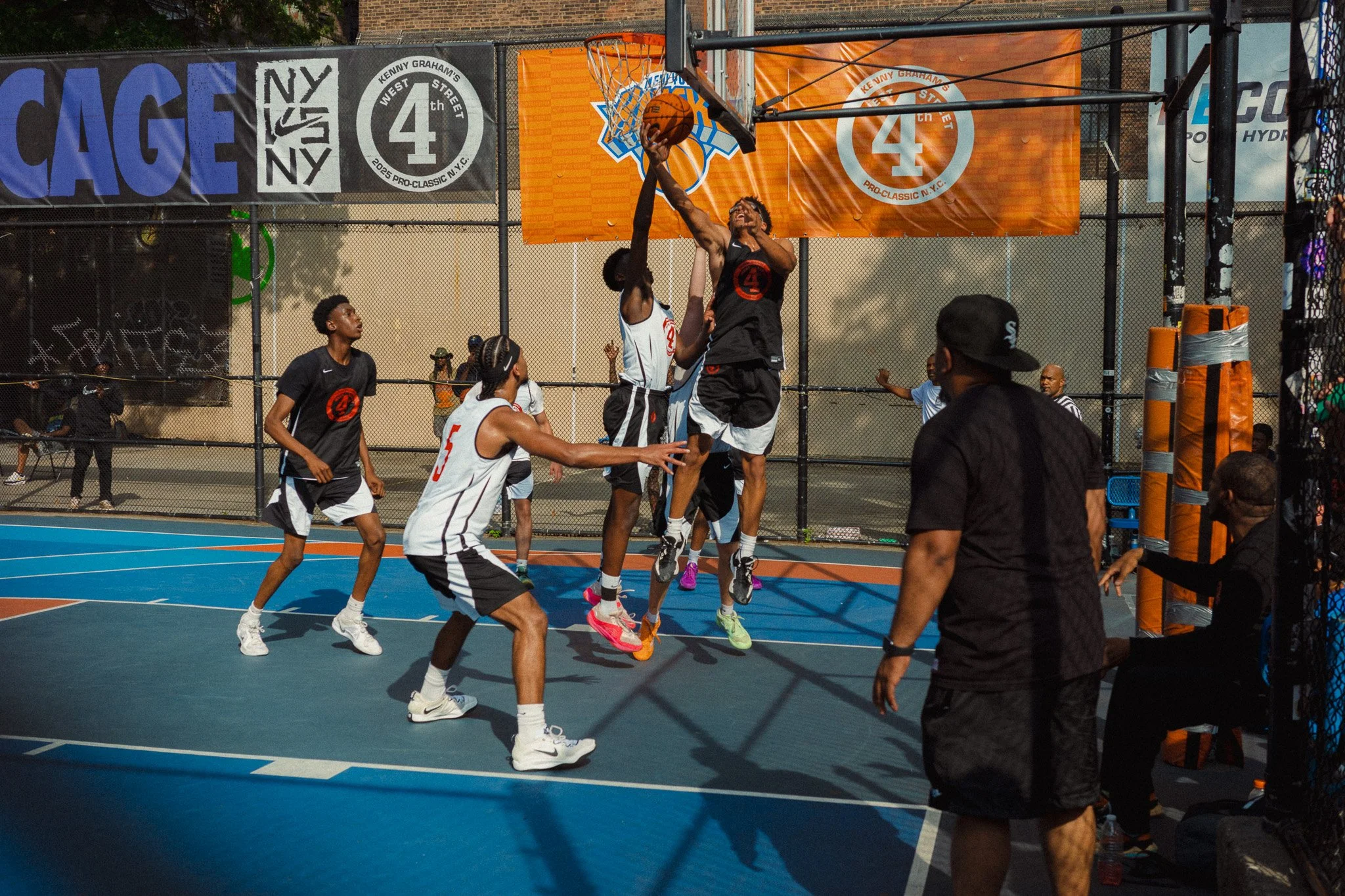
If your primary use case for the Ricoh is to document your life, days out, family events, or trips with friends, then I would recommend the wider GRIII. The 28mm focal length is perfect for a POV view of your life. You can shoot anything that’s in front of you without needing to step back. You can also include much more of the location compared to the 40mm version. I tried using the GRIIIx for this purpose and it always felt too tight, too claustrophobic, and I often had to take some steps back. If you’re a professional photographer, the 28mm focal length would be perfect for documenting any BTS from your shoots for memories or socials.
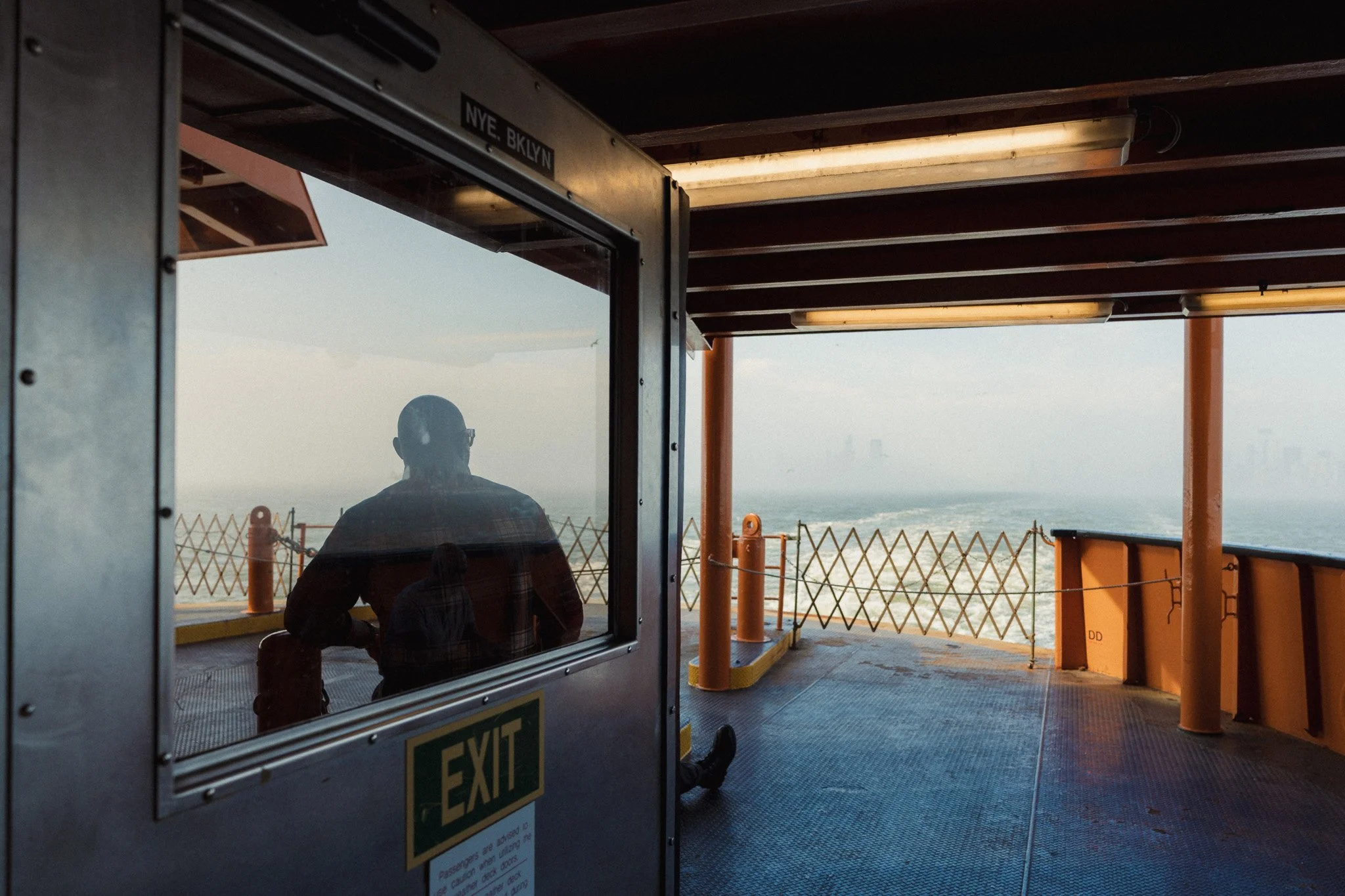
For those who enjoy street photography, 28mm is an incredibly immersive focal length that will put the viewer shoulder to shoulder with you. It’s messy, chaotic, and often challenging. However, if you master this focal length, you can create some of the most immersive images. If you’re the type of photographer to get stuck into the scene, get right in the middle of the action, interact with your subjects, and get everyone involved, the 28mm is for you. As for locations, if you often shoot in tight and busy places, the 28mm might be a better option.
When To Get GRIIIx?
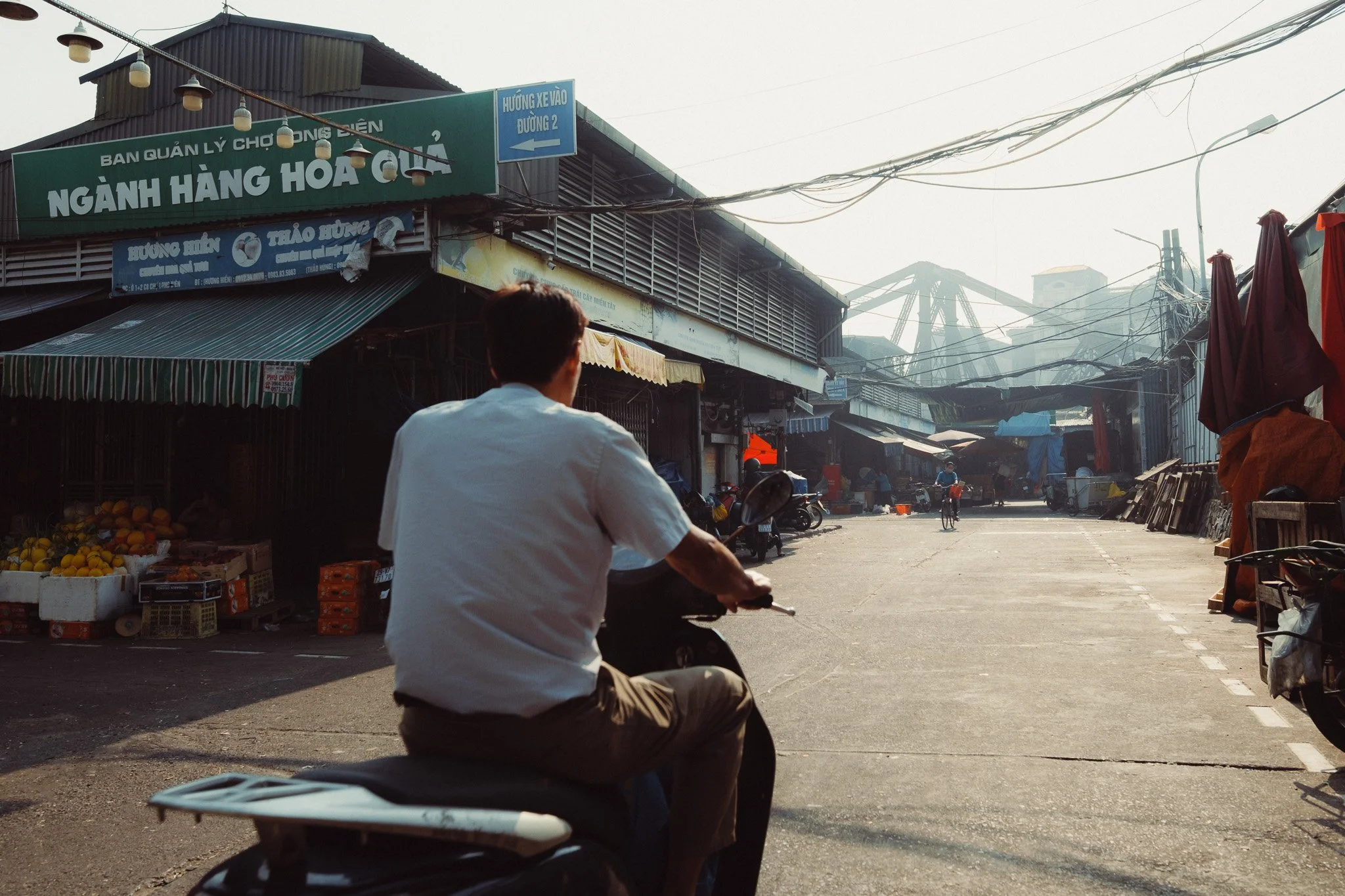
The GRIIIx gives you a totally different experience. Where the 28mm puts you and your viewer right in the middle of the scene, the 40mm in the GRIIIx keeps you just outside of the action, but close enough not to lose context. If you prefer to be an observer from a distance, you don’t like to get involved with your subjects, or perhaps you’re introverted and want to avoid interaction, then 40mm is the focal length for you. You will find this focal length much easier to compose with due to having less in frame. You will find it easier to focus on smaller details due to having fewer distractions to deal with, and you will find it easier to isolate subjects. If you shoot in more open places, then you might find the 40mm focal length easier to handle. Lastly, if you take a lot of portraits, you might find the 40mm focal length more flattering when it comes to faces.
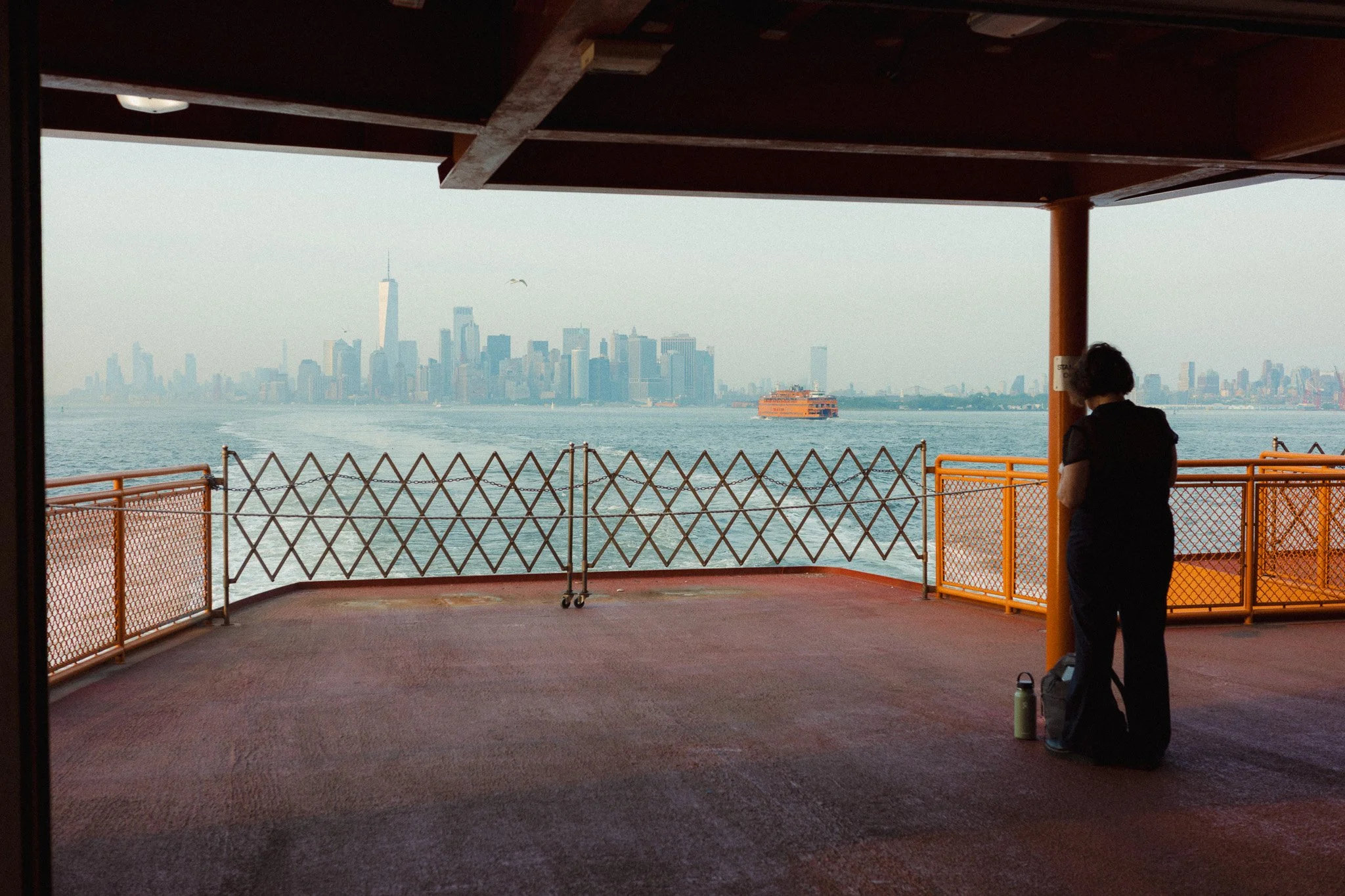
In my opinion, the GRIIIx is more aimed at people who specifically like the 40mm focal length and want it in a smaller package they can stick in their pocket. Whether it’s travel, street, or portraiture, the focal length is what attracts people.
Ricoh GRIII Guide
If you’re finding this blog useful, and wish to learn more about setting up your GRIII / GRIIIx, then please check out my in-depth guide. Learn how I set up the camera, and how to squeeze the most out of it. By purchasing this guide, you’re directly supporting my work and helping keep this blog ad-free. Thank you.

This Ricoh GRIII/GRIIIX set-up guide is designed to save you time and get your camera set up and working just like I do. This guide covers all GRIII variants.
You will learn what the major features do and why I chose to set them in a certain way. I will show you how to assign the buttons and custom menus in order to have the most important features at your fingertips. Finally, I will walk you through how I expose and focus.
This guide is not a replacement for your user manual and does not cover 100% of the features. It covers the features that, in my experience, 90% of the people use 90% of the time. This is based on years of photography and video experience.
This guide is best suited for those who want to be up and running quickly with a tried-and-tested set-up.
This is a digital download and not a physical product. The download is around 23mb.
Please note that due to the nature of digital products, refunds are generally not accepted. However, if you experience any issues, feel free to contact me and I’ll review your situation individually. You are welcome to use this product for personal or commercial projects, but you may not copy, distribute, or resell the files in their original or modified form.
Finally, I want to say a massive thank you for supporting me. Buying this guide is the most direct way you can support my work, thus allowing me to make more videos, photos, and tutorials for you.
Thank you for your support!
Still Not Sure?
If you’re still unsure which to get, I have a very simple test that should help. If you often take photos on your phone of whatever it is you’re doing, and you use the standard lens most of the time, then get the 28mm. If you find that you often zoom in, or use the tighter lens on your phone, then perhaps look at the GRIIIx. Another thing you can do is load up your entire photo catalogue, and filter by the images you like the most. Pick around 100 photos that you think are good, and then filter by the focal length. If most of your images are 35mm or less, then go for the 28mm. If they are more than 35mm, then the 40mm might be a better option.
When to Get Both?
There will be a small group of people who will benefit from owning both. If you absolutely love the Ricoh GR system, and can’t see yourself using another brand, then having both will give you a lot of creative freedom. If you’re going on a big trip and want to cover all ground, then it makes sense to have both cameras. They take up little room, act as a backup, and give you more options.

















Instead of telling you how these will change your life, I would rather be practical and answer the most common questions that people tend to have when buying presets.
What are presets?
They are editing settings that are saved in a file and can be applied to any image.
Why do people buy presets?
Sometimes because they like the work of the photographer and want that style for their own photos. Mostly because they would like to see how other people edit and learn by reverse engineering the presets. Other times it’s just to support their favourite photographers, thank you!
What’s the overall style of these presets?
- Filmic
- Warm
- Soft
- Bright
What are these presets suitable for?
Street & Travel Photography
Some Nature (with further editing)
Some Portraits (with extensive editing)
Do I actually use these?
Yes. This is the same pack I use right now for all my editing. This isn’t a pack made just to sell.
Do these presets get updated?
Yes, as my style changes, these presets will also be updated. Any time a new update is available, you will get a free update via email. Of course you also keep all the old presets in case you prefer the older looks. Only presets purchased from 2025 onwards will receive the updates.
What file types are these presets for?
- All RAW files
- JPEGs & TIFFs (not recommended)
What camera brands are these presets for?
These were designed around Fujifilm, Sony, and Leica sensors. With that said, they will work with all camera brands. While there might be differences due to individual camera colour science, the overall feel of the preset will carry over.
Will these work with JPEG files?
Yes, but you will need to reduce the intensity and make further edits. I strongly recommend editing RAW files.
Are these one click edits?
95% No. You would need to do some basic adjustments as each image is different. These adjustments can include exposure, colour balance etc. In 5% of cases you can just apply and leave it alone.
Do I need to know how to edit?
You need to have a basic understanding of adjusting exposure, highlights, shadows, etc. A more comprehensive editing skillset will let you get the most out of them.
How many presets are included?
10 in the main pack and 24 in the extras pack
Why two packs?
The main pack is what I use for 99% of my edits and is kept small to reduce wasted time scrolling through presets. The extras pack is everything I don’t use often.
What software do I need?
These presets will work with any of the following:
- Photoshop (adobe camera raw)
- Lightroom Classic
- Lightroom Desktop
- Lightroom Mobile
Will these presets work with free versions of the above software?
You need to research and double check before buying. These presets were designed for the full paid versions.
Will these presets work with very old versions of the above software?
You need to research and double check before buying. These presets were designed on and for the latest software.
What file type do I get?
XMP
What else do I get?
- Comprehensive PDF guide
Can I modify these and turn them into my own?
Yes! In fact I encourage you to modify them and play around. Use these to help you get your own style.
I have more questions…. What do I do?
Make a cup of tea and drop me an email on hello@snapsbyfox.com
Please note that due to the nature of digital products, refunds are generally not accepted. However, if you experience any issues, feel free to contact me and I’ll review your situation individually. You are welcome to use this product for personal or commercial projects, but you may not copy, distribute, or resell the files in their original or modified form.
Finally I want to say a massive thank you for supporting me. Buying these presets is the most direct way you can support my work.
Thank you!