
My Most Used iPad Apps (Full Time Travel, YouTube & Photography)
About 50% of my work is done on an iPad, including writing these blogs, video editing, photo editing, and managing my day-to-day life. I primarily use the iPad when I’m travelling light or working out of a coffee shop. If you’ve tried working from an iPad, you know that it’s not always the smoothest transition, and at times there are some hoops you need to jump through. Having been an iPad user for nearly 10 years, I have learned a lot, and in this blog, I will share the key apps I use.
Lightroom
This is my main photo editing and cataloguing app. I can import directly from my camera, cull, edit, and back up to the cloud. I can then access my entire library anywhere, any time. This is probably the most used app on my iPad.

Affinity Photo
If you need to do more advanced editing or compositing, Affinity Photo is an incredible app. Think of this as Photoshop but without the price tag, with more features and a better UI. I use this for more intricate cloning or layer-based editing if needed.

Capture One Pro
I use Capture One as my secondary backup editing system. Given that this is my profession, I don’t want to be married to just one solution. On the iPad, Capture One is extremely stripped down and lacks many of the features found in the desktop version. Over time, more and more features are being added, but it’s still a little thin. However, it has enough to organise images and do some basic edits. Furthermore, it allows me to tether my camera to the iPad, so if I need to do a tethered shoot, this is a great option.

Unfold
This is primarily an iPhone app, but it works great on the iPad too. I use it to make all my collages for social media.

PhotoPills
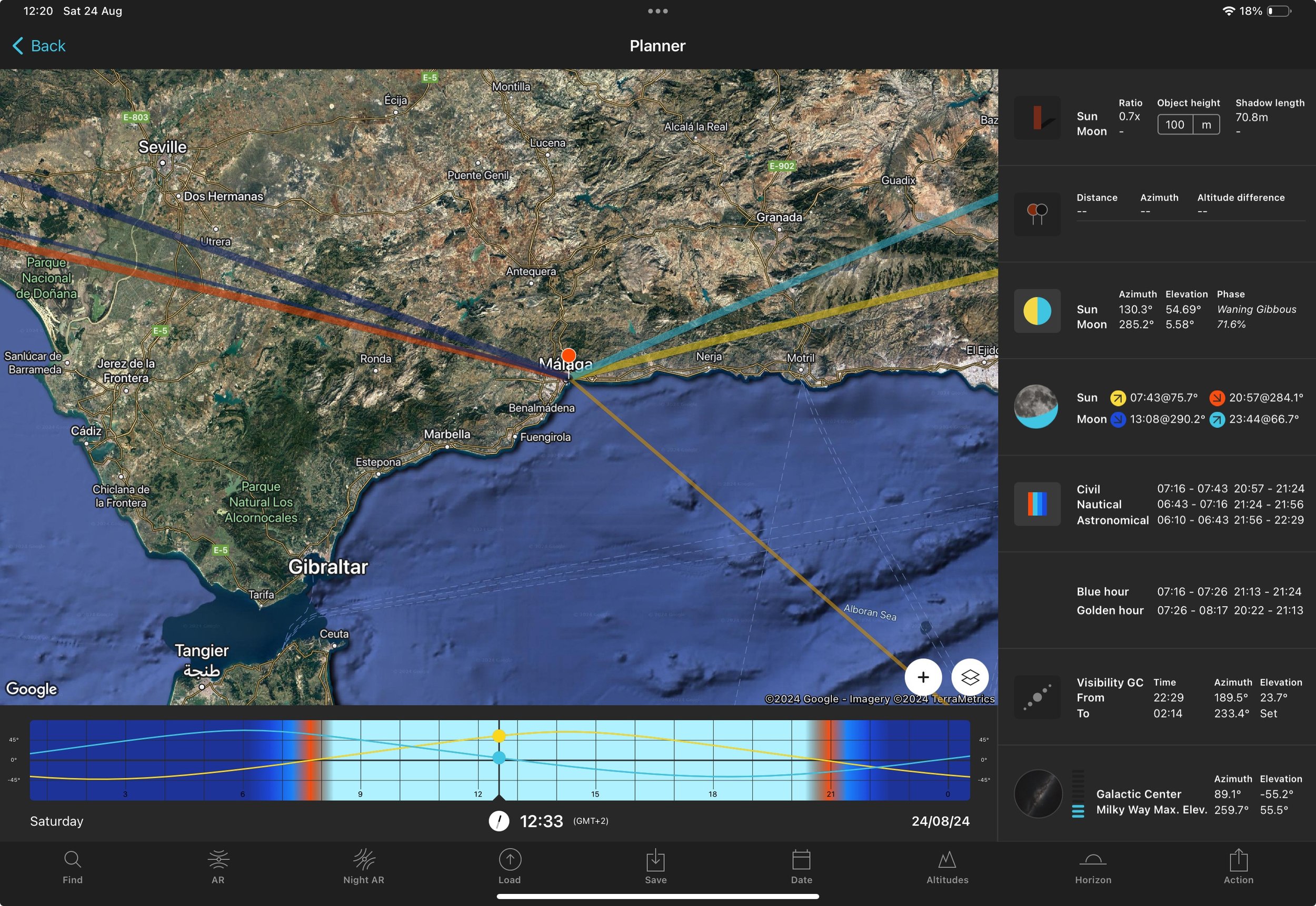
Most photographers will have heard of this amazing app. In a nutshell, it allows you to plan your photoshoots based on where the sun will be. So, if you’re after a specific lighting scenario, this is how you plan for it.
Apple Photos
All my exported JPEG files live in Apple Photos and are synced to the cloud. I find it to be a great app for viewing my work and sharing it with others.

DaVinci Resolve
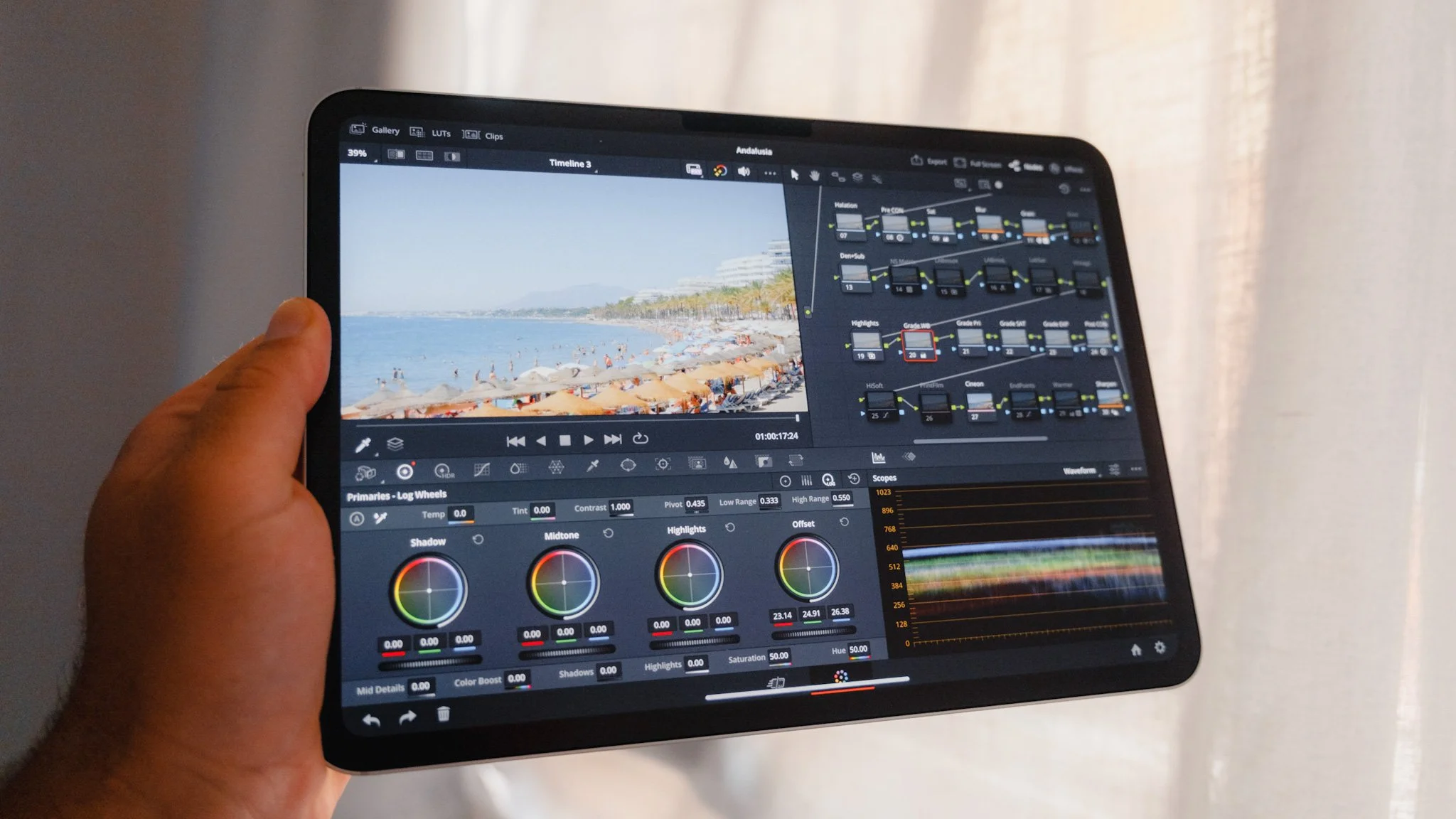
My main video editing app is DaVinci Resolve. Obviously, it’s not as fully featured as the desktop version, but it has almost everything and more. The interface can get a little crowded, especially on the 11-inch model; however, it’s still perfectly usable. The colour grading is second to none, and I find it absolutely insane how I can run such an app on a small iPad. The only catch is that you need a keyboard and a mouse to use it. I personally have the paid Studio version, as it’s incredible value for money.

Final Cut Pro
Final Cut Pro is rather stripped down compared to the desktop app; however, the key feature it has that DaVinci doesn’t is the ability to use it without a keyboard and mouse. I find myself only using it a handful of times because I always have the keyboard case with me, thus DaVinci is a better choice. However, when I do use it in tablet mode, I absolutely love the experience of editing a video using touch and the pen.

Apple Notes
All blogs are first written in Apple Notes. I’ve tried other note and text apps, and while there are many amazing options, I always find myself reverting back to Apple Notes because it just works for me. I also use Apple Notes to plan my videos, digital products and more.

ChatGPT
This is the most recent addition to my blogging process. Once a blog is finished in the Notes app, I copy and paste it into ChatGPT and ask it to check for typos, spelling, grammar, and flow. Although I love writing and think I’m fairly competent, this isn’t my strong point, so having ChatGPT check and fix all issues in a matter of seconds is a godsend. I then read the article one more time before it’s ready for publishing.

Squarespace
I’ve been using Squarespace for over four years now as my main website/blog platform. Although I use their web app on desktop, on the iPad the web experience isn’t as good. However, they have a great iPad app that allows me to create blogs, publish pages, send newsletters, manage sales, and more. I use this app daily to keep an eye on everything and upload new blogs to my website. For a free trial and 10% off, use this link.

Affinity Publisher
All my digital products are created in Affinity Publisher. It’s a fantastic app for making almost anything I want. I also use it for thumbnails, posters, leaflets, and more.

Affinity Designer
If I need to design a logo or anything along those lines, Affinity Designer is my go-to app. I don’t use it often because I’m not a designer; however, it’s great to have for the odd job here and there.

Freeform
This is a blank canvas-style app and is native to the iPad. I use this for brainstorming, sketching things out, and visual planning. This works great for videos because I can record my screen and then showcase whatever it is I’m trying to explain.

Admin
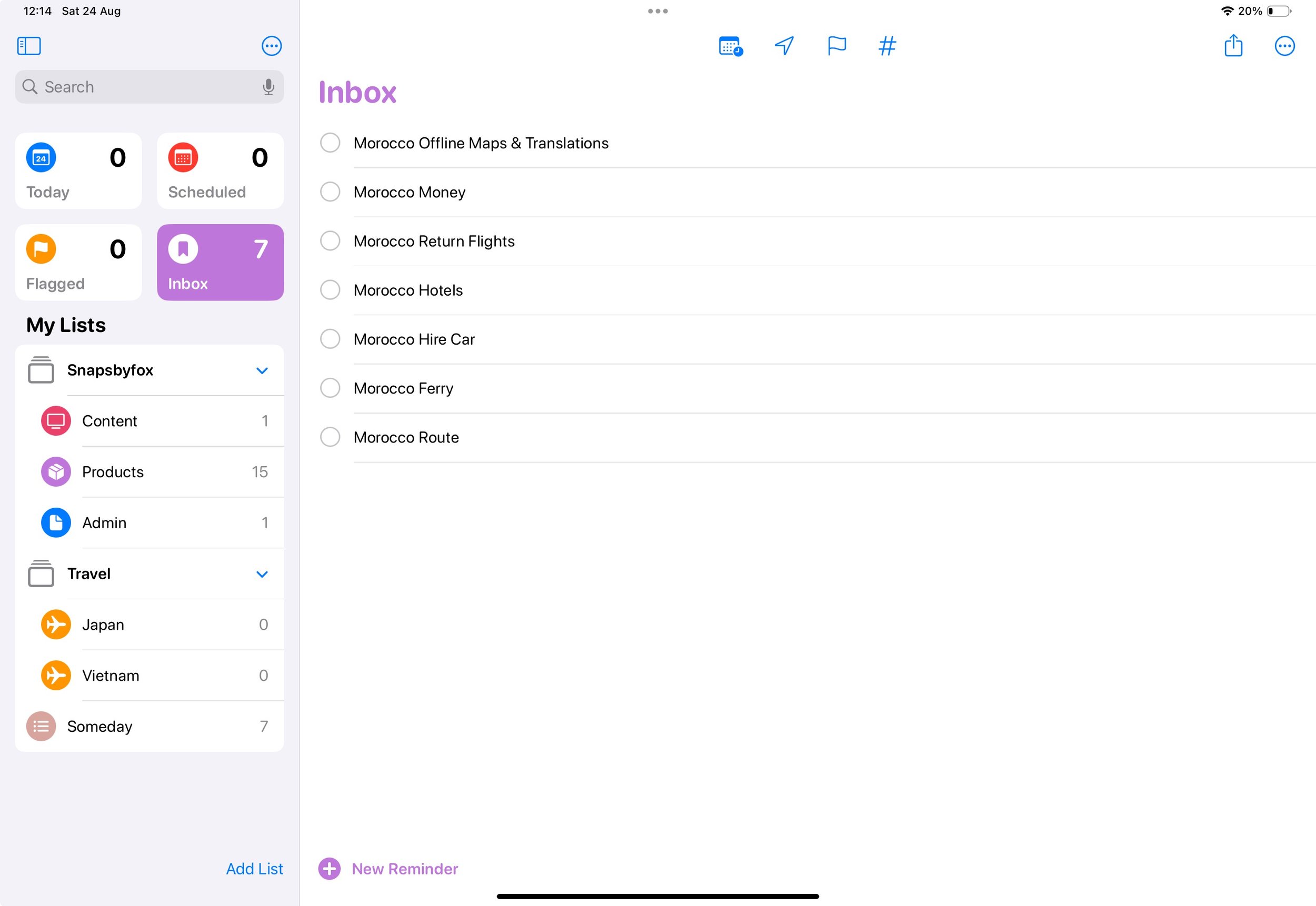
For all my personal admin, I use the built-in Apple apps such as Calendar, Mail, Reminders, and so on. For accounting and invoicing, I use Apple Pages and Numbers. I use Goodnotes as my handwritten journal. I find it great for brainstorming ideas or getting thoughts out of my head and onto paper. Finally, I have the YouTube Studio App, which allows me to manage my YouTube channel.
Google & Apple Maps
I use both Google and Apple Maps because different countries work differently with each one. Japan was better with Apple Maps, while other places, especially in mainland Europe, seemed to work better with Google. Also, this is a good way to cross-check a location or a route.

Google & Apple Translate
As with maps, I use both translation apps. Google has more languages, while Apple has a better user experience.

Maps.me
This is a full offline map experience where you can download a city, a country, or the whole continent for full offline navigation and search. It eats your storage, but if you’re going somewhere where the internet will be patchy, this can be a lifesaver.

Tide Pro
A simple app showing you tide times and heights.

Footpath
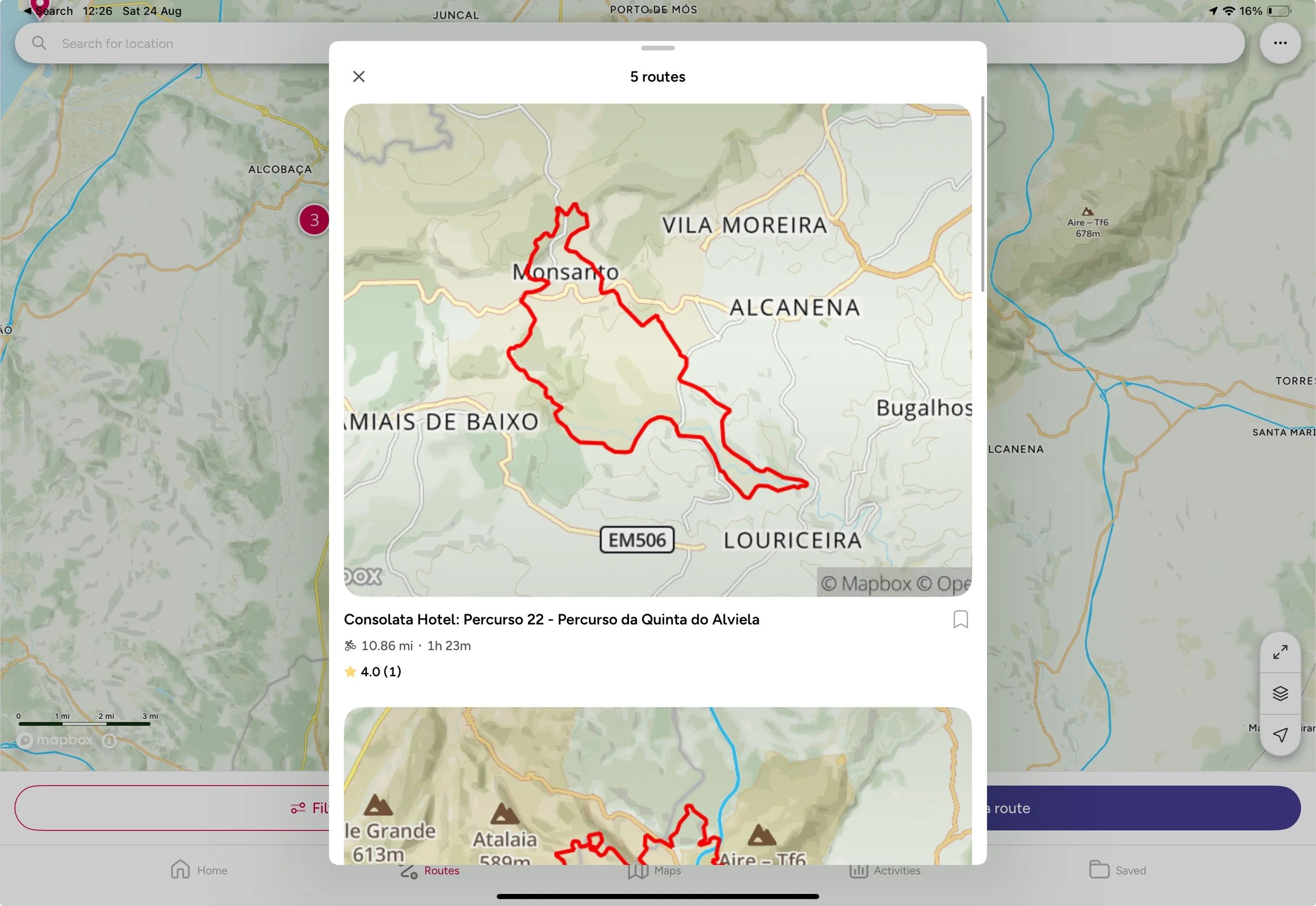
This app allows you to plan walks and create custom GPS routes. Whether it’s a city photowalk or a hike, you can plan it here and even export a GPX file.

AllTrails & OS Maps
I use both of these to plan and discover hiking routes.
Epidemic Sound
I used this platform for years to source all my music and sound effects for YouTube, IG Reels, client projects and more. One of the best out there. For more info click here.



















Instead of telling you how these will change your life, I would rather be practical and answer the most common questions that people tend to have when buying presets.
What are presets?
They are editing settings that are saved in a file and can be applied to any image.
Why do people buy presets?
Sometimes because they like the work of the photographer and want that style for their own photos. Mostly because they would like to see how other people edit and learn by reverse engineering the presets. Other times it’s just to support their favourite photographers, thank you!
What’s the overall style of these presets?
- Filmic
- Warm
- Soft
- Bright
What are these presets suitable for?
Street & Travel Photography
Some Nature (with further editing)
Some Portraits (with extensive editing)
Do I actually use these?
Yes. This is the same pack I use right now for all my editing. This isn’t a pack made just to sell.
Do these presets get updated?
Yes, as my style changes, these presets will also be updated. Any time a new update is available, you will get a free update via email. Of course you also keep all the old presets in case you prefer the older looks. Only presets purchased from 2025 onwards will receive the updates.
What file types are these presets for?
- All RAW files
- JPEGs & TIFFs (not recommended)
What camera brands are these presets for?
These were designed around Fujifilm, Sony, and Leica sensors. With that said, they will work with all camera brands. While there might be differences due to individual camera colour science, the overall feel of the preset will carry over.
Will these work with JPEG files?
Yes, but you will need to reduce the intensity and make further edits. I strongly recommend editing RAW files.
Are these one click edits?
95% No. You would need to do some basic adjustments as each image is different. These adjustments can include exposure, colour balance etc. In 5% of cases you can just apply and leave it alone.
Do I need to know how to edit?
You need to have a basic understanding of adjusting exposure, highlights, shadows, etc. A more comprehensive editing skillset will let you get the most out of them.
How many presets are included?
10 in the main pack and 24 in the extras pack
Why two packs?
The main pack is what I use for 99% of my edits and is kept small to reduce wasted time scrolling through presets. The extras pack is everything I don’t use often.
What software do I need?
These presets will work with any of the following:
- Photoshop (adobe camera raw)
- Lightroom Classic
- Lightroom Desktop
- Lightroom Mobile
Will these presets work with free versions of the above software?
You need to research and double check before buying. These presets were designed for the full paid versions.
Will these presets work with very old versions of the above software?
You need to research and double check before buying. These presets were designed on and for the latest software.
What file type do I get?
XMP
What else do I get?
- Comprehensive PDF guide
Can I modify these and turn them into my own?
Yes! In fact I encourage you to modify them and play around. Use these to help you get your own style.
I have more questions…. What do I do?
Make a cup of tea and drop me an email on hello@snapsbyfox.com
Please note that due to the nature of digital products, refunds are generally not accepted. However, if you experience any issues, feel free to contact me and I’ll review your situation individually. You are welcome to use this product for personal or commercial projects, but you may not copy, distribute, or resell the files in their original or modified form.
Finally I want to say a massive thank you for supporting me. Buying these presets is the most direct way you can support my work.
Thank you!