
Minimal Fujifilm Photography Kit
Not long ago I shared my daily photography kit and although that kit still stands for bigger trips, it’s a little overkill for daily carry or travelling light. In this blog I will share with you what in my opinion is the optimal minimum kit and not just for photography, but for video, blogging and much more. Please keep one thing in mind however, the items below are premium and not everyone would be able to justify spending that much. There are many ways to get the same kit for less and I will also share with you a more affordable alternative if applicable.
Bag
The bag of choice is a Bellroy Venture 6L sling. I’ve chosen a sling due to the small amount of gear and because it’s a more efficient way to utilise everything. Also it’s more secure when exploring urban areas. I’ve chosen Bellroy because of the high quality, great features and it looks minimal. I’ve written a detailed review of this bag that you can check here. This bag easily fits everything in with room to spare. The strap can be detached thus turning it into a camera cube or a tech pouch. The bottom has some padding for protection and the bag compresses when on your body. The only downside is the lip on the front pocket can collect water when it’s raining and although it does make it easier to access the front pocket, this is still an odd design choice. If this bag is out of your price range, then may I suggest the Uniqlo sling instead. It looks really cool and has plenty of space for everything I will share below.

Photo Camera
The main photo camera of choice is the Fuji XT5. I’ve written a blog on it before and you can find it here. The main reason for this camera is the compact size, the articulating screen and the 40mp sensor. The extra resolution allows me to crop in thus giving me more “focal ranges” out of fewer lenses. The small size and weight means that this camera doesn’t stick out and can easily pass as a hobby or even film camera. The articulating screen helps when shooting from awkward angles and finally this camera is weather sealed so I can shoot in any condition. If the XT5 is a little out of your price range, then may I suggest a good used Fuji XT3. You get the same amazing image, the same small body and the same ergonomics. You still have a 26mp sensor and that amazing screen. The battery life is a little worse but not that bad.

Wide Lens
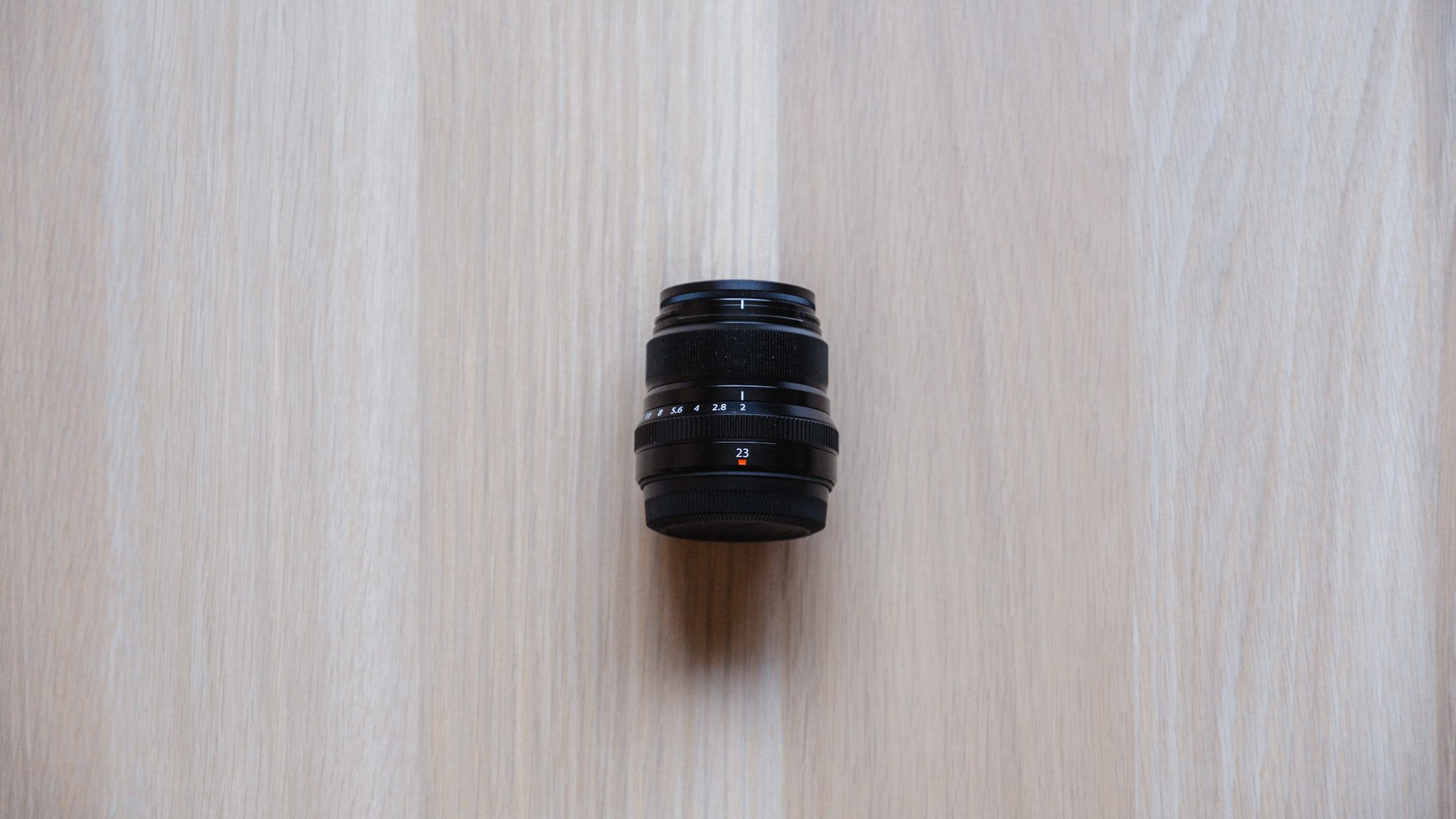
The first lens is a Fuji 23mm f2. I went for the f2 version mainly due to size and weight. Coupled with the XT5, it provides an insanely small package. This lens is also weather sealed and has a high quality metal build. 23mm is a traditional 35mm in full frame terms and is the perfect walk about lens. It’s great for documenting your day, for establishing a scene and for environmental portraits. The image is not as sharp as on the f1.4 alternatives however the size and weight saving is worth it. There isn’t anything cheaper I would recommend without a huge sacrifice in quality. I suggest shopping used however if even that’s too expensive then looking at brands like TTArtisan would be a good bet.

Tight Lens
The second lens is a Fuji 50mm f2. I went for the f2 version mainly due to size and weight. Coupled with the XT5, it provides an insanely small package. This lens is also weather sealed and has a high quality metal build. 50mm comes to around 75mm full frame and is great for subjects and details. The 23mm would be used to show where you are and the 50mm to show what’s there. The image is not as sharp as on the 56 f1.2 alternative however the size and weight saving is worth it. There isn’t anything cheaper I would recommend without a huge sacrifice in quality. I suggest shopping used however if even that’s too expensive then looking at brands like TTArtisan would be a good bet.


Video Camera
The video camera of choice is the new DJI Pocket 3. This might sound dramatic but this camera has totally revolutionised how I make videos. It’s the ultimate one man band video camera that makes the whole process so much easier. The image quality is fantastic with a 1 inch sensor and a fast aperture lens. The autofocus is reliable and the built in audio is really good. The gimbal allows for smooth footage and can even track your face or another object. The whole package fits in your pocket and I’m genuinely shocked at how useful this has become. There will be a whole dedicated post about this camera in the future. If this camera is a little out of your price range then picking up a used DJI Pocket 2 will be a good option. Alternatively you can always use your phone for video. Another option would be a GoPro that’s a year old and can be picked up relatively cheaply on places like eBay.

Phone
The third camera is an iPhone 15 Pro Max. Many photographers still scoff at the idea that a phone is a legitimate camera however that’s to their own detriment. These days phones make great backup cameras and under the right conditions can take photos that give even the most expensive systems a run for their money. I picked the 15 Pro Max for the lens choice and the port. There is an ultra wide at around 13mm, a normal 24mm and a telephoto 120mm. These lenses allow me to get shots that I physically can’t with the main set up and in many cases having a photo with ok image quality is better than not having anything at all. Finally the USB-C port allows me to use this phone for backing up and editing on the go. I will do a separate post on my workflow while on the road. If this phone is too expensive, I would suggest an iPhone 13 Pro Max. You still get an amazing 24mm main camera plus the ultra wide and telephoto. The lightning port will be slower for transfers but still easily doable. The rest of the experience will be pretty much the same.


Accessories
There are a few accessories which are worth mentioning. The first is an Anker Nano power bank. Very compact with a built in USB-C cable and can easily keep the DJI Pocket and iPhone running all day.

A Joby folding mobile tripod stand is so useful. Not only does it act as a tripod for my phone, but the legs also can be unscrewed and used with the DJI pocket.


A few other accessories:
An Apple SD to USB-C reader
Spare SD Card
Spare Fuji battery
USB-C to USB-A adaptor
USB-C and USB-A flash drive
Pen, wallet & keys
Lens wipe and cloth



















Instead of telling you how these will change your life, I would rather be practical and answer the most common questions that people tend to have when buying presets.
What are presets?
They are editing settings that are saved in a file and can be applied to any image.
Why do people buy presets?
Sometimes because they like the work of the photographer and want that style for their own photos. Mostly because they would like to see how other people edit and learn by reverse engineering the presets. Other times it’s just to support their favourite photographers, thank you!
What’s the overall style of these presets?
- Filmic
- Warm
- Soft
- Bright
What are these presets suitable for?
Street & Travel Photography
Some Nature (with further editing)
Some Portraits (with extensive editing)
Do I actually use these?
Yes. This is the same pack I use right now for all my editing. This isn’t a pack made just to sell.
Do these presets get updated?
Yes, as my style changes, these presets will also be updated. Any time a new update is available, you will get a free update via email. Of course you also keep all the old presets in case you prefer the older looks. Only presets purchased from 2025 onwards will receive the updates.
What file types are these presets for?
- All RAW files
- JPEGs & TIFFs (not recommended)
What camera brands are these presets for?
These were designed around Fujifilm, Sony, and Leica sensors. With that said, they will work with all camera brands. While there might be differences due to individual camera colour science, the overall feel of the preset will carry over.
Will these work with JPEG files?
Yes, but you will need to reduce the intensity and make further edits. I strongly recommend editing RAW files.
Are these one click edits?
95% No. You would need to do some basic adjustments as each image is different. These adjustments can include exposure, colour balance etc. In 5% of cases you can just apply and leave it alone.
Do I need to know how to edit?
You need to have a basic understanding of adjusting exposure, highlights, shadows, etc. A more comprehensive editing skillset will let you get the most out of them.
How many presets are included?
10 in the main pack and 24 in the extras pack
Why two packs?
The main pack is what I use for 99% of my edits and is kept small to reduce wasted time scrolling through presets. The extras pack is everything I don’t use often.
What software do I need?
These presets will work with any of the following:
- Photoshop (adobe camera raw)
- Lightroom Classic
- Lightroom Desktop
- Lightroom Mobile
Will these presets work with free versions of the above software?
You need to research and double check before buying. These presets were designed for the full paid versions.
Will these presets work with very old versions of the above software?
You need to research and double check before buying. These presets were designed on and for the latest software.
What file type do I get?
XMP
What else do I get?
- Comprehensive PDF guide
Can I modify these and turn them into my own?
Yes! In fact I encourage you to modify them and play around. Use these to help you get your own style.
I have more questions…. What do I do?
Make a cup of tea and drop me an email on hello@snapsbyfox.com
Please note that due to the nature of digital products, refunds are generally not accepted. However, if you experience any issues, feel free to contact me and I’ll review your situation individually. You are welcome to use this product for personal or commercial projects, but you may not copy, distribute, or resell the files in their original or modified form.
Finally I want to say a massive thank you for supporting me. Buying these presets is the most direct way you can support my work.
Thank you!