
Fujifilm XT5 - 2 Steps Forward, 1 Step Back
It’s now been just over 6 months since I got my hands on the XT5 and in this blog I will share my thoughts having used this camera for all my street photography, travel and making YouTube videos.
Disclaimer
As always I start all my gear reviews with a disclaimer to make sure everyone is on the same page. I am a full time travel photographer and I make YouTube videos. So all my opinions will be based on these use cases. I am not a pixel peeper nor will I take photos of brick walls to show you the sharpness. I am also not a tech nerd, so don’t expect a breakdown of which video codec will make your photos look better. I have been using Fujifilm cameras exclusively since the XT3 however I have no affiliation to Fujifilm and all my gear is purchased with my own money at the same time as anyone else. I am not a Fujifilm fanboy, to me this is just a tool and not part of my identity. Finally everything I share in this video is simply my opinion. You might have a different one and that is totally ok.
Build Quality
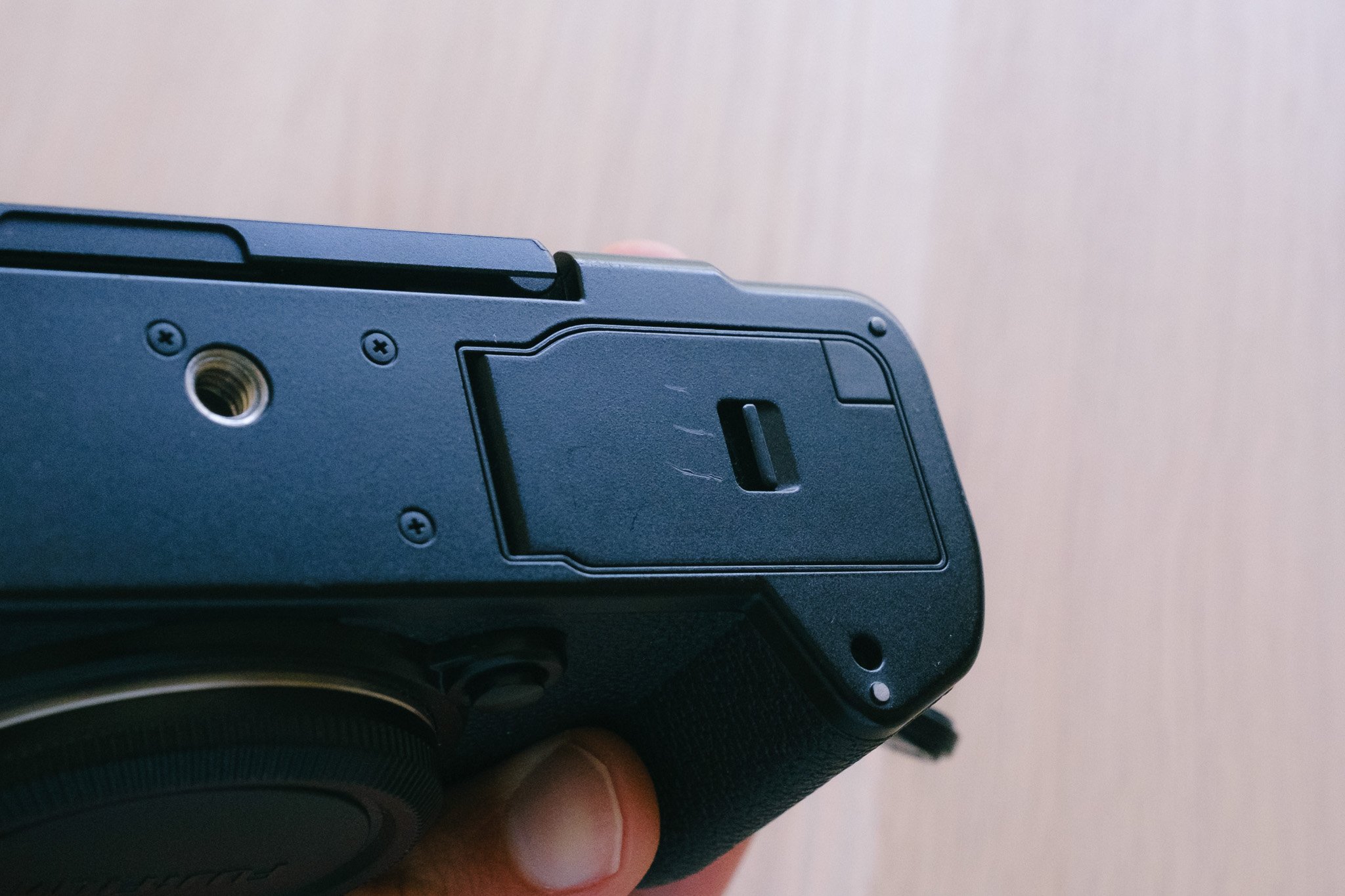
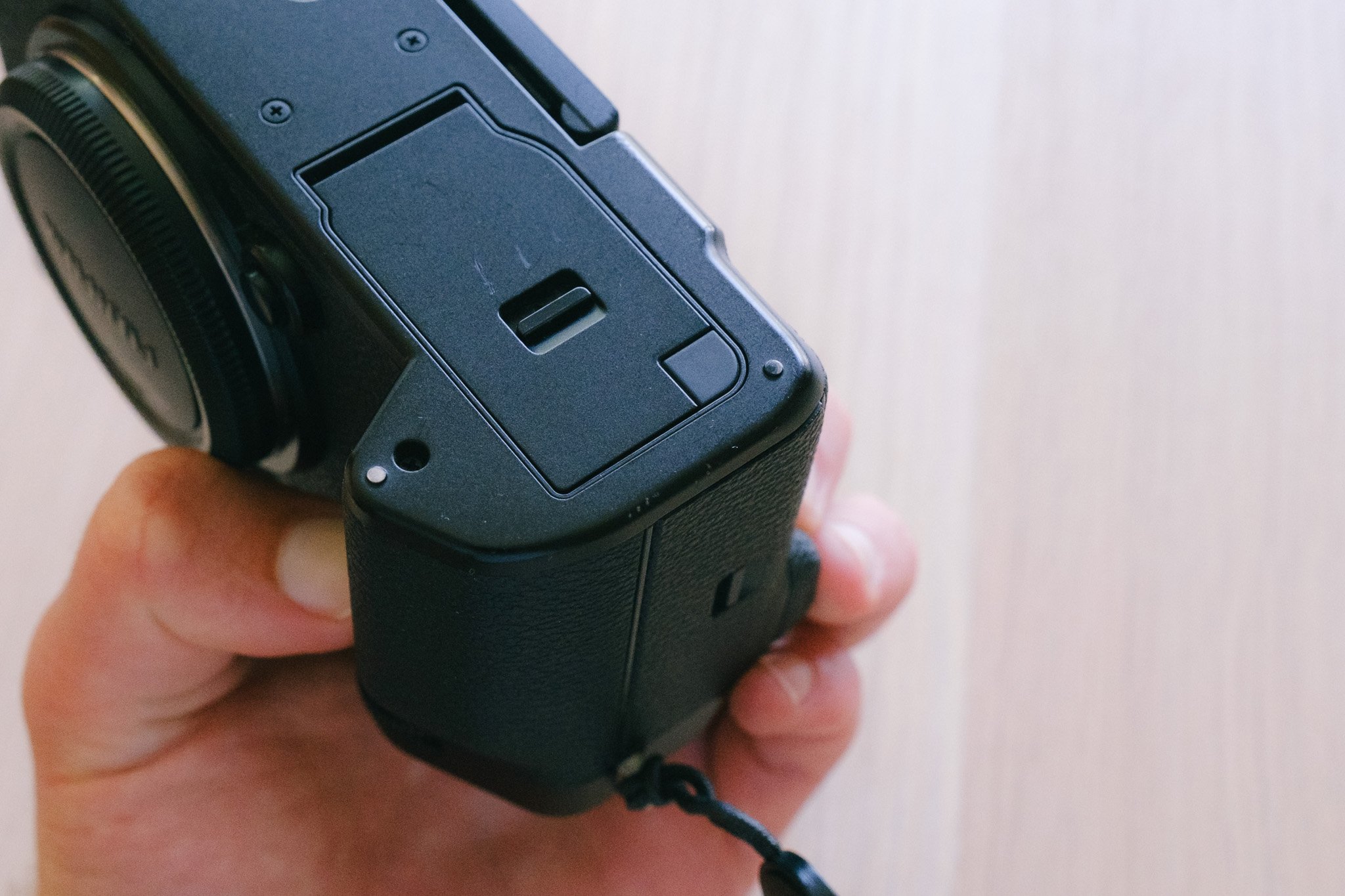
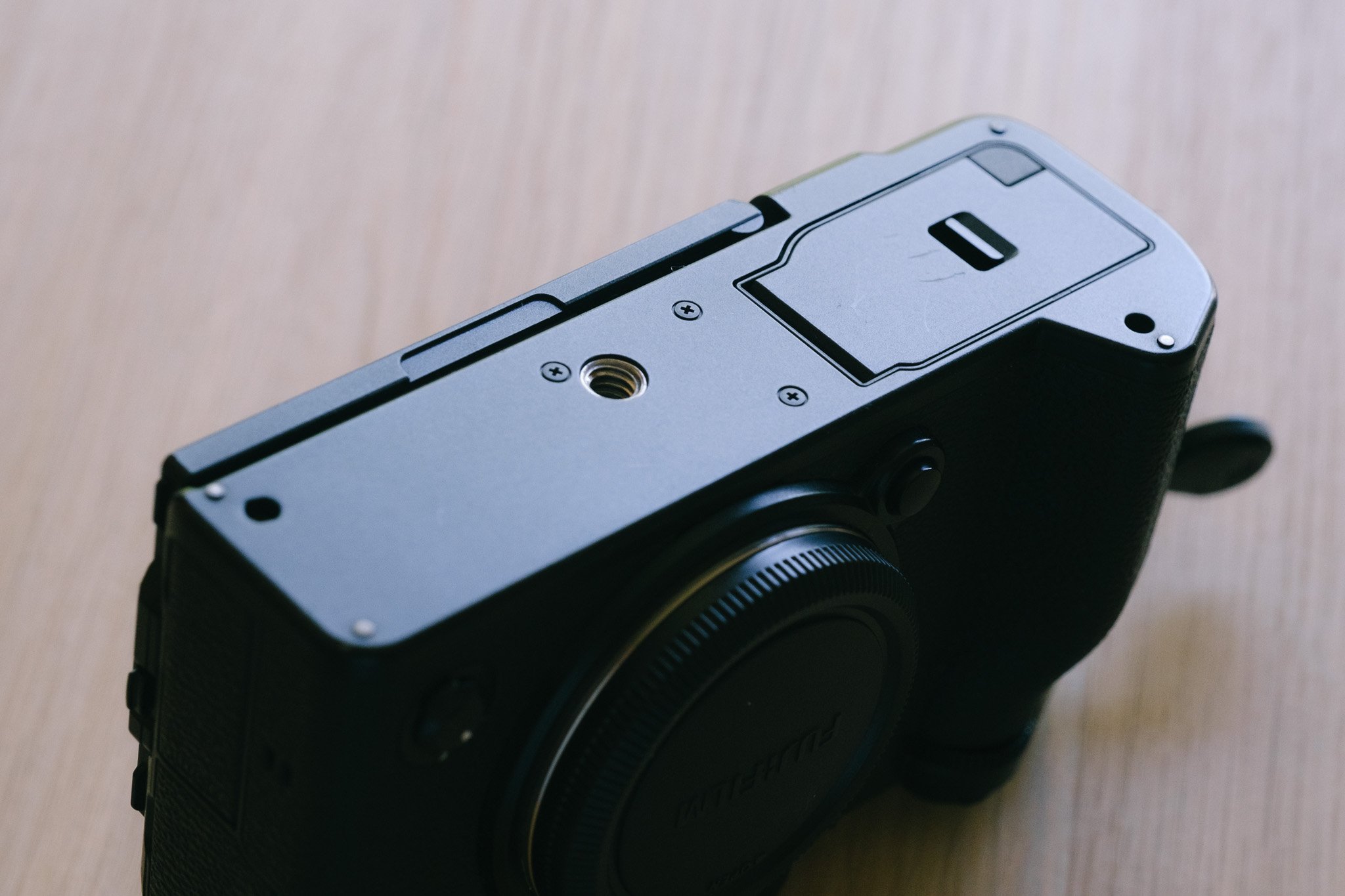
Let’s get the biggest negative out of the way first. In my opinion, the build quality has significantly reduced compared to their previous camera. The camera generally feels cheaper and not as well built as the XT4 or XT3. The body scratches much easier and even though this camera is only 6 months old, it has at least twice as many scratches as my XH2s. For reference the XH2s is 3 months older and I use it twice as much. Previously the dials had a solid sturdy click when turning them. Now they feel like they are made from a thinner plastic and hollow inside. It’s hard to convey it in words but the general feedback of the dials and buttons is one of a cheaper camera. The screen already has a lot of play and when the camera gets warm even squeaks when opening and closing it. Finally this camera has frozen on me multiple times requiring a battery reset. Although it has never resulted in lost or corrupted footage and the freezing has improved considerably with firmware updates. With all that said, I have never had any major issues with the camera malfunctioning, corrupting footage or behaving erratically. Everything I just mentioned is not a deal breaker for me, I just wish the build quality reflected the price tag.

Ergonomics
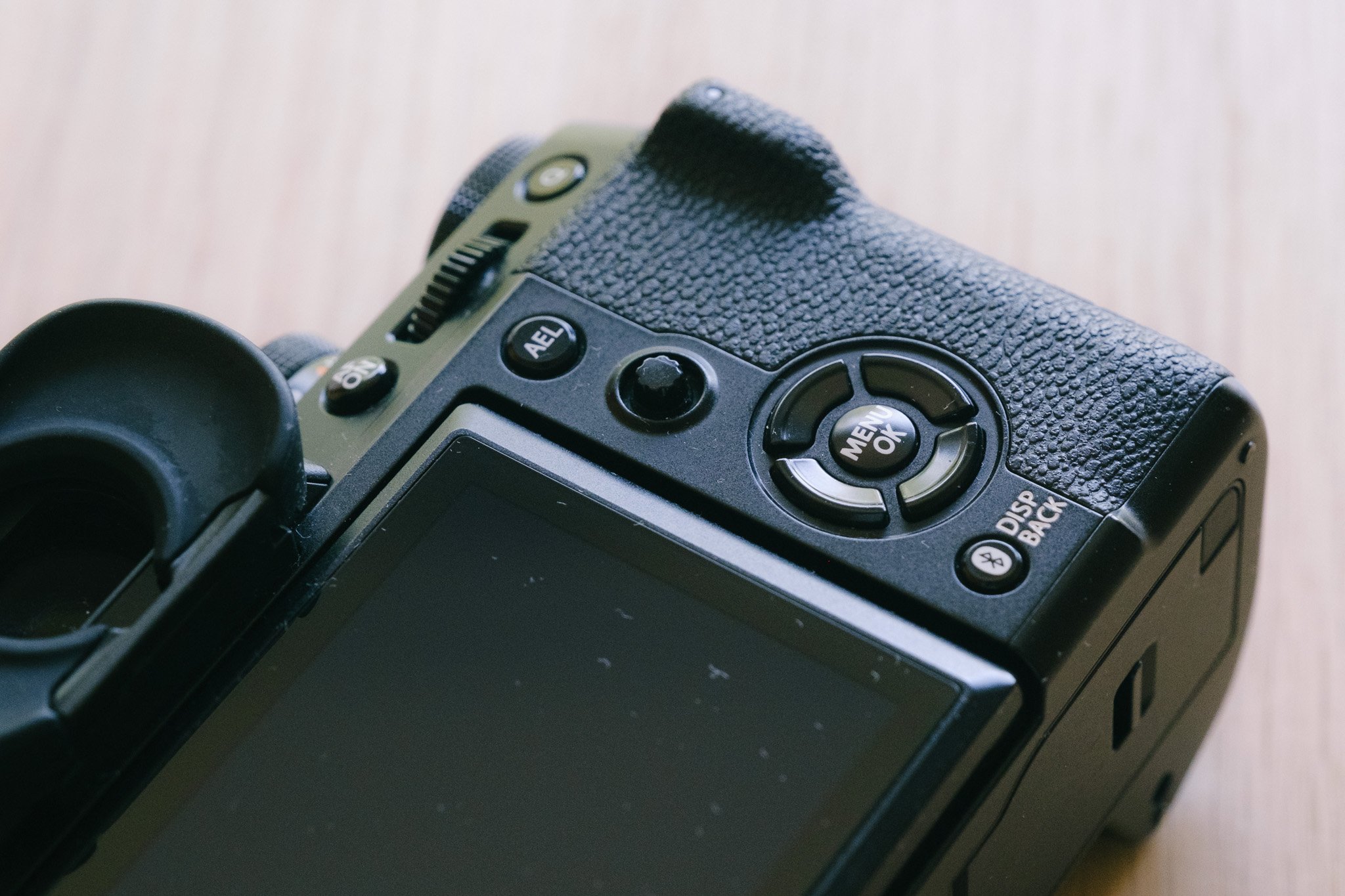
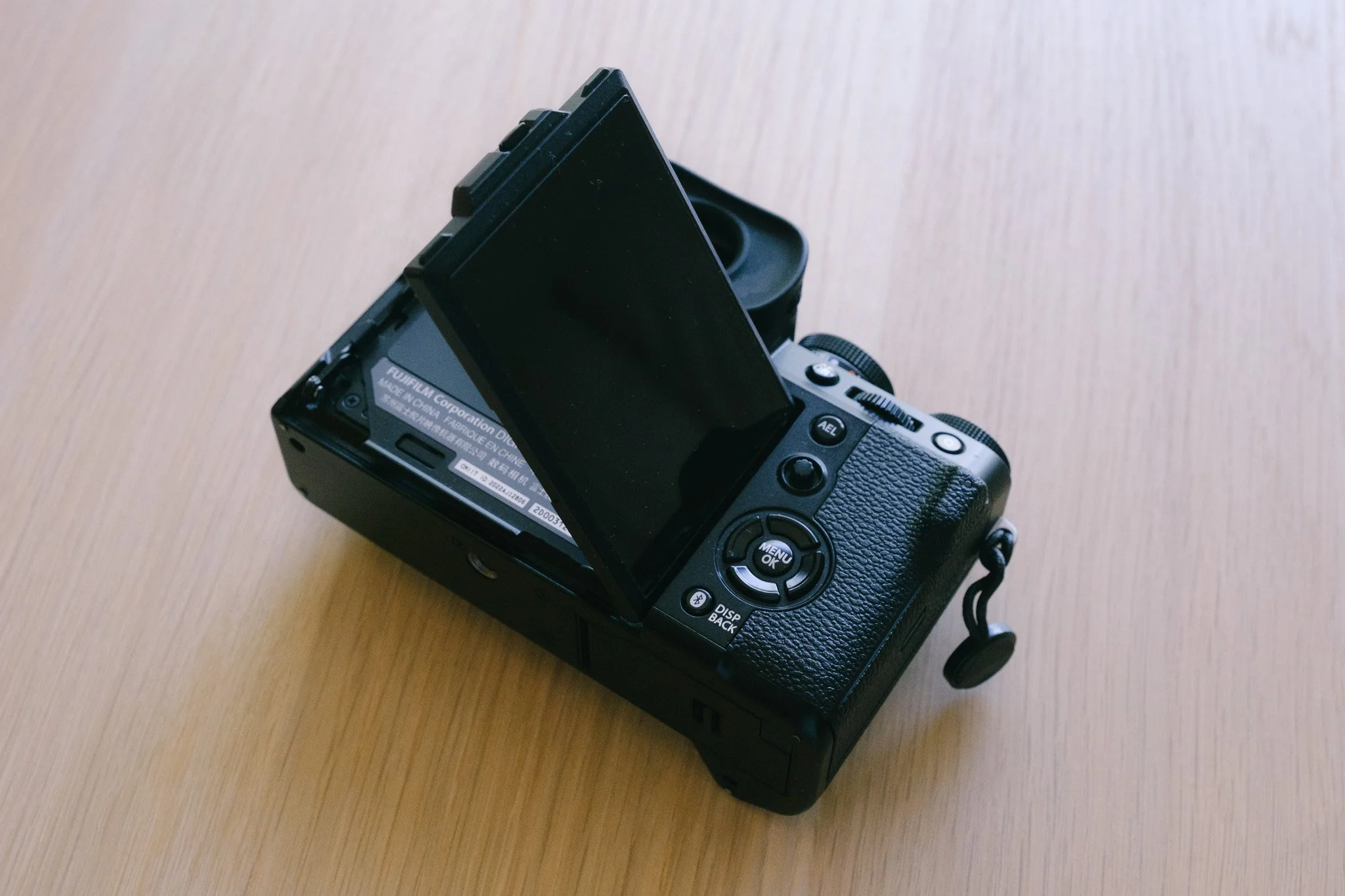
Now let’s swing back to more positive news and I’m happy to say that the ergonomics are just as good if not better than the predecessors. The grip has been revised and is more comfortable than before. The camera is overall smaller and lighter, which makes it portable and ideal for those who want to travel light. The top dials are still as intuitive as ever and those coming from previous XT cameras will feel right at home. One small note is that you can no longer attach a battery grip. Finally we have a return to the tilting screen. This is a personal preference and it is not better or worse than a flip out. If you spend all of your time behind the camera, the tilting screen is better. If you spend even a small amount of time in front of the camera, then a flip out screen is a must.




Usability
The news keeps getting better as the overall usability has been significantly improved with the introduction of some key new features. The first one being that you can now have 7 custom modes a bit like on the XH2s. This means that for both photo and video you can essentially have 7 different camera set ups. For photography I use this for different film simulations. For video I use this to switch between automatic and manual video modes. Furthermore you can assign the C1 setting to a custom button. For example for photography I have assigned C1 to be single point focus and spot metering. Any time I want to quickly expose for the highlights, I just press the button assigned to C1 and can expose for the highlights and not the entire scene. A couple things to note though. The top dials will always over ride any custom mode and the programming of the function buttons will carry over all modes both photo and video. The rest of the camera is the same as previous XT bodies. If you liked those, you will like this. Finally the IBIS is improved over the XT4 with less random jerkiness a specially in video.

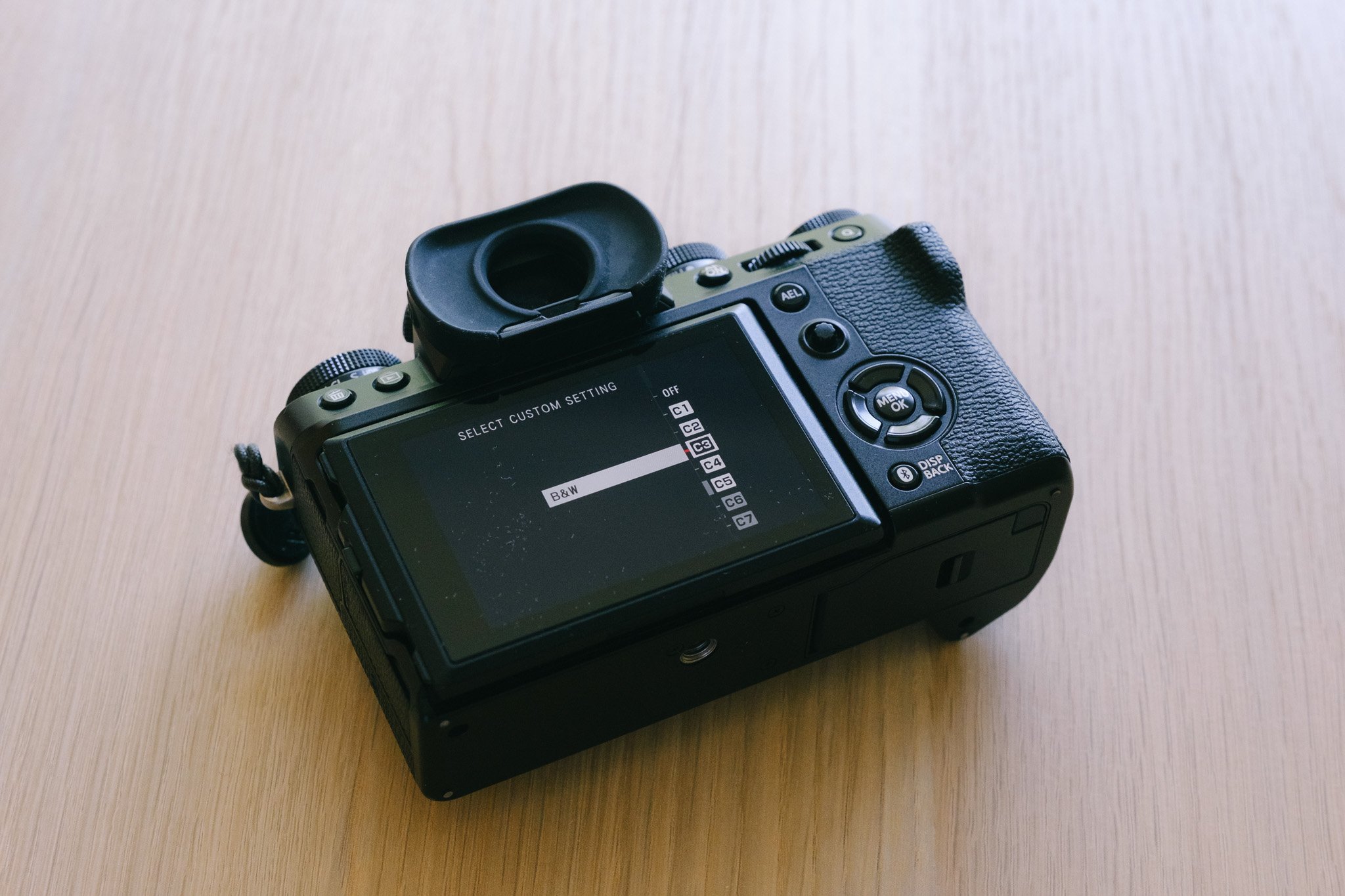
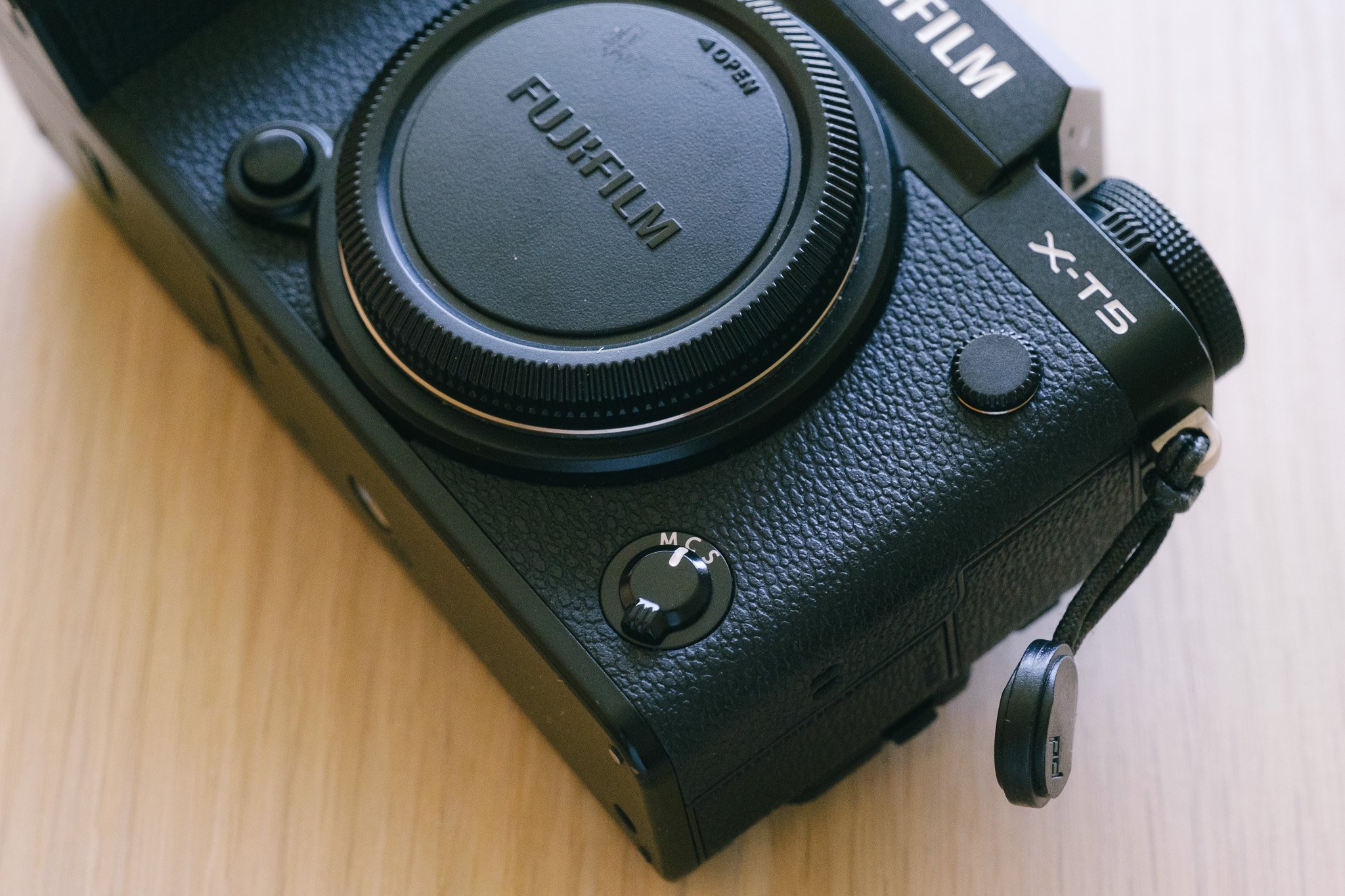


Image Quality
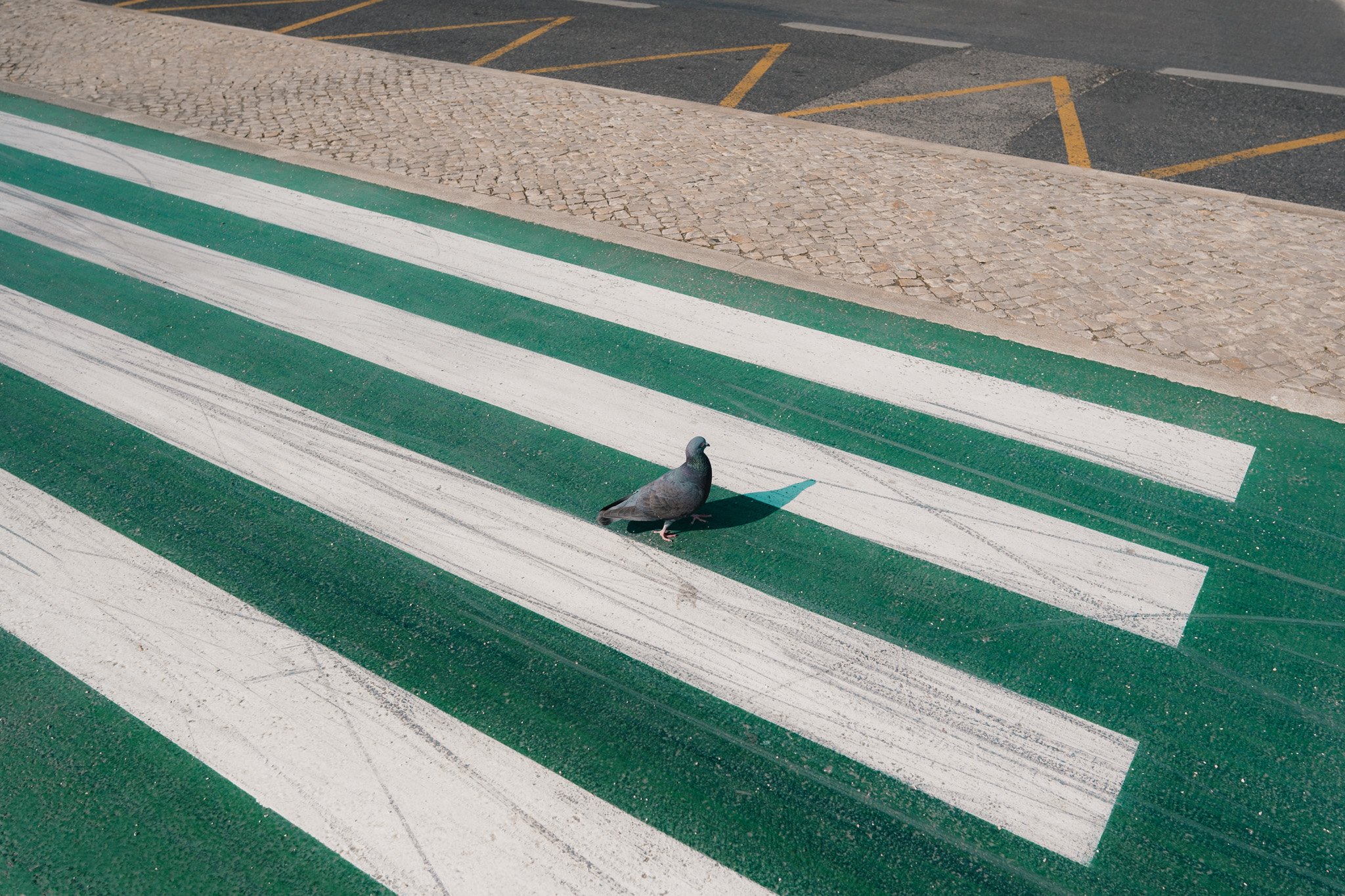
The image quality is good. However all the previous cameras were also good. If I show you a side by side of the XT5 and the XT4 or even the XT3 you would not be able to tell the difference. However from a high level perspective, I would say that the images are sharper, cleaner and have a better tone graduation. The extra resolution is also welcome mostly for cropping reasons. This now means that I can use my 18mm for wide shots but then crop into 23mm and still maintain more than enough resolution. I can then use my 33mm and crop into 50mm. Video quality is great and dynamic range is good especially when using FLOG2. Finally there are more options for JPEGs but that’s for a future blog.




Autofocus
Autofocus has seen a huge improvement over the XT4. To the point where it is now usable and reliable. It sticks, tracks faces and doesn’t hunt around or struggle like the XT4 did. However I can’t tell you what the subject tracking is like as I never use it. If you rely on autofocus, especially in video, that would be enough to justify this upgrade if you’re coming from an XT4 or below.
Summary
To summarise this is a good XT upgrade if you love the form factor, want the great autofocus and room for cropping. If you only do photography and are on a budget, then the XT3 is still a better choice. If you spend any time in front of the camera and are on a budget, then the XT4 will be better. If you need the best autofocus system especially when it comes to tracking, the XT5 will be a great choice. However if you need great autofocus and a flip out screen for self portraits or video, then the new XS20 would be worth considering, although you would then be losing the top dials. Finally if it’s a choice between upgrading or going on a big adventure, I would say fuck the XT5 and go on an adventure with the camera you have now. In 10 years time you would remember the adventure, not a camera.
If you’re considering purchasing this item and use the affiliate links below, it will not cost you any extra however I will get a small % kickback which helps keep this blog ad free for you to enjoy.
Purchase here:
Help support this blog by checking out my products below
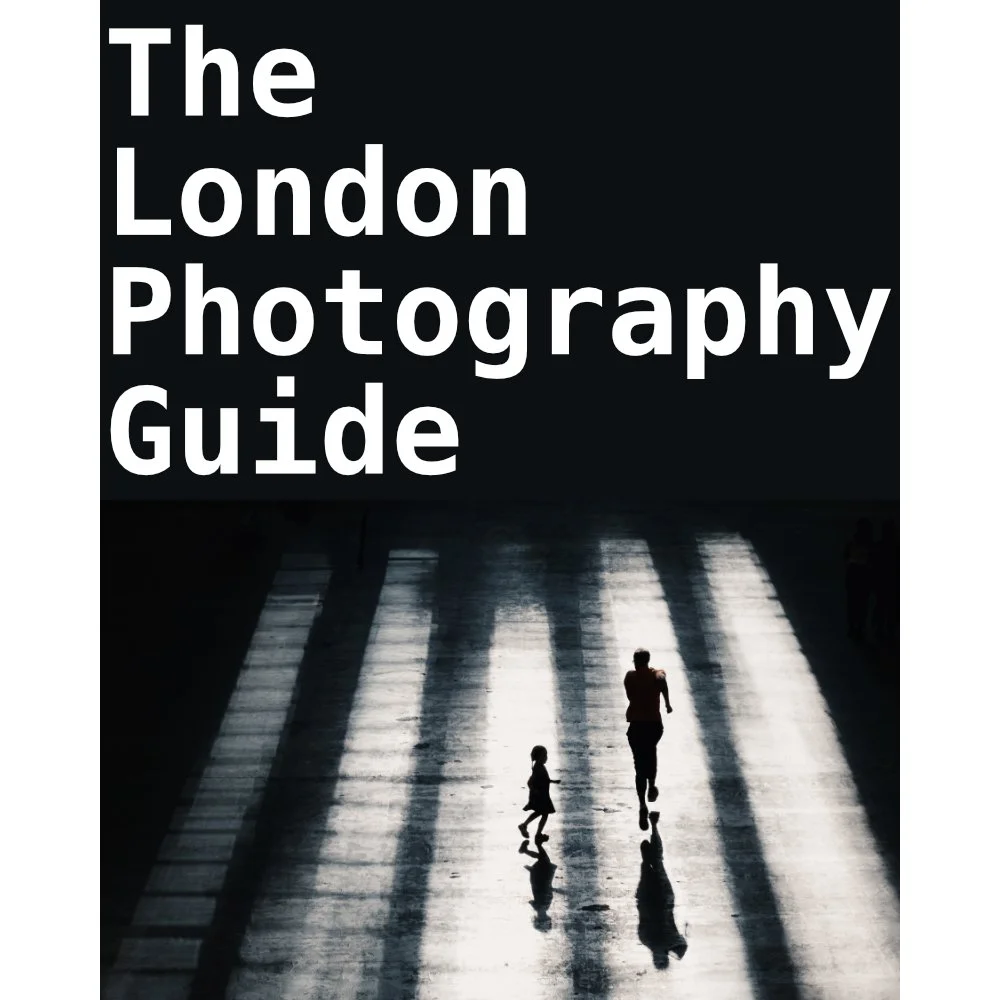
If you're planning to visit London or you’re a local and want to know some of the best locations for photography, this guide is for you.
What you need to know:
- 170 Page PDF document (94mb)
- 50+ Locations
- 100+ Photo spots
- Only covers locations that consistently deliver good photo opportunities
- Clickable maps
- GPS Coordinates
- What 3 Words Coordinates
- Addresses
How will this guide help you:
- Save you time and give you a clear checklist of where to go
- Show you real world photos I took from the suggested locations
- Show you coordinates for those photos if you want to take the same
- Give you feedback on any pitfalls with specific places and attitudes to photographers
- Food / Drink / Restroom suggestions
- Lens choice suggestions
- General visiting advice
- Inspire you to head out and shoot by removing the “where shall I go” barrier
This guide is a result of years spent living and photographing London in all conditions and seasons. I have only recommended locations that have consistently delivered good photos that I have been happy with. This guide does not cover every spot, that would be impossible and a lifetimes work. This guide is there to put luck in your favour when visiting the capital.
Please note that due to the nature of digital products, refunds are generally not accepted. However, if you experience any issues, feel free to contact me and I’ll review your situation individually. You are welcome to use this product for personal or commercial projects, but you may not copy, distribute, or resell the files in their original or modified form.
Finally I want to say a massive thank you for supporting me. Buying this guide is the most direct way you can support my work thus allowing me to make more videos / photos / tutorials for you.
Thank you for your support!
This Fujifilm XT4 set-up guide is designed to save you time and get your camera set up and working just like I do. You will learn what the major features do and why I chose to set them in a certain way. I will show you how to assign the buttons and custom menus in order to have the most important features at your fingertips. Finally, I will walk you through how I expose and focus.
This guide is not a replacement for your user manual and does not cover 100% of the features. It covers the features that, in my experience, 90% of the people use 90% of the time. This is based on years of personal experience.
This guide is best suited for those who want to be up and running quickly with a tried-and-tested set-up.
This is a digital download and not a physical product. The download is around 21mb.
Please note that due to the nature of digital products, refunds are generally not accepted. However, if you experience any issues, feel free to contact me and I’ll review your situation individually. You are welcome to use this product for personal or commercial projects, but you may not copy, distribute, or resell the files in their original or modified form.
Finally, I want to say a massive thank you for supporting me. Buying this guide is the most direct way you can support my work, thus allowing me to make more videos, photos, and tutorials for you.
Thank you for your support!
This Fujifilm X100V set-up guide is designed to save you time and get your camera set up and working just like I do. You will learn what the major features do and why I chose to set them in a certain way. I will show you how to assign the buttons and custom menus in order to have the most important features at your fingertips. Finally, I will walk you through how I expose and focus.
This guide is not a replacement for your user manual and does not cover 100% of the features. It covers the features that, in my experience, 90% of the people use 90% of the time. This is based on years of personal experience.
This guide is best suited for those who want to be up and running quickly with a tried-and-tested set-up.
This is a digital download and not a physical product. The download is around 16mb.
Please note that due to the nature of digital products, refunds are generally not accepted. However, if you experience any issues, feel free to contact me and I’ll review your situation individually. You are welcome to use this product for personal or commercial projects, but you may not copy, distribute, or resell the files in their original or modified form.
Finally, I want to say a massive thank you for supporting me. Buying this guide is the most direct way you can support my work, thus allowing me to make more videos, photos, and tutorials for you.
Thank you for your support!