
Insta360 Ace Pro 2 First Impressions
In this blog I will share with you my first impressions of the Insta360 Ace Pro 2. For transparency, this blog is sponsored by Insta360, so think of this as a product showcase and not a totally unbiased review. My use case for the Ace Pro 2 is documenting my travels, life, and making YouTube videos. I don’t use it for photography or any extreme sports. If you’re into base jumping, this blog might not be for you. However, if you want to use the Ace Pro 2 as a camcorder, then read on.
What’s Unique?
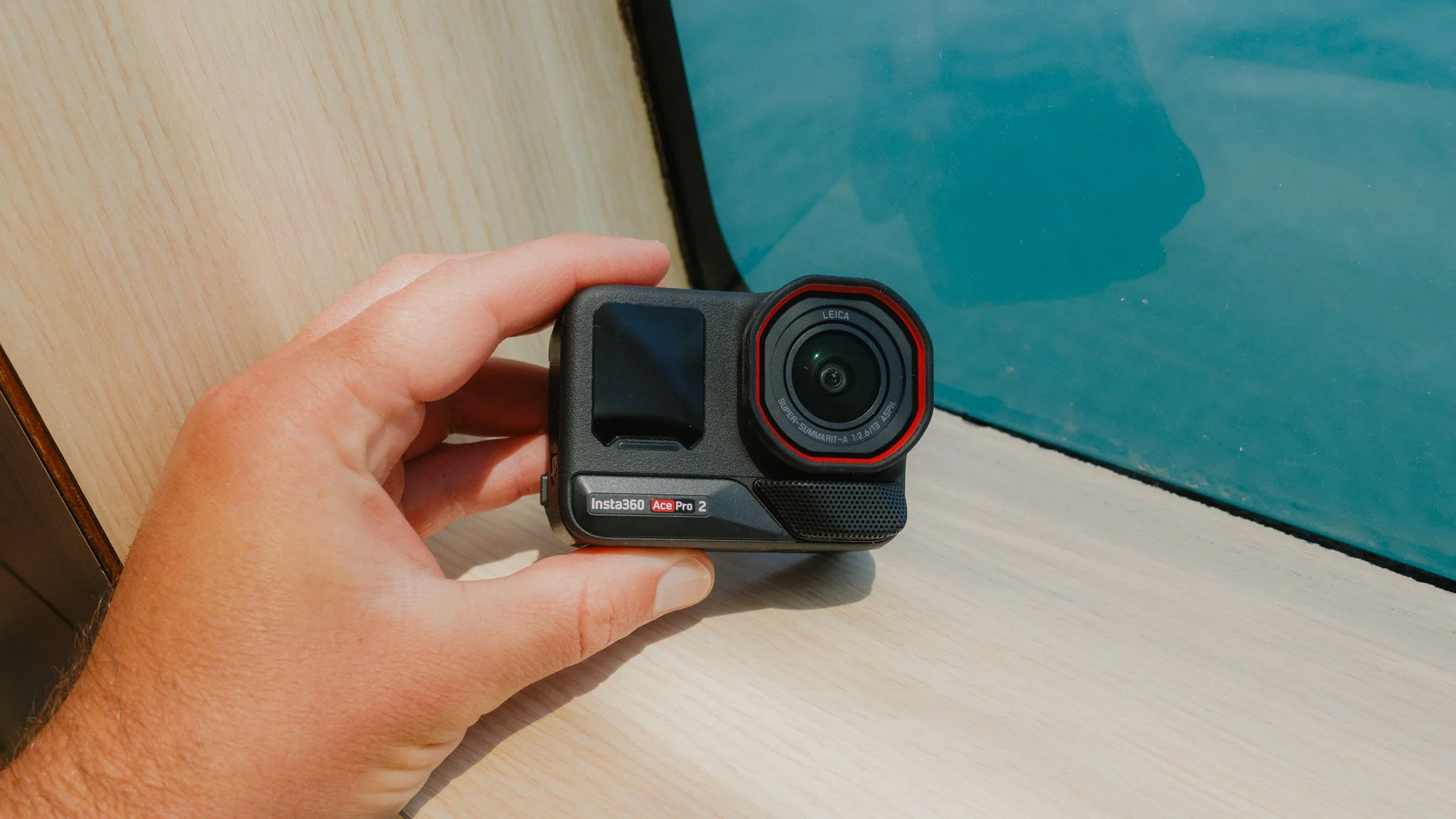
In the sea of action cameras, it can be hard to stand out. However, I feel Insta360 approaches this from a slightly different angle. Action cameras tend to be serious, as they are ultimately designed for serious things, however the Insta360 Ace Pro 2 feels like a fun take on this concept. The second unique thing about the Ace Pro 2 is the flip-up screen, which makes vlogging and waist level shooting much easier and more natural. The third aspect is the partnership with Leica, which is a first in this segment and brings with it some benefits. Lastly, there is the vast array of accessories that make using this camera fun and engaging. I will cover all these aspects in more detail throughout the blog.
Standout Features
While this camera is packed with features aimed at different use cases, below are the ones which had a direct impact on me and how I use the camera.
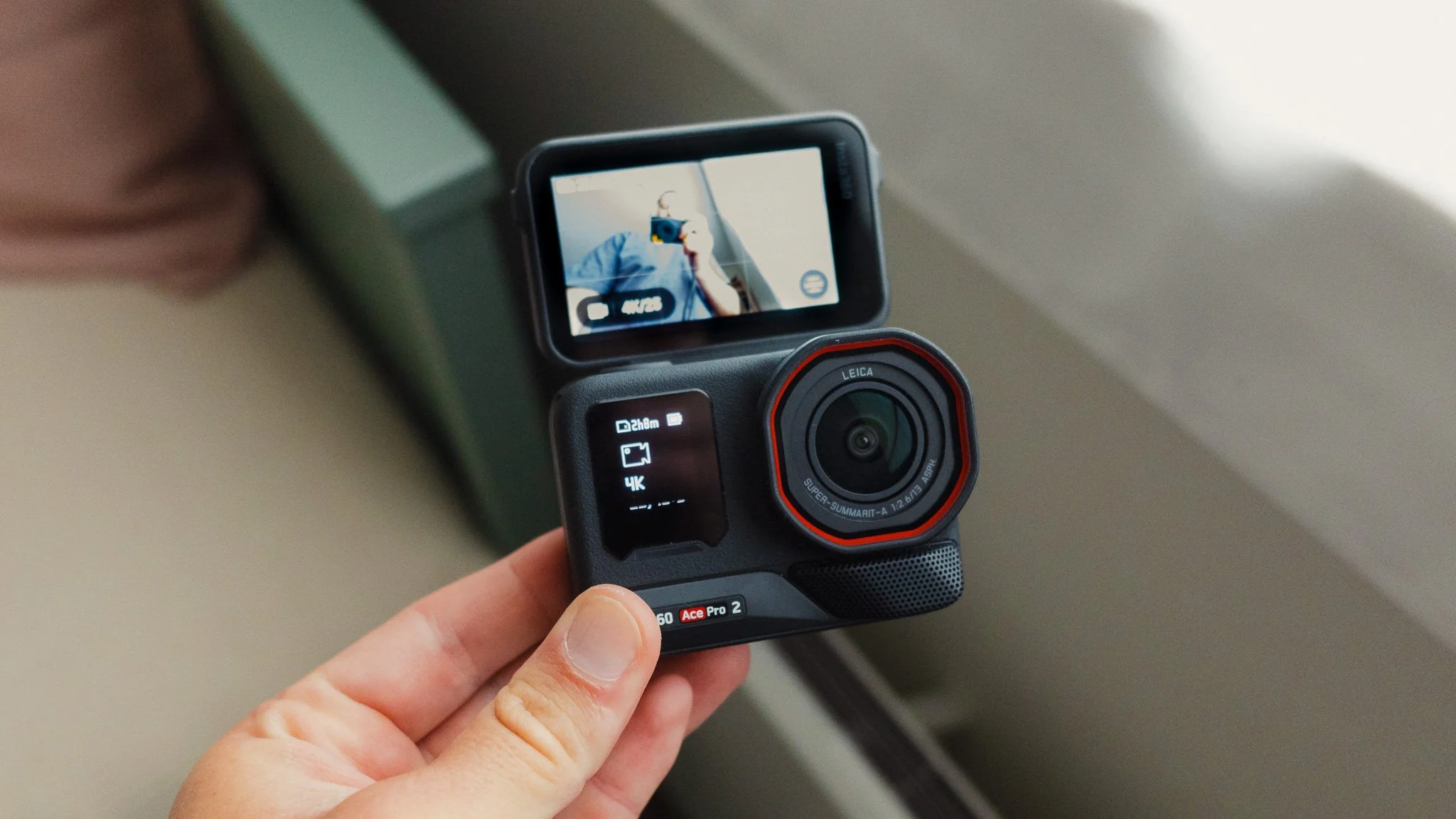
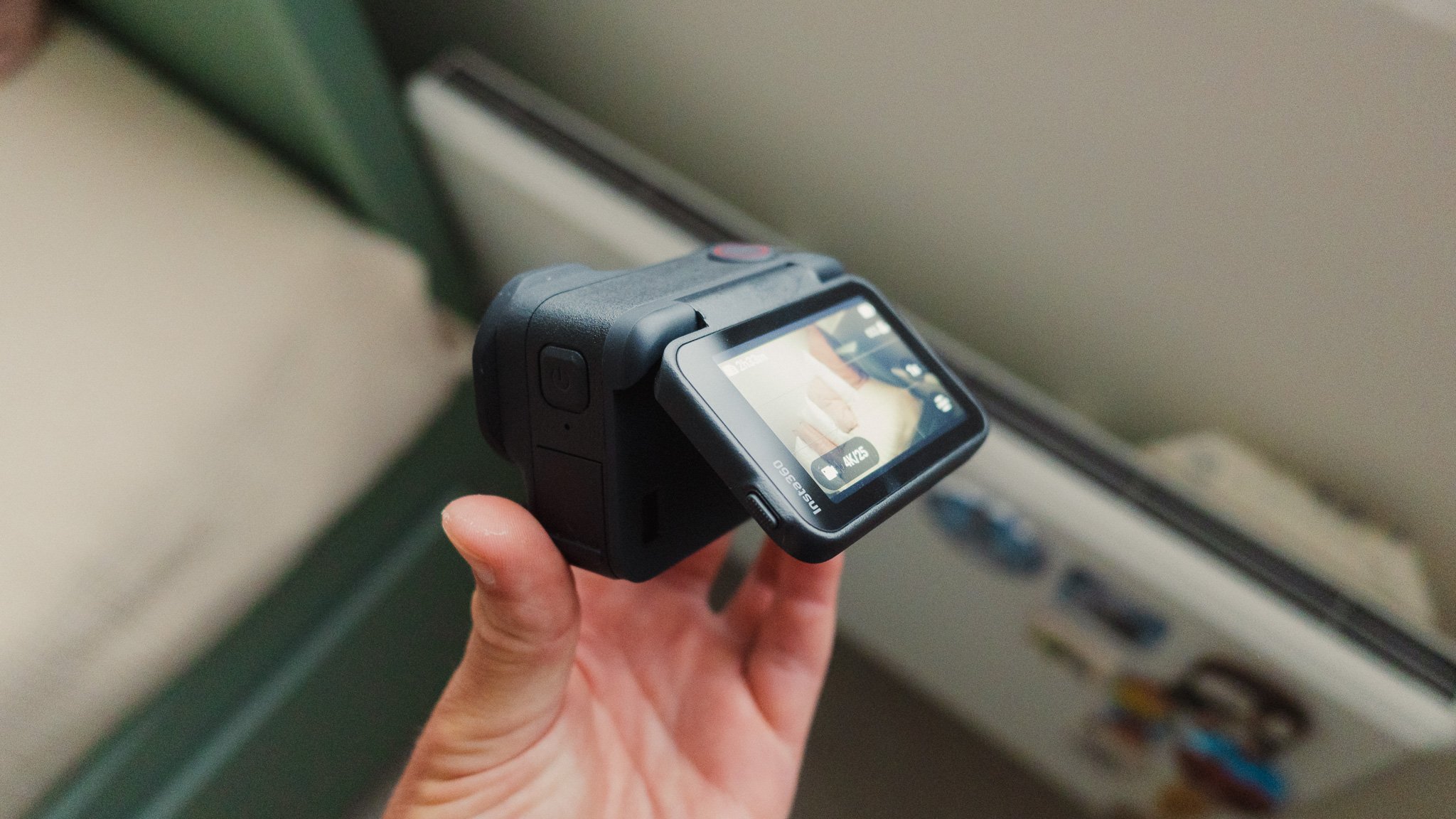
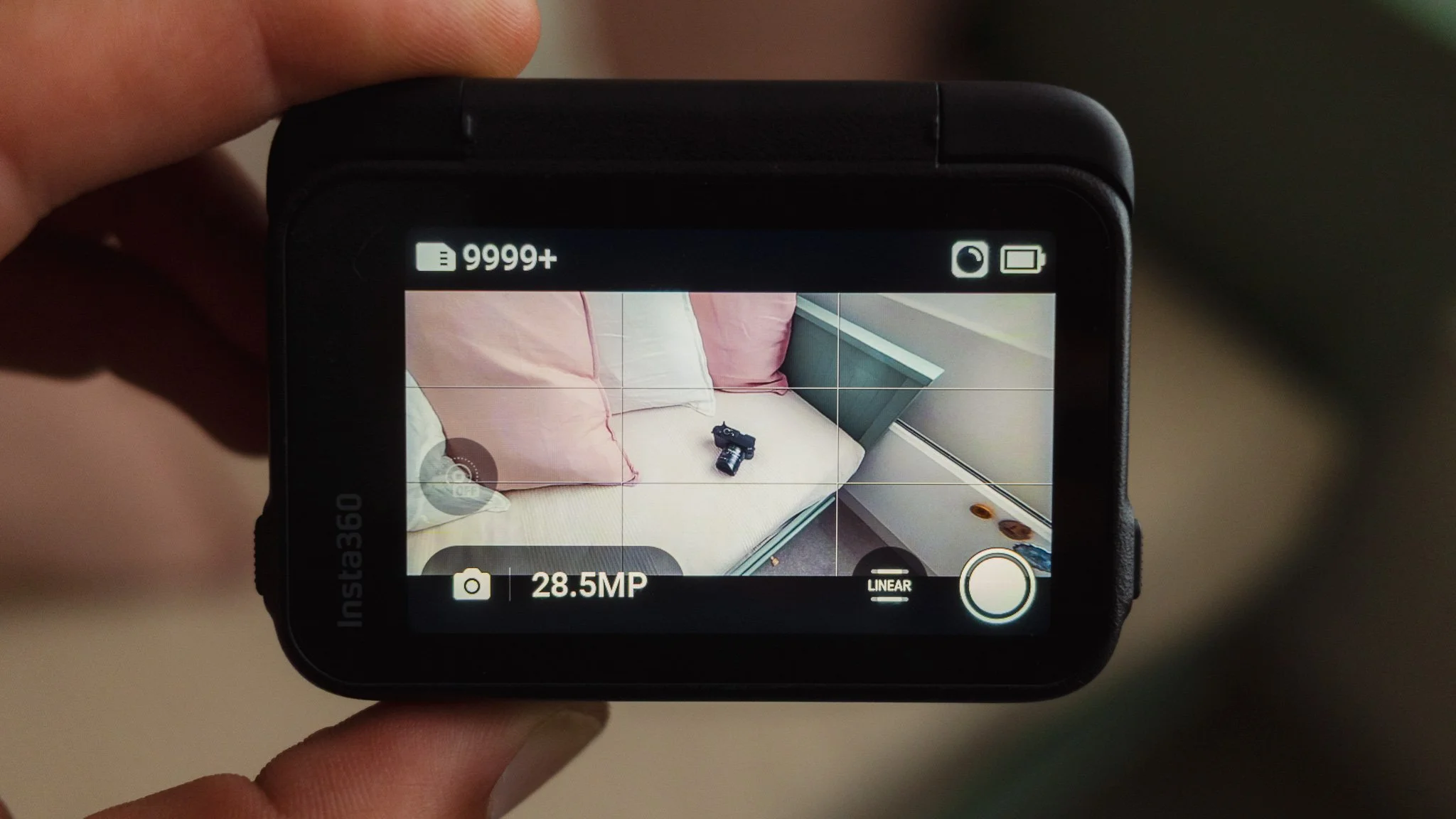
Screen - this is the highlight for me, which is evident given how often I mention it in the blog. The ability to flip the screen up and see yourself on the large main display is a pleasure. This also allows you to flip the screen while recording and go from vlogging to filming ahead in one take.
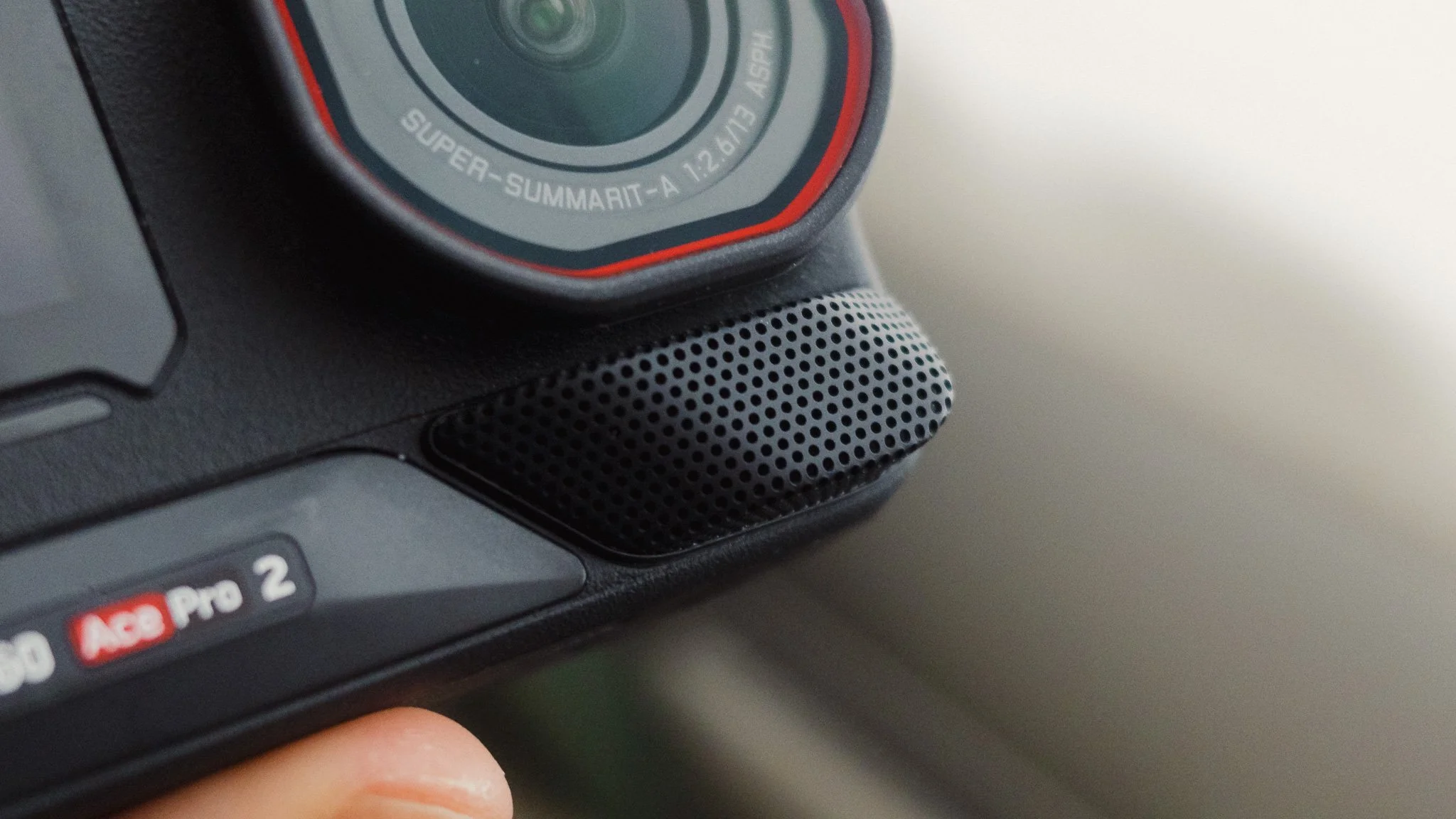
Mic - I think this is the best built-in mic of any action camera I have used. It’s clear, loud, and does a great job of removing wind noise and isolating my voice.
Easy UI - The UI is intuitive and easy to navigate. The menus are bright, clear, and don’t require an IT degree to understand. This camera was built for regular people, not technical enthusiasts, which is great to see and use.
Performance - The Ace Pro 2 is lightning fast. Turning on, starting recording, and navigating menus all happen right away. I haven’t experienced any lag, delay, stuttering, or other software issues common with such cameras.
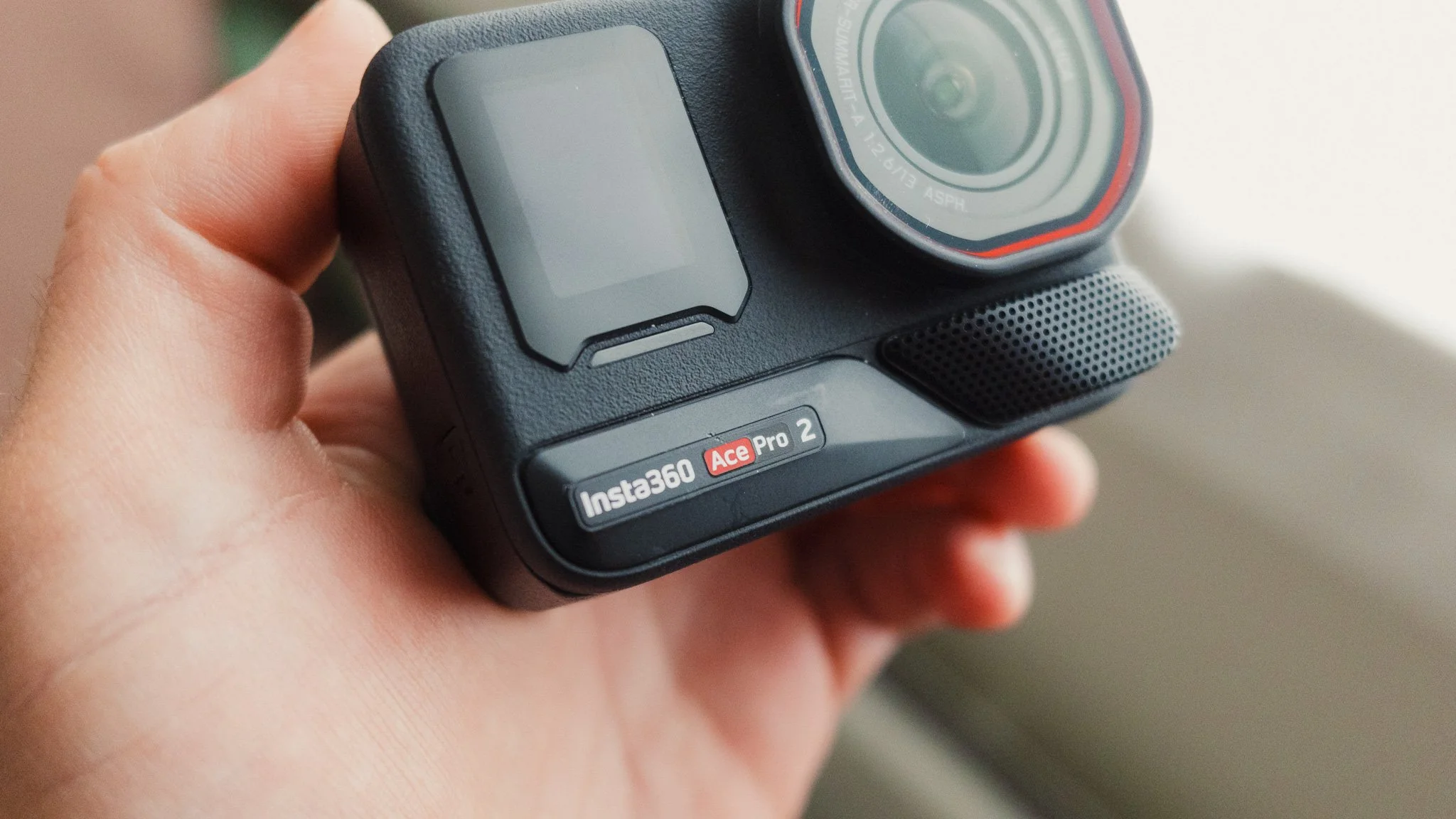
Handling - The camera feels good in the hand. It’s solid and inspires confidence when using it.
Body & Handling
At first glance, the Ace Pro 2 looks like any other action camera, however look closer and there are differences. By far the biggest standout feature is the flip-up screen. In other action cameras you get dual screens which work well, but I feel this elevates the experience by being quick and allowing you to see yourself on the primary display, not a cramped second screen. The Ace Pro 2 has a second screen, however it’s there for displaying information such as record time, battery life, and other crucial information. I find this extremely useful. I also love the haptic feedback you get when you switch the camera on or start recording.
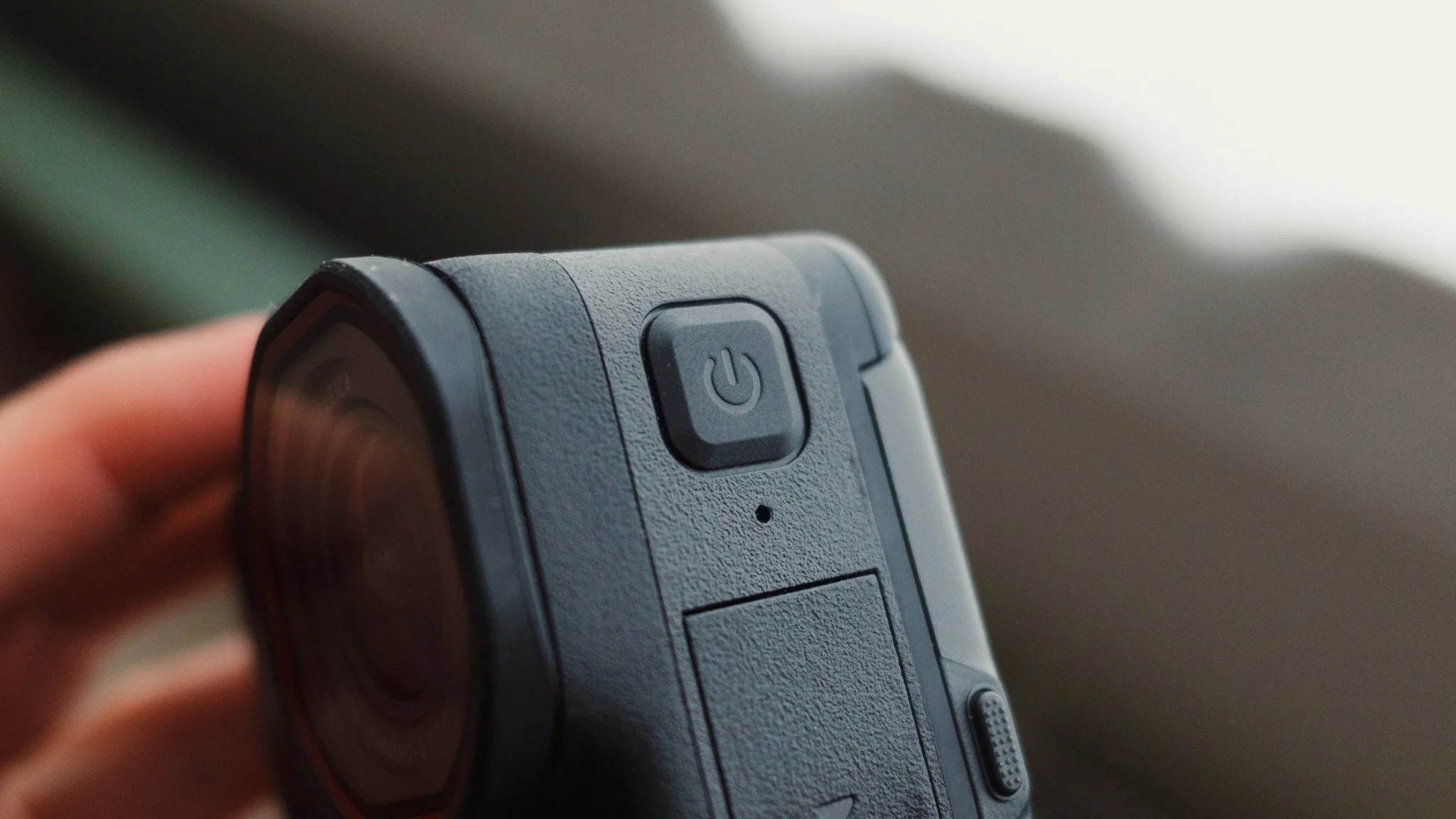
The body has a sturdy rubberised feel and seems like it can withstand some abuse. The lens cover can be changed yourself, which is a relief should you scratch it. All the buttons and doors feel solid and easy to use. On the front is a large mic as well as a secondary display for showing the camera status. On the bottom is a magnetic mount for accessories, which works well, however I wish there was a 3/8 thread there too. While this camera is small and pocketable, if you want a discreet mounting option, you might be better off looking at the Insta360 Go.
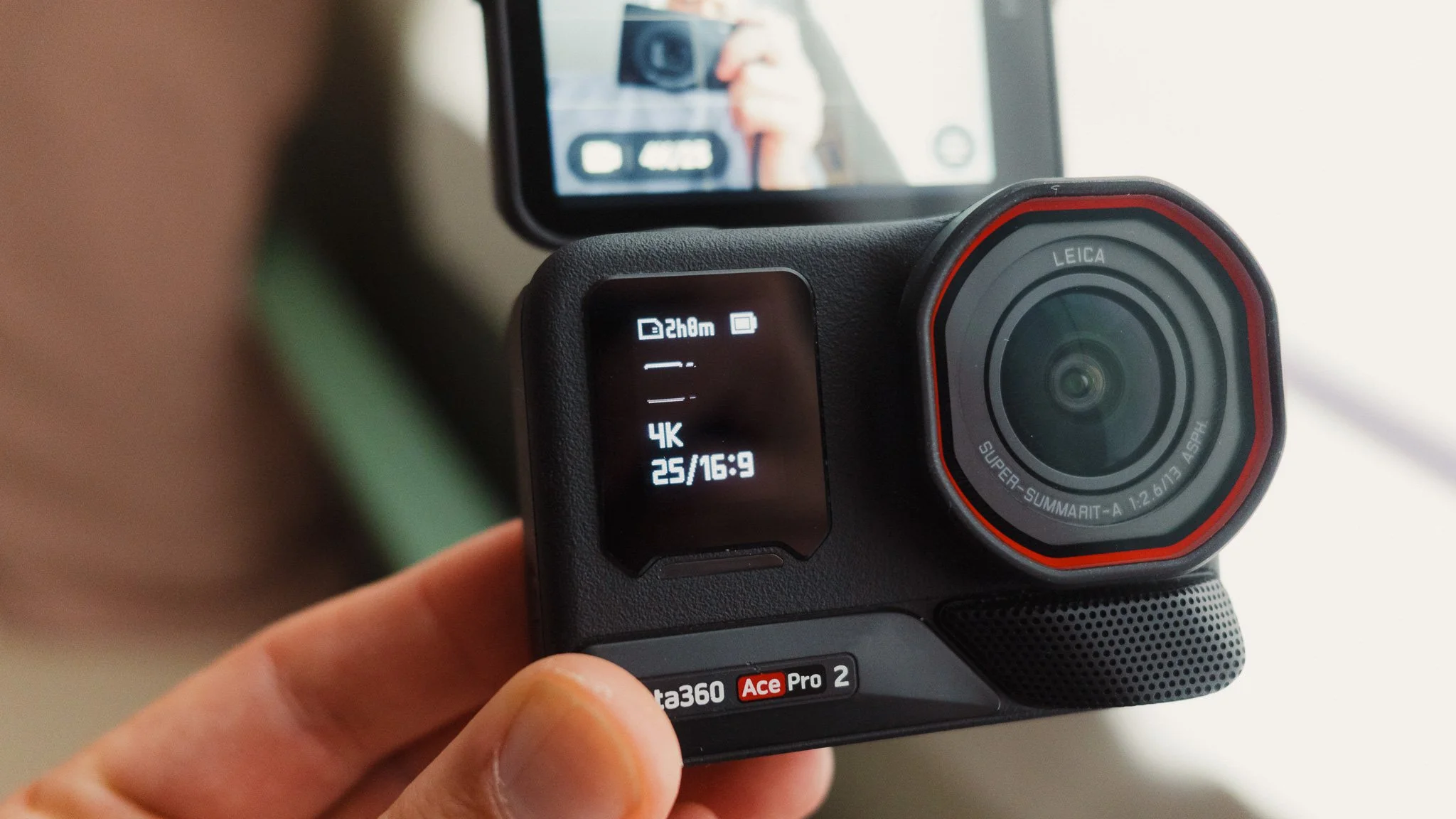
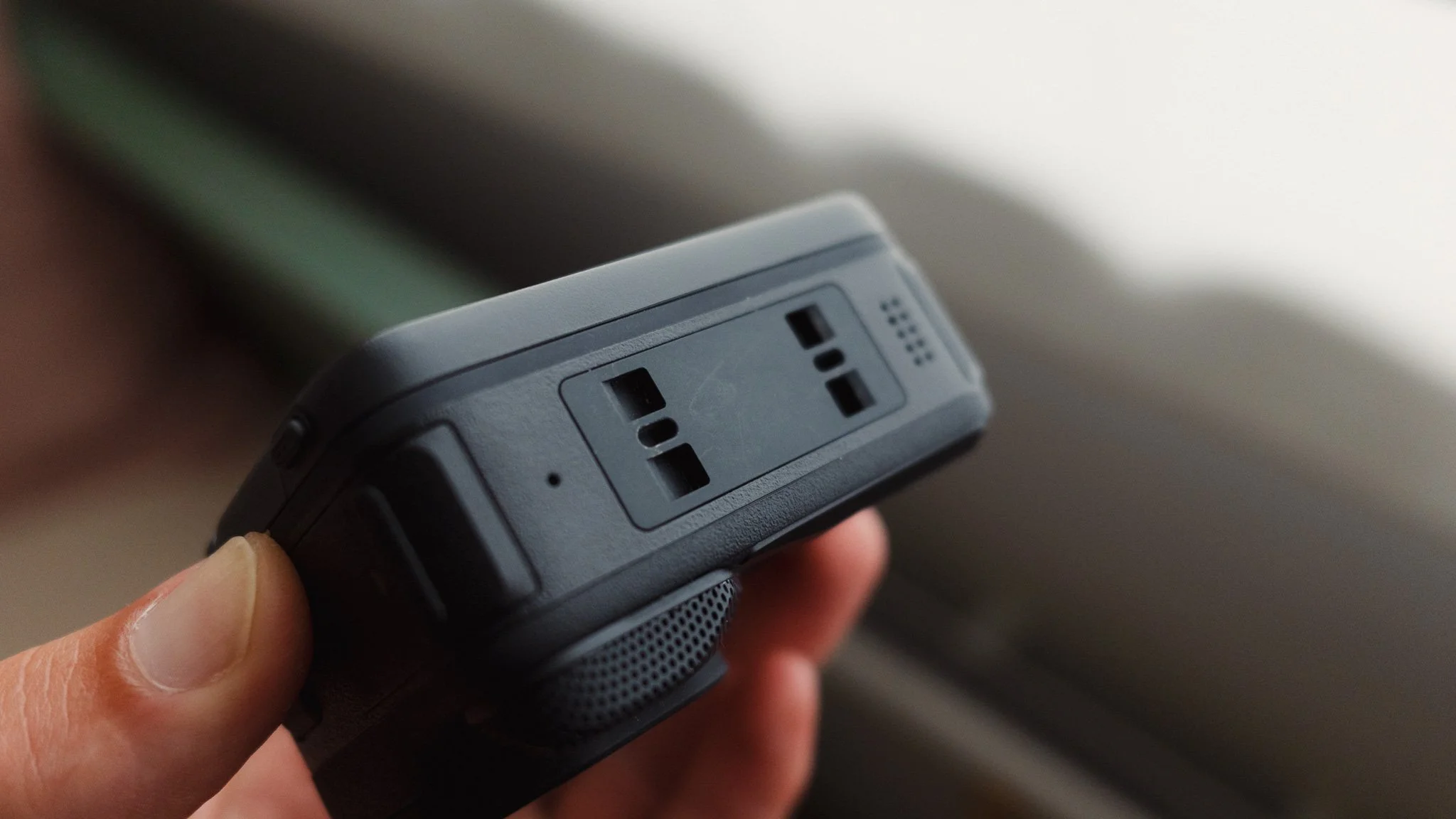
Image Quality (Video)
I can only comment on the video image quality, as it’s my sole use case for this camera. Overall the image is very nice, sharp, clean, and detailed. You have the benefit of Leica Looks, which add Leica colours for footage that will be shared straight away. I believe most people will use these Leica Looks and get a lot out of them. For those wishing to colour grade their footage, you have the LOG profile that gives you a flat file ready to grade. I personally used the official Insta360 LUT from their website and then added some personal touches to the look.

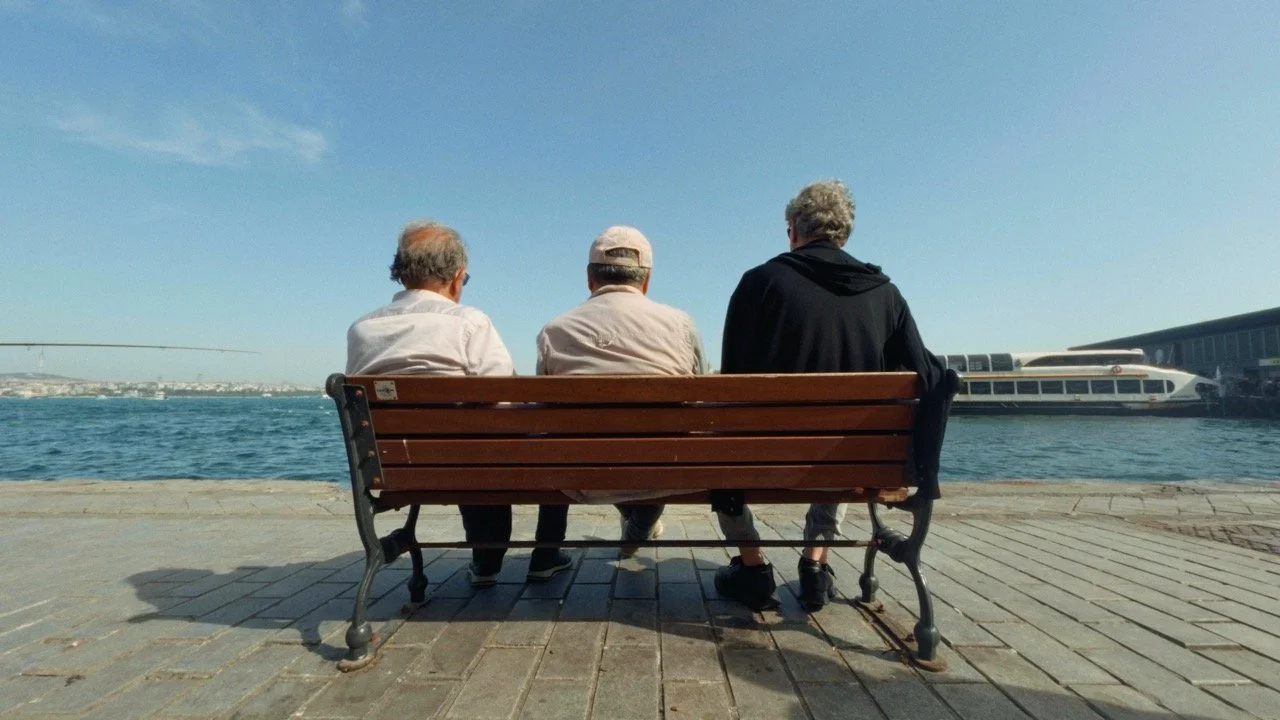
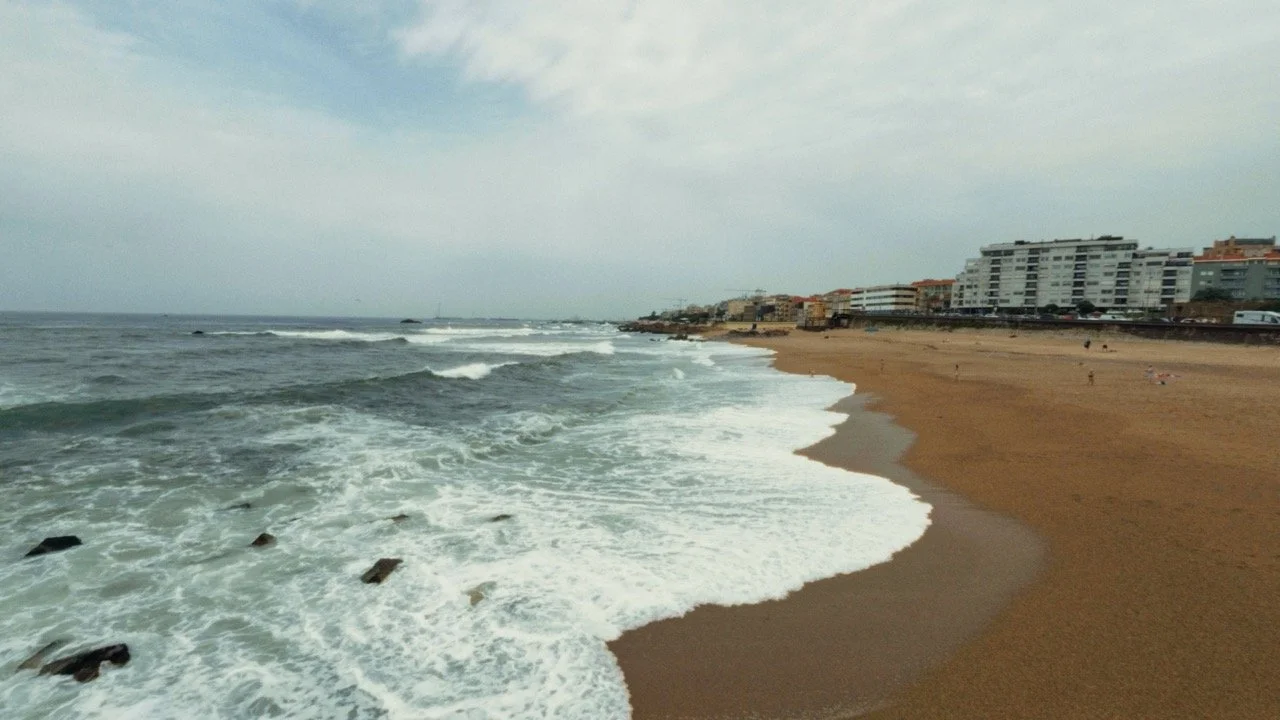
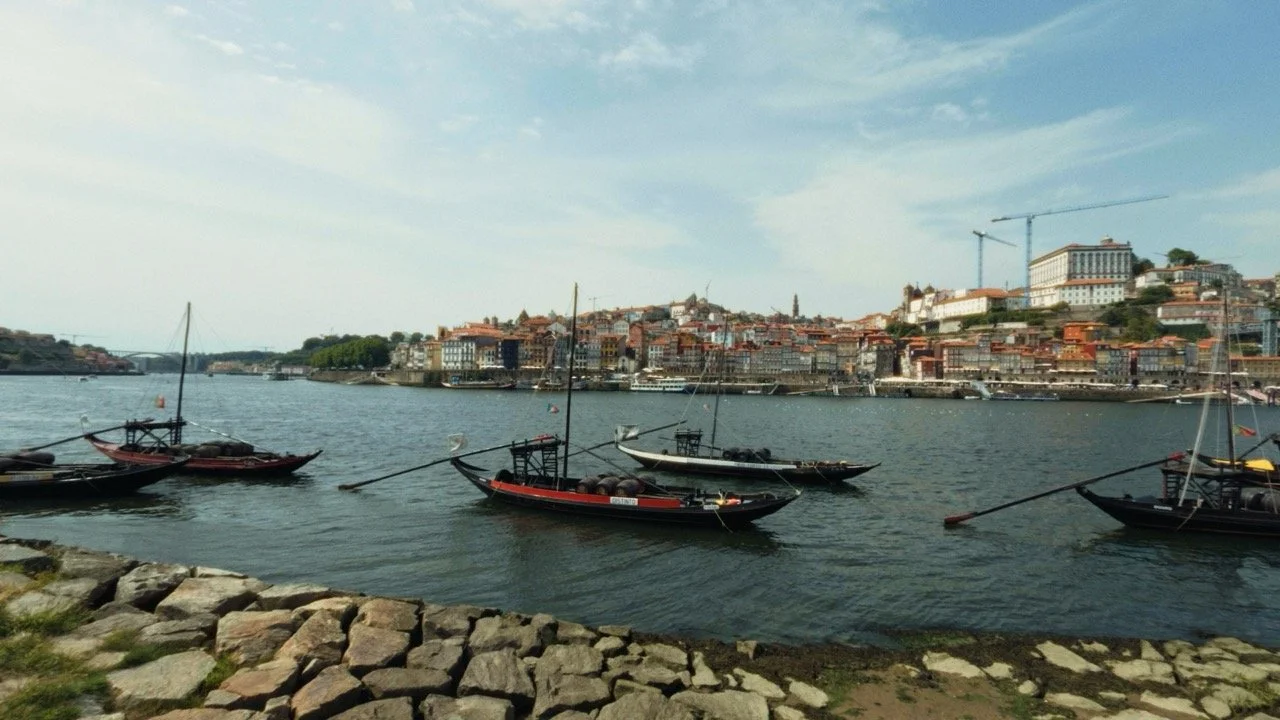

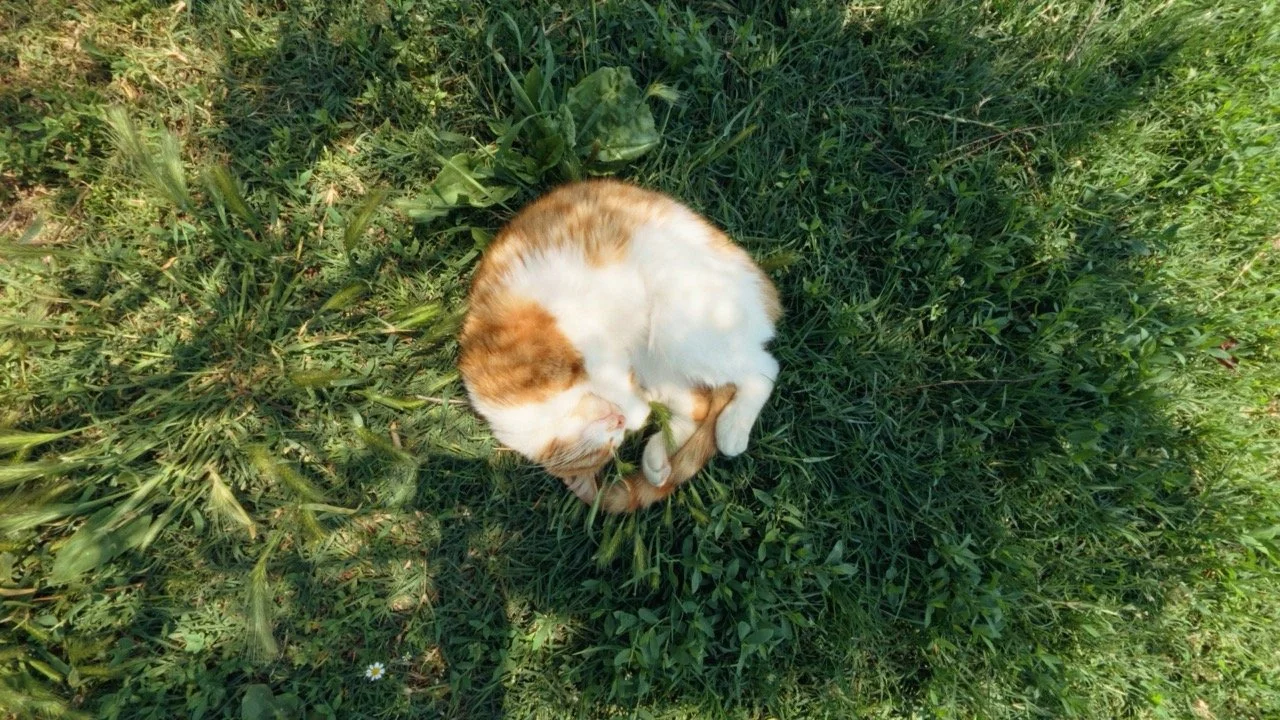
While the LOG profile is good for professionals wishing to add their own look or colour match other cameras, I feel the primary selling point is the huge selection of built-in looks. There are some features such as digital zoom or the add-on lenses that don’t work when shooting in LOG. What is helpful is having a flat profile that isn’t LOG, meaning you can do some light grading without losing features such as zoom.
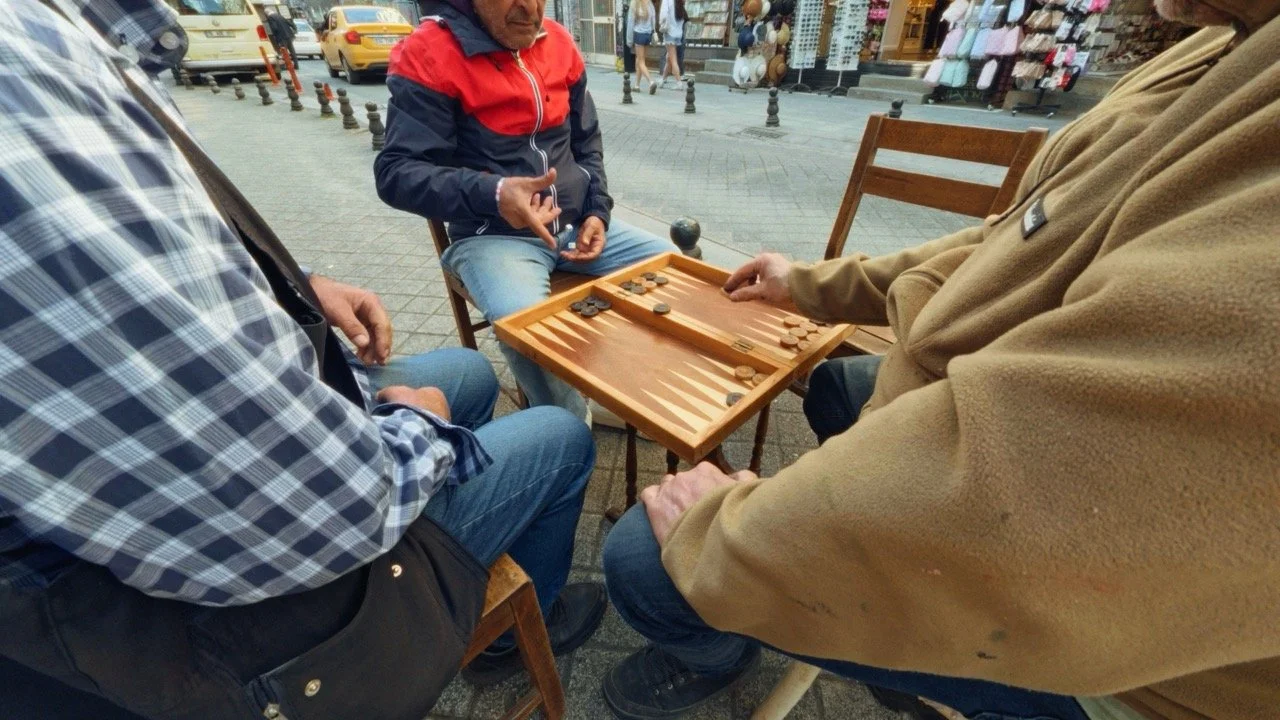

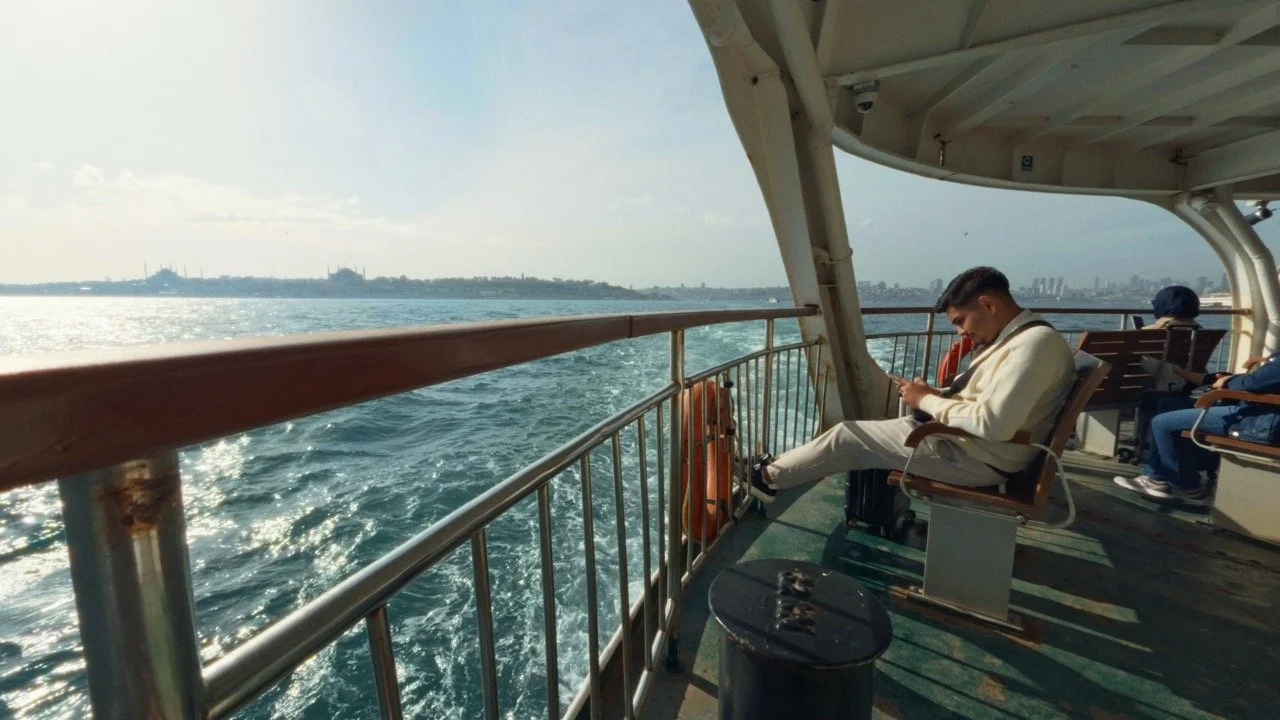


Like with all ultra wide cameras, there is some distortion on the edges, but this is to be expected and isn’t a flaw. You can remove most of it by using the linear profile in the camera and adding a slight crop in editing. Whether you shoot in LOG and grade the footage or use one of the looks, the overall image is fantastic, and I can’t see many people being unhappy with it.
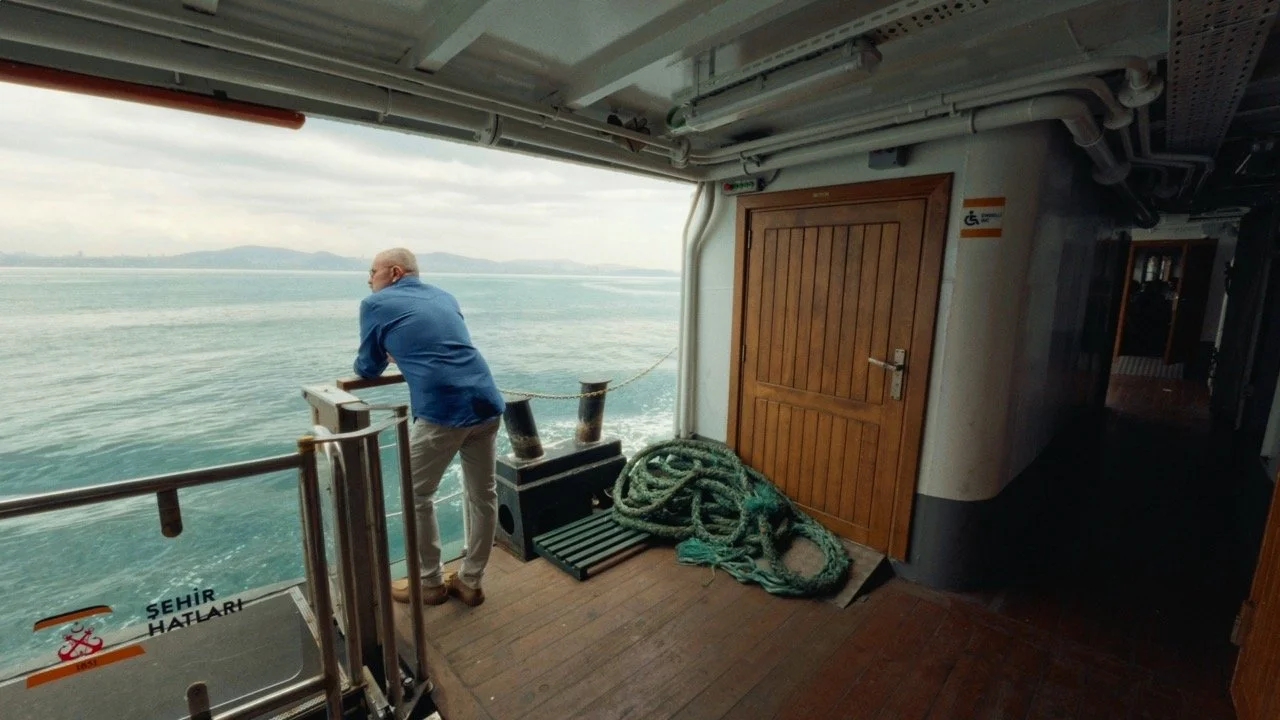
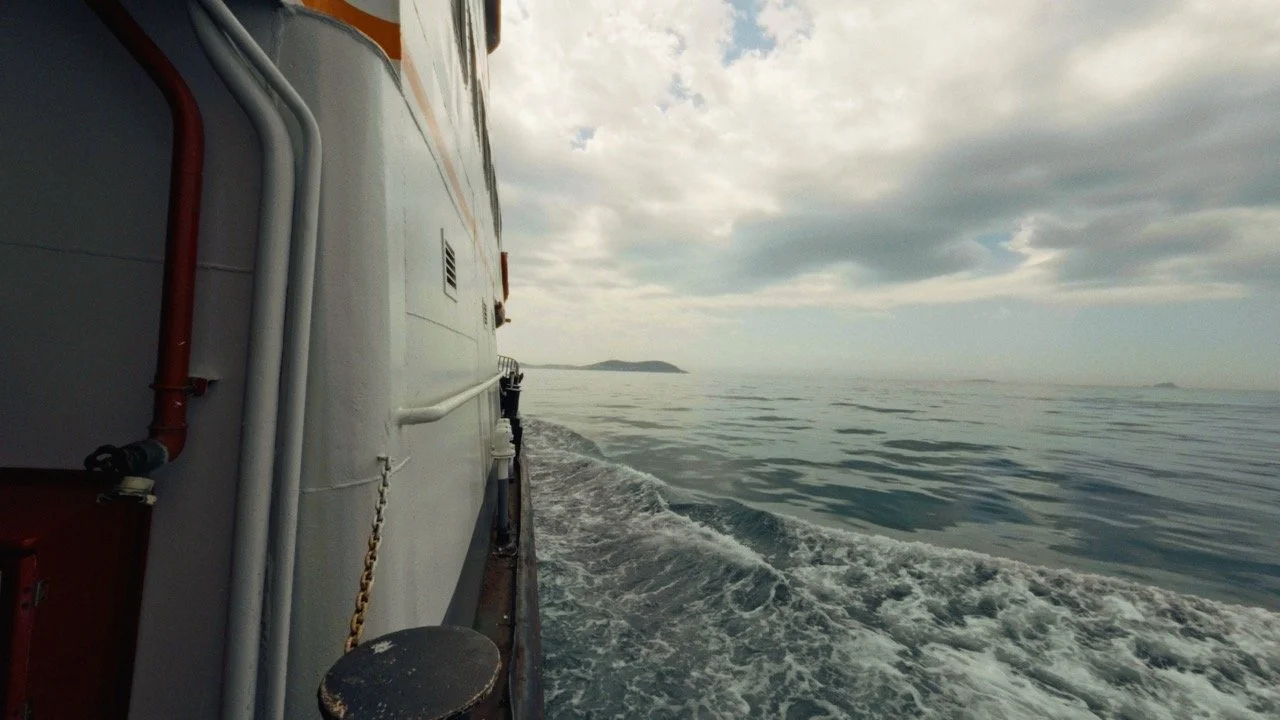

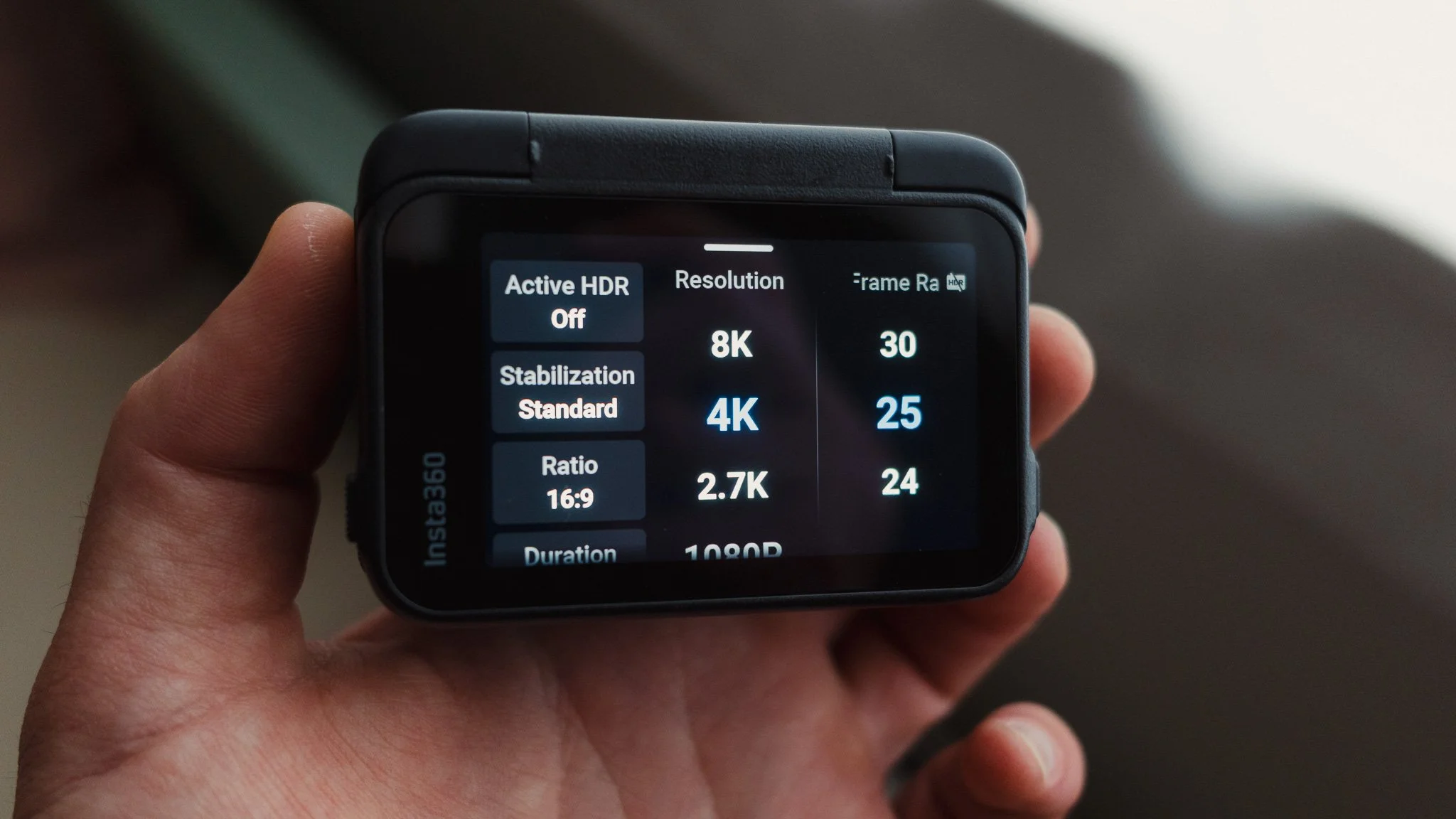
Like all action cameras, the Ace Pro 2 has an excellent stabilisation system and can withstand even the bumpiest conditions. For my use case, I ended up with smooth footage every time. It has different modes depending on what you do, and I just use the standard one. You also get a choice of resolutions, frame rates, aspect ratios, and even HDR. I shoot in 4K 25p 16:9 in SDR because I personally don’t enjoy HDR footage.
The only real downside that I have to mention is the lack of 10-bit colour. The Ace Pro 2 shoots in 8-bit, which offers less flexibility for advanced colour grading. This means that for heavier grades, you run the risk of crushing the footage and having visible banding. While this won’t impact light to normal grading, for more advanced use cases you could run into issues. If you don’t shoot in LOG at all, this isn’t even something to think about. For what it’s worth, this hasn’t impacted me.
Other Features
So far in this blog I have covered features that I use for my needs, and given my needs are fairly simple, I found myself not utilising many of the great features this camera comes with. Below is a list of some of these features which I didn’t need, but there will be plenty of people who would use them:
Cloud backup
Advanced photography capabilities (50MP RAW)
Gesture control
Voice control
Pre-recording (records before you even press record)
AI Highlights
Underwater mode
Endurance mode
Accessories
The Ace Pro 2 is just the start, and to get the most out of it there are a few accessories which will add functionality and fun to this camera.
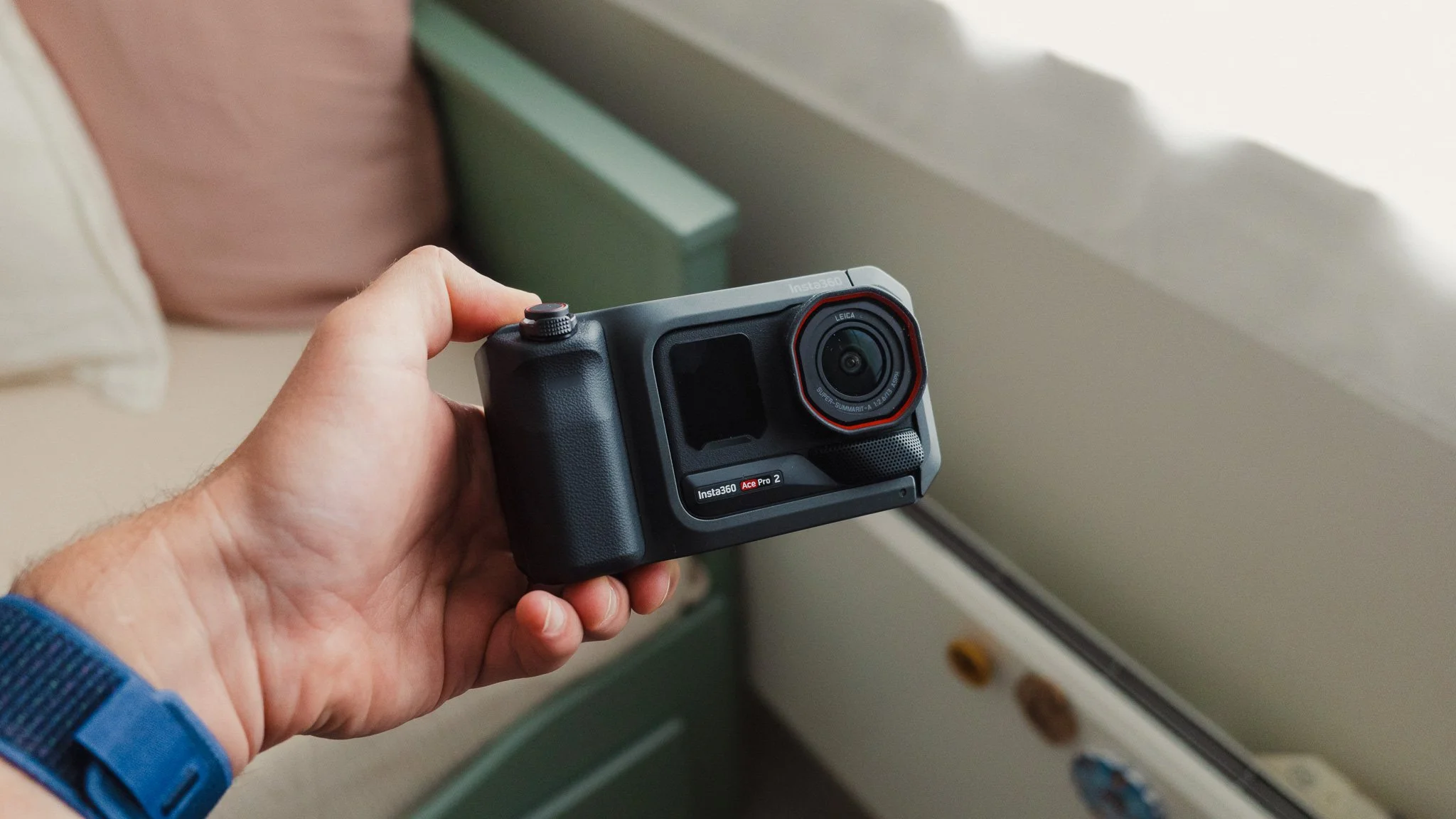
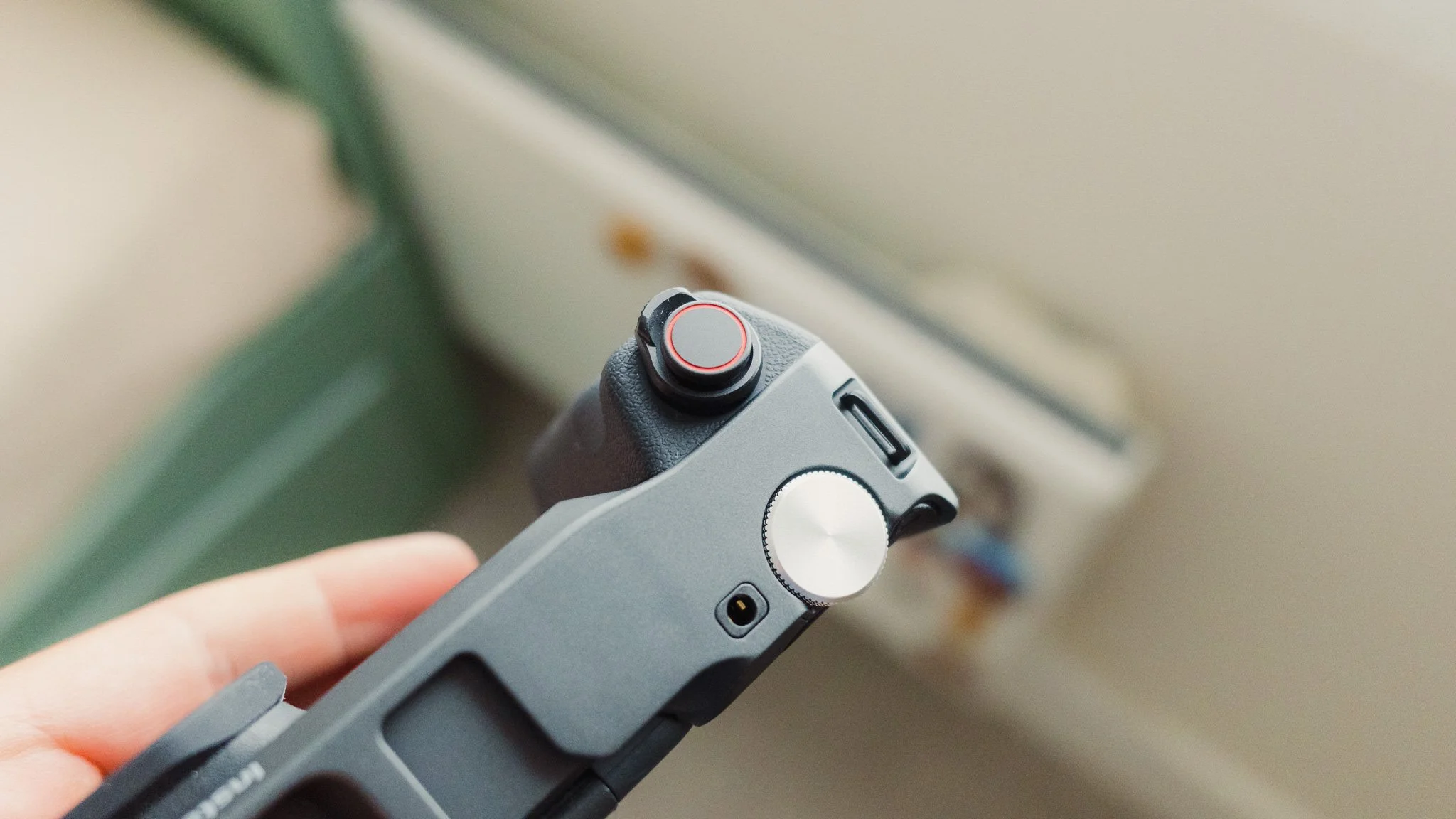
Video Cage - I’ve always been sceptical of such cages, however this one adds legitimate functionality, which is nice. The first advantage is having a nice solid grip on the camera. This is great if you plan to use the Ace Pro 2 as more of a traditional camera. You get a deep rubberised grip and some attachment points for a strap. You also get a built-in battery which prolongs the use of the Ace Pro 2 without needing to charge it. A rear dial can be programmed for different tasks, and I have it set to change between the different Leica Looks. To round up all the controls, you have the shutter button and the zoom toggle. Finally, you have a cold shoe mount and an audio jack for external mics. This is a pretty good accessory for those wishing to use their Ace Pro 2 as more of a traditional camera replacement rather than an action cam.
Macro Lens - The macro lens is fun and very useful for getting perspectives you otherwise wouldn’t. When out shooting I always try to find angles and viewpoints that are different, and this will certainly add some variety to your shots.
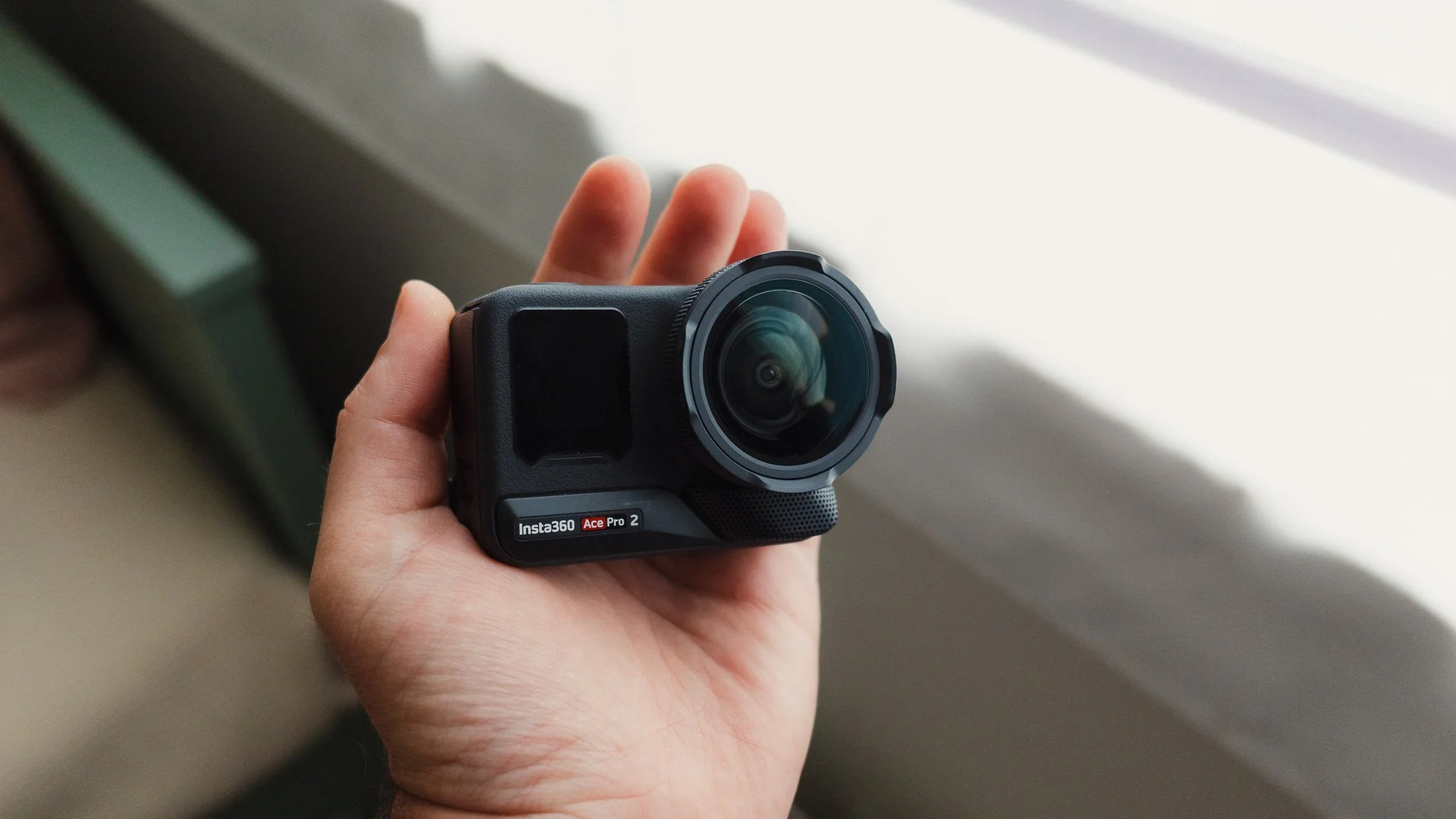
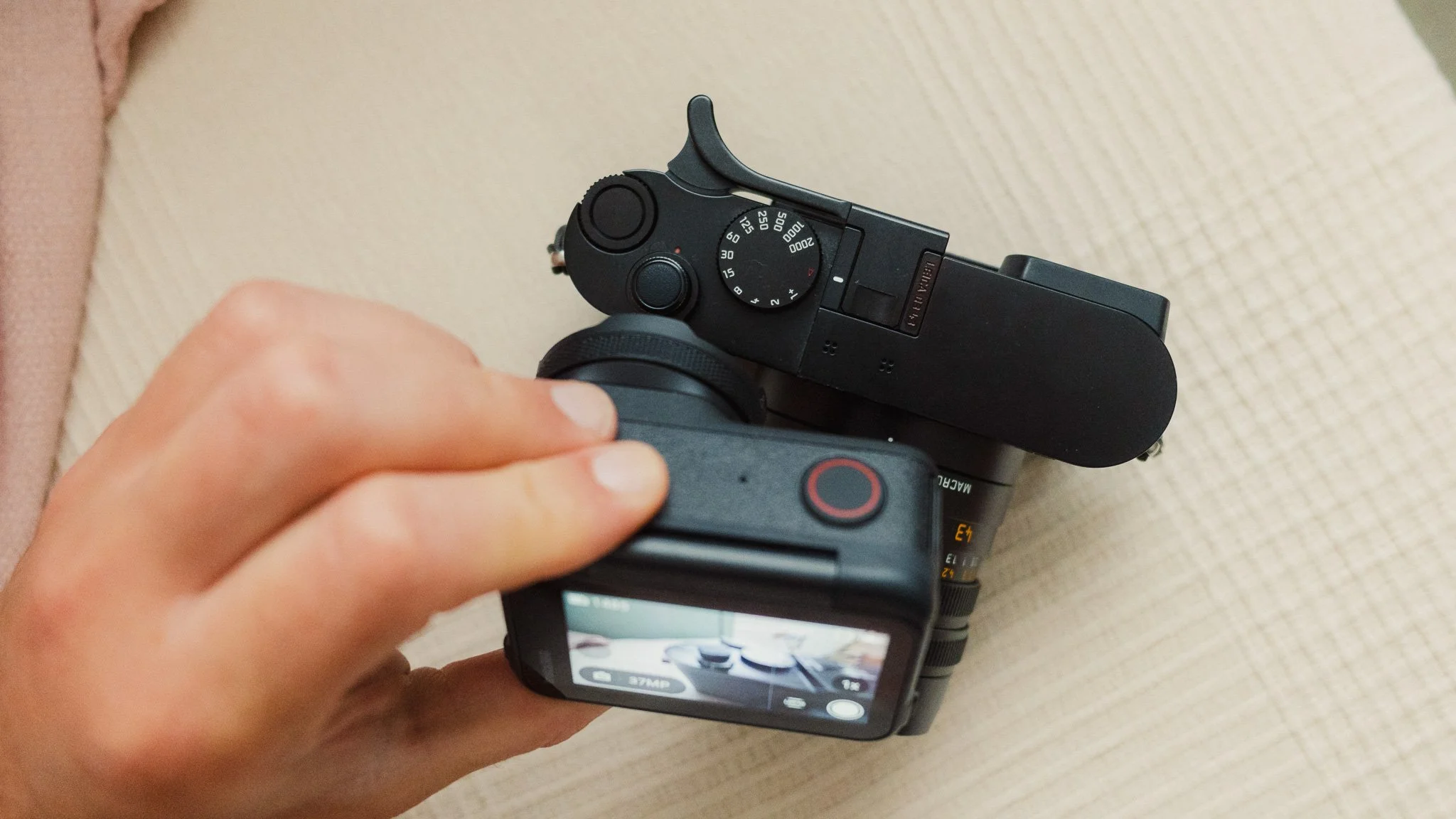
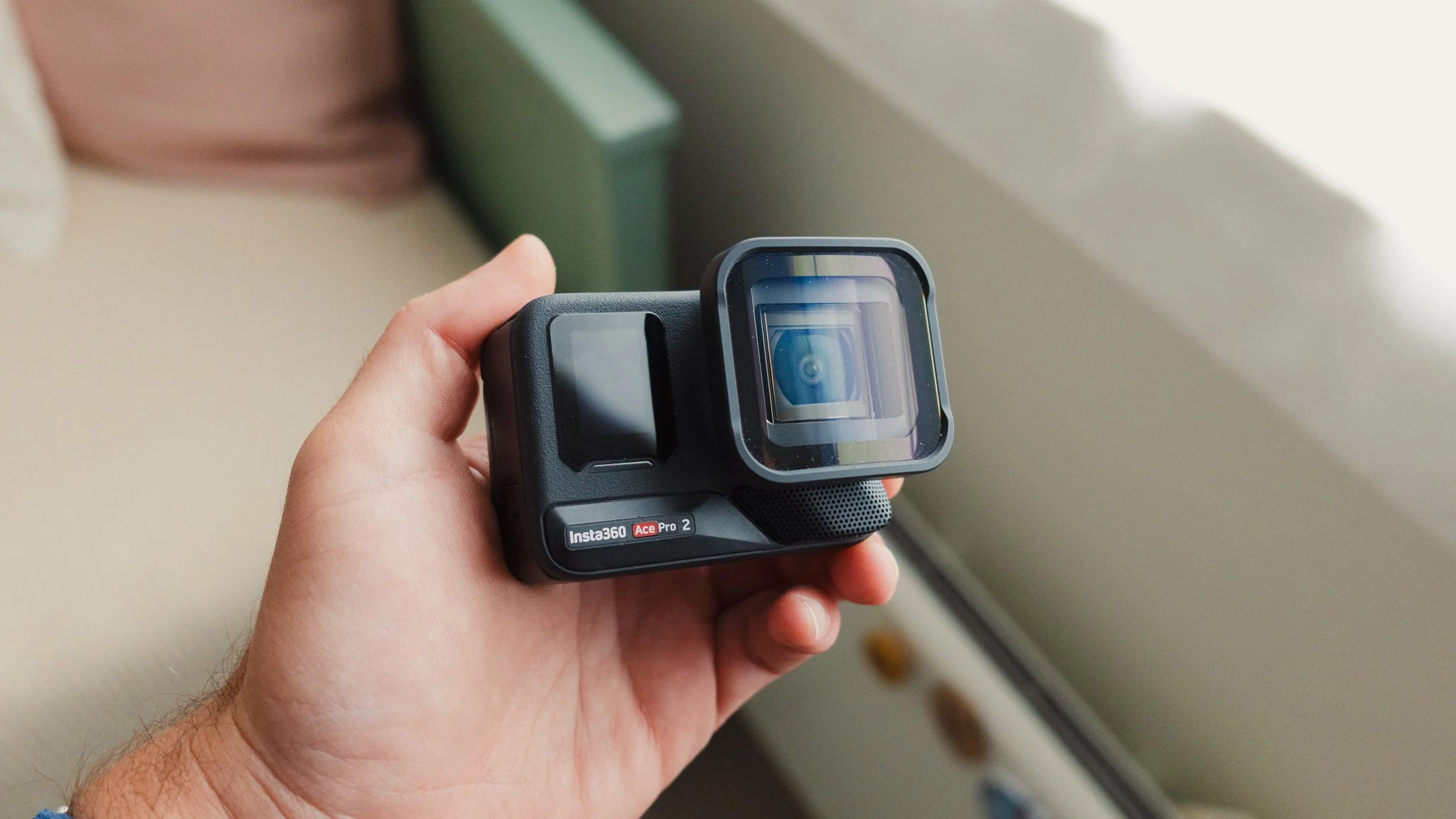
Anamorphic Lens - If you’re after that cinematic look, this lens will give you that. While not my cup of tea personally, I really appreciate the image you can get. Just like with the macro lens, having this adds some unique perspectives to your shots.
Target Audience
Let’s conclude the blog by summarising who this camera is and isn’t for. I would say that if you plan on doing extensive colour grading, I would look at something with a 10-bit colour profile as it does make a noticeable difference to such workflows. Realistically, this is the only major downside and the only aspect of the camera I would change. Other than that, this camera is wonderful and is great for so many scenarios. I can see it being perfect for documenting your travels, family life, or starting a YouTube channel. With a wide range of accessories available, you’re sure to find a combination that’s right for you. The action camera space can feel a little serious, and what I like about Insta360 is that it adds some fun to the category while opening it up to a bigger audience. I honestly see this being just as valuable as a family camcorder as an action cam to document your ski runs.
Do I Recommend It?
In short, yes. When everything is considered, this is a great little camera that has many uses. For most people this can really be their main travel video camera.
Where To Get It?
Below is an affiliate link to this camera direct from Insta360. For full transparency, I will get a small commission on each sale of this camera. These small incomes add up and help keep this blog ad free for the best reading experience. It won’t cost you any extra, but it will help support this blog.


Instead of telling you how these will change your life, I would rather be practical and answer the most common questions that people tend to have when buying presets.
What are presets?
They are editing settings that are saved in a file and can be applied to any image.
Why do people buy presets?
Sometimes because they like the work of the photographer and want that style for their own photos. Mostly because they would like to see how other people edit and learn by reverse engineering the presets. Other times it’s just to support their favourite photographers, thank you!
What’s the overall style of these presets?
- Filmic
- Warm
- Soft
- Bright
What are these presets suitable for?
Street & Travel Photography
Some Nature (with further editing)
Some Portraits (with extensive editing)
Do I actually use these?
Yes. This is the same pack I use right now for all my editing. This isn’t a pack made just to sell.
Do these presets get updated?
Yes, as my style changes, these presets will also be updated. Any time a new update is available, you will get a free update via email. Of course you also keep all the old presets in case you prefer the older looks. Only presets purchased from 2025 onwards will receive the updates.
What file types are these presets for?
- All RAW files
- JPEGs & TIFFs (not recommended)
What camera brands are these presets for?
These were designed around Fujifilm, Sony, and Leica sensors. With that said, they will work with all camera brands. While there might be differences due to individual camera colour science, the overall feel of the preset will carry over.
Will these work with JPEG files?
Yes, but you will need to reduce the intensity and make further edits. I strongly recommend editing RAW files.
Are these one click edits?
95% No. You would need to do some basic adjustments as each image is different. These adjustments can include exposure, colour balance etc. In 5% of cases you can just apply and leave it alone.
Do I need to know how to edit?
You need to have a basic understanding of adjusting exposure, highlights, shadows, etc. A more comprehensive editing skillset will let you get the most out of them.
How many presets are included?
10 in the main pack and 24 in the extras pack
Why two packs?
The main pack is what I use for 99% of my edits and is kept small to reduce wasted time scrolling through presets. The extras pack is everything I don’t use often.
What software do I need?
These presets will work with any of the following:
- Photoshop (adobe camera raw)
- Lightroom Classic
- Lightroom Desktop
- Lightroom Mobile
Will these presets work with free versions of the above software?
You need to research and double check before buying. These presets were designed for the full paid versions.
Will these presets work with very old versions of the above software?
You need to research and double check before buying. These presets were designed on and for the latest software.
What file type do I get?
XMP
What else do I get?
- Comprehensive PDF guide
Can I modify these and turn them into my own?
Yes! In fact I encourage you to modify them and play around. Use these to help you get your own style.
I have more questions…. What do I do?
Make a cup of tea and drop me an email on hello@snapsbyfox.com
Please note that due to the nature of digital products, refunds are generally not accepted. However, if you experience any issues, feel free to contact me and I’ll review your situation individually. You are welcome to use this product for personal or commercial projects, but you may not copy, distribute, or resell the files in their original or modified form.
Finally I want to say a massive thank you for supporting me. Buying these presets is the most direct way you can support my work.
Thank you!