
i left my camera at home
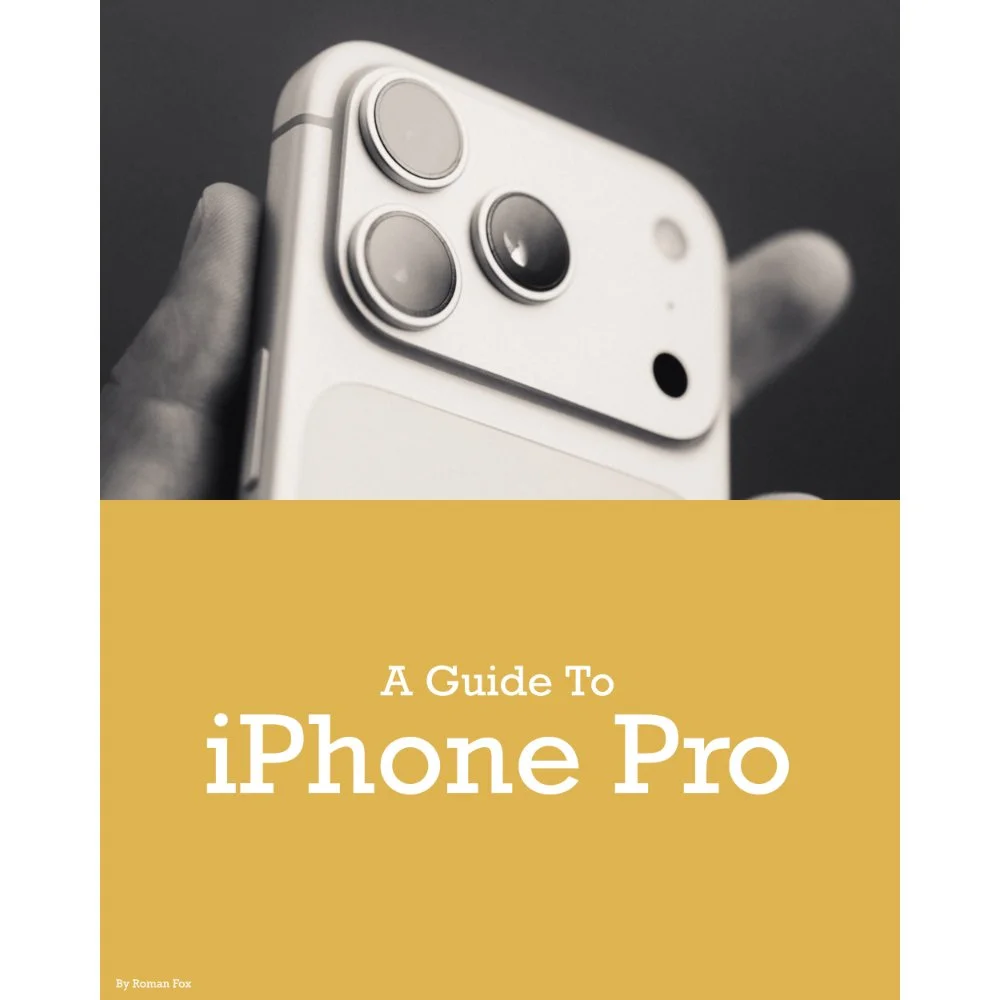
Whenever someone asks me what’s the best camera in the world, my answer is always the same. It’s my iPhone. It’s an answer that often raises eyebrows from avid photographers, however I stand firm by that statement because as we all know, the best camera is the one that’s with you. I know many people carry little point and shoots, but it’s still not going to be on them all the time. Let’s face it, the phone even joins you in the bathroom.
Given what I’ve just said, you’d think that I shoot on my iPhone all the time, and honestly, you’d be mistaken. I know this might make me sound hypocritical, but I never go out shooting with just my phone. It’s there as a second or even third backup, and reserved for locations which don’t allow proper cameras.
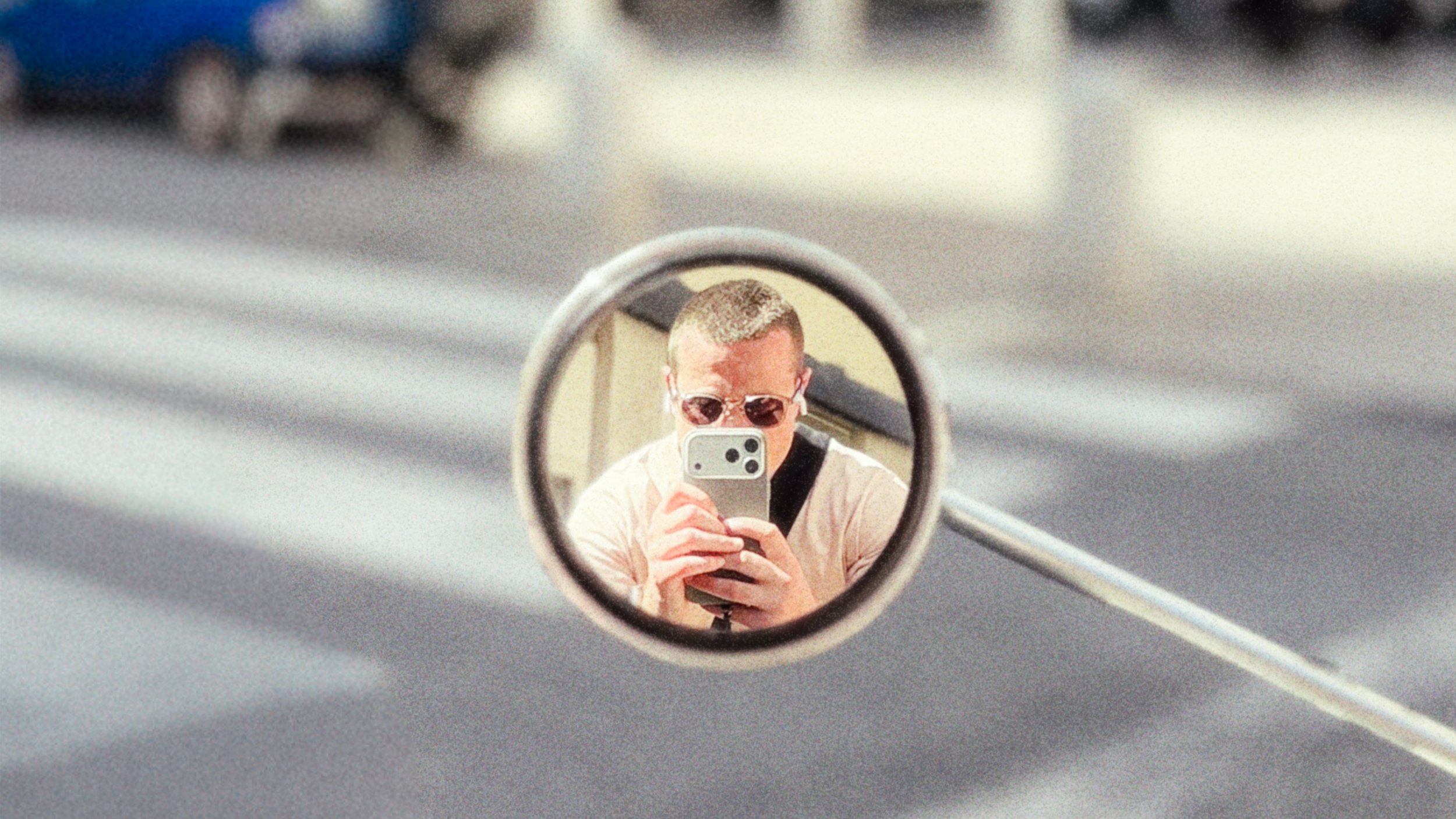
I think it’s time to put my money where my mouth is and go on a trip where my only camera is my iPhone. In this blog I will share my experience, workflow, process, and everything you could possibly want to know.
For full transparency I want to state that this blog is sponsored by Leica. While I had the idea for this trip on my to do list for a while, it wasn’t until they approached me that I finally pulled the trigger. Their involvement is specifically around me using the Leica LUX app and grip.
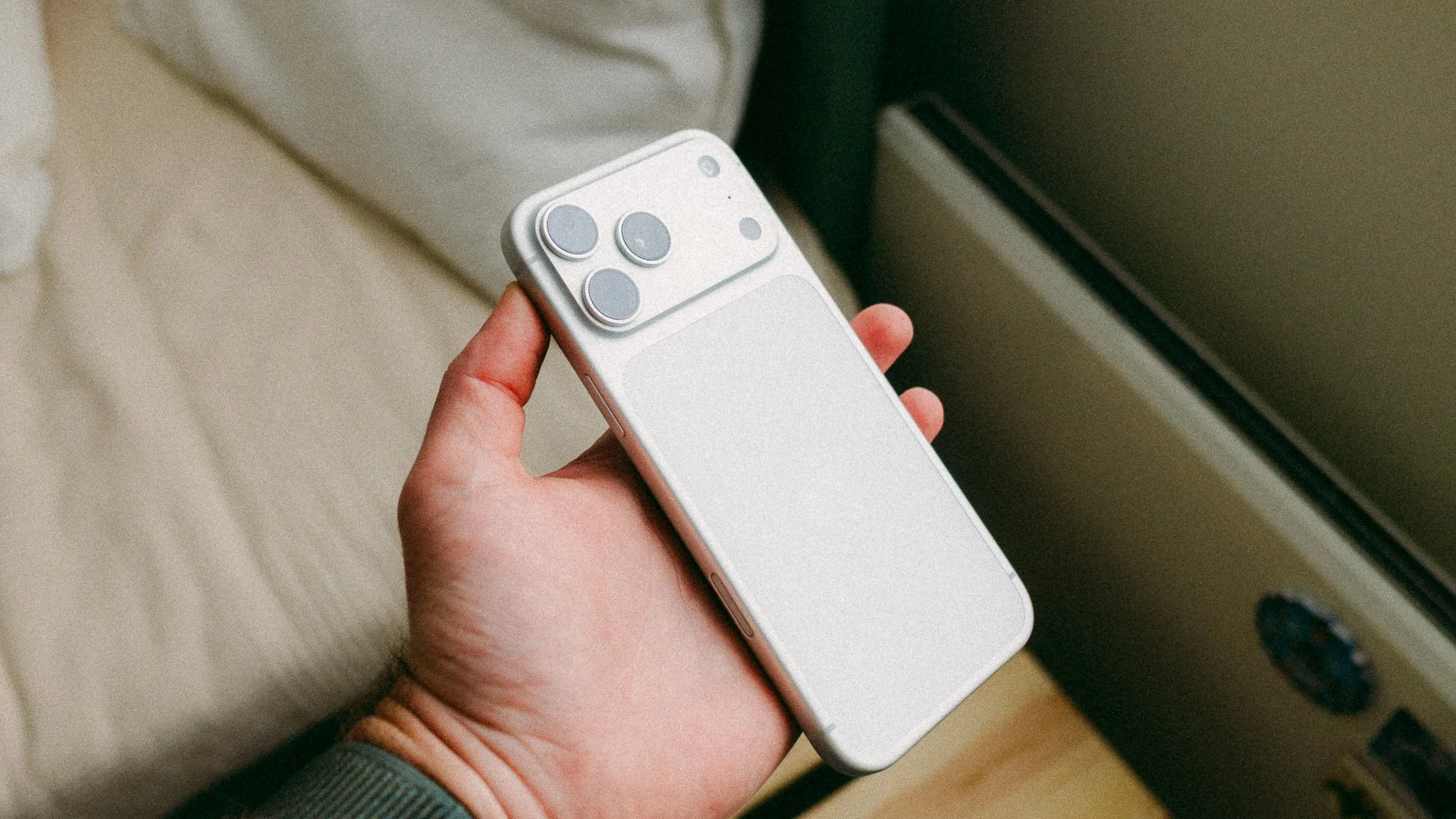
Why Valencia
It’s currently April, so the weather at home in London is still a mixed bag. The other day it was shorts and 25C. Today it’s back to winter and puffer jackets. We wanted a place with a warmer climate, great food, colour, cool architecture, great light, and by the sea. While there are many options, my girlfriend has never been to Valencia, and I haven’t been in over two years, so we packed our backpacks and booked the flights. I already published a detailed Valencia travel guide here.

Accessories
In theory all you need is an iPhone, but there are some essential accessories to improve the shooting experience.
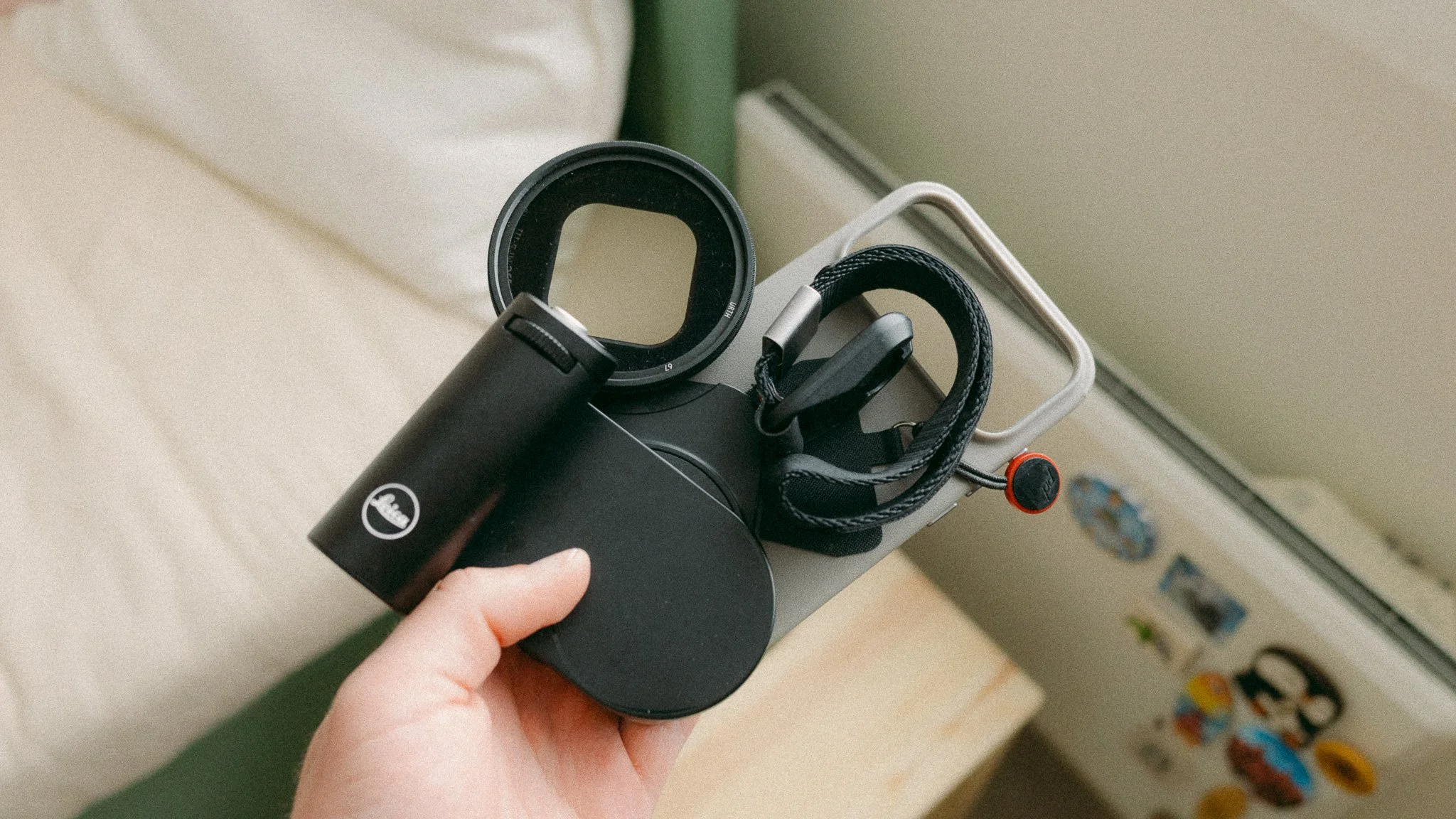
Case - A case is essential given how much time the phone will spend outside your pocket. I also find the standard phone slippery, so having something solid to hold on to will save a lot of pain should you drop it.
Wrist Strap - I would never use my camera without a wrist strap, and a phone is no different. From preventing accidental drops to deterring theft, a wrist strap is essential if you plan on using your phone as your camera. For me, it provides huge peace of mind, which allows me to focus more on photography.
Anti Glare Screen Cover - The screen is a magnet for fingerprints and glare. I always buy a matte screen cover to prevent these from happening.
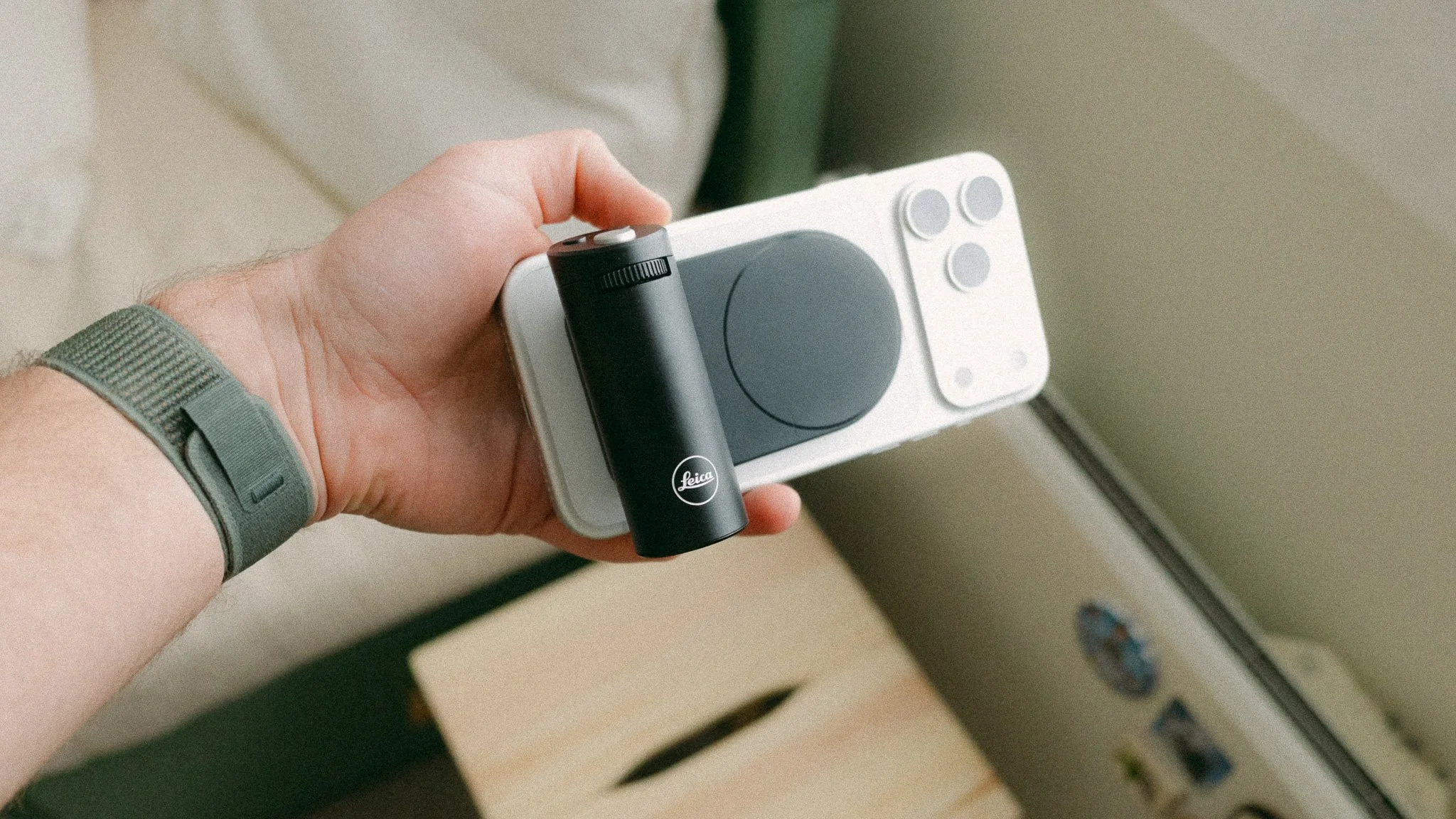
Leica LUX Grip - The biggest issue with using the phone is bad ergonomics, especially if shooting in landscape orientation. If you plan on shooting for extended periods of time, a grip attachment can ease wrist ache and add comfort. Pick the right grip, and you can also add extra functionality. I talk more about this specific grip in the dedicated blog here.
VND (video optional) - If you plan on shooting a lot of video with your iPhone, I suggest picking up some sort of variable ND filter and mount. I use a MagSafe mount from Amazon and an Urth VND. This will help with reducing light and removing some of that choppy look you get with high shutter speeds on sunny days.
iPhone Photography Pros
There are many things that I like about shooting with my iPhone, here are the main ones:
Minimalism & Freedom - It’s incredible how light you can travel if you don’t have any camera gear to lug around. This is by far my favourite aspect of mobile photography. The quickest way to ruin your photography day out is to carry a ton of gear. The phone is the most minimal version of photography you can have.
Workflow - We often forget that iPhones are full featured computers. Lightroom Mobile has 90% of the main features of the desktop version, so you can shoot, cull, edit, back up, export, and share your work all from one device.
Blending In - It can sometimes be difficult to blend in with a big camera, however get your phone out and you look just like any other tourist.
Access - I lost count of how many times I was asked to not use my camera, but a phone would be ok. Museums, historical sites, galleries, and many other places have a ban on physical cameras, but phones are fine.
iPhone Photography Cons
Not all is rosey, and there are some things I dislike about shooting on the phone.
Screen time - Ask anyone what they wish they could reduce in their life, and many people would include screen time as part of their answer. Like it or not, we are glued to our phones, and shooting on the phone only adds to this.
Distractions - I lost count of how many times I would be shooting on my phone and for whatever reason end up getting distracted by an app, a notification, or habit. Phones can be very distracting, which isn’t something you want in photography.
Disconnect - I can’t help but feel a little disconnected from the photography process when shooting on my phone. The best way I can describe it is it’s like driving a petrol vs an electric car. A petrol car is real, it involves you in the process and you feel it. An electric car is objectively more capable, but a lot of the feeling is lost. This is very subjective of course.
Paranoia - The main thing I don’t like about iPhone photography is the paranoia around something happening to my phone. If my camera gets lost, stolen, or damaged, it’s frustrating, especially if it’s full of photos, however it’s not the end of the world. A stolen iPhone, especially abroad, can be the start of many headaches. I am writing this from my hotel in Valencia, which is accessed from an app on my phone. If I lose my phone, I also lose access to my hotel, bank, communication, maps, etc.
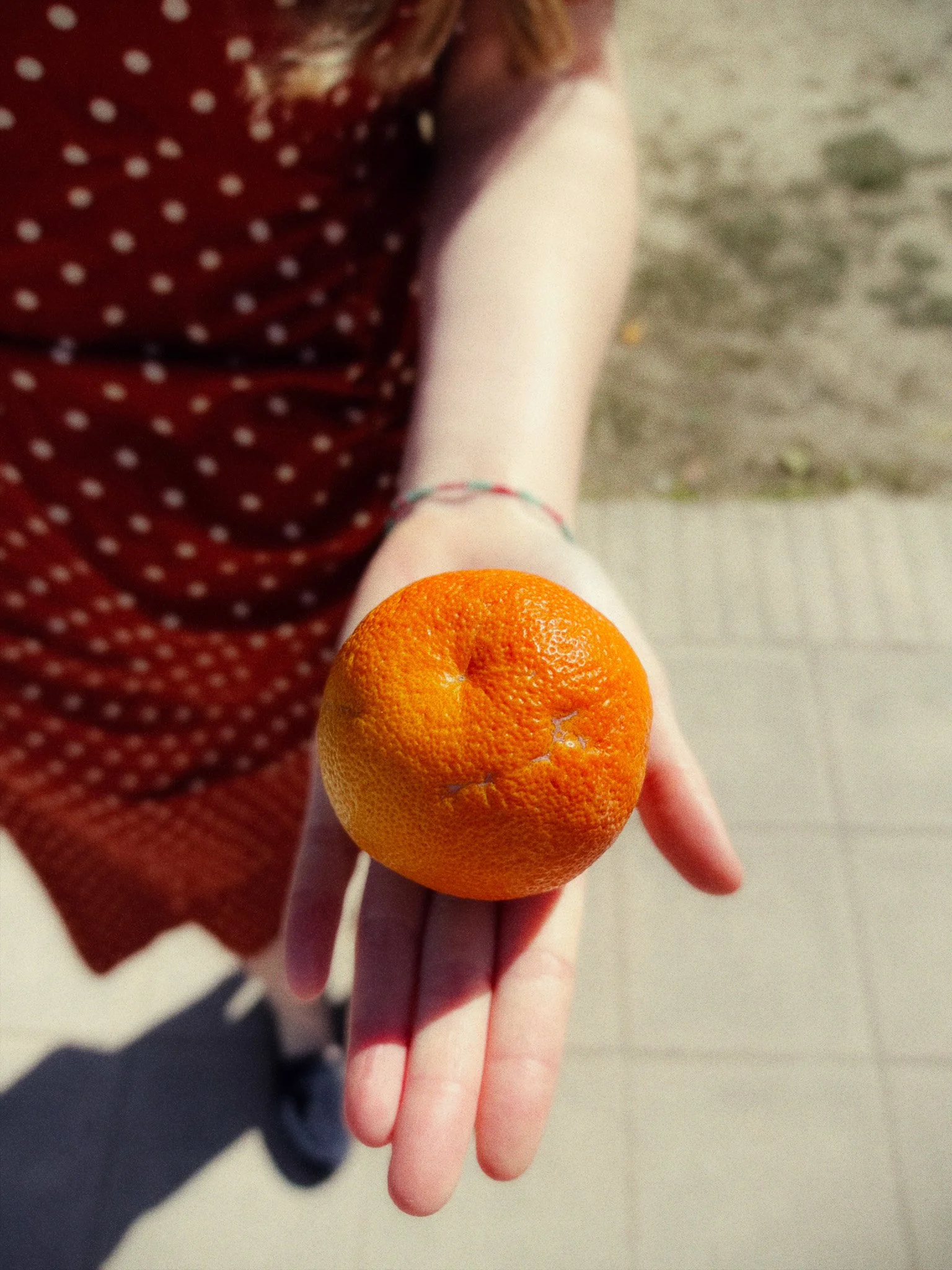
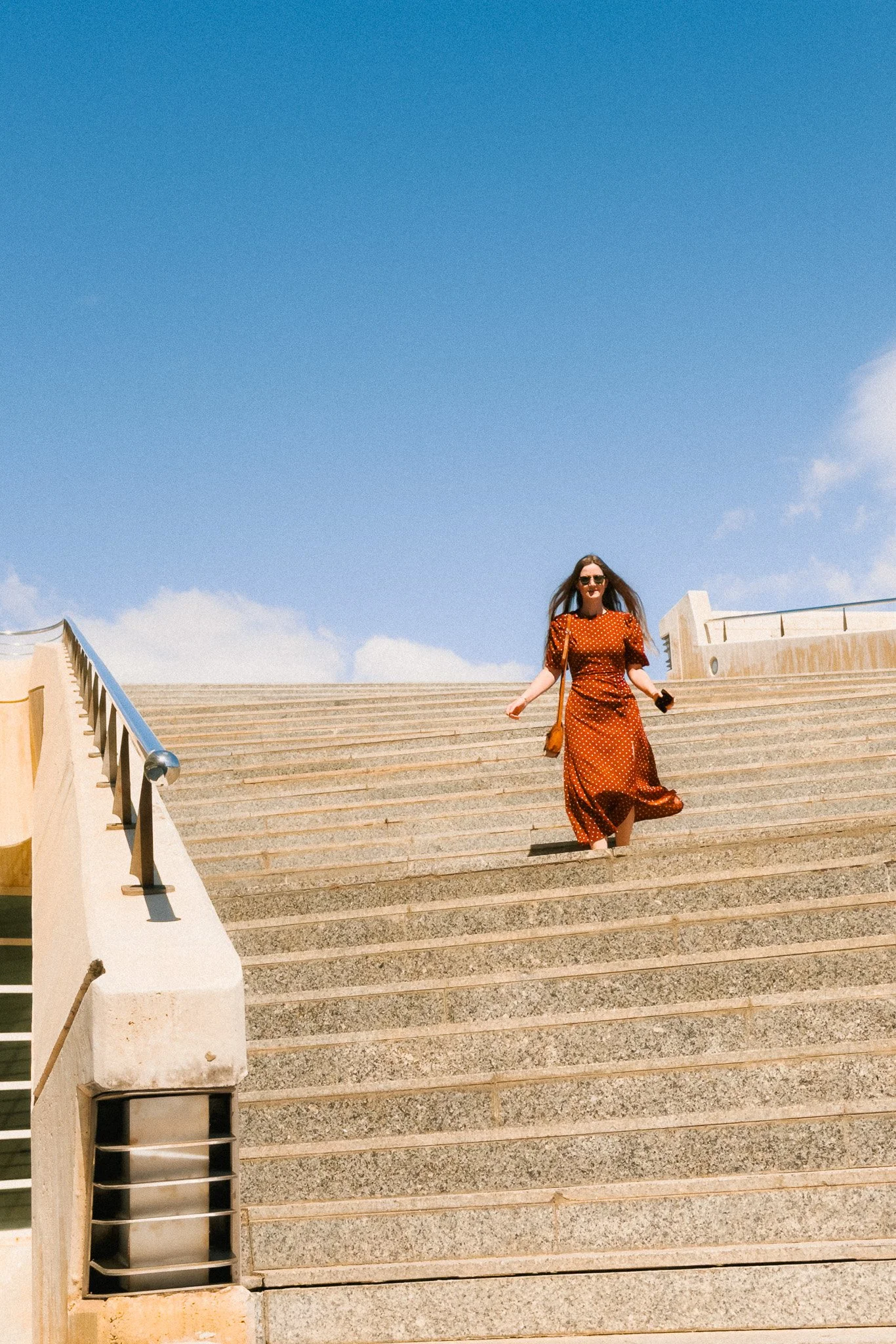
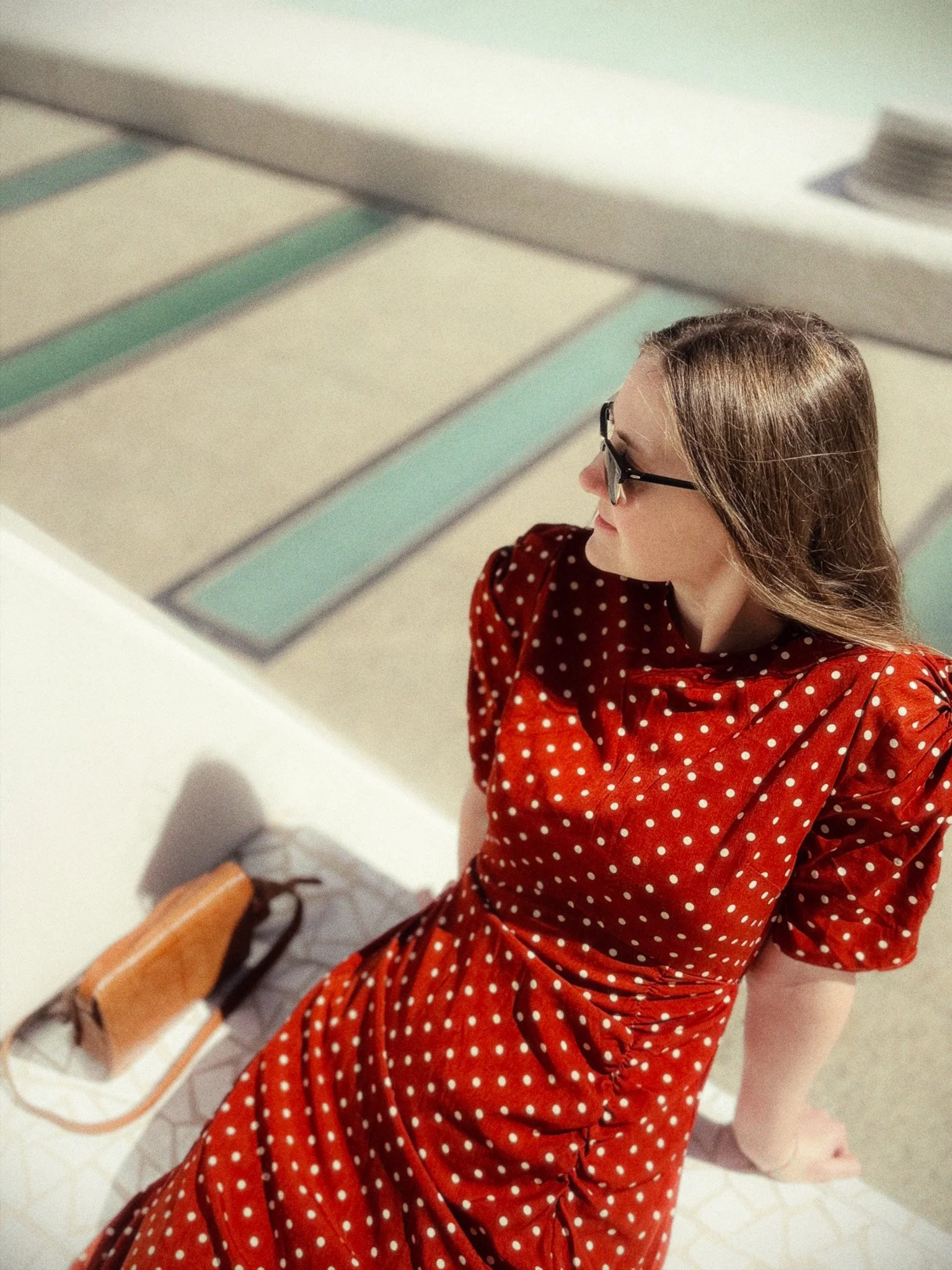
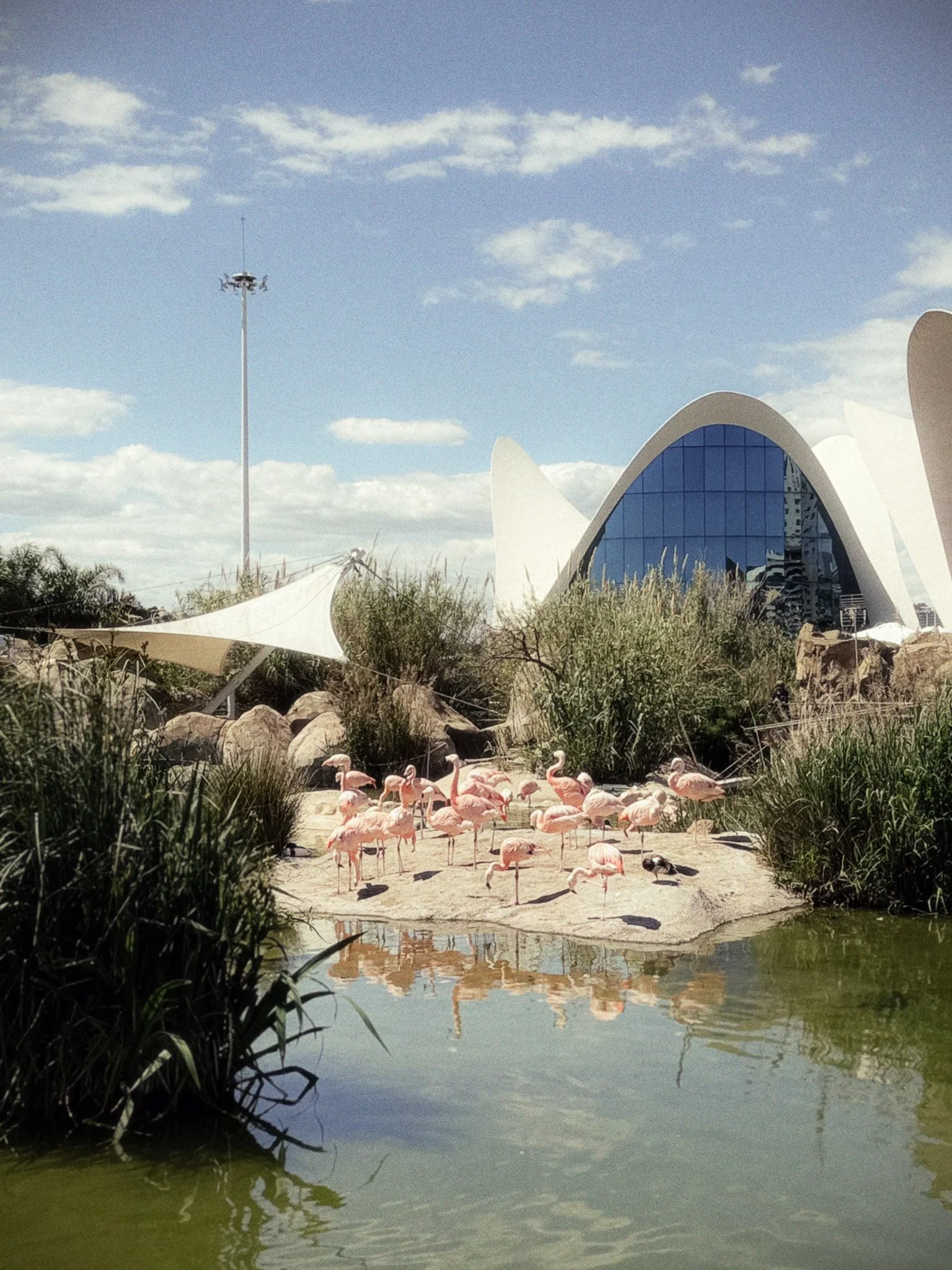
Valencia Photos
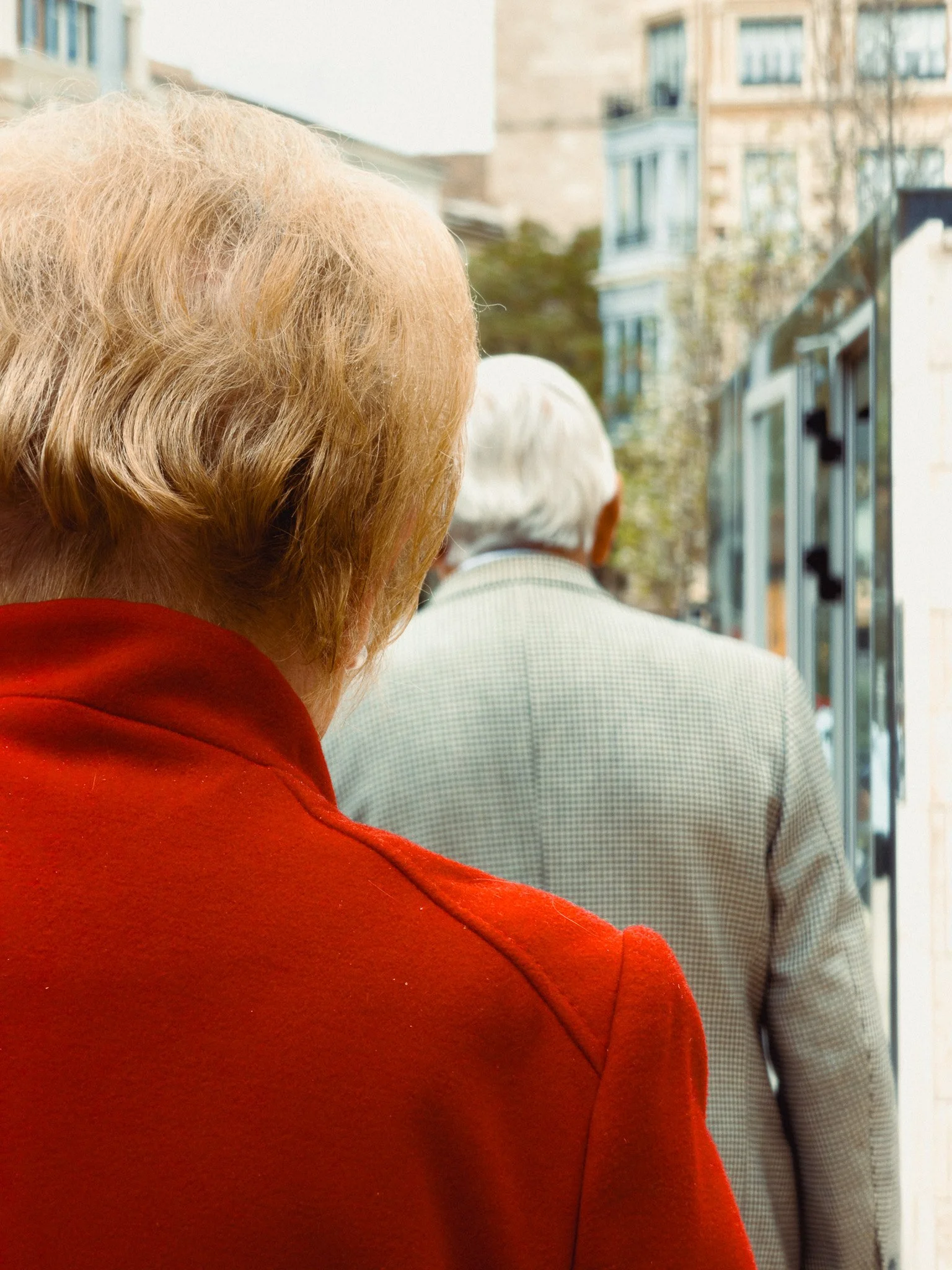
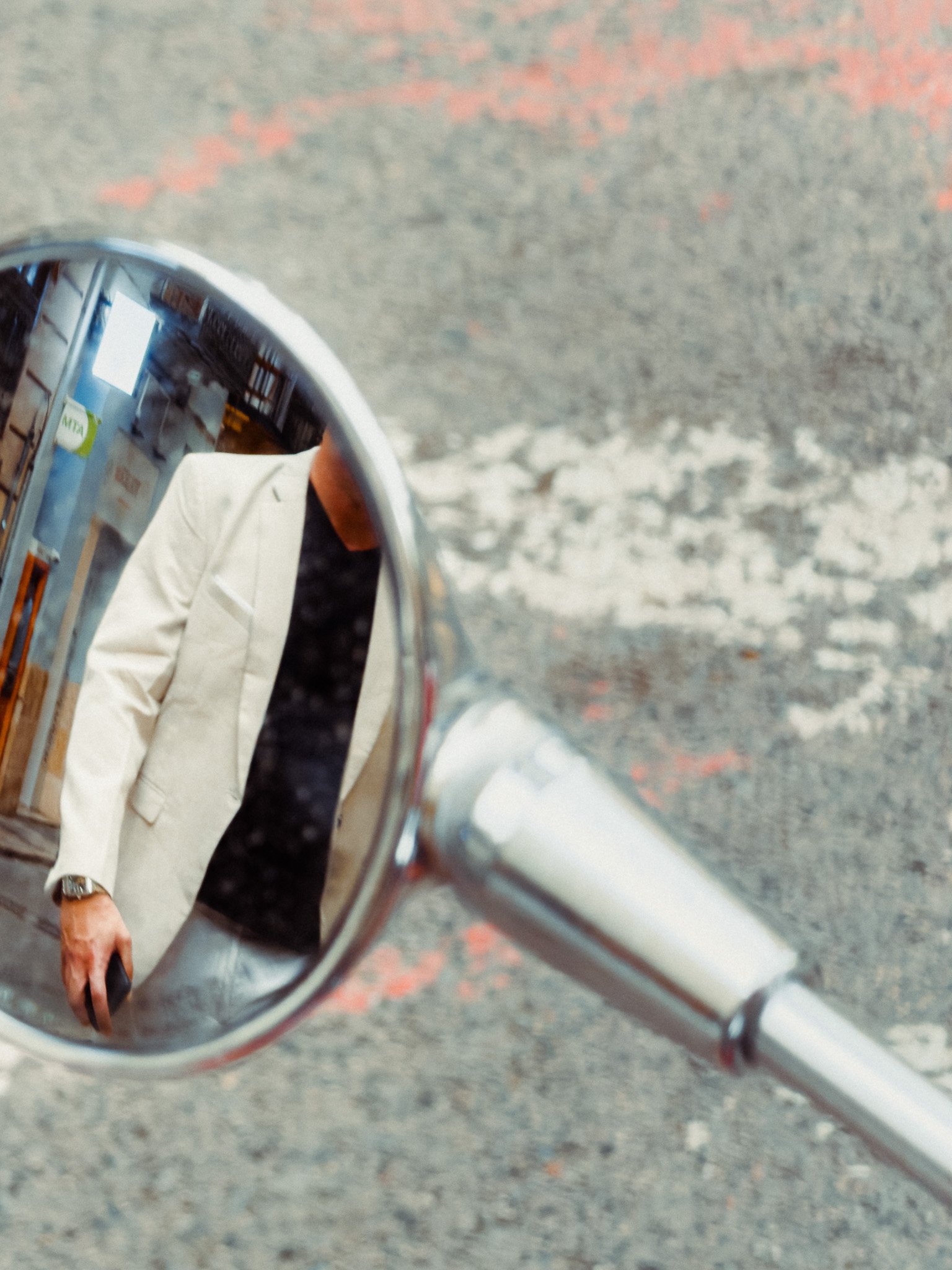
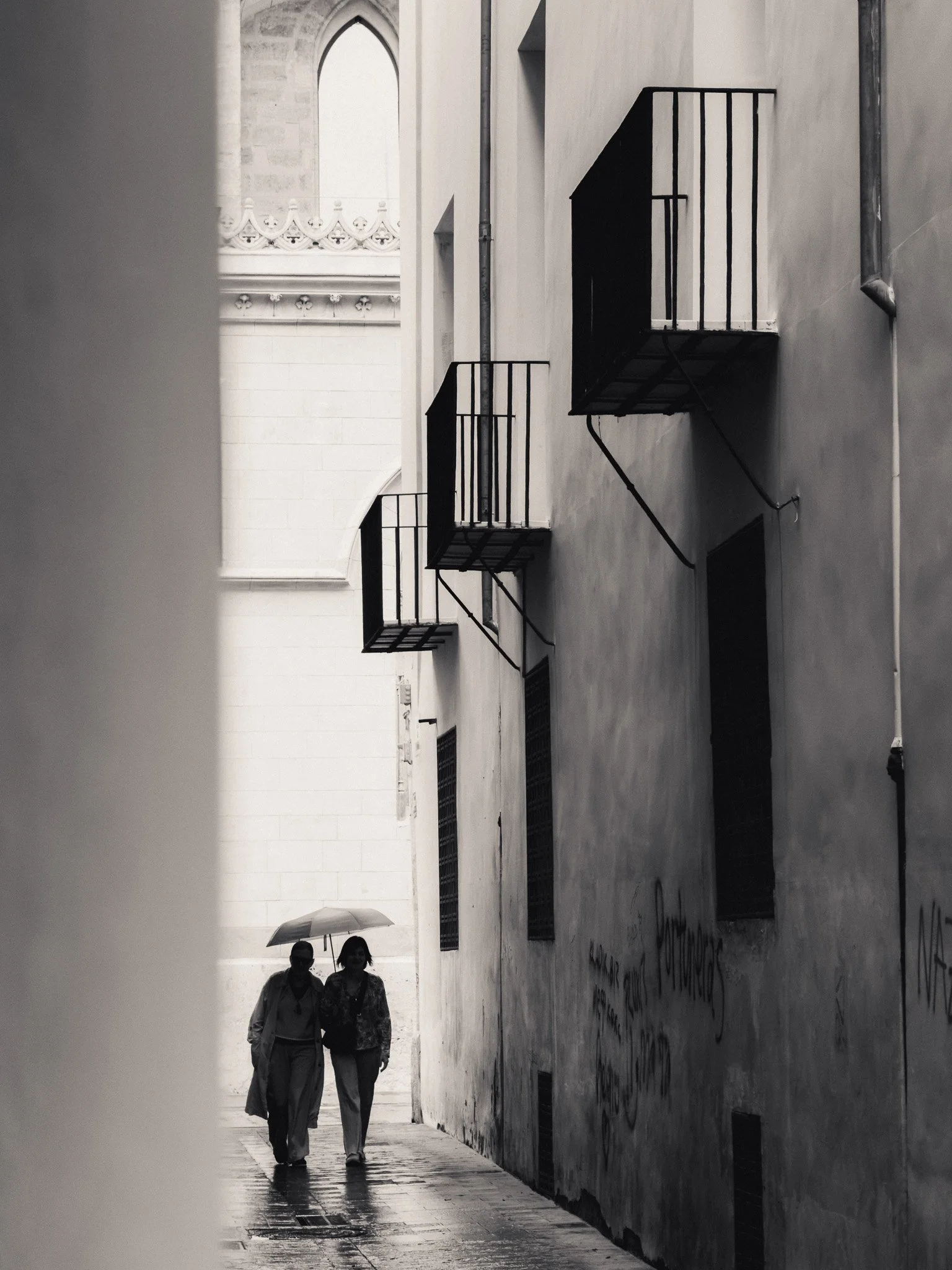
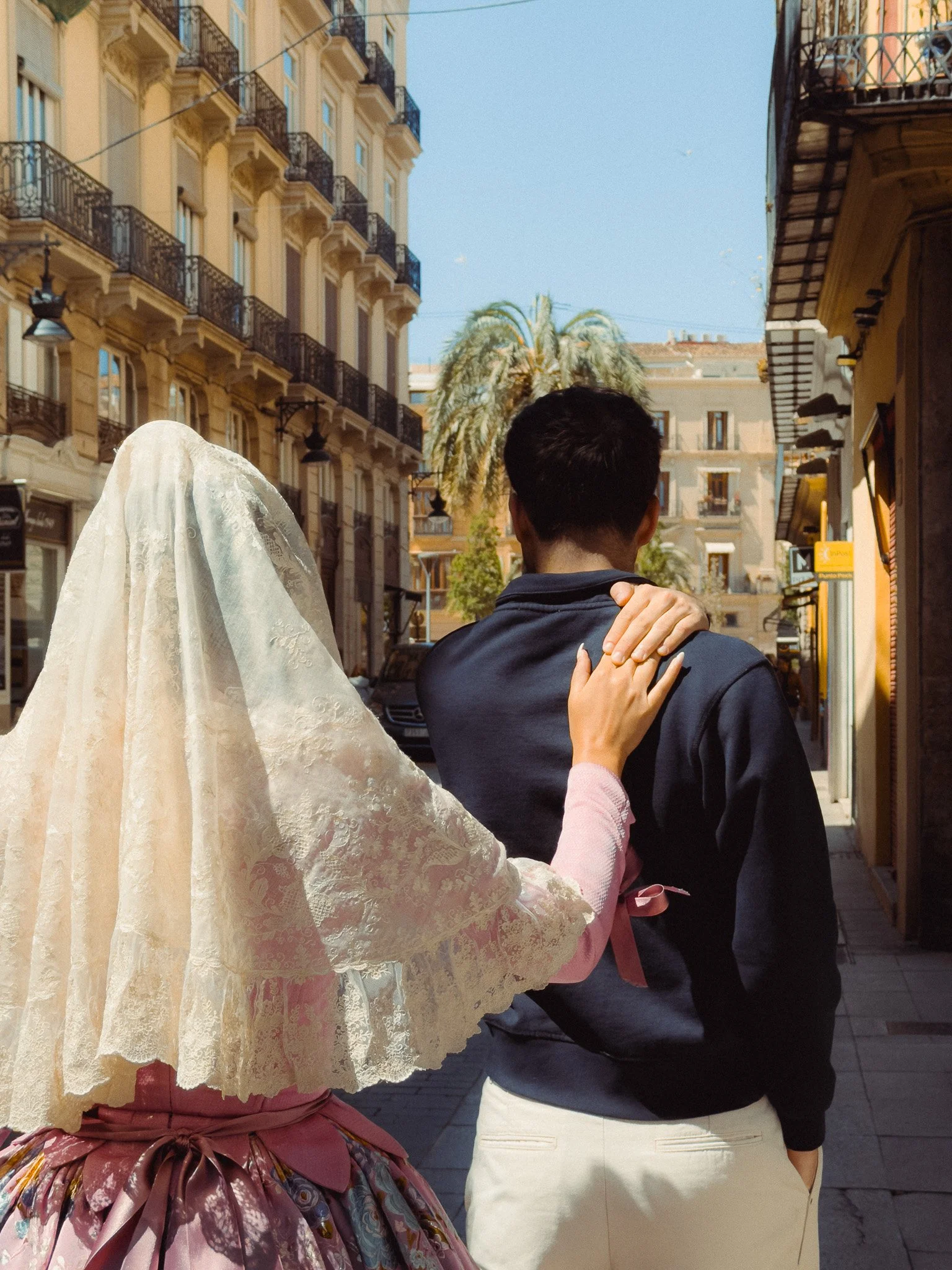

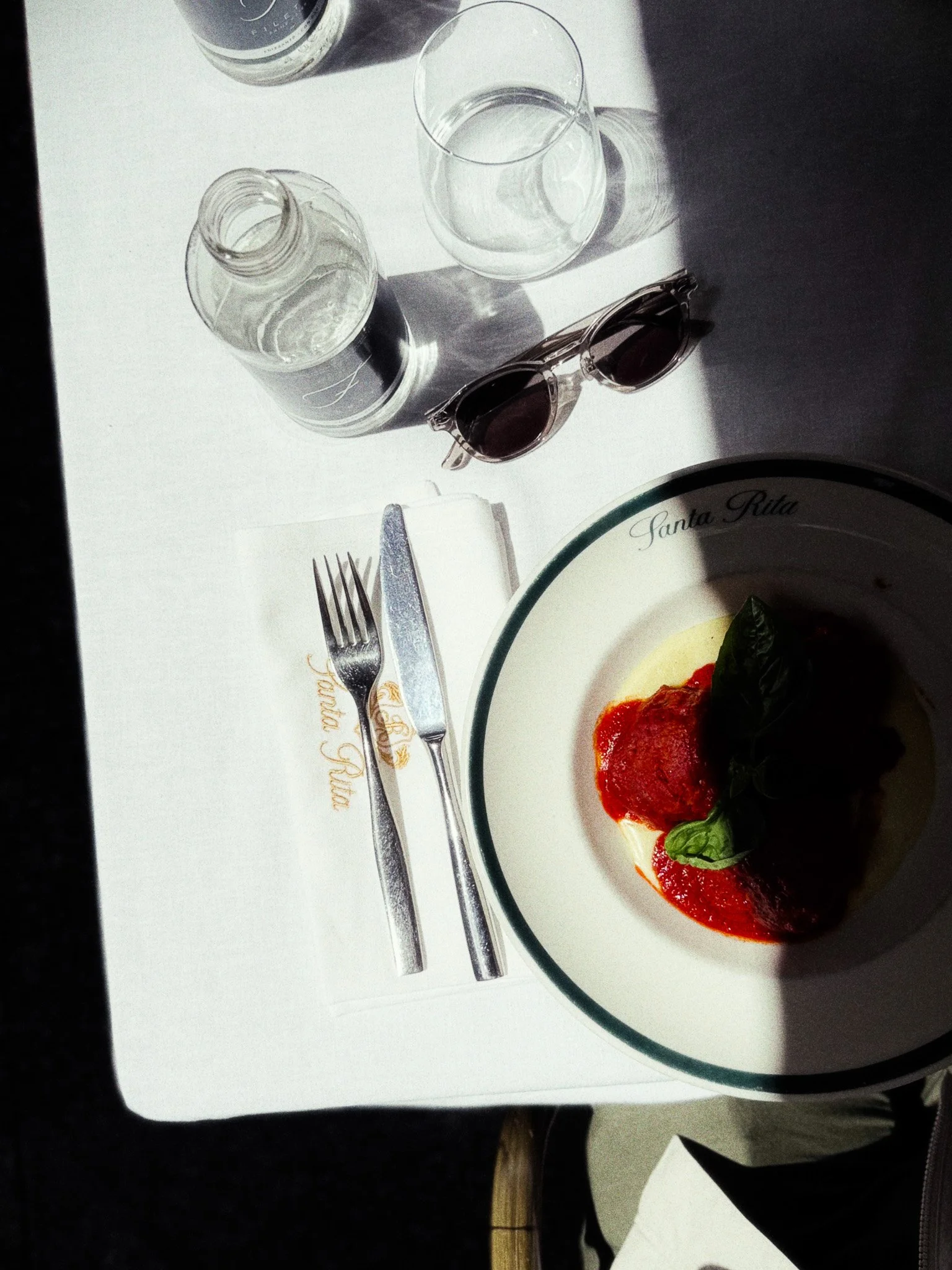
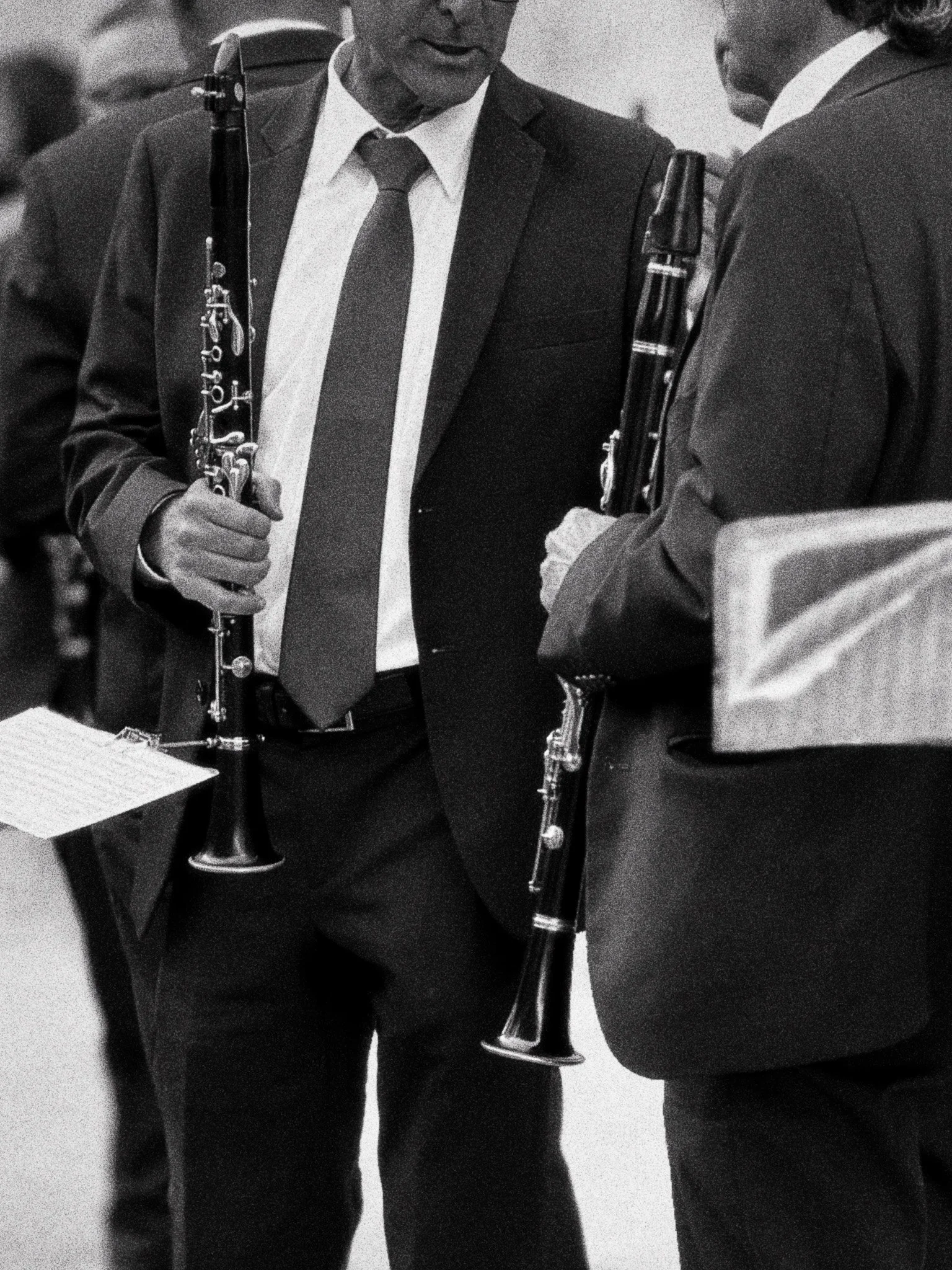
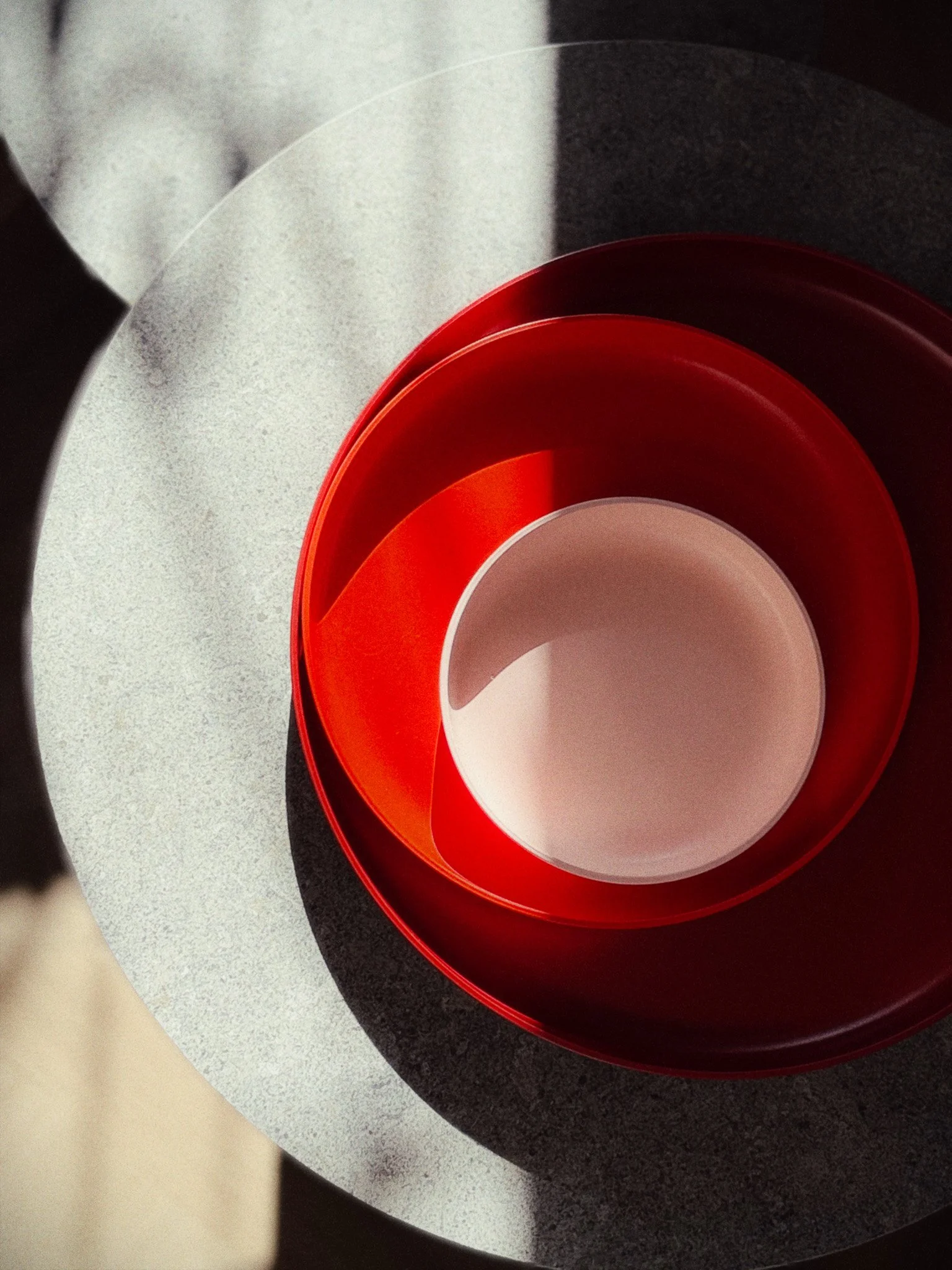
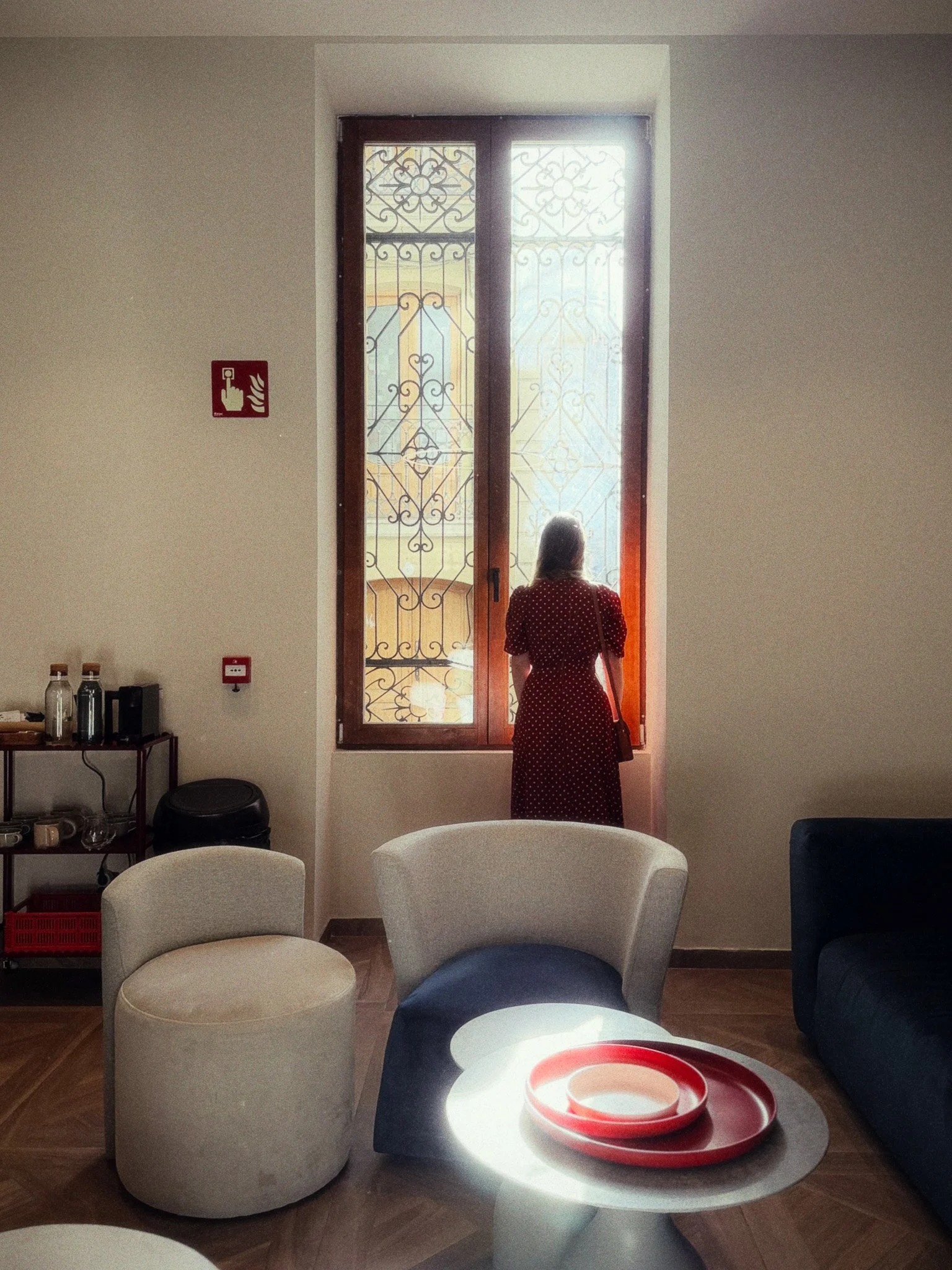

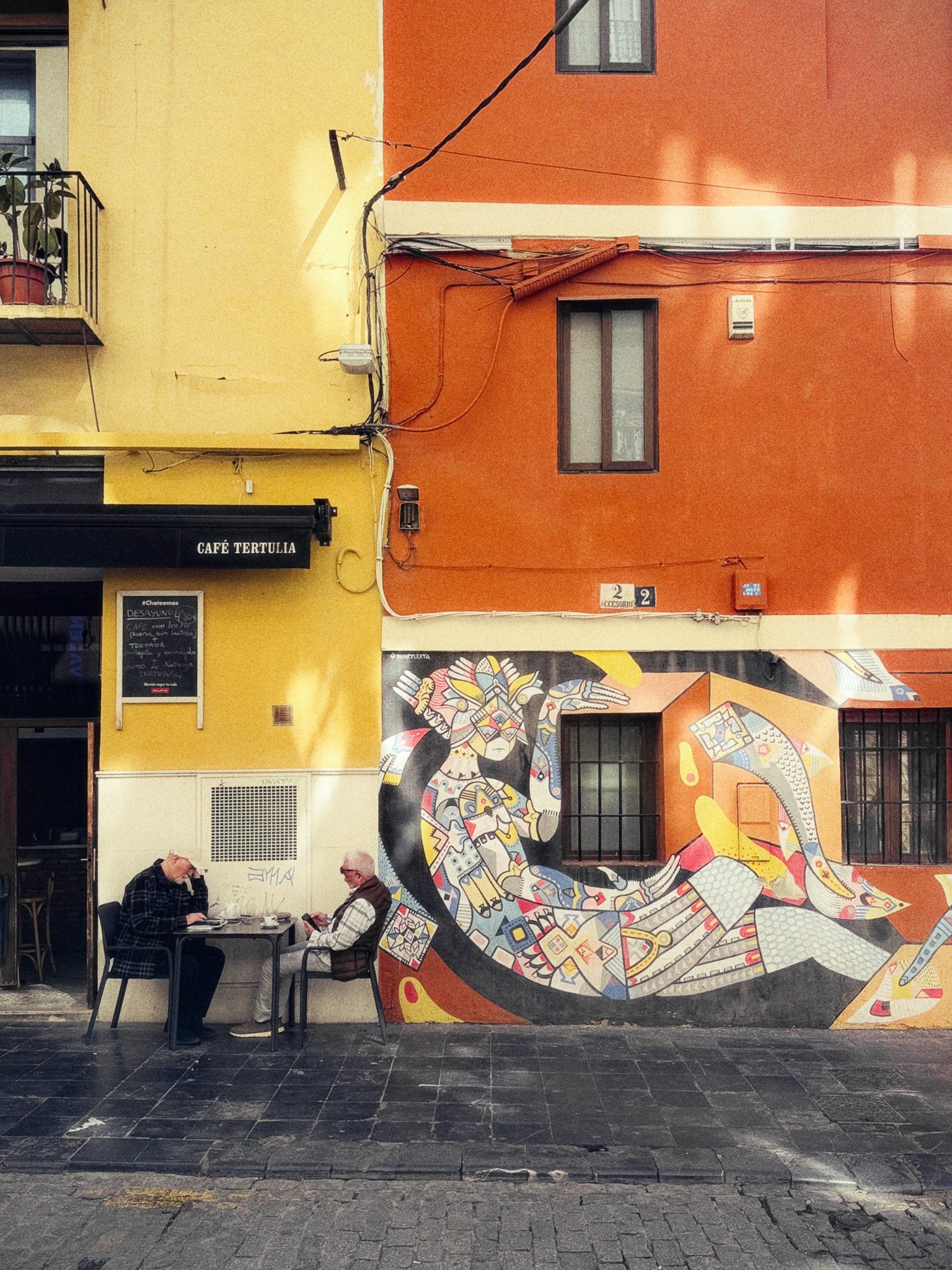


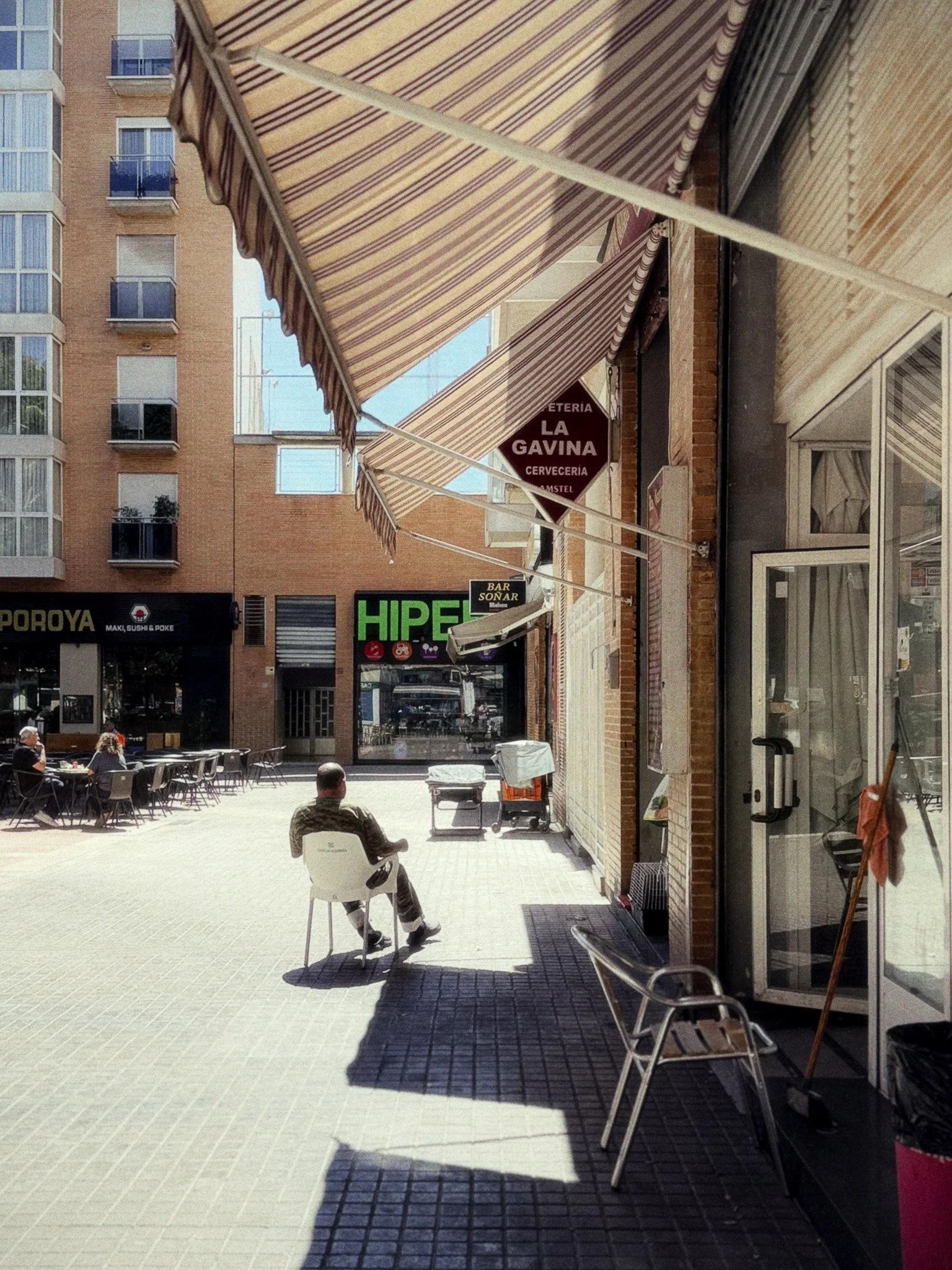
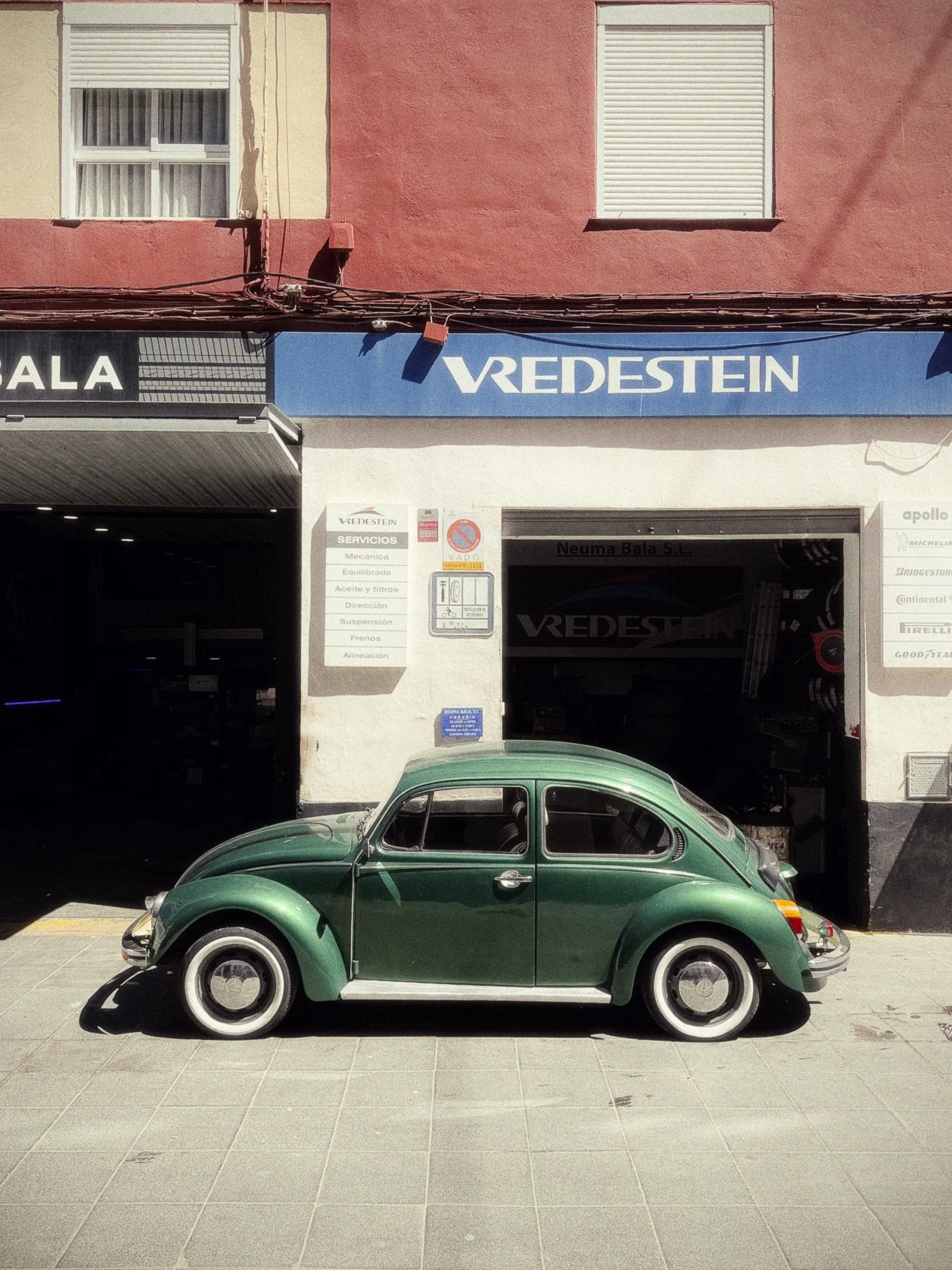
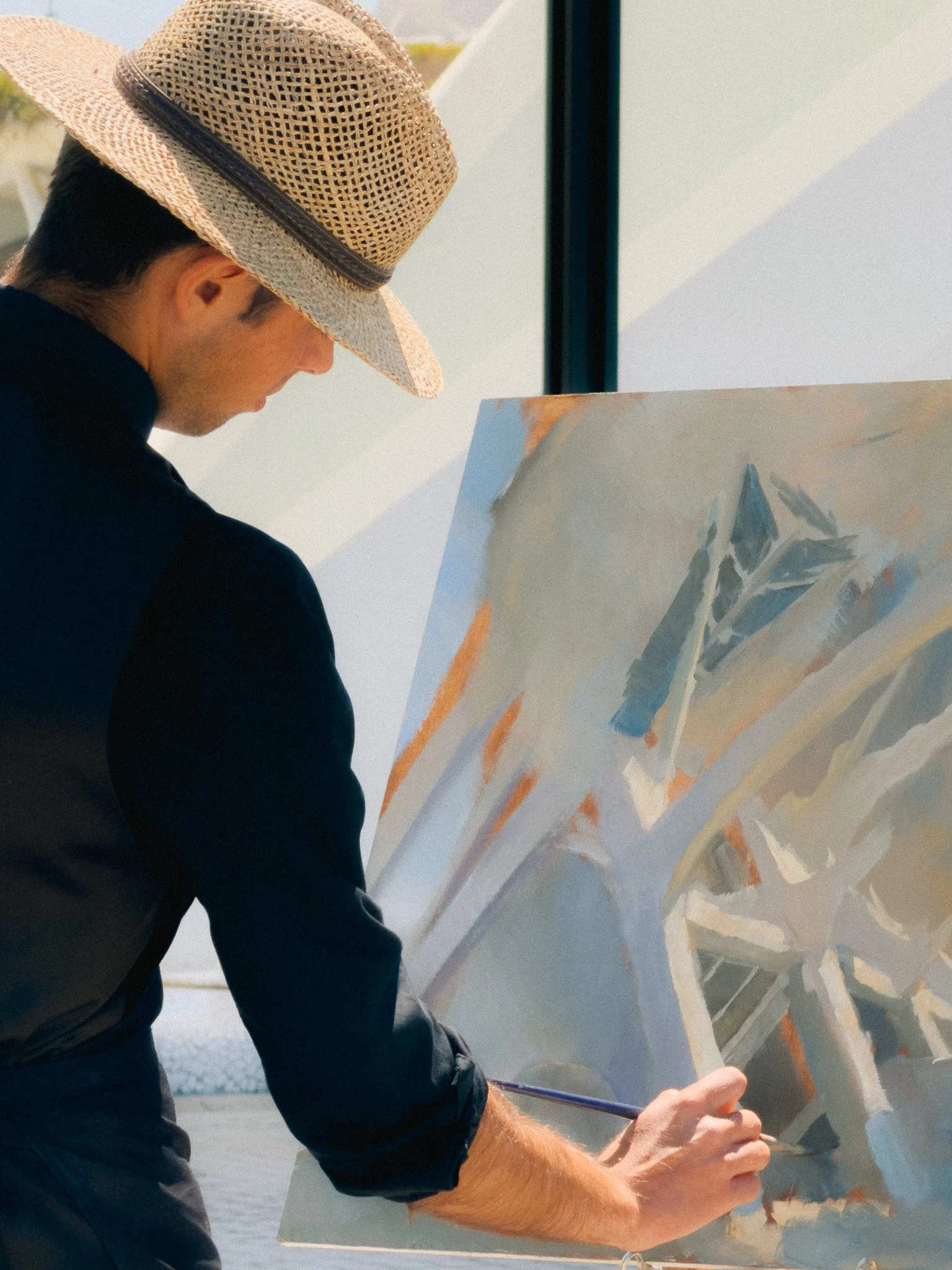
Leica LUX / Grip Overview
As mentioned earlier, this blog is sponsored by Leica. I will share with you a brief overview of Leica LUX, however I also published a more detailed write up here.
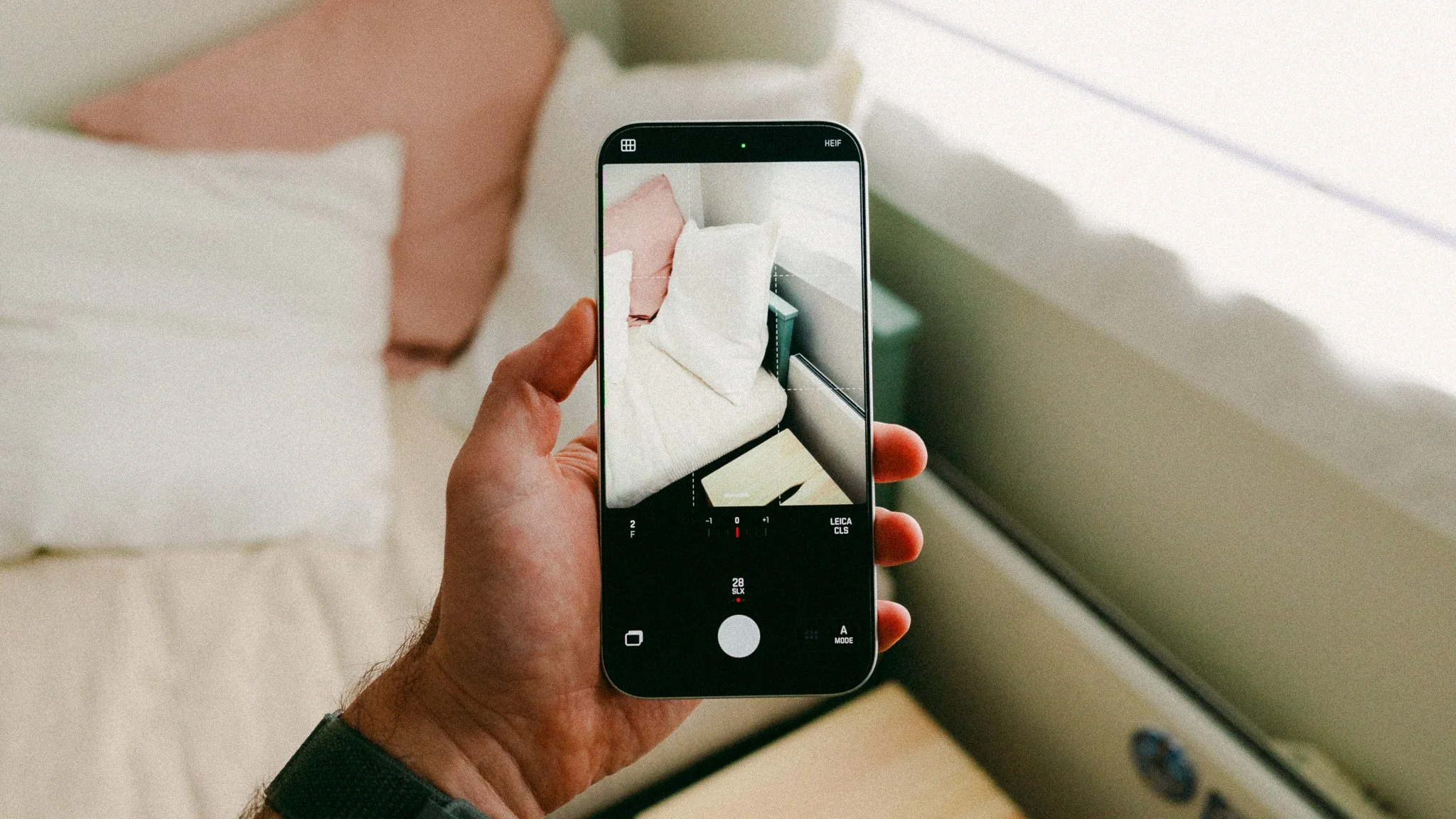
Leica LUX is a dedicated photography app designed to give you more creative options as well as remove distractions. The app has two modes that offer two different experiences. The Photo mode gives you full manual control, RAW photography, and a minimal interface. The Aperture mode introduces unique lens characteristics modelled around Leica’s physical lenses.
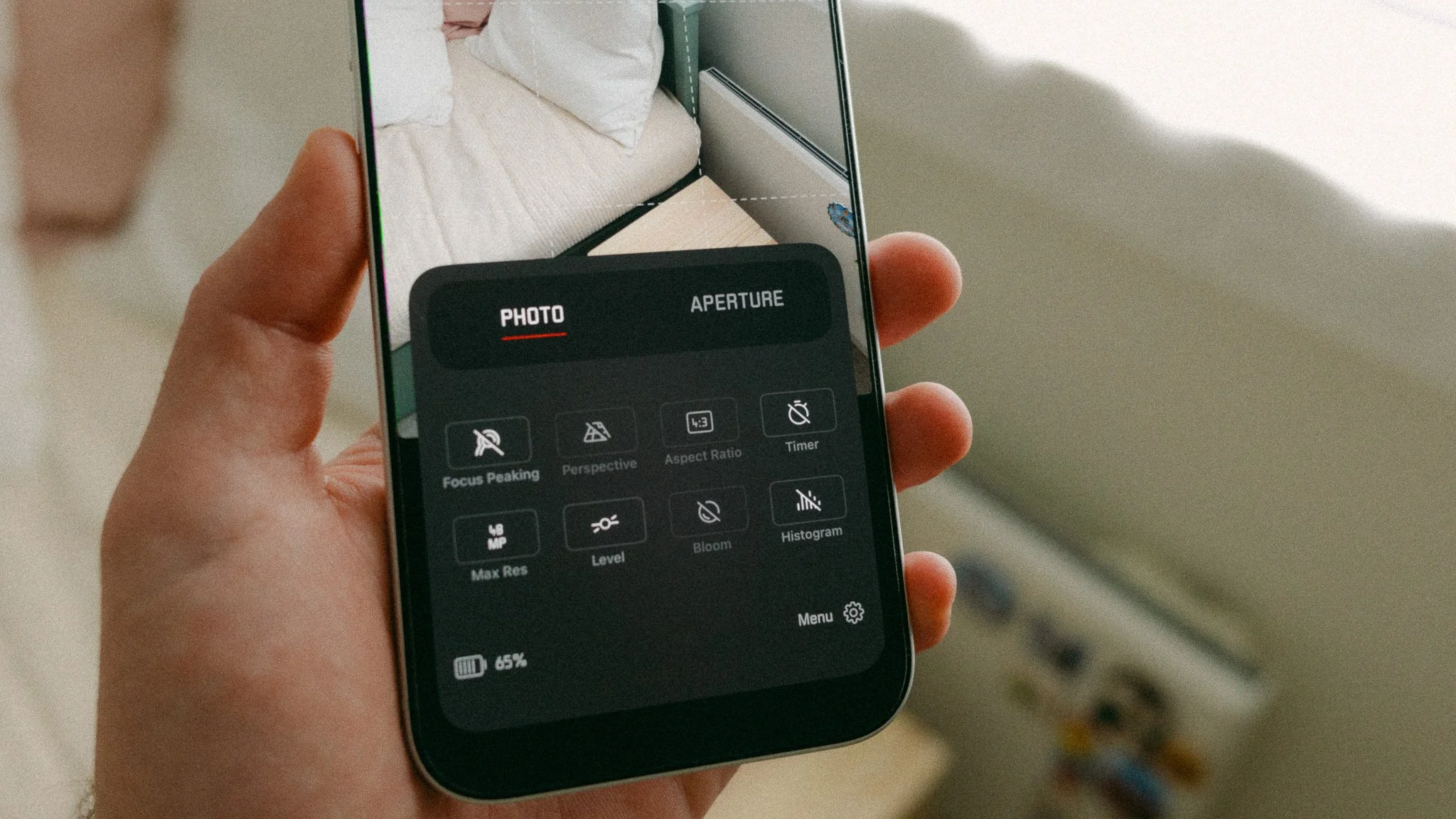
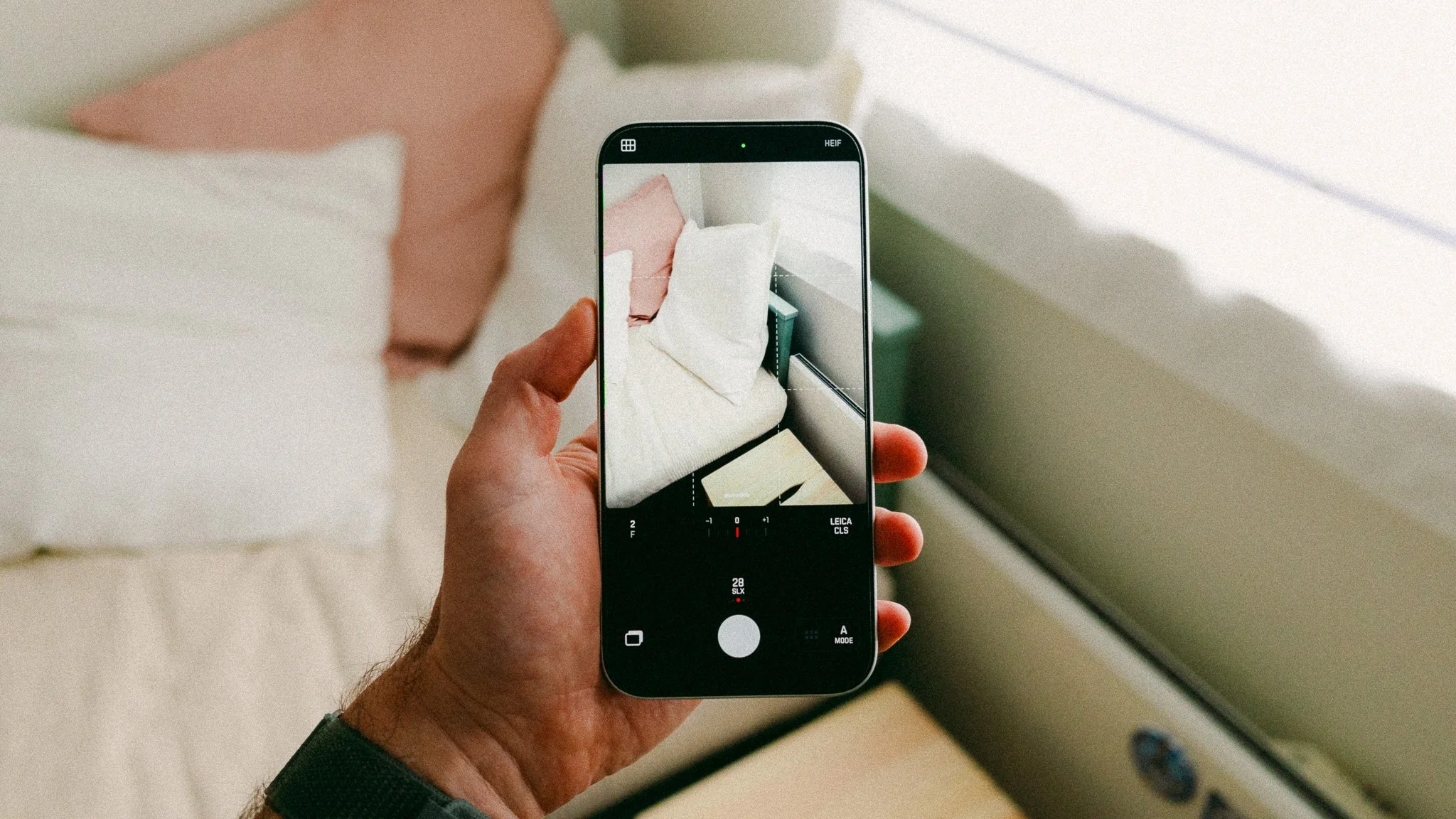
On top of that, you get Leica Looks which give your photos that distinct Leica colour science and feel. The Photo mode is what you use for work, manual shooting, and RAW photography. The Aperture mode is for fun and stylish photos you can share right away. Furthermore, the aperture mode offers you a selection of digital lenses inspired by actual Leica glass.
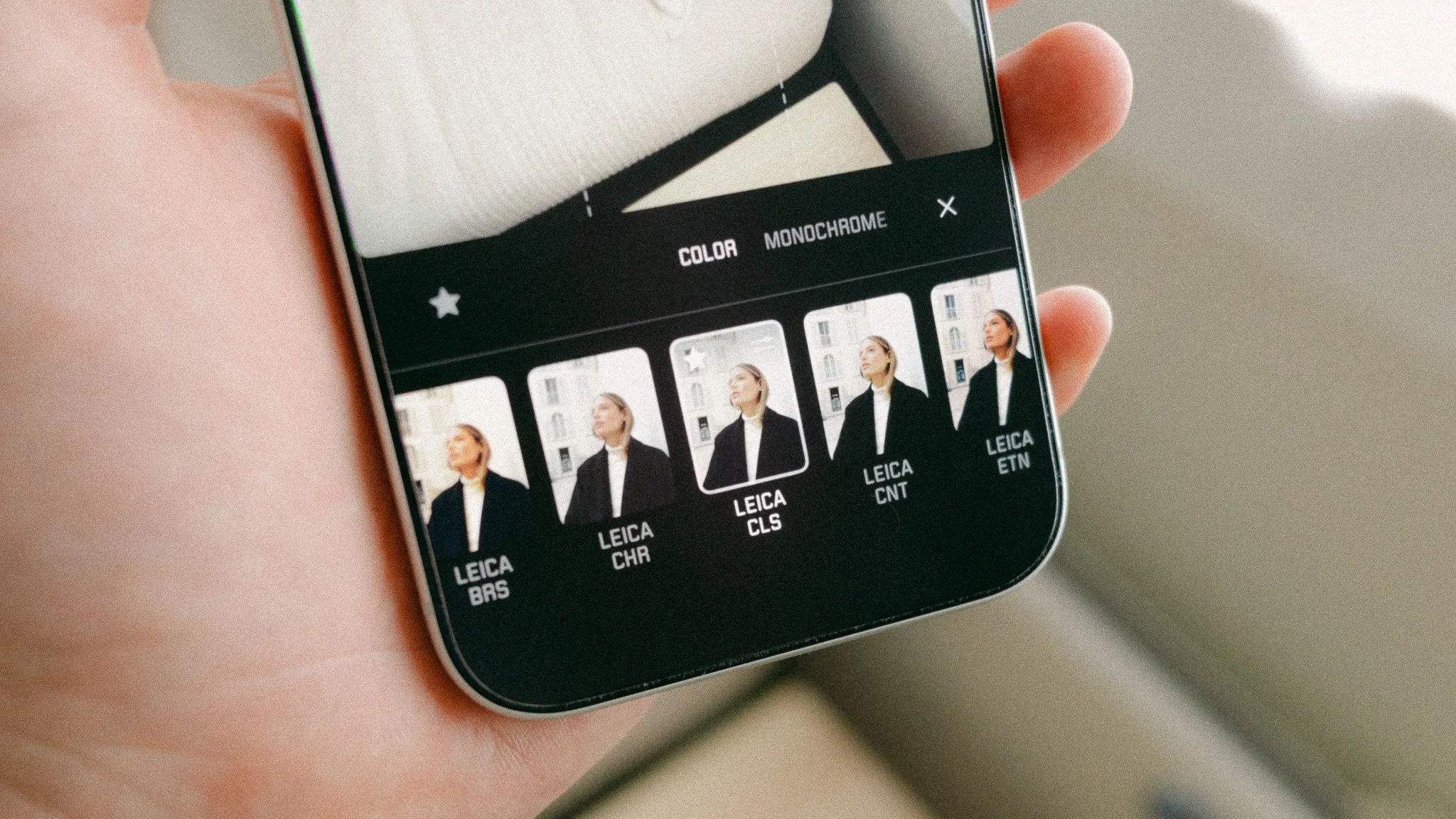
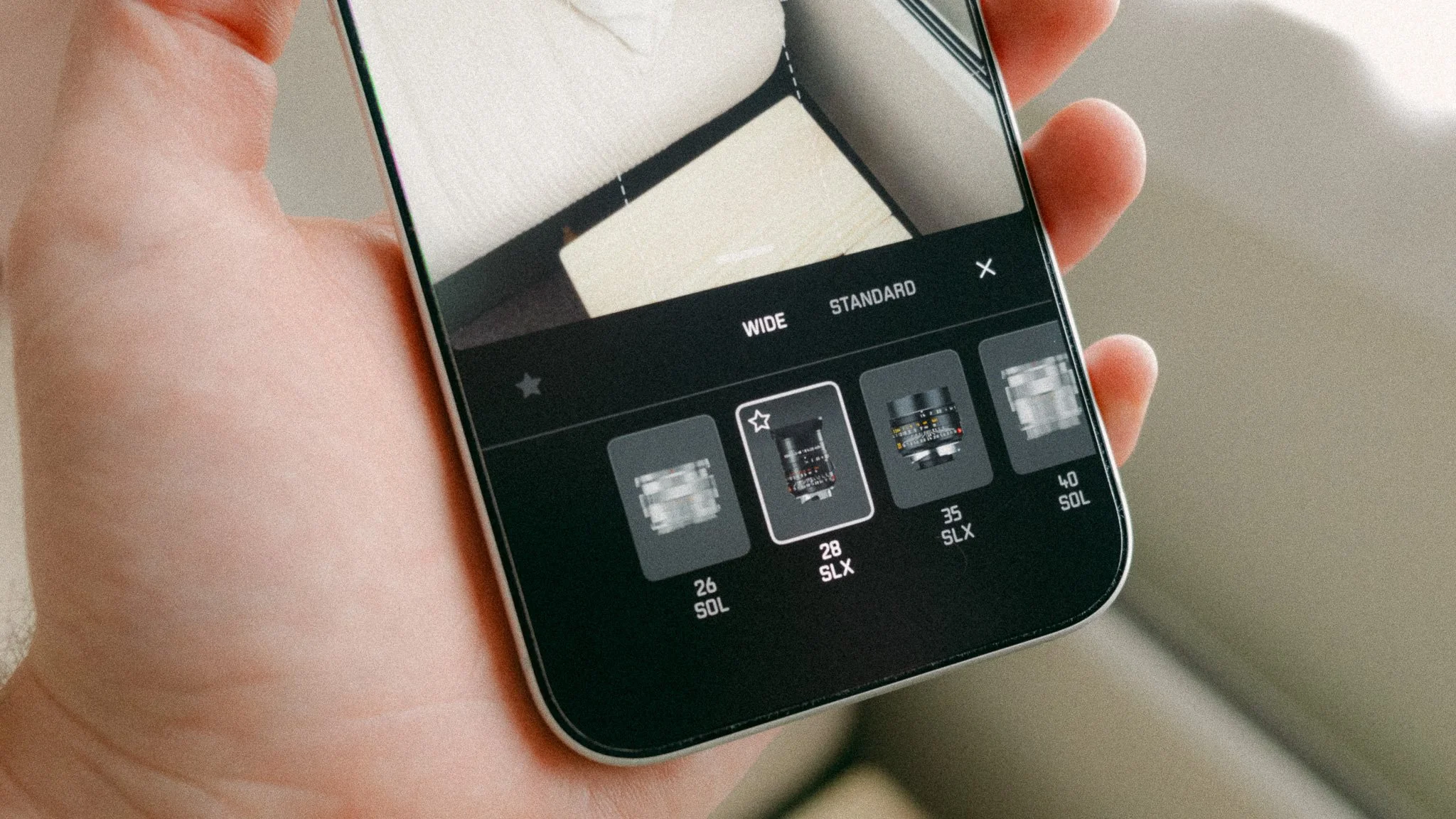
Why use this app over the default camera app? The default Apple Camera app is great, however it’s more of a content creation app that offers everything under one roof. The Leica LUX app is a photography only experience that removes all other distractions. The Leica LUX app is also the choice for those wanting more control over the final image straight out of camera.
The Leica LUX Grip is designed to build on the app experience by giving you physical controls and a proper grip. You get a two stage shutter button, a dial, and two custom function buttons. The shutter allows for focus and exposure lock, as well as shooting. The dial lets you adjust settings such as exposure, and the function buttons can be customised to a number of tasks.
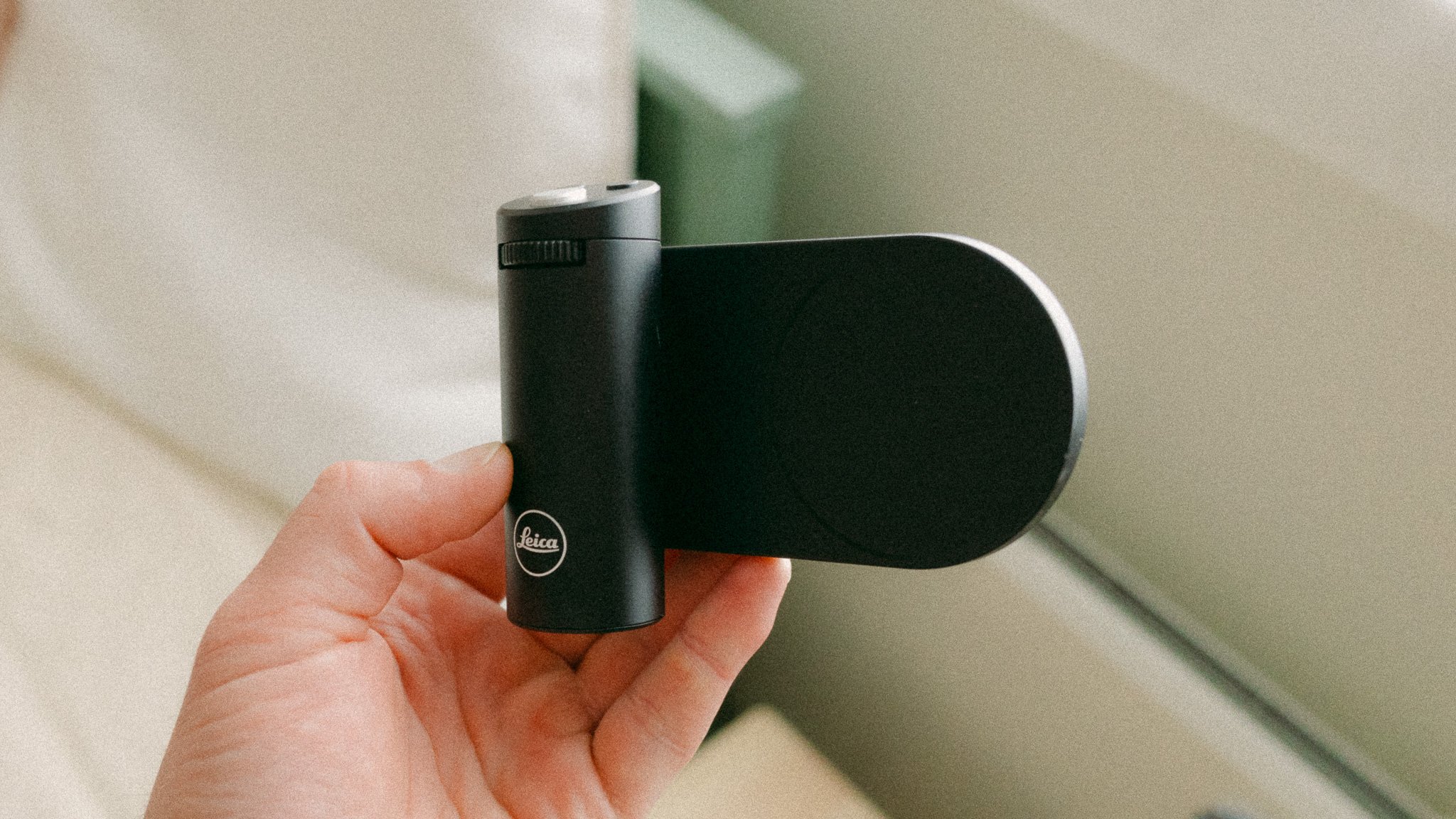
The grip connects via Bluetooth and attaches using MagSafe. It can be mounted vertically or horizontally, or even used as a remote trigger. The grip has a full metal build and just like the cameras, feels very premium and durable. If you plan to mostly shoot on your phone, this is a worthwhile accessory to get. I go more into the operating details here.
If you wish to give the app a go, please use the following link. It won’t cost you any extra, but it would tell Leica that people have come from me. Thank you! https://download.leicalux.app/rf0420


Instead of telling you how these will change your life, I would rather be practical and answer the most common questions that people tend to have when buying presets.
What are presets?
They are editing settings that are saved in a file and can be applied to any image.
Why do people buy presets?
Sometimes because they like the work of the photographer and want that style for their own photos. Mostly because they would like to see how other people edit and learn by reverse engineering the presets. Other times it’s just to support their favourite photographers, thank you!
What’s the overall style of these presets?
- Filmic
- Warm
- Soft
- Bright
What are these presets suitable for?
Street & Travel Photography
Some Nature (with further editing)
Some Portraits (with extensive editing)
Do I actually use these?
Yes. This is the same pack I use right now for all my editing. This isn’t a pack made just to sell.
Do these presets get updated?
Yes, as my style changes, these presets will also be updated. Any time a new update is available, you will get a free update via email. Of course you also keep all the old presets in case you prefer the older looks. Only presets purchased from 2025 onwards will receive the updates.
What file types are these presets for?
- All RAW files
- JPEGs & TIFFs (not recommended)
What camera brands are these presets for?
These were designed around Fujifilm, Sony, and Leica sensors. With that said, they will work with all camera brands. While there might be differences due to individual camera colour science, the overall feel of the preset will carry over.
Will these work with JPEG files?
Yes, but you will need to reduce the intensity and make further edits. I strongly recommend editing RAW files.
Are these one click edits?
95% No. You would need to do some basic adjustments as each image is different. These adjustments can include exposure, colour balance etc. In 5% of cases you can just apply and leave it alone.
Do I need to know how to edit?
You need to have a basic understanding of adjusting exposure, highlights, shadows, etc. A more comprehensive editing skillset will let you get the most out of them.
How many presets are included?
10 in the main pack and 24 in the extras pack
Why two packs?
The main pack is what I use for 99% of my edits and is kept small to reduce wasted time scrolling through presets. The extras pack is everything I don’t use often.
What software do I need?
These presets will work with any of the following:
- Photoshop (adobe camera raw)
- Lightroom Classic
- Lightroom Desktop
- Lightroom Mobile
Will these presets work with free versions of the above software?
You need to research and double check before buying. These presets were designed for the full paid versions.
Will these presets work with very old versions of the above software?
You need to research and double check before buying. These presets were designed on and for the latest software.
What file type do I get?
XMP
What else do I get?
- Comprehensive PDF guide
Can I modify these and turn them into my own?
Yes! In fact I encourage you to modify them and play around. Use these to help you get your own style.
I have more questions…. What do I do?
Make a cup of tea and drop me an email on hello@snapsbyfox.com
Please note that due to the nature of digital products, refunds are generally not accepted. However, if you experience any issues, feel free to contact me and I’ll review your situation individually. You are welcome to use this product for personal or commercial projects, but you may not copy, distribute, or resell the files in their original or modified form.
Finally I want to say a massive thank you for supporting me. Buying these presets is the most direct way you can support my work.
Thank you!