
You need a camera for memories
If you’re reading this blog, chances are you’re into photography. Some of you might be working professionals, some might make a living on social media, and some do it for fun. Regardless of which bucket you fall into, it’s safe to assume that you take photography seriously, and have a pretty solid camera setup too.
My bread and butter camera is the Sony A7RV. This is my primary workhorse for all photo and video, with 95% of everything you see coming from this camera. It’s one of the most capable cameras out there, and despite the naysayers, it’s great fun to use. However, anytime I pick it up, I feel like I’m in work mode.
For as long as I can remember, I’ve banged on about how you need to have a camera on you at all times. I’ve spoken often about how some of my best photos were taken when photography wasn’t the primary objective of the day. If you ever see me out in public, it’s extremely unlikely for me to be without a camera, and I’m not counting my phone.
For a long time, I would go out with the A7RV even if I was just running to grab a quick coffee with a friend. That camera rarely left my side, and I found myself in constant work mode. Even if I was having a nice lunch with my girlfriend, I was in photography mode because that camera was on me. I would be looking for photos that I am “known for”, and while this isn’t a bad thing, what did end up happening was me not having any photos to remember my actual day.
Almost everyone outside of our world sees cameras as devices to capture memories, not create art. People take photos of lunches, selfies, stupid faces, random things they come across, and everything in between. Only us photographers see cameras as tools to create. Most people see them as devices to document key moments in their lives.
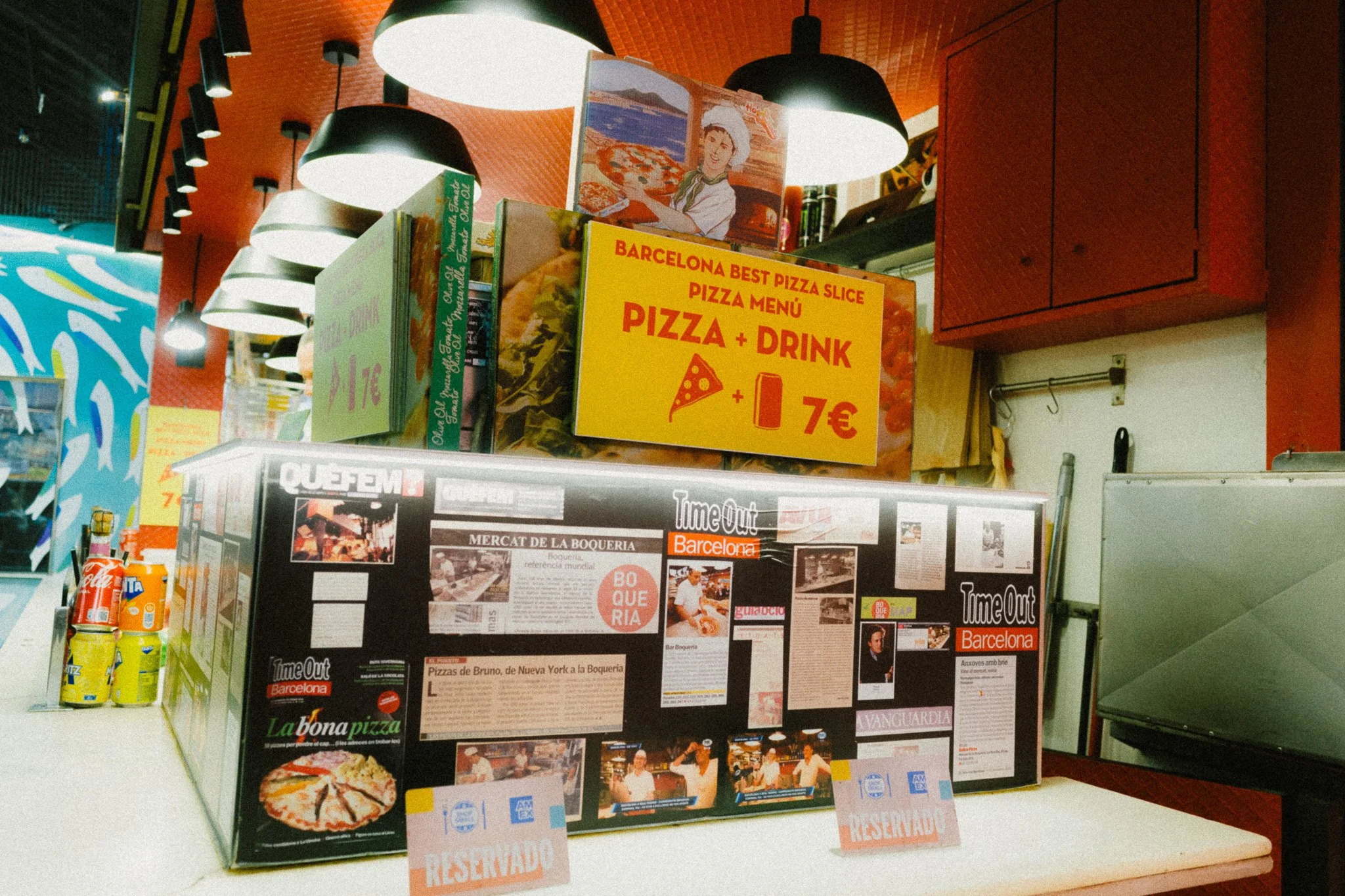
When I look back through my library from a specific trip, I find many wonderful photos that I’m very proud of. However, while these images are great from an artistic point of view, they don’t really serve as memories of what actually matters. In other words, if I were to show them to my kids when they are older, they won’t necessarily have any connection to them outside of them being my photos.
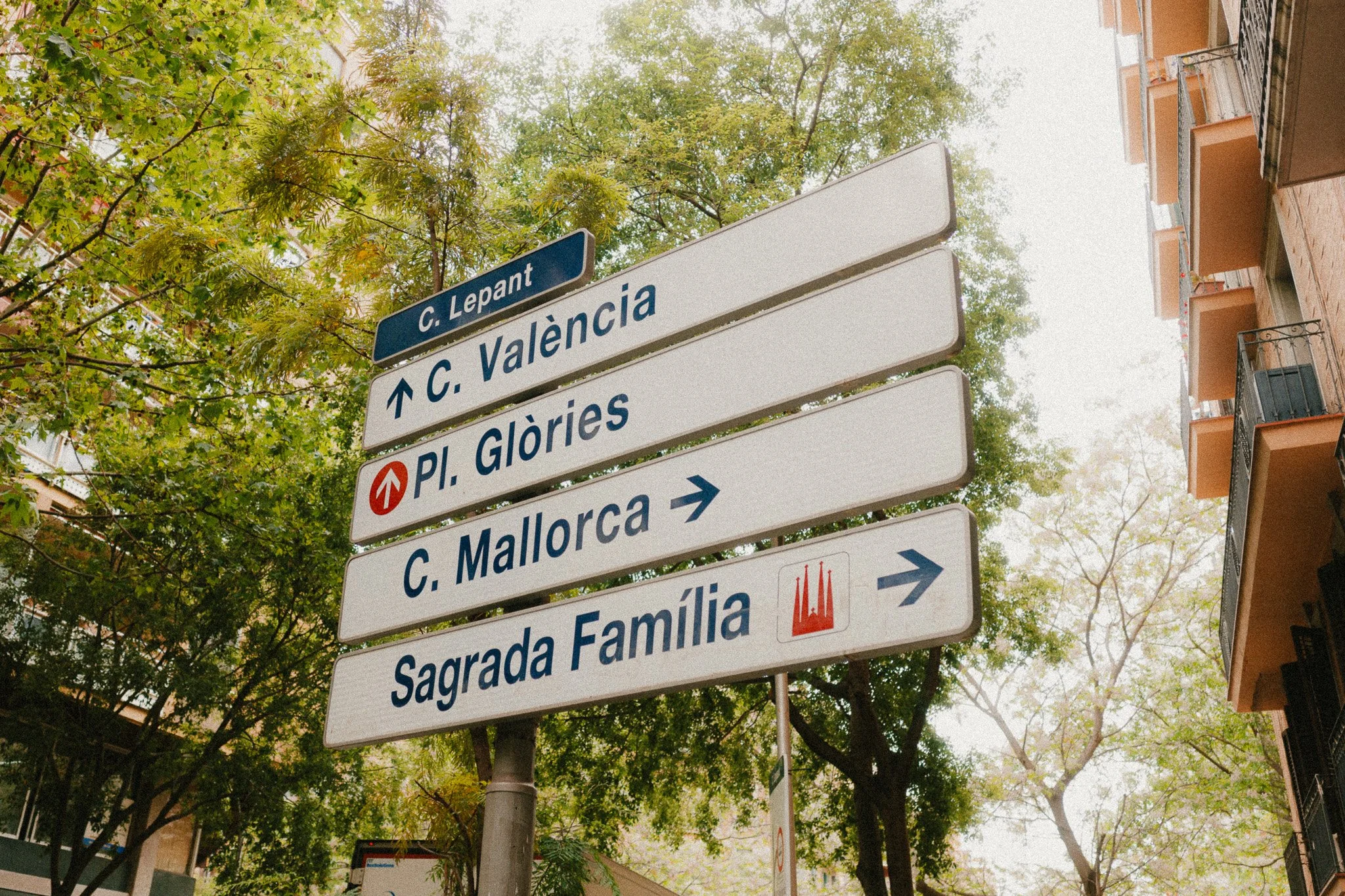
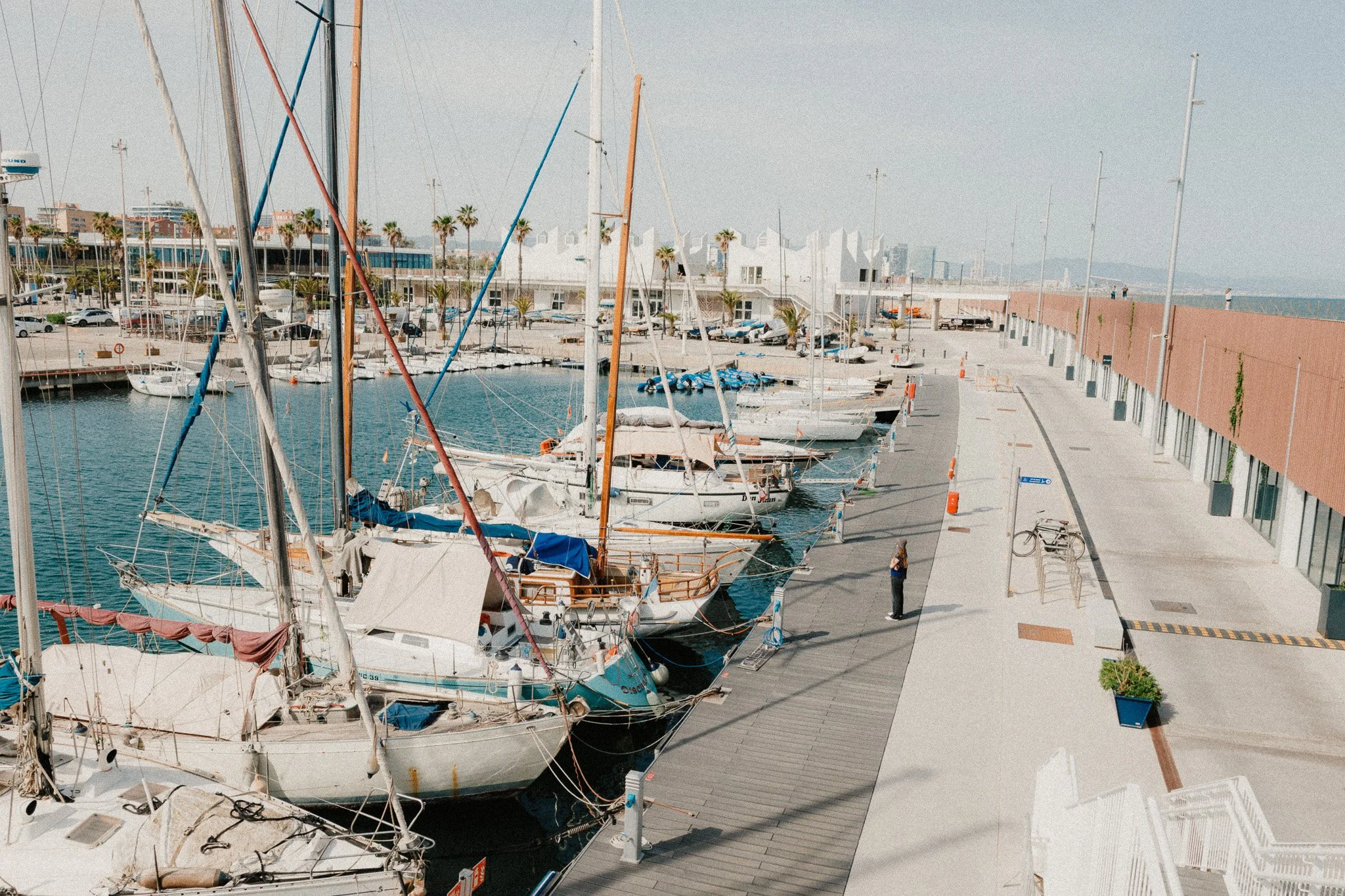
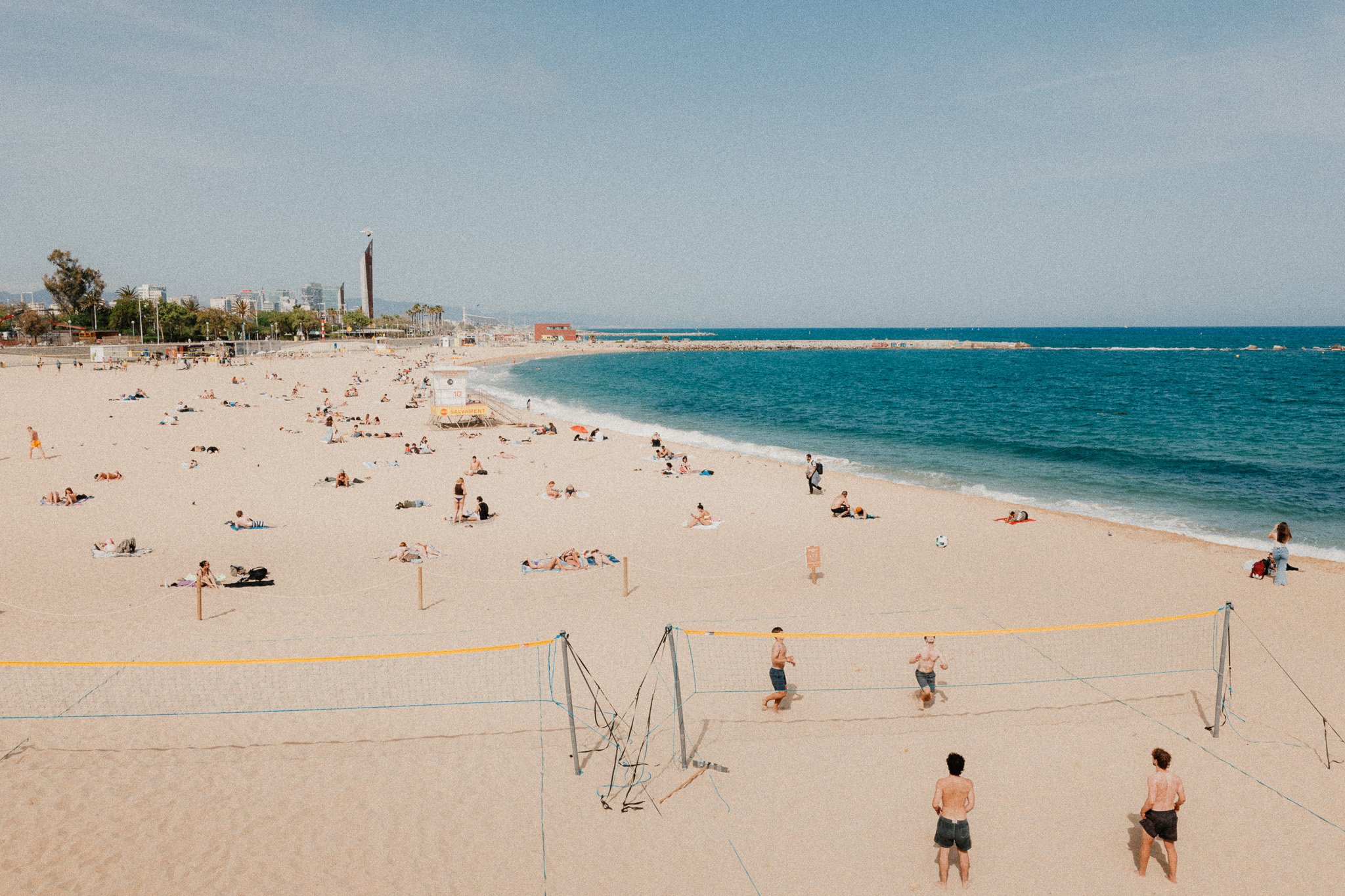
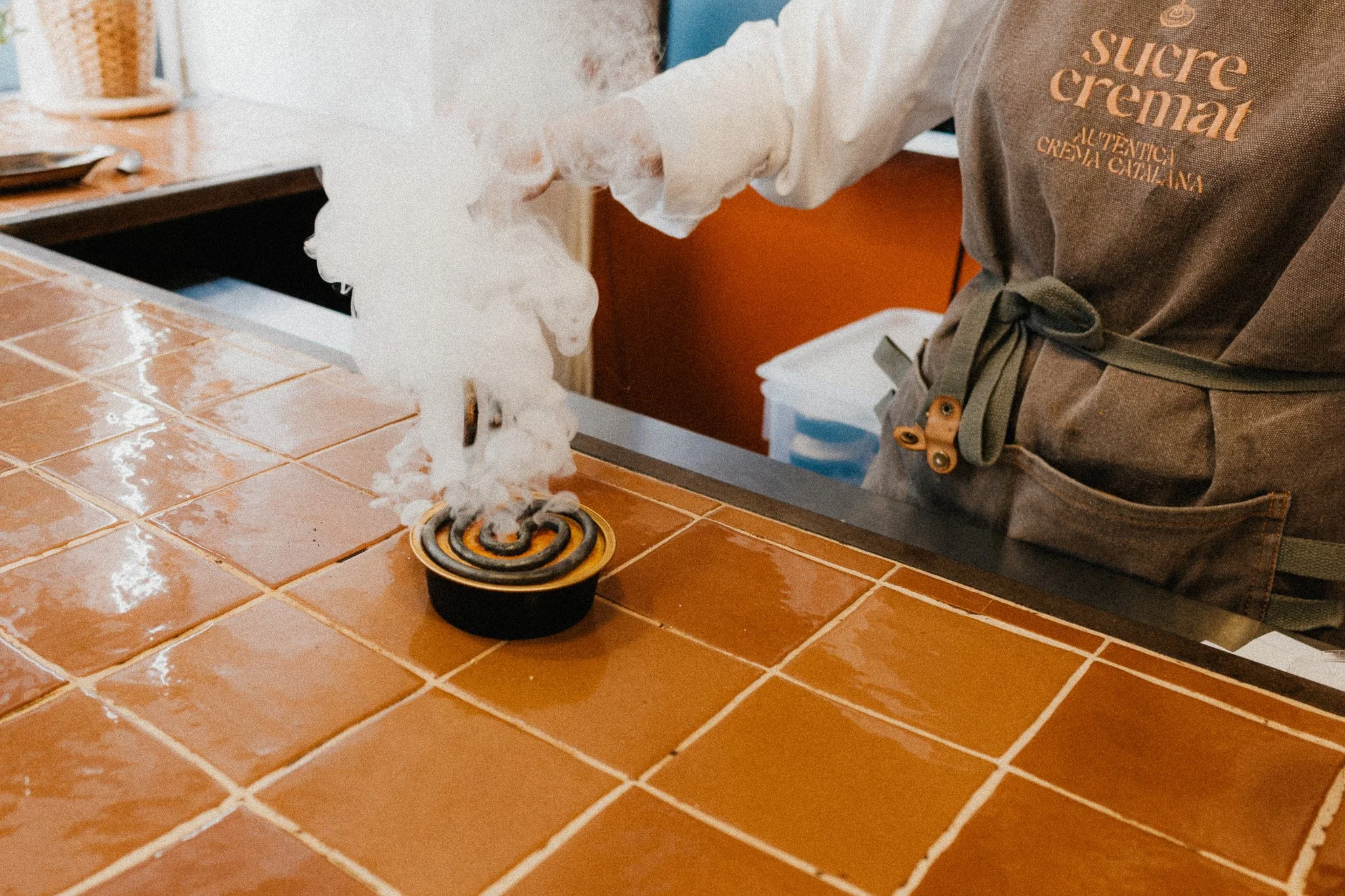
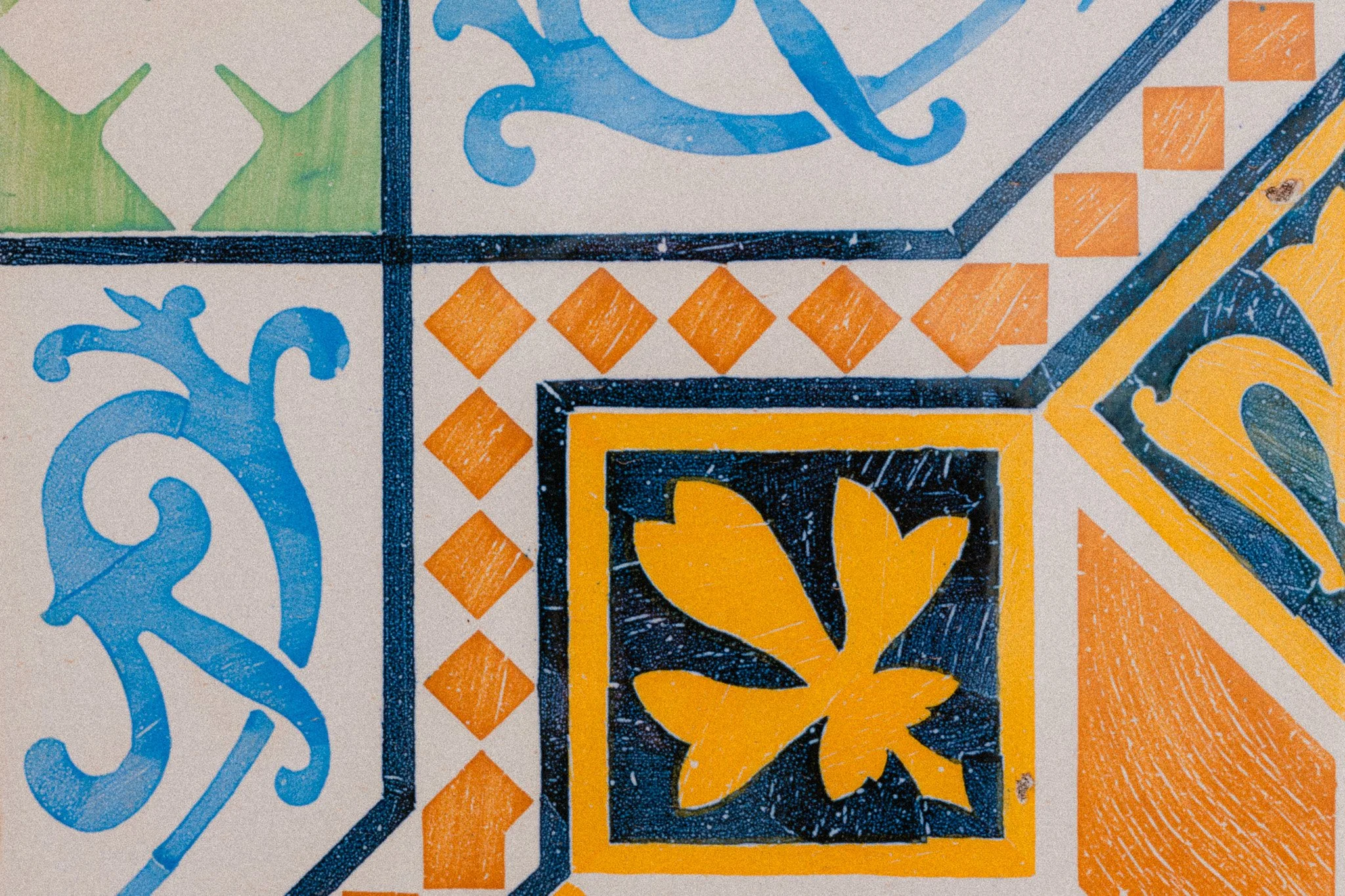
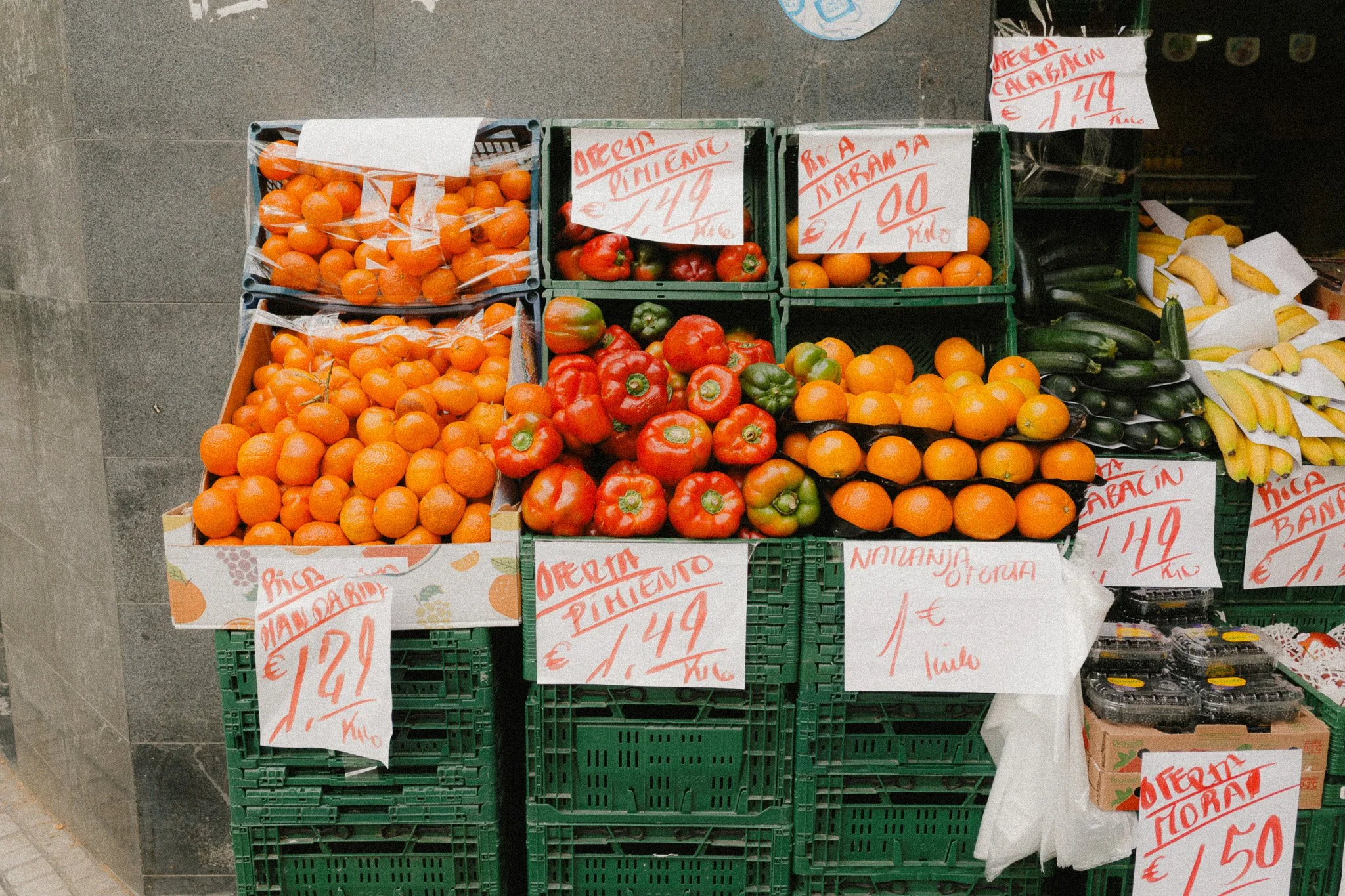
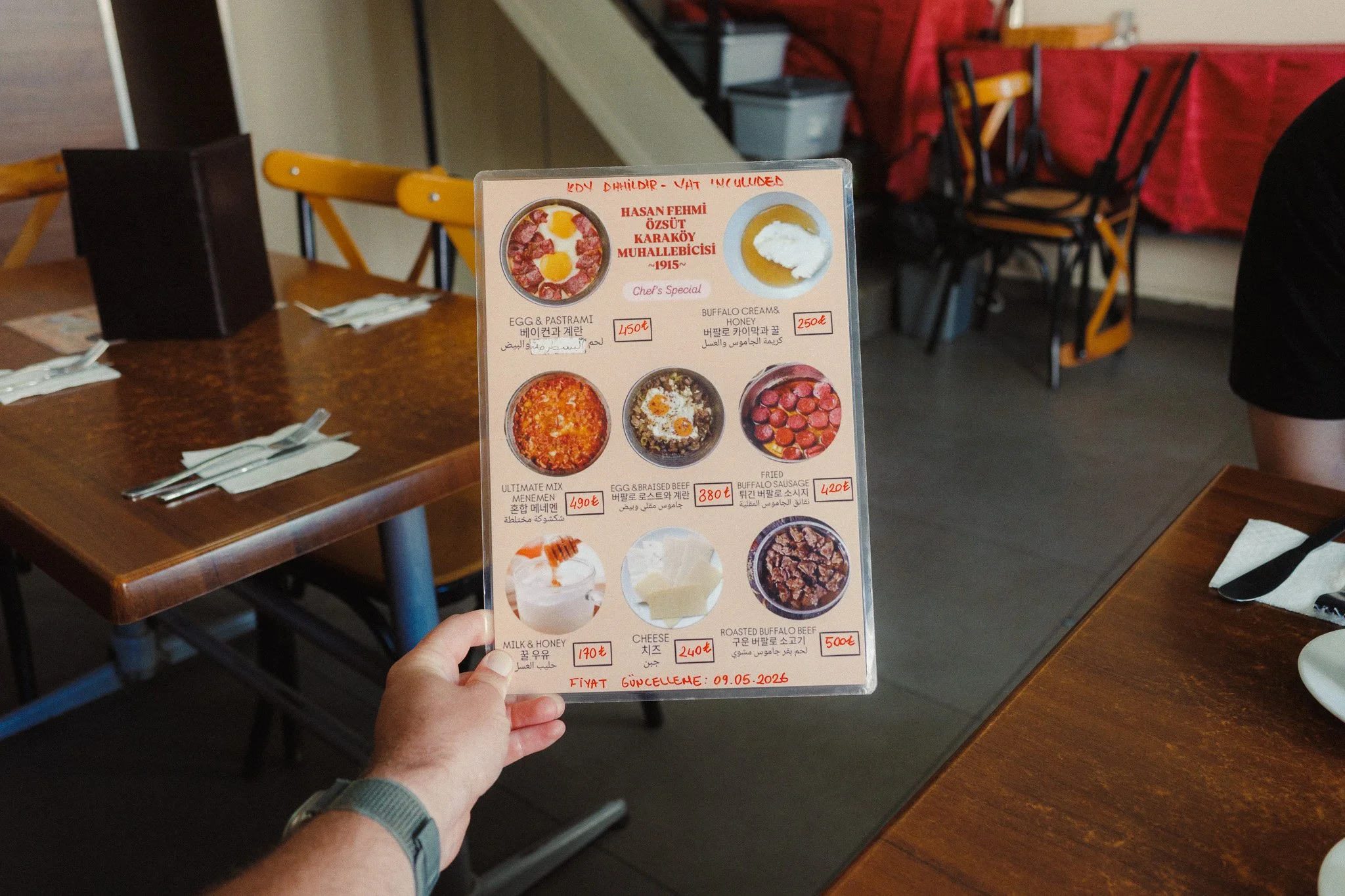
I am now firmly in my mid 30s, and with age you start to appreciate smaller moments a lot more. This will become even more critical when we eventually start our own family. With that in mind, earlier this year I decided to make more of an effort to document the moments in-between. To take photos of my lunch, my coffee, a random plant pot in our hotel, or even my girlfriend eating questionable street food. In other words, I decided to use my camera to document, not create.
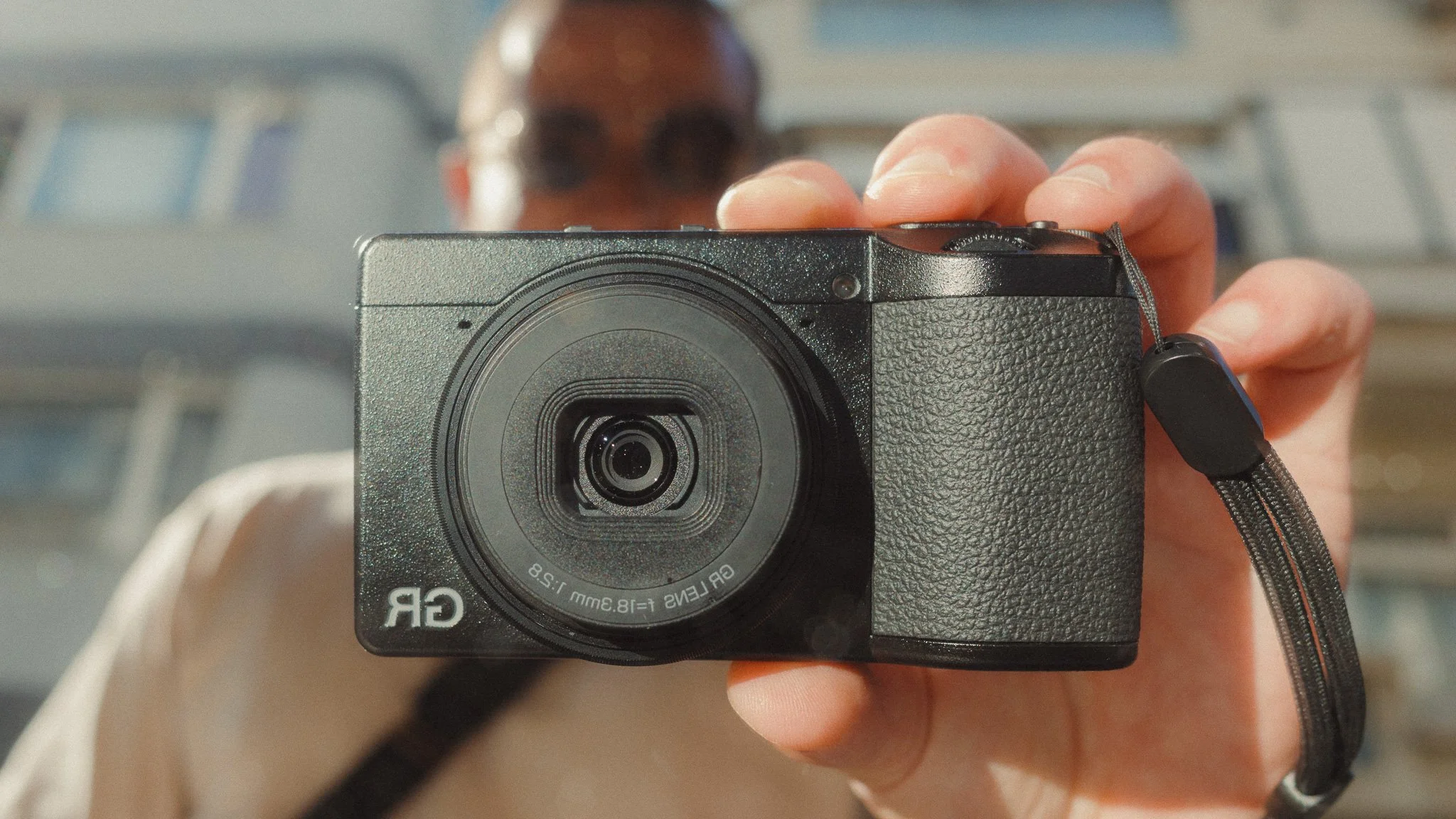
Initially I tried to do it with the Sony, however that camera always feels like work and automatically puts me in that frame of mind. A bit like how some people can’t shoot photo and video on the same camera, even if it’s perfect for the job. I then tried my iPhone using both the default app as well as the Leica app with all the presets. While this got me a step closer by separating the two devices, using a phone is one of the least enjoyable tasks for me, so this didn’t last. In the end, I settled on the Ricoh GRIV as my camera for memories, and I haven’t looked back.
Why the Ricoh? There are a few key reasons. The first being the size. As we all know, Ricoh cameras are the only truly pocketable APS-C systems on the market, and I am yet to find anything that comes close. The second reason is the fixed 28mm focal length which is perfect for documenting what you’re doing, and who you’re doing it with. Some cameras have zooms built in, but for me that’s added complexity that takes away from the simple nature of documentation. The third reason is the outstanding image quality, because even though these are snapshots for memories, I still want them to be high quality. The final reason is that having owned the GRIII and GRIIIX, I am very familiar with just how fun this camera is to use. For clarity, this isn’t sponsored or affiliated with Ricoh in any way. I bought the camera with my own money.
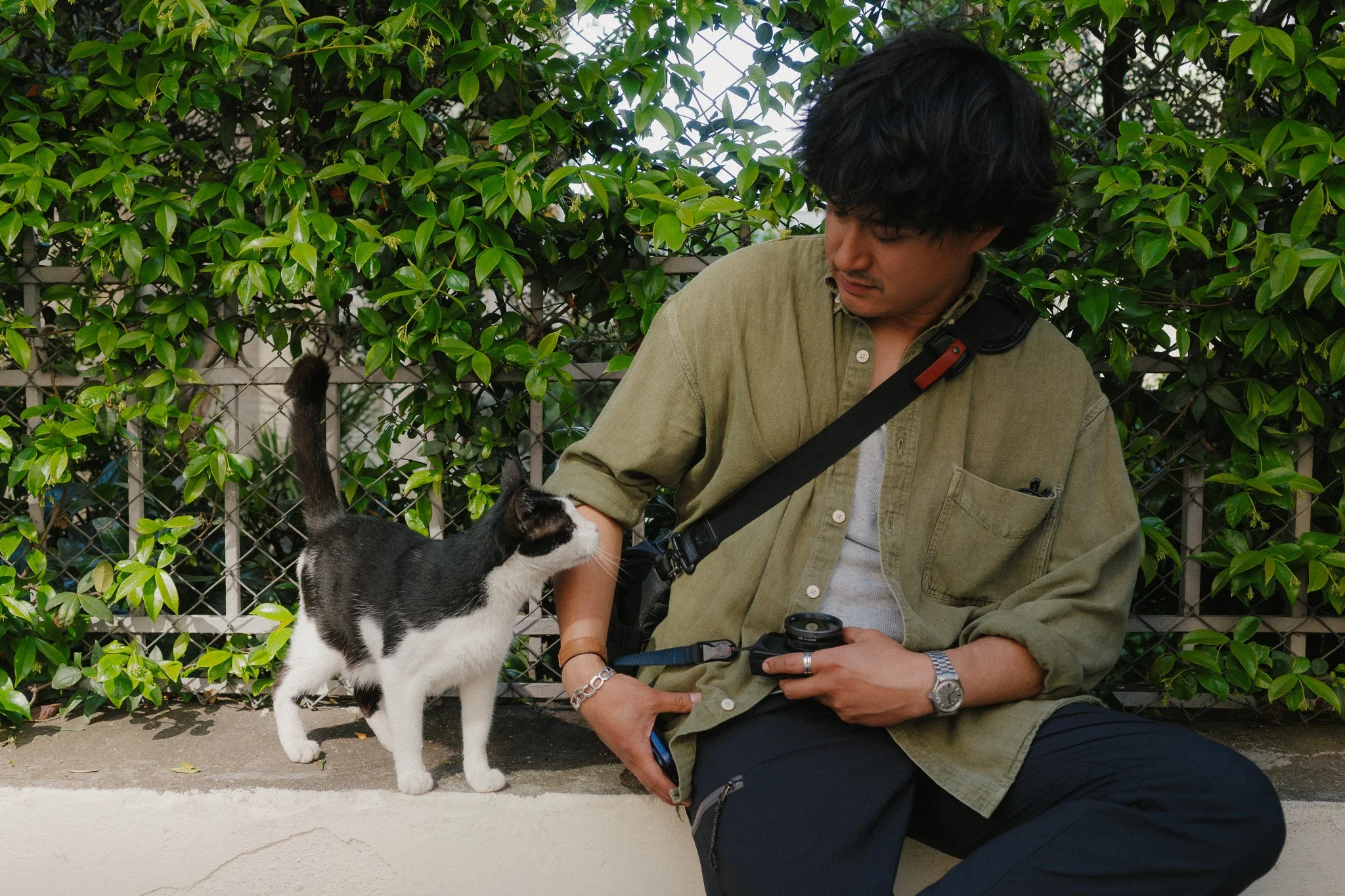
Unlike shooting with the Sony, where I look for light, composition, subject, or some kind of story, with the GRIV I only have one trigger, gut feeling. I document everything around me regardless of whether I will keep it or not. This is my visual journal, because the goal isn’t a cohesive body of work. The goal is a thick album full of memories from random things that won’t make sense to anyone other than me, my family, and my close friends.
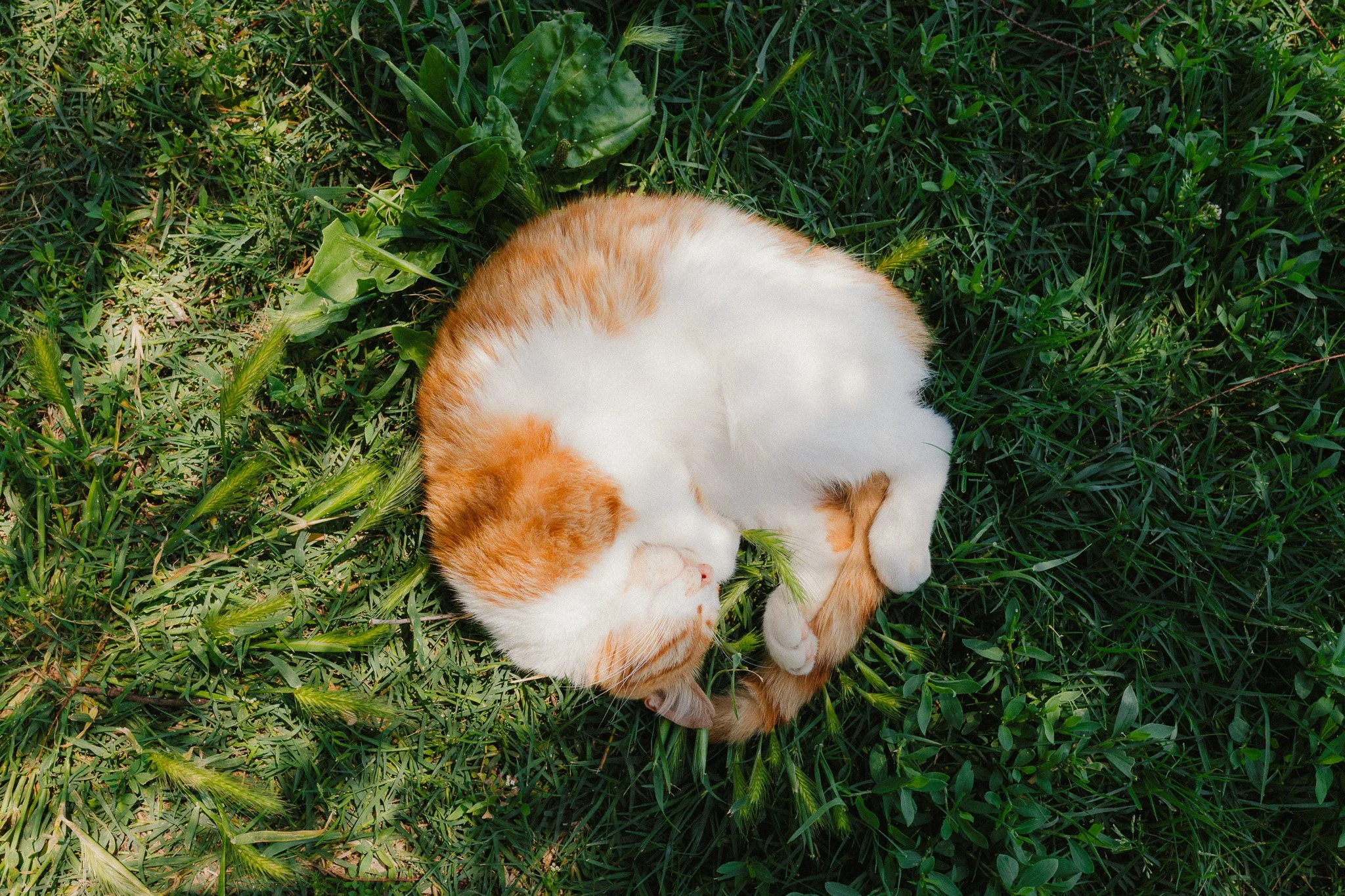
By no means am I saying that you need a £1000+ camera for this task, because even a 10 year old point and shoot will do. What I am saying is perhaps try to find a camera to fill this role in your life. I suspect when you’re old, you might just value these photos a little more than the ones that sold 1000 printed copies.


















Instead of telling you how these will change your life, I would rather be practical and answer the most common questions that people tend to have when buying presets.
What are presets?
They are editing settings that are saved in a file and can be applied to any image.
Why do people buy presets?
Sometimes because they like the work of the photographer and want that style for their own photos. Mostly because they would like to see how other people edit and learn by reverse engineering the presets. Other times it’s just to support their favourite photographers, thank you!
What’s the overall style of these presets?
- Filmic
- Warm
- Soft
- Bright
What are these presets suitable for?
Street & Travel Photography
Some Nature (with further editing)
Some Portraits (with extensive editing)
Do I actually use these?
Yes. This is the same pack I use right now for all my editing. This isn’t a pack made just to sell.
Do these presets get updated?
Yes, as my style changes, these presets will also be updated. Any time a new update is available, you will get a free update via email. Of course you also keep all the old presets in case you prefer the older looks. Only presets purchased from 2025 onwards will receive the updates.
What file types are these presets for?
- All RAW files
- JPEGs & TIFFs (not recommended)
What camera brands are these presets for?
These were designed around Fujifilm, Sony, and Leica sensors. With that said, they will work with all camera brands. While there might be differences due to individual camera colour science, the overall feel of the preset will carry over.
Will these work with JPEG files?
Yes, but you will need to reduce the intensity and make further edits. I strongly recommend editing RAW files.
Are these one click edits?
95% No. You would need to do some basic adjustments as each image is different. These adjustments can include exposure, colour balance etc. In 5% of cases you can just apply and leave it alone.
Do I need to know how to edit?
You need to have a basic understanding of adjusting exposure, highlights, shadows, etc. A more comprehensive editing skillset will let you get the most out of them.
How many presets are included?
10 in the main pack and 24 in the extras pack
Why two packs?
The main pack is what I use for 99% of my edits and is kept small to reduce wasted time scrolling through presets. The extras pack is everything I don’t use often.
What software do I need?
These presets will work with any of the following:
- Photoshop (adobe camera raw)
- Lightroom Classic
- Lightroom Desktop
- Lightroom Mobile
Will these presets work with free versions of the above software?
You need to research and double check before buying. These presets were designed for the full paid versions.
Will these presets work with very old versions of the above software?
You need to research and double check before buying. These presets were designed on and for the latest software.
What file type do I get?
XMP
What else do I get?
- Comprehensive PDF guide
Can I modify these and turn them into my own?
Yes! In fact I encourage you to modify them and play around. Use these to help you get your own style.
I have more questions…. What do I do?
Make a cup of tea and drop me an email on hello@snapsbyfox.com
Please note that due to the nature of digital products, refunds are generally not accepted. However, if you experience any issues, feel free to contact me and I’ll review your situation individually. You are welcome to use this product for personal or commercial projects, but you may not copy, distribute, or resell the files in their original or modified form.
Finally I want to say a massive thank you for supporting me. Buying these presets is the most direct way you can support my work.
Thank you!