
Ricoh GRIV First Impressions
It’s been a few months since I got my hands on the Ricoh GRIV, and in this blog I will share my first impressions of this wonderful little camera. You can probably already guess my overall thoughts from the intro. This is a first impressions, not a review. A long term review will come after at least 6 months of use.
Context
I’ve been a Ricoh user since the GRIII, having owned both the 28mm version as well as the tighter GRIIIx. I’ve published blogs on that camera that you can read HERE. I’ve also made a camera guide for the GRIII, which you can see HERE. There will be a guide coming for the GRIV in due course. This is all to say that I love this brand and have been using it for a long time.
The GRIV takes the role of my “out of office” camera. Meaning this is the camera I use to document random life moments that are not related to the photography I am typically known for. A day of shopping with my girlfriend, a trip to the café with my mum, a golf weekend away with the boys, or anything along those lines. For me, this camera isn’t about taking the most breathtaking photos, it’s about taking the photos that will probably matter more when I am 90.
Body & Handling
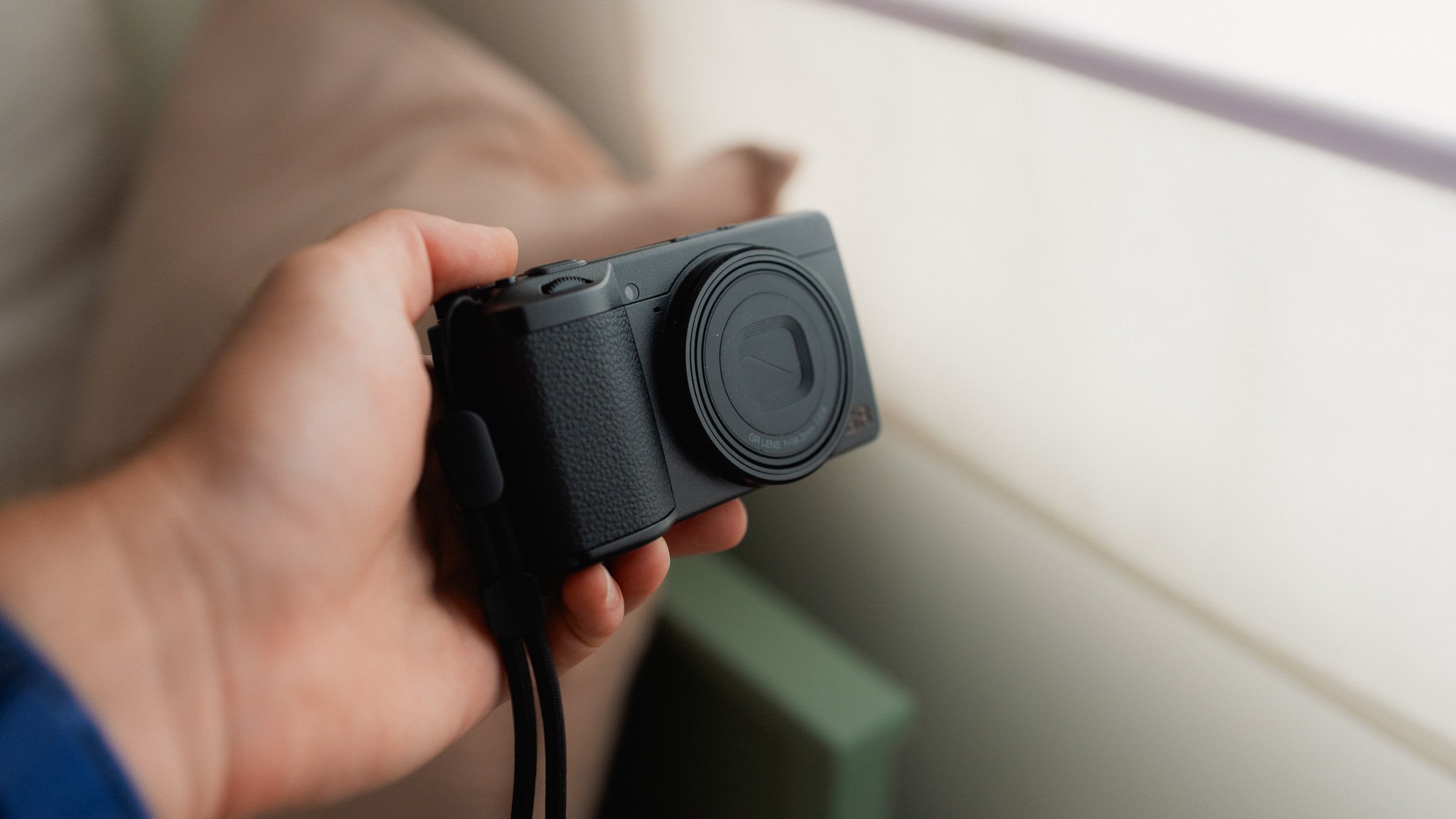
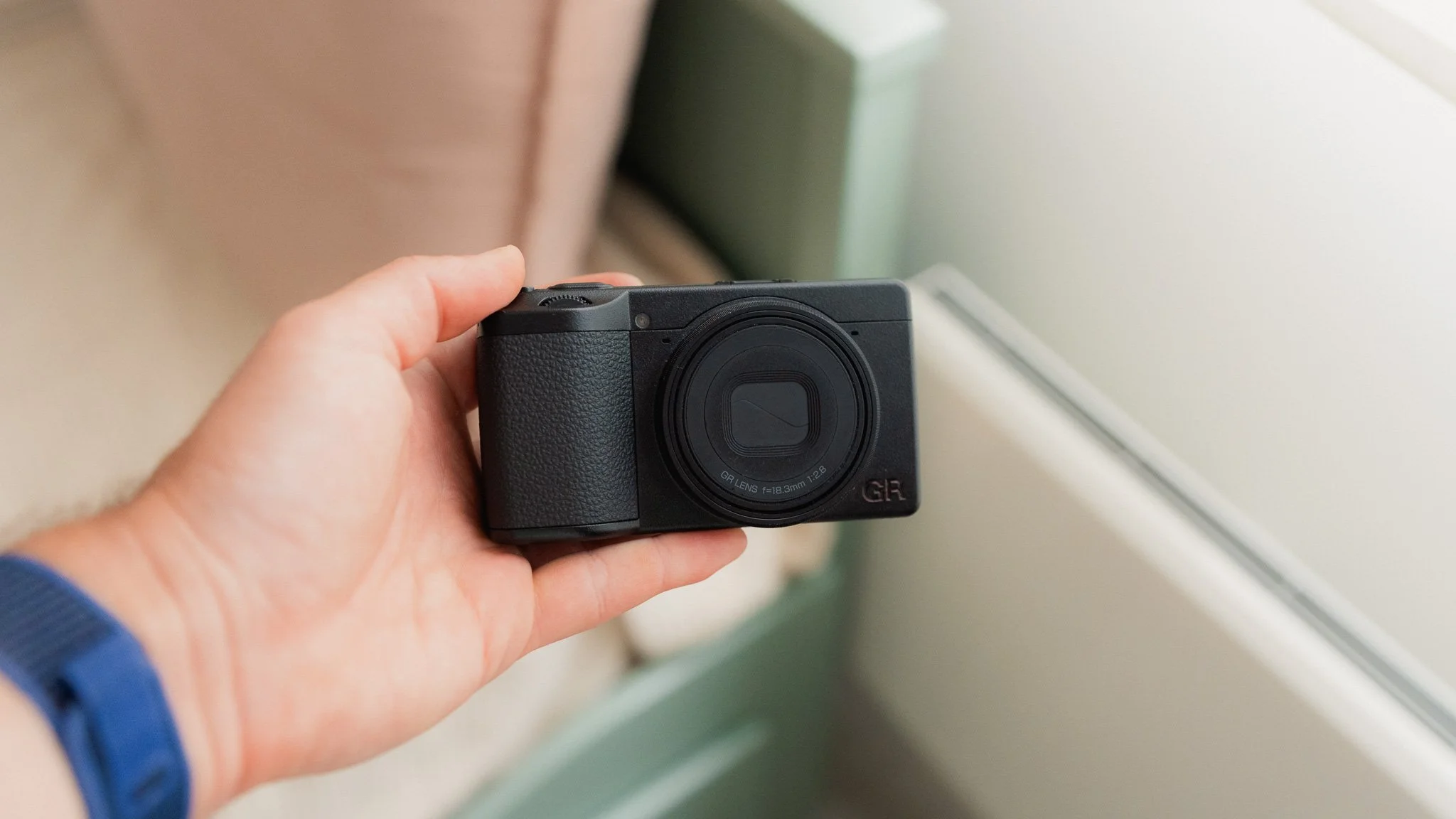
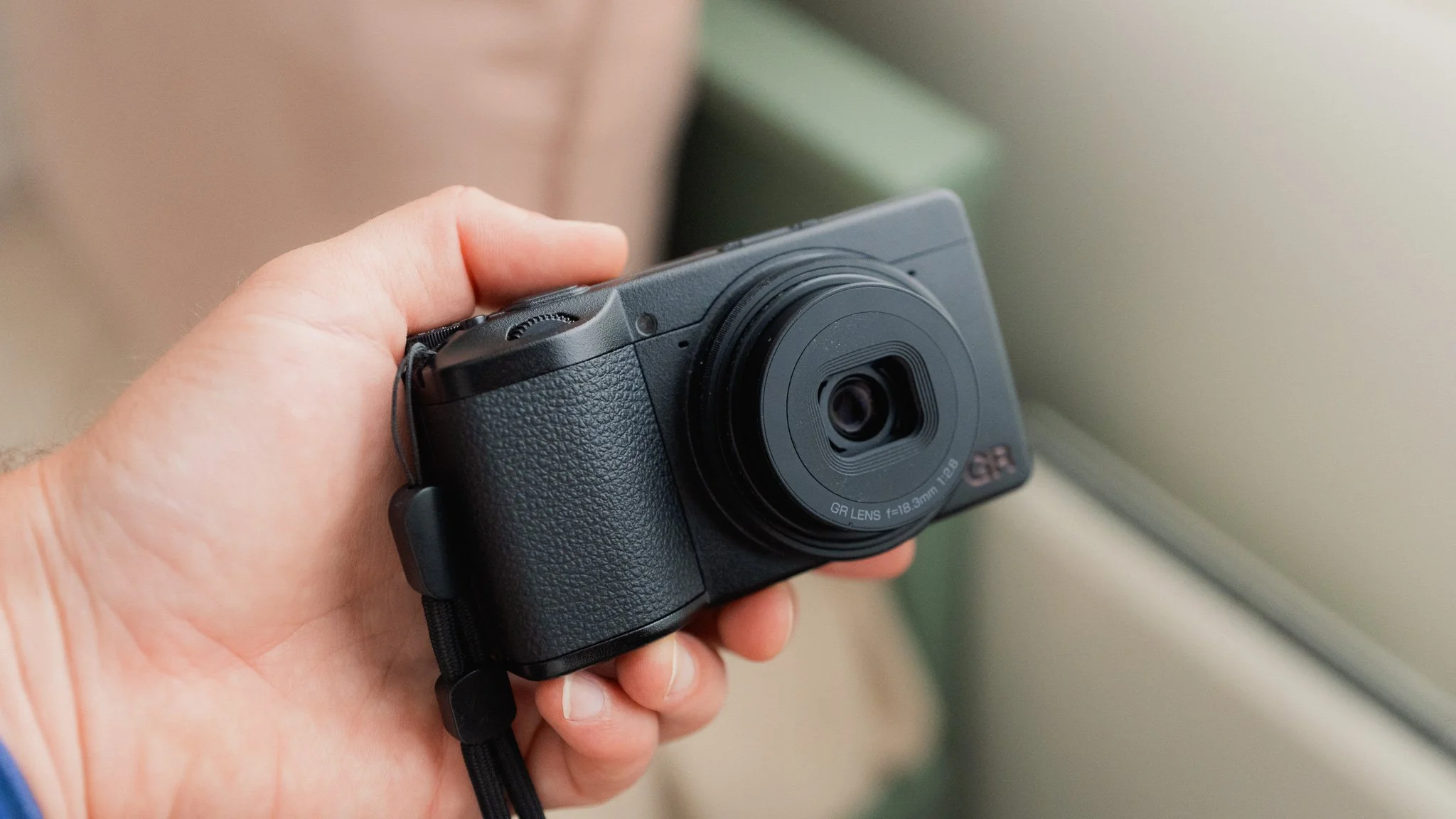
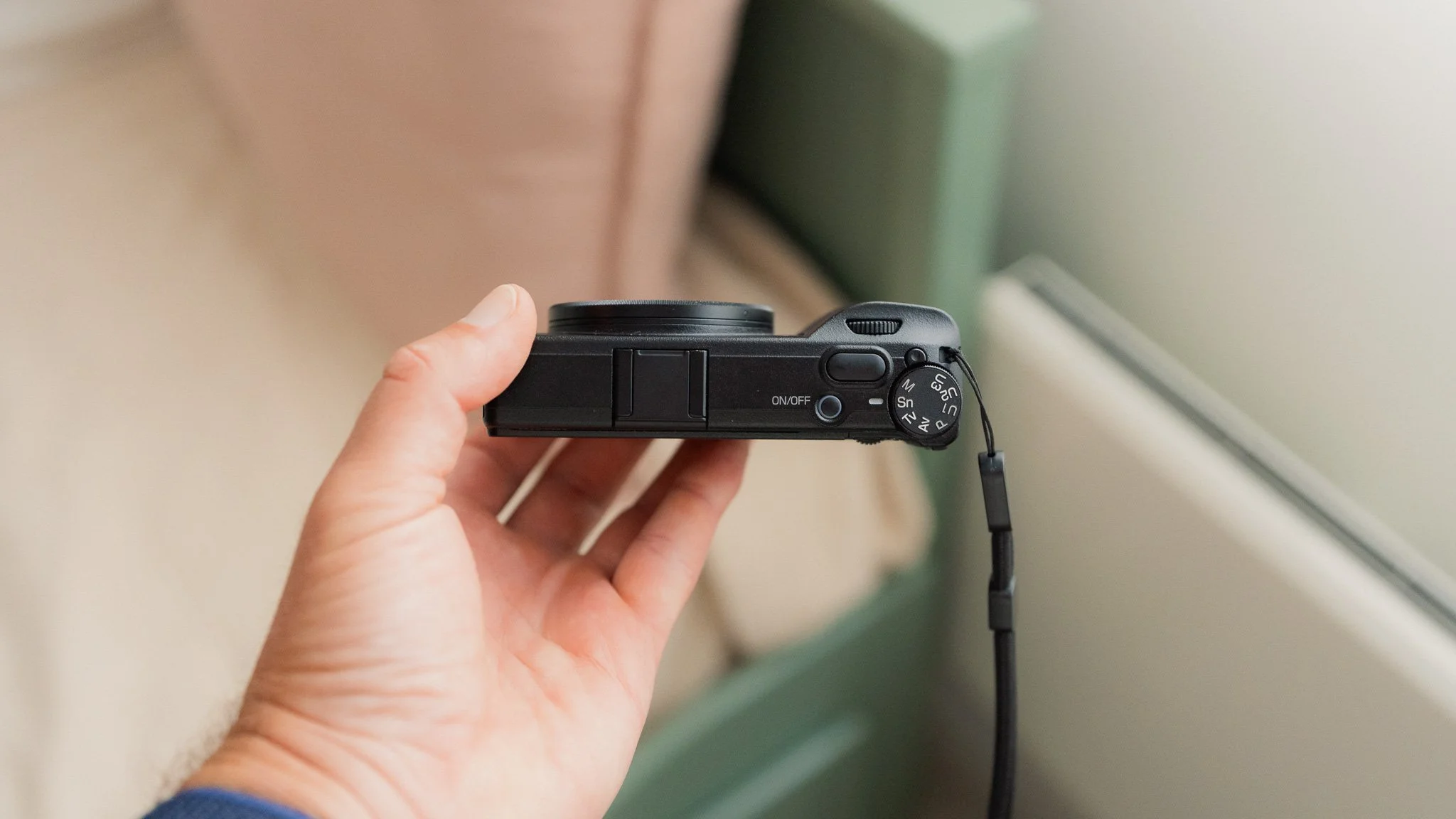
Not a huge amount has changed, as the GRIV still feels just as small and pocketable as the previous model. If anything, this one is actually a little smaller. The grip is slightly redesigned and feels much better in the hand. We’ve been promised that this camera should be more dust resistant, however that will have to wait until the long term review. The body still feels high quality, and the GRIV still has that fun factor that I loved in the older model. This is very much a GR, but refined.
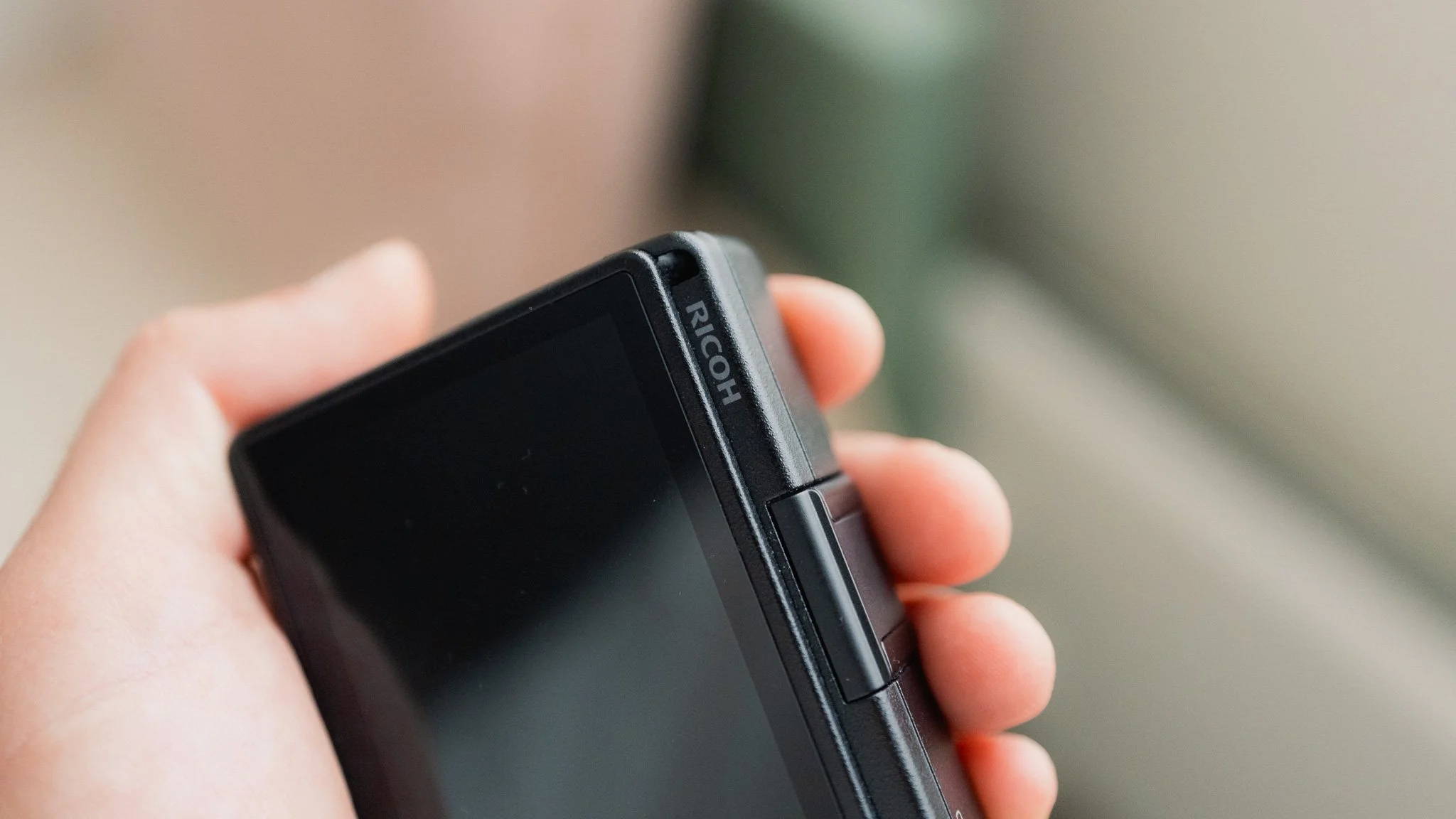
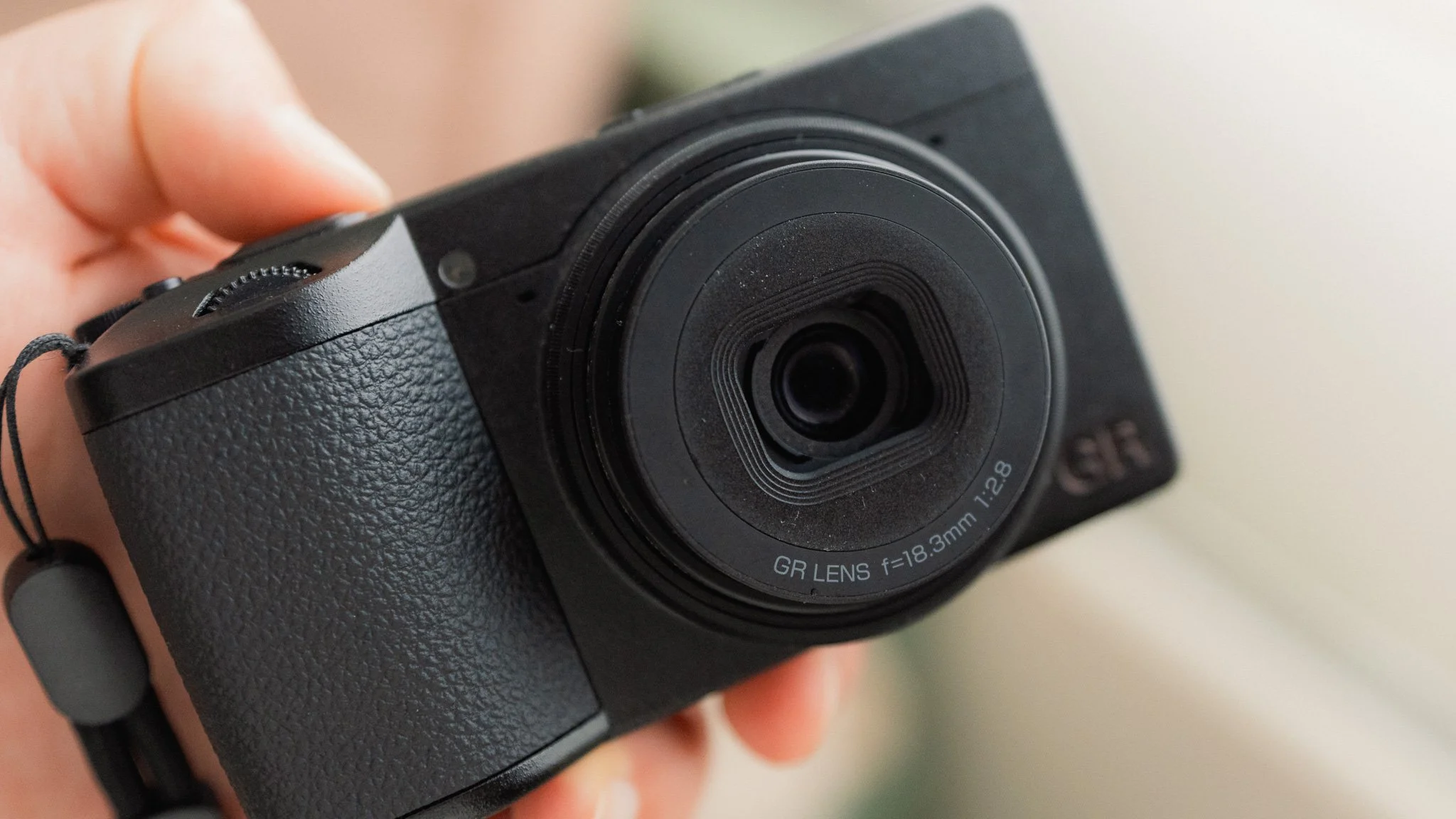
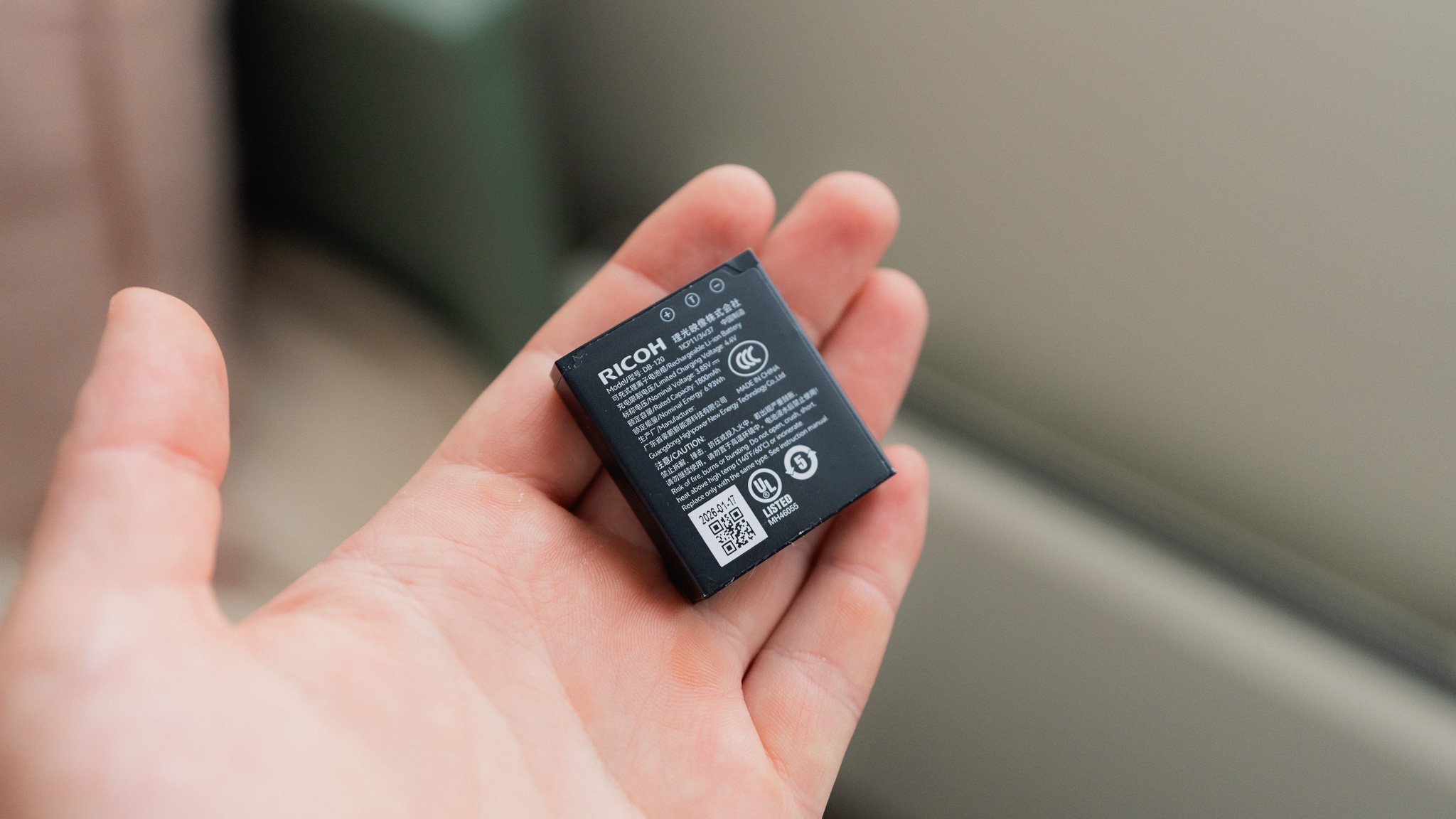
There are two aspects which I’m not a fan of, even though I can understand the thinking behind them. There is now an all new battery along with a MicroSD card instead of the normal SD card found in the older model. The move to the bigger battery is, of course, to extend battery life, and it seems that the switch to MicroSD is a result of there being less space inside.
I personally hate when this happens because it creates so much unnecessary waste and spending. I now have to sell all my old GRIII batteries and chargers at a significant loss, then buy the new ones that are even more expensive. I also need to buy a MicroSD card, since the SD cards I invested in are no longer compatible. To their credit, the GRIV has a generous amount of internal storage at 53GB, which gives you roughly 990 RAW photos. The internal storage might be enough for most people, so I suspect it’s their way of easing the switch to MicroSD cards.
Buttons & Dials
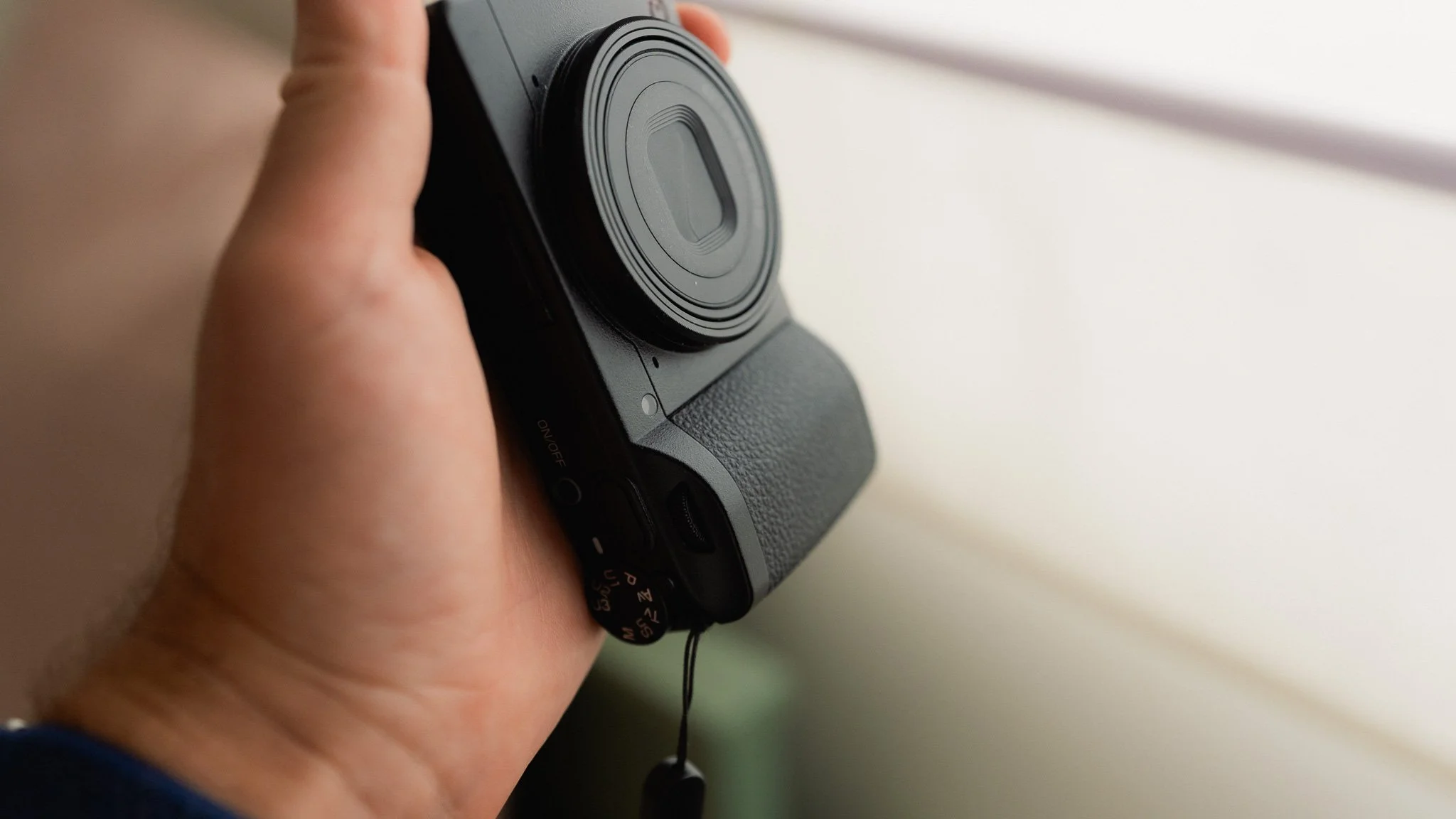
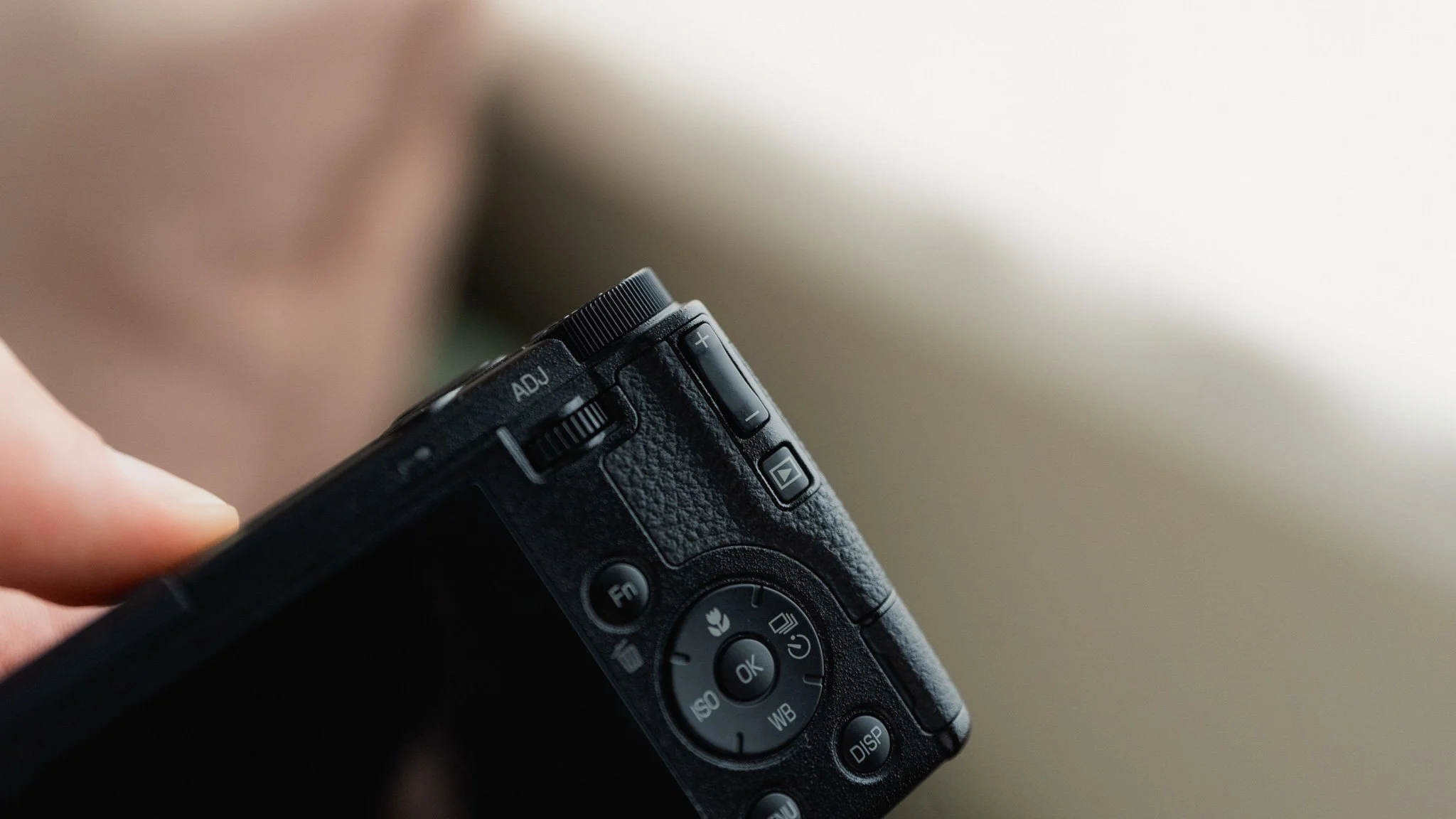
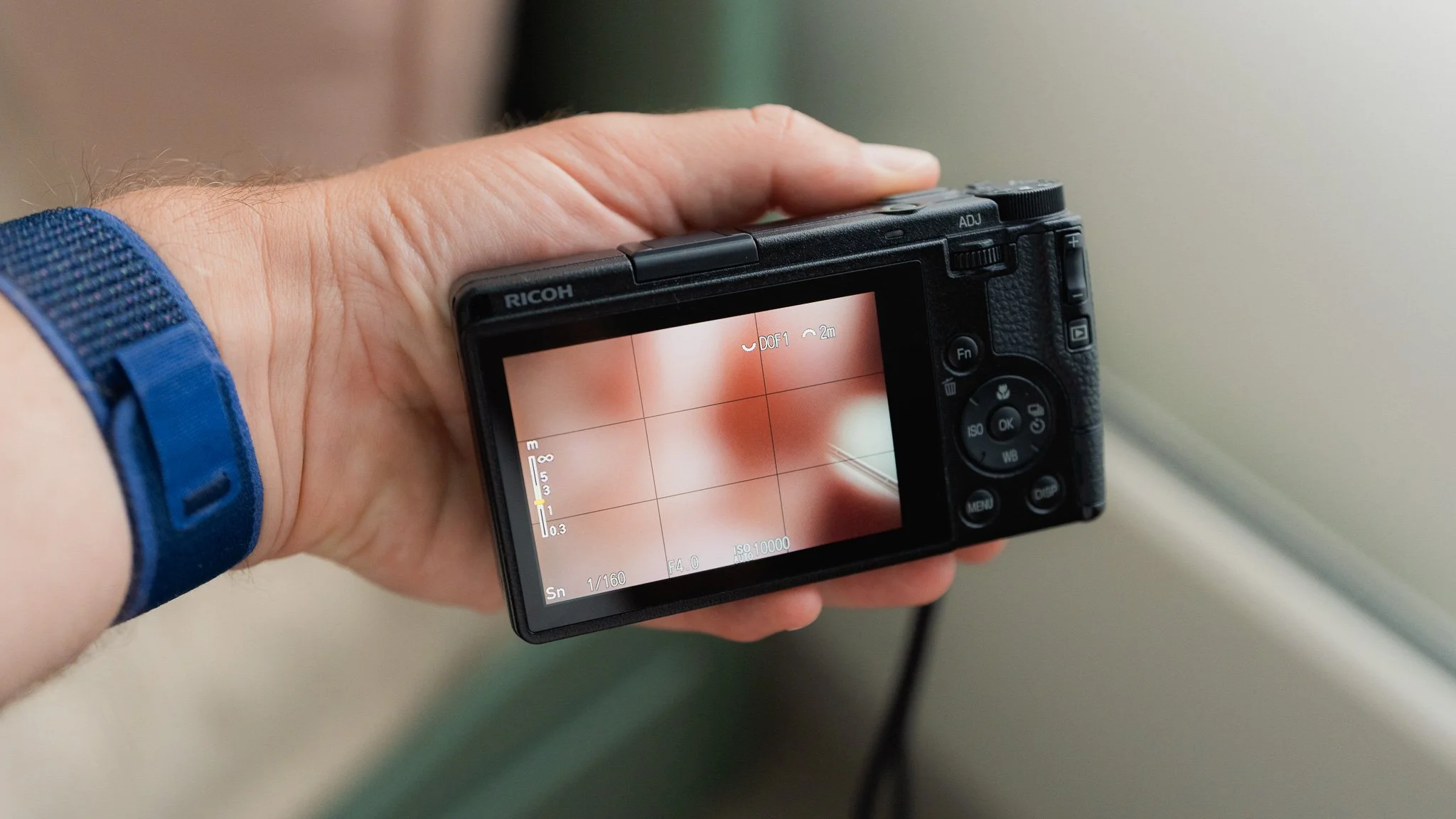
This is where we’ve had a noticeable change. Gone is the rear scroll wheel and thumb rocker, and in their place you will find a thumb dial and a toggle. While the way you make adjustments has changed, the end result is the same.
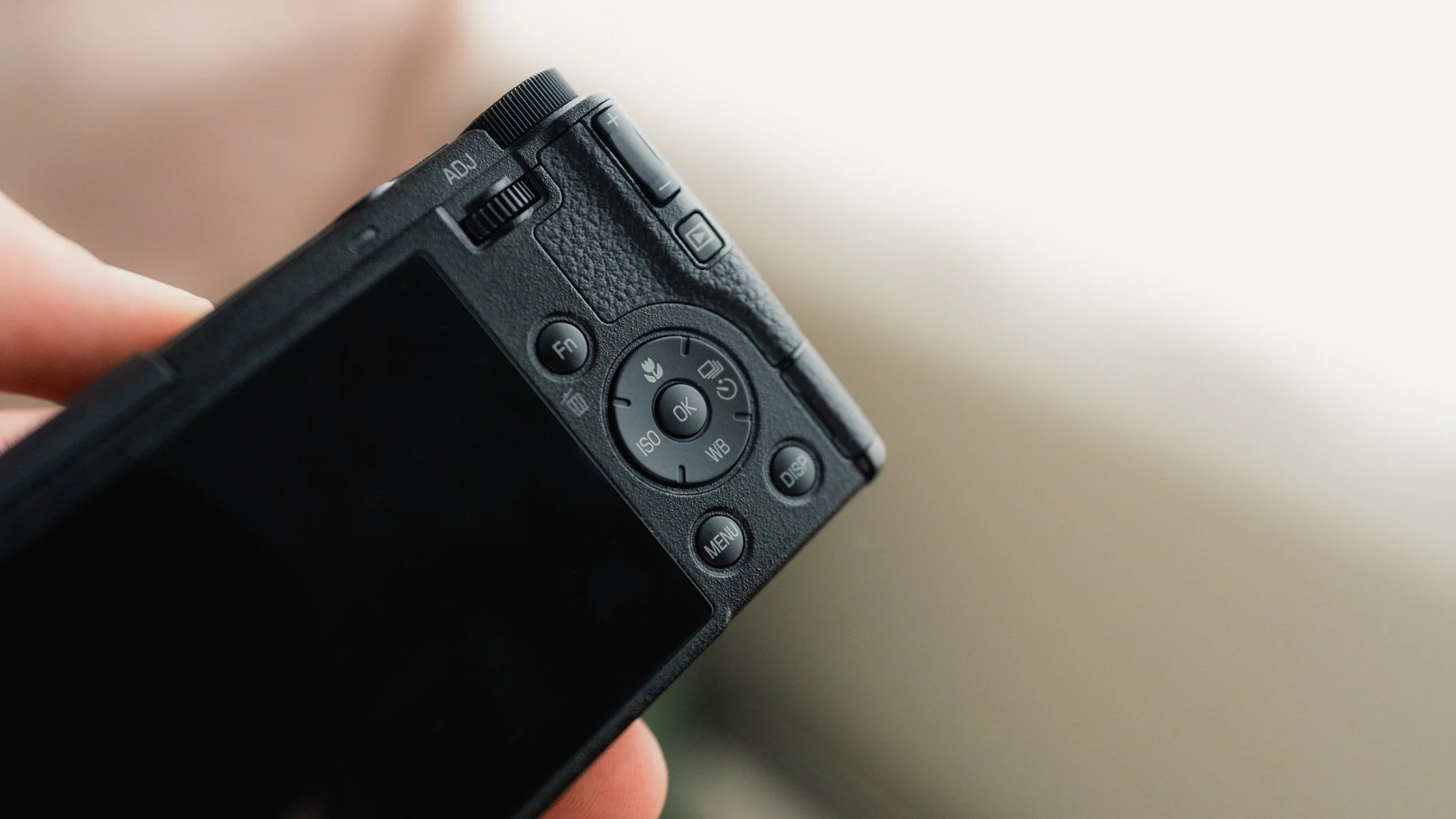
The thumb wheel works just like any other thumb wheel to adjust shutter speed or other parameters. It can also be pressed to bring up and navigate the ADJ menu. The plus minus toggle is the default way to adjust exposure, however that too can be changed if desired.
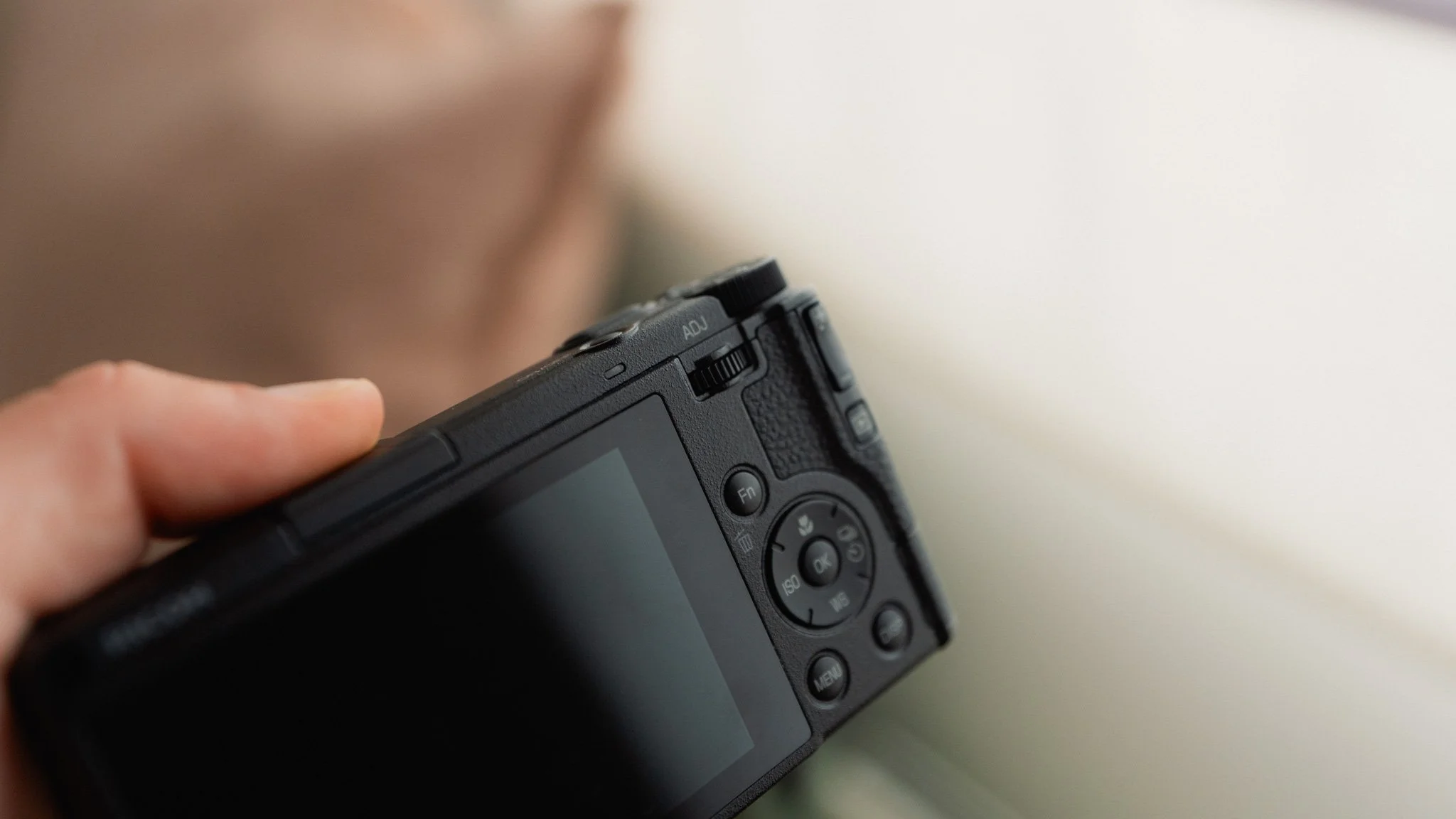
While many people prefer this layout as it’s similar to Ricoh cameras before the GRIII, I am neutral, as there are aspects of this that I like and parts that I don’t. I like the move to a thumb wheel, but I dislike the exposure toggle because it’s not intuitive and I keep pressing it by accident. I think this is very subjective, and I can’t say it’s a good or bad layout. It works fine.
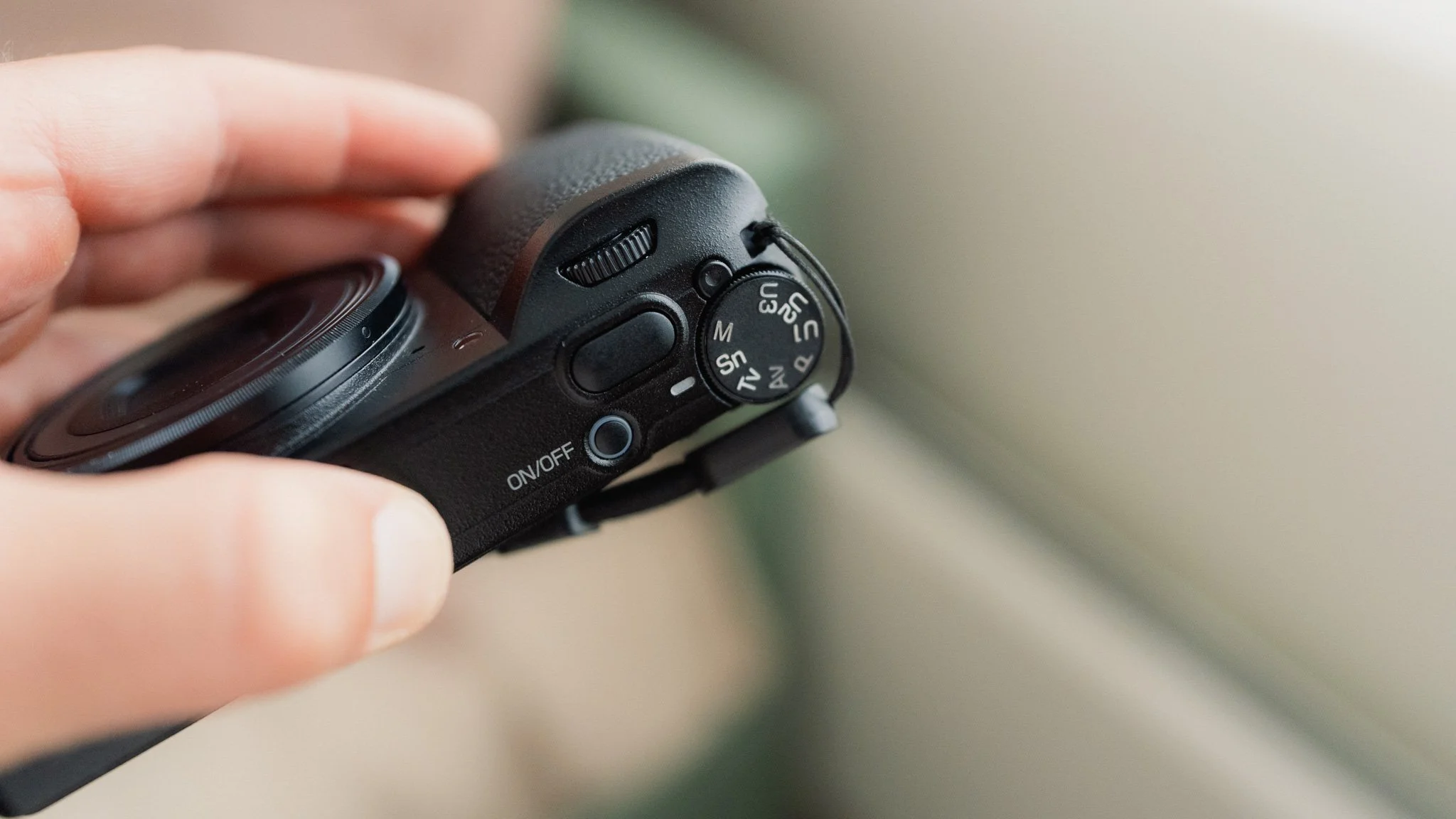
There is a new mode on the top dial called “Sn”, which is a dedicated Snap Focus mode. Here you have a layout and a way of using the camera that’s specifically designed for those who love the Snap Focus feature. I must admit, I can’t really comment on this further because I haven’t used it much. I will save that for the full long term review.
Performance
The camera feels just as snappy as its predecessor. Some reports say this is faster at turning on, but honestly I can’t say, as any difference is small and I can’t compare them side by side.
The overall experience with the camera is positive, as everything is fast, efficient, lag free, and polished. The battery life feels about the same as before to me. Maybe the GRIV squeezes an extra hour or so out of the new battery, but this isn’t something that I have clearly noticed. Battery life is good, but I suggest always having a spare if you’re shooting all day. The IBIS has been improved, and the GRIV retains the wonderful Macro Mode as well as the ND filter.

This Ricoh GRIV set-up guide is designed to save you time and get your camera set up and working just like I do. This guide covers all GRIV variants.
You will learn what the major features do and why I chose to set them in a certain way. I will show you how to assign the buttons and custom menus in order to have the most important features at your fingertips. Finally, I will walk you through how I expose and focus.
This guide is not a replacement for your user manual and does not cover 100% of the features. It covers the features that, in my experience, 90% of the people use 90% of the time. This is based on years of photography and video experience.
This guide is best suited for those who want to be up and running quickly with a tried-and-tested set-up.
This is a digital download and not a physical product. The download is around 6mb.
Please note that due to the nature of digital products, refunds are generally not accepted. However, if you experience any issues, feel free to contact me and I’ll review your situation individually. You are welcome to use this product for personal or commercial projects, but you may not copy, distribute, or resell the files in their original or modified form.
Finally, I want to say a massive thank you for supporting me. Buying this guide is the most direct way you can support my work, thus allowing me to make more videos, photos, and tutorials for you.
Thank you for your support!
Image Quality
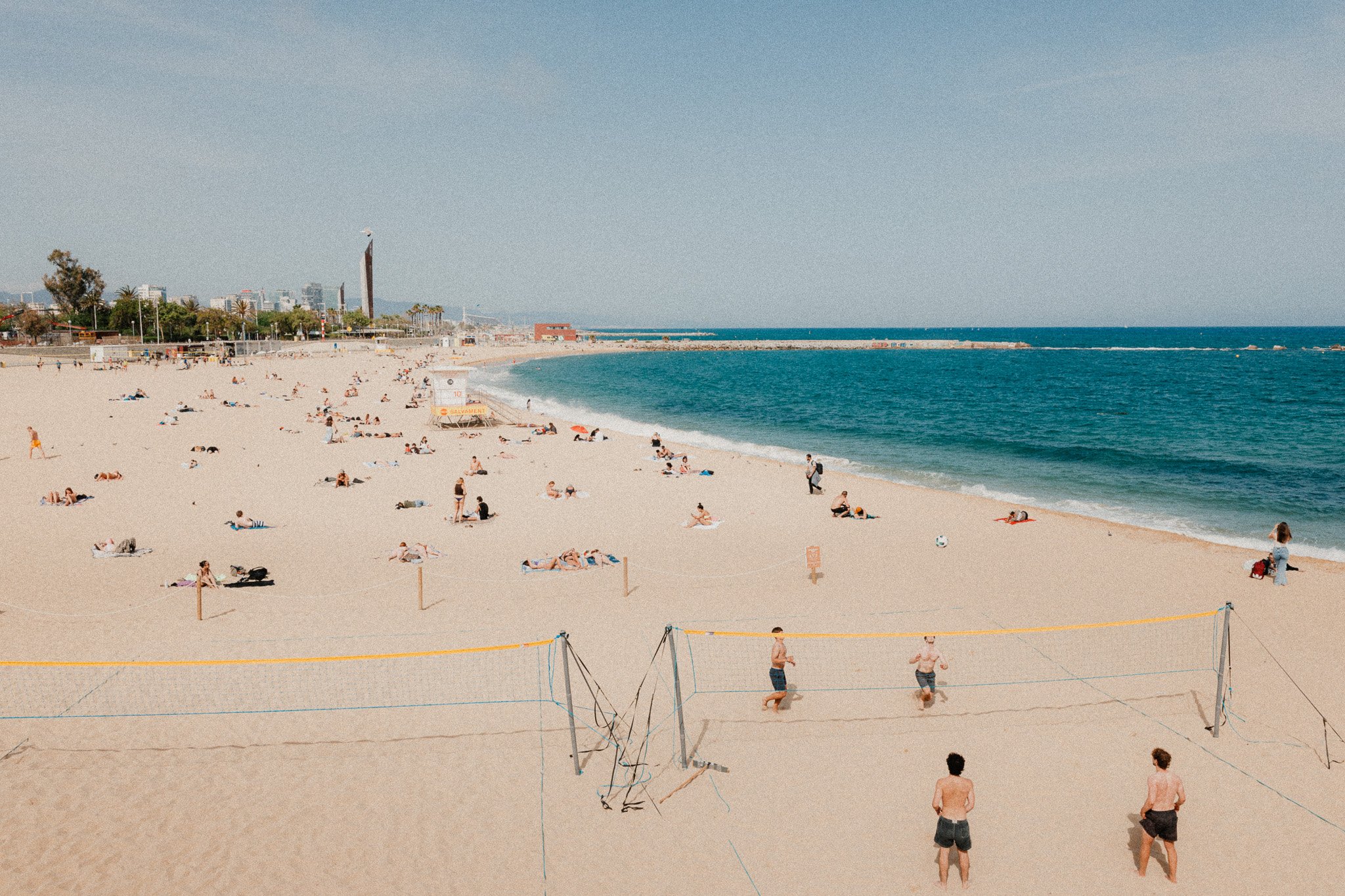
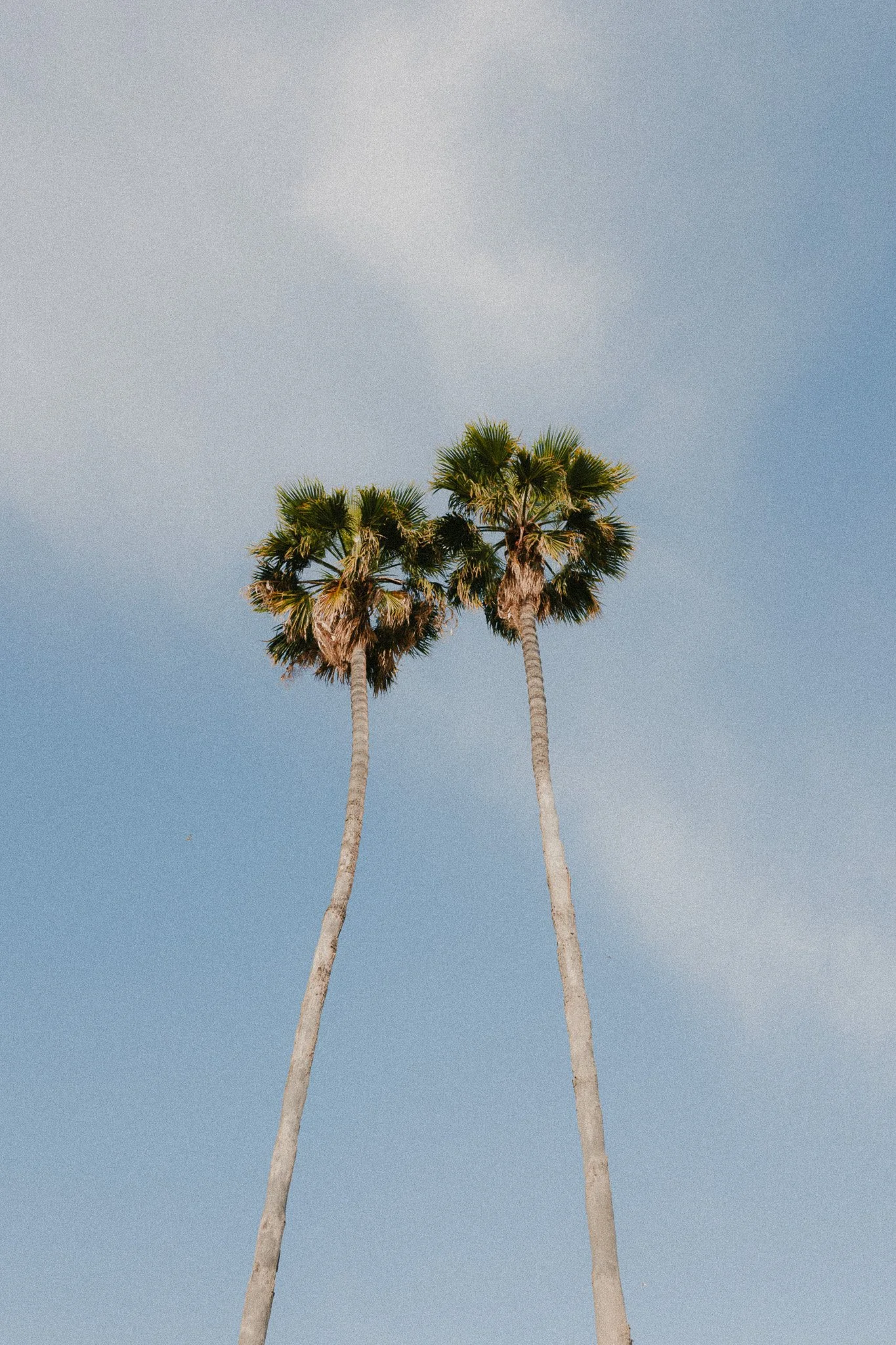
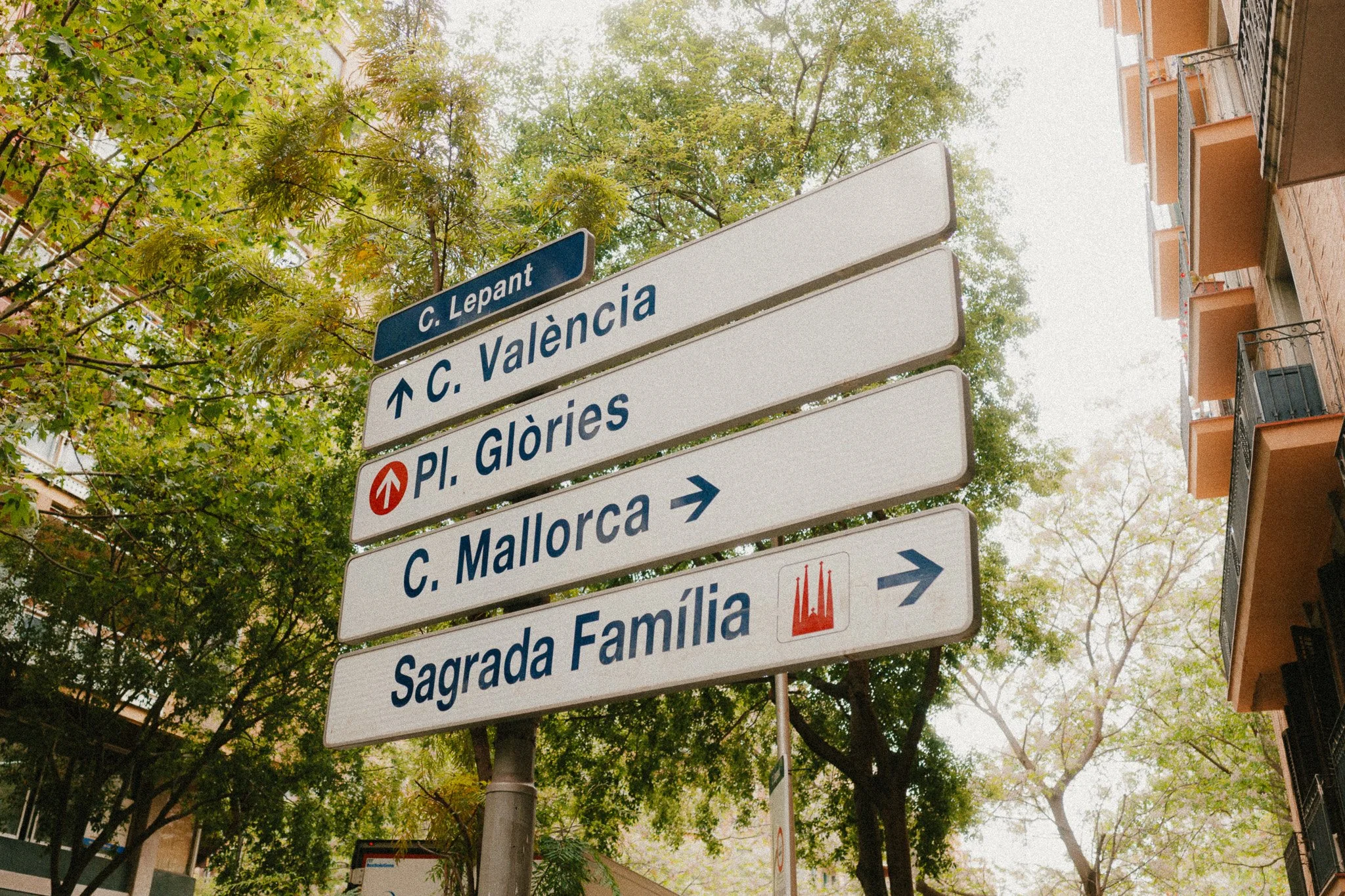
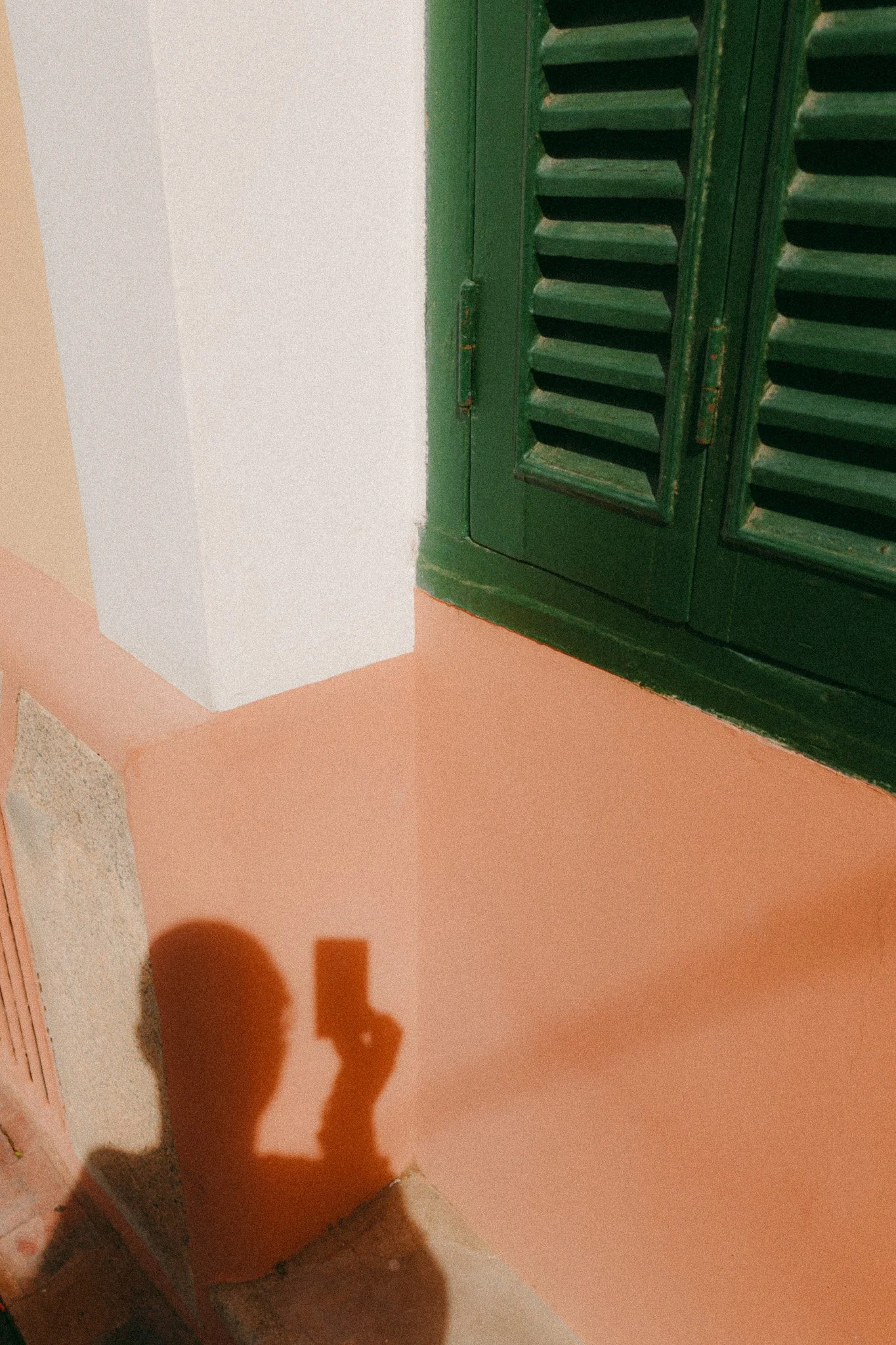
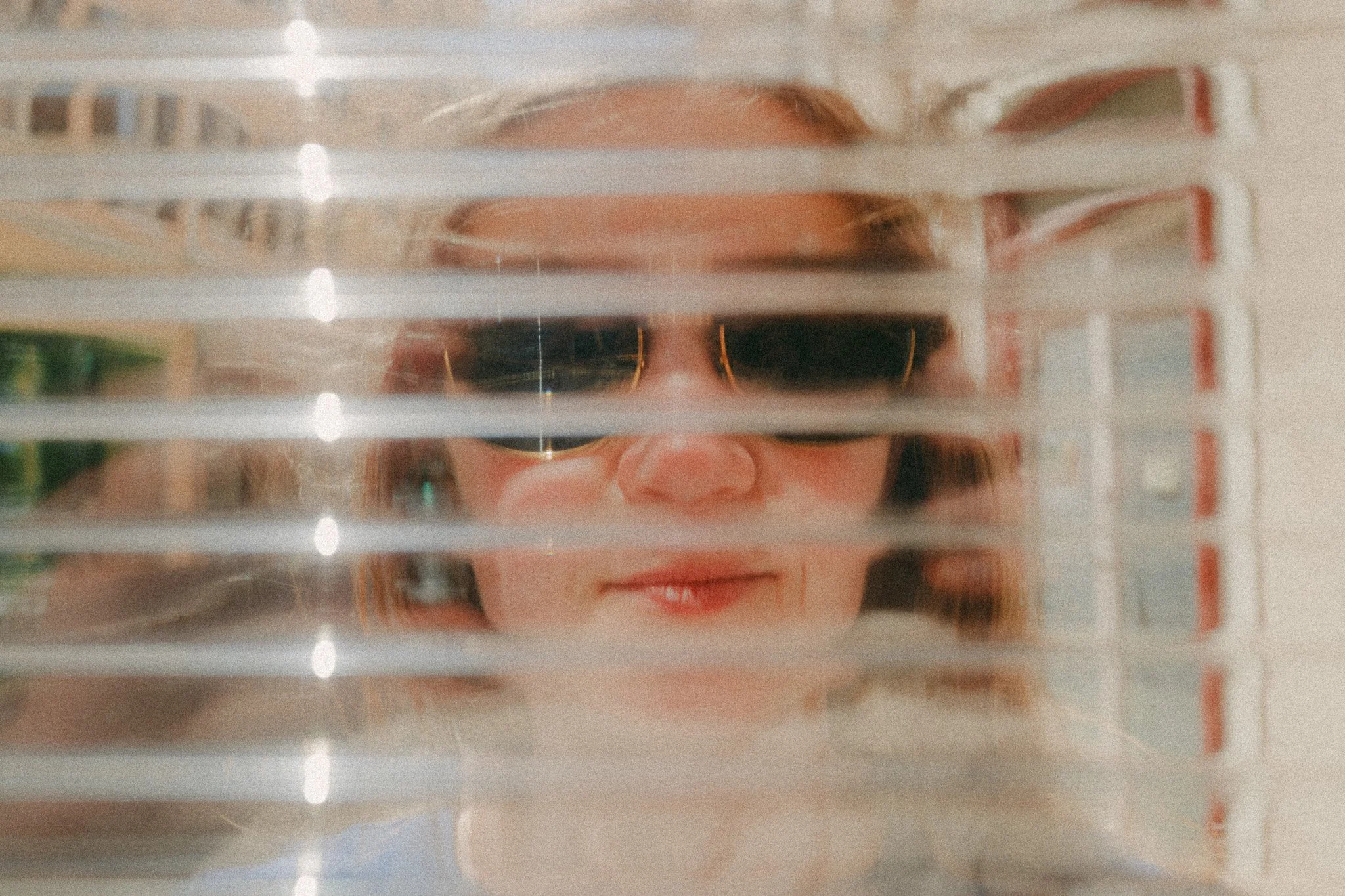
I loved the image quality of the GRIII, and the GRIV is a refined version of that with a new lens, a faster processor, and a higher resolution BSI sensor. The photos have a wonderful look to them, they edit well, and the colours are great to work with. With the right editing, these photos can almost have a filmic quality about them.
Every aspect of the image has been improved. Slightly more resolution, better ISO performance, cleaner images, and more dynamic range. This is what is said on paper, but it’s impossible to measure these differences and show changes that really matter in real world use. What I can say is that the images out of this camera are wonderful. Below is a bunch of examples.
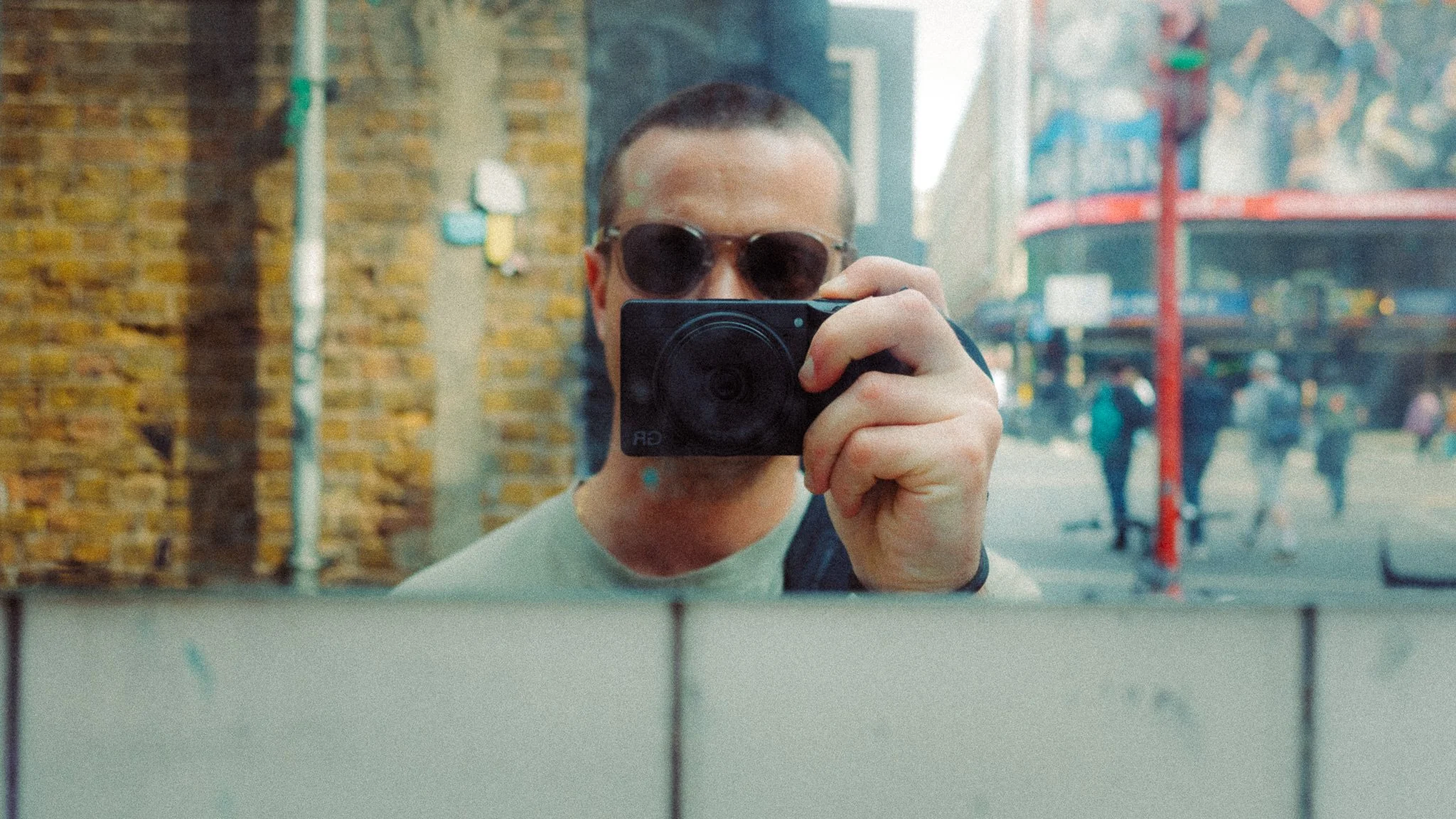
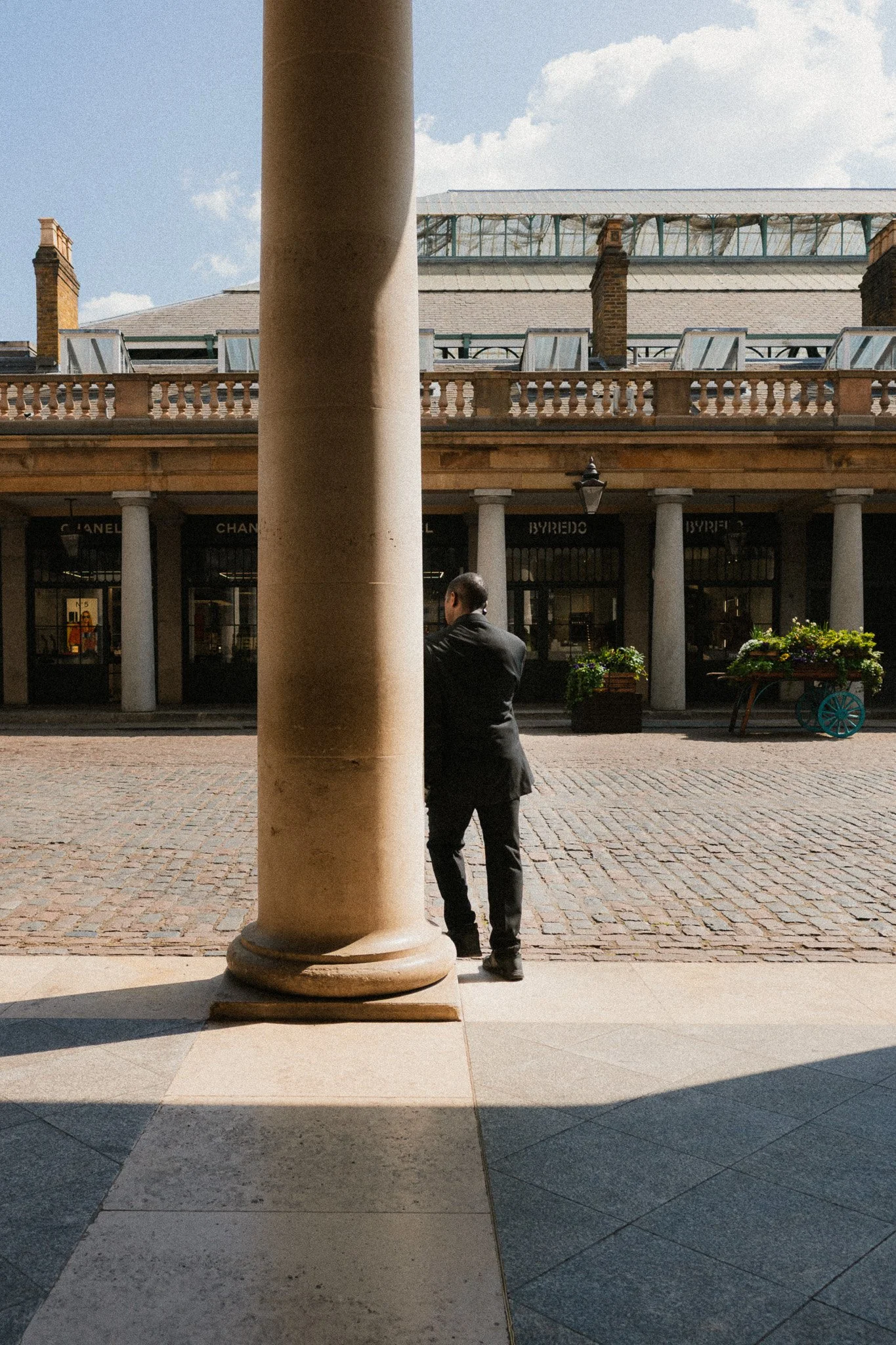
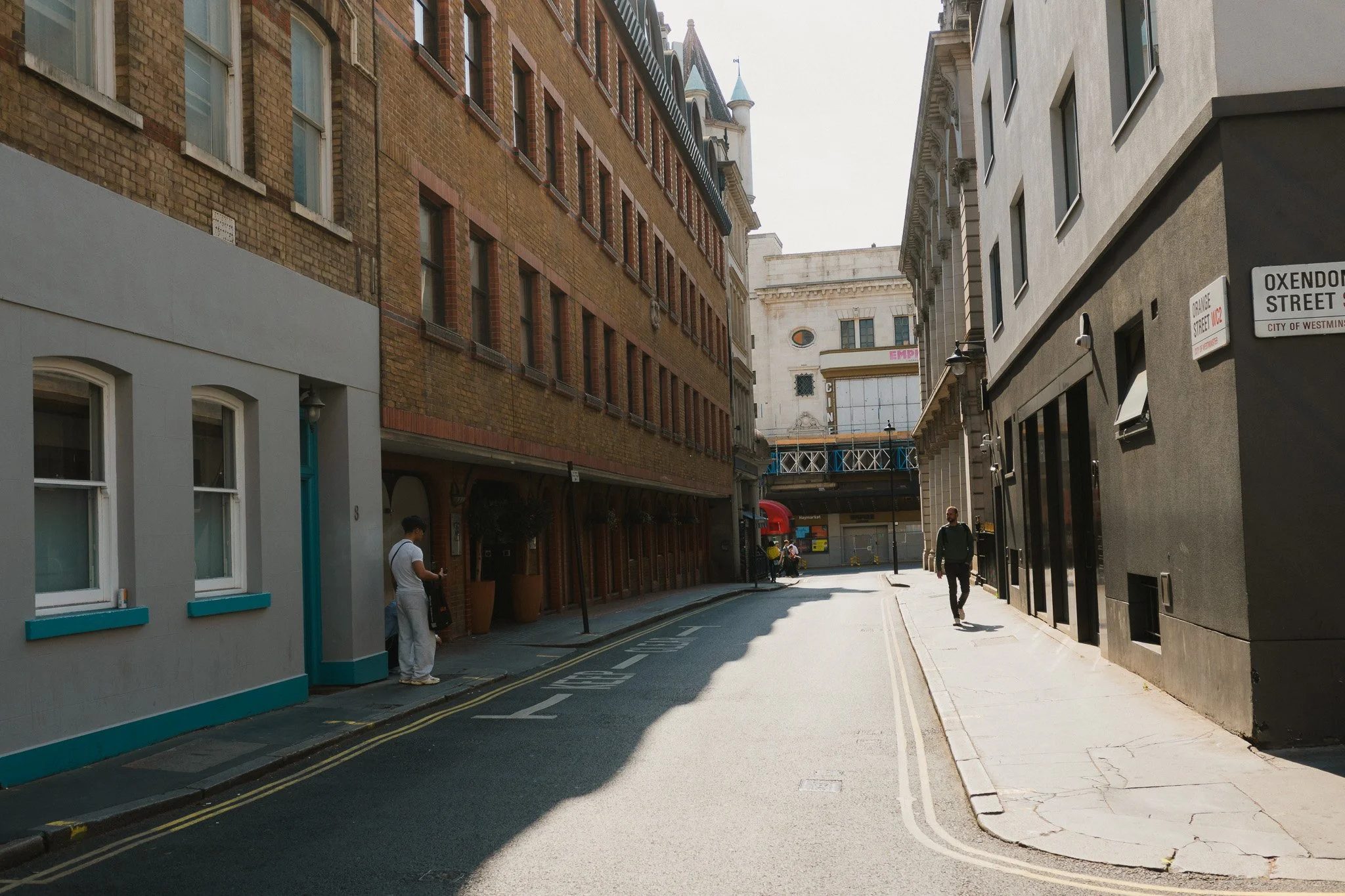
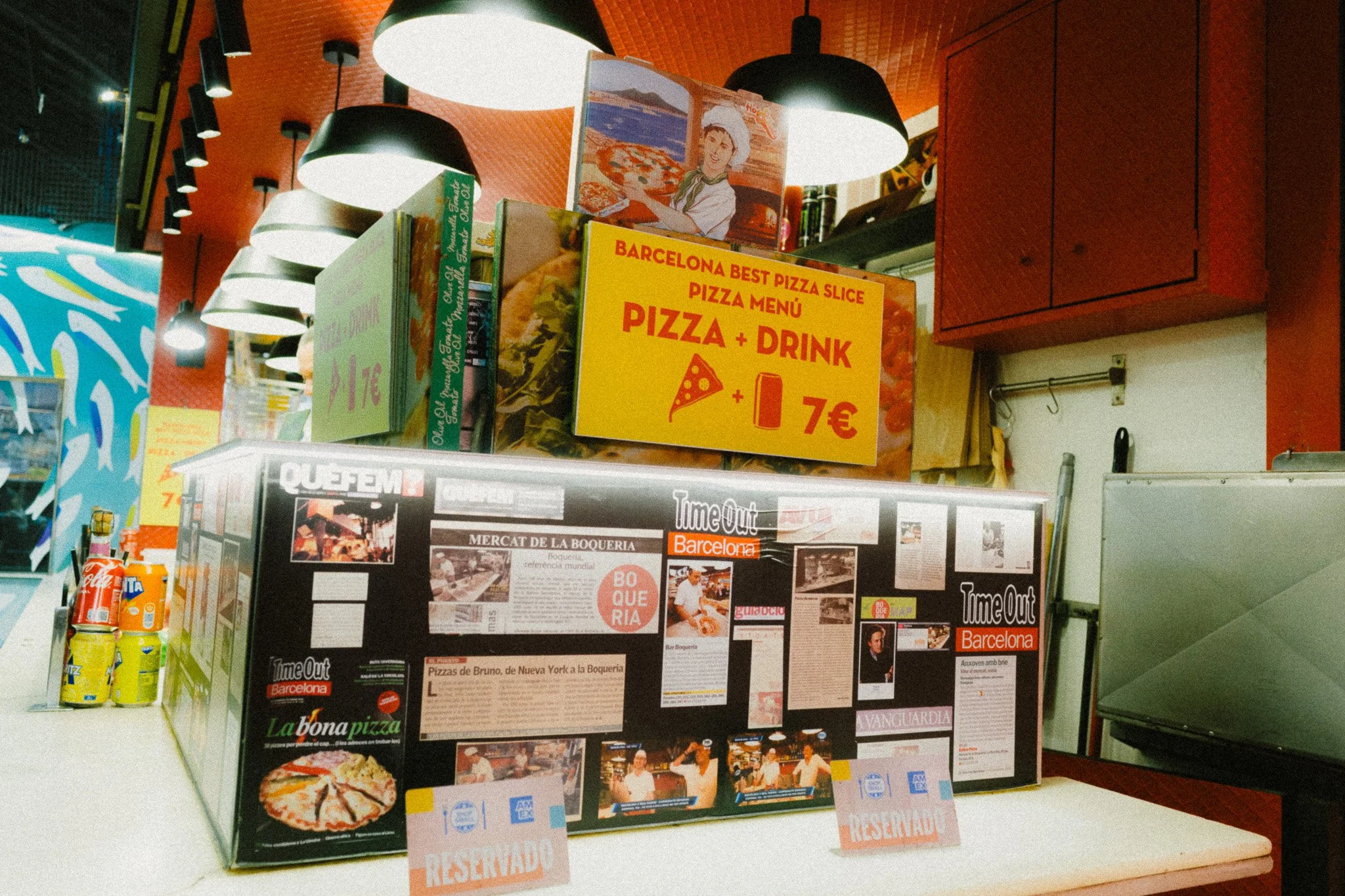

Autofocus
This has also seen an improvement, with the AF feeling snappier, stickier, and more accurate. I would still refrain from using continuous autofocus and stick with single. While continuous AF and tracking have been improved, they are still not as reliable in my opinion. This camera is also better suited to the slower single autofocus point, focus, and recompose approach. For what this camera is designed for, I have no real complaints about the AF.
Summary
The GRIV is very much an evolution rather than something groundbreaking. It has taken the GRIII and made it a little better in the areas that mattered.
As a long time GRIII user, the changes are nice, but they are definitely not something that I would consider upgrading for. If you are currently using the GRIII, it has no issues, and you’re happy, then stick with it and save your money. If your GRIII has issues, or you’re new to the Ricoh system, then picking up the GRIV will be worthwhile.
Am I happy with the upgrade? 100% yes.

















Instead of telling you how these will change your life, I would rather be practical and answer the most common questions that people tend to have when buying presets.
What are presets?
They are editing settings that are saved in a file and can be applied to any image.
Why do people buy presets?
Sometimes because they like the work of the photographer and want that style for their own photos. Mostly because they would like to see how other people edit and learn by reverse engineering the presets. Other times it’s just to support their favourite photographers, thank you!
What’s the overall style of these presets?
- Filmic
- Warm
- Soft
- Bright
What are these presets suitable for?
Street & Travel Photography
Some Nature (with further editing)
Some Portraits (with extensive editing)
Do I actually use these?
Yes. This is the same pack I use right now for all my editing. This isn’t a pack made just to sell.
Do these presets get updated?
Yes, as my style changes, these presets will also be updated. Any time a new update is available, you will get a free update via email. Of course you also keep all the old presets in case you prefer the older looks. Only presets purchased from 2025 onwards will receive the updates.
What file types are these presets for?
- All RAW files
- JPEGs & TIFFs (not recommended)
What camera brands are these presets for?
These were designed around Fujifilm, Sony, and Leica sensors. With that said, they will work with all camera brands. While there might be differences due to individual camera colour science, the overall feel of the preset will carry over.
Will these work with JPEG files?
Yes, but you will need to reduce the intensity and make further edits. I strongly recommend editing RAW files.
Are these one click edits?
95% No. You would need to do some basic adjustments as each image is different. These adjustments can include exposure, colour balance etc. In 5% of cases you can just apply and leave it alone.
Do I need to know how to edit?
You need to have a basic understanding of adjusting exposure, highlights, shadows, etc. A more comprehensive editing skillset will let you get the most out of them.
How many presets are included?
10 in the main pack and 24 in the extras pack
Why two packs?
The main pack is what I use for 99% of my edits and is kept small to reduce wasted time scrolling through presets. The extras pack is everything I don’t use often.
What software do I need?
These presets will work with any of the following:
- Photoshop (adobe camera raw)
- Lightroom Classic
- Lightroom Desktop
- Lightroom Mobile
Will these presets work with free versions of the above software?
You need to research and double check before buying. These presets were designed for the full paid versions.
Will these presets work with very old versions of the above software?
You need to research and double check before buying. These presets were designed on and for the latest software.
What file type do I get?
XMP
What else do I get?
- Comprehensive PDF guide
Can I modify these and turn them into my own?
Yes! In fact I encourage you to modify them and play around. Use these to help you get your own style.
I have more questions…. What do I do?
Make a cup of tea and drop me an email on hello@snapsbyfox.com
Please note that due to the nature of digital products, refunds are generally not accepted. However, if you experience any issues, feel free to contact me and I’ll review your situation individually. You are welcome to use this product for personal or commercial projects, but you may not copy, distribute, or resell the files in their original or modified form.
Finally I want to say a massive thank you for supporting me. Buying these presets is the most direct way you can support my work.
Thank you!