
Photography You Can Do Anywhere
One of the biggest prerequisites for a good photo is an interesting and clear subject.
In street photography this can be a person or a moment.
In travel photography this can be a beautiful scene or detail.
In landscape photography, this can be an epic mountain range or the calm of a desert.
In almost every genre of photography, you need a subject. However, this isn’t always possible.
What if there is no subject?
What if you’re not allowed to take photos of a specific subject?
What if the subject has already been photographed one million times and you want to find something unique?
What if you’re bored with your photography and feel like you’re always shooting the same thing?
What if you feel stuck?
This is where abstract photography might be the ticket you need to progress, at least in my experience. Let’s first define what abstract photography is, and then I will share with you practical and actionable things you can do today.
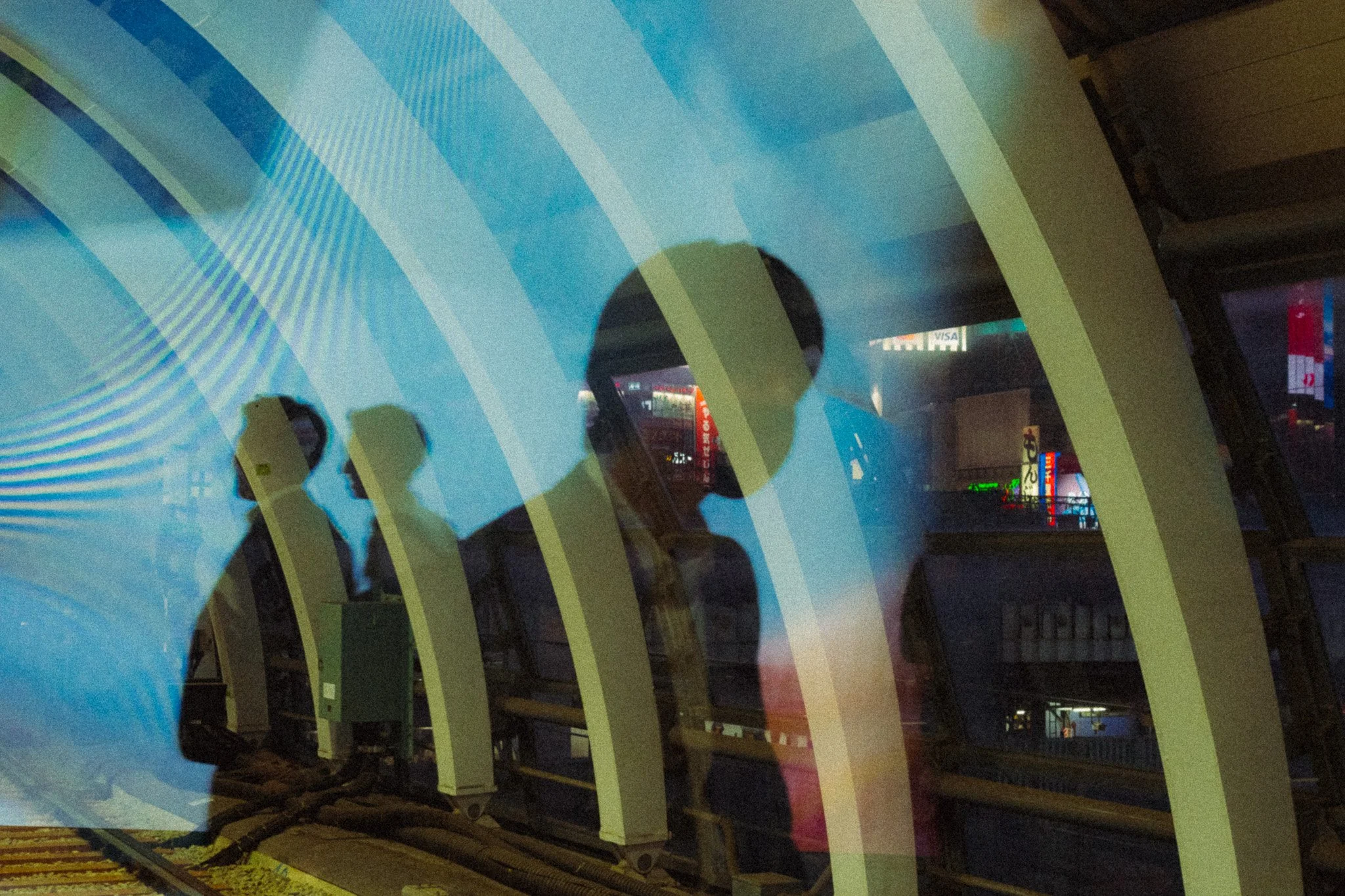
In short, abstract photography is a style of photography that focuses on visual elements more so than a clear subject. The visual elements include shapes, patterns, colour, texture, composition, motion blur, and much more. Abstract photos can remove context to have something truly unique, or they emphasise a specific element of the scene such as motion. There are no rules or guidelines, and I would argue that it’s the one form of photography that splits opinions the least. While photography itself is an art form, I believe abstract photography can at times blur the lines between photography and art more than any other genre. It’s not designed to document, it’s designed to create. Now let’s look at the most common aspects of abstract photography.

Reflection
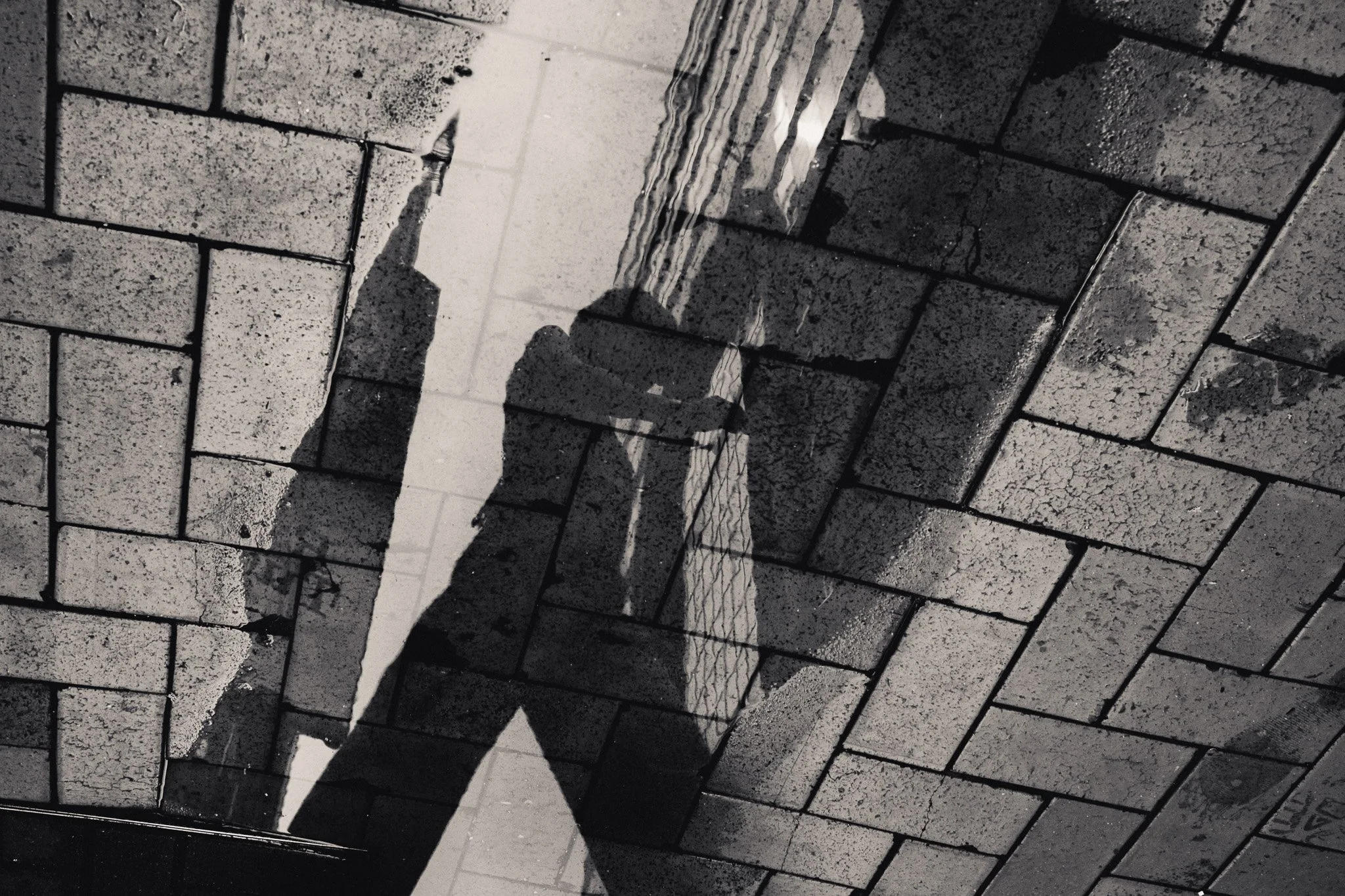
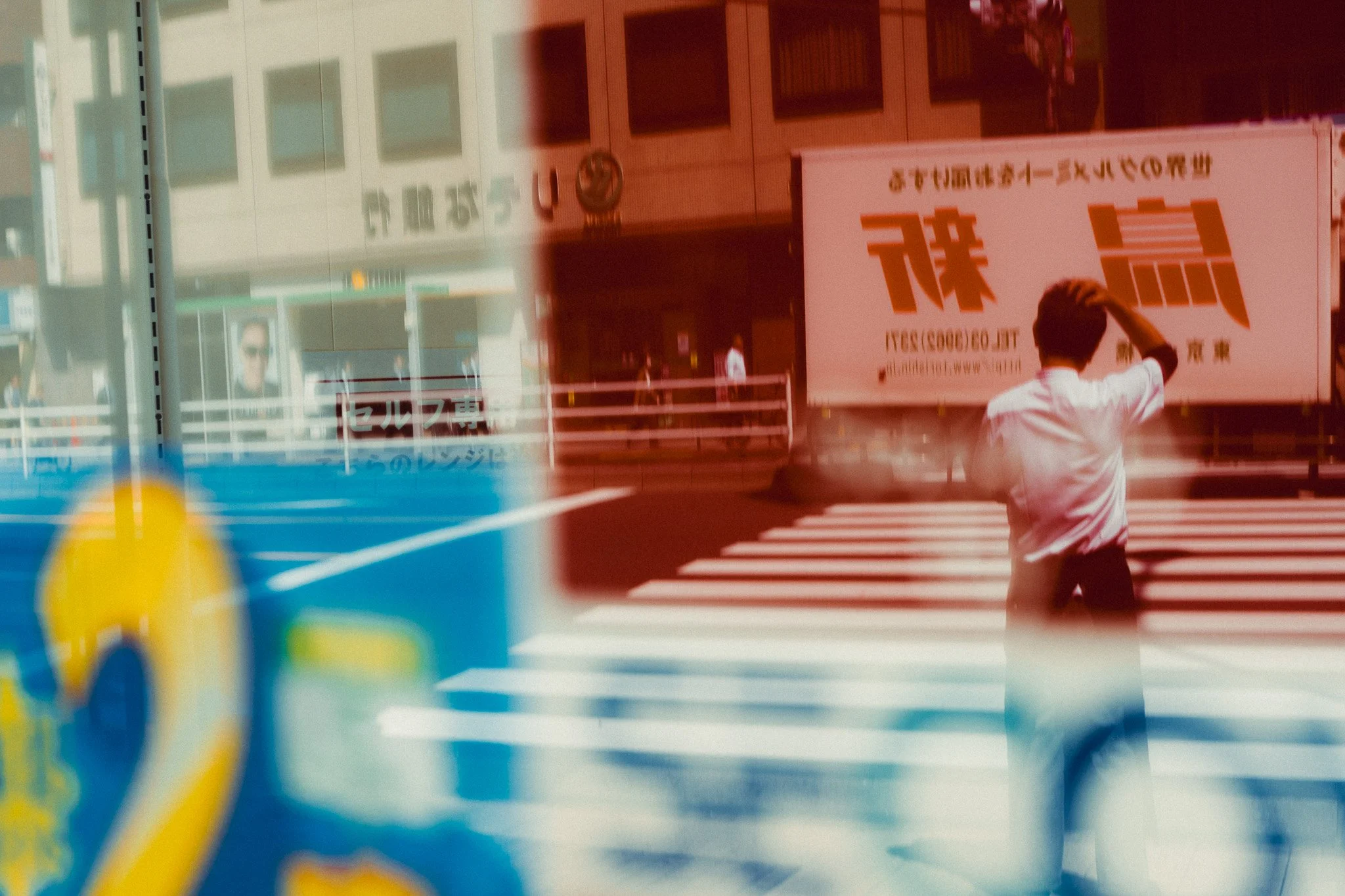
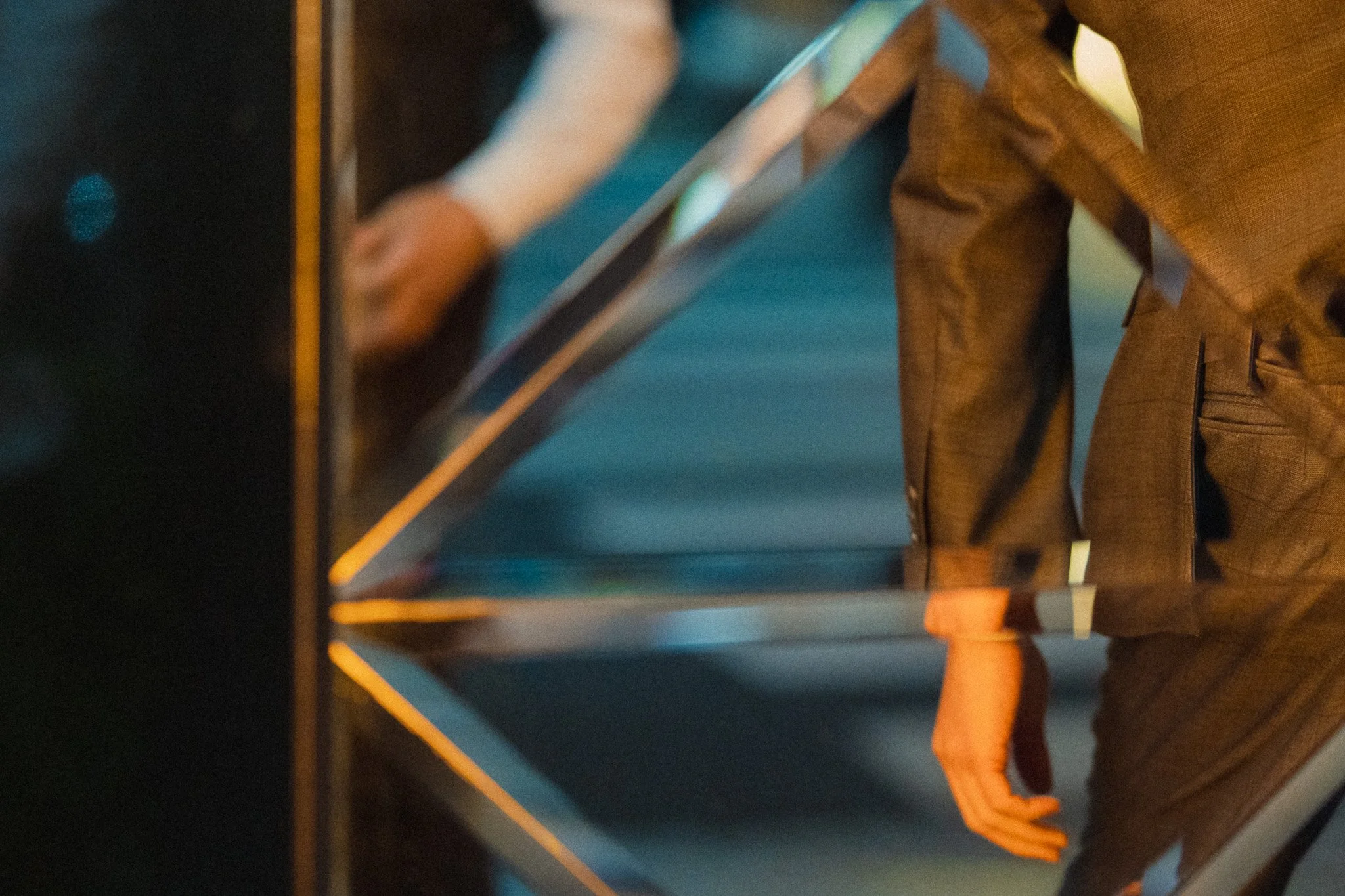
As the name suggests, here you are looking for reflective surfaces where you can get reflections. This can include mirrors, puddles, windows, polished metal, glass, or anything that creates a reflection. Get creative with different compositions, subjects and experiment as much as you can. A common shot is a puddle flipped upside down or a reflection in a shop window.
Double Exposure
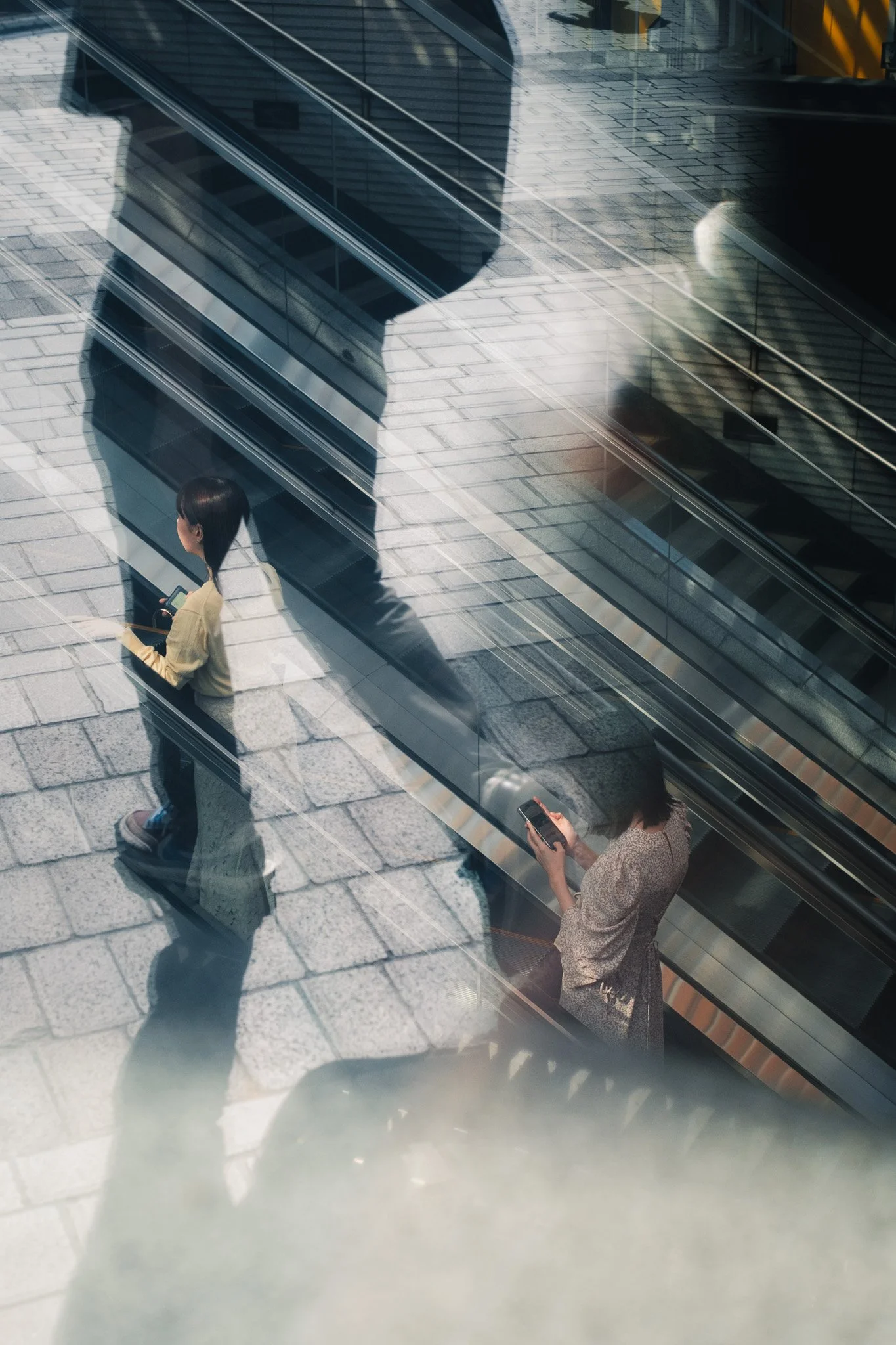
Double exposure can be done in camera or in editing. Personally, I prefer to do it using the scene and not creating it using a camera feature or in Photoshop. To do it using the scene, I am looking for a reflection in one part of the image, and something else happening in another. I would then compose so everything fits in, and then wait to align subjects or elements. This is incredibly time-consuming and entirely based on luck. Some days I get lucky, but more often than not, luck isn’t on my side.


If you’re finding this blog useful, please consider checking out My Little Photography Book. Everything I know about photography in a book that is updated for free with new information as time goes on. It also helps support this blog and keep it ad free.

My Little Photography Book is everything I know about photography in one concise place. This book is designed to save you time and share years’ worth of knowledge in an easy-to-follow format. Think of this as a workshop and a course in one affordable 300-page package.
This book covers psychology, gear, lighting, composition, storytelling, style, and a lot more. In other words, I’ve emptied my photography brain into this PDF. As always, keep in mind that this is simply my approach to photography, and everything I share is from my own experience.
The book is a digital PDF download and comes in two flavours. Two page spread and single page. The spread might be better for landscape viewing and printing, while the single page is more suited for vertical scrolling on a phone or tablet. The total download will be just over 100mb with each PDF being around 50mb.
This book has been in the making since mid-2017 and is by far my most involved project to date. This is also entirely done by myself from scratch. All the writing, editing, formatting, everything… it’s all me with no external input. I really do hope you like it, and as always, I welcome any feedback.
Please note that due to the nature of digital products, refunds are generally not accepted. However, if you experience any issues, feel free to contact me and I’ll review your situation individually. You are welcome to use this product for personal or commercial projects, but you may not copy, distribute, or resell the files in their original or modified form.
Finally, being a digital product means free updates when new chapters become available. The last update was in February 2025 to V2.
Thank you so much for your support
Much Love
Rome
Diffusion
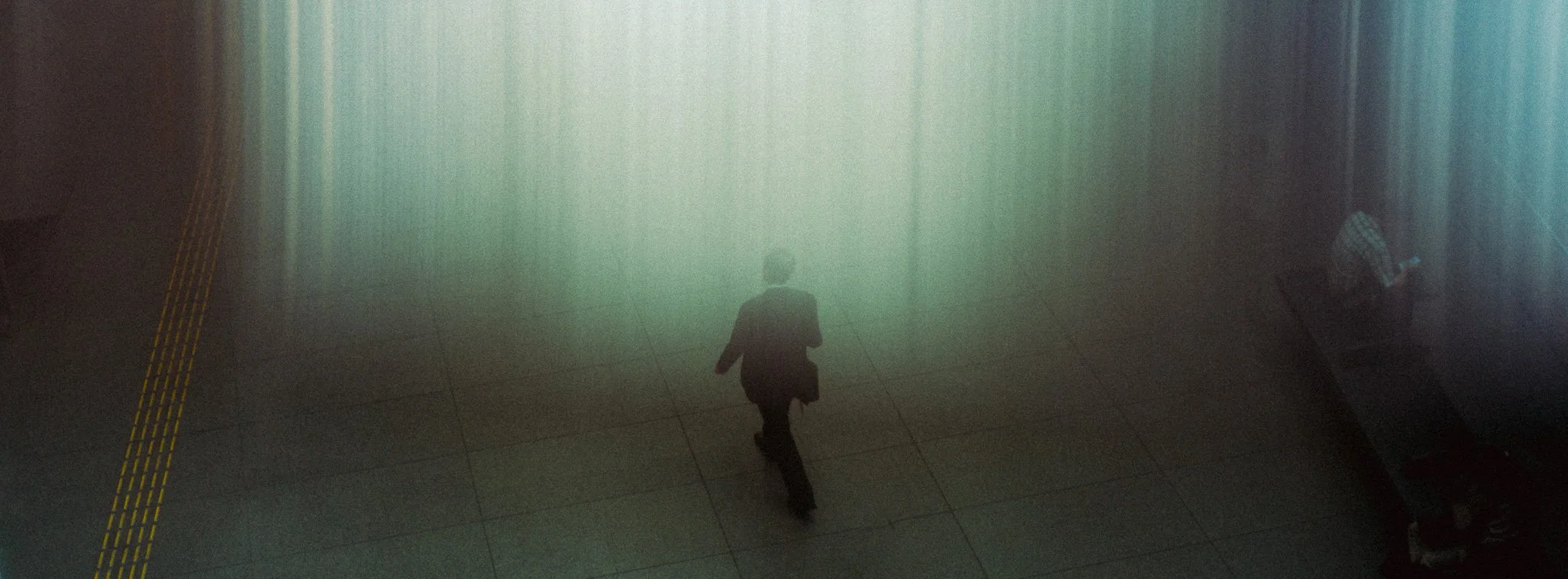
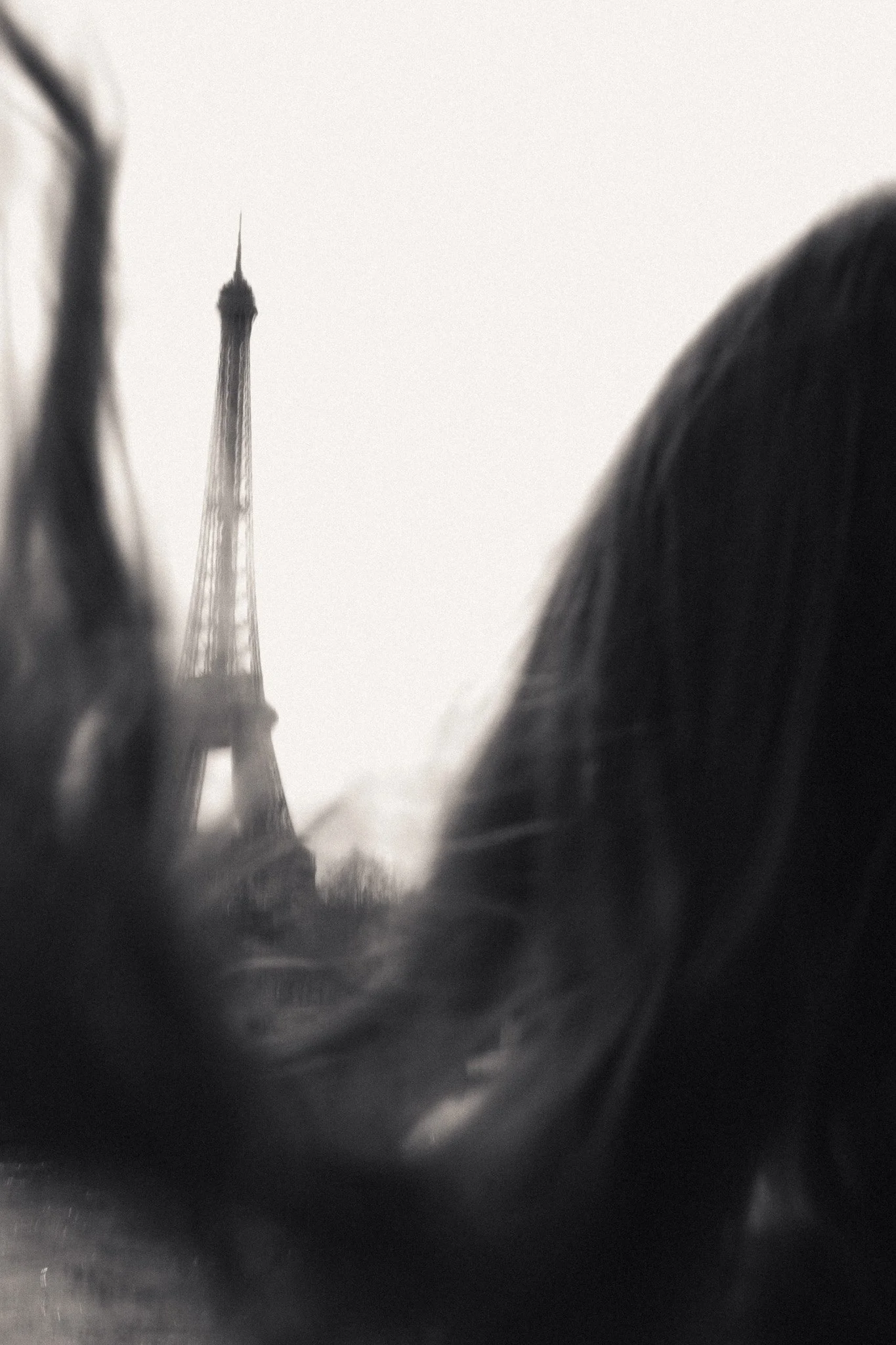
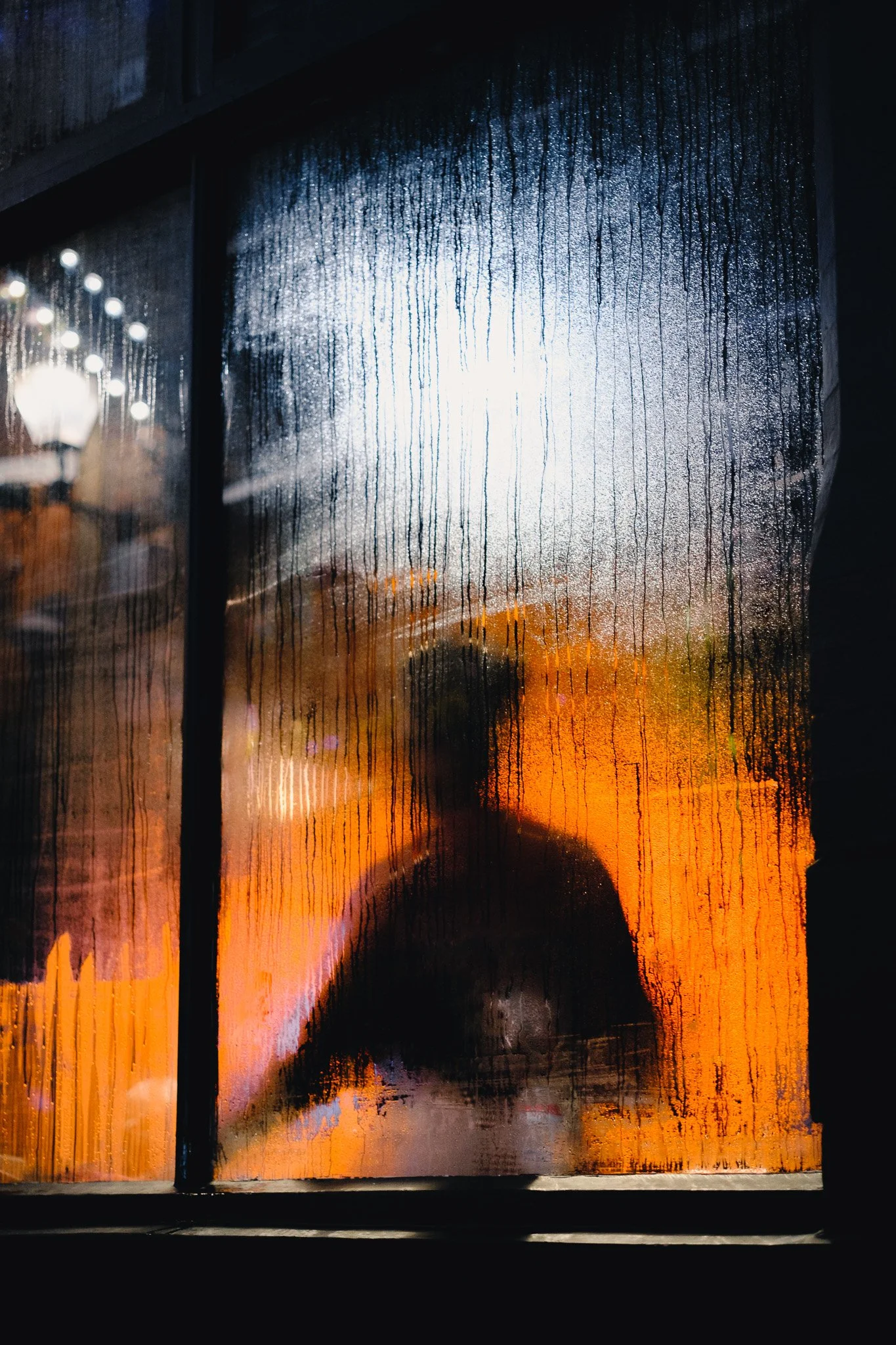
Diffusion is when you are shooting through something that alters how things are perceived. An easy example is a plastic sheet you see in outdoor restaurants. Diffusion can also happen if you put your lens up against a surface and shoot wide open. Shooting through smoke, water or other elements that change the entire aesthetic is a great way to get some unique abstract shots.


Motion Blur
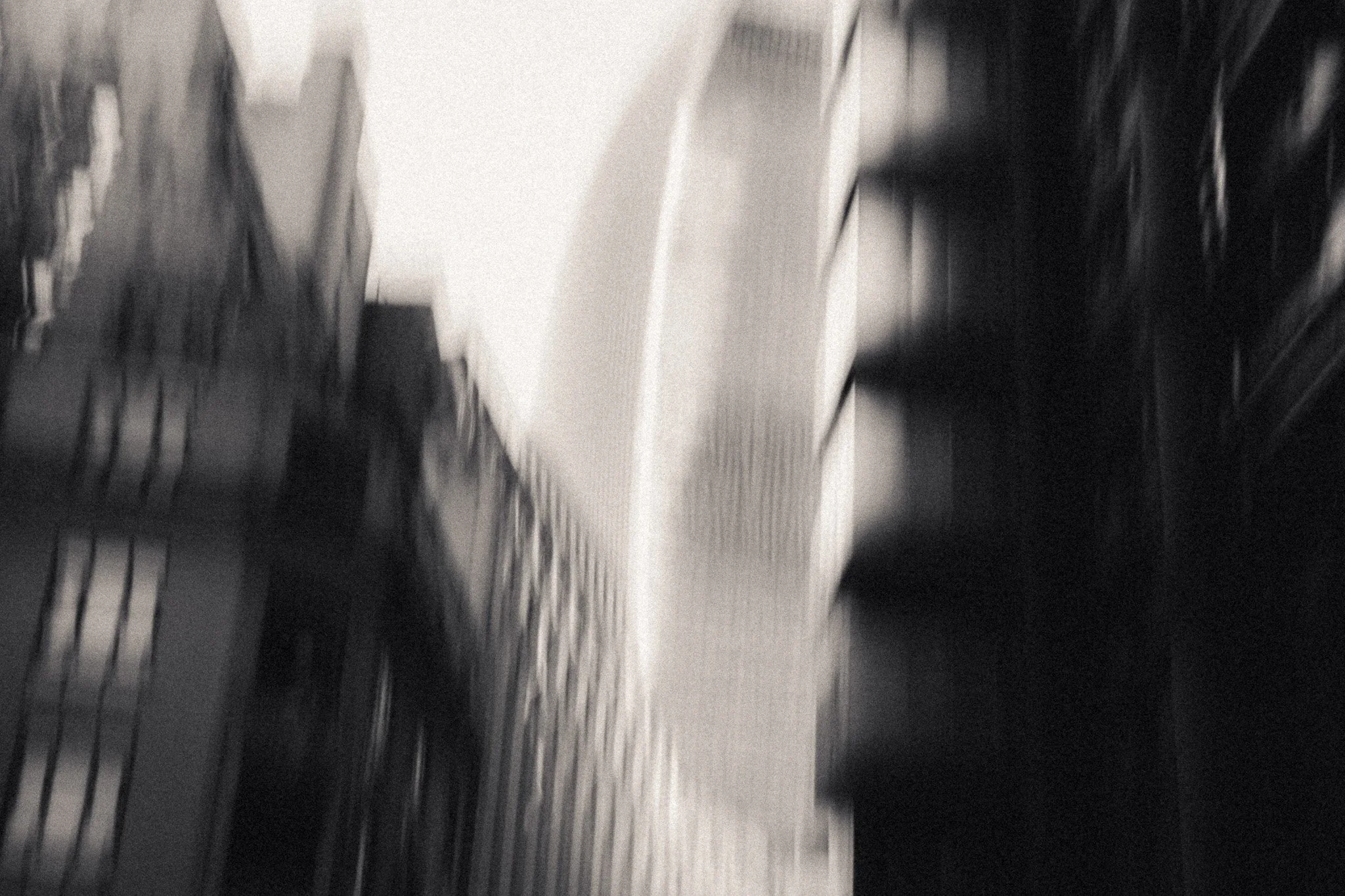
This is one of my favourite methods of creating abstraction. Motion blur has a lot of power because you can use it to bring attention to your subject or make it totally irrelevant. I use motion blur to convey motion, chaos or movement. Whether it’s a kid running through a busy market or a taxi speeding through the city. You have a lot of control over the final result by changing the shutter speed in relation to the action. A speed of around 1/30th can give enough motion blur to highlight movement without losing context. A slower shutter speed of 1/8th can throw everything into question by introducing intentional camera movements.


Negative Space & Minimalism
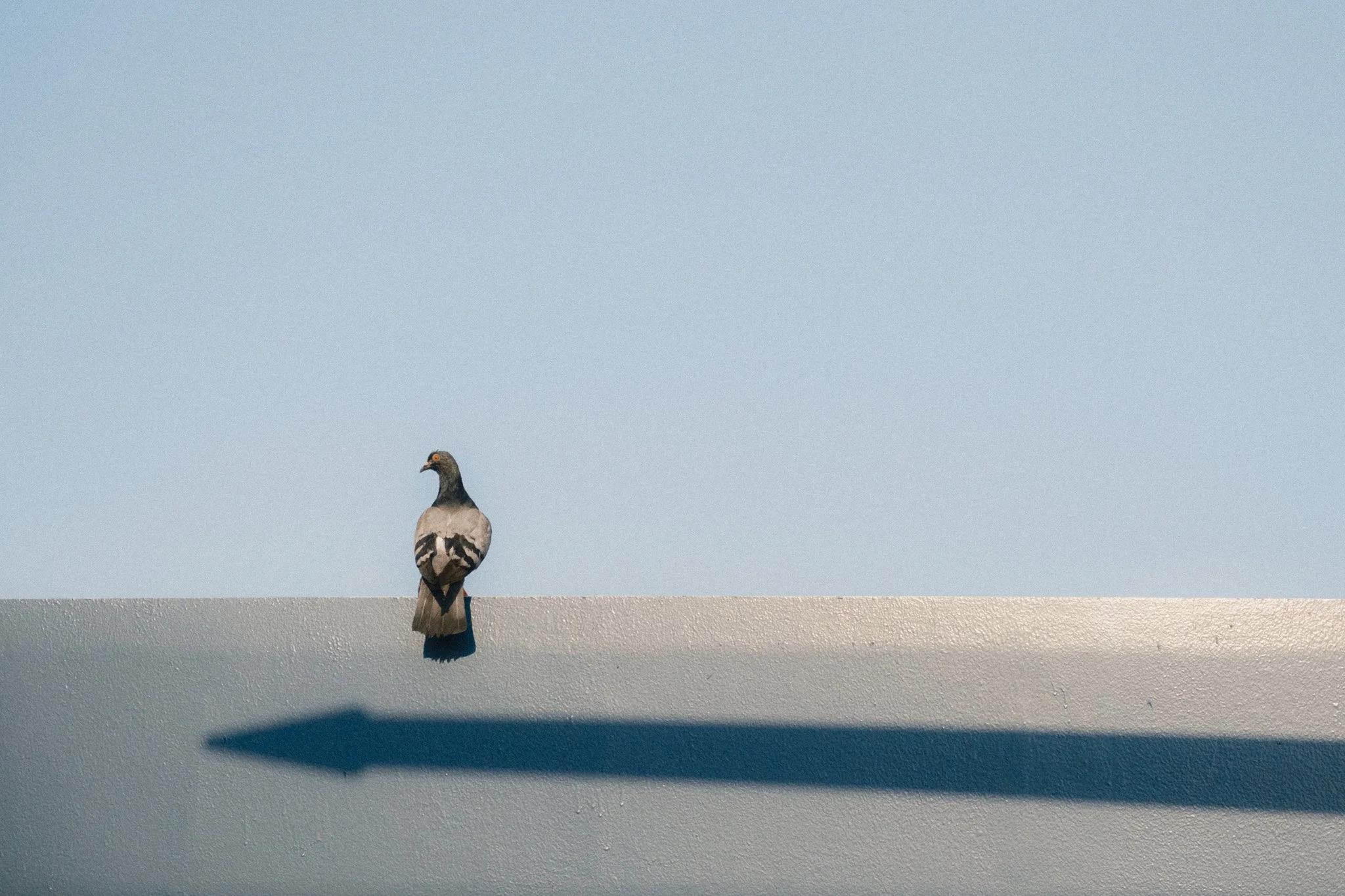
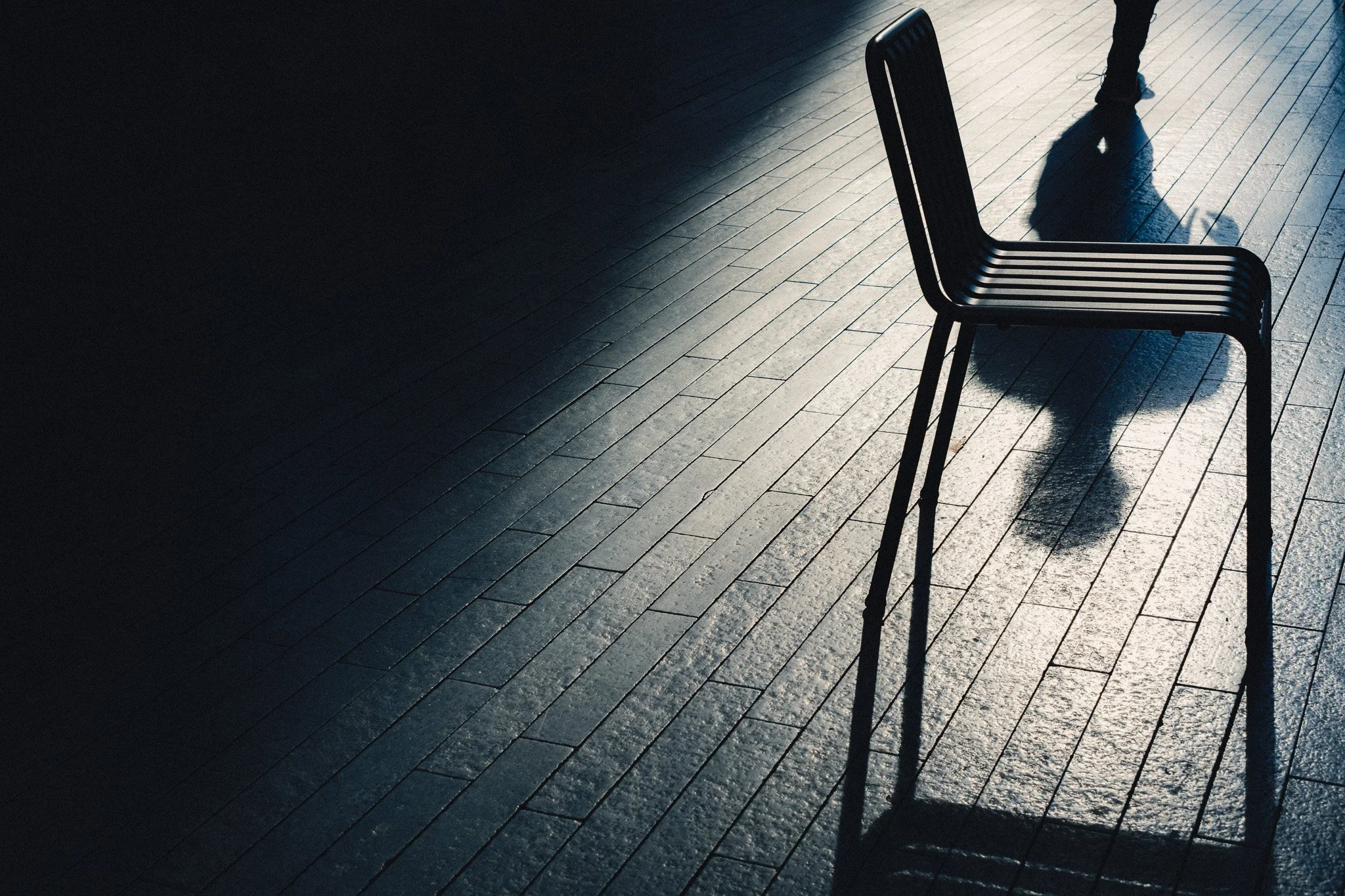
The use of negative space and a minimal approach can also be considered abstract if done well. Look for empty, clean areas and try to find ways to shoot them in order to have a visually appealing image. This is even more ambiguous because there is more up for interpretation, however I hope the below examples can illustrate my personal approach to this.
Patterns
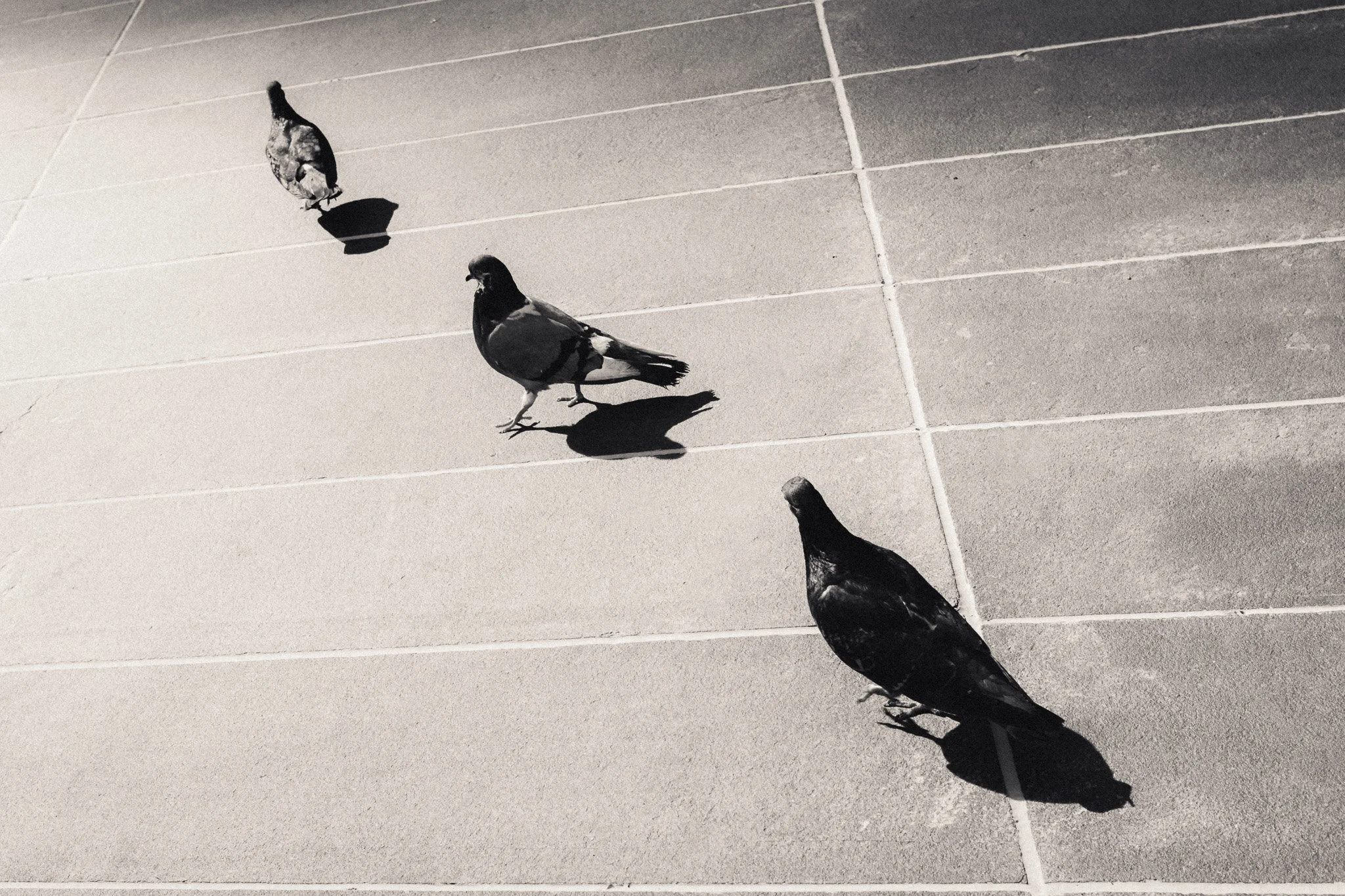
As above but this time you’re looking for patterns. This could be patterns in nature, in architecture or a carefully arranged collection of subjects. Make the pattern the focus and subject of the photo.


Strong Colours
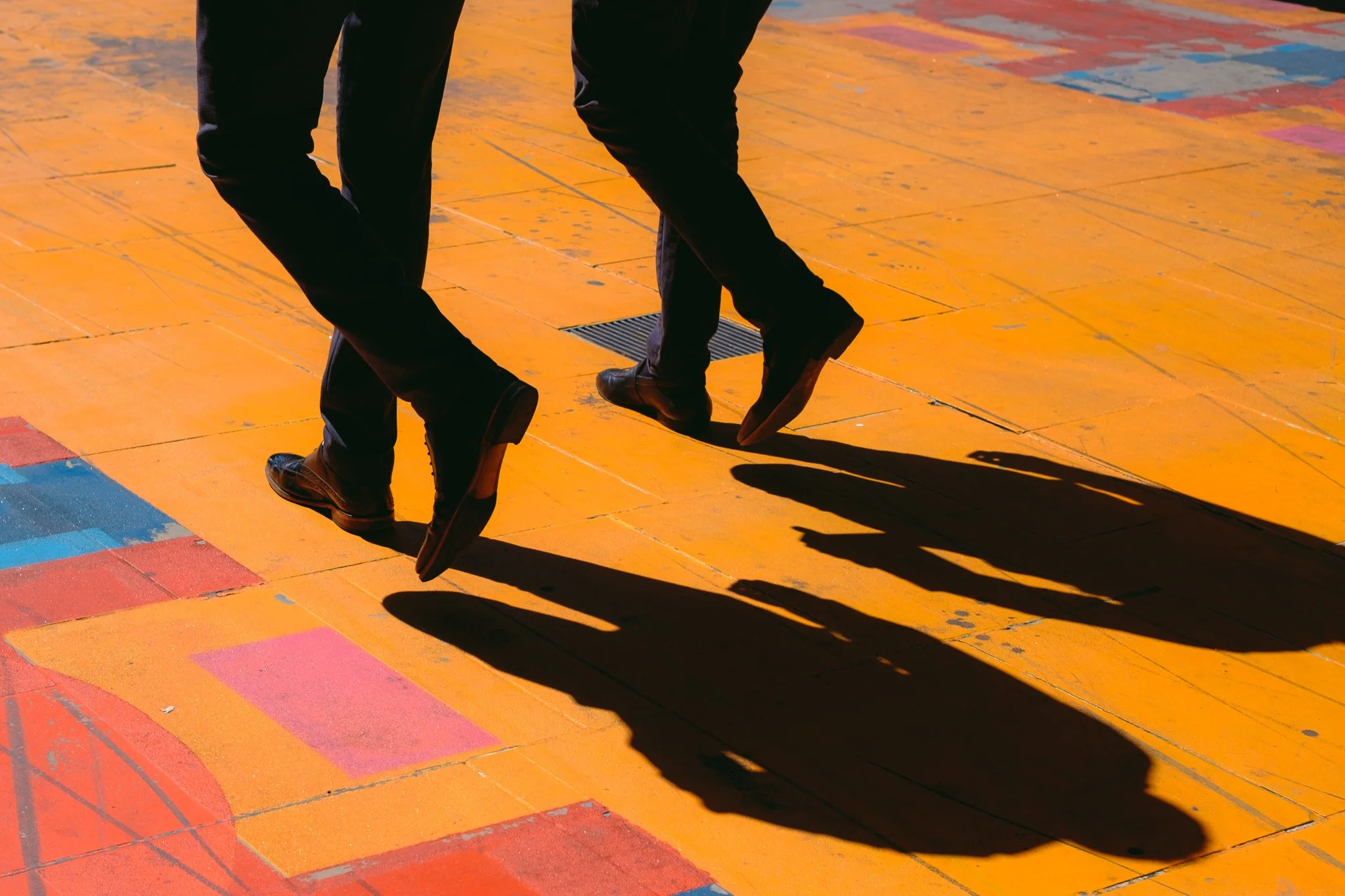
The use of bold and strong colours can fall under this genre, especially if the colour becomes the focal point itself. As with the last two points, this isn’t as simple as “find a reflection”, and this would take much longer to get right. I personally look for big, bold colours to use as anchors, and then create an image around them.


















Instead of telling you how these will change your life, I would rather be practical and answer the most common questions that people tend to have when buying presets.
What are presets?
They are editing settings that are saved in a file and can be applied to any image.
Why do people buy presets?
Sometimes because they like the work of the photographer and want that style for their own photos. Mostly because they would like to see how other people edit and learn by reverse engineering the presets. Other times it’s just to support their favourite photographers, thank you!
What’s the overall style of these presets?
- Filmic
- Warm
- Soft
- Bright
What are these presets suitable for?
Street & Travel Photography
Some Nature (with further editing)
Some Portraits (with extensive editing)
Do I actually use these?
Yes. This is the same pack I use right now for all my editing. This isn’t a pack made just to sell.
Do these presets get updated?
Yes, as my style changes, these presets will also be updated. Any time a new update is available, you will get a free update via email. Of course you also keep all the old presets in case you prefer the older looks. Only presets purchased from 2025 onwards will receive the updates.
What file types are these presets for?
- All RAW files
- JPEGs & TIFFs (not recommended)
What camera brands are these presets for?
These were designed around Fujifilm, Sony, and Leica sensors. With that said, they will work with all camera brands. While there might be differences due to individual camera colour science, the overall feel of the preset will carry over.
Will these work with JPEG files?
Yes, but you will need to reduce the intensity and make further edits. I strongly recommend editing RAW files.
Are these one click edits?
95% No. You would need to do some basic adjustments as each image is different. These adjustments can include exposure, colour balance etc. In 5% of cases you can just apply and leave it alone.
Do I need to know how to edit?
You need to have a basic understanding of adjusting exposure, highlights, shadows, etc. A more comprehensive editing skillset will let you get the most out of them.
How many presets are included?
10 in the main pack and 24 in the extras pack
Why two packs?
The main pack is what I use for 99% of my edits and is kept small to reduce wasted time scrolling through presets. The extras pack is everything I don’t use often.
What software do I need?
These presets will work with any of the following:
- Photoshop (adobe camera raw)
- Lightroom Classic
- Lightroom Desktop
- Lightroom Mobile
Will these presets work with free versions of the above software?
You need to research and double check before buying. These presets were designed for the full paid versions.
Will these presets work with very old versions of the above software?
You need to research and double check before buying. These presets were designed on and for the latest software.
What file type do I get?
XMP
What else do I get?
- Comprehensive PDF guide
Can I modify these and turn them into my own?
Yes! In fact I encourage you to modify them and play around. Use these to help you get your own style.
I have more questions…. What do I do?
Make a cup of tea and drop me an email on hello@snapsbyfox.com
Please note that due to the nature of digital products, refunds are generally not accepted. However, if you experience any issues, feel free to contact me and I’ll review your situation individually. You are welcome to use this product for personal or commercial projects, but you may not copy, distribute, or resell the files in their original or modified form.
Finally I want to say a massive thank you for supporting me. Buying these presets is the most direct way you can support my work.
Thank you!