
Photo Editing Fundamentals You Need To Know
Photo editing can be complex. There is no correct or best way to edit a photo. You can achieve the same result using different methods. Also there is no correct editing style either as it’s all personal preference. Of course there is definitely a level below which we can all agree a photo is over edited. Each year Lightroom is getting more features and now more than ever there are tons of different photo editing apps out there. No wonder this seems like a minefield.
In this blog I will share with you six photo editing fundamentals that will give you a solid foundation from which to progress. This is not a how to make moody cinematic edit blog. Instead the following tips will make sure you have the best possible start to your editing.
Get It Right In Camera
Before we start it’s important that we have a good image to work with. A photo that has been taken well, in good light with good composition and reasonable settings will require far less time to edit compared to an image that has none or few of the mentioned qualities. I know this sounds a little vulgar but it’s true… you can’t polish a turd. Don’t expect editing to fix a poorly exposed, badly lit, badly composed or generally a bad image. Another way to put it is to think of editing like cleaning a car. You could spend a whole day detailing a car and make it look showroom fresh. However if the chassis is rusted through and will crack over the first speed bump, then it’s fundamentally useless. You want to make sure the the structure is solid before doing any finishing touches. Same with editing. Make sure you have a solid image to start with.

Set Correct Exposure & White Balance
The first step is to set the correct exposure and white balance. In some scenarios one or both of these will not be optimal. If you start editing your shadows, highlights and so on using an under exposed image, you will sooner or later run into issues. You will most likely increase your shadows too much and introduce unnecessary noise. Or you will eventually increase the exposure only to find that you need to go back and re-edit everything again. Same with white balance. There is no point colour grading an image that does not have to correct white balance. It just means that you will only have to start over or patch things up later in the process.

Geometry & Crop
The next step is to make any geometrical changes. By that I mean making sure all the vertical and horizontal lines are straight. This is not necessary however if you want to do it, then it has to be before the cropping as it can change the overall composition of the image. Once done, the next step is to crop as desired. Cropping before any further editing is important as it is easier to edit to the final composition. Composition can impact some editing choices so it’s best to set it at the start.

Apply The Biggest Effect First
You want to make sure that you apply the biggest, most creative, most stylistic and most noticeable effect first. Only then would you go about making small changes to sell that effect. Big effects could be presets, black and white conversions, lighting changes, heavy colour grades and heavy contrast changes. If you start editing your photo using various tools and then decide that actually you want to make it black and white, well you might have just wasted your time as almost everything will have to be redone. Another way to explain it is to imagine that a glass is your photo, an apple is your biggest edit and the water is your small edits. If you fill your glass with water and then place the apple in, a bunch of water will spill out, create a mess and require more time to put right. However if you first put the apple in the glass and then simply top up the water to the desired level, things are cleaner and more efficient. So do your biggest edits first and then you can make a bunch of smaller edits to sell the look and complete the image.

Work With The photo, Not Against It
I will write a whole blog on this topic as there is more to unpack however for today will keep it brief. Try to not work against the photo by forcing something that is not there. It is all too easy to remember how amazing the location was or how you felt at the time and try to convey that in the edit. However the final photo is what it is whether through your fault or not. So rather than forcing the photo to be something it can’t, instead work with what you have. For example if you have a low contrast midday scene, there is no point forcing it to be high contrast because you like high contrast photos. Equally if you remember the sunrise being warm, yet in the image it is a little cooler, don’t try to force that into the edit. Of course if the image looks good warmed up, go ahead. However if the file clearly doesn’t respond well to that adjustment, then perhaps just work with the cooler tones instead.


The Histogram Does Not Need To Be In The Middle
I think this advice is slowly fading away but I still see it from time to time. The histogram does not need to be in the middle to have a “correct exposure”. In many cases photos look best with the histogram pushed to the left or right, meaning over or under exposed. A histogram is nothing more than a tool to show you where your exposure is sitting based on objective data. It does not have a sense of whether the image looks good or not. Editing using the histogram is like driving a car using only the sat nav. If the sat nav tells you to drive straight yet the road is flooded, of course you will over ride it and take a different route. Actually I say that but the number of pillocks that end up stuck in fields because of sat navs still amazes me. Point is, the histogram does not dictate how to expose your photo. That’s what your eyes are for.

Less Is More
Last but not least just because Lightroom has a ton of sliders and adjustments, it doesn’t mean you need to fuck around with every single one of them. Equally just because you can colour grade your photo, it doesn’t mean your photo needs it. Of course a big caveat to this is that we need to mess around and adjust every single thing to learn. However for the final edit, try to keep things simple and clean. Less is more.

Help support this ad-free blog by checking out my products below
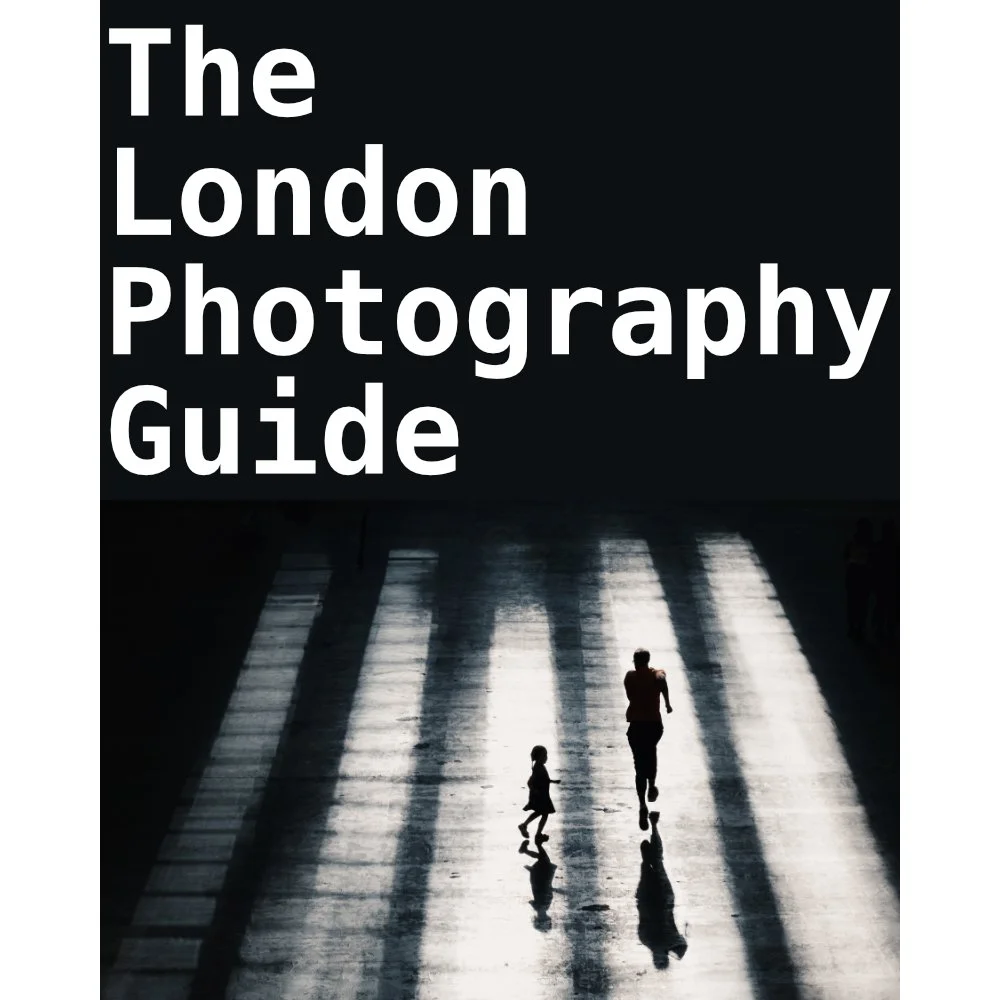
If you're planning to visit London or you’re a local and want to know some of the best locations for photography, this guide is for you.
What you need to know:
- 170 Page PDF document (94mb)
- 50+ Locations
- 100+ Photo spots
- Only covers locations that consistently deliver good photo opportunities
- Clickable maps
- GPS Coordinates
- What 3 Words Coordinates
- Addresses
How will this guide help you:
- Save you time and give you a clear checklist of where to go
- Show you real world photos I took from the suggested locations
- Show you coordinates for those photos if you want to take the same
- Give you feedback on any pitfalls with specific places and attitudes to photographers
- Food / Drink / Restroom suggestions
- Lens choice suggestions
- General visiting advice
- Inspire you to head out and shoot by removing the “where shall I go” barrier
This guide is a result of years spent living and photographing London in all conditions and seasons. I have only recommended locations that have consistently delivered good photos that I have been happy with. This guide does not cover every spot, that would be impossible and a lifetimes work. This guide is there to put luck in your favour when visiting the capital.
Please note that due to the nature of digital products, refunds are generally not accepted. However, if you experience any issues, feel free to contact me and I’ll review your situation individually. You are welcome to use this product for personal or commercial projects, but you may not copy, distribute, or resell the files in their original or modified form.
Finally I want to say a massive thank you for supporting me. Buying this guide is the most direct way you can support my work thus allowing me to make more videos / photos / tutorials for you.
Thank you for your support!
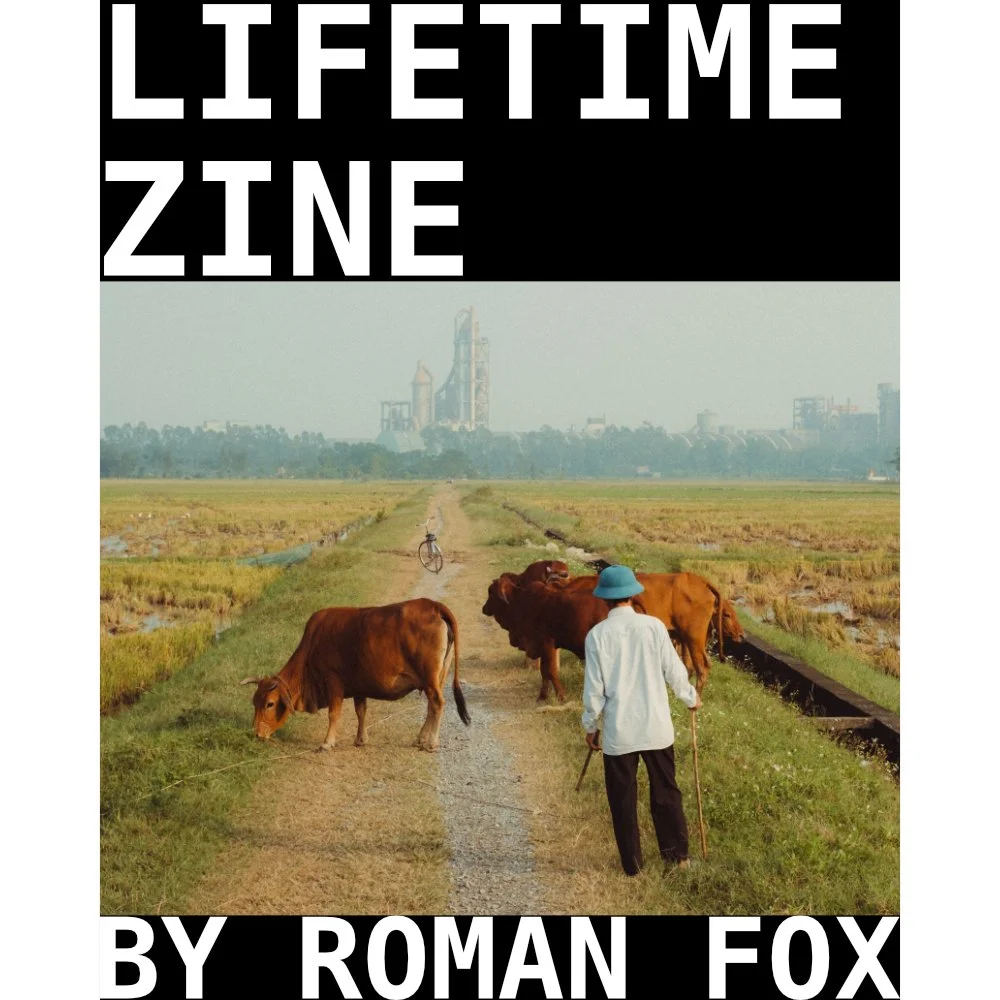
What on earth is this and why is this so expensive?!?!
A zine is a self-published body of work and serves the following purposes:
It showcases all photos from a given trip or period of time. Think of this as a digital contact sheet. I only share about 50% of the final photos online. This has them all.
It can act as a source of inspiration.
It can act as a visual planning tool for your travels. It will show you the types of photos one can get at said location.
Allows you to support my work, especially if the other products in my store are not suitable for your needs.
So what is a lifetime zine?
One payment gives you access to all current and future zines. You can download to store them offline, and even print them if you fancy.
As it stands, there are 39 zines published, and my first milestone is 100.
The price you pay today gives you full access for life, even if the price increases in the future.
One payment. No subscriptions. Lifetime of zines.
Digital… really?!
I can’t even imagine the logistical nightmare to print these and ship them to every corner of the globe.
Saves wasting resources.
Works out MUCH cheaper for you. Imagine buying 100 zines…
Formatted for tablets, phones, and laptops.
Makes this accessible to more people.
What’s inside each zine?
Between 100 and 350 photos.
Only the images, no writing.
Each zine focuses on a specific trip, location, or period of time.
When purchased, you will get a PDF document. In the document is a link where you can access all the zines. Each zine can be up to 200mb although I try to keep them closer to 100mb. This allows you to zoom in and see the images up close. However, due to this higher resolution, some older devices might take longer to load the images. For the best viewing experience, I suggest viewing on a device with a big screen, and if you have a choice between scrolling or swiping to change pages, I suggest scrolling for the best experience.
Please note that due to the nature of digital products, refunds are generally not accepted. However, if you experience any issues, feel free to contact me and I’ll review your situation individually. You are welcome to use this product for personal or commercial projects, but you may not copy, distribute, or resell the files in their original or modified form.
Finally, I want to say another massive thank you for supporting me. This is the most direct way you can support my work.
Thank you for your support!
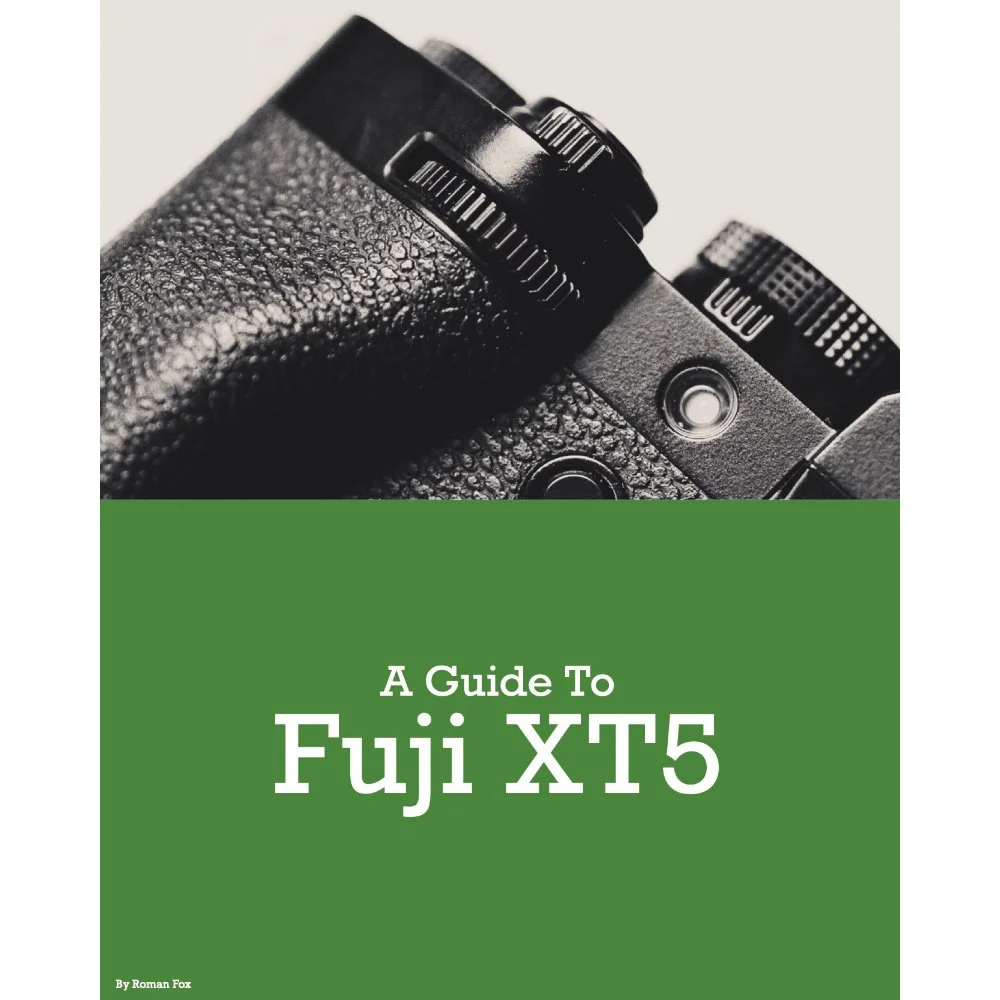
This Fujifilm XT5 set-up guide is designed to save you time and get your camera set up and working just like I do. You will learn what the major features do and why I chose to set them in a certain way. I will show you how to assign the buttons and custom menus in order to have the most important features at your fingertips. Finally, I will walk you through how I expose and focus.
This guide is not a replacement for your user manual and does not cover 100% of the features. It covers the features that, in my experience, 90% of the people use 90% of the time. This is based on years of personal experience.
This guide is best suited for those who want to be up and running quickly with a tried-and-tested set-up.
This is a digital download and not a physical product. The download is around 25mb.
Please note that due to the nature of digital products, refunds are generally not accepted. However, if you experience any issues, feel free to contact me and I’ll review your situation individually. You are welcome to use this product for personal or commercial projects, but you may not copy, distribute, or resell the files in their original or modified form.
Finally, I want to say a massive thank you for supporting me. Buying this guide is the most direct way you can support my work, thus allowing me to make more videos, photos, and tutorials for you.
Thank you for your support!
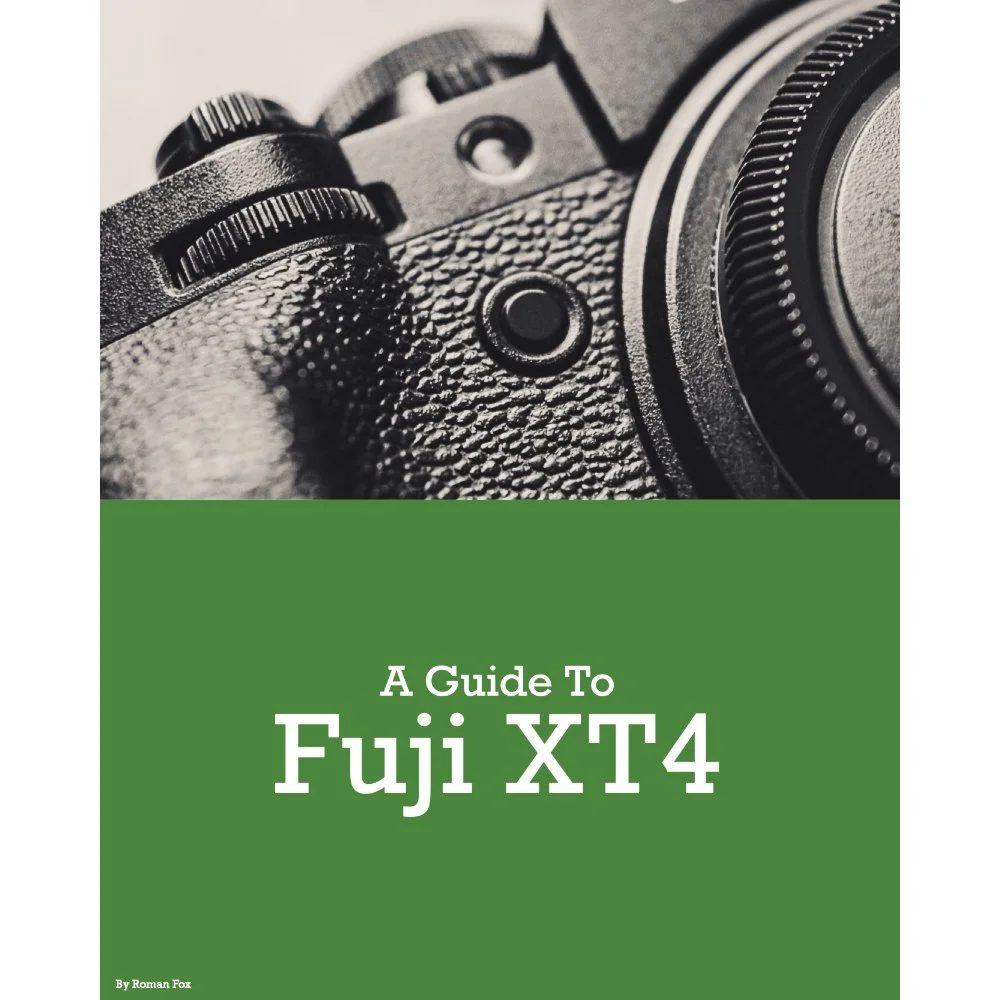
This Fujifilm XT4 set-up guide is designed to save you time and get your camera set up and working just like I do. You will learn what the major features do and why I chose to set them in a certain way. I will show you how to assign the buttons and custom menus in order to have the most important features at your fingertips. Finally, I will walk you through how I expose and focus.
This guide is not a replacement for your user manual and does not cover 100% of the features. It covers the features that, in my experience, 90% of the people use 90% of the time. This is based on years of personal experience.
This guide is best suited for those who want to be up and running quickly with a tried-and-tested set-up.
This is a digital download and not a physical product. The download is around 21mb.
Please note that due to the nature of digital products, refunds are generally not accepted. However, if you experience any issues, feel free to contact me and I’ll review your situation individually. You are welcome to use this product for personal or commercial projects, but you may not copy, distribute, or resell the files in their original or modified form.
Finally, I want to say a massive thank you for supporting me. Buying this guide is the most direct way you can support my work, thus allowing me to make more videos, photos, and tutorials for you.
Thank you for your support!
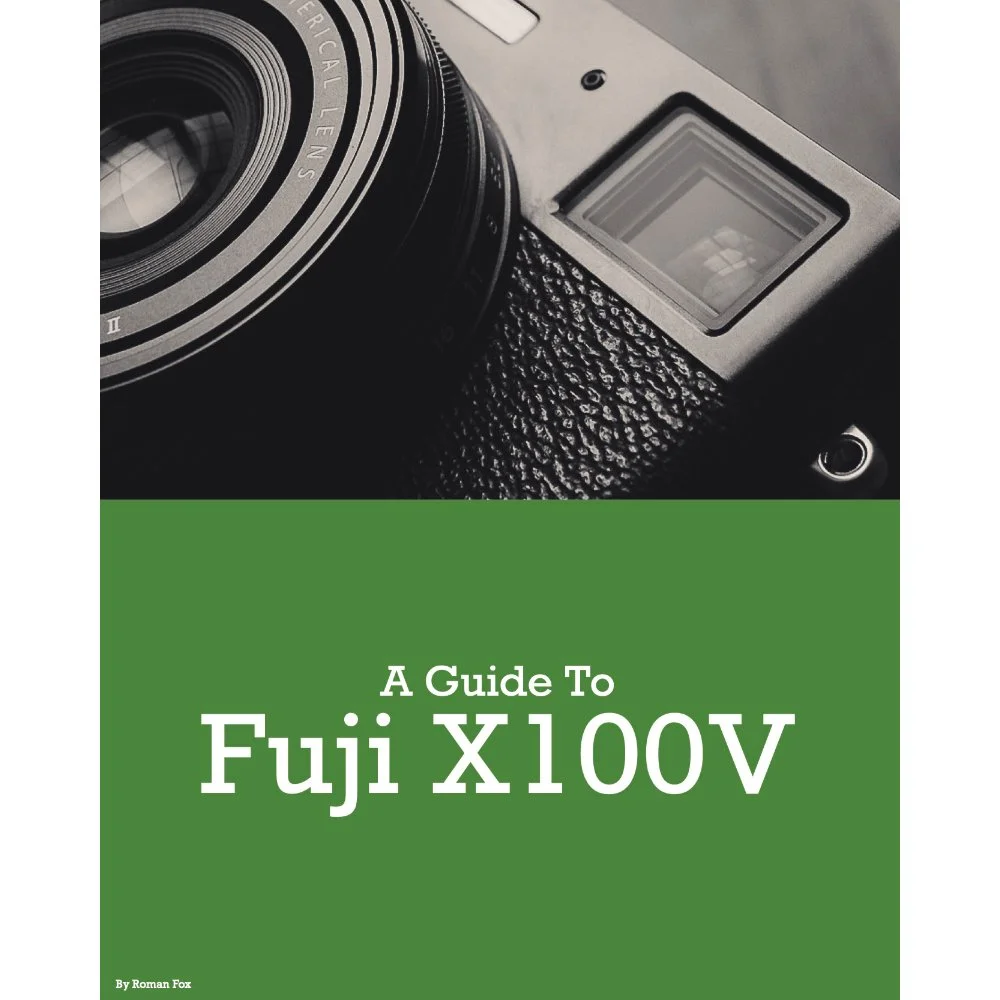
This Fujifilm X100V set-up guide is designed to save you time and get your camera set up and working just like I do. You will learn what the major features do and why I chose to set them in a certain way. I will show you how to assign the buttons and custom menus in order to have the most important features at your fingertips. Finally, I will walk you through how I expose and focus.
This guide is not a replacement for your user manual and does not cover 100% of the features. It covers the features that, in my experience, 90% of the people use 90% of the time. This is based on years of personal experience.
This guide is best suited for those who want to be up and running quickly with a tried-and-tested set-up.
This is a digital download and not a physical product. The download is around 16mb.
Please note that due to the nature of digital products, refunds are generally not accepted. However, if you experience any issues, feel free to contact me and I’ll review your situation individually. You are welcome to use this product for personal or commercial projects, but you may not copy, distribute, or resell the files in their original or modified form.
Finally, I want to say a massive thank you for supporting me. Buying this guide is the most direct way you can support my work, thus allowing me to make more videos, photos, and tutorials for you.
Thank you for your support!