
Leica Q3 43 Firmware 4.0 Review
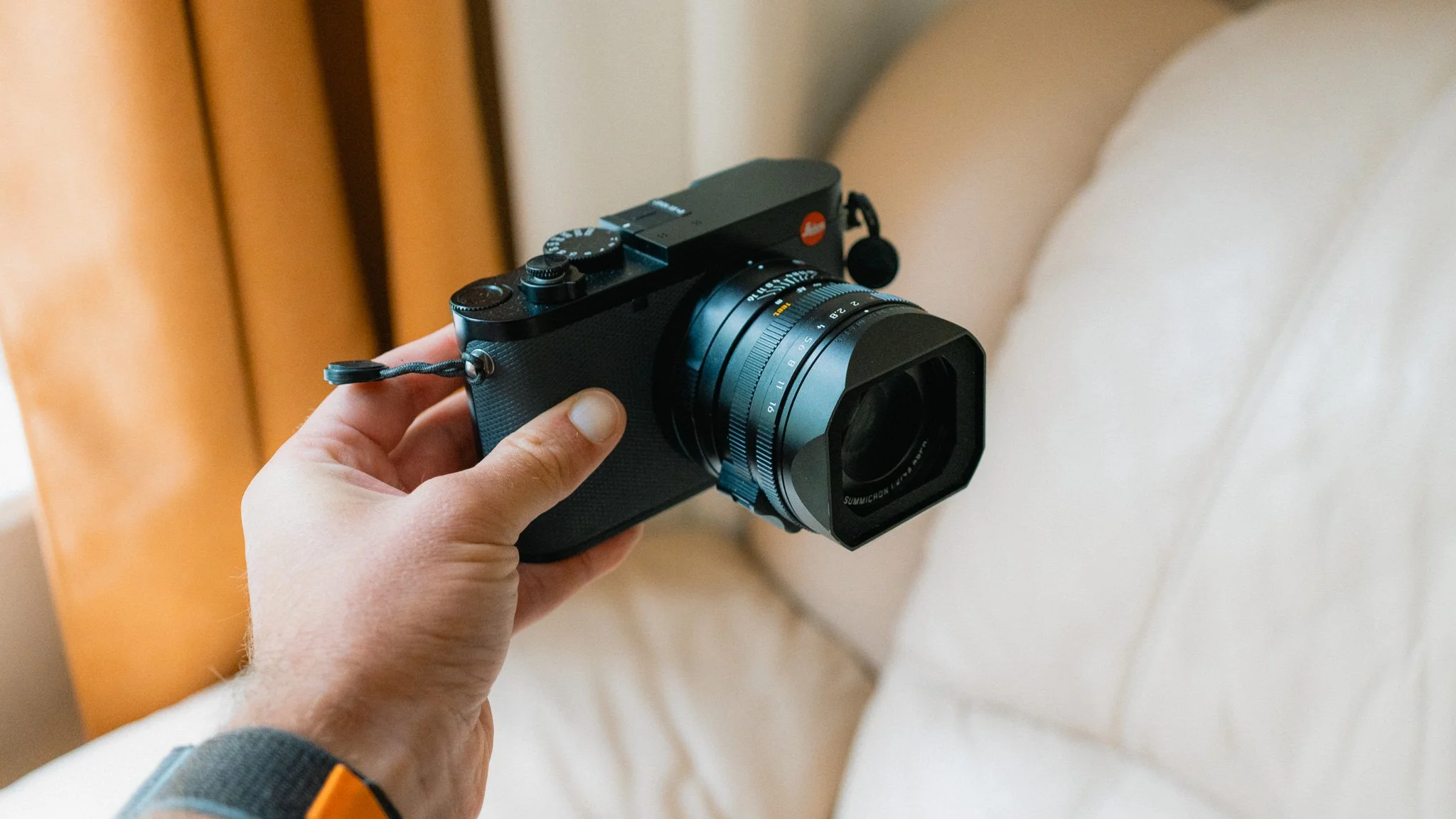
In this blog I will provide you with a long term review of the Leica Q3 43 running the new and improved version 4.0 firmware. This review is also applicable to other Q3 variants such as the 28mm and Monochrom. I’ve owned the Q3 43 for over a year and have been using the 4.0 firmware since release. My use case is travel and street photography, so any opinions are based around that. Finally you will notice that this blog is ad-free. In order to make a living I create camera guides, so if you find this blog helpful and wish to support it, please consider picking up the Leica Q3 Camera Guide here.
Welcome Changes
These are the biggest changes that I noticed the most:
Start up time - Finally this camera switches on quickly. I can’t emphasise enough what a positive change this is because previously I’d leave the camera on all day to avoid waiting 3–5 seconds for it to switch on and be ready to shoot. This alone has resulted in me getting shots that previously would have been missed, and while there is no harm in leaving the camera on, it’s nice not to be wasting power and carrying multiple batteries.
Continuous Autofocus - The autofocus improvements are immediately noticeable, especially in AF-C. Previously I wouldn’t even use this mode due to how unreliable it was, however now I feel like I can finally rely on continuous autofocus on the Q3. It’s fast, accurate, and predictable. While this isn’t a Sony or Canon by any stretch of the imagination, it’s finally usable for most everyday scenarios.
Tracking - The tracking is now incredibly sticky and reliable. Previously it would jump around all over the place, but not now. While this isn’t a feature I would often use, in some cases it’s a lifesaver, and I’m happy I can finally rely on it.
System redesign - The whole UI has been redesigned and simplified. Many things have been consolidated, terminology updated, and extra welcome changes added such as the ability to customise the splash screen menu. Overall the camera feels more polished and minimal.
Better L-Log - Video shooters will be happy with the new and improved L-Log that’s easier to grade. While it still isn’t in the same league as Sony or Fuji, the improvements are noticeable.
Still Lacking
There are three key things which I still don’t like and feel could be implemented better:
Crop modes - When you use the digital crop mode, you still get the ugly frame lines instead of an actual crop. While some people like this, there are plenty of others, including me, who find it incredibly distracting. On other cameras such as my Sony or Fuji, the crop mode will actually crop in and give you a full screen preview, thus making composition easier. I wish there was an option to enable this.
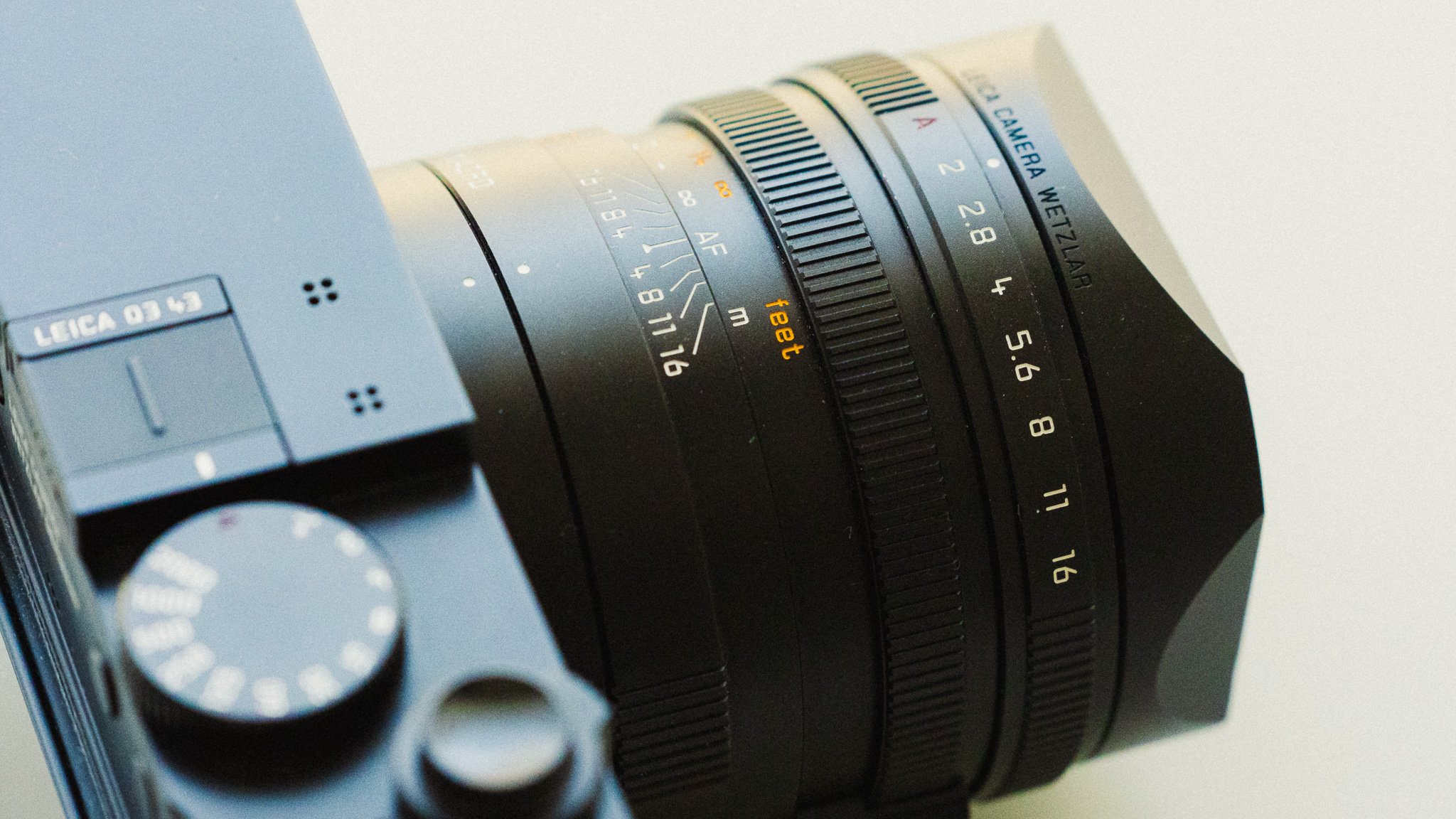
Poor hybrid implementation - Given how easy it is to switch between photo and video, it boggles my mind why you can’t separate out the controls. If I’m shooting in aperture priority and wish to grab a quick video, I first need to switch to video, then place the shutter dial to 1/60 for the correct shutter speed, then place the lens into A. Once I’ve got my video and switch back to photo mode, I need to do that again in reverse. On all other cameras I’ve tried, you have a way to separate the two. For casual video shooters this isn’t a big deal, but for those who shoot a lot of video, this oversight is annoying.
No AEL / AFL / AWBL in video - While the previous point was annoying, it wasn’t the end of the world. This, however, is a massive headache. As it stands, there is no AEL / AFL / AWBL function for video, meaning you can’t lock your exposure if shooting in any mode other than manual. It also means you can’t lock your focus unless shooting in manual or AF-S, and you can’t lock the auto white balance. What this means is that if you want all these parameters locked, you’d need to shoot in manual exposure, with AF-S or manual focus, and have the white balance set to a specific value. Having exposure and white balance fluctuate in RAW photos isn’t a big deal, however it will ruin a video. Why this exists in photo but not in video is beyond me, and it single handedly makes this camera pretty bad for run and gun video shooters that don’t often shoot in full manual.
My Conclusion
Overall I feel the camera has been improved drastically. The fast start up time along with the superior autofocus performance finally makes the Leica Q3 a little more worthy of the crazy price tag in my opinion. These were also the biggest pain points for me, so to see them removed has meant that I can finally recommend this camera to anyone who might be on the fence. While I still firmly believe that this is a luxury item, and for the money you can get a much more capable system, at least now it’s a more reliable and enjoyable experience.
Of course there are still some niggles and limitations, however I feel that if you’re primarily a photographer, you shouldn’t notice them too much. On the other hand, for hybrid and video shooters, this camera is still rather hopeless. The video implementation feels like an afterthought, and the hybrid workflow is too cumbersome to be useful.
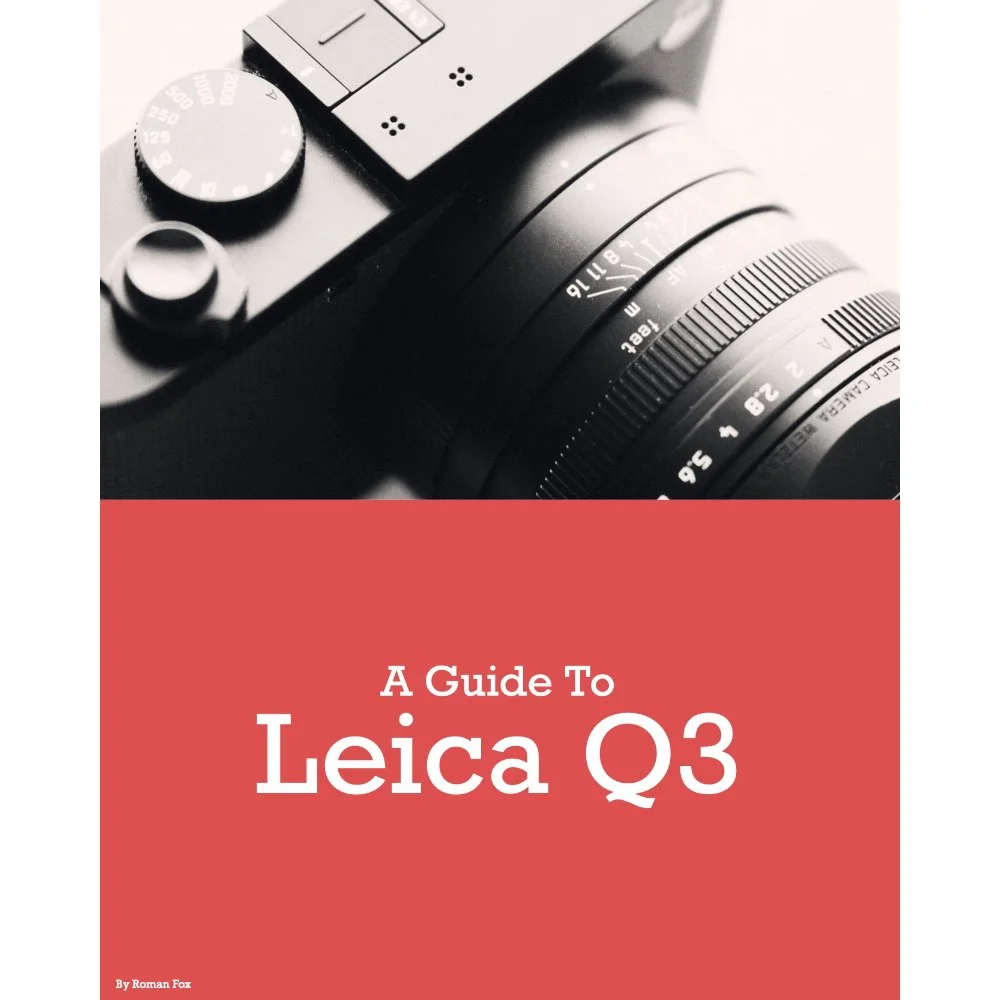
Leica Q3 Camera Guide
If you’ve found this blog helpful and wish to learn more about your Q3, please consider picking up a copy of the Leica Q3 camera guide. This guide has been written following extensive use over many months in order to give you experience based advice. It also comes with free updates. Grab it below to help keep this blog ad-free. Thank you.
**Updated for firmware version 4.1
This Leica Q3 43 set-up guide is designed to save you time and get your camera set up and working just like I do. While the guide is for the Q3 43, pretty much all of it will carry over to the Q3 28mm camera too.
You will learn what the major features do and why I chose to set them in a certain way. I will show you how to assign the buttons and custom menus in order to have the most important features at your fingertips. Finally, I will walk you through how I expose and focus.
This guide is not a replacement for your user manual and does not cover 100% of the features. It covers the features that, in my experience, 90% of the people use 90% of the time. This is based on years of photography and video experience.
This guide is best suited for those who want to be up and running quickly with a tried-and-tested set-up.
This is a digital download and not a physical product.
Please note that due to the nature of digital products, refunds are generally not accepted. However, if you experience any issues, feel free to contact me and I’ll review your situation individually. You are welcome to use this product for personal or commercial projects, but you may not copy, distribute, or resell the files in their original or modified form.
Finally, I want to say a massive thank you for supporting me. Buying this guide is the most direct way you can support my work, thus allowing me to make more videos, photos, and tutorials for you.
Thank you for your support!

Instead of telling you how these will change your life, I would rather be practical and answer the most common questions that people tend to have when buying presets.
What are presets?
They are editing settings that are saved in a file and can be applied to any image.
Why do people buy presets?
Sometimes because they like the work of the photographer and want that style for their own photos. Mostly because they would like to see how other people edit and learn by reverse engineering the presets. Other times it’s just to support their favourite photographers, thank you!
What’s the overall style of these presets?
- Filmic
- Warm
- Soft
- Bright
What are these presets suitable for?
Street & Travel Photography
Some Nature (with further editing)
Some Portraits (with extensive editing)
Do I actually use these?
Yes. This is the same pack I use right now for all my editing. This isn’t a pack made just to sell.
Do these presets get updated?
Yes, as my style changes, these presets will also be updated. Any time a new update is available, you will get a free update via email. Of course you also keep all the old presets in case you prefer the older looks. Only presets purchased from 2025 onwards will receive the updates.
What file types are these presets for?
- All RAW files
- JPEGs & TIFFs (not recommended)
What camera brands are these presets for?
These were designed around Fujifilm, Sony, and Leica sensors. With that said, they will work with all camera brands. While there might be differences due to individual camera colour science, the overall feel of the preset will carry over.
Will these work with JPEG files?
Yes, but you will need to reduce the intensity and make further edits. I strongly recommend editing RAW files.
Are these one click edits?
95% No. You would need to do some basic adjustments as each image is different. These adjustments can include exposure, colour balance etc. In 5% of cases you can just apply and leave it alone.
Do I need to know how to edit?
You need to have a basic understanding of adjusting exposure, highlights, shadows, etc. A more comprehensive editing skillset will let you get the most out of them.
How many presets are included?
10 in the main pack and 24 in the extras pack
Why two packs?
The main pack is what I use for 99% of my edits and is kept small to reduce wasted time scrolling through presets. The extras pack is everything I don’t use often.
What software do I need?
These presets will work with any of the following:
- Photoshop (adobe camera raw)
- Lightroom Classic
- Lightroom Desktop
- Lightroom Mobile
Will these presets work with free versions of the above software?
You need to research and double check before buying. These presets were designed for the full paid versions.
Will these presets work with very old versions of the above software?
You need to research and double check before buying. These presets were designed on and for the latest software.
What file type do I get?
XMP
What else do I get?
- Comprehensive PDF guide
Can I modify these and turn them into my own?
Yes! In fact I encourage you to modify them and play around. Use these to help you get your own style.
I have more questions…. What do I do?
Make a cup of tea and drop me an email on hello@snapsbyfox.com
Please note that due to the nature of digital products, refunds are generally not accepted. However, if you experience any issues, feel free to contact me and I’ll review your situation individually. You are welcome to use this product for personal or commercial projects, but you may not copy, distribute, or resell the files in their original or modified form.
Finally I want to say a massive thank you for supporting me. Buying these presets is the most direct way you can support my work.
Thank you!