
Colour vs Black and White - How To Choose
In this blog, I’ll discuss how I decide whether to edit in colour or convert an image to black and white. I mention “in the edit” because I always shoot in colour, even if I use a black and white simulation, as it doesn’t make sense to me to lose the colour data.

Why Choose Colour
The first reason I’d choose colour is if there are complementary colours that create a good balance. For instance, having warm and cool tones that balance each other out results in a more pleasing image compared to different shades in black and white.


The second reason is if there are one or two strong, prominent colours that anchor the image. These colours could be in the subjects or the background, but they need to be among the most striking aspects of the composition.


A third reason is when colour is essential to showcase the subject in the best way, or if the subject relies on its specific colour to convey meaning.


If colour is essential to set the scene, then I feel it needs to be kept. For example, a golden sunrise could work in black and white, but it will likely be more impactful with those warm tones intact.

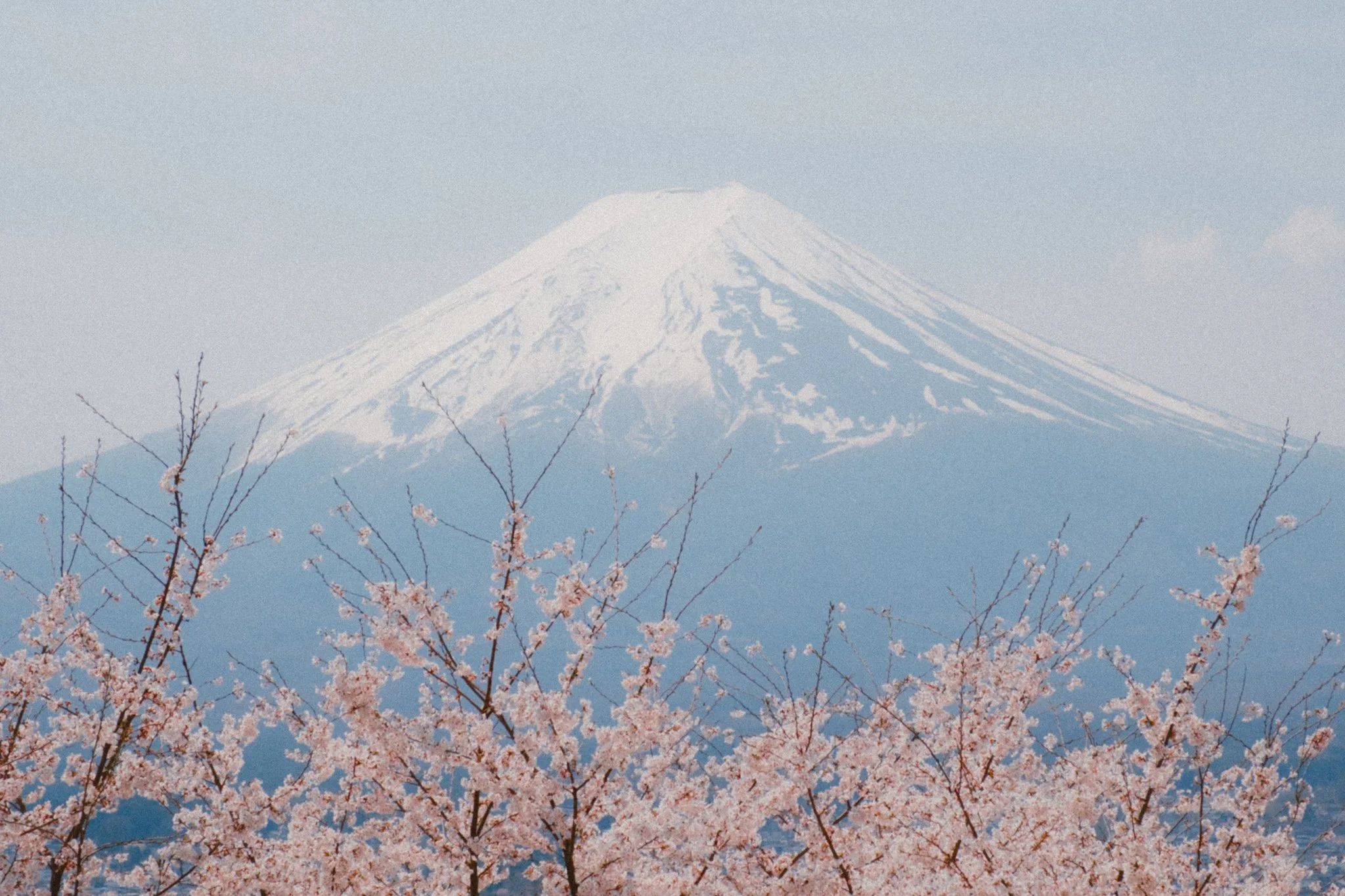
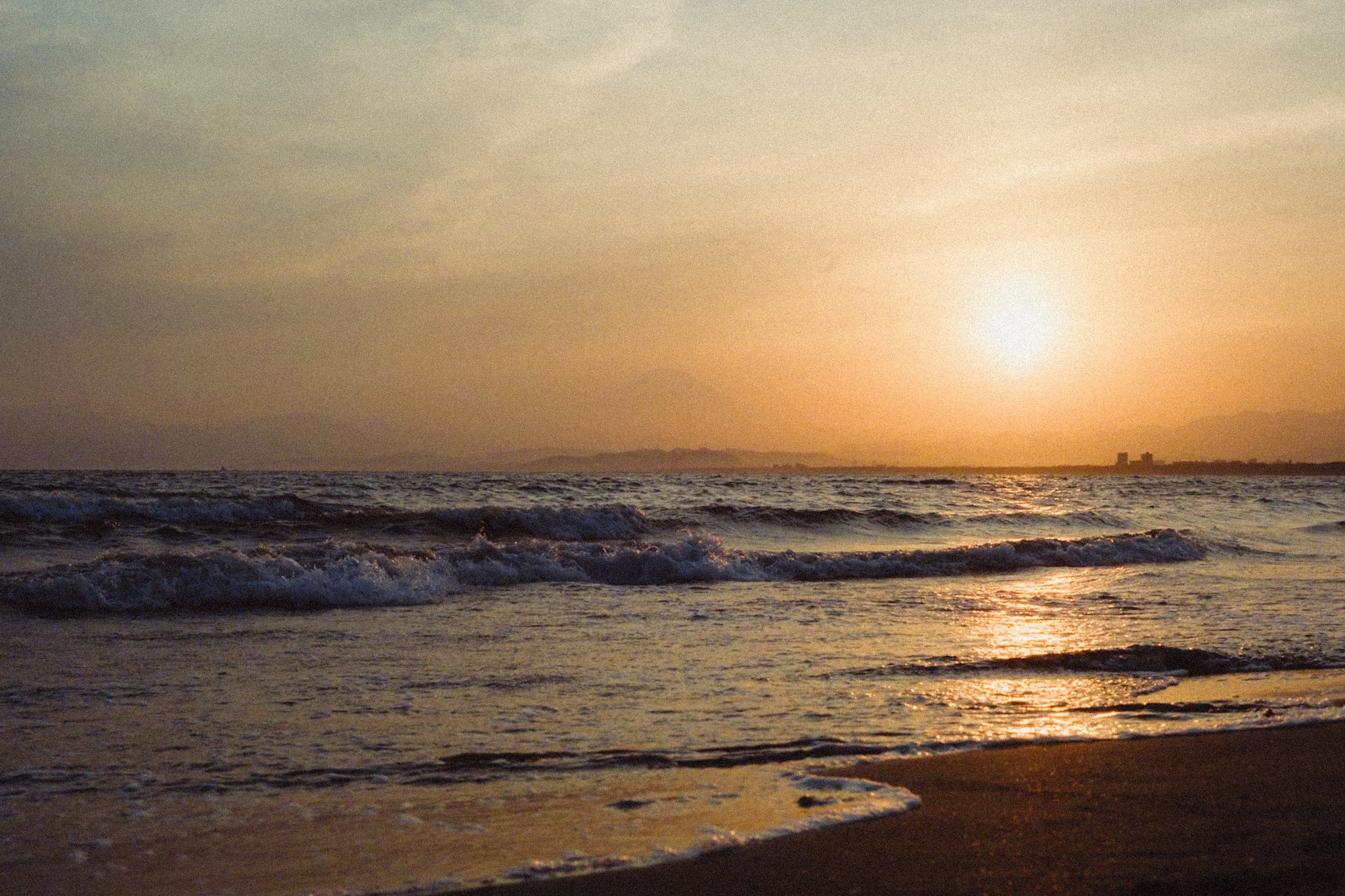
I also choose colour when I want to set a specific mood. Do I want the image to feel light and cheerful, or dark and moody? Do I want a clean aesthetic or a filmic one? Colour plays a huge role in establishing the mood and emotional tone of a photo.


Finally, if I’m shooting on a sunny day with good light and plenty of natural contrast, I generally prefer to keep the colour. Good light often looks better in colour, in my opinion. That said, high-contrast sunny days can also create fantastic black and white photos.


Why Choose Black and White
The first reason I choose black and white is when the image is already monochromatic, such as a foggy morning or a location with little to no colour. In my experience, monochromatic scenes look better in black and white, with the exception being when colour is needed to set a particular mood.


Conversely, I might convert to black and white if there are too many competing colours and it all feels a bit overwhelming. I try to limit my photos to only two or three main colours, but this isn’t always possible. Removing colour can redirect attention to the focal point or subject.


This leads to the next point: sometimes, colours can distract from the subject or the purpose of the image. If colour is drawing attention away from the intended focus, you can desaturate it, but in some cases, converting to black and white will streamline the composition.


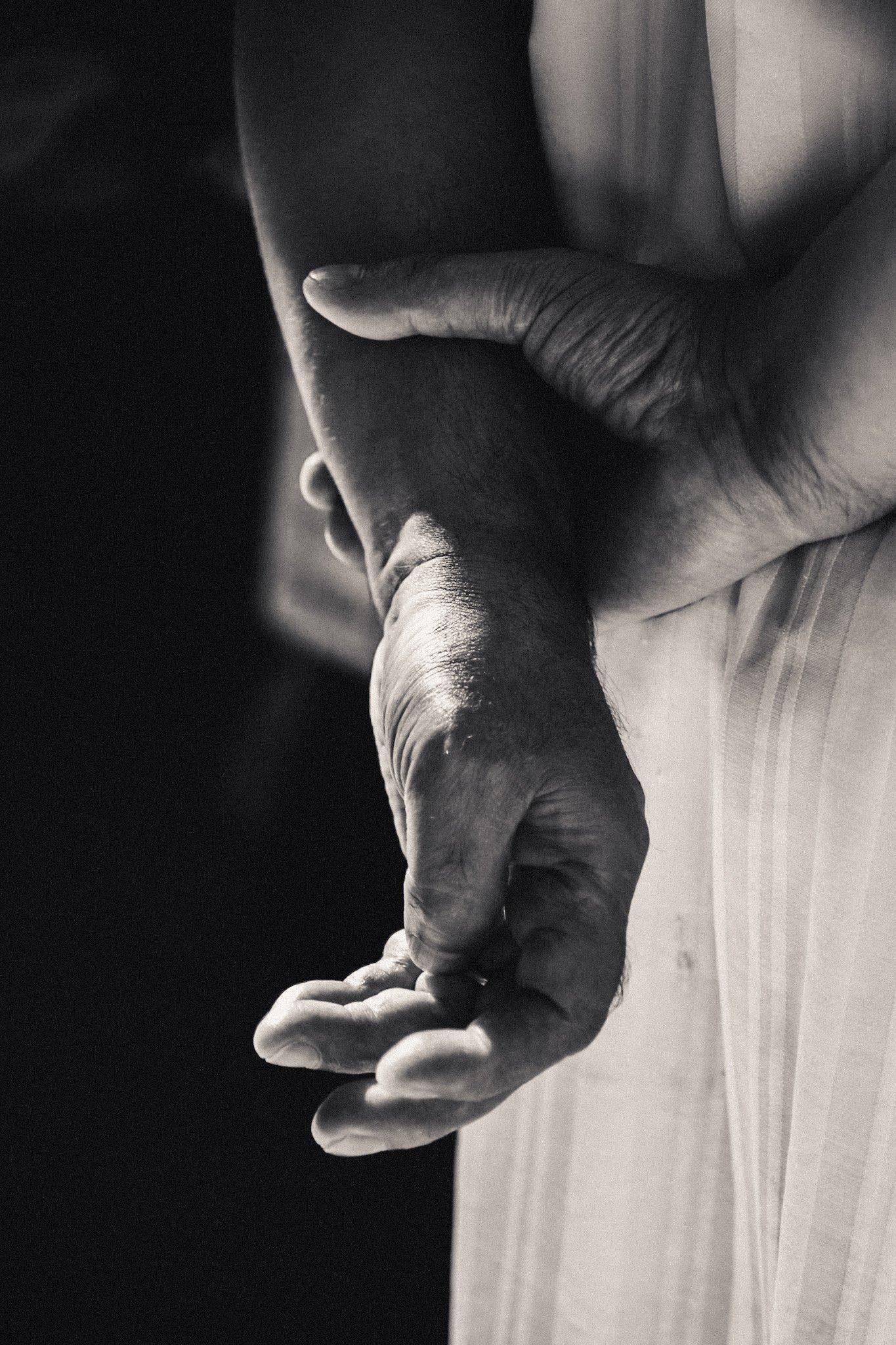
Another common reason is simply that the colours aren’t working. Sometimes, no matter how much you try, you can’t get the colours to balance or look as you’d like. There’s nothing wrong with a black and white conversion to make the image work.


I tend to lean towards black and white when the light is dull and there is little natural contrast. Black and white allows me to push the tones further and create contrast through editing without it looking excessive. I find a colour image has less flexibility for tonal adjustment (to taste).


The Most Important Reason
To finish, I’d like to emphasise that the most important factor in deciding whether a shot should be in colour or black and white is whether you simply like it. Regardless of what I say here, nothing should override your gut feeling and taste. From time to time, you may look back and feel the other option would have been better, but this is part of the learning process.


















Instead of telling you how these will change your life, I would rather be practical and answer the most common questions that people tend to have when buying presets.
What are presets?
They are editing settings that are saved in a file and can be applied to any image.
Why do people buy presets?
Sometimes because they like the work of the photographer and want that style for their own photos. Mostly because they would like to see how other people edit and learn by reverse engineering the presets. Other times it’s just to support their favourite photographers, thank you!
What’s the overall style of these presets?
- Filmic
- Warm
- Soft
- Bright
What are these presets suitable for?
Street & Travel Photography
Some Nature (with further editing)
Some Portraits (with extensive editing)
Do I actually use these?
Yes. This is the same pack I use right now for all my editing. This isn’t a pack made just to sell.
Do these presets get updated?
Yes, as my style changes, these presets will also be updated. Any time a new update is available, you will get a free update via email. Of course you also keep all the old presets in case you prefer the older looks. Only presets purchased from 2025 onwards will receive the updates.
What file types are these presets for?
- All RAW files
- JPEGs & TIFFs (not recommended)
What camera brands are these presets for?
These were designed around Fujifilm, Sony, and Leica sensors. With that said, they will work with all camera brands. While there might be differences due to individual camera colour science, the overall feel of the preset will carry over.
Will these work with JPEG files?
Yes, but you will need to reduce the intensity and make further edits. I strongly recommend editing RAW files.
Are these one click edits?
95% No. You would need to do some basic adjustments as each image is different. These adjustments can include exposure, colour balance etc. In 5% of cases you can just apply and leave it alone.
Do I need to know how to edit?
You need to have a basic understanding of adjusting exposure, highlights, shadows, etc. A more comprehensive editing skillset will let you get the most out of them.
How many presets are included?
10 in the main pack and 24 in the extras pack
Why two packs?
The main pack is what I use for 99% of my edits and is kept small to reduce wasted time scrolling through presets. The extras pack is everything I don’t use often.
What software do I need?
These presets will work with any of the following:
- Photoshop (adobe camera raw)
- Lightroom Classic
- Lightroom Desktop
- Lightroom Mobile
Will these presets work with free versions of the above software?
You need to research and double check before buying. These presets were designed for the full paid versions.
Will these presets work with very old versions of the above software?
You need to research and double check before buying. These presets were designed on and for the latest software.
What file type do I get?
XMP
What else do I get?
- Comprehensive PDF guide
Can I modify these and turn them into my own?
Yes! In fact I encourage you to modify them and play around. Use these to help you get your own style.
I have more questions…. What do I do?
Make a cup of tea and drop me an email on hello@snapsbyfox.com
Please note that due to the nature of digital products, refunds are generally not accepted. However, if you experience any issues, feel free to contact me and I’ll review your situation individually. You are welcome to use this product for personal or commercial projects, but you may not copy, distribute, or resell the files in their original or modified form.
Finally I want to say a massive thank you for supporting me. Buying these presets is the most direct way you can support my work.
Thank you!