
5 Things I Love & Hate About Hasselblad X2D
I’ve owned the Hasselblad X2D for six months, and in this blog, I will share five things I love and hate about it. For the purpose of this blog, I will leave out the cost. We know it’s expensive, and “value for money” is a subjective term. For most people, this won’t be good value for money, but for some, it will.

Build Quality
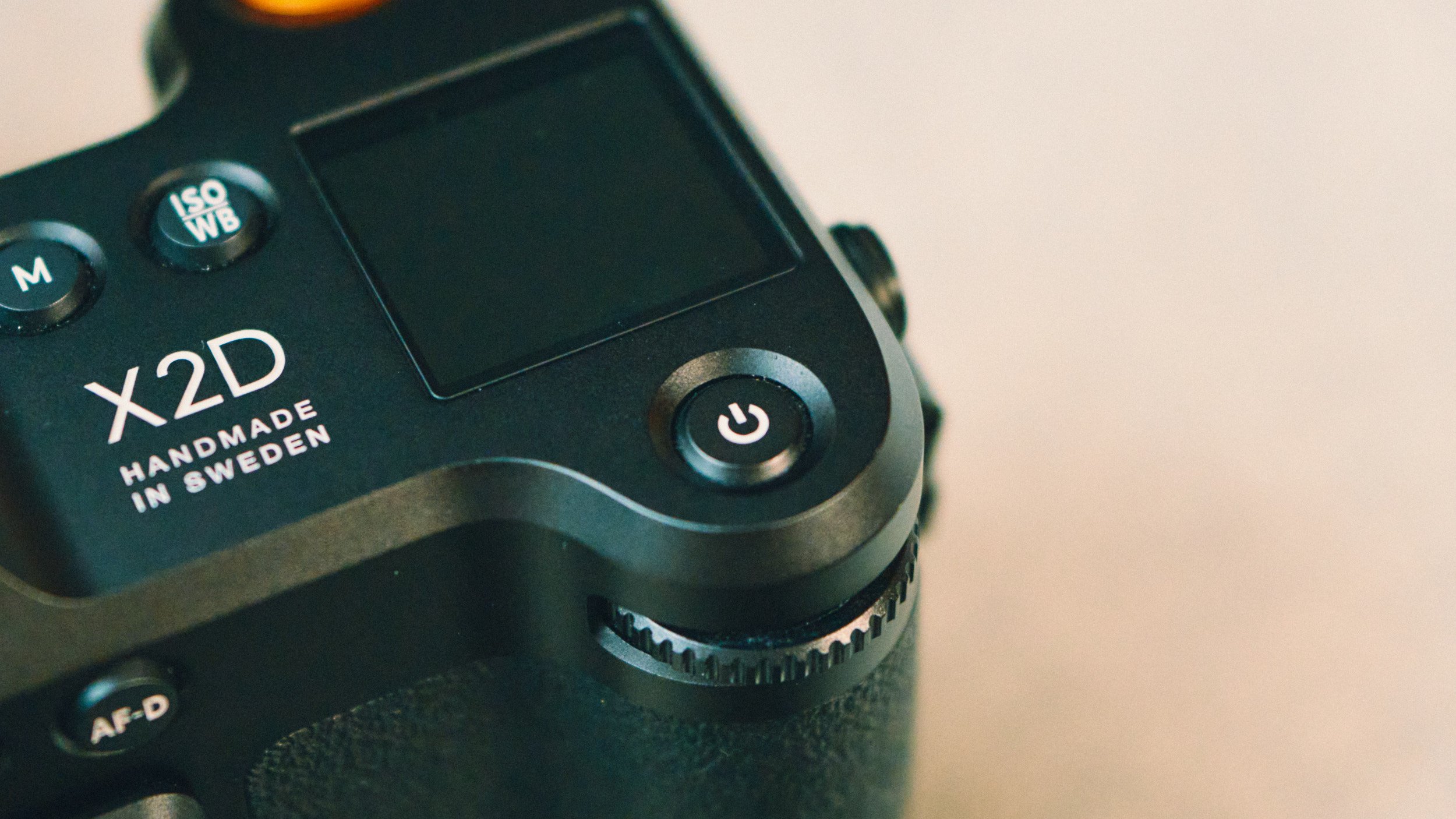
This is one of the best-built cameras out there. I would put it on the same level as Leica, if not a bit higher. It’s a premium product, and you feel it anytime you interact with the camera. From the all-metal lens caps to the materials and even how the buttons feel when clicked. You’re getting a premium experience from the start.

Image Quality
The image quality is nothing short of outstanding. It’s by far the best image I’ve seen out of a camera. The 100MP resolution is obvious, but what’s harder to quantify is how the camera handles highlights. The same can be said for the colour reproduction, which is nothing short of incredible. If you’re after the best image quality, you won’t do much better than this.


Crop Modes & Resolution
Having such a high-resolution sensor means you can use one wider lens and crop to your heart’s content. You can pull 50MP vertical crops from a landscape shot, or you can also get an XPAN-style crop with 50MP. The camera has some built-in crop modes that help with composition. The best bit is the crop you used is reflected in the RAW file when you import it into Lightroom. You can then go to the crop function and either change it or revert back to the full image. While you can always shoot normally and crop later, having these modes in the camera can help with composition and envisioning your shot, at least for me.


Simplicity
This camera is one of the easiest and simplest systems I’ve ever used. There are no gimmicks, useless filters, or bloat. Everything is streamlined, simple, easy to navigate, and you won’t need an IT degree to understand it. Some people might call it too minimal and would expect every feature under the sun for this price, and that’s totally valid. However, for me, the simplicity and minimalism that the X2D offers are one of the selling points.

Manual Focus Experience
I love the manual focus experience, especially if used with the XCD lenses that have the markings. You can assign a custom button for manual focus, then use the back AF button to trigger AF even when in manual focus. You can also slide the focus ring over to put the camera into truly manual focus mode, and considering this a fly-by-wire system, it’s the most intuitive one I’ve used. I would put it on par with the Leica Q3.

Strap Anchors
I have no idea who was responsible for designing the strap anchors, but they really need to address such an awful design. This is very much form and profit over function. Firstly, you need to use the supplied anchors to clip into the side of the camera. Without these anchors, you won’t be able to attach any type of strap. If you happen to lose them (easily done), then you are truly stuffed. I don’t know how this design was approved, but it’s really bad.


Lack of Joystick
This camera could really do with a joystick. The body is big enough to accommodate one, and given the precise nature of the photography most people will use it for, a joystick would really make sense. You can use the screen as a touchpad when you’re looking through the viewfinder, and while it’s the best implementation of this system I’ve seen, it’s still very detached and inaccurate compared to a physical joystick.

Bad AF
The AF is not the best. In actual fact, it’s pretty slow and basic. With some lenses such as the 38mm, it performs better than with others, such as the 90mm. However, it’s slow, it will hunt, it needs contrast, and the small focus point can’t be changed. Obviously, for the purpose this camera is designed for, the AF is 100% capable of doing the job. However, the moment you take it into any fast-paced environment, you will start running into some issues. This is very much a camera you would need to slow down with and let it do its thing.

Lack of Multi-Metering Exposure Mode
If you’re shooting in any mode other than full manual, you’d be disappointed to learn that you don’t have a multi-metering mode. Instead, you’re stuck with centre-weighted. This means that if you’re shooting on a sunny day, and the middle of your frame happens to be bright, the entire scene will be underexposed. This isn’t a huge deal as you can fix this in editing, but it’s a bit annoying.

Slow Startup Time
The camera takes a while to switch on, especially if it’s been off for a while. There is also no consistency in the times. Sometimes it would take five seconds, other times it might be eight. You can thankfully get around this by putting the camera into sleep mode if you’re out shooting; however, this will eat up more battery.
No Capture One Support
If you’re a Capture One user, as it stands, the software will not open nor recognise Hasselblad files. When I asked Hasselblad about it, I was told it’s due to politics between the two companies. Regardless, if you use Capture One, as it stands, this camera simply won’t work.
Needs Light
Like all high-megapixel sensors, you need ample light to get the best image possible. I found that this wasn’t the best camera for night photography for that reason. While it worked great and I was happy with the results, I found my Sony A7R to perform better in low light. Of course, the moment you have enough light hitting the sensor, this all flips, and not much can touch the Hasselblad.


















Instead of telling you how these will change your life, I would rather be practical and answer the most common questions that people tend to have when buying presets.
What are presets?
They are editing settings that are saved in a file and can be applied to any image.
Why do people buy presets?
Sometimes because they like the work of the photographer and want that style for their own photos. Mostly because they would like to see how other people edit and learn by reverse engineering the presets. Other times it’s just to support their favourite photographers, thank you!
What’s the overall style of these presets?
- Filmic
- Warm
- Soft
- Bright
What are these presets suitable for?
Street & Travel Photography
Some Nature (with further editing)
Some Portraits (with extensive editing)
Do I actually use these?
Yes. This is the same pack I use right now for all my editing. This isn’t a pack made just to sell.
Do these presets get updated?
Yes, as my style changes, these presets will also be updated. Any time a new update is available, you will get a free update via email. Of course you also keep all the old presets in case you prefer the older looks. Only presets purchased from 2025 onwards will receive the updates.
What file types are these presets for?
- All RAW files
- JPEGs & TIFFs (not recommended)
What camera brands are these presets for?
These were designed around Fujifilm, Sony, and Leica sensors. With that said, they will work with all camera brands. While there might be differences due to individual camera colour science, the overall feel of the preset will carry over.
Will these work with JPEG files?
Yes, but you will need to reduce the intensity and make further edits. I strongly recommend editing RAW files.
Are these one click edits?
95% No. You would need to do some basic adjustments as each image is different. These adjustments can include exposure, colour balance etc. In 5% of cases you can just apply and leave it alone.
Do I need to know how to edit?
You need to have a basic understanding of adjusting exposure, highlights, shadows, etc. A more comprehensive editing skillset will let you get the most out of them.
How many presets are included?
10 in the main pack and 24 in the extras pack
Why two packs?
The main pack is what I use for 99% of my edits and is kept small to reduce wasted time scrolling through presets. The extras pack is everything I don’t use often.
What software do I need?
These presets will work with any of the following:
- Photoshop (adobe camera raw)
- Lightroom Classic
- Lightroom Desktop
- Lightroom Mobile
Will these presets work with free versions of the above software?
You need to research and double check before buying. These presets were designed for the full paid versions.
Will these presets work with very old versions of the above software?
You need to research and double check before buying. These presets were designed on and for the latest software.
What file type do I get?
XMP
What else do I get?
- Comprehensive PDF guide
Can I modify these and turn them into my own?
Yes! In fact I encourage you to modify them and play around. Use these to help you get your own style.
I have more questions…. What do I do?
Make a cup of tea and drop me an email on hello@snapsbyfox.com
Please note that due to the nature of digital products, refunds are generally not accepted. However, if you experience any issues, feel free to contact me and I’ll review your situation individually. You are welcome to use this product for personal or commercial projects, but you may not copy, distribute, or resell the files in their original or modified form.
Finally I want to say a massive thank you for supporting me. Buying these presets is the most direct way you can support my work.
Thank you!