
5 Things I Love & Hate About Fujifilm X100VI
It’s been just over a year with the Fuji X100VI, and having extensively used it for a bunch of my trips, I’ve come up with a list of things I love and hate about my X100VI. This is very personal and for you it might be different, however I hope this blog gives you another viewpoint on this very popular camera if you’re in the market for one. Let’s start with the five things I love.

ND Filter
I will start with this feature because of how rare it is. It’s also the most underrated feature of the X100VI as I seldom hear many talk about it. With a press of a button, an ND filter instantly slides into view inside of the lens and unlocks three capabilities. Firstly, it allows you to shoot wide open on bright sunny days while maintaining mechanical shutter. Secondly, it allows you to shoot at lower shutter speeds on bright sunny days without the need to close the aperture all the way. This ensures some depth of field and nice motion blur in the subject. Finally, the best use case is for video, where using the ND means you can maintain the double frame rate shutter rule and have the most natural-looking motion blur, even during the day.

IBIS
The IBIS system in the X100VI is great, and it unlocks new ways of using the camera that you didn’t have before. Specifically, handheld shots at lower shutter speeds are now possible. Whether it’s for creative reasons or because you need to let more light in, from time to time you need to reduce the shutter speed. Having IBIS simply means that the chance of camera shake induced motion blur is reduced. This feature is even more apparent in video, where the difference between a camera with and without IBIS is night and day.

Video Capabilities
This camera is a bit of a sleeper when it comes to video. You get F-Log2, IBIS, ND, and the ability to have separate settings for photos and video (shutter speed, ISO, aperture). While you have some limitations such as the codec, frame rate, crop modes, and even how long it can record due to heat build-up, you still get an outstanding video capability in a camera that is primarily used for stills. While I’ve used the video features from time to time, I suggest checking out Eren’s work to see what this camera is really capable of.

Image Quality
The image quality is outstanding and I have nothing negative to say. You get great RAW files that are a pleasure to edit, and the best straight-out-of-camera JPEGs. I’m not a pixel peeper nor a technical gear reviewer, so this is as far as I go with image quality. Below are some of my favourite photos taken on the X100VI.



User Experience
The last thing I love about the X100VI is the overall user experience. This is a small, simple, and fun camera that you want to throw in your bag and bring with you everywhere you go. It’s fun to use, and perfect for documenting your travels, friends, and family life. Some cameras can feel too technical, too professional, and suck the fun out of photography. The Fuji X100VI is the opposite.
Weather Sealing
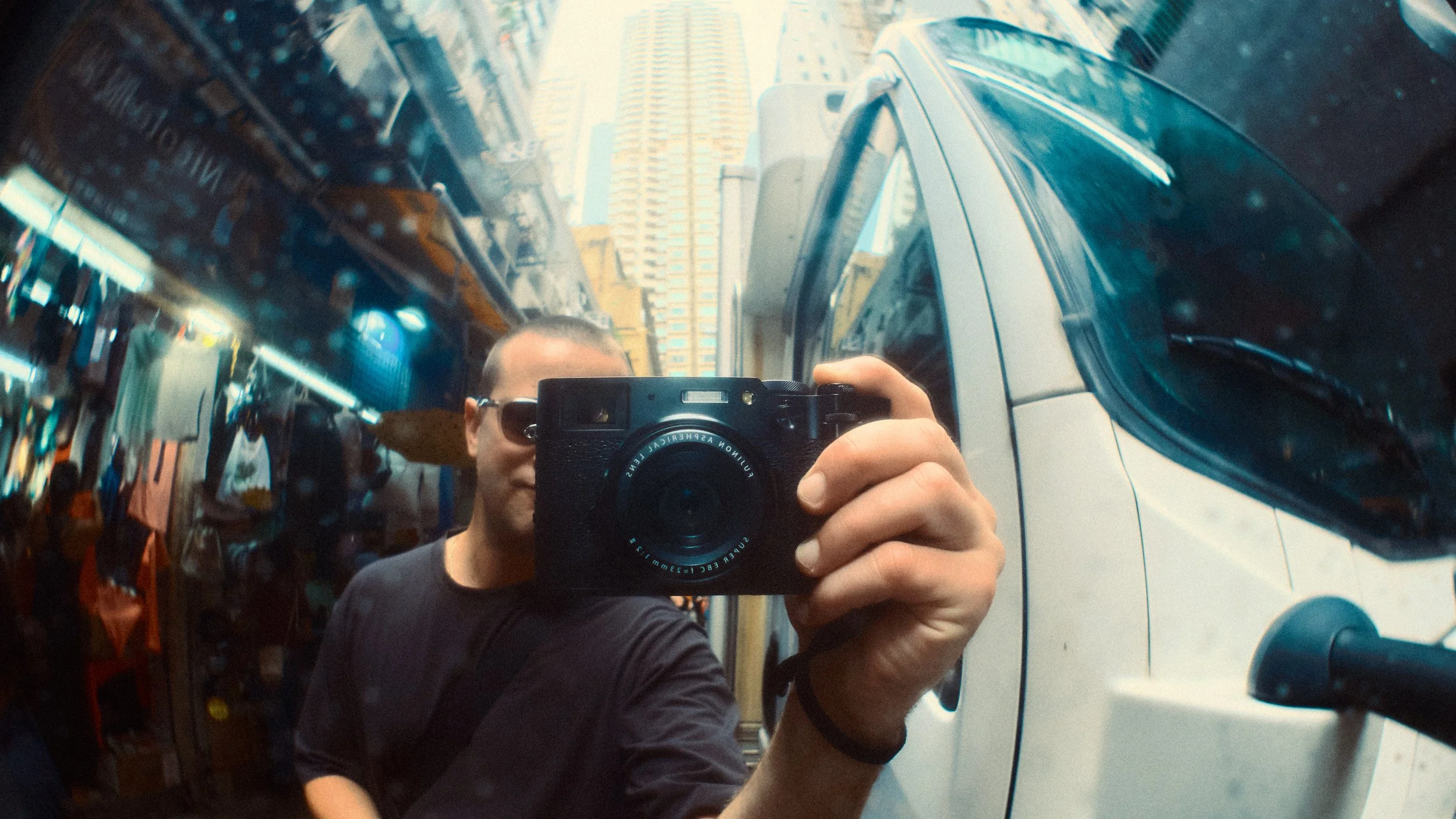
The first thing I really don’t like about the X100VI is the lack of full weather sealing at point of purchase. While the camera is weather sealed, the lens isn’t, and it only becomes sealed once you attach a filter to protect the lens element. This in itself isn’t an issue because I suspect packaging constraints meant a compromise had to be made. The issue lies with Fujifilm charging £100 for the official filter kit. At this price point, and with the camera being marketed as weather sealed, you’d think they would include it in the box. You can find plenty of aftermarket options for less than half the price, so this isn’t a big deal, I just can’t help but feel that this sales tactic is a little cheap.

UHS-I Card Slot
For a modern camera that shoots such high-quality photo and video, having a UHS-I slot is very cheap. If you do any type of burst shooting in RAW, be prepared to wait a considerable amount of time for your files to write, and the camera to be free to shoot again. Given the premium positioning, and the file sizes, a UHS-II card slot would have been more appropriate.

Poor Video Implementation
Earlier I praised the video capability of the X100VI, and I stand by that, however there is one glaring aspect that lets this camera down and it’s the poor software implementation of how one might access the video mode. On most cameras, you either have a hard switch to go between photo and video (Sony A7CII, XT5), or you have the ability to set a custom button that takes you straight into video (Leica Q3). On the X100, you need to first press the drive button, and then scroll down to the video icon. Furthermore, while you can separate the photo and video settings, you can’t separate the button setup. This means that the custom buttons are assigned globally and this will carry over from photo to video.

Autofocus
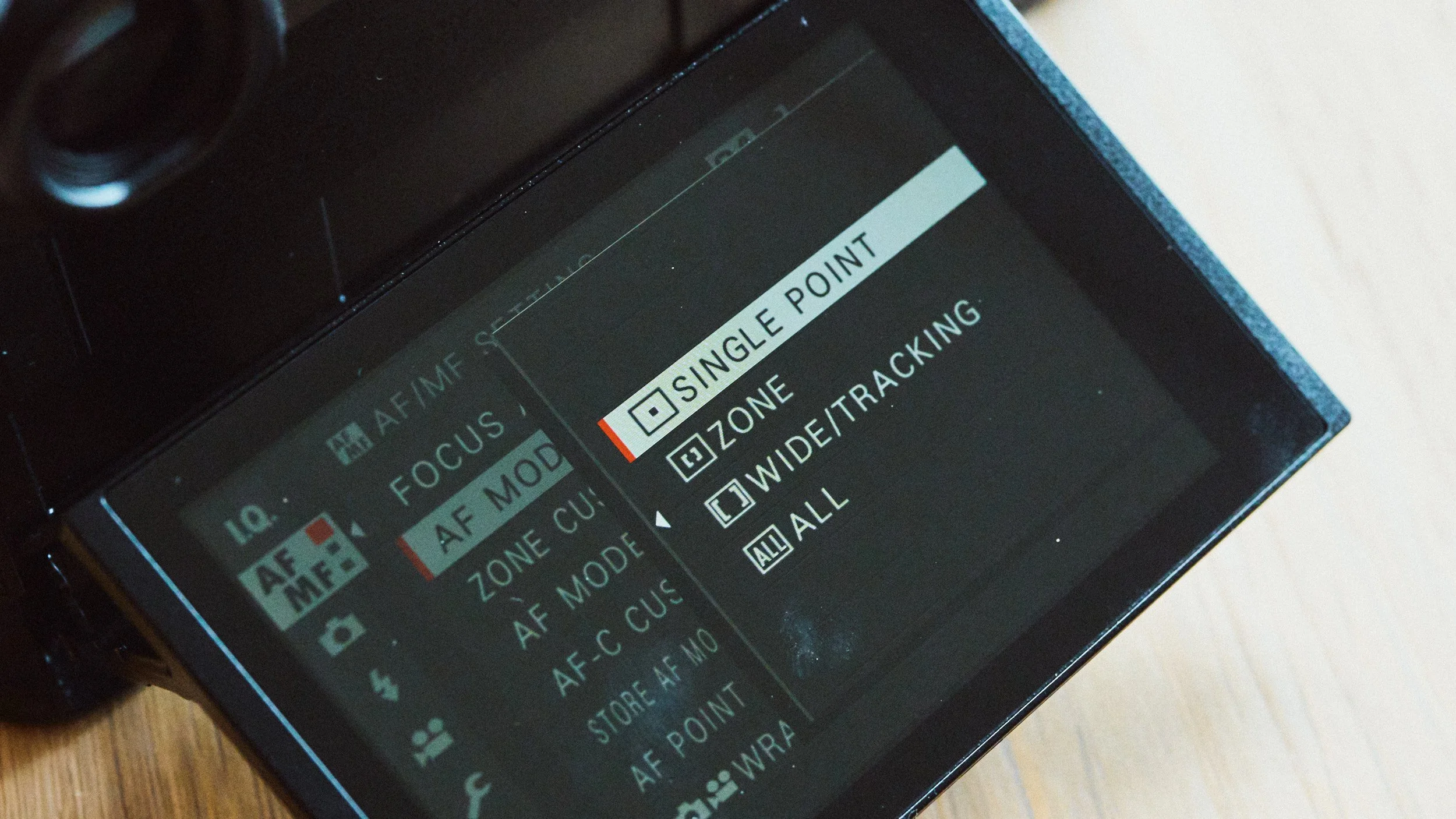
The AF is average at best on the X100VI. It feels like a clunky, outdated system and you certainly know about it given the noise and vibration through the camera when focusing. The AF is more than good enough for general snapshots of everyday life, however the moment you want to focus on faster-moving subjects, that’s when you might start running into some shortcomings.
On/Off Switch
The final thing that sometimes drives me nuts about the X100VI is the on/off switch. Specifically, the fact that the tip of the switch protrudes from the camera body ever so slightly. This means that it’s extremely easy to catch and switch the camera on. I lost count of how many times I pulled the X100 out of my sling, only to find it switched on with 50 black photos and a drained battery. This isn’t an issue on any other Fuji including the X100V.



















Instead of telling you how these will change your life, I would rather be practical and answer the most common questions that people tend to have when buying presets.
What are presets?
They are editing settings that are saved in a file and can be applied to any image.
Why do people buy presets?
Sometimes because they like the work of the photographer and want that style for their own photos. Mostly because they would like to see how other people edit and learn by reverse engineering the presets. Other times it’s just to support their favourite photographers, thank you!
What’s the overall style of these presets?
- Filmic
- Warm
- Soft
- Bright
What are these presets suitable for?
Street & Travel Photography
Some Nature (with further editing)
Some Portraits (with extensive editing)
Do I actually use these?
Yes. This is the same pack I use right now for all my editing. This isn’t a pack made just to sell.
Do these presets get updated?
Yes, as my style changes, these presets will also be updated. Any time a new update is available, you will get a free update via email. Of course you also keep all the old presets in case you prefer the older looks. Only presets purchased from 2025 onwards will receive the updates.
What file types are these presets for?
- All RAW files
- JPEGs & TIFFs (not recommended)
What camera brands are these presets for?
These were designed around Fujifilm, Sony, and Leica sensors. With that said, they will work with all camera brands. While there might be differences due to individual camera colour science, the overall feel of the preset will carry over.
Will these work with JPEG files?
Yes, but you will need to reduce the intensity and make further edits. I strongly recommend editing RAW files.
Are these one click edits?
95% No. You would need to do some basic adjustments as each image is different. These adjustments can include exposure, colour balance etc. In 5% of cases you can just apply and leave it alone.
Do I need to know how to edit?
You need to have a basic understanding of adjusting exposure, highlights, shadows, etc. A more comprehensive editing skillset will let you get the most out of them.
How many presets are included?
10 in the main pack and 24 in the extras pack
Why two packs?
The main pack is what I use for 99% of my edits and is kept small to reduce wasted time scrolling through presets. The extras pack is everything I don’t use often.
What software do I need?
These presets will work with any of the following:
- Photoshop (adobe camera raw)
- Lightroom Classic
- Lightroom Desktop
- Lightroom Mobile
Will these presets work with free versions of the above software?
You need to research and double check before buying. These presets were designed for the full paid versions.
Will these presets work with very old versions of the above software?
You need to research and double check before buying. These presets were designed on and for the latest software.
What file type do I get?
XMP
What else do I get?
- Comprehensive PDF guide
Can I modify these and turn them into my own?
Yes! In fact I encourage you to modify them and play around. Use these to help you get your own style.
I have more questions…. What do I do?
Make a cup of tea and drop me an email on hello@snapsbyfox.com
Please note that due to the nature of digital products, refunds are generally not accepted. However, if you experience any issues, feel free to contact me and I’ll review your situation individually. You are welcome to use this product for personal or commercial projects, but you may not copy, distribute, or resell the files in their original or modified form.
Finally I want to say a massive thank you for supporting me. Buying these presets is the most direct way you can support my work.
Thank you!